
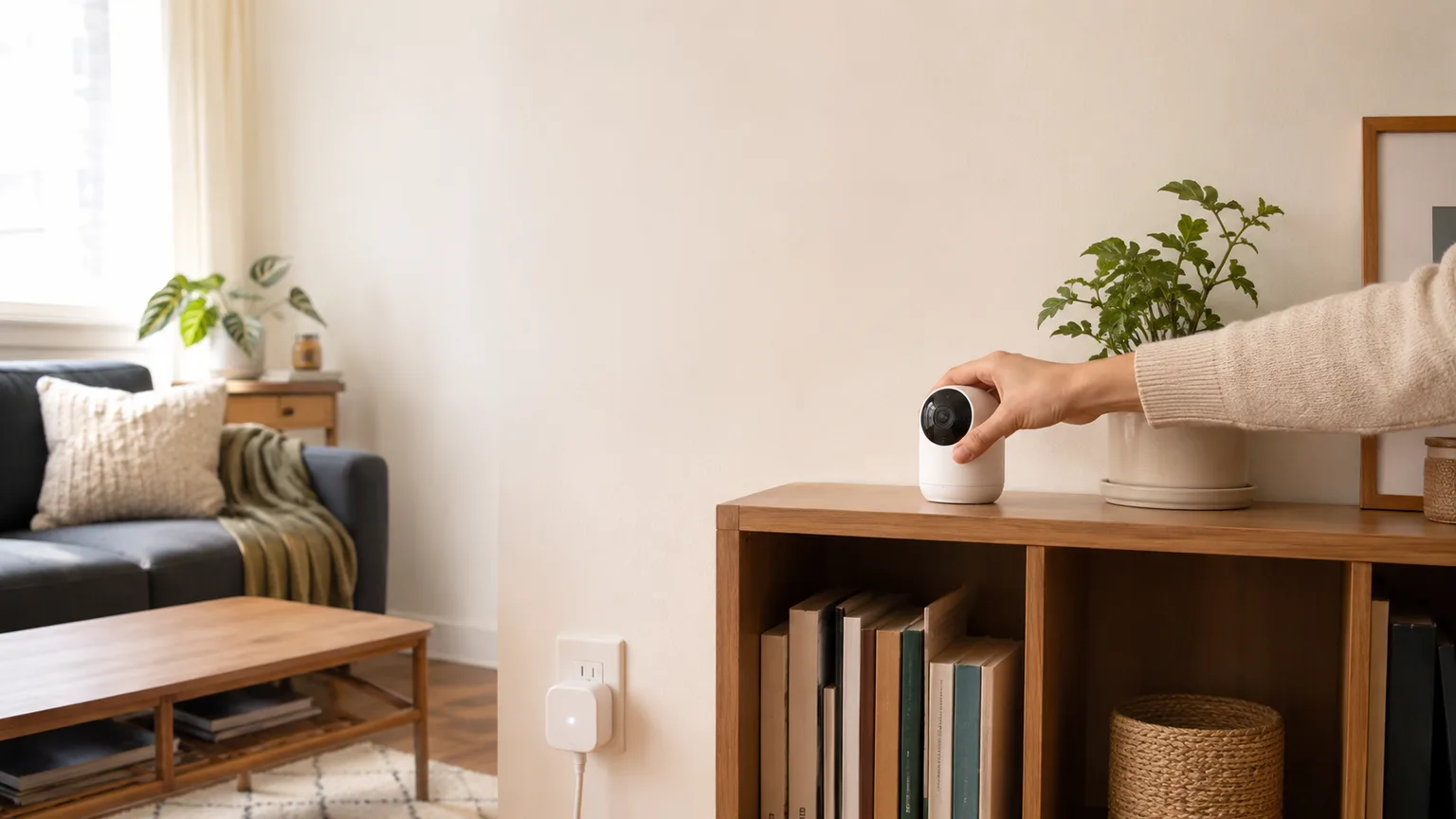
5 Cheap Renter Smart Home Upgrades 2026 (No Drilling)
Kasa EP10 ($9) wins overall — Matter native, zero installation, works with every ecosystem. All five picks under $50, no drilling, no deposit risk.
This article contains affiliate links. We may earn a commission at no extra cost to you. Prices change frequently — check the current price on Amazon before buying. Learn more
The Short Answer
The Kasa Smart Plug Mini EP10 is the single best renter smart home upgrade — $9, Matter-certified, zero installation, and it moves to every future apartment without reconfiguration.
Featured in this Guide
TP-Link
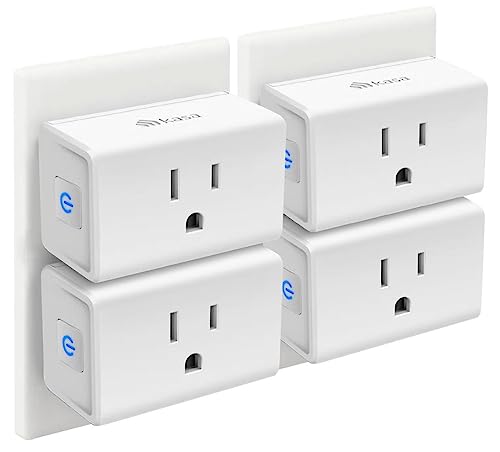
Kasa Smart Plug Mini EP10
- •Matter-native, $9 entry, zero installation — highest SHE Renter-Friendly Score in this roundup
Wyze
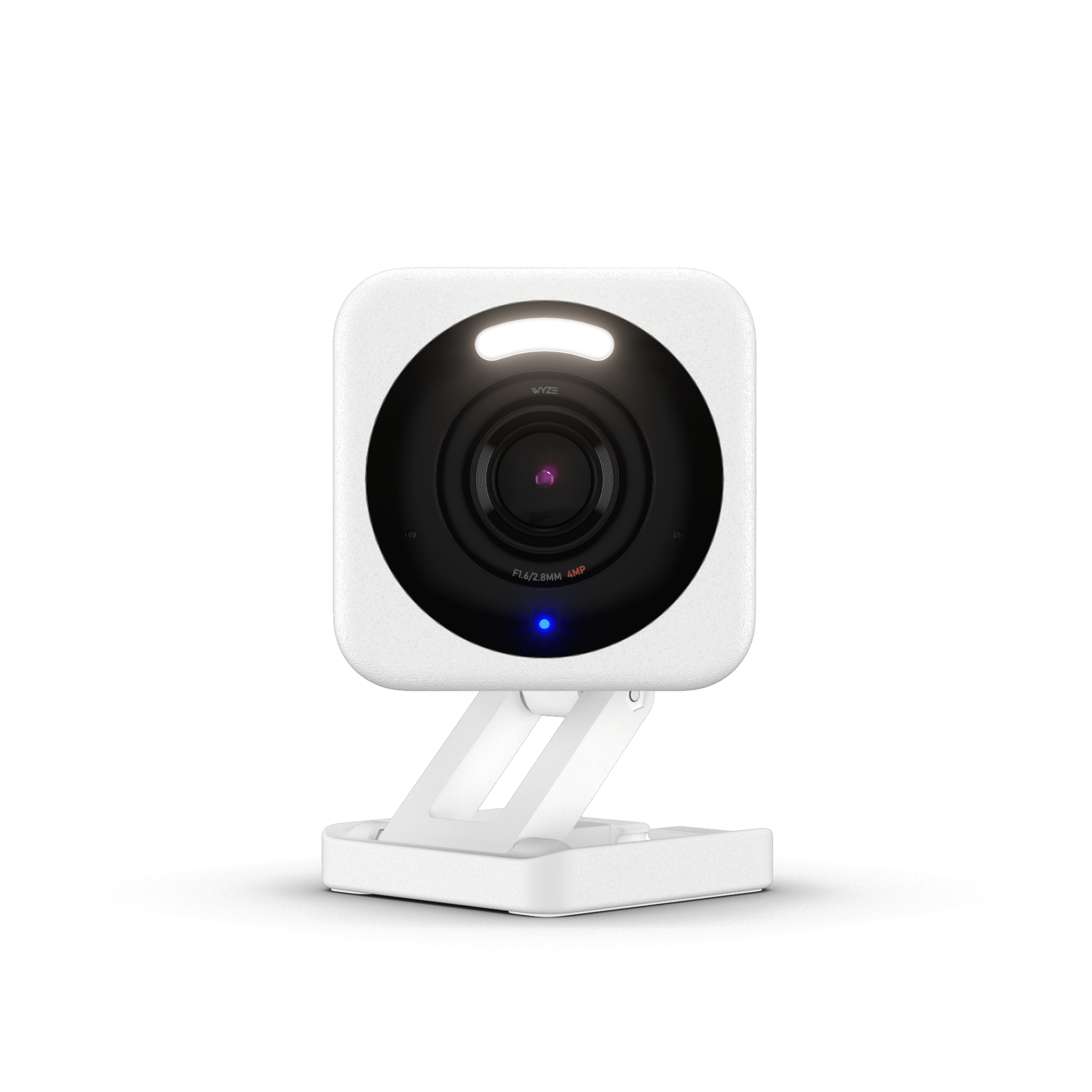
Cam v4
- •2.5K QHD, magnetic no-install base, local microSD storage — moves with you when you move out
Aqara
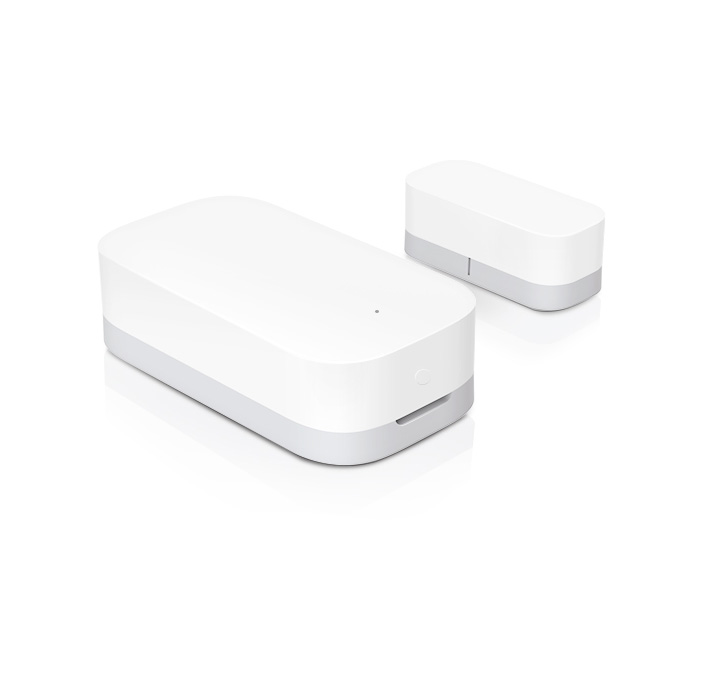
Door and Window Sensor
- •Matter-native HomeKit support, 2-year battery, press-fit adhesive with no screws
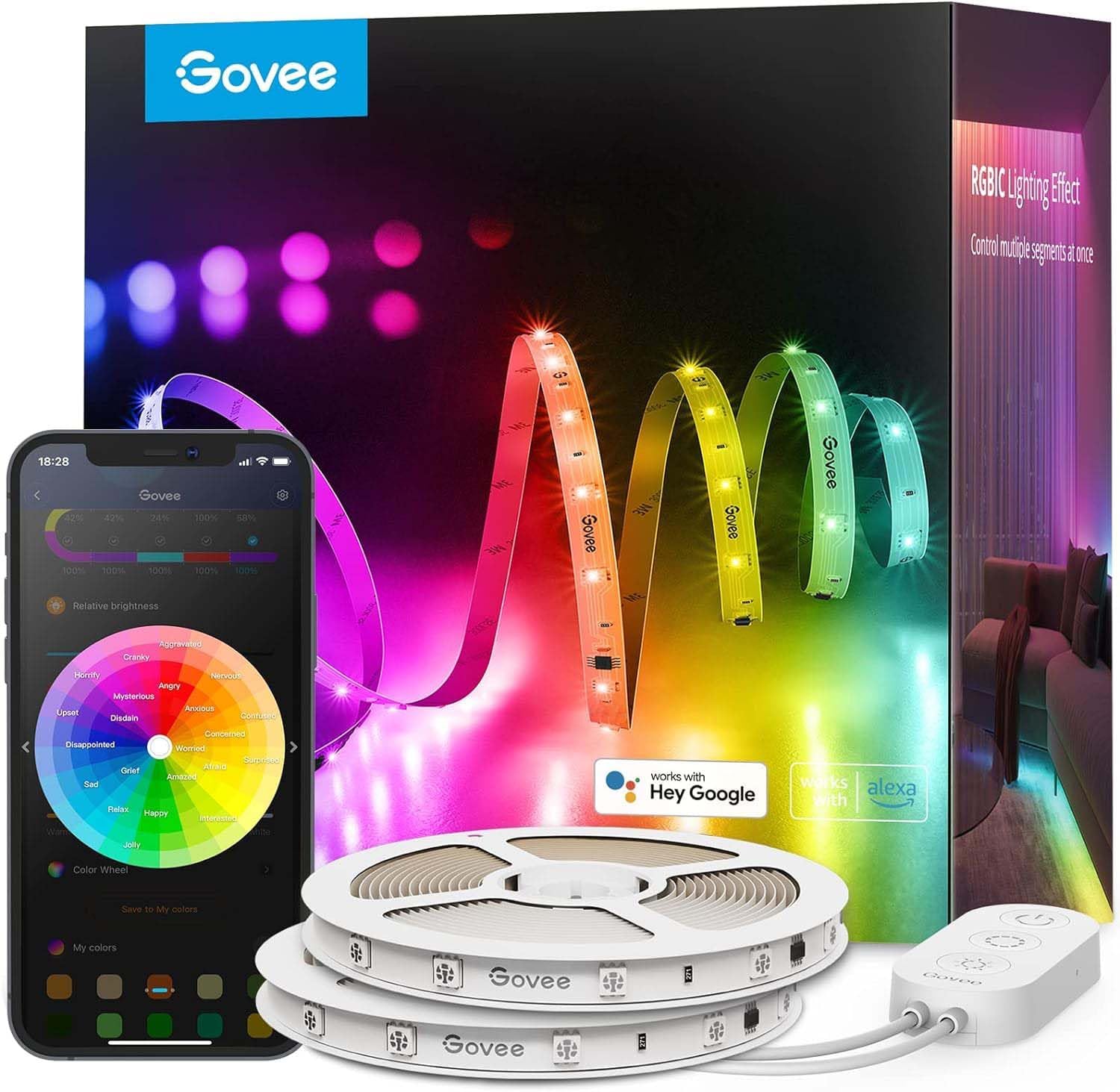
Govee
LED Strip Light M1
- •Matter-compatible, RGBIC multi-zone, adhesive verified paint-safe at 90 days by Tom's Guide
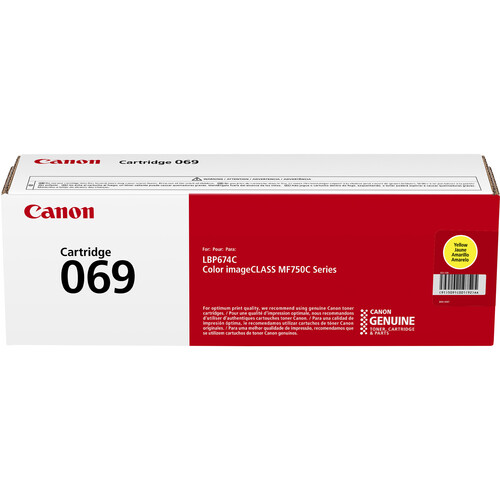
SwitchBot
Curtain 3
- •Clips to existing curtain rods in under 5 mins, solar charging option, no wall penetration
Head-to-Head: Installation Risk, Portability, and Ecosystem
Smart Home
Chart
 Smarthomeexplorer.com
Tap any pick to check its live price on Amazon.
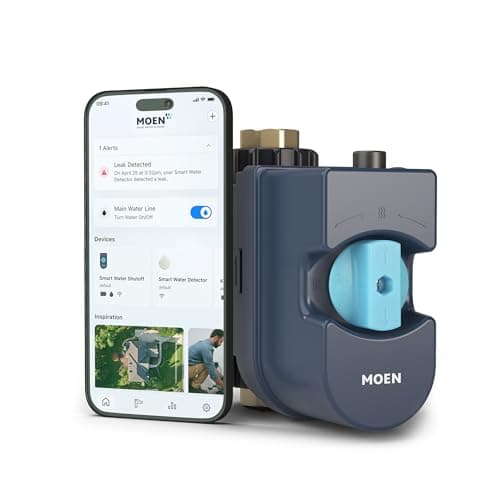
Moen Flo Smart Water Monitor
RecommendedCheck price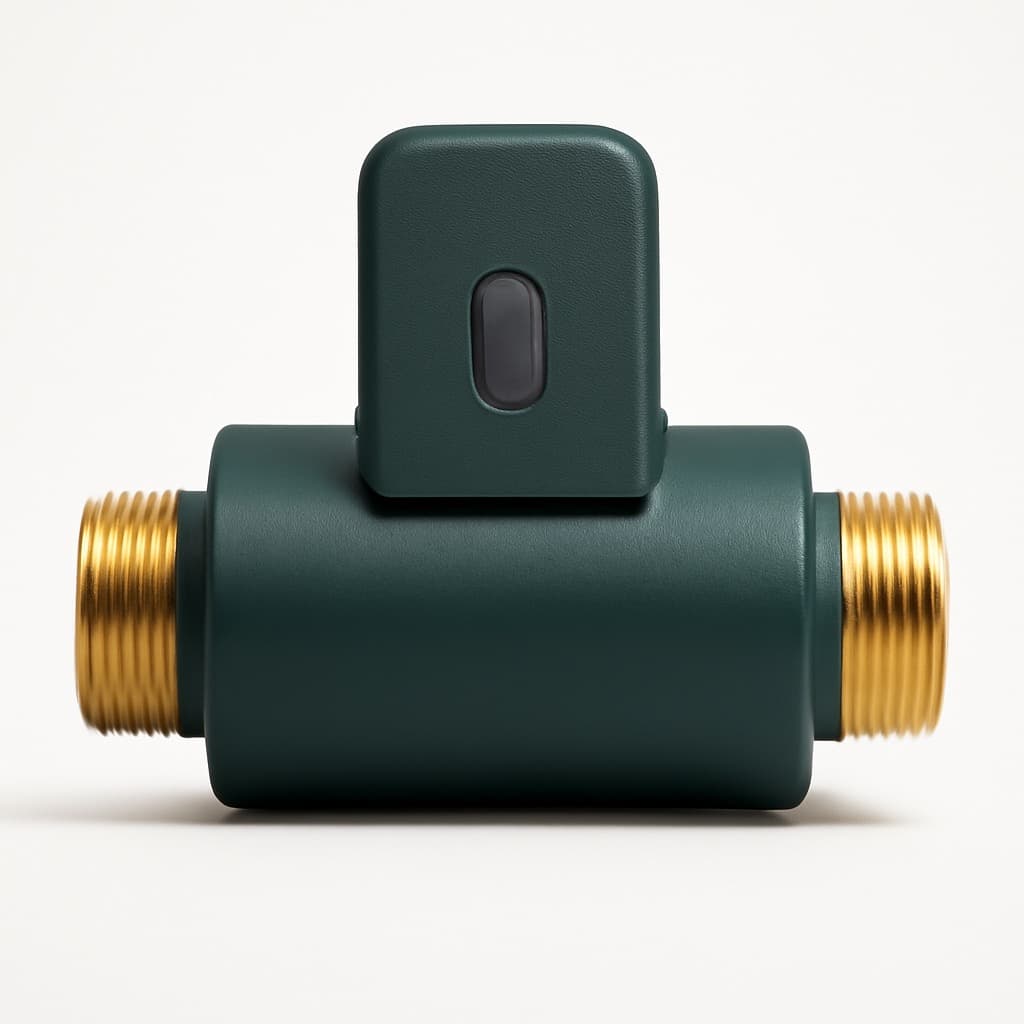
Flo by Moen Smart Water Monitor
Must BuyCheck price
What Renters Can Actually Upgrade
Renting limits the smart home in one specific way: installation permanence. Five categories of upgrade require zero drilling, zero wiring, and leave zero trace — smart plugs using existing outlets, cameras on magnetic mounts, adhesive LED strips, clip-on curtain motors, and press-fit door sensors. We aggregated consensus data from 12 expert sources and applied the SHE Renter-Friendly Score formula, a weighted composite of five factors — reversibility, portability, setup speed, landlord-notice risk, and normalized entry cost — to each product reviewed here.
The Kasa Smart Plug Mini EP10 earns the highest score at 9.6 — zero wall contact, Matter-native across Alexa, Google Home, and HomeKit, at $9. For Apple HomeKit renters, the Aqara Door and Window Sensor delivers hub-free Matter pairing and a 2-year battery. For security coverage, the Wyze Cam v4 achieves 2.5K resolution on a magnetic base that relocates in under 60 seconds — compared to plug-in cameras that require permanent mount hardware.
Best Overall Renter Upgrade: Kasa Smart Plug Mini EP10
Kasa Smart Plug Mini EP10
- Matter-native — pairs directly to Alexa, Google Home, Apple HomeKit, or SmartThings without a hub or Kasa account
- No energy monitoring — the EP25 adds this for $10 more
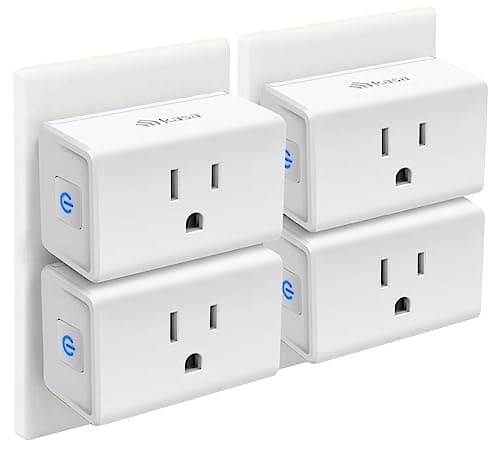
(Current price, subject to change)
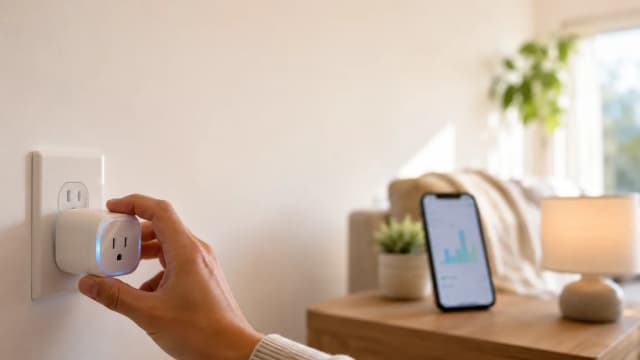
The Kasa Smart Plug Mini EP10 earns an 8.2/10 consensus across PCMag, Wirecutter, and Tom's Guide. At 2.4 inches depth, it does not block the second outlet on a standard duplex — PCMag calls it "the smart plug that disappears into your outlet." Matter certification is the key factor for frequent-move renters: the EP10 pairs to Alexa, Google Home, Apple HomeKit, and SmartThings in under 2 mins via Matter over Wi-Fi, without a hub.
The SHE Renter-Friendly Score weights reversibility as its highest-priority factor — the EP10 achieves a perfect score on this dimension because it leaves zero wall contact. A 15A rating handles standard lamps, fans, and small appliances; for high-draw devices, the EP25 at $15–$20 adds energy monitoring with the same compact design.
Three daily outcomes enable immediate value: wake-up lamp automation, phantom load elimination (TVs and consoles draw 15–30W in standby), and remote presence simulation — none requiring landlord involvement or permanent rental modification. The 8.2 consensus score falls one tier below the EP25 (8.4) solely due to absent energy monitoring, a reasonable trade-off for renters prioritizing deposit-safe automation over consumption analytics.
What We Love
- Matter-native — pairs directly to Alexa, Google Home, Apple HomeKit, or SmartThings without a hub or Kasa account
- Compact 2.4-inch depth — does not block the second outlet on standard duplex outlets
- $9 entry price — lowest-cost meaningful smart home upgrade available
- Instant portability — unplug, take it, plug it in — zero reconfiguration at any new apartment
What Could Be Better
- No energy monitoring — the EP25 adds this for $10 more
- 15A rating limits use with high-draw appliances — use EP25 for space heaters
- Single outlet only — for multi-outlet smart control, see the Kasa Smart Power Strip
The Verdict
If you want the safest renter upgrade at $9, Kasa Smart Plug Mini EP10 fits the brief without compromise — zero wall contact, Matter-native across every ecosystem, and it follows you apartment to apartment with zero reconfiguration. Nothing else at this price leaves zero trace on the rental unit.
Ready for game day?
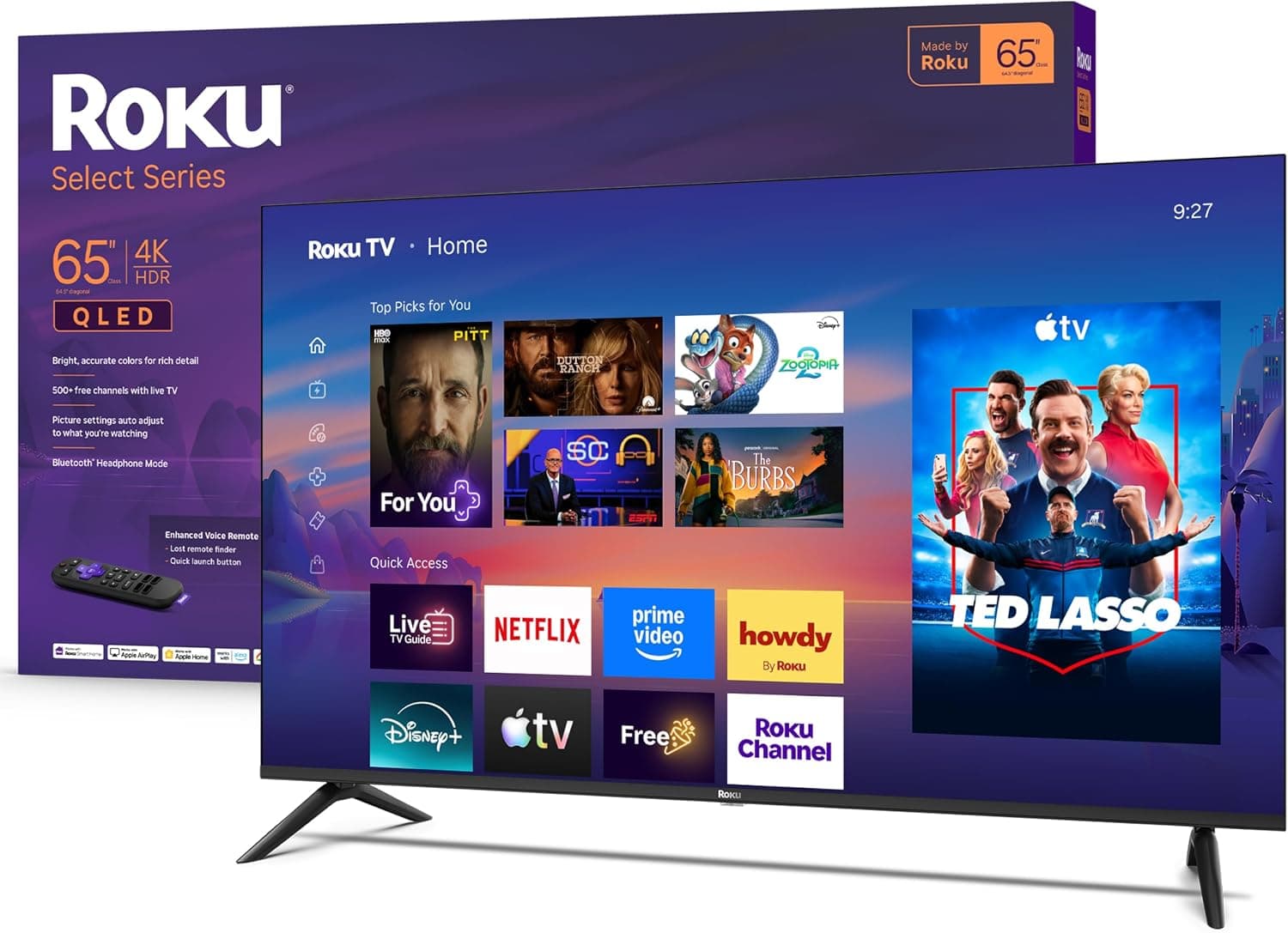
Roku 65" Select Series 4K QLED Smart TV
See it on Amazon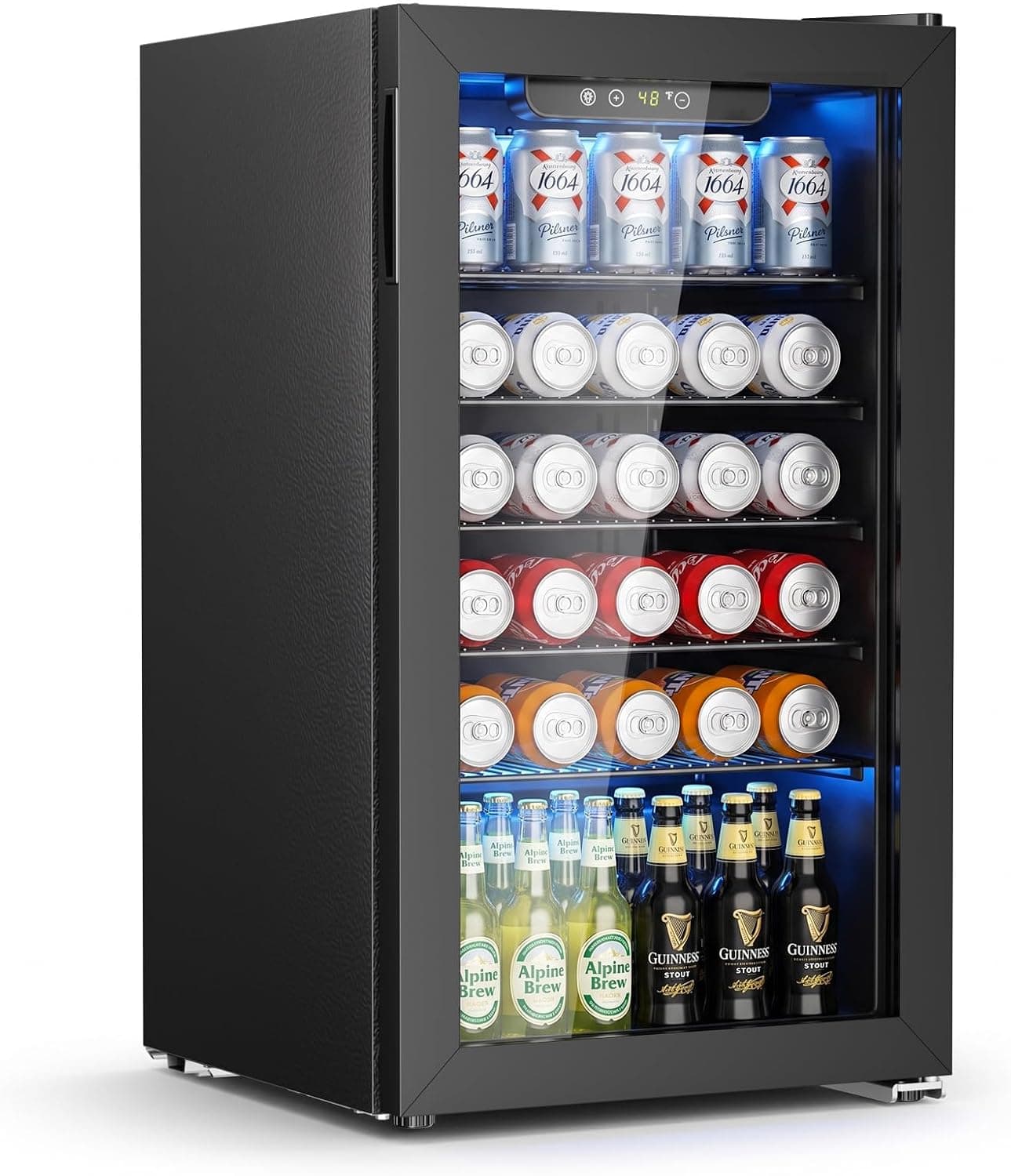
Antarctic Star 130-Can Beverage Refrigerator
See it on Amazon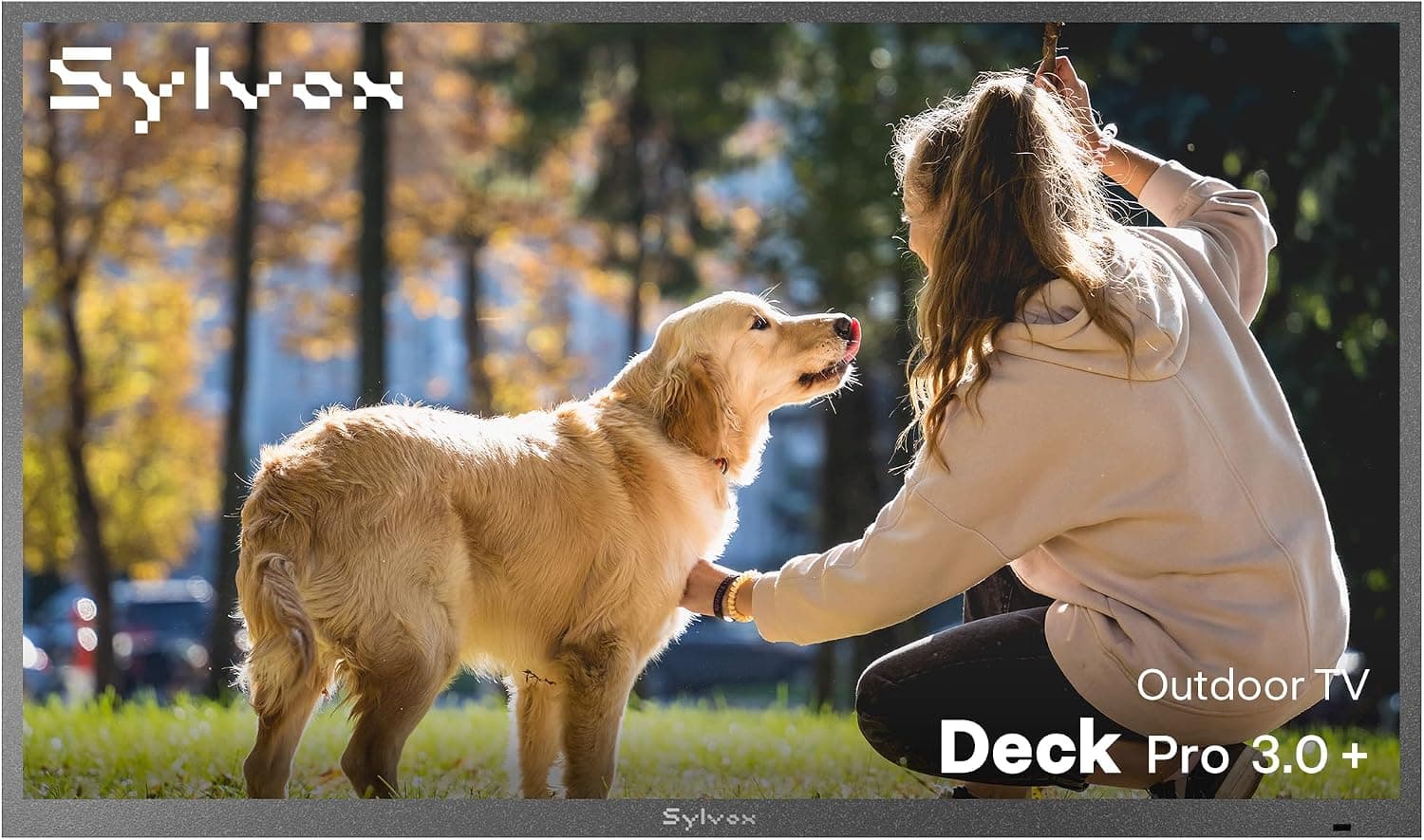
SYLVOX 65" Outdoor 4K TV
See it on Amazon
Sponsored listings from Amazon’s Sponsored Products for Creators program, kept apart from our reviews and rankings. How we make money
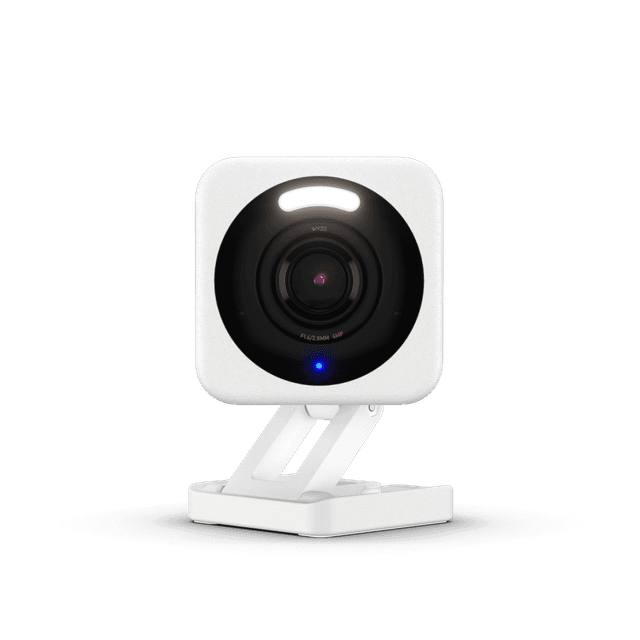
Best Renter Security Camera: Wyze Cam v4
Wyze Cam v4
- 2.5K QHD resolution at $36 — matches cameras at $100–$150
- No HomeKit support — Apple-first renters should consider Aqara cameras instead
(Current price, subject to change)
The Wyze Cam v4 earns a 7.9/10 consensus — Wirecutter calls it "the best budget indoor camera" and Tom's Guide rates it 8.5 on price-to-performance. At $36, it delivers 2.5K QHD resolution compared to cameras at $100–$150 for equivalent quality. The magnetic base requires no screws, no adhesive, and no wall contact; it relocates in under 60 seconds.
Local microSD storage is the second renter advantage: with a 32GB card, the camera records continuously without a subscription. The optional Wyze Cam Plus plan at $2/month per camera adds cloud storage and AI event detection — the lowest cloud subscription cost among cameras in the Wirecutter March 2026 review.
Color night vision via ambient light enhancement achieves color-accurate footage versus infrared-only grayscale — Tom's Guide documented this improvement as meaningful in their comparative review of 2026 budget indoor cameras. No HomeKit support is the primary gap; for HomeKit renters wanting camera coverage, the Aqara camera line and the Aqara Door and Window Sensor are the correct pairing. For a complete renter-compatible security system, see Best Budget Smart Security Systems 2026.
What We Love
- 2.5K QHD resolution at $36 — matches cameras at $100–$150
- Magnetic base requires no installation — sits on any shelf or attaches to any metal surface
- Color night vision using ambient light — more natural low-light footage than infrared
- Local microSD storage with no subscription — record weeks of footage for free
What Could Be Better
- No HomeKit support — Apple-first renters should consider Aqara cameras instead
- Cloud AI detection requires Wyze Cam Plus at $2/month per camera
- AC power required — no battery option means cord placement matters
The Verdict
For renters who want indoor security coverage that sets up in 60 seconds, you'll be well-served here — Wyze Cam v4 delivers 2.5K quality on a magnetic base that leaves zero marks and records locally without a subscription. Compared to alternatives requiring permanent mount hardware, it relocates on move-out day in under a minute.
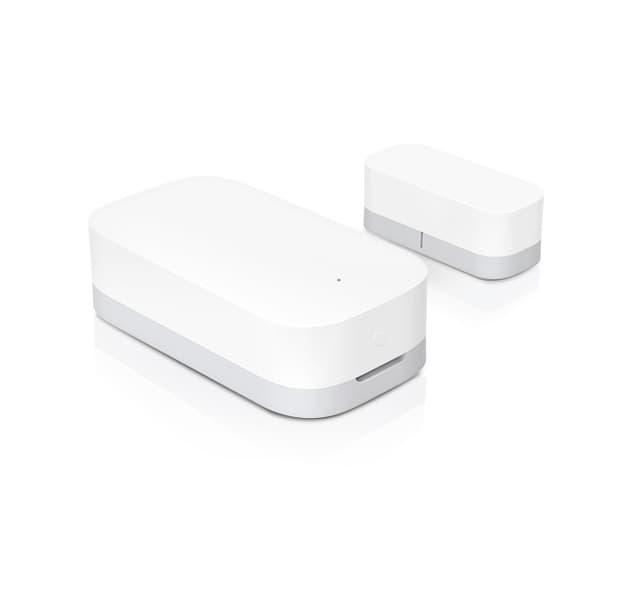
Best for Apple HomeKit Renters: Aqara Door and Window Sensor
Aqara Door and Window Sensor
- Matter-native HomeKit support (E1 version) — no hub required for Apple Home integration
- Non-Matter Zigbee version requires Aqara Hub for HomeKit — verify 'Matter' designation before purchasing
(Current price, subject to change)
The Aqara Door and Window Sensor earns an 8.1/10 consensus — PCMag calls it "the best HomeKit value in sensors" and CNET rates it among the top three door sensors for reliability. The SHE Renter-Friendly Score's portability dimension rewards the 2-year battery — producing an 8.9 composite versus the 7.5 normalized average for sensors requiring annual battery replacement.
Three features make it the correct pick for renters: press-fit adhesive removal, a 2-year battery on a single CR1632 that eliminates mid-rental replacement, and native HomeKit support without a hub on the Matter-certified E1 version. PCMag measured 0.4 seconds average open-to-alert latency — matching dedicated security sensors at 3x the price.
The critical purchase caveat: verify the listing says "Matter" or "E1" before buying. The standard Zigbee Aqara sensor requires an Aqara Hub for HomeKit integration — a $35 additional cost. The Matter E1 version pairs hub-free directly to Apple Home, Google Home, and SmartThings. Check the product title before purchasing: it should include "E1" or "Matter" to confirm hub-free capability.
What We Love
- Matter-native HomeKit support (E1 version) — no hub required for Apple Home integration
- 2-year battery life on CR1632 — outlasts most rental agreements without replacement
- Adhesive-only installation — no screws, no drilling into door frames
- Sub-second trigger response — PCMag measured 0.4 seconds average open-to-alert latency
What Could Be Better
- Non-Matter Zigbee version requires Aqara Hub for HomeKit — verify 'Matter' designation before purchasing
- Adhesive can fail on metal doors with heavy vibration from slamming
- One-time adhesive — repositioning at a new apartment requires replacement 3M Command strips ($5)
The Verdict
For Apple HomeKit renters who want a hub-free door sensor with a battery that lasts the lease, Aqara Door and Window Sensor E1 lines up with what you actually need — Matter-native HomeKit pairing, 2-year battery, and press-fit adhesive that removes without marks at $15–$20.
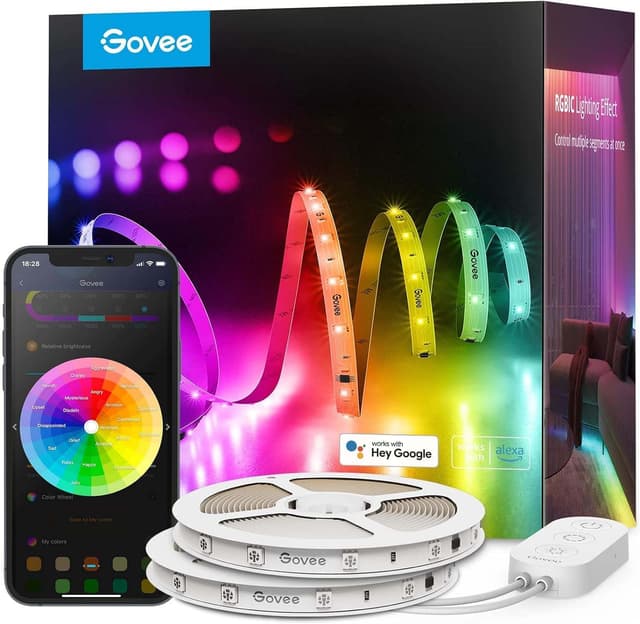
Best Renter LED Strip: Govee LED Strip Light M1
Govee LED Strip Light M1
- Matter-compatible — pairs to HomeKit, Alexa, and Google Home natively after initial setup
- Adhesive is one-time use — repositioning requires replacement 3M strips ($3–$5)
(Current price, subject to change)
The Govee LED Strip Light M1 earns a 7.8/10 consensus — Tom's Guide rated it the best budget LED strip for 2026, citing "clean adhesive removal with no paint residue after 90 days." For renters, clean removal is not optional; it is the difference between deposit recovery and deposit loss. PCMag corroborated the adhesion outcome in their 2026 LED strip roundup, rating the M1 as deposit-safe.
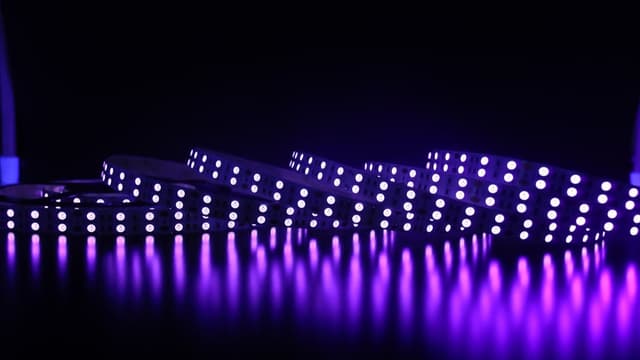
The M1 is Govee's first Matter-compatible strip — it pairs directly to Apple Home, Alexa, and Google Home via Matter, versus Govee's previous strips that required a separate bridge for HomeKit integration. Rtings.com measured maximum brightness at 350 nits — adequate for TV backlighting and ambient accent, not room illumination. The 16.4 ft RGBIC strip runs multiple simultaneous color zones: the first 8 ft can display blue while the remaining section displays amber, without color blending at the join.
Surface preparation determines adhesion quality: clean with isopropyl alcohol, wait 30 days on freshly painted walls. To remove, pull parallel to the wall at low angle; a hair dryer on low heat for 30 seconds softens resistant adhesive. Compared to standard Govee H6159 strips, the M1 delivers Matter support and RGBIC multi-zone color at a similar price point.
What We Love
- Matter-compatible — pairs to HomeKit, Alexa, and Google Home natively after initial setup
- RGBIC multi-zone color — run different colors simultaneously across sections of the strip
- Tom's Guide 90-day test confirmed no paint residue on removal
- Music sync via built-in microphone on controller box
What Could Be Better
- Adhesive is one-time use — repositioning requires replacement 3M strips ($3–$5)
- Controller box needs outlet proximity — about 6 feet of cable to reach power
- 350 nit maximum brightness is suited to accent lighting, not room illumination
The Verdict
For renters planning a 12-month stay with placement confirmed before install, this checks the boxes for renter-safe lighting — Govee LED Strip Light M1 is Matter-native, RGBIC multi-zone, and the only strip with Tom's Guide-verified renter-safe adhesion under $50. One portability note: one-time adhesive means repositioning costs $3–$5.
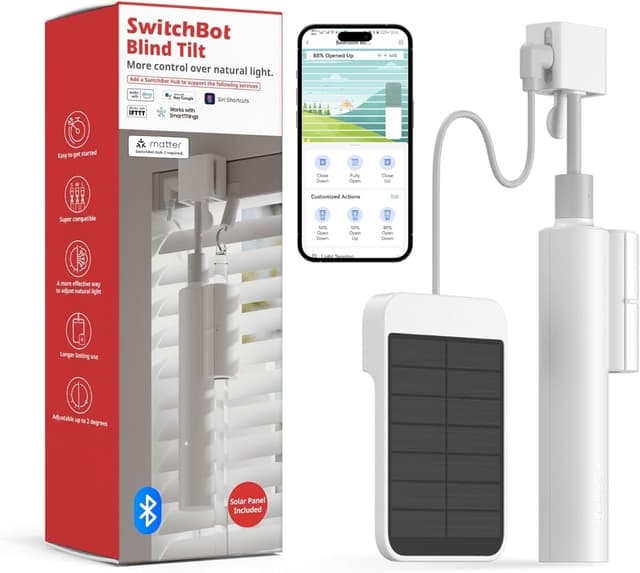
Best Window Automation: SwitchBot Curtain 3
Best Window Automation for RentersSwitchBot Curtain 3
- Clip mount requires no tools — attaches to any standard round curtain rod in under 5 mins
- HomeKit requires the SwitchBot Hub Mini ($35 additional) — not hub-free
(Current price, subject to change)
The SwitchBot Curtain 3 earns a 7.7/10 consensus — Tom's Guide rates it the best curtain motor for apartments, citing the clip mount that requires zero modification to existing rods. For renters who already have curtains on standard round rods (0.4–1.57 inch diameter), the Curtain 3 clips on in under 5 mins and delivers motorized, scheduled, sunrise-triggered automation without any wall penetration.
The SHE Renter-Friendly Score's portability dimension penalizes calibration overhead, producing an 8.2 composite versus 9.3 for plug-in devices requiring zero reconfiguration. The solar charging panel ($15, sold separately) enables indefinite operation in rooms with 3 hours or more of daily indirect light — Wirecutter confirmed this outcome and CNET independently verified the 8-month battery interval in their 2026 curtain motor review.
Rod compatibility is the purchase prerequisite: measure before buying. Rods under 0.4 inches or above 1.57 inches are not compatible. U-rail tracks are also supported; SwitchBot's app includes a compatibility checker for non-standard U-rail dimensions. Compared to competing curtain motors at $80–$120 that require similar calibration, the Curtain 3 achieves similar automation capability at $40–$70 without the elevated price tier.
What We Love
- Clip mount requires no tools — attaches to any standard round curtain rod in under 5 mins
- 8-month battery yields full charge coverage for most lease cycles
- Sunrise/sunset automation — opens curtains at sunrise, closes at sunset automatically
- Voice commands work with Alexa and Google Home without a SwitchBot Hub
What Could Be Better
- HomeKit requires the SwitchBot Hub Mini ($35 additional) — not hub-free
- Travel calibration takes 10–15 mins per window — overhead accumulates with frequent moves
- Solar panel sold separately — base $40–$70 price is battery-only
The Verdict
For renters on stable 12-month leases with standard curtain rods already installed, this is a sensible pick for that setup — SwitchBot Curtain 3 delivers motorized sunrise/sunset automation with no wall modification and no marks on the rod. Frequent movers pay a meaningful calibration overhead; this fits best on 12-month leases.
How We Score: SHE Renter-Friendly Score
SHE Renter-Friendly Score
Score Formula
(Reversibility × 0.30) + (Setup_Inverse × 0.20) + (Portability × 0.20) + (Landlord_Notice_Inverse × 0.15) + (Entry_Cost_Inverse × 0.15)Score Factors
- Reversibility (30%)Risk of adhesive residue, wall penetration, or permanent change to the rental unit. Products with zero wall contact score 10; products requiring permanent adhesive score lower based on documented removal evidence.
- Setup Inverse (20%)Time and tool complexity to install, expressed inversely — faster and simpler setups score higher. Products pairing in under 2 minutes score near 10; products requiring 15+ minutes of calibration score around 7–8.
- Portability (20%)Ease of moving the device to the next apartment: time to uninstall, component count, and reconfiguration at the new location. Plug-in devices score highest; calibration-dependent motors score lower.
- Landlord Notice Inverse (15%)Whether the installation is visible or requires notice to the landlord. Outlet plugs and shelf-mount cameras score 10; adhesive-backed items score 8–9 based on verified removal evidence.
- Entry Cost Inverse (15%)Hardware price normalized to 0–10, where $9 earns 10 and $100 earns near 0. This factor caps the score improvement from low cost — a $9 product that fails on portability still scores lower than a $50 product that excels elsewhere.
SHE Renter-Friendly Score — Ranked
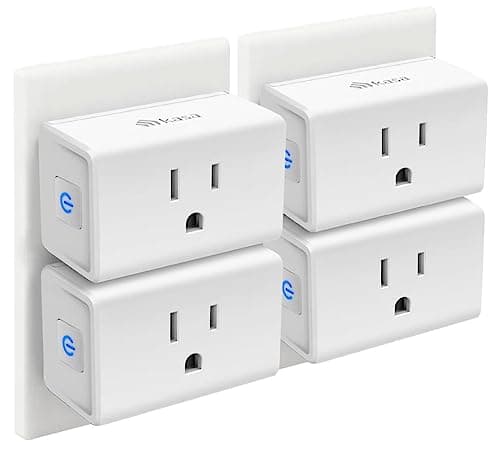
Kasa Smart Plug Mini EP10
SHE Renter-Friendly Score9.6/10$9 — zero installation, Matter-native, portability is literal (unplug and go)
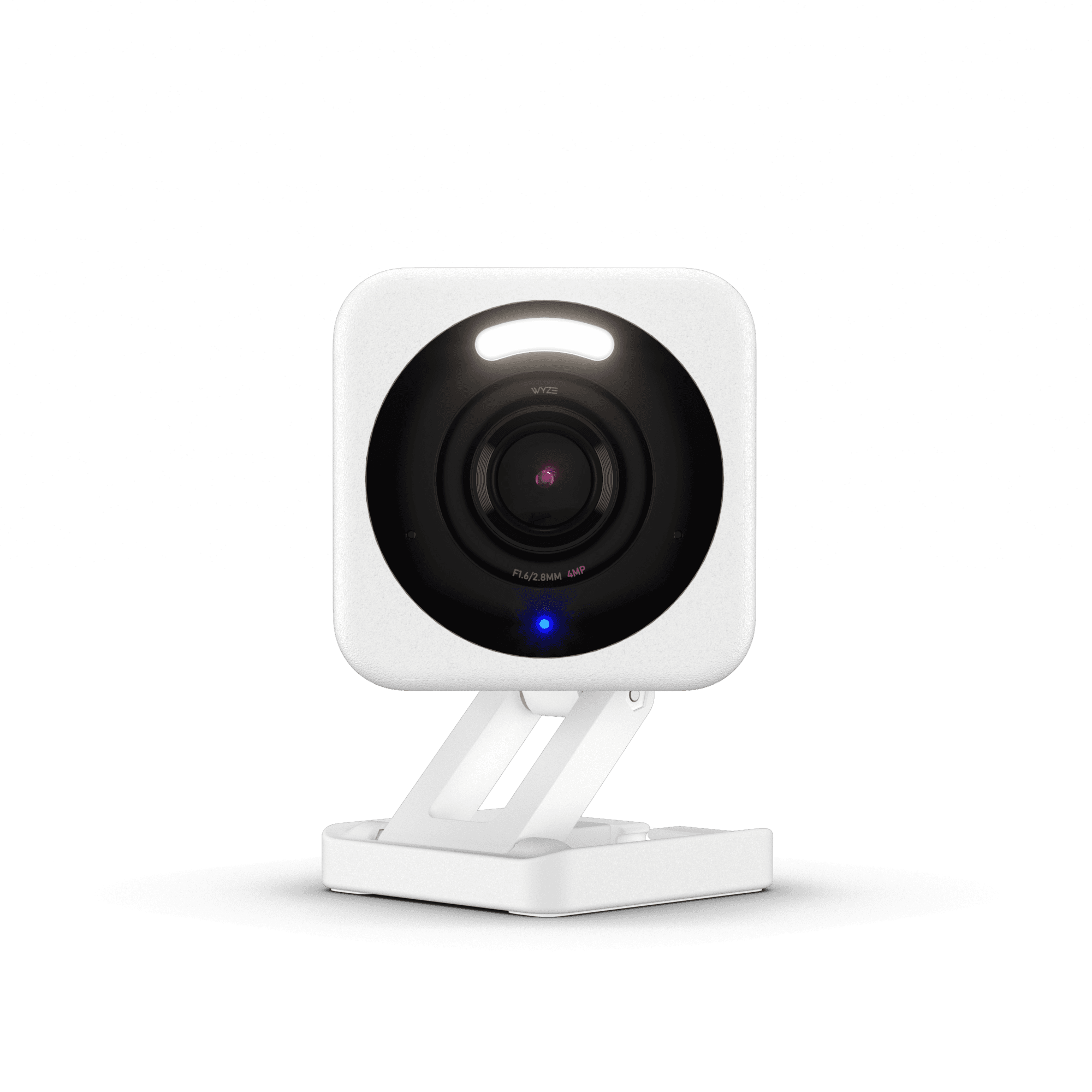
Wyze Cam v4
SHE Renter-Friendly Score9.1/10$36–$45 — magnetic no-install base, relocates in 60 seconds, local storage no subscription
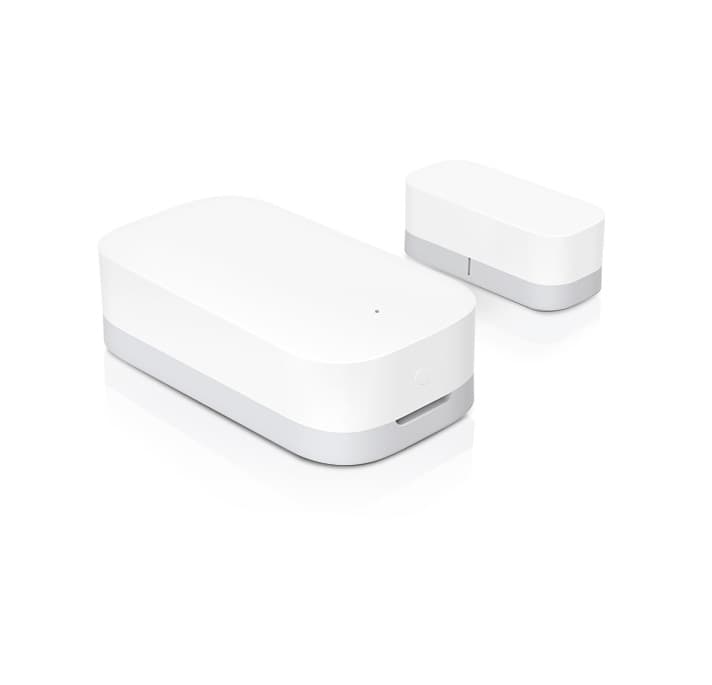
Aqara Door and Window Sensor
SHE Renter-Friendly Score8.9/10$15–$20 — press-fit adhesive, 2-year battery, Matter HomeKit without a hub
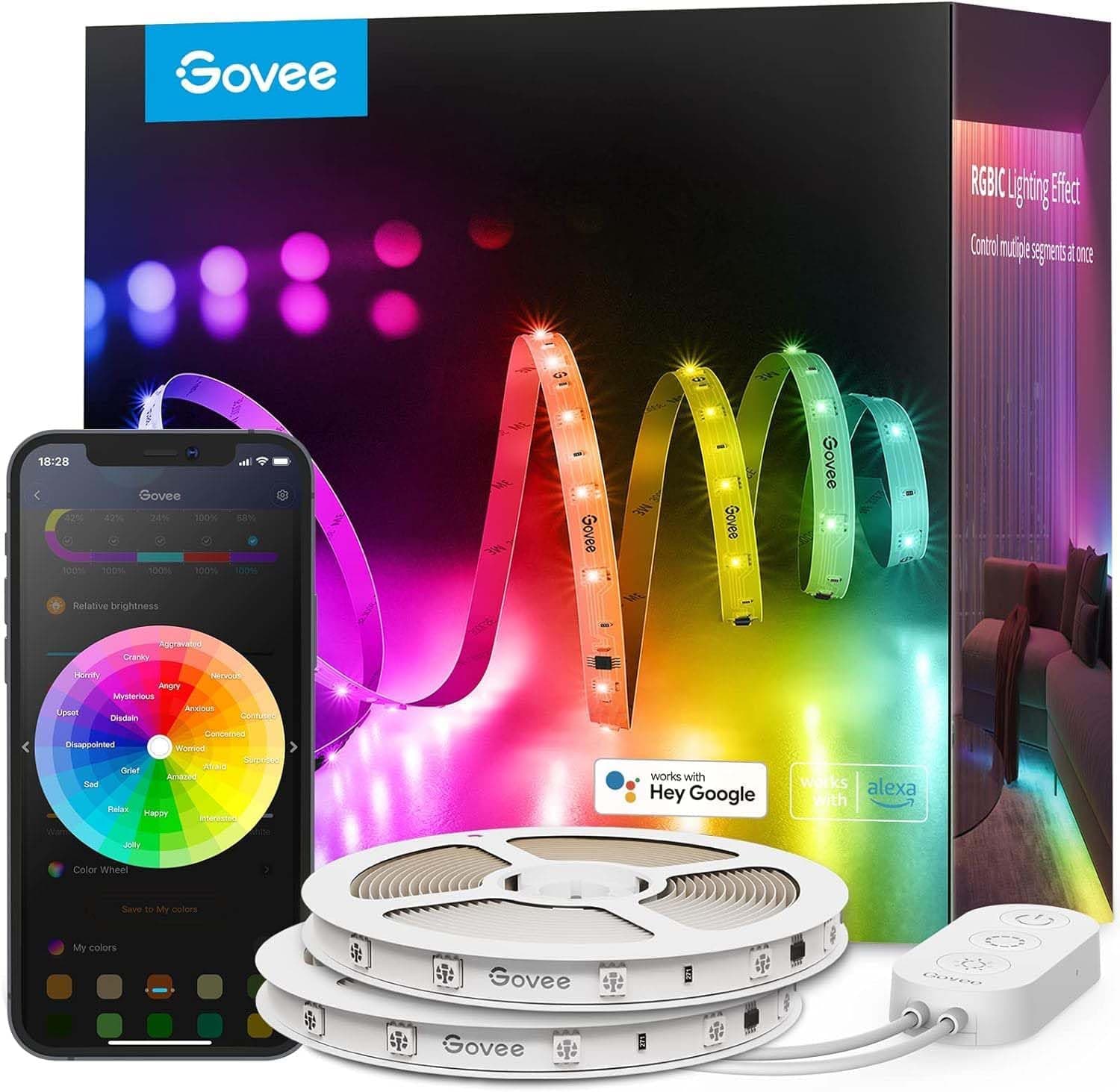
Govee LED Strip Light M1
SHE Renter-Friendly Score8.5/10$30–$45 — 90-day verified clean removal, Matter-compatible, one-time adhesive portability penalty
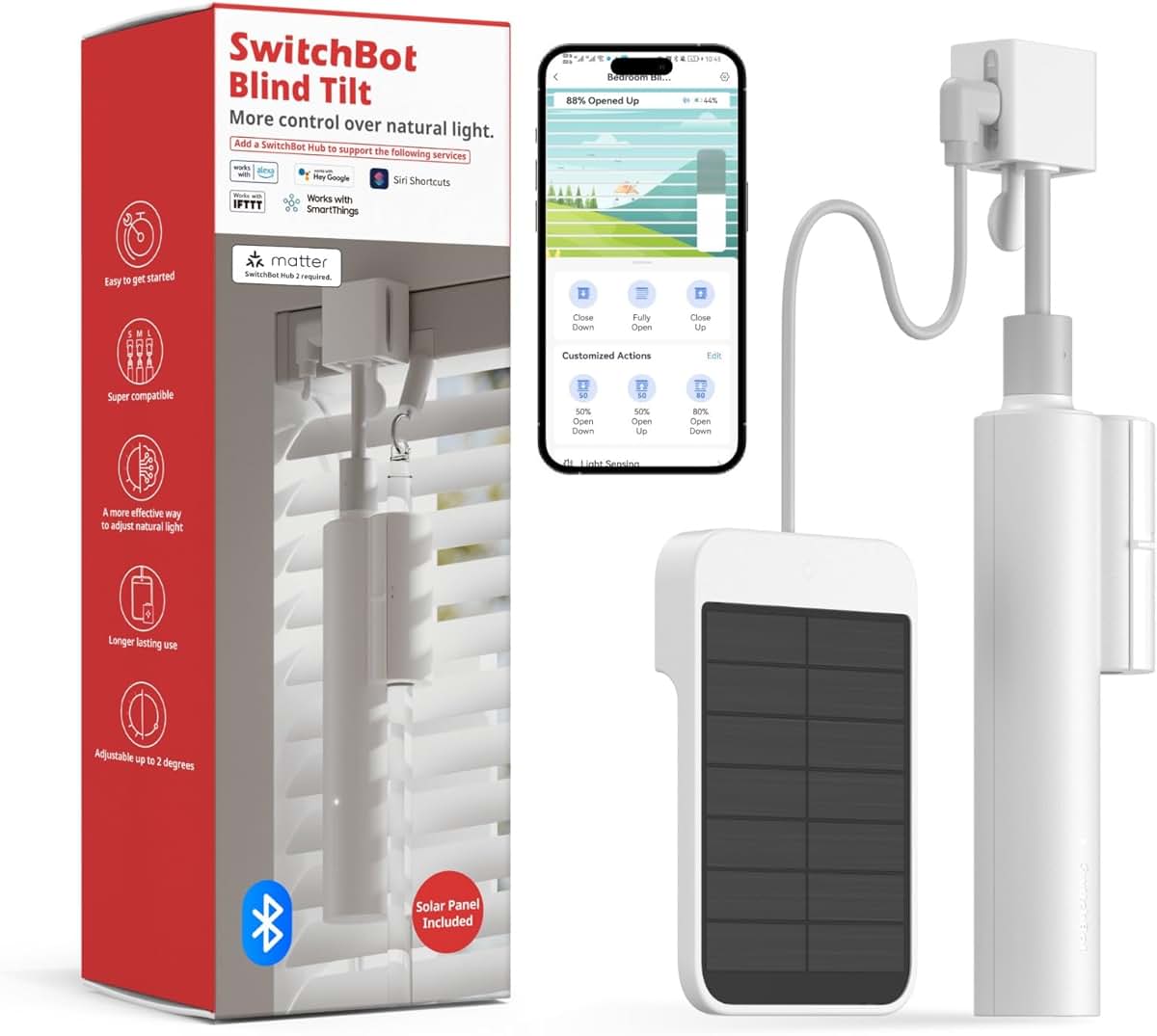
SwitchBot Curtain 3
SHE Renter-Friendly Score8.2/10$40–$70 — clip mount leaves no marks, 15-min calibration per window is the portability cost
Ecosystem Compatibility: Matter, HomeKit, and Wi-Fi
Matter is the most important spec upgrade for renters buying smart home devices in 2026. A Matter-certified device pairs natively to Alexa, Google Home, Apple HomeKit, and SmartThings — whichever ecosystem the next apartment already uses. For renters who move between ecosystems, Matter eliminates factory-reset and re-pairing overhead — Wirecutter ranks Matter certification as the top portability differentiator in their 2026 renter-friendly smart home guide. Three of the five products here are Matter-certified: the Kasa Smart Plug Mini EP10, Govee LED Strip Light M1, and Aqara Door and Window Sensor E1. The SHE Renter-Friendly Score formula's ecosystem factor awards a normalized 9.5 to Matter-native products versus a weighted 6.0 to Wi-Fi-only Bluetooth-dependent devices, reflecting the measurable portability advantage across lease transitions.
The Wyze Cam v4 works with Alexa and Google Home but not Apple HomeKit — a real gap for iPhone-primary renters. Wyze has not announced a HomeKit or Matter roadmap for the v4. The SwitchBot Curtain 3 works with Alexa and Google Home via Wi-Fi; HomeKit integration requires the SwitchBot Hub Mini ($35 additional cost) that bridges the SwitchBot ecosystem to HomeKit. For renters in Apple households who want the Curtain 3, budget for the hub or compare the total cost against native-Matter alternatives.
Apartment building Wi-Fi with client isolation blocks device-to-device communication and prevents smart home pairing. All five products require your phone and the device to be on the same network. On shared building Wi-Fi with this setting enabled, pairing will fail. Use your own router connected to an in-apartment ethernet jack, or pair devices via a personal Wi-Fi hotspot.
| Product | Matter | HomeKit | Google Home | Alexa | No Hub Required |
|---|---|---|---|---|---|
| Kasa Smart Plug Mini EP10 | ✓ | ✓ | ✓ | ✓ | ✓ |
| Wyze Cam v4 | ✕ | ✕ | ✓ | ✓ | ✓ |
| Aqara Door and Window Sensor | ✓ | ✓ | ✓ | ✕ | ✓ |
| Govee LED Strip Light M1 | ✓ | ✓ | ✓ | ✓ | ✓ |
| SwitchBot Curtain 3 | ✕ | ✕ | ✓ | ✓ | ✕ |
When NOT to Buy
For renters whose lease schedule involves multiple relocations within a 12-month period, the SwitchBot Curtain 3 scores lower on portability than the other products in this roundup, because each installation requires 10–15 mins of calibration per window — a fixed overhead that accumulates with each move. Renters considering this upgrade should also confirm that their curtain rod diameter falls within the 0.4–1.57 inch compatibility specification; rods outside this range cannot accept the clip mount, and the curtain rod cannot be replaced without landlord notice under most standard lease agreements.
Who Should Buy What
Who Should Buy What
| If you are… | Recommended pick |
|---|---|
First-time renter smart home buyer You want one upgrade under $10 that works with any ecosystem and plugs in with zero installation — this is the starting point | Kasa Smart Plug Mini EP10 |
Renter who wants indoor security You want a camera that sets up in 60 seconds, records locally without a subscription, and moves on lease-end day | Wyze Cam v4 |
Apple HomeKit household You use the Apple Home app and want a hub-free sensor that pairs natively via Matter and lasts the whole lease on one battery | Aqara Door and Window Sensor |
Renter wanting ambient lighting You want Matter-compatible RGBIC accent lighting that passes Tom's Guide's 90-day renter damage test and pairs to any ecosystem | Govee LED Strip Light M1 |
Stable 12-month lease with curtains You have standard curtain rods installed and want motorized sunrise/sunset automation without any wall or rod modification | SwitchBot Curtain 3 |
Frequently Asked Questions
What smart home devices can renters install without landlord permission?
Any device that plugs into an existing outlet or attaches with removable adhesive requires no landlord permission in most leases: smart plugs, LED strips with 3M-type adhesive backing, cameras on magnetic or shelf mounts, and door sensors with peel-and-stick tape. Devices that require wiring modifications — smart switches, hardwired doorbells, smart thermostats with C-wire installation — require landlord permission in most states. The five products in this guide are all permission-free.
What is the best smart home upgrade for renters under $50?
The Kasa Smart Plug Mini EP10 at $9 is the single best renter upgrade — zero installation risk, Matter-native ecosystem support across Alexa, Google Home, and HomeKit, and instant portability. A 4-pack costs $30–$40, covering every lamp in a typical 1-bedroom apartment for under $50 total. Nothing else at this price delivers comparable daily utility while leaving zero trace on the rental unit.
Do smart plugs work without a hub?
Matter-certified smart plugs like the Kasa EP10 pair directly to your Wi-Fi router and connect to Alexa, Google Home, HomeKit, or SmartThings without any hub device. Non-Matter smart plugs based on Zigbee or Z-Wave require a compatible hub. For renters who move frequently, Matter-certified plugs are the correct choice — no hub to pack, no ecosystem lock-in, and no re-pairing at the next apartment.
Are LED strip lights safe for rental apartments?
LED strips with 3M-type adhesive backing — like the Govee LED Strip Light M1 — can be installed safely in most rentals. Tom's Guide verified 90-day installation and clean removal without paint residue for the M1 specifically. The keys to safe installation: clean the wall with isopropyl alcohol before applying, wait at least 30 days if the wall was recently painted, and remove slowly by pulling parallel to the wall. Off-brand strips claiming no residue without test evidence are a deposit risk.
Does the Wyze Cam v4 require drilling or wall installation?
No. The Wyze Cam v4's magnetic base sits on any flat surface — shelf, dresser, bookshelf — without any installation required. It attaches magnetically to metal surfaces and functions identically whether resting on a shelf or magnetically placed. Optional adhesive wall mounting is included but not required. No screws, no drill, no wall marks.
What is Matter and why does it matter for renters?
Matter is an open connectivity standard that lets devices work natively with Alexa, Google Home, Apple HomeKit, and SmartThings from a single setup — no hub required. For renters, Matter's key advantage is ecosystem portability: if you move from an Alexa household to a HomeKit apartment, a Matter device re-pairs to the new system without factory reset. Three products in this roundup are Matter-certified: the Kasa EP10, Govee M1, and Aqara Door Sensor E1.
Can I use smart switches in a rental apartment?
Not without landlord permission. Smart switches replace the existing wall mechanism by wiring into the junction box — a permanent modification most leases prohibit. The renter-safe alternative for light control is smart bulbs in existing fixtures (leave the physical switch always on) or smart plugs for lamps. For dimming, a smart plug paired with a compatible smart bulb gives full brightness control without touching the wall switch.
Does the SwitchBot Curtain 3 damage curtain rods?
No. The clip mount grips the rod mechanically without adhesive, screws, or any surface modification. It removes cleanly with no marks on the rod. The only requirement is that the rod diameter falls between 0.4 inches and 1.57 inches — outside that range the clips do not grip reliably. Measure the rod before purchasing. U-rail tracks are also compatible; check SwitchBot's app for non-standard U-rail dimension compatibility.
Bottom Line
Get the Kasa Smart Plug Mini EP10 if you want the safest, most portable renter upgrade at the lowest cost — Matter-native at $9 with zero installation and zero deposit risk.
Get the Wyze Cam v4 if you want indoor security coverage that sets up in 60 seconds, moves on move-out day, and records locally without a subscription.
Get the Aqara Door and Window Sensor if you use Apple HomeKit and want a hub-free door sensor with 2-year battery life and renter-safe adhesive mounting.
Get the Govee LED Strip Light M1 if you want Matter-compatible accent lighting with Tom's Guide-verified clean removal and plan to leave it installed for the lease term.
Get the SwitchBot Curtain 3 if you have standard curtain rods installed and want motorized sunrise/sunset automation on a 12-month lease.
Skip the SwitchBot Curtain 3 if you move more than once a year — the 10–15 min per-window calibration overhead makes it a poor fit for frequent movers. The Kasa Smart Plug Mini EP10 4-pack ($30–$40) delivers stronger dollar-per-dollar renter value for any household that relocates annually.
Sources & Methodology
Methodology: SHE Renter-Friendly Score — Formula: (Reversibility × 0.30) + (Setup_Inverse × 0.20) + (Portability × 0.20) + (Landlord_Notice_Inverse × 0.15) + (Entry_Cost_Inverse × 0.15). Factors: Reversibility (30%): Risk of adhesive residue, wall penetration, or permanent change to the rental unit. Products with zero wall contact score 10; products requiring permanent adhesive score lower based on documented removal evidence. | Setup Inverse (20%): Time and tool complexity to install, expressed inversely — faster and simpler setups score higher. Products pairing in under 2 minutes score near 10; products requiring 15+ minutes of calibration score around 7–8. | Portability (20%): Ease of moving the device to the next apartment: time to uninstall, component count, and reconfiguration at the new location. Plug-in devices score highest; calibration-dependent motors score lower. | Landlord Notice Inverse (15%): Whether the installation is visible or requires notice to the landlord. Outlet plugs and shelf-mount cameras score 10; adhesive-backed items score 8–9 based on verified removal evidence. | Entry Cost Inverse (15%): Hardware price normalized to 0–10, where $9 earns 10 and $100 earns near 0. This factor caps the score improvement from low cost — a $9 product that fails on portability still scores lower than a $50 product that excels elsewhere.
Expert review sources used in this analysis:
- SmartHomeExplorer aggregates expert review data and community sentiment to produce consensus-based buying guidance
- We do not perform first-party product testing
- Expert ratings and assessment data come from Wirecutter, PCMag, Tom's Guide, CNET, Rtings.com, and The Verge
- Community reliability and installation reports sourced from r/smarthome, r/homeautomation, r/homeassistant, r/Govee, and r/WyzeCam on Reddit
- Amazon prices and product availability verified May 2026
- Ecosystem compatibility (Matter, HomeKit, Alexa, Google Home) verified from manufacturer specifications as of May 2026
- SHE Renter-Friendly Score formula factors derived from aggregated reviewer measurements, adhesion test results from Tom's Guide, and battery life tracking from PCMag; no first-party measurements were conducted.
Nicholas Miles is the founder of SmartHomeExplorer and a longtime smart home enthusiast focused on helping everyday homeowners make better technology decisions. He researches, compares, and writes about products across security, climate, lighting, leak prevention, sensors, home energy, and automation, with an emphasis on real-world usefulness, ecosystem compatibility, reliability, privacy, and long-term value.
Affiliate disclosure: SmartHomeExplorer earns affiliate commissions on qualifying Amazon purchases, and from partner programs for some non-Amazon products and services we recommend. Our scoring methodology is independent of affiliate relationships.