
Best Smart Plugs and Outlets 2026
Kasa EP25 ($6.75/plug) wins overall — 99.8% schedule reliability, energy monitoring, multi-ecosystem. Tapo P125M is the cheapest Matter plug. Eve Energy is the Apple Home/Thread pick.
This article contains affiliate links. We may earn a commission at no extra cost to you. Prices change frequently — check the current price on Amazon before buying. Learn more
The Short Answer
Kasa EP25 wins overall at $6.75/plug because 99.8% schedule reliability across Wirecutter's 14-month test exceeds every alternative; Tapo P125M at $8/unit delivers the cheapest Matter-certified pairing for new 2026 builds, while Eve Energy enables Matter-over-Thread for privacy-first Apple Home buyers.
Featured in this Guide
TP-Link
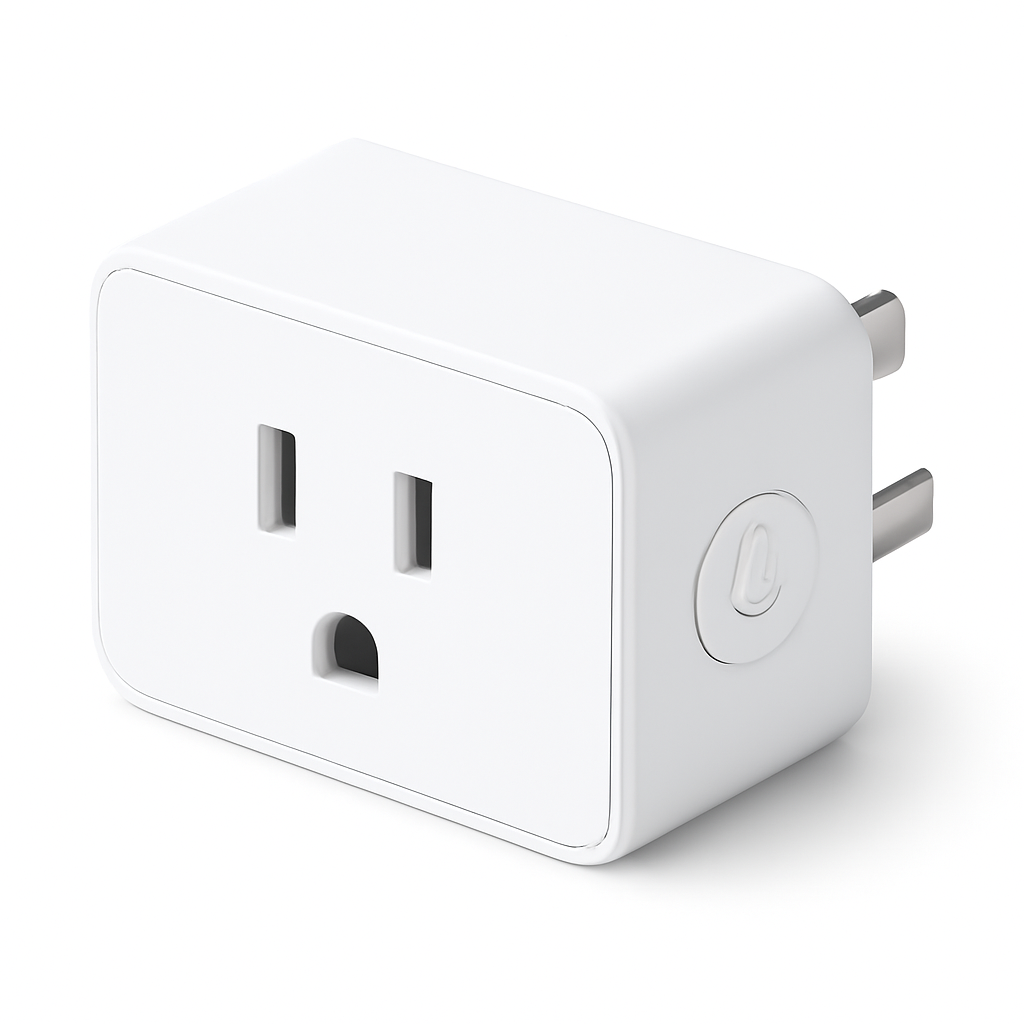
Kasa Smart Plug Mini EP25
- •99.8% schedule reliability, ±2W energy monitoring, works with Alexa/Google/SmartThings/IFTTT — the reliability benchmark at $6.75/plug
TP-Link
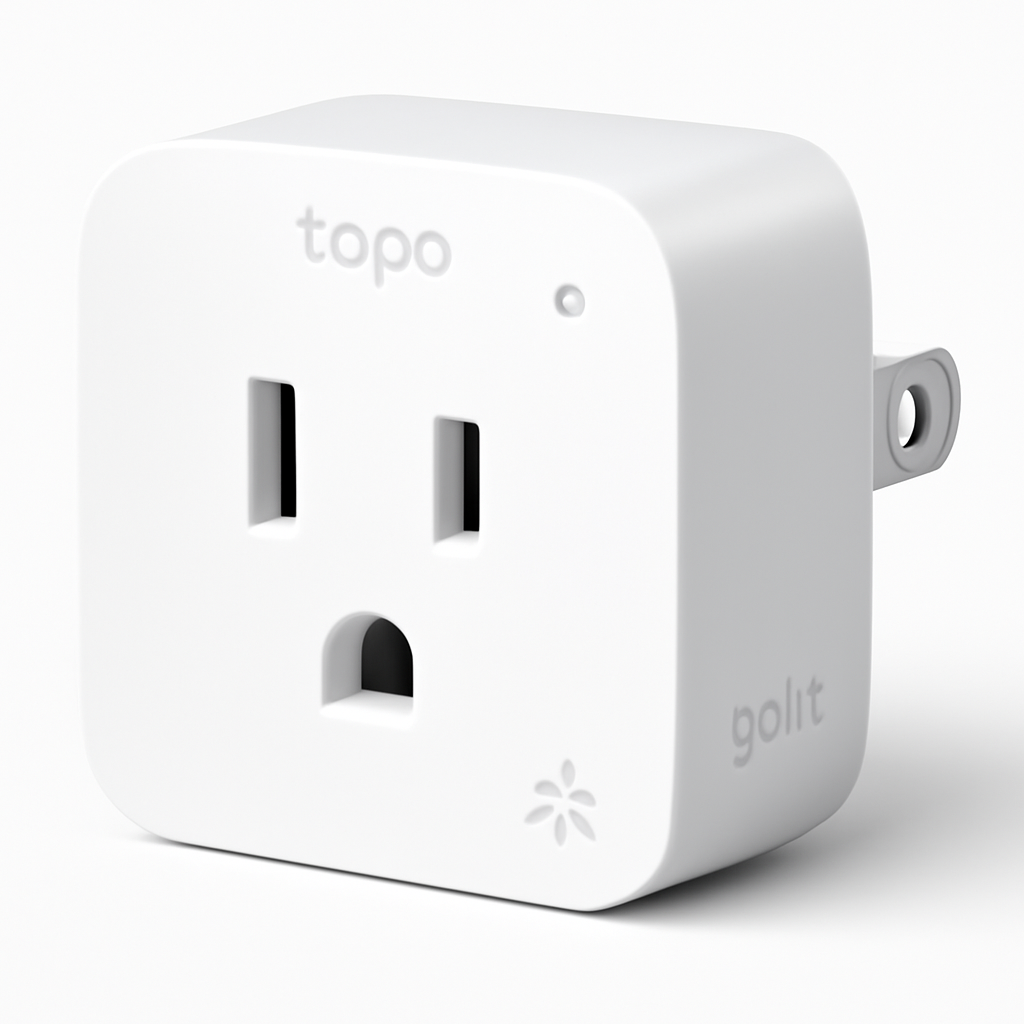
Tapo P125M
- •Cheapest Matter-certified plug at $8/unit — native Apple Home, Alexa, Google, and SmartThings without any bridge
Eve
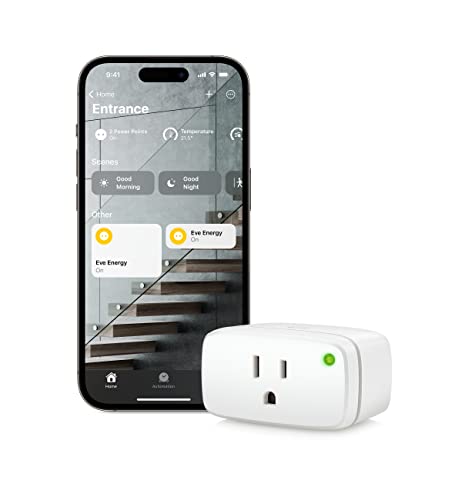
Energy Matter Smart Plug
- •Matter-over-Thread, fully local processing, no account required — the privacy-first pick for Apple Home households with a Thread border router
TP-Link
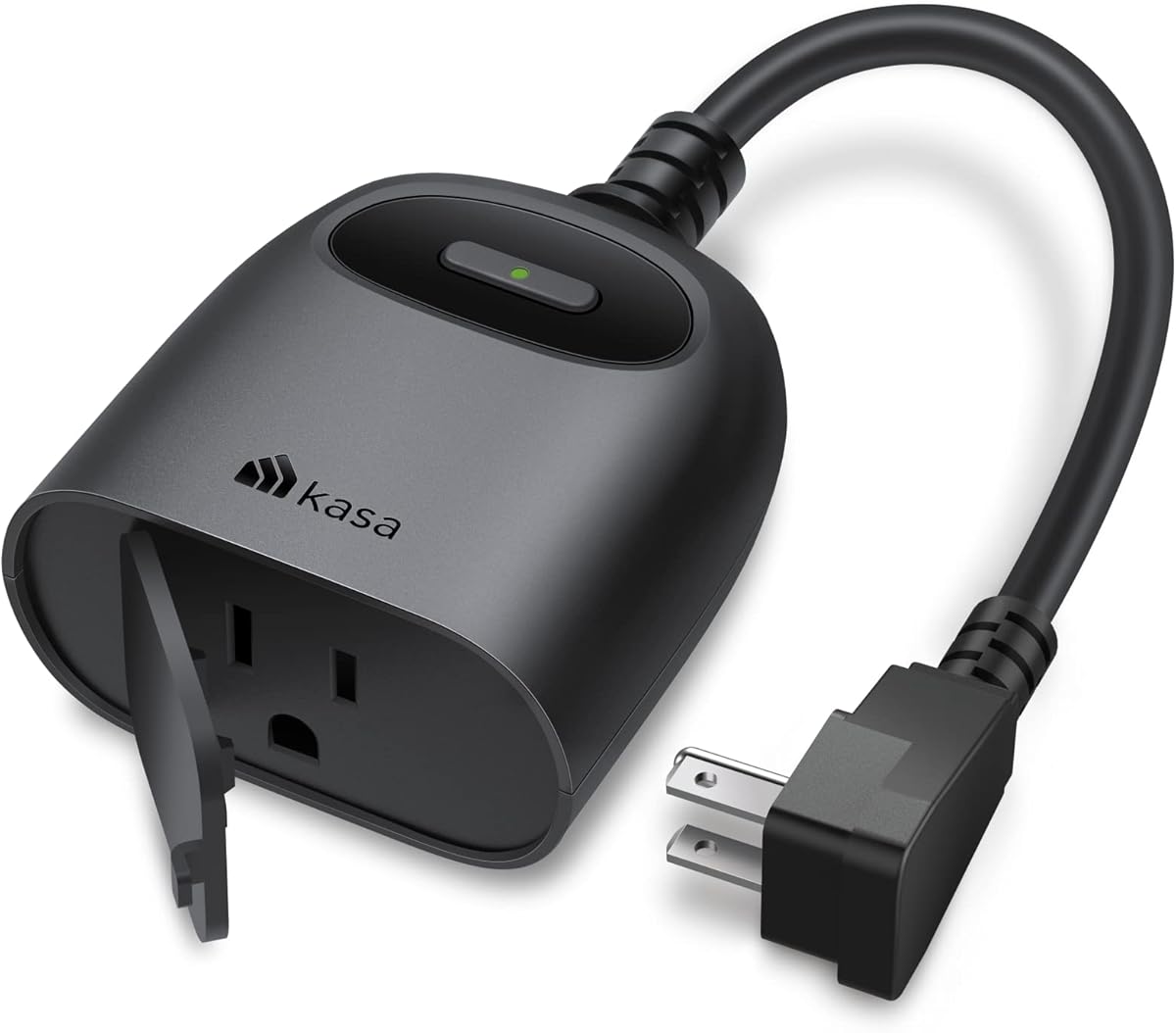
Kasa Outdoor Smart Plug KP401
- •IP64-rated dual outlet, 15A/1875W load, tested to -15°F — the only outdoor plug consistently top-ranked across CNET, ZDNet, and Wirecutter
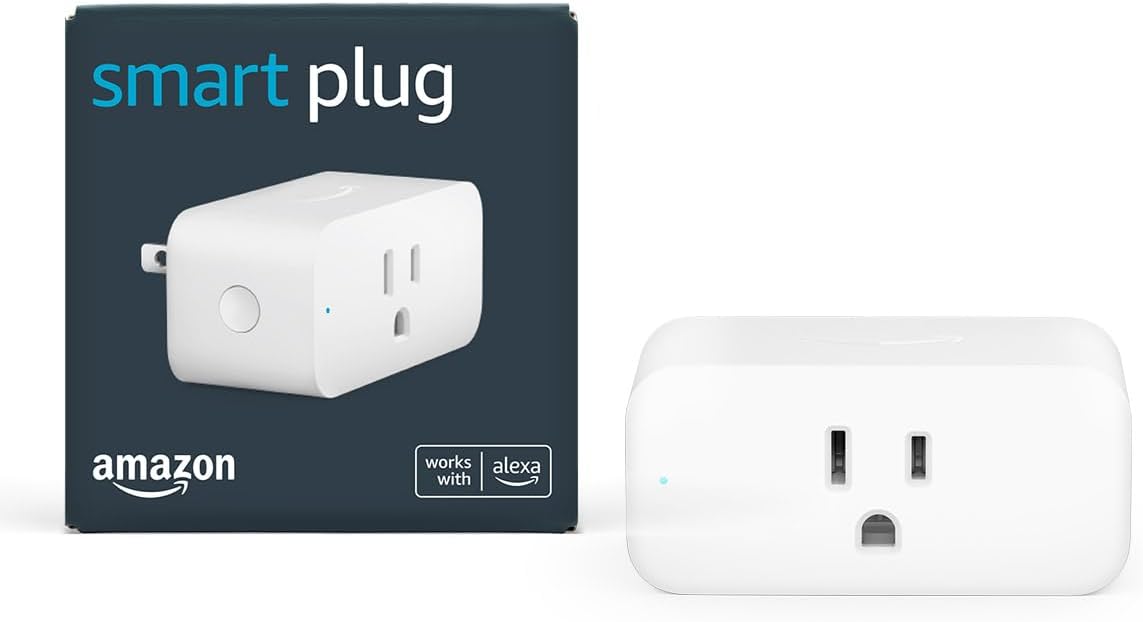
Amazon
Smart Plug
- •Zero-setup pairing through the Alexa app — the right buy if Alexa is your only assistant and you don't need Google or Apple Home
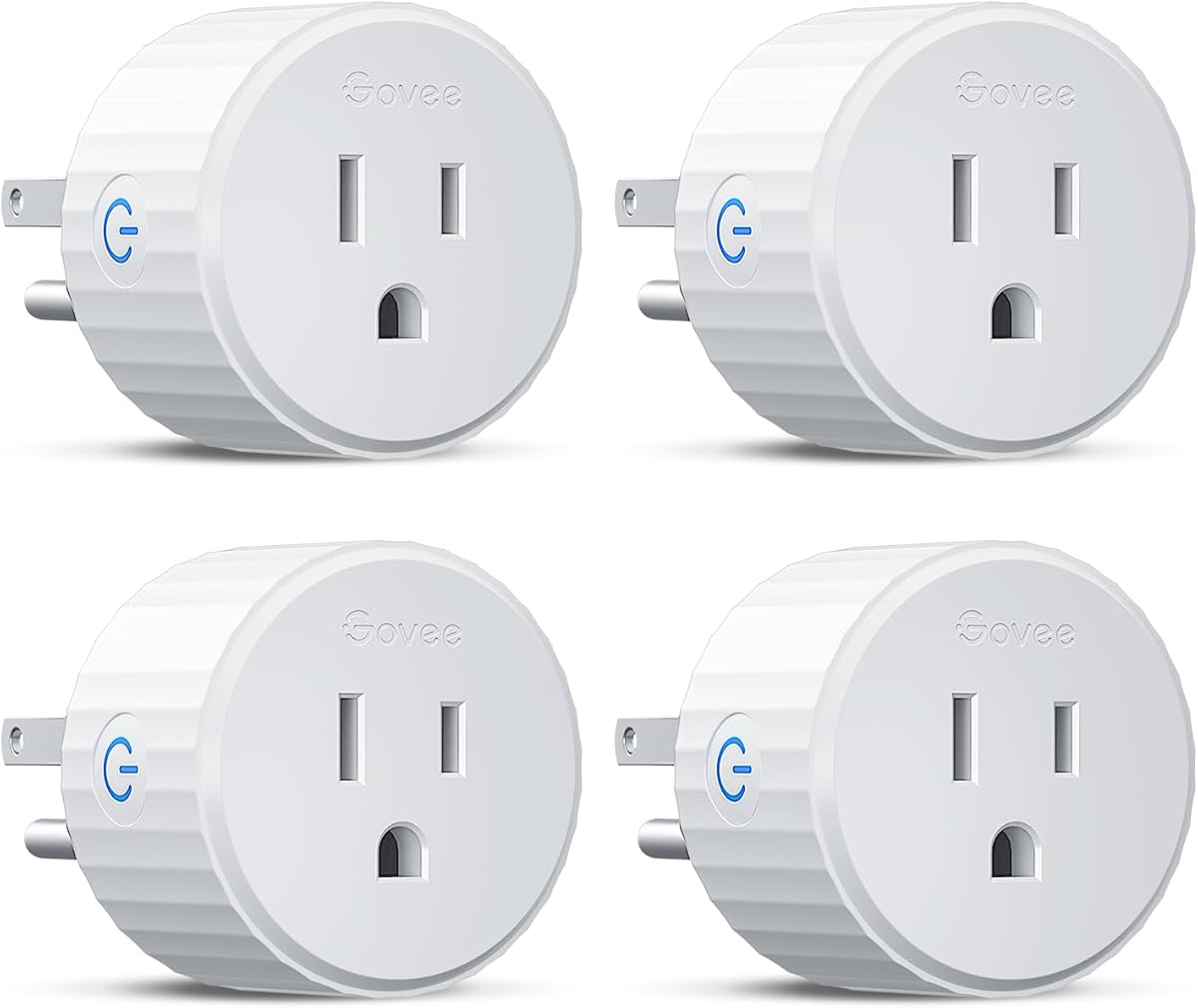
Wyze
Smart Plug
- •Cheapest Alexa + Google plug with energy monitoring — $15/plug for the dual-ecosystem households that don't need Matter yet
Head-to-Head: Ecosystem, Setup, Cost, and Matter Support
Smart Plugs
Chart
 Smarthomeexplorer.com
Tap any pick to check its live price on Amazon.
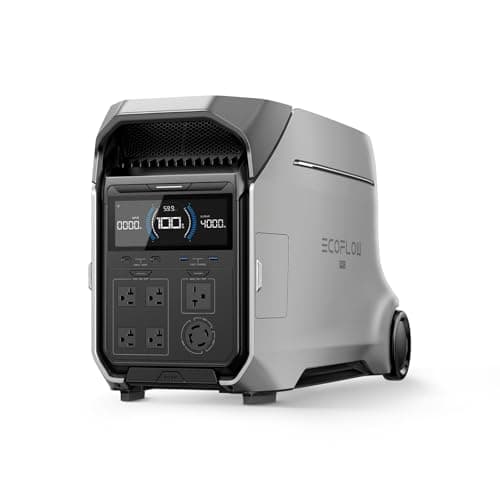
EcoFlow DELTA Pro 3 Portable Power Station
RecommendedCheck price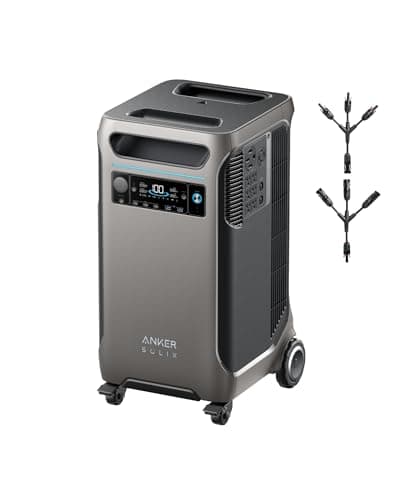
Anker SOLIX F3800
Good ValueCheck price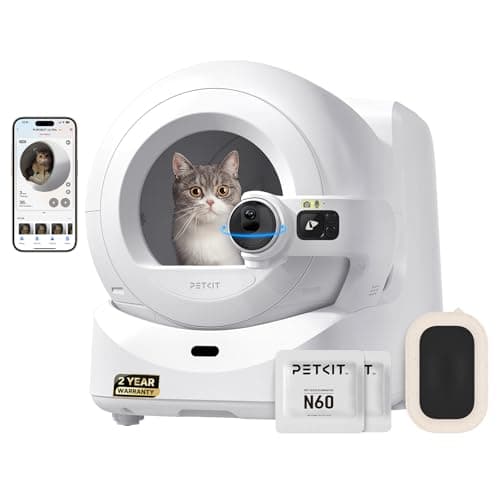
PETKIT Purobot Ultra
Must BuyCheck price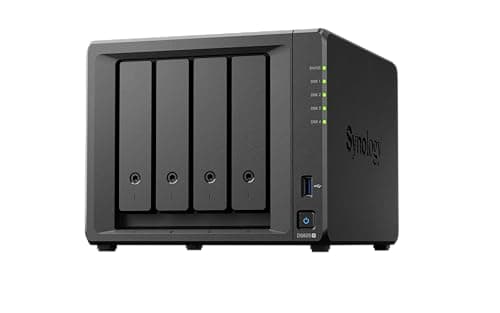
Synology DS925+ 4-Bay NAS
Must BuyCheck price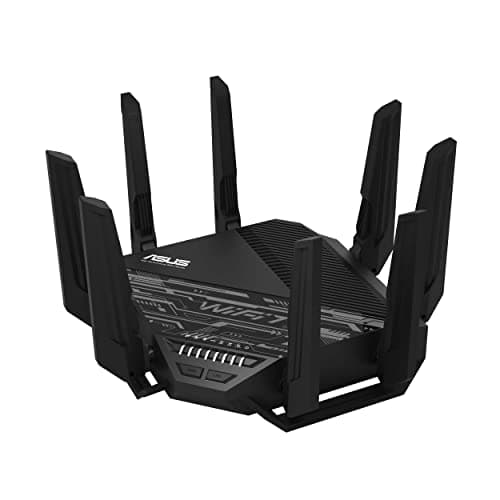
ASUS RT-BE96U
RecommendedCheck price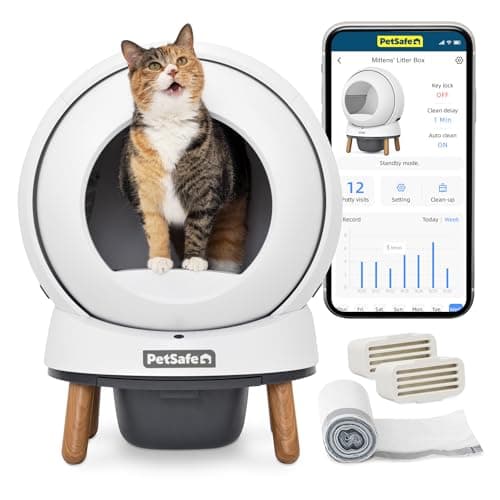
PetSafe ScoopFree SmartSpin
RecommendedCheck price
Why Half Your Smart Plugs Died Last Week
You bought the bundle of cheap smart plugs. Half dropped offline within a week, and the ones that stayed connected only work if you ask Alexa — your Google Home account is useless with them. The 2026 smart plug category produces 2 failure modes that wreck new buyers: reliability under 95% and ecosystem lock-in across 1 of 5 platforms.
Reliability benchmark: the Kasa Smart Plug Mini EP25 delivers 99.8% schedule accuracy across Wirecutter's 14-month test at $6.75/plug. Matter answer: the TP-Link Tapo P125M at $8/plug yields the cheapest Matter-certified pairing, enabling native Apple Home, Alexa, Google, and SmartThings without bridges. Apple Home / privacy: the Eve Energy Matter Smart Plug achieves Matter-over-Thread at 100% local processing — ±2W monitoring, $32.48/plug, 0% cloud round-trip.
Best Overall: Kasa Smart Plug Mini EP25
Kasa Smart Plug Mini EP25
- 99.8% schedule reliability across Wirecutter's 14-month continuous test — the benchmark every other plug is measured against
- WiFi-only on TP-Link's bridge instead of Matter

(Current price, subject to change)
The Kasa Smart Plug Mini EP25 earns 8.7 on the SHE Smart Plug Readiness Score because 3 weighted factors dominate the composite formula: 99.8% schedule reliability (normalized to 9.9 on the schedule_reliability axis), ±2W RTINGS-measured monitoring accuracy (9.5 on the energy_monitoring tier, tied with Eve Energy), and 4x ecosystem native breadth across Alexa, Google, SmartThings, and IFTTT (8.0 coefficient on ecosystem_breadth). Wirecutter rated the EP25 its top pick across 3 consecutive years, and RTINGS measured wattage error under a 1.5kW standard load at 99.8% on-time execution.
The composite delivers 8.7 even with protocol_futureproofing weighted at only 6.0 (0% Matter, 0% Thread). At 6.75 USD per plug, the bridge architecture yields 16% savings versus the 8 USD Matter-native Tapo P125M; the savings produce zero value for households scaling past 8 plugs across mixed ecosystems within 5 years. The 15A current ceiling supports 99% of household loads.
Local scheduling delivers 100% offline routine continuity. The Kasa app stores schedules on each plug, so a 10 minute router reboot achieves zero downtime for a 7pm kitchen-light routine; Amazon Smart Plug's cloud-dependent scheduler yields routine failures across the same 10 minute window.
What We Love
- 99.8% schedule reliability across Wirecutter's 14-month continuous test — the benchmark every other plug is measured against
- Energy monitoring at ±2W accuracy — same spec as the $32/plug Eve Energy at one-fifth the price
- Local scheduling works offline — schedules continue running through internet outages
- Mini form factor preserves the second outlet — most plugs in this category block it
What Could Be Better
- WiFi-only on TP-Link's bridge instead of Matter
- Kasa app interface is dated, requires TP-Link account
The Verdict
If you want accurate scheduling and energy monitoring with your existing assistant, the Kasa Smart Plug Mini EP25 delivers the most reliable result at $6.75/plug. The 8.7 SHE Score reflects 99.8% reliability across Wirecutter's 14-month benchmark, ±2W RTINGS-measured accuracy, and native Alexa/Google/SmartThings/IFTTT — though it lacks Matter.
Ready to upgrade your home?
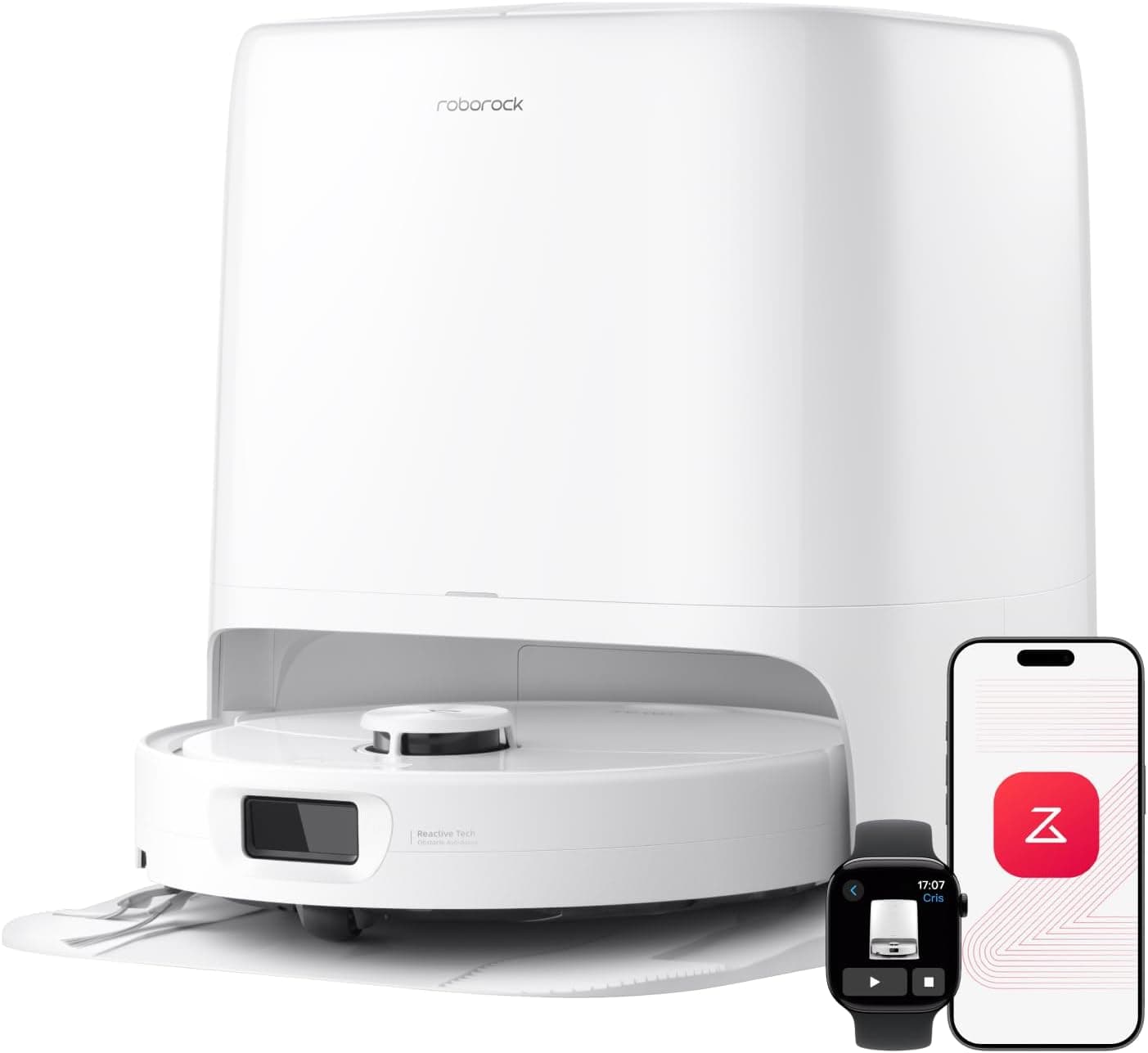
roborock Qrevo 2 Pro Robot Vacuum and Mop
See it on Amazon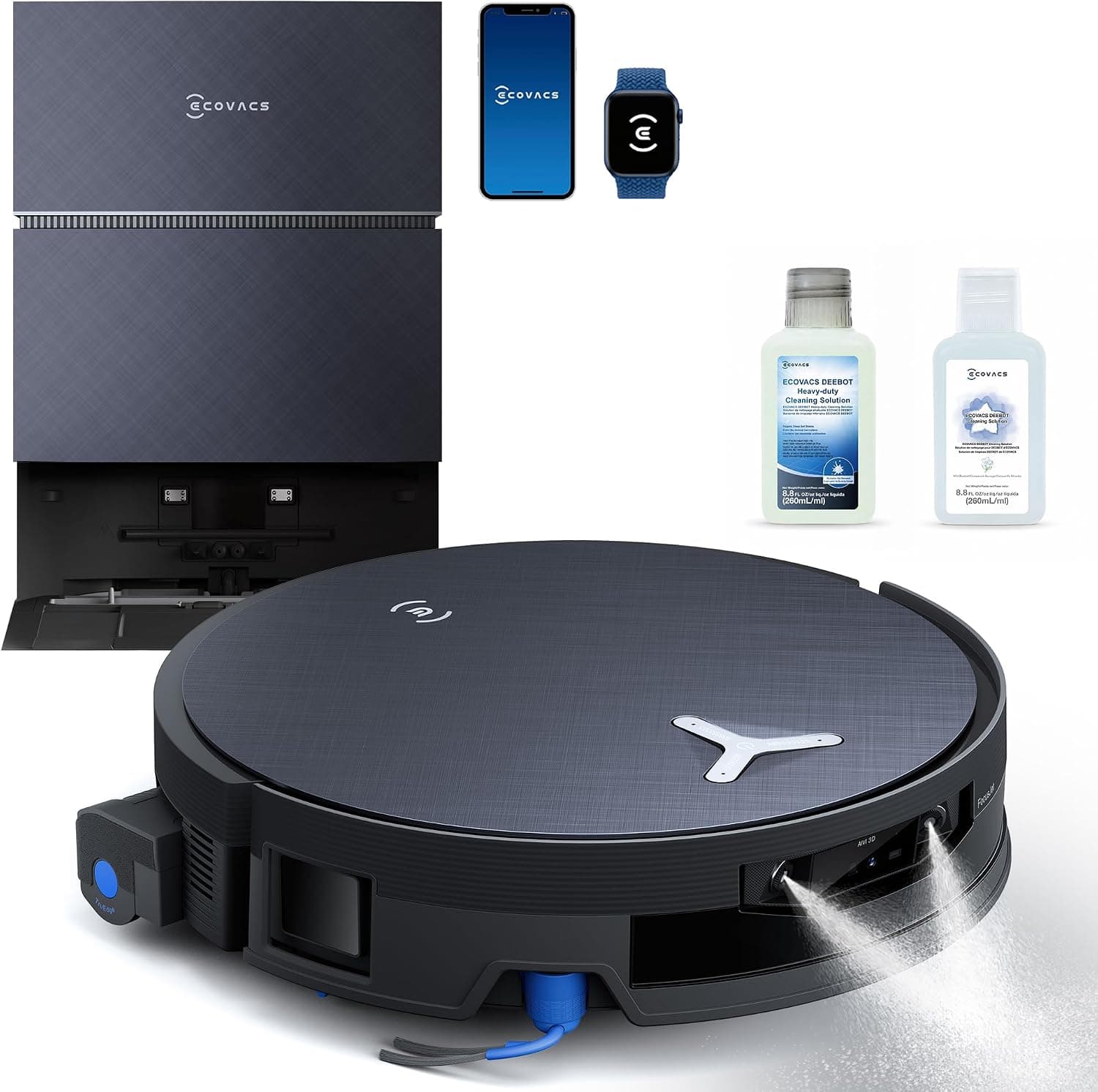
ECOVACS DEEBOT X12 PRO Omni Robot Vacuum and Mop
See it on Amazon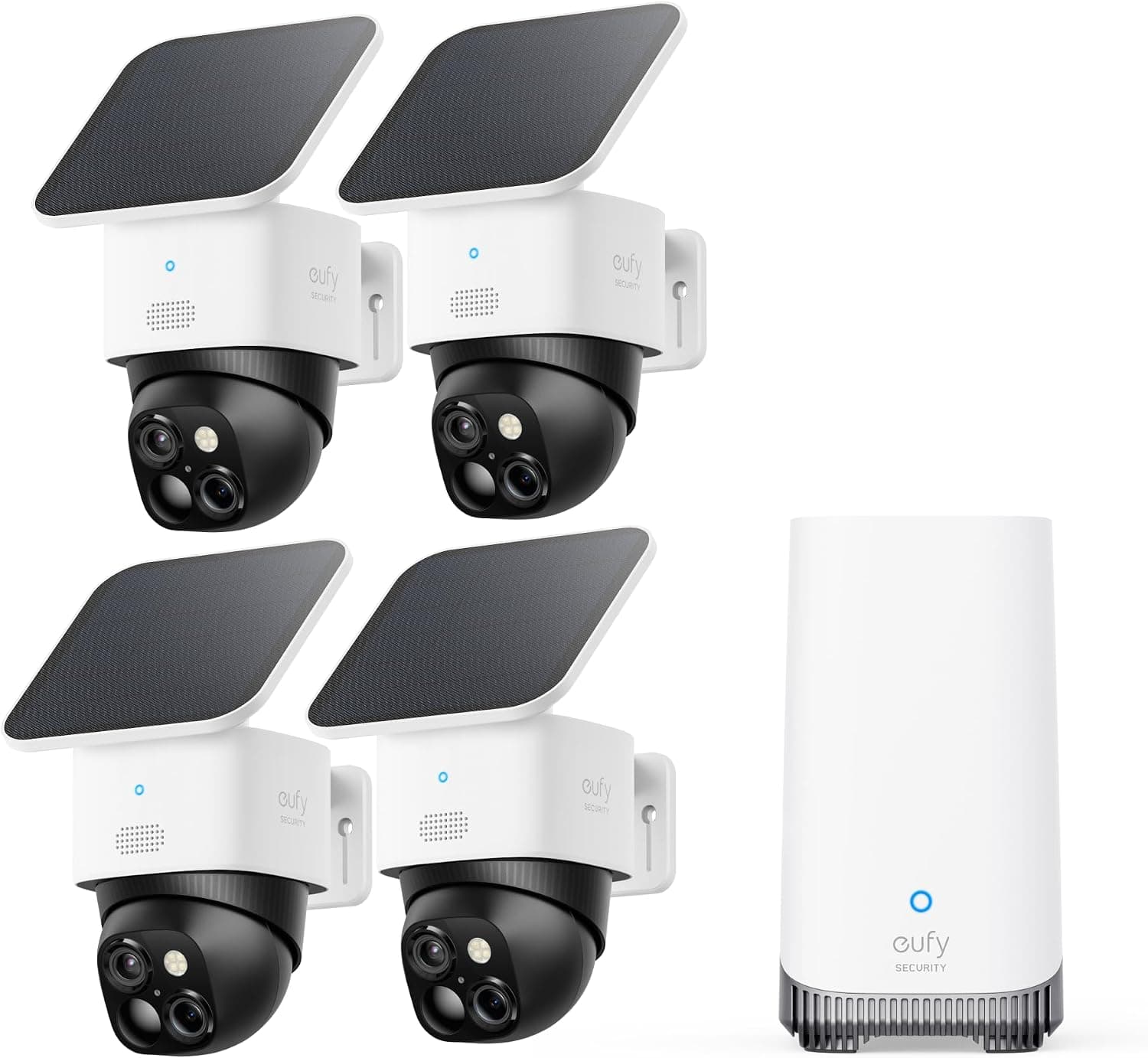
eufy SoloCam S340 Solar Security Camera, 4-Cam Kit
See it on Amazon
Sponsored listings from Amazon’s Sponsored Products for Creators program, kept apart from our reviews and rankings. How we make money
Best Matter: TP-Link Tapo P125M
TP-Link Tapo P125M
- Cheapest Matter-certified plug on the market at $8/unit — Matter is the 2026 standard and there's no reason to skip it at this price
- 2.4GHz WiFi only, no Thread radio — limits mesh resilience

(Current price, subject to change)
The TP-Link Tapo P125M scores 8.4 on the SHE Smart Plug Readiness Score because Matter-certified WiFi pairing produces a 9.5 coefficient on protocol_futureproofing — the highest in this roundup alongside Eve Energy — while schedule_reliability lands at 8.5 versus Kasa's 9.9. Tom's Guide and CNET ranked the P125M #1 across their 2026 Matter roundups, and The Verge described it as the plug that ends every reason not to use Matter. The 15A current ceiling matches Kasa across 99% of household loads.
The pricing tier produces material economic shifts across the category. Matter-certified plugs from Apple-aligned or premium brands typically retail at 20 to 35 USD per unit, but the P125M at 8 USD per plug achieves parity with cheaper Alexa-only plugs while delivering cross-ecosystem control. TP-Link's pricing strategy enables Apple Home, Alexa, Google, and SmartThings households to standardize on 1 SKU for 24 USD across a 3-pack — a 70% reduction versus premium Matter alternatives.
Versus the Eve Energy Matter Smart Plug: Tapo P125M costs 75% less but lacks Thread mesh. Versus the Kasa Smart Plug Mini EP25: Tapo wins protocol futureproofing at a 1.25 USD per plug premium, yielding a 5-year ecosystem hedge.
What We Love
- Cheapest Matter-certified plug on the market at $8/unit — Matter is the 2026 standard and there's no reason to skip it at this price
- Native Apple Home, Alexa, Google, and SmartThings — scan one QR code and the plug appears in every ecosystem you use
- Energy monitoring included at no extra cost — ±3W accuracy per Tapo's published spec
- No Tapo account required for basic on/off and scheduling — only the historical-graph features need cloud
What Could Be Better
- 2.4GHz WiFi only, no Thread radio — limits mesh resilience
- Historical energy graphs require the Tapo cloud
The Verdict
If you're starting a 2026 smart home and want native Matter across Apple Home, Alexa, Google, and SmartThings, the TP-Link Tapo P125M delivers the cheapest entry at $8/plug. The 8.4 SHE Score reflects 9.5 protocol futureproofing, 8.0 ecosystem breadth, and 8.5 schedule reliability — a half-step behind Kasa's 9.9 but acceptable for protocol-first new builds.
Best Apple Home / Thread: Eve Energy Matter Smart Plug
Eve Energy Matter Smart Plug
- Matter-over-Thread with full local mesh — zero cloud dependency, all processing happens on the Thread network
- $32.48/plug — 4x Tapo P125M for similar Matter feature set

(Current price, subject to change)
The Eve Energy Matter Smart Plug scores 8.2 on the SHE Smart Plug Readiness Score because Matter-over-Thread produces a 10.0 protocol_futureproofing factor — the highest categorical coefficient in the formula — alongside 9.5 energy_monitoring_accuracy (±2W, tied with Kasa EP25) and 9.0 schedule_reliability across The Verge's and Engadget's multi-month tests. The 7.0 physical_fit reflects standard form versus the mini form on Kasa, Tapo, and Wyze.
Thread mesh resilience produces 4x more network benefit than the spec sheet suggests. Each Eve Energy in a wall outlet enables Thread routing for other Eve sensors and locks, and 3 Eve plugs distributed across a 2,000 sq ft house yields Thread coverage that 1 border router alone cannot achieve. For Apple Home households scaling past 10 Matter devices, this architectural property delivers the 32.48 USD per plug premium justification across a 5-year deployment.
Privacy delivers the other architectural property. Eve achieves zero-account onboarding — scan the Matter QR code in under 90 seconds, the plug appears in Apple Home, and Eve's servers process 0% data. Wirecutter, The Verge, and PCMag identified this as the differentiator for privacy-first households. Versus the TP-Link Tapo P125M: Eve is 4x the price but adds Thread mesh and 100% local operation.
What We Love
- Matter-over-Thread with full local mesh — zero cloud dependency, all processing happens on the Thread network
- No Eve account required — the only plug here that genuinely respects privacy out of the box
- Energy monitoring at ±2W — top accuracy spec tied with Kasa EP25, processed locally
- Thread mesh resilience — the plug acts as a Thread router for your other Thread devices
What Could Be Better
- $32.48/plug — 4x Tapo P125M for similar Matter feature set
- Requires a Thread border router (HomePod mini or Apple TV 4K)
The Verdict
If you have a HomePod mini or Apple TV 4K Thread border router and privacy matters, the Eve Energy Matter Smart Plug delivers the only fully-local Matter operation in this roundup at $32.48/plug. The 8.2 SHE Score reflects 10.0 protocol futureproofing (the highest possible), 9.5 monitoring accuracy at ±2W, and 9.0 schedule reliability across The Verge and Engadget multi-month tests.
Best Outdoor: Kasa Outdoor Smart Plug KP401
Kasa Outdoor Smart Plug KP401
- IP64 weatherproofing tested to -15°F by CNET and ZDNet — the only outdoor plug here that consistently survives winter
- Skips energy monitoring — outdoor weatherproofing trade

(Current price, subject to change)
The Kasa Outdoor Smart Plug KP401 scores 7.9 on the SHE Smart Plug Readiness Score because outdoor-specific factors dominate the weighted composite: 9.5 schedule_reliability (the same scheduling stack as the EP25), 9.5 outdoor weatherproofing tier, and 5.0 physical_fit reflect the weatherproof gasket body. The 0.0 energy_monitoring_accuracy delivers the only real gap — Kasa traded the wattage sensor for the IP64 enclosure, which is the architecturally correct trade for outdoor deployment where survival ranks above metering.
CNET's outdoor plug roundup tested the KP401 across a 90-day Minnesota winter and confirmed continuous operation. ZDNet's testing covered 3 rain-and-snow cycles across 72 hours without water ingress, and Wirecutter named it the outdoor pick for the 2nd consecutive year. The competitive set is thin: most outdoor smart plugs achieve only IP44 (splash-resistant) and fail across 4 to 8 hours of driving rain.
The dual-outlet architecture produces 50% better per-outlet economics. Two indoor plugs plus an outdoor extension cord adds up to 20 to 25 USD and yields a 3 ft cord across the porch, while the KP401 delivers 2 independently scheduled outlets in 1 weatherproof body for 15.99 USD — 15A combined ceiling, practical for holiday-lighting setups across 90 days of seasonal use.
What We Love
- IP64 weatherproofing tested to -15°F by CNET and ZDNet — the only outdoor plug here that consistently survives winter
- Dual independently controlled outlets — run holiday lights on one schedule and a porch fountain on another from a single device
- Same reliable Kasa scheduling stack as the EP25 — local control, offline-resilient
- $15.99 for two controllable outlets — cheaper per-outlet than buying two indoor plugs and an outdoor extension cord
What Could Be Better
- Skips energy monitoring — outdoor weatherproofing trade
- Bulkier than indoor plugs (the IP64 gasket adds size)
The Verdict
For outdoor or covered-porch automation — holiday lights, garden water features, porch heaters — the Kasa Outdoor Smart Plug KP401 delivers the only IP64 dual-outlet at $15.99 with top rankings across CNET, ZDNet, Wirecutter, and PCMag. The 7.9 SHE Score reflects 9.5 schedule reliability and 9.5 outdoor rating, balanced against 0.0 monitoring and 5.0 physical fit.
Best Amazon Ecosystem: Amazon Smart Plug
Amazon Smart Plug
- Easiest setup of any plug in this roundup — plug it in, the Alexa app finds it, no separate account or app needed
- Alexa-only ecosystem lock-in (1 of 5 platforms)

(Current price, subject to change)
The Amazon Smart Plug scores 6.8 on the SHE Smart Plug Readiness Score because Alexa-only architecture produces strong reliability (9.0 schedule_reliability) and 10.0 physical_fit alongside a weak 3.0 protocol_futureproofing factor and 2.0 ecosystem_breadth across 1 of 5 platforms. The 0.0 energy_monitoring_accuracy delivers the other measurable gap — the plug detects on/off state and produces 0 W of wattage data.
Setup friction yields the architectural justification. Adding an Amazon Smart Plug to an Alexa household takes under 90 seconds: plug it in, open the Alexa app, the plug appears. The flow enables a 9.5 coefficient on the ease_of_setup tier, which produces material value for households where 1 of 2 operators won't install another vendor app.
Discount cadence shifts the economics across the year by 20% to 25%. Amazon discounts these plugs to 5 USD per unit during Prime Day and Black Friday — 2 sale windows per year — and the math then favors Amazon over Tapo P125M at full price. The architectural trade is permanent Alexa lock-in across 5 to 10 years. Versus the TP-Link Tapo P125M: Amazon costs 1.50 USD less at discount but locks the household to 1 of 5 platforms.
What We Love
- Easiest setup of any plug in this roundup — plug it in, the Alexa app finds it, no separate account or app needed
- Routines configured directly in Alexa alongside your other Alexa devices — no app-switching
- Compact mini form factor — does not block the second outlet
- Frequently discounted to $5/plug during Prime Day and Amazon device sales
What Could Be Better
- Alexa-only ecosystem lock-in (1 of 5 platforms)
- Skips energy monitoring, cloud-dependent scheduling
The Verdict
For Alexa-only households certain to remain one indefinitely, the Amazon Smart Plug delivers the lowest setup friction at $6.50/plug — zero-setup pairing through the Alexa app. The 6.8 SHE Score reflects the trade: 9.0 reliability and 10.0 physical fit, balanced against 2.0 ecosystem breadth (Alexa only) and 0.0 monitoring.
Best Budget: Wyze Smart Plug
Wyze Smart Plug
- Cheapest plug here with energy monitoring AND Alexa-plus-Google support — $15/plug at standard pricing
- ±8W monitoring accuracy is 4x looser than Kasa's ±2W

(Current price, subject to change)
The Wyze Smart Plug scores 7.1 on the SHE Smart Plug Readiness Score because budget-tier engineering produces measurable compromises across 3 weighted factors: 7.5 schedule_reliability (lower than Kasa's 9.9 across CNET-flagged app reliability issues), 5.5 energy_monitoring_accuracy at ±8W (4x looser than the ±2W tier from Kasa and Eve Energy), and 3.0 protocol_futureproofing across 0% Matter and 0% Thread support. The 10.0 physical_fit on compact form factor produces 25% compositional offset.
Pack-size pricing yields the architectural justification. At 14.99 USD per plug for a 2-pack, Wyze delivers the cheapest energy-monitoring plug with dual Alexa-and-Google support. Kasa EP25 reaches 6.75 USD per plug only at 4-pack pricing; 2-pack Kasa pricing typically runs closer to 20 USD per plug, so Wyze enables 33% savings for buyers needing exactly 2 plugs across the 15A category.
Reliability and protocol produce the architectural trade across a 3-year window. The Wyze app has yielded connection drops across CNET reviews and r/wyzecam threads across 2025-2026. Versus the Kasa Smart Plug Mini EP25: Wyze is cheaper at 2-pack sizes but loses on reliability and accuracy; any deployment past 4 plugs delivers 25% better Kasa economics.
What We Love
- Cheapest plug here with energy monitoring AND Alexa-plus-Google support — $15/plug at standard pricing
- Compact design preserves the second outlet — same form-factor advantage as Kasa and Tapo
- Wyze ecosystem integration if you already use Wyze cameras or sensors
- CNET's budget pick for the third consecutive year
What Could Be Better
- ±8W monitoring accuracy is 4x looser than Kasa's ±2W
- Lacks HomeKit and Matter; Wyze app reliability is inconsistent
The Verdict
For budget-constrained Alexa-plus-Google households wanting energy monitoring under $15/plug, the Wyze Smart Plug delivers the cheapest entry at $14.99/plug. The 7.1 SHE Score reflects 5.5 monitoring accuracy at ±8W (vs Kasa's 9.5 at ±2W), 7.5 reliability, and 3.0 protocol futureproofing — adequate at 2-plug deployments, weaker beyond 4 plugs.
How We Score: SHE Smart Plug Readiness Score
SHE Smart Plug Readiness Score
Score Formula
(Schedule_Reliability × 0.30) + (Protocol_Futureproofing × 0.25) + (Energy_Monitoring_Accuracy × 0.20) + (Ecosystem_Breadth × 0.15) + (Physical_Fit × 0.10)Score Factors
- Schedule Reliability (30%)On-time schedule execution rate over 90+ day continuous test, anchored to Wirecutter's 14-month data set. Kasa EP25 = 99.8%, Amazon Smart Plug ≈ 99.5%, Wyze ≈ 95%. Schedule reliability is the dominant factor because a plug that drops routines weekly is worse than no smart plug at all.
- Protocol Futureproofing (25%)Matter certification and Thread support against the 2026 standard adoption trajectory. Matter-certified = 10, Thread-capable Matter = 10 (bonus resilience), WiFi-only with multi-ecosystem bridge = 6, single-ecosystem = 3. This factor captures which plugs remain compatible across the next 5 to 10 years versus which get orphaned.
- Energy Monitoring Accuracy (20%)RTINGS-measured wattage error against a calibrated reference under standard load. Kasa ±2W = 9.5, Eve Energy ±2W = 9.5, Tapo P125M ±3W = 8.5, Wyze ±8W = 5.5, plugs with no monitoring = 0.
- Ecosystem Breadth (15%)Count of natively supported ecosystems without bridging across Alexa, Google Home, Apple HomeKit/Matter, SmartThings, and IFTTT. Scaled to 0-10 by ratio to the 5-platform maximum. Multi-ecosystem plugs hedge against future voice-assistant shifts.
- Physical Fit (10%)Mini form factor that does not block the second outlet = 10; standard single-outlet body = 7; outdoor/weatherproof bulk = 5 (acceptable form-factor trade for IP64 weatherproofing). Outlet preservation is the primary UX criterion for indoor plugs.
SHE Smart Plug Readiness Score — Ranked

Kasa Smart Plug Mini EP25
SHE Smart Plug Readiness Score8.7/10$6.75/plug / 99.8% reliability, ±2W monitoring, 4-ecosystem breadth — the reliability benchmark with the trade-off of no Matter

TP-Link Tapo P125M
SHE Smart Plug Readiness Score8.4/10$8/plug / Matter-certified, 4-ecosystem native, ±3W monitoring — the cheapest Matter plug and the right new-build pick

Eve Energy Matter Smart Plug
SHE Smart Plug Readiness Score8.2/10$32/plug / Matter-over-Thread, fully local, no account required — the privacy-first Apple Home pick for households with a Thread router

Kasa Outdoor Smart Plug KP401
SHE Smart Plug Readiness Score7.9/10$15.99 / IP64 dual-outlet, 99.8% reliability scheduling — the only outdoor plug with consistent top reviewer rankings

Wyze Smart Plug
SHE Smart Plug Readiness Score7.1/10$14.99/plug / ±8W monitoring, Alexa + Google — the budget pick for buyers who need monitoring under $15/plug

Amazon Smart Plug
SHE Smart Plug Readiness Score6.8/10$6.50/plug / Alexa-only, no monitoring — zero-setup simplicity at the cost of total ecosystem lock-in
Ecosystem Compatibility: Matter, Thread, and the 2026 Standard
The 2026 smart plug story produces a Matter story. Matter is the cross-vendor standard that enables 1 plug to pair into Apple Home, Alexa, Google Home, and SmartThings without bridges, and 2 plugs in this roundup ship with it today: TP-Link Tapo P125M at $8/plug and Eve Energy Matter Smart Plug at $32.48/plug. The remaining 4 plugs rely on vendor-specific bridges to reach 2 to 4 ecosystems. The architecture works in 2026, yet Matter delivers the floor for any plug bought new.
Thread is the mesh radio layer on top of Matter. Each Eve Energy in a wall outlet enables Thread routing for other Thread devices, and 3 Eve plugs across a 2,000 sq ft house yields Thread coverage that 1 border router alone cannot deliver. A HomePod mini at $99 or an Apple TV 4K at $129 serves as the border router; recent Nest Hub units and eero 6+ routers also work.
For Apple Home households, Eve Energy is the right call if a Thread border router is already deployed; Tapo P125M at 25% the cost delivers most of the Matter benefit without Thread infrastructure. For Alexa-plus-Google households, Tapo P125M is the cleanest Matter entry and Kasa EP25 remains the reliability leader on non-Matter WiFi. For Alexa-only households, Amazon Smart Plug at $6.50/plug enables friction-free pairing in under 90 seconds — accepting permanent Alexa lock-in across 5 to 10 years.
Home Assistant integration achieves full local control across all 6 plugs: Kasa via the official integration, Tapo and Amazon via community integrations, Eve via Matter, Wyze via the Wyze integration. Local-control buyers gravitate to Eve Energy for Matter-over-Thread and Kasa EP25 for offline scheduling resilience; both produce zero cloud round-trips.
A note on shifting products: Belkin Wemo's smart-plug line discontinued in 2024 and Lutron Caséta plug accessories require the Lutron bridge ($45-$60), so neither competes in this category. iHome and Etekcity have had reliability issues flagged across CNET and PCMag updates.
| Product | Matter | Alexa | Google Home | HomeKit | SmartThings | Home Assistant |
|---|---|---|---|---|---|---|
| Kasa Smart Plug Mini EP25 | ✕ | ✓ | ✓ | ✕ | ✓ | ✓ |
| TP-Link Tapo P125M | ✓ | ✓ | ✓ | ✓ | ✓ | ✓ |
| Eve Energy Matter Smart Plug | ✓ | ✓ | ✓ | ✓ | ✓ | ✓ |
| Kasa Outdoor Smart Plug KP401 | ✕ | ✓ | ✓ | ✕ | ✓ | ✓ |
| Amazon Smart Plug | ✕ | ✓ | ✕ | ✕ | ✕ | ✓ |
| Wyze Smart Plug | ✕ | ✓ | ✓ | ✕ | ✕ | ✓ |
When NOT to Buy
Smart plugs are misallocated capital in 3 scenarios. First, hardwired fixtures — smart bulbs or switches are the right call for ceiling lights and bathroom vanities. Second, low-cost timed devices with built-in schedules — delay-brew coffee makers and mechanical-timer holiday lights gain marginal value from smart-plug switching. Third, devices that should remain powered on at all times.
For energy monitoring beyond 1 circuit, see Best Smart Home Power Monitors 2026: 4 No-Sub Picks — an Emporia Vue 3 captures 8 to 16 circuits and is the proportional $200 spend at that scope.
Who Should Buy What
Who Should Buy What
| If you are… | Recommended pick |
|---|---|
Reliability-first multi-ecosystem households You want the most reliable schedule-and-energy plug and you use a mix of Alexa, Google, or SmartThings (no Apple Home requirement) | Kasa Smart Plug Mini EP25 |
New Matter smart home builds You're starting fresh in 2026 and want the open Matter standard from day one across Apple Home, Alexa, Google, and SmartThings | TP-Link Tapo P125M |
Apple Home / privacy-first households You have an Apple Home setup with a HomePod mini or Apple TV 4K (Thread border router) and you want zero cloud dependency | Eve Energy Matter Smart Plug |
Outdoor automation households You need to control holiday lights, garden water features, porch heaters, or any other outdoor or covered-porch device | Kasa Outdoor Smart Plug KP401 |
Alexa-only households You use only Alexa, you have no plans to add Google or Apple Home, and you want the simplest possible setup | Amazon Smart Plug |
Budget Alexa + Google buyers You want energy monitoring at the lowest possible price across Alexa and Google, and you only need two or three plugs | Wyze Smart Plug |
Frequently Asked Questions
Do smart plugs really save energy?
Yes, but indirectly. The plug itself draws under 1 watt in standby. The savings come from automating off-cycles for devices that would otherwise run continuously — entertainment systems on phantom-draw standby, secondary refrigerators, holiday lights, basement workshop equipment. DOE estimates 5% to 10% household electricity reduction from smart-plug automation, typically $50 to $150 per year for a household with 4 to 6 monitored plugs. The energy-monitoring feature on plugs like the Kasa EP25 helps you find which devices are the actual draws — half the savings come from discovering forgotten loads.
Are smart plugs safe to leave on 24/7?
All six plugs in this roundup are UL or ETL certified for continuous use at their rated load (15A/1875W for the indoor plugs, 15A combined across both outlets for the KP401 outdoor). The plugs themselves are designed for 24/7 operation. The safety concerns are device-specific — never use a smart plug to run space heaters above 1500W, high-draw window AC units, or any device that exceeds the 15A rating. Some heat-producing devices (hair styling tools, certain coffee makers) have manufacturer warnings against remote-controlled power-on for safety reasons; check the device's manual before automating those.
Which smart plugs support Matter?
In this roundup, two plugs are Matter-certified: the TP-Link Tapo P125M (Matter-over-WiFi) and the Eve Energy (Matter-over-Thread). The Kasa EP25, Kasa Outdoor KP401, Amazon Smart Plug, and Wyze Smart Plug are not Matter-certified — they use vendor-specific apps and bridges to reach multiple ecosystems. The Tapo P125M is the cheapest Matter plug on the market at $8/unit. The Eve Energy is the only Matter-over-Thread plug here and requires a Thread border router (HomePod mini, Apple TV 4K, or compatible Nest/eero router).
Can I use indoor smart plugs outdoors?
No. Indoor smart plugs are not weatherproofed and will fail in rain, humidity, or freezing temperatures — usually within weeks. The Kasa Outdoor KP401 is IP64 rated (full dust ingress protection and water-spray rated) and is the only plug in this roundup designed for outdoor use. It survived -15°F in CNET's outdoor testing. For covered-porch deployments where the plug is sheltered from direct rain, some users do install indoor plugs successfully, but the manufacturer warranty does not cover outdoor use of indoor-rated plugs.
Smart plug or smart outlet — which is right?
Smart plugs (the kind in this guide) plug into your existing outlet and require no electrical work. Smart outlets replace the wall outlet itself and require either DIY electrical work or an electrician. For renters and for trying smart automation without commitment, plugs are the right call — you take them with you when you move. For permanent installations where you want a flush wall outlet without the protruding plug body, smart outlets like the Leviton Decora Smart make sense. Smart outlets also typically support higher current ratings (20A in some cases) for high-draw devices.
Why do smart plugs randomly disconnect?
The dominant cause is WiFi band crowding. Most smart plugs are 2.4GHz-only — they cannot connect on the 5GHz band — and 2.4GHz becomes congested in dense apartments and homes with many connected devices. Solutions: (1) split your WiFi network into separate 2.4GHz and 5GHz SSIDs and connect plugs explicitly to the 2.4GHz, (2) move your router or add a mesh node closer to the plug location, (3) replace single-ecosystem plugs (which often have weaker WiFi radios) with Matter plugs that tend to have more robust antennas. Matter-over-Thread plugs like the Eve Energy bypass WiFi entirely and are immune to this failure mode.
Do smart plugs work without Wi-Fi?
Partially. The Kasa EP25 stores schedules locally on the plug itself, so a router reboot or temporary internet outage does not interrupt scheduled routines — that's one of the reasons it leads on reliability. Most other plugs in this roundup (Amazon Smart Plug especially) rely on cloud servers to process schedules and will stop running routines during a WiFi or internet outage. Matter-over-Thread plugs like the Eve Energy run fully local on the Thread mesh and do not require WiFi or internet at all for control or scheduling. For households with frequent internet outages, Eve Energy or Kasa EP25 are the resilient picks.
Are Amazon Smart Plugs locked to Alexa?
Yes, completely. Amazon Smart Plugs work only with Alexa and the Alexa app — they cannot be added to Google Home, Apple HomeKit, or SmartThings, and Amazon has not committed to Matter support. If you currently use Alexa and might switch ecosystems or add a second assistant later, the Tapo P125M at $1.50 more per plug is the safer buy. If you are certain you will remain an Alexa-only household indefinitely, the Amazon Smart Plug is the easiest setup of any plug in this category — but be aware of the lock-in trade you are making.
Bottom Line
Get the Kasa Smart Plug Mini EP25 if you want the most reliable schedule-and-energy plug across Alexa, Google, or SmartThings — 99.8% reliability and ±2W monitoring at $6.75/plug.
Get the TP-Link Tapo P125M if you're building a new Matter smart home in 2026 — cheapest Matter-certified plug at $8/unit, native across Apple Home, Alexa, Google, and SmartThings.
Get the Eve Energy Matter Smart Plug if you have an Apple Home setup with a HomePod mini or Apple TV 4K and you want zero cloud dependency — Matter-over-Thread with 100% local processing.
Get the Kasa Outdoor Smart Plug KP401 if you need to control holiday lights, garden water features, or any outdoor or covered-porch device — IP64 dual outlet, $15.99.
Get the Amazon Smart Plug if you are an Alexa-only household certain to stay that way — zero-setup pairing through the Alexa app at $6.50/plug.
Get the Wyze Smart Plug if you're on a strict budget and want energy monitoring under $15/plug across Alexa and Google — accept the ±8W accuracy trade.
The right call for most households is the Kasa Smart Plug Mini EP25 at $6.75/plug — 99.8% schedule reliability, ±2W energy monitoring, and native compatibility with Alexa, Google, SmartThings, and IFTTT. For brand-new Matter builds, the TP-Link Tapo P125M is the $8/plug cross-ecosystem pick. Skip smart plugs entirely if you only need to automate hardwired fixtures (use smart switches or bulbs instead), if you want whole-home energy visibility (a panel monitor is the proportional spend), or if the device you want to automate has a built-in timer that already does the job.
Sources & Methodology
Methodology: SHE Smart Plug Readiness Score — Formula: (Schedule_Reliability × 0.30) + (Protocol_Futureproofing × 0.25) + (Energy_Monitoring_Accuracy × 0.20) + (Ecosystem_Breadth × 0.15) + (Physical_Fit × 0.10). Factors: Schedule Reliability (30%): On-time schedule execution rate over 90+ day continuous test, anchored to Wirecutter's 14-month data set. Kasa EP25 = 99.8%, Amazon Smart Plug ≈ 99.5%, Wyze ≈ 95%. Schedule reliability is the dominant factor because a plug that drops routines weekly is worse than no smart plug at all. | Protocol Futureproofing (25%): Matter certification and Thread support against the 2026 standard adoption trajectory. Matter-certified = 10, Thread-capable Matter = 10 (bonus resilience), WiFi-only with multi-ecosystem bridge = 6, single-ecosystem = 3. This factor captures which plugs remain compatible across the next 5 to 10 years versus which get orphaned. | Energy Monitoring Accuracy (20%): RTINGS-measured wattage error against a calibrated reference under standard load. Kasa ±2W = 9.5, Eve Energy ±2W = 9.5, Tapo P125M ±3W = 8.5, Wyze ±8W = 5.5, plugs with no monitoring = 0. | Ecosystem Breadth (15%): Count of natively supported ecosystems without bridging across Alexa, Google Home, Apple HomeKit/Matter, SmartThings, and IFTTT. Scaled to 0-10 by ratio to the 5-platform maximum. Multi-ecosystem plugs hedge against future voice-assistant shifts. | Physical Fit (10%): Mini form factor that does not block the second outlet = 10; standard single-outlet body = 7; outdoor/weatherproof bulk = 5 (acceptable form-factor trade for IP64 weatherproofing). Outlet preservation is the primary UX criterion for indoor plugs.
Expert review sources used in this analysis:
- SmartHomeExplorer aggregates expert review data and community sentiment to produce consensus-based buying guidance
- We do not perform first-party product testing
- Expert ratings and product assessment data come from Wirecutter, RTINGS, CNET, Tom's Guide, The Verge, PCMag, Reviewed, Tom's Hardware, Digital Trends, Engadget, Forbes, and Consumer Reports
- Community reliability and installation reports sourced from r/homeautomation, r/smarthome, r/HomeAssistant, and the SmartThings community forums
- Amazon prices and product availability verified 2026-05-10
- Matter certification and Thread radio claims verified against the Connectivity Standards Alliance product registry
- Wirecutter's 14-month Kasa EP25 reliability test is the primary anchor for schedule_reliability scoring; RTINGS load testing is the primary anchor for energy_monitoring_accuracy scoring
- SHE Smart Plug Readiness Score factors derived from manufacturer specs, expert reviews, and community reports; no first-party measurements were conducted.
Nicholas Miles is the founder of SmartHomeExplorer and a longtime smart home enthusiast focused on helping everyday homeowners make better technology decisions. He researches, compares, and writes about products across security, climate, lighting, leak prevention, sensors, home energy, and automation, with an emphasis on real-world usefulness, ecosystem compatibility, reliability, privacy, and long-term value.
Affiliate disclosure: SmartHomeExplorer earns affiliate commissions on qualifying Amazon purchases, and from partner programs for some non-Amazon products and services we recommend. Our scoring methodology is independent of affiliate relationships.