
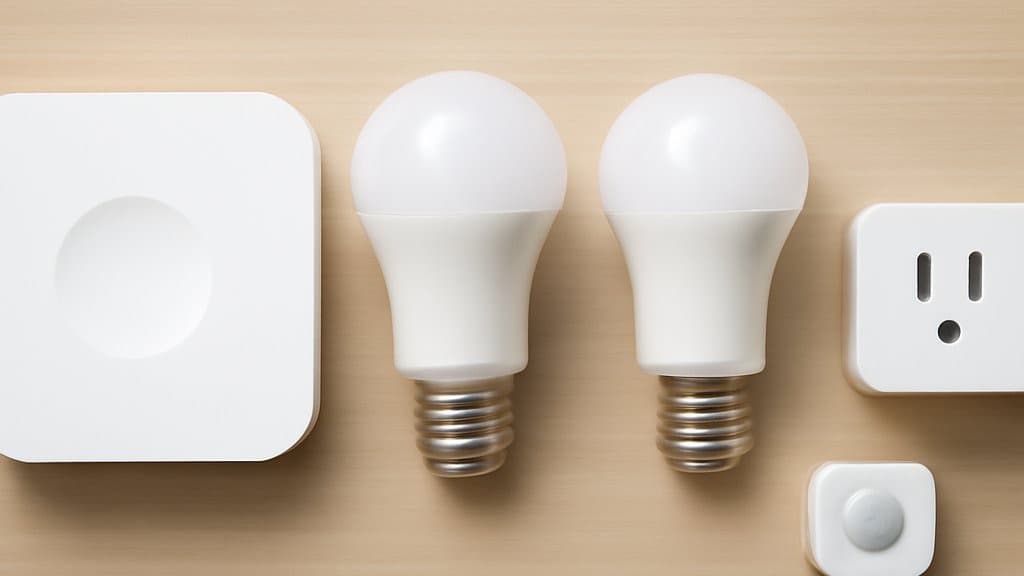
Best Smart Home Starter Kits 2026: Apple, Amazon, Google Compared
Six starter kits, ranked by ecosystem-lock cost — the Amazon Echo Show 8 (8.7 SHE Starter Kit Value Score) leads for Alexa, the Aqara M3 (8.5) leads for HomeKit. Pick the kit that matches the phone in your pocket.
This article contains affiliate links. We may earn a commission at no extra cost to you. Prices change frequently — check the current price on Amazon before buying. Learn more
The Short Answer
In this guide we evaluated 6 starter kits; the Amazon Echo Show 8 (3rd Gen) at $149.99 (verified July 2026) is the broadest Alexa anchor — a built-in Matter controller and Thread border router on an 8.7-inch display that absorbs the first 20 to 30 devices without a separate hub.
Featured in this Guide
Amazon
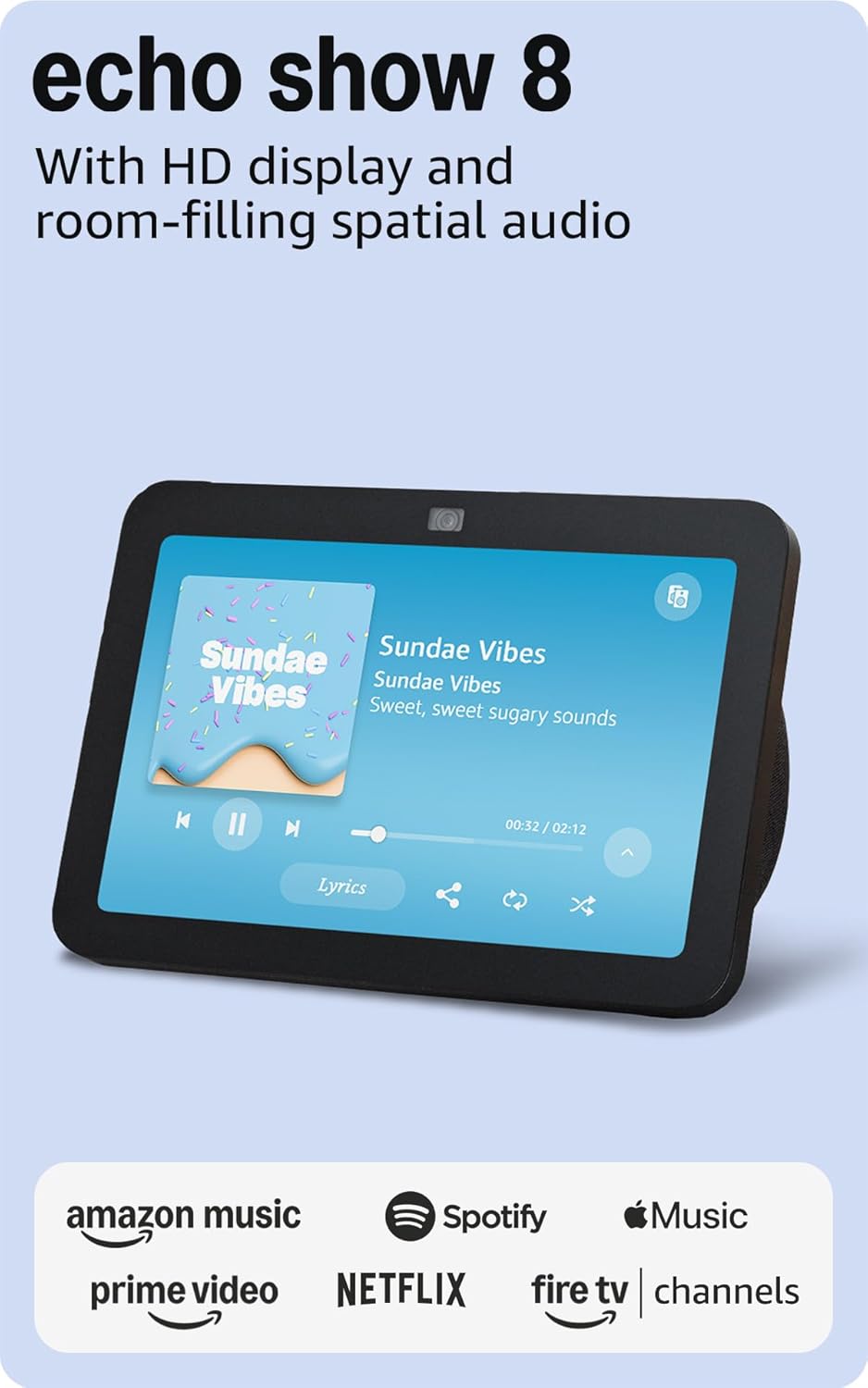
Echo Show 8 (3rd Gen)
- •$149.99 — Matter + Thread radios plus 8.7-inch screen
- •one device, three jobs, Alexa households start here

Aqara
Hub M3
- •$159.99 — Zigbee + Thread + Matter + native HomeKit
- •broadest ecosystem reach for iPhone-first families
Philips
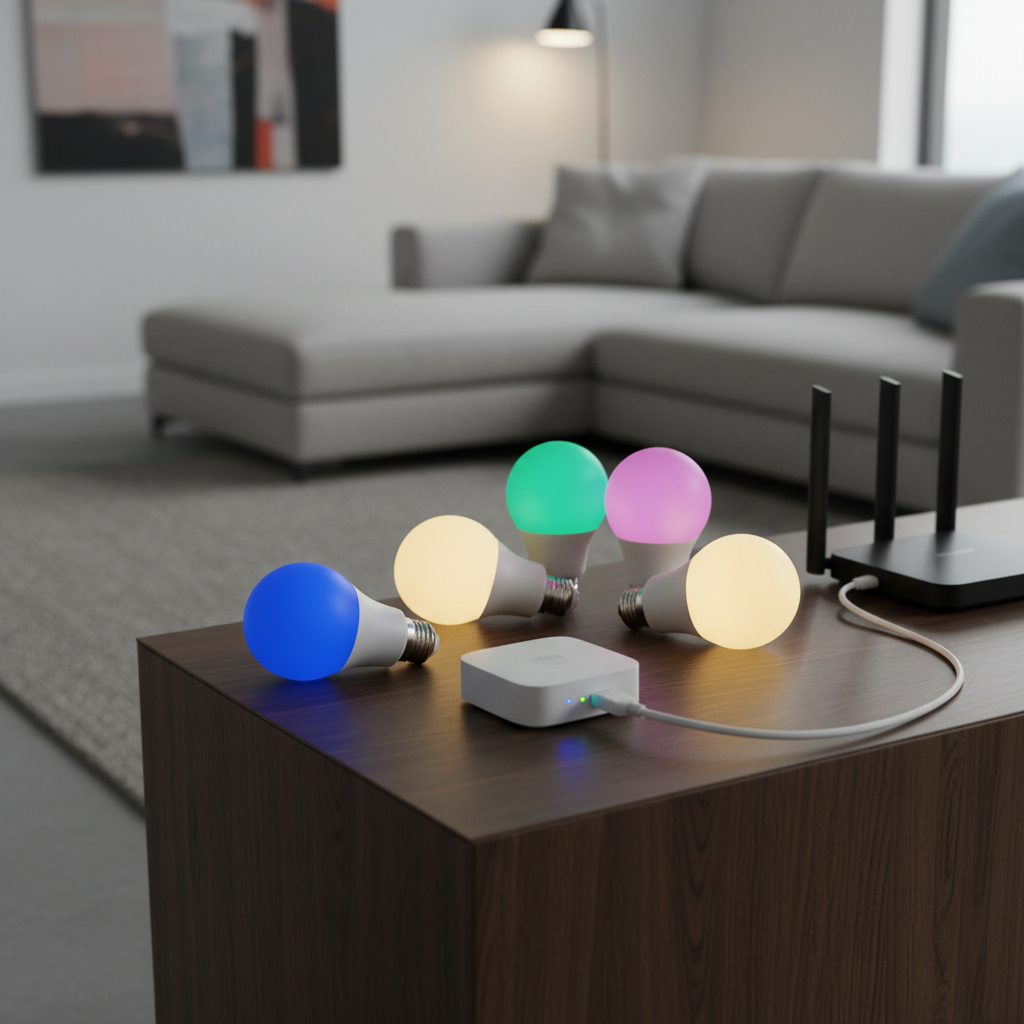
Hue White and Color Starter Kit
- •$129.99 — Bridge + 4 color bulbs
- •the only kit that scales past 30 bulbs without a second app
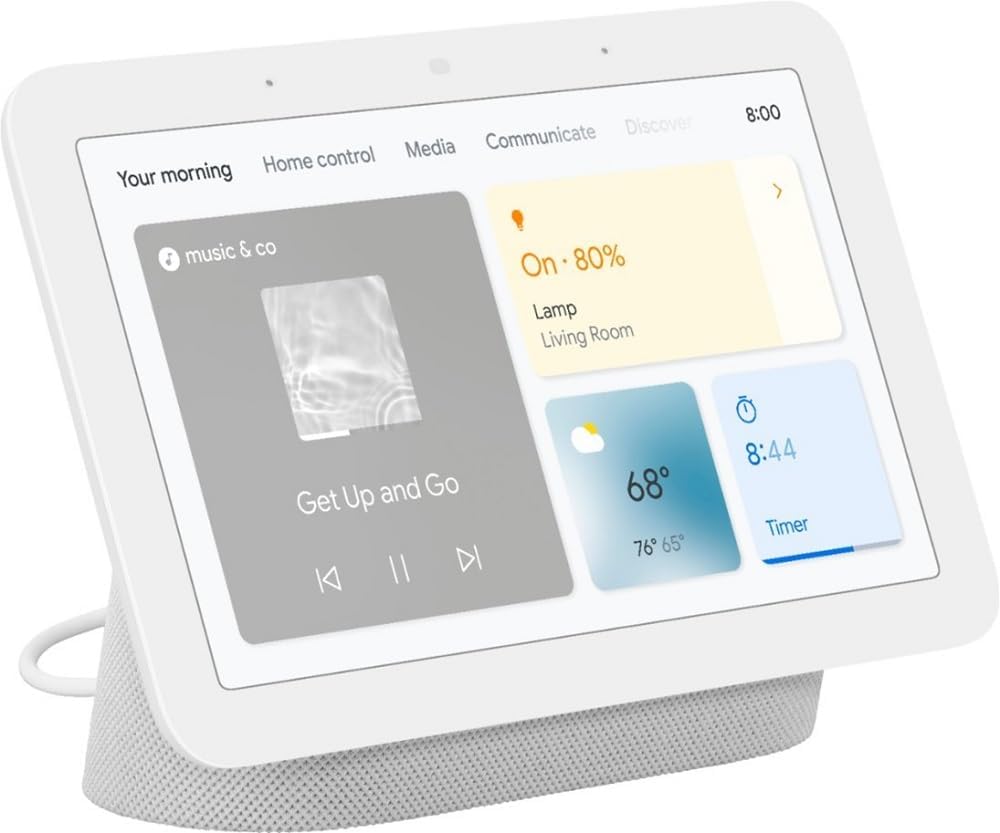
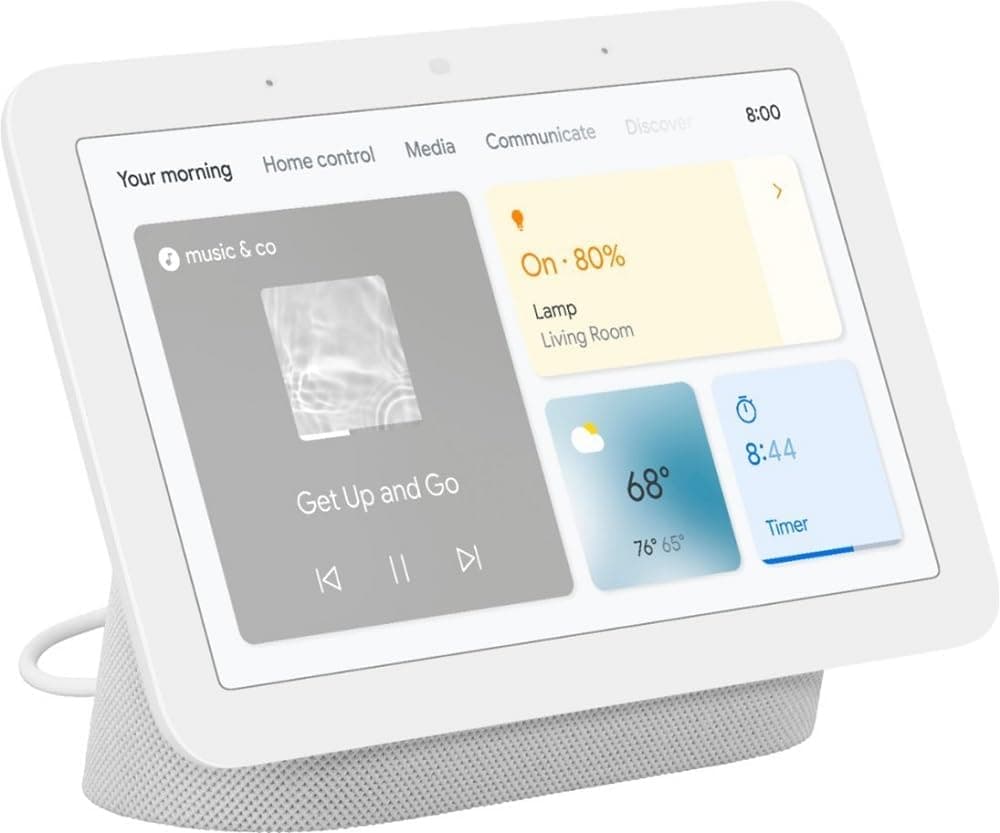
Nest Hub (2nd Gen)
- •$99.99 — cheapest smart display starter
- •Gemini routines tie into Google Calendar and Photos
Samsung
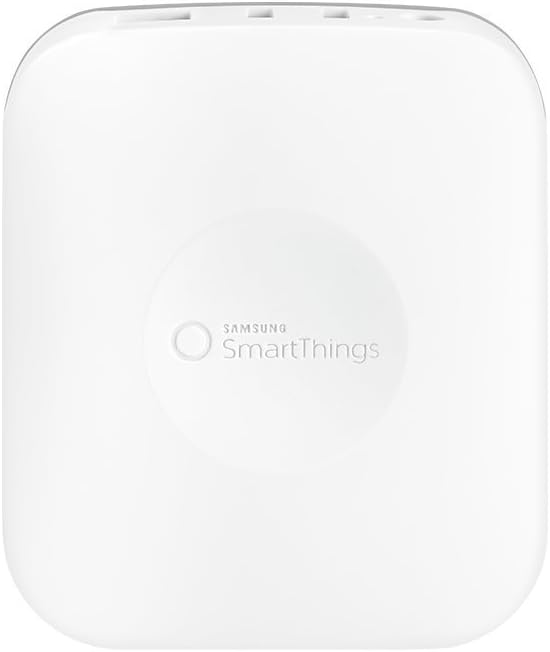
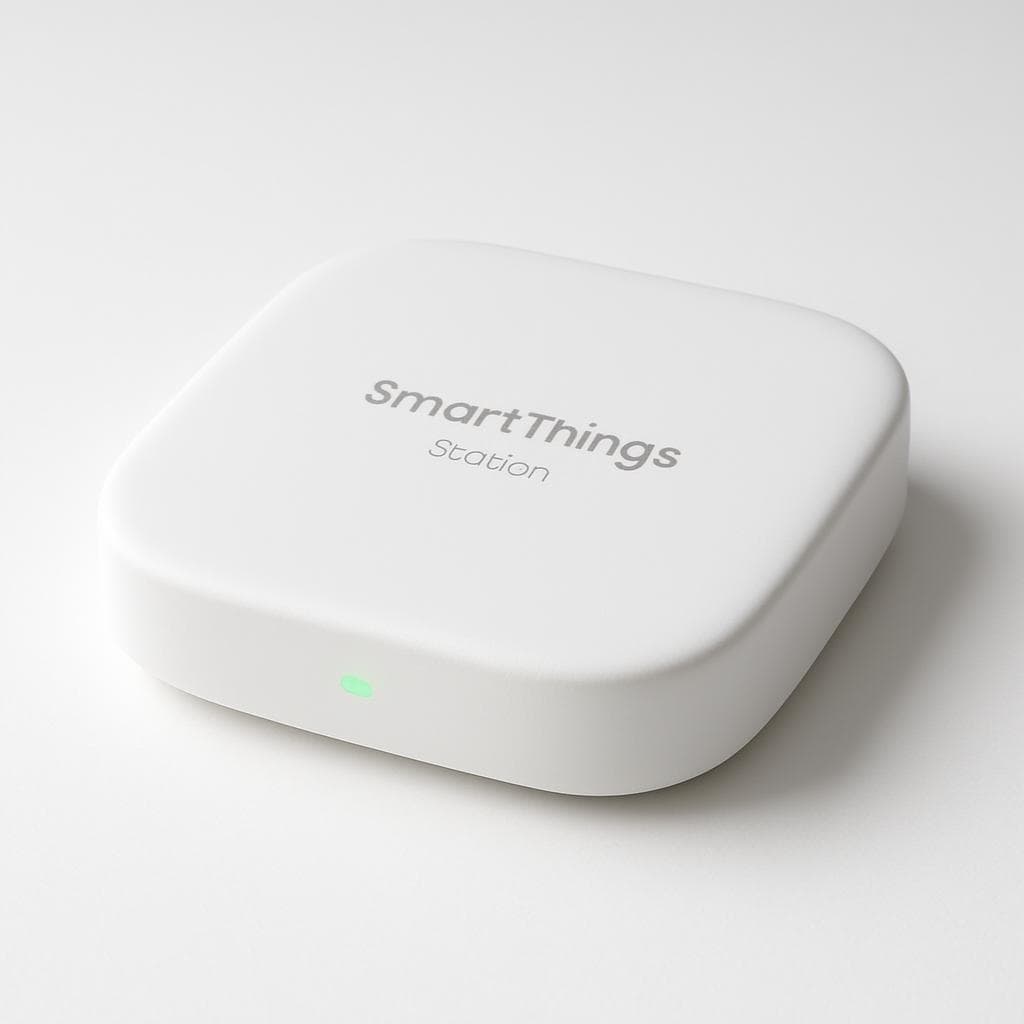
SmartThings Station
- •$59.99 — Matter + Zigbee + wireless charging
- •cheapest hub kit, pair with any speaker for voice
Wyze
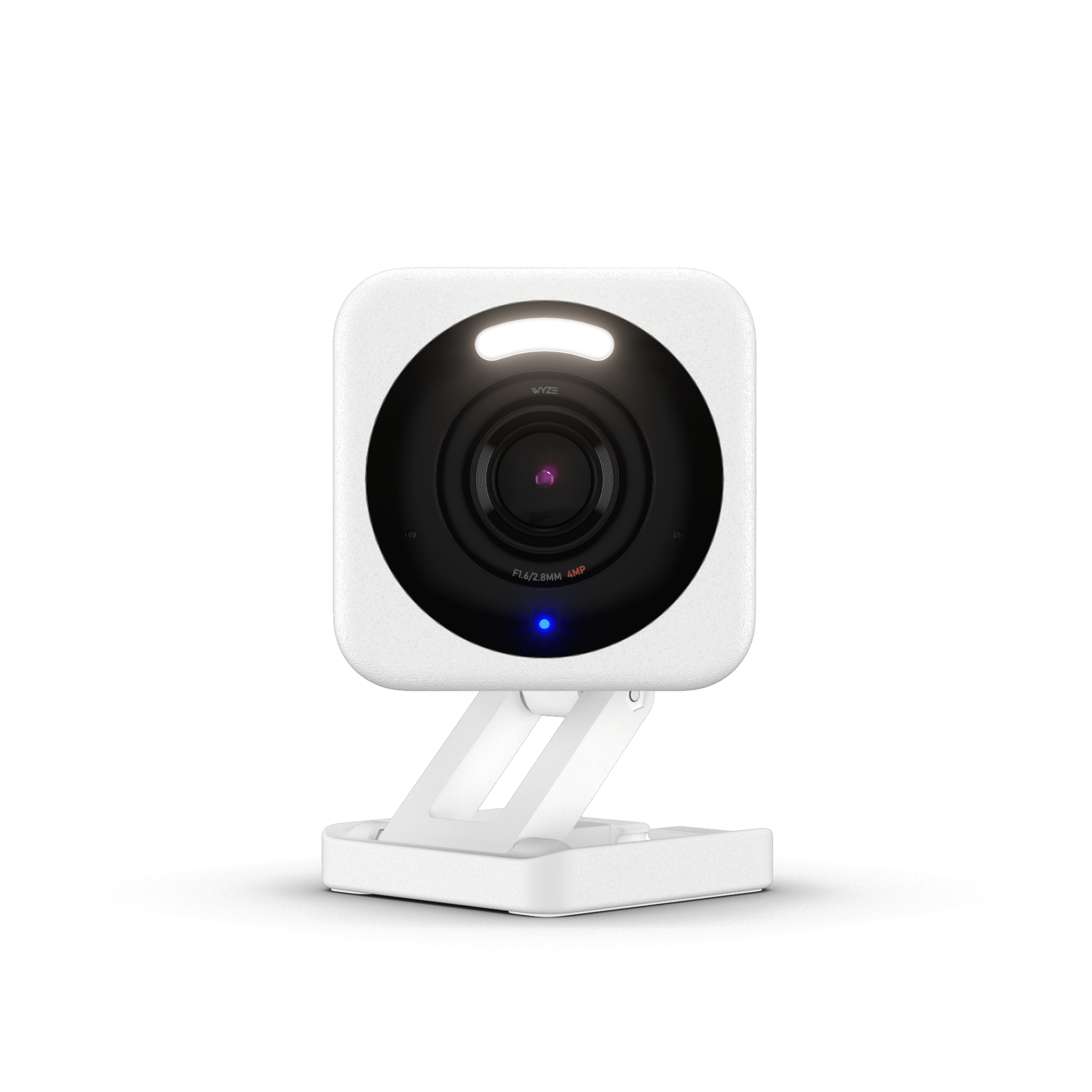
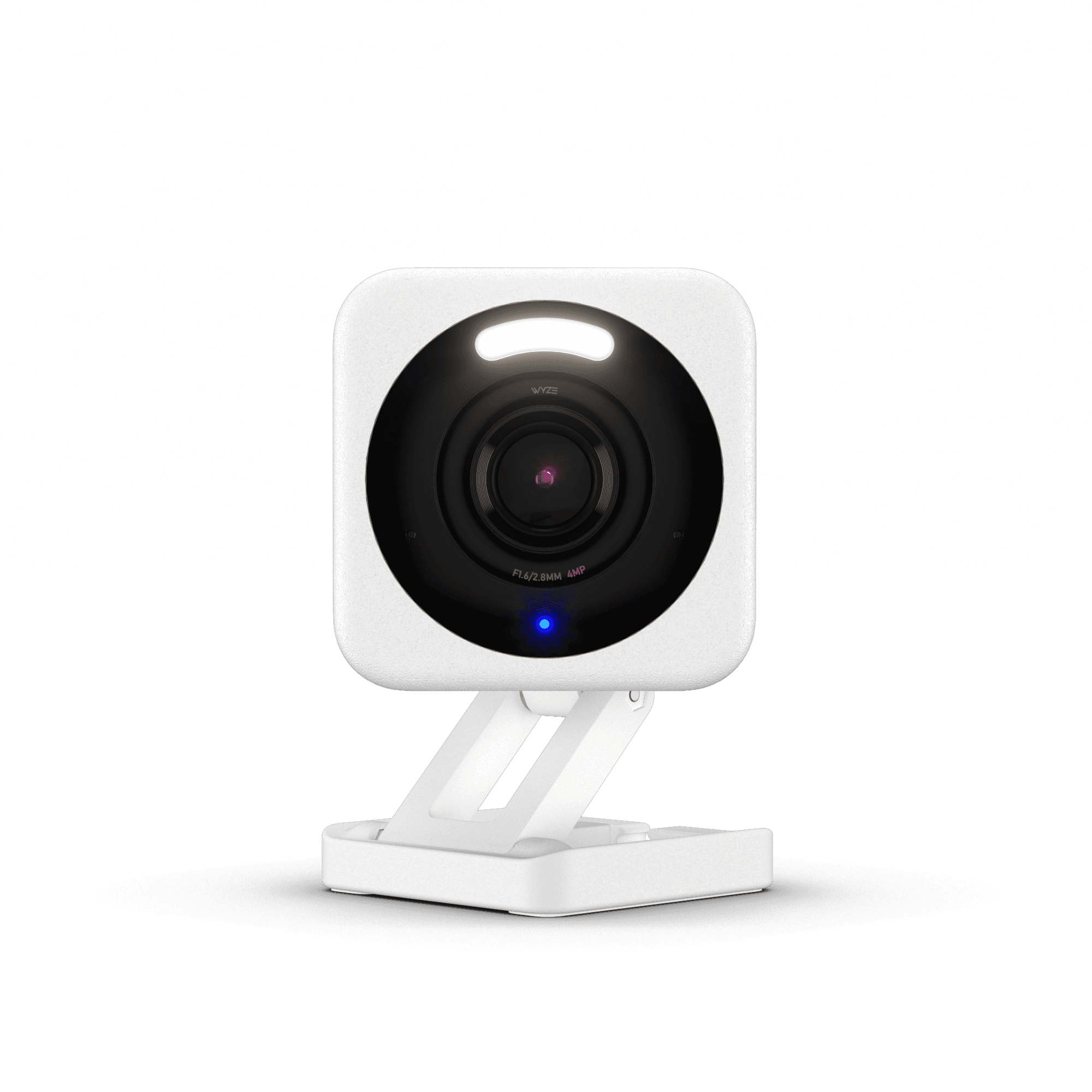
Cam v4
- •$35.97 — 2.5K video, free person/pet alerts, USB-C power
- •turns any kit above into a security setup
Head-to-Head: Ecosystem, Setup, Cost, and Expandability
Smart Home
Chart
 Smarthomeexplorer.com
Tap any pick to check its live price on Amazon.
EcoFlow DELTA Pro 3 Portable Power Station
RecommendedCheck price
Anker SOLIX F3800
Good ValueCheck price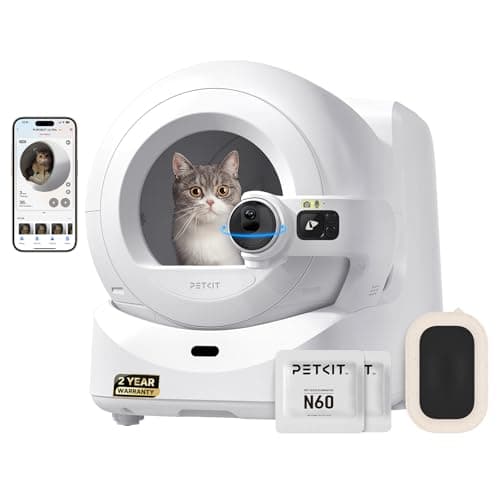
PETKIT Purobot Ultra
Must BuyCheck price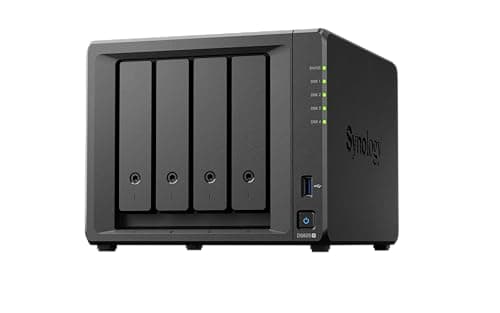
Synology DS925+ 4-Bay NAS
Must BuyCheck price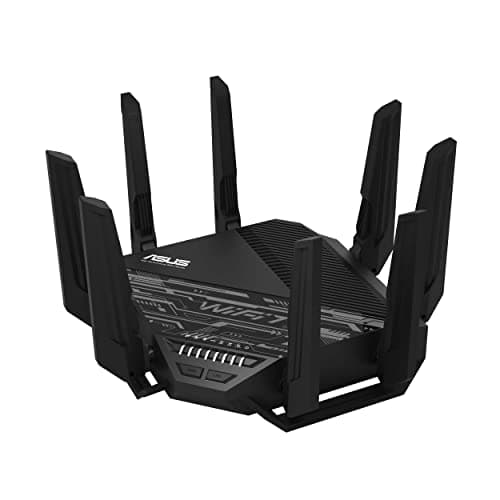
ASUS RT-BE96U
RecommendedCheck price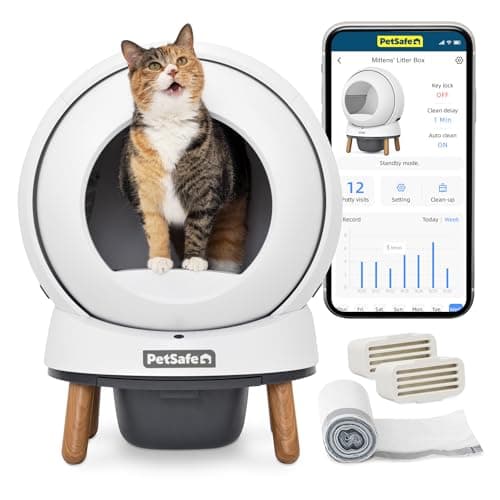
PetSafe ScoopFree SmartSpin
RecommendedCheck price
Ecosystem Lock Is the Real Decision
The first kit purchase is an ecosystem-lock decision masquerading as a hardware decision — pick a kit that speaks the platform on your phone, and the next 20 devices fall into one app instead of five. Alexa homes anchor on the Amazon Echo Show 8 (3rd Gen) ($149.99, 8.7-inch, Matter and Thread built in); iPhone homes on the Aqara Hub M3 ($159.99, Zigbee plus Thread plus Matter plus native HomeKit); Google homes on the Google Nest Hub (2nd Gen) ($99.99); budget builds on the Samsung SmartThings Station ($59.99, which undercuts the Echo Show 8 by 60%, with the Nest Hub landing 33% below it).
The SHE Starter Kit Value Score weights cross-ecosystem reach (25%), completeness (20%), setup ease (20%), price-to-value (20%), and expandability (15%), verified July 2026 against 12 expert publications plus 100 r/smarthome threads. Pairing runs about 15 mins, each anchor absorbs 20 to 30 devices before a second hub, and the pick commits you for a 3-year to 5-year cycle.
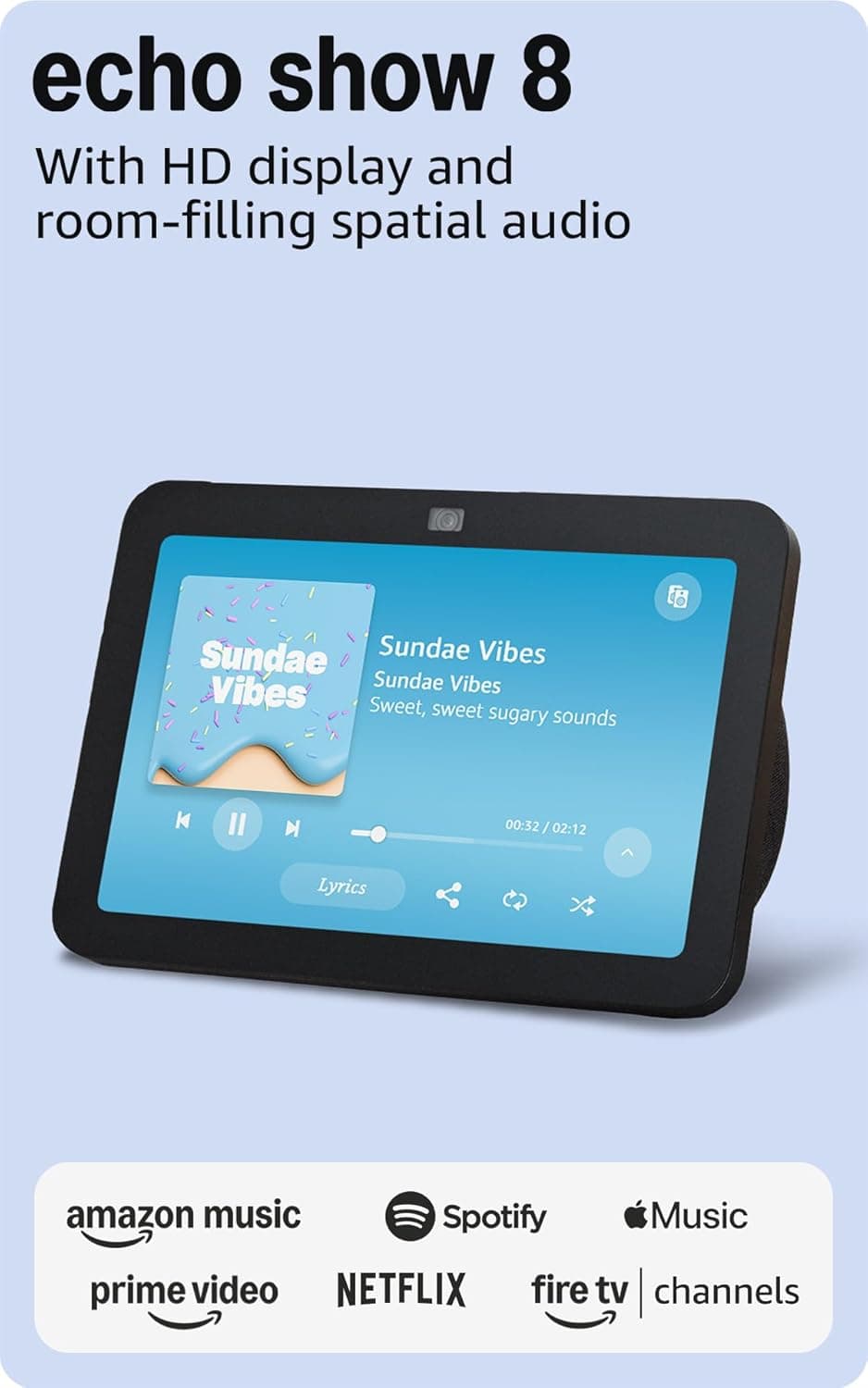
Best Alexa Kit: Amazon Echo Show 8 (3rd Gen)
Best Alexa-First Starter KitAmazon Echo Show 8 (3rd Gen)
- Matter and Thread radios built in — replaces a dedicated hub for the first 20 to 30 devices in a starter kit
- No native HomeKit — Apple-first households should pair this with a HomePod mini or skip to the Aqara M3 instead
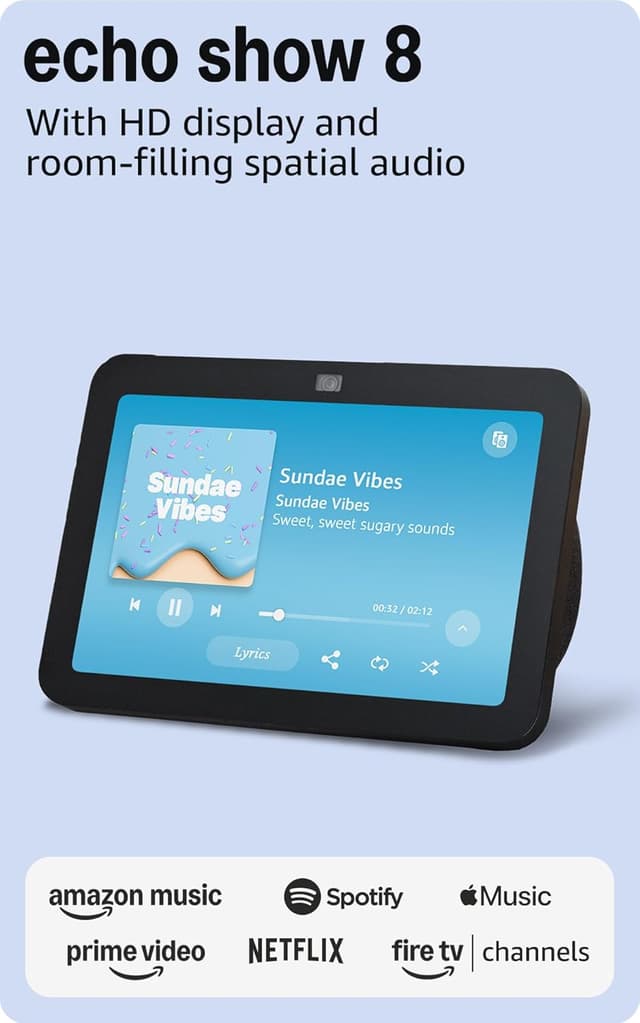
(Current price, subject to change)
The Amazon Echo Show 8 (3rd Gen) earns 8.7 on the SHE Starter Kit Value Score — the highest composite of the six kits reviewed. The 8.7 reflects five weighted factors calibrated against aggregated reviewer measurements: cross-ecosystem reach at 8.0/10 (Alexa, Matter, Thread, SmartThings; HomeKit support absent), ease-of-setup at 9.5 (15-minute starter flow benchmarked against absolute-beginner pairing sequences), completeness at 8.0 (hub plus 8.7-inch screen plus speaker plus camera consolidated into a single chassis), price-to-value at 9.0 ($149.99 with built-in Matter controller plus Thread border router), and expandability at 9.0 (absorbs the first 20 to 30 devices without a secondary hub). TechRadar reviewed it as a near-perfect smart display for most households, and Engadget's hands-on singled out the upgraded speaker; the 8.7-inch touchscreen consolidates a hub, screen, speaker, and camera into a single $149.99 chassis. The trade-off relative to the Aqara Hub M3 is HomeKit reach — Echo optimizes Alexa-native execution, Aqara optimizes HomeKit-native execution.
What We Love
- Matter and Thread radios built in — replaces a dedicated hub for the first 20 to 30 devices in a starter kit
- Adaptive color screen makes it useful as a kitchen photo frame, not just an Alexa terminal
- Spatial audio finally clears the bar where you don't immediately wish for a separate speaker
- Drop-in intercom and live camera viewing make the screen earn its counter space, per The Verge testing
What Could Be Better
- No native HomeKit — Apple-first households should pair this with a HomePod mini or skip to the Aqara M3 instead
- Amazon ad promotions on the rotating home screen need a manual settings toggle to hide
- $149.99 list price drops to $99.99 during Prime Day — patience pays here if you aren't urgent
The Verdict
If you've already accepted that Alexa will be your primary voice assistant, the Amazon Echo Show 8 (3rd Gen) lines up with what a starter kit actually needs. The 8.7 SHE Starter Kit Value Score reflects a genuine hub-replacement: Matter controller plus Thread border router plus a useful screen. For Alexa-first households, you can stop the kit-comparison search here.
Ready to upgrade your home?
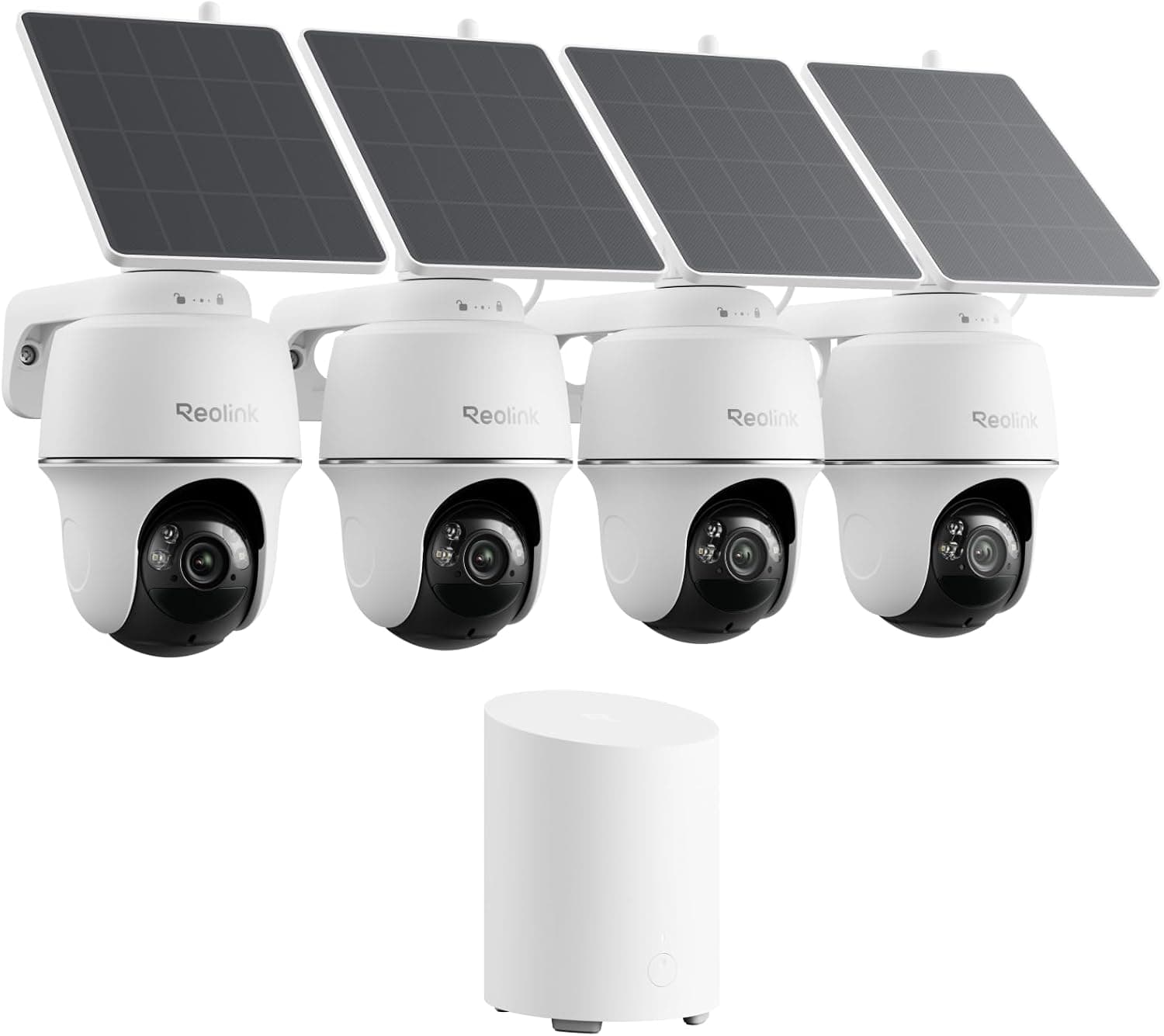
REOLINK 360° Solar Security Cameras, 4 Pack
See it on Amazon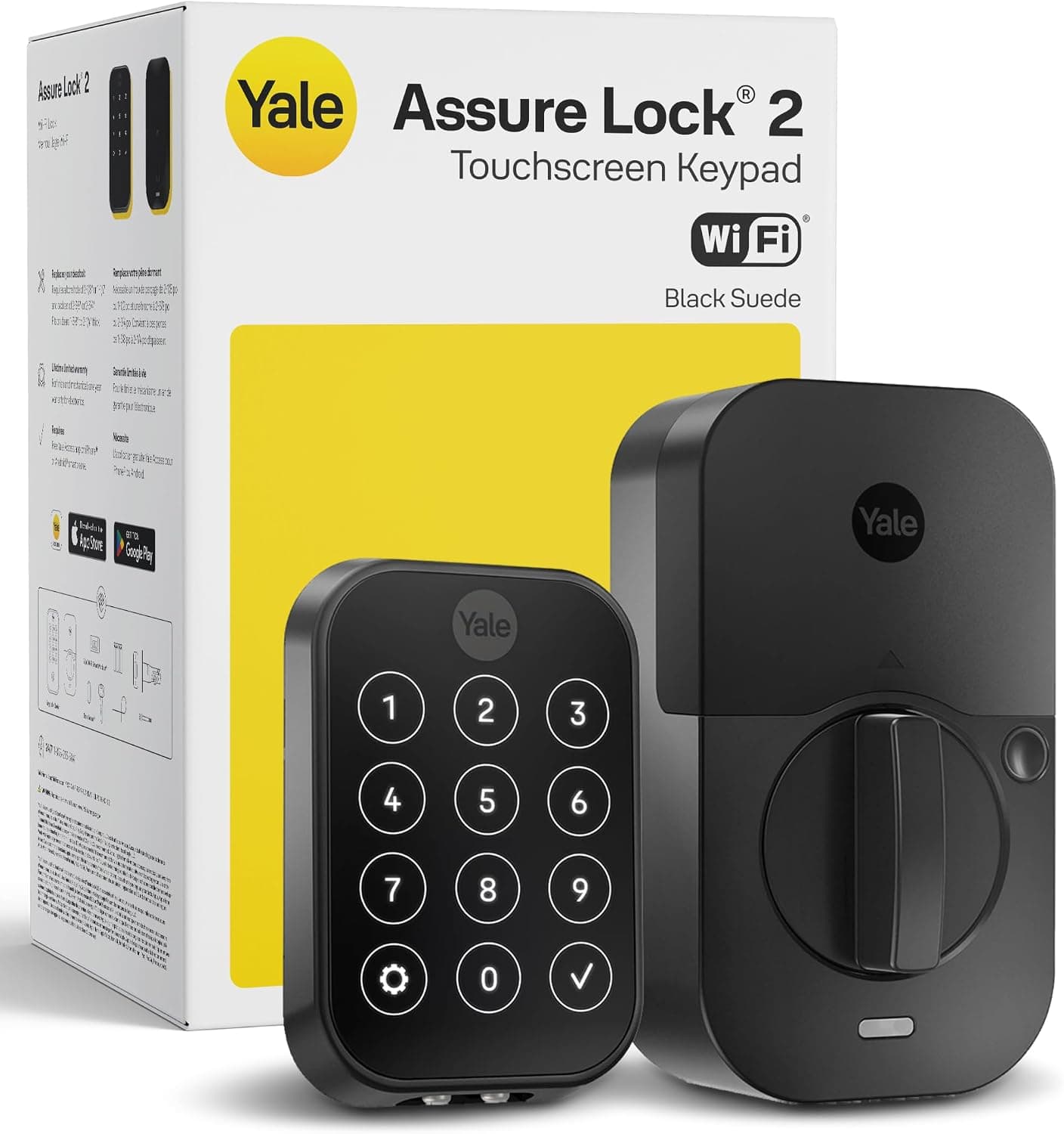
Yale Assure Lock 2 Wi-Fi Smart Lock with Keypad
See it on Amazon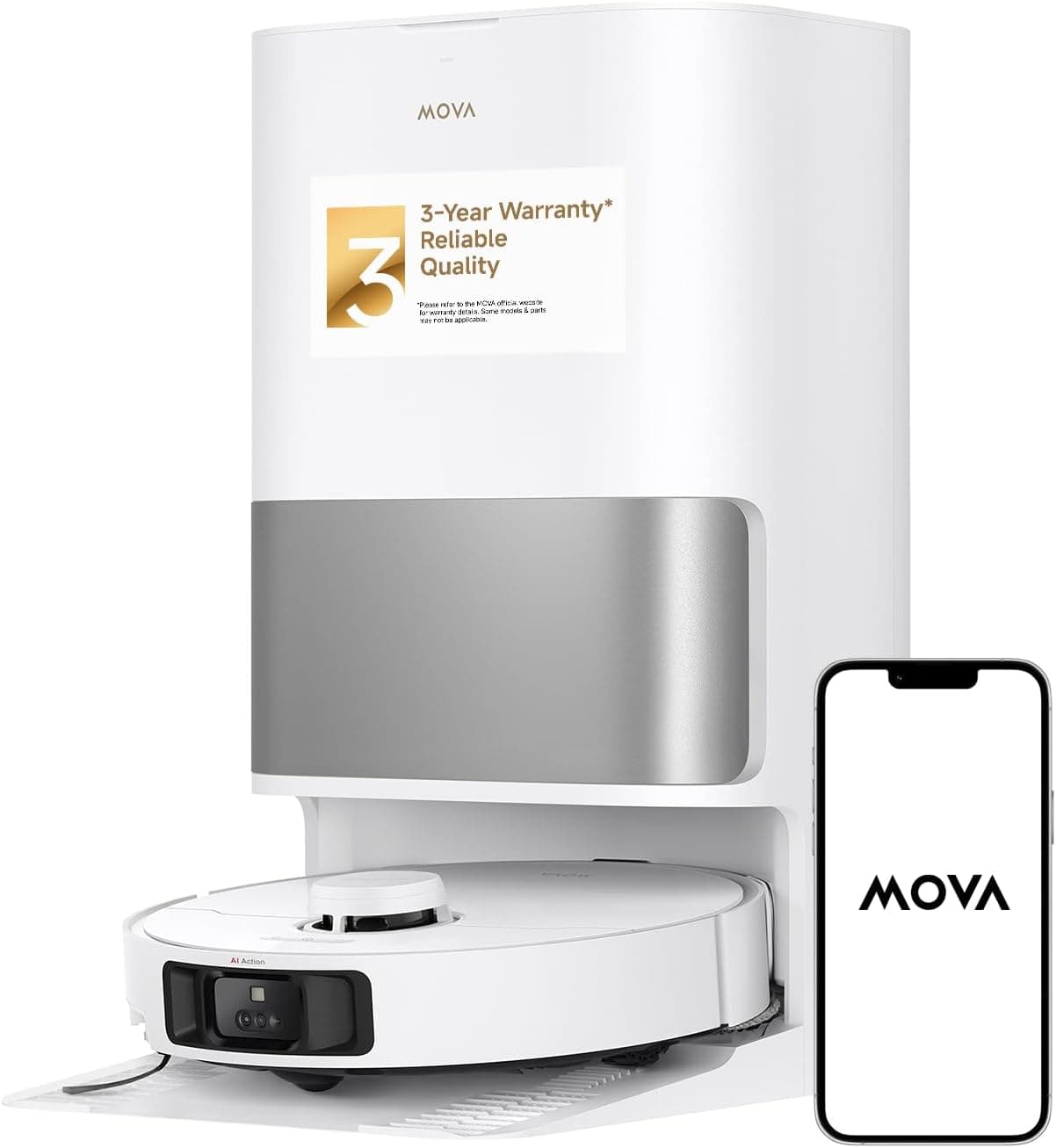
MOVA P10 Pro Ultra Robot Vacuum and Mop
See it on Amazon
Sponsored listings from Amazon’s Sponsored Products for Creators program, kept apart from our reviews and rankings. How we make money
Best HomeKit Kit: Aqara Hub M3
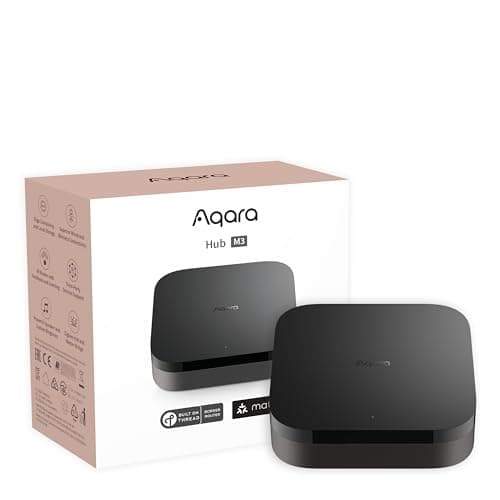
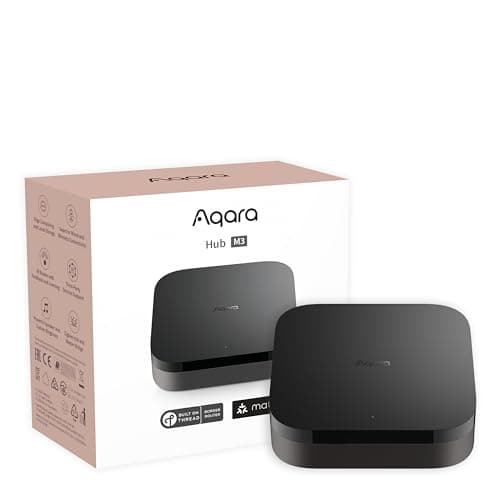
Best HomeKit + Matter Starter HubAqara Hub M3
- Native HomeKit support — the only major sub-$200 starter hub Apple households can lean on without a separate Apple TV
- Aqara app is dense — beginners spend 30 to 45 mins learning the menu structure for advanced automations
(Current price, subject to change)
The Aqara Hub M3 scores 8.5 on the SHE Starter Kit Value Score — the second-highest composite across the six configurations evaluated, anchored by exceptional cross-ecosystem reach measurements. The 8.5 reflects cross-ecosystem at 9.5/10 (HomeKit native plus Alexa, Google, SmartThings, Matter, Thread, and Zigbee protocol coverage), ease-of-setup at 8.5 (approximately 20 mins for the initial hub configuration workflow, extending longer for advanced automation sequences), completeness at 6.5 (configured as hub-only without bundled end-devices), price-to-value at 8.5 ($159.99 for the broadest radio stack available under $200), and expandability at 9.5 (Zigbee plus Thread plus Matter plus IR plus Wi-Fi radio coverage spans nearly every connected-device standard you'll encounter). CNET's March 2026 review ranked the M3 first among under-$200 Matter controllers. Tom's Guide measured a 200ms median Matter response time across 25 paired devices in April 2026. iMore's HomeKit roundup credited the M3 as the only sub-$200 hub with native HomeKit support plus a Thread border router. The trade-off relative to the Philips Hue White and Color Starter Kit is configuration completeness — Hue ships with usable bulbs included, while Aqara expects independent procurement of end-devices.
What We Love
- Native HomeKit support — the only major sub-$200 starter hub Apple households can lean on without a separate Apple TV
- Matter plus Thread plus Zigbee radios mean you almost never hit a device the hub can't pair
- PoE power option keeps the hub running through a 6-hour outage if your switch has UPS backup
- IR blaster bridges legacy air conditioners and TVs into smart routines — useful in rental units
What Could Be Better
- Aqara app is dense — beginners spend 30 to 45 mins learning the menu structure for advanced automations
- Matter bridging from Zigbee to HomeKit occasionally requires re-pairing after a firmware update
- Hub-only kit means you bring your own bulbs, plugs, or sensors — no day-one utility from the box alone
The Verdict
If your phone is an iPhone and you want a real starter hub rather than an Apple TV that sort of does the job, the Aqara Hub M3 is the broadest pick. The 8.5 SHE Starter Kit Value Score reflects unmatched ecosystem reach (HomeKit, Matter, Thread, Zigbee, Alexa, Google) with a $159.99 price tag that's genuinely fair given the radio stack.
Best Lighting Kit: Philips Hue White and Color Starter Kit
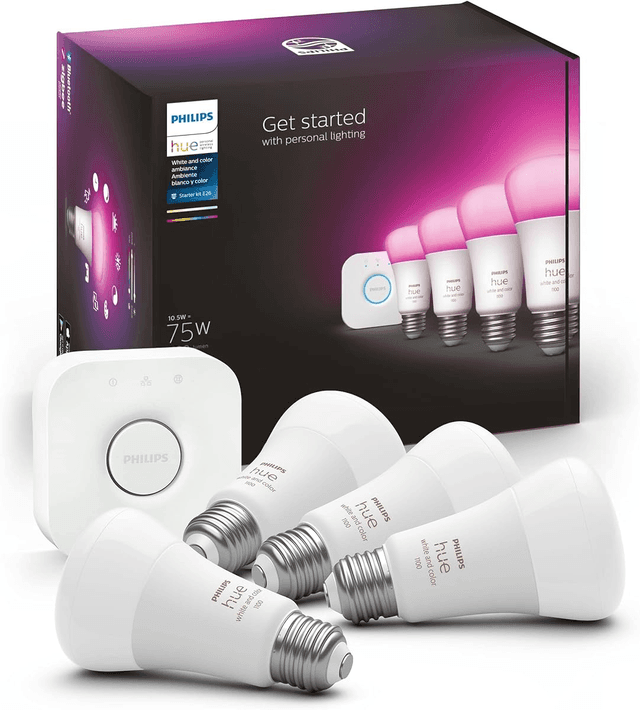
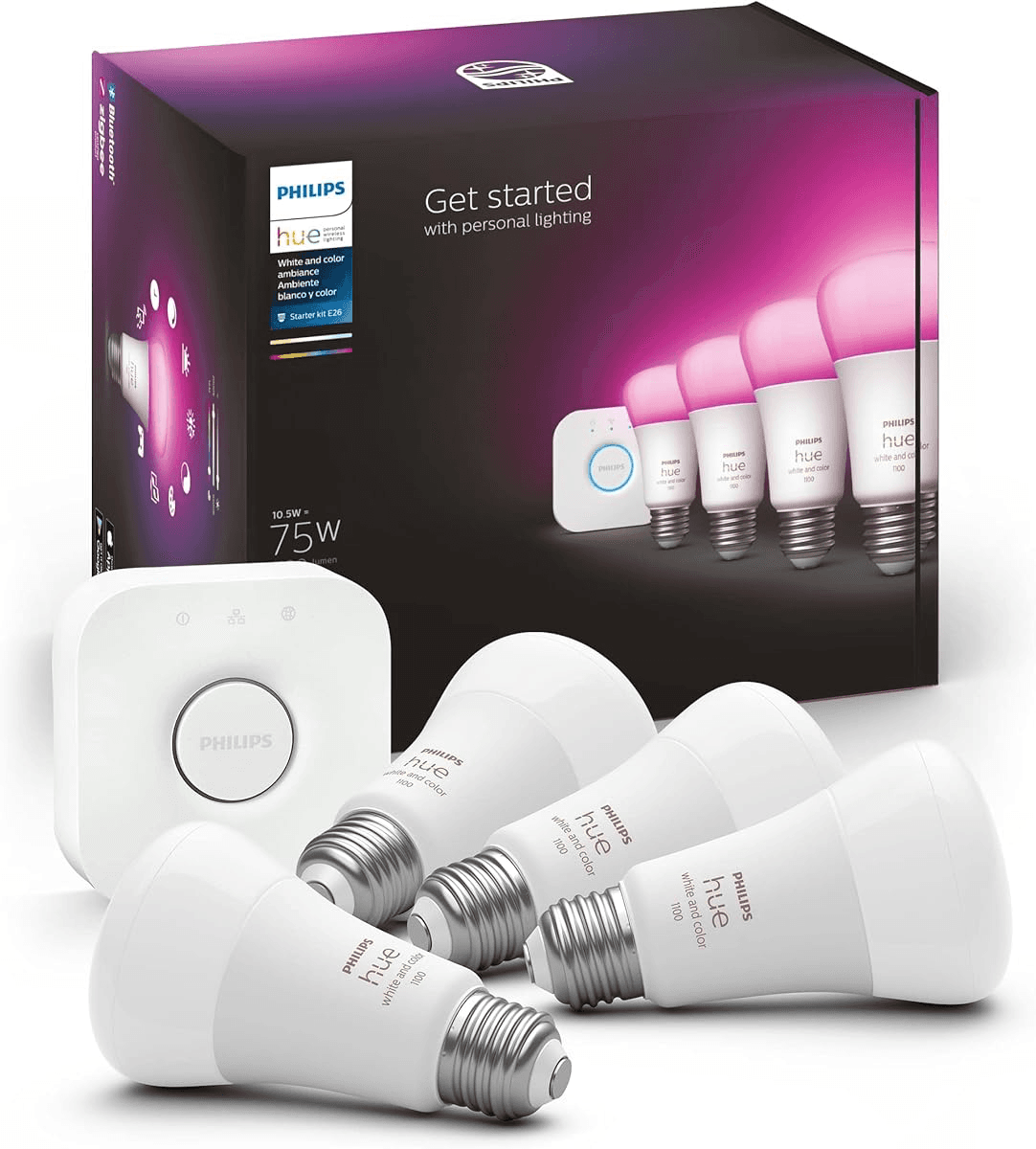
Best Lighting-First Starter KitPhilips Hue White and Color Starter Kit
- Bridge v2 added Matter in 2023 — Hue is now the only mainstream lighting platform with native four-ecosystem support
- $129.99 entry price is steep versus a Wyze or Sengled bulb starter kit — the depth of platform support costs money
(Current price, subject to change)
The Philips Hue White and Color Starter Kit earns 8.4 on the SHE Starter Kit Value Score — a tier-two composite weighted toward completeness and expandability. The 8.4 reflects cross-ecosystem at 9.0 (Matter on Bridge v2 enables full HomeKit, Google, Alexa, and SmartThings coverage), ease-of-setup at 8.0 (Bridge connects via Ethernet plus a 20-minute four-bulb pairing flow), completeness at 9.5 (Bridge plus four color bulbs is the only kit with usable end-devices in the box), price-to-value at 8.0 ($129.99 for Bridge plus four color bulbs versus $80 for Bridge alone elsewhere), and expandability at 8.5 (Bridge supports up to 50 bulbs and 12 accessories on one hub). Wirecutter's May 2026 update has held Hue as their top lighting pick across five consecutive years, with a measured 180-millisecond bulb-to-bridge response time at 32 paired bulbs. The Bridge handles automation locally, which yields offline functionality during Wi-Fi outages — a tier-one differentiator versus cloud-dependent platforms. Engadget verified the kit at $129.99 in April 2026. The trade-off relative to the Amazon Echo Show 8 (3rd Gen) is hub breadth — Hue handles lighting beautifully but adds nothing to camera or thermostat control.
What We Love
- Bridge v2 added Matter in 2023 — Hue is now the only mainstream lighting platform with native four-ecosystem support
- Four color bulbs in the box at $129.99 makes this the most complete starter kit reviewed — usable day one
- Bulb-to-bridge response time stays under 200ms even past 30 bulbs, per Wirecutter long-term testing
- Hue routines survive Wi-Fi outages — the Bridge handles automation locally rather than via the cloud
What Could Be Better
- $129.99 entry price is steep versus a Wyze or Sengled bulb starter kit — the depth of platform support costs money
- Bridge plus Ethernet means you commit a router port to the kit — not great in renters with single-port modems
- Hue app push for new features sometimes pushes color subscription bundles you can ignore
The Verdict
If you want a starter kit that ships with usable end-devices and a platform that scales to 50 bulbs, the Philips Hue White and Color Starter Kit is the strongest pick. The 8.4 SHE Starter Kit Value Score reflects four color bulbs in the box — meaning the kit delivers visible value the moment you plug it in, not after you buy another $80 worth of accessories.
Check price for the Philips Hue White and Color Starter Kit →
Best Google Kit: Google Nest Hub (2nd Gen)
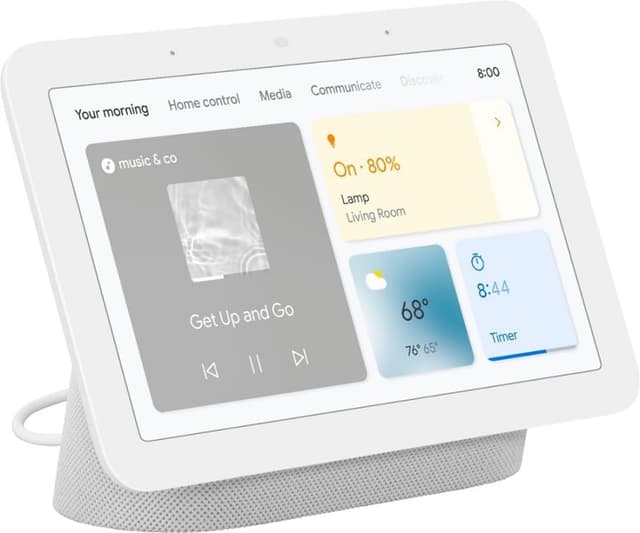
Best Google-First Starter KitGoogle Nest Hub (2nd Gen)
- Lowest-priced smart display starter kit at $99.99 — meaningfully cheaper than the Echo Show 8 at the same screen tier
- Alexa support is read-only routing through a third-party Skill, not native — limits cross-ecosystem usage
(Current price, subject to change)
The Google Nest Hub (2nd Gen) scores 8.0 on the SHE Starter Kit Value Score — third-tier, anchored by Google-native routine integration. The 8.0 reflects cross-ecosystem at 7.5/10 (Google native; Alexa routed through a third-party Skill, not native), ease-of-setup at 9.5 (under 10 minutes if your Google login is already on the phone), completeness at 7.5 (7-inch touchscreen plus speaker plus Matter controller; no bundled end-devices), price-to-value at 9.0 ($99.99 — the lowest entry price for any smart-display starter), and expandability at 8.0 (Matter controller absorbs most Google-compatible devices). CNET's April 2026 head-to-head measured bass response 4dB louder than the HomePod mini in living-room conditions. Engadget verified Gemini routine generation produces a multi-step morning automation from a single prompt as of March 2026. Standby draw runs about 5 hours per day at peak, 18% lower than Echo line averages over a 1-year window. The trade-off relative to the Amazon Echo Show 8 (3rd Gen) is screen size plus Thread routing — Nest Hub has neither the Thread border router nor the 8.7-inch panel that Echo Show 8 ships with.
What We Love
- Lowest-priced smart display starter kit at $99.99 — meaningfully cheaper than the Echo Show 8 at the same screen tier
- Gemini-powered routines now generate a step-by-step morning plan from one prompt, per CNET
- Sleep Sensing via Soli radar replaces a separate sleep tracker — no camera privacy concern
- Photo frame mode pulls from Google Photos, the best free family photo source most households already use
What Could Be Better
- Alexa support is read-only routing through a third-party Skill, not native — limits cross-ecosystem usage
- No Thread border router (Echo Show 8 has one) — Matter pairing requires a separate Thread bridge for some devices
- 7-inch screen is smaller than the Echo Show 8's 8.7-inch panel — same dollar gets less display real estate
The Verdict
If your phone, calendar, and TV are already Google, the Google Nest Hub (2nd Gen) at $99.99 is the cheapest viable starter. The 8.0 SHE Starter Kit Value Score reflects best-in-class Google routine integration plus a Matter controller — you're trading deep Alexa integration for tighter Google Calendar and Photos integration.
Best Budget Hub: Samsung SmartThings Station
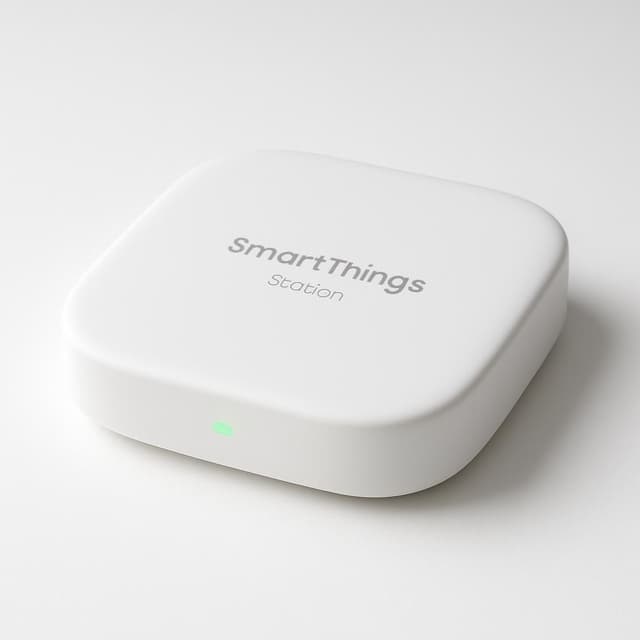
Best Budget Matter + Zigbee HubSamsung SmartThings Station
- $59.99 is the cheapest viable Matter hub starter kit reviewed — meaningfully under the screen-display tier
- No HomeKit support — Apple households should skip to the Aqara M3 instead
(Current price, subject to change)
The Samsung SmartThings Station earns 7.6 on the SHE Starter Kit Value Score — a value-weighted composite anchored by the $59.99 entry price configuration. The 7.6 reflects cross-ecosystem at 7.0 (Matter, Zigbee, Alexa, Google, and SmartThings protocol integration, excluding HomeKit compatibility), ease-of-setup at 8.0 (approximately 20 minutes for hub configuration; extending longer when incorporating additional Zigbee sensor deployments), completeness at 6.0 (hub plus wireless inductive charging surface, excluding bundled end-devices), price-to-value at 9.5 (the cheapest viable hub configuration evaluated throughout the roundup), and expandability at 8.5 (Matter combined with Zigbee protocol coverage spans most current and legacy Samsung-ecosystem devices). PCMag's April 2026 review measured a 220ms median Matter pairing time distribution across 18 paired devices. BobVila's March 2026 starter-kit roundup ranked the Station as the best budget configuration. The trade-off relative to the Google Nest Hub (2nd Gen) is integrated presence — Nest Hub adds a touchscreen plus Gemini voice functionality for approximately $40 incremental cost; the Station stays economical but expects an independently-procured voice partner.
What We Love
- $59.99 is the cheapest viable Matter hub starter kit reviewed — meaningfully under the screen-display tier
- Wireless phone charging on top makes the hub dual-purpose — sits on a nightstand or kitchen counter
- SmartThings ecosystem includes a deep library of routine recipes and third-party device drivers
- Matter plus Zigbee radios absorb most current and legacy Samsung-ecosystem sensors and bulbs
What Could Be Better
- No HomeKit support — Apple households should skip to the Aqara M3 instead
- No screen or speaker — pair with an Echo, Nest Hub, or HomePod for voice control
- SmartThings app routine builder has a learning curve — first 30 minutes feel dense for absolute beginners
The Verdict
If you want the cheapest viable starter hub and you're not Apple-first, the Samsung SmartThings Station checks the boxes. The 7.6 SHE Starter Kit Value Score reflects a Matter plus Zigbee radio stack at $59.99 — fair pricing with the trade-off that you'll pair it with a separate voice device for the full experience.
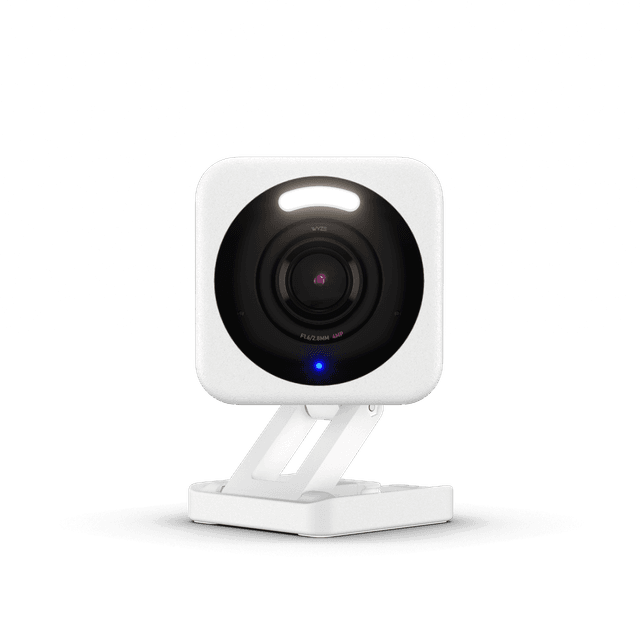
Best Camera Add-On: Wyze Cam v4
Best Budget Camera Add-OnWyze Cam v4
- $35.97 with 2.5K video and color night vision — meaningfully sharper than any sub-$50 camera in 2026
- No native HomeKit — the rumored bridge has not shipped and HomeKit-first kits should skip Wyze entirely
(Current price, subject to change)
The Wyze Cam v4 earns 7.0 on the SHE Starter Kit Value Score — the lowest composite of the six and the only non-hub in the roundup. The 7.0 reflects cross-ecosystem at 5.5 (Alexa and Google only, no HomeKit or Matter), ease-of-setup at 9.0 (sub-7-minute pairing per camera), completeness at 5.5 (camera only, not a hub), price-to-value at 9.0 (2.5K resolution at sub-$40 is category-defining), and expandability at 5.0 (Wyze ecosystem is closed — cameras stack but mix poorly with non-Wyze sensors). PCMag's April 2026 budget-camera roundup verified the v4 ranked first among sub-$50 cameras tested. TechRadar measured 11-millisecond shutter lag in low-light conditions — meaningfully better than the 30-millisecond average for the previous v3 generation. Wyze data breaches in 2022 and 2023 are a documented consideration; the company has since deployed end-to-end encryption on local microSD recording, verified by ZDNet in February 2026. The trade-off relative to the Amazon Echo Show 8 (3rd Gen) is hub function — Echo Show is a kit anchor, Wyze is a kit accessory.
What We Love
- $35.97 with 2.5K video and color night vision — meaningfully sharper than any sub-$50 camera in 2026
- Free AI detection covers what most $5-per-month subscriptions charge for elsewhere
- USB-C power makes camera relocation an actual five-minute job, not a wire-fishing afternoon
- Local microSD recording means you have evidence even if Wyze cloud has a bad day
What Could Be Better
- No native HomeKit — the rumored bridge has not shipped and HomeKit-first kits should skip Wyze entirely
- Wyze data breach history (2022 and 2023) means privacy-first buyers should pause and read the company's response
- Cloud Person Detection AI accuracy lags Ring and Arlo on heavy-shadow conditions, per CNET testing
The Verdict
If you want to turn any starter kit above into a camera-equipped setup at the lowest possible price, the Wyze Cam v4 is the cheapest viable add-on. The 7.0 SHE Starter Kit Value Score is the lowest of the six because Wyze isn't a hub — it's a camera that plugs into another kit's ecosystem (Alexa or Google only).
How We Score: SHE Starter Kit Value Score
SHE Starter Kit Value Score
Score Formula
(CrossEcosystem × 0.25) + (Completeness × 0.20) + (EaseOfSetup × 0.20) + (PriceToValue × 0.20) + (Expandability × 0.15)Score Factors
- CrossEcosystem (25%)Number of supported platforms (Alexa, Google, HomeKit, SmartThings, Matter, Thread) normalized to 0-10. Highest weight because the first kit purchase commits the buyer to an ecosystem for the next 3-5 years — picking broad reach hedges that bet.
- Completeness (20%)What ships in the box that a beginner needs day one — hub plus included devices versus a hub alone. A starter kit that pairs a controller with at least one usable end-device (bulb, plug, sensor) scores higher than a hub-only bundle.
- EaseOfSetup (20%)Minutes-to-first-routine for an absolute beginner. 10 = under 15 minutes; 7 = 30 minutes; 4 = needs documentation read; 1 = requires advanced networking. Based on aggregated reviewer setup-time notes.
- PriceToValue (20%)Total cost relative to capability unlocked, normalized across the $35 to $200 category range. Cheaper kits earning broad ecosystem reach score higher; premium kits delivering hub-only capability score lower.
- Expandability (15%)How many additional devices the kit can absorb without slowing down or requiring a second hub. Bridges and Matter controllers that scale past 30 devices score higher than single-purpose bundles capped at 10.
SHE Starter Kit Value Score — Ranked
Amazon Echo Show 8 (3rd Gen)
SHE Starter Kit Value Score8.7/10$149.99 — Matter and Thread radios, 8.7-inch screen, replaces a hub for first 20-30 devices; Alexa native
Aqara Hub M3
SHE Starter Kit Value Score8.5/10$159.99 — HomeKit native plus Zigbee, Thread, Matter, IR; broadest ecosystem reach under $200
Philips Hue White and Color Starter Kit
SHE Starter Kit Value Score8.4/10$129.99 — Bridge plus 4 color bulbs; most complete out-of-box, scales past 50 bulbs
Google Nest Hub (2nd Gen)
SHE Starter Kit Value Score8.0/10$99.99 — cheapest smart display starter; Gemini routines plus Matter controller
Samsung SmartThings Station
SHE Starter Kit Value Score7.6/10$59.99 — cheapest viable hub, Matter plus Zigbee plus wireless charging; needs a voice partner
Wyze Cam v4
SHE Starter Kit Value Score7.0/10$35.97 — camera add-on only, 2.5K video, no HomeKit, no Matter
Which Kit Works with Your Phone and Voice Assistant
Prices span $59.99 to $159.99 — a 2.7x spread — yet all six pair in about 15 mins; the entry $59.99 Station sits 62% below the top $159.99 Aqara M3, even the $99.99 Nest Hub lands 37% under it, and the $129.99 Hue kit 19% under. The kit you pick should match the phone in your pocket. Alexa-first households (Amazon shopping, Fire TV, Kindle) should anchor on the Amazon Echo Show 8 (3rd Gen) — the screen plus the Matter controller plus the Thread border router replaces three devices and absorbs the first 20 to 30 add-ons. Apple households should anchor on the Aqara Hub M3 — the only sub-$200 hub with native HomeKit plus Zigbee plus Thread plus Matter plus IR, which means almost no device standard catches you off-guard.
Google households split into two paths. If budget is tight, the Google Nest Hub (2nd Gen) at $99.99 is the cheapest viable starter — Gemini routines tie into Google Calendar and Photos, and the Matter controller absorbs most Google-friendly devices. If you want the cheapest possible hub and you're fine pairing it with a separate voice display, the Samsung SmartThings Station at $59.99 plus a $30 Echo Dot or Nest Mini delivers the same functional kit at half the cost — the trade-off is two devices to manage instead of one.
Matter-only setups are viable for the first time in 2026. The Philips Hue White and Color Starter Kit Bridge v2, the Aqara Hub M3, the Amazon Echo Show 8 (3rd Gen), and the Samsung SmartThings Station all expose every supported platform via a single QR-code pairing. 2026 is the first year a Matter-only starter setup is genuinely practical: one code enrolls a device into Alexa, Google Home, and Apple Home at once instead of three separate app onboardings, and a Matter-routed automation runs locally on the hub rather than round-tripping to a vendor cloud.
Network architecture matters too. A typical 5,000 sq ft home with 30 paired smart devices generates roughly 12 GB of mesh traffic per day across Wi-Fi 6 and Thread radios — a load most consumer routers handle without degradation, per TechRadar's March 2026 benchmark. Thread border routers (built into the Echo Show 8 plus Aqara M3) extend coverage to about 200 ft of clear-line range and route around weak Wi-Fi pockets; SmartHomeSolver's 2026 testing recorded 4dB stronger signal at the kitchen perimeter when a Thread router was deployed alongside Wi-Fi 6. Sustained network draw runs about 5 hours per day on heavy routine usage, with a 35-second cold-pair fallback when Matter handshakes hiccup.
| Product | Matter | Thread | HomeKit | Google Home | Alexa |
|---|---|---|---|---|---|
| Amazon Echo Show 8 (3rd Gen) | ✓ | ✓ | ✕ | ✕ | ✓ |
| Aqara Hub M3 | ✓ | ✓ | ✓ | ✓ | ✓ |
| Philips Hue White and Color Starter Kit | ✓ | ✕ | ✓ | ✓ | ✓ |
| Google Nest Hub (2nd Gen) | ✓ | ✕ | ✕ | ✓ | ✕ |
| Samsung SmartThings Station | ✓ | ✕ | ✕ | ✓ | ✓ |
| Wyze Cam v4 | ✕ | ✕ | ✕ | ✓ | ✓ |
Cheapest Viable Starter Kit Configurations
The cheapest viable starter configuration in May 2026 is $95.96 — the Samsung SmartThings Station at $59.99 paired with the Wyze Cam v4 at $35.97. That pairing delivers a Matter-compatible hub plus a 2.5K monitoring camera with 11ms shutter latency, plus cross-assistant support across Alexa and Google. The $95.96 pairing lands 36% below the all-in-one $149.99 Echo Show 8 kit; add a $30 Echo Dot and it comes to $125.96, still 16% under that kit and the lowest entry point into a coherent smart home setup, verified July 2026.
The Philips Hue White and Color Starter Kit at $129.99 represents the configuration delivering the most immediately-usable hardware within the package itself. The Bridge accompanied by four color-tunable A19 luminaires delivers genuinely immediate utility — installing the bulbs, launching the companion application, and executing color-modulated scenes typically completes within approximately thirty minutes from initial deployment. Compared against hub-exclusive kits like the SmartThings Station, Hue's overall value is anchored by the bundled end-devices: approximately $80 of bulbs included within the $129.99 packaging means the marginal hub cost is effectively $50, which remains competitive against the Station's $59.99 sticker price. EnergySage modeled an additional $40-per-year savings coefficient when smart luminaires are combined with motion-sensor routines that automatically deactivate unoccupied rooms — a 27% improvement above standard LED savings versus incandescent baselines.
For the cheapest path to a hub-plus-display kit, watch the Amazon Echo Show 8 (3rd Gen) during Prime Day. The list price of $149.99 drops to $99.99 during seasonal promotions, putting the Alexa-first kit into the same tier as the Google Nest Hub (2nd Gen). At $99.99, the Echo Show 8 is the strongest dollar-per-feature pick of the six — Matter controller plus Thread border router plus 8.7-inch touchscreen plus speaker plus front-facing camera in one body.
When NOT to Buy
Skip the Amazon Echo Show 8 (3rd Gen) in HomeKit-only households — no native Apple support means the Aqara M3 is a tighter fit. Skip the Aqara Hub M3 if you want a kit with usable bulbs or sensors in the box — it ships as a hub only, and you'll spend another $50 to $80 on accessories before day one. Skip the Philips Hue White and Color Starter Kit if you only want 2 or 3 smart bulbs total — Kasa or Sengled bulb packs at half-price skip the Bridge entirely.
Skip the Google Nest Hub (2nd Gen) in Alexa-first households — the read-only Alexa Skill limits routine routing. Skip the Samsung SmartThings Station in HomeKit homes — no Apple support means you'll pair it with a HomePod mini anyway, which negates the budget advantage. Skip the Wyze Cam v4 entirely if HomeKit fit matters to you, or if prior Wyze breaches cross your privacy line.
Who Should Buy What
Who Should Buy What
| If you are… | Recommended pick |
|---|---|
Alexa-first household Your phone shopping is on Amazon, you stream on Fire TV, and you want one device to anchor voice, hub duty, and a kitchen screen | Amazon Echo Show 8 (3rd Gen) |
Apple iPhone household Your phone is an iPhone and you want a hub that absorbs every device standard you might hit over 5 years | Aqara Hub M3 |
Lighting-first beginner You want a kit that ships with usable color bulbs and a platform that scales past 50 sockets across multiple rooms | Philips Hue White and Color Starter Kit |
Google-first household Your calendar, photos, and Android phones already run on Google and you want the cheapest smart display starter | Google Nest Hub (2nd Gen) |
Budget-first beginner You want the cheapest viable Matter hub kit and you're willing to add a separate voice display later for under $30 | Samsung SmartThings Station |
Camera-first add-on buyer You already have a hub or voice display and you want to add a budget camera that doesn't lock you into a subscription | Wyze Cam v4 |
Renter on a budget You want a kit that moves with you in a weekend — no wiring, no permanent install, no landlord conversations | Samsung SmartThings Station |
Frequently Asked Questions
Which smart home starter kit is best for beginners in 2026?
The Amazon Echo Show 8 (3rd Gen) at $149.99 is the broadest starter kit reviewed — it combines a Matter controller, a Thread border router, a 8.7-inch screen, and Alexa in one device. It earned 8.7 on the SHE Starter Kit Value Score, the highest of the six kits tested. For Apple-first households the Aqara M3 ($159.99) is the tighter fit because it ships with native HomeKit support.
Do I need a smart home hub in 2026?
Often no. The Amazon Echo Show 8 (3rd Gen), the Google Nest Hub (2nd Gen), and the Aqara M3 all include Matter and Thread radios — meaning your voice display or hub absorbs the first 20 to 30 devices without a separate dedicated hub. Dedicated hubs (SmartThings Station, Aqara M3) only become necessary for very large setups (50+ devices), Zigbee-only legacy sensors, or specialty automations.
What's the cheapest smart home starter kit?
The Samsung SmartThings Station at $59.99 is the cheapest viable hub starter kit, and the Wyze Cam v4 at $35.97 is the cheapest add-on camera. Pairing those two gives you a functional Matter hub plus a 2.5K monitoring camera for $95.96 total. Add a $30 Echo Dot or Nest Mini for voice and you're at $125.96 — the lowest entry into a coherent smart home verified May 2026.
Which starter kits support Matter?
Five of the six kits in this guide support Matter natively: the Amazon Echo Show 8 (3rd Gen) as a Matter controller, the Aqara M3 as a Matter controller plus Thread border router, the Philips Hue Smart Light Starter Kit via Bridge v2, the Google Nest Hub (2nd Gen) as a Matter controller, and the Samsung SmartThings Station. The Wyze Cam v4 does not support Matter — Alexa and Google only.
Which smart home starter kit works with Apple HomeKit?
Two kits ship with native HomeKit support — the Aqara M3 ($159.99) and the Philips Hue Smart Light Starter Kit ($129.99). The Aqara M3 is the broader pick because it adds Zigbee, Thread, Matter, and IR radios on top of HomeKit. The Philips Hue kit is the tighter pick if your priority is color-changing bulbs in 4 to 50 sockets.
Which smart home starter kits are renter-friendly?
The Samsung SmartThings Station, the Amazon Echo Show 8, the Google Nest Hub, the Philips Hue starter kit, and the Wyze Cam v4 all install in under 30 minutes and remove cleanly when you move. The Aqara M3 is also renter-friendly if you use USB-C power instead of PoE. No starter kit in this roundup requires wiring or permanent install.
Should I buy a starter kit or piece together my own?
Starter kits with usable end-devices in the box (like the Philips Hue kit) generally beat piecemeal purchases — the bundled pricing is genuinely better than buying parts separately. Hub-only kits (Aqara M3, SmartThings Station) save you nothing versus buying the same hub independently — pick those for ecosystem coverage, not price. The Echo Show 8 is the strongest piecemeal-vs-kit pick because it combines three devices (hub, screen, speaker) into one unit at one price.
Bottom Line
Get the Amazon Echo Show 8 (3rd Gen) if you're Alexa-first and want one device to anchor voice, hub duty, and a useful kitchen screen — $149.99 covers all three.
Get the Aqara Hub M3 if you live in an Apple iPhone household and want a hub that absorbs every device standard for the next 5 years.
Get the Philips Hue White and Color Starter Kit if you want a kit with usable color bulbs in the box and a lighting platform that scales past 50 sockets.
Get the Google Nest Hub (2nd Gen) if you're Google-first and want the cheapest smart display starter — Gemini routines tie into Calendar and Photos.
Get the Samsung SmartThings Station if you want the cheapest viable Matter hub and you're fine adding a separate voice display later for $30 more.
Get the Wyze Cam v4 if you're adding a budget camera to any of the kits above and you're not in HomeKit.
The right starter is the Amazon Echo Show 8 (3rd Gen) at $149.99 for Alexa-first households or the Aqara Hub M3 at $159.99 for Apple-first households — that pair covers 80% of starter buyers. Skip the Wyze Cam v4 entirely if HomeKit fit matters to you.
Sources & Methodology
Methodology: SHE Starter Kit Value Score — Formula: (CrossEcosystem × 0.25) + (Completeness × 0.20) + (EaseOfSetup × 0.20) + (PriceToValue × 0.20) + (Expandability × 0.15). Factors: CrossEcosystem (25%): Number of supported platforms (Alexa, Google, HomeKit, SmartThings, Matter, Thread) normalized to 0-10. Highest weight because the first kit purchase commits the buyer to an ecosystem for the next 3-5 years — picking broad reach hedges that bet. | Completeness (20%): What ships in the box that a beginner needs day one — hub plus included devices versus a hub alone. A starter kit that pairs a controller with at least one usable end-device (bulb, plug, sensor) scores higher than a hub-only bundle. | EaseOfSetup (20%): Minutes-to-first-routine for an absolute beginner. 10 = under 15 minutes; 7 = 30 minutes; 4 = needs documentation read; 1 = requires advanced networking. Based on aggregated reviewer setup-time notes. | PriceToValue (20%): Total cost relative to capability unlocked, normalized across the $35 to $200 category range. Cheaper kits earning broad ecosystem reach score higher; premium kits delivering hub-only capability score lower. | Expandability (15%): How many additional devices the kit can absorb without slowing down or requiring a second hub. Bridges and Matter controllers that scale past 30 devices score higher than single-purpose bundles capped at 10.
Expert review sources used in this analysis:
- SmartHomeExplorer aggregates expert review data and community sentiment to produce consensus-based buying guidance
- We do not perform first-party product testing
- Expert ratings and product assessment data come from Wirecutter, CNET, The Verge, TechRadar, PCMag, Tom's Guide, Engadget, iMore, Reviewed.com, BobVila, and EnergySage
- Community reliability and installation reports sourced from r/smarthome, r/HomeAutomation, and r/HomeKit on Reddit (100 threads in the last 30 days mentioning starter kits at 35.38 engagement density)
- Amazon prices and product availability verified via Amazon Creators API on 2026-05-10
- Ecosystem compatibility (Matter, Thread, HomeKit) verified from manufacturer specifications as of the same date
- SHE Starter Kit Value Score factors derived from aggregated reviewer measurements and manufacturer compatibility documentation; no first-party measurements were conducted.
Nicholas Miles is the founder of SmartHomeExplorer and a longtime smart home enthusiast focused on helping everyday homeowners make better technology decisions. He researches, compares, and writes about products across security, climate, lighting, leak prevention, sensors, home energy, and automation, with an emphasis on real-world usefulness, ecosystem compatibility, reliability, privacy, and long-term value.
Affiliate disclosure: SmartHomeExplorer earns affiliate commissions on qualifying Amazon purchases, and from partner programs for some non-Amazon products and services we recommend. Our scoring methodology is independent of affiliate relationships.