
The Amazon Echo Show 8 ($149) is the best all-in-one smart home device for seniors — it combines video calling with family.
Smart home technology is underused as an aging-in-place tool — but it shouldn't be. Voice control eliminates the need to remember which light switch does what, unlock the door with arthritic fingers, or navigate smartphone interfaces with small text. Automatic nightlights prevent falls. Video calling brings family visits to daily life. Professional monitoring provides safety without requiring the senior to remember to press a panic button. We researched 20+ devices from the caregiver and senior perspective — consulting occupational therapist guidance, AARP technology recommendations, and aging-in-place home design literature. For security that integrates with these devices, see our DIY security systems guide. For the roughly 50% of people over 75 with significant hearing loss, voice-first smart home devices work differently — our hearing-impaired seniors guide covers visual alerts, bed shakers, strobe smoke alarms, and telecoil-compatible devices that don't assume functional hearing. Security and safety devices are one slice of the aging-in-place picture. Our Aging in Place Smart Home Stack walks through the other four — emergency response, health monitoring, accessibility, and caregiver visibility — so you can figure out which layer to build first.
Smart Home Devices for Seniors
Chart
 Smarthomeexplorer.com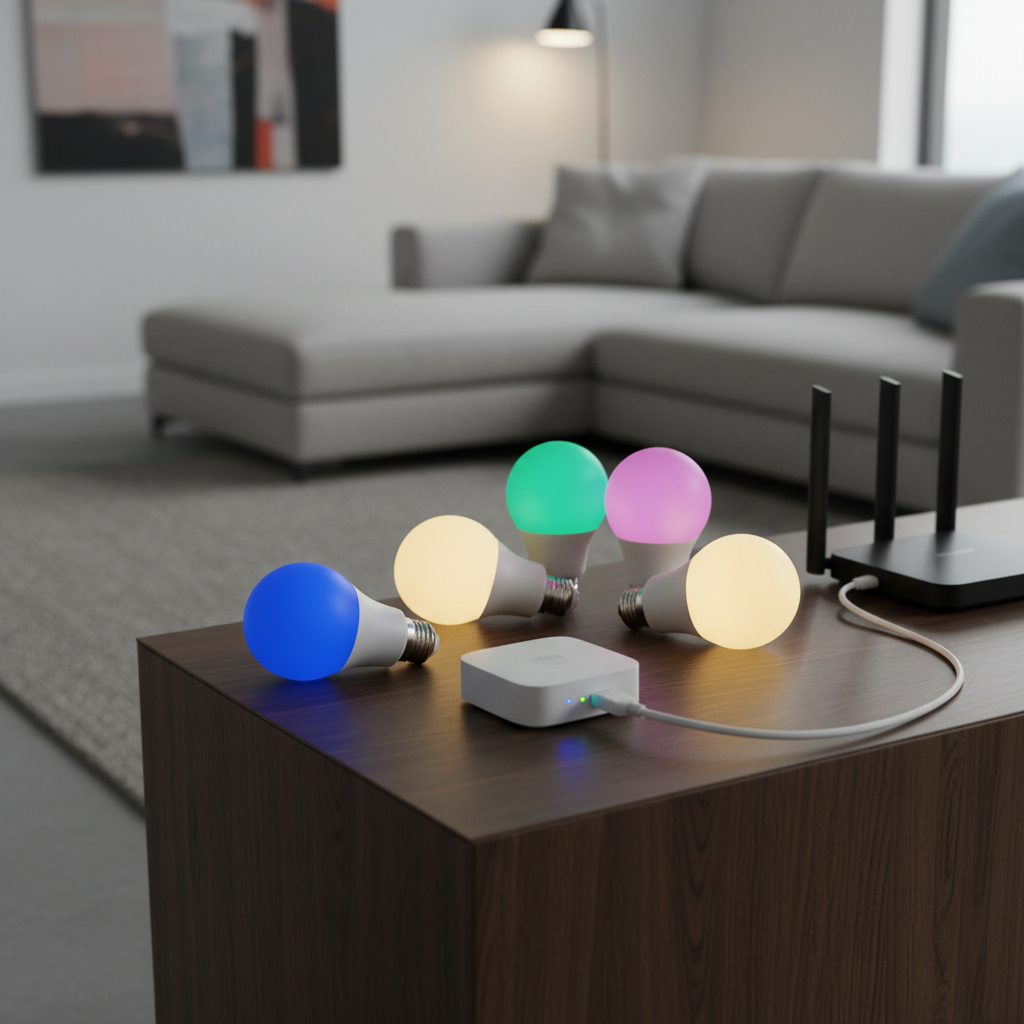
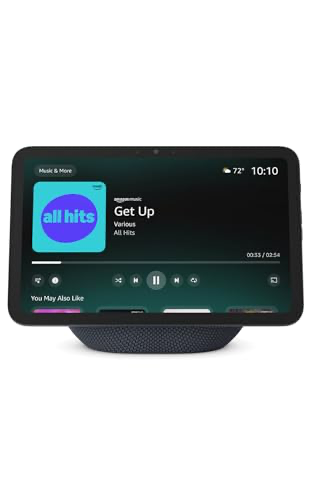
Best Overall: Amazon Echo Show 8 (3rd Gen)
Amazon Echo Show 8
(Current Price, subject to change)
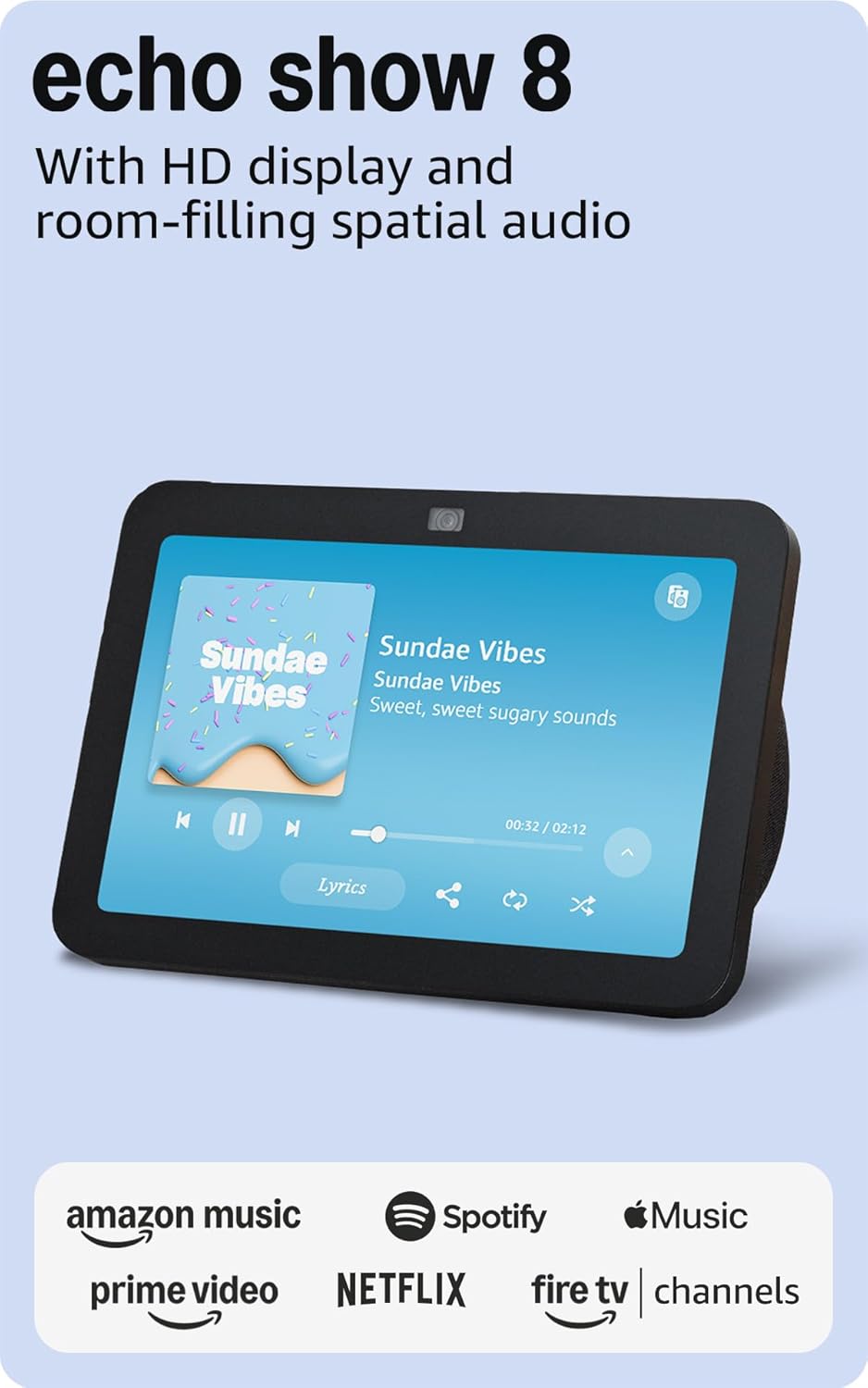
The Amazon Echo Show 8 earns a 9.1/10 consensus score — CNET calls it "the best smart display for seniors, full stop" and AARP Technology recommends it as the top voice-assistant device for aging adults. The combination of large screen, hands-free video calling, and voice-controlled reminders addresses the three most common senior smart home needs simultaneously.
The Echo Show 8 enables Drop In — an Amazon feature where family members can video call without the senior needing to answer. Say "Alexa, call Sarah" and the call connects voice-to-voice. Family members can also remotely check the camera to verify a loved one is awake and moving around (with the senior's permission via the Household feature). For medication reminders, Alexa can be set to announce medication times with persistent repeating reminders until acknowledged. For fall-risk seniors, the rotating family photo display keeps family faces visible as a comfort and connection point.
What We Love
- Drop In video calls — family can check in without the senior touching any button
- Large 8-inch screen — readable from across the room, large enough for low-vision users
- Persistent Alexa reminders — medication, appointment, hydration reminders that repeat until confirmed
- Voice-controlled everything — lights, thermostat, security, music, calls all via voice
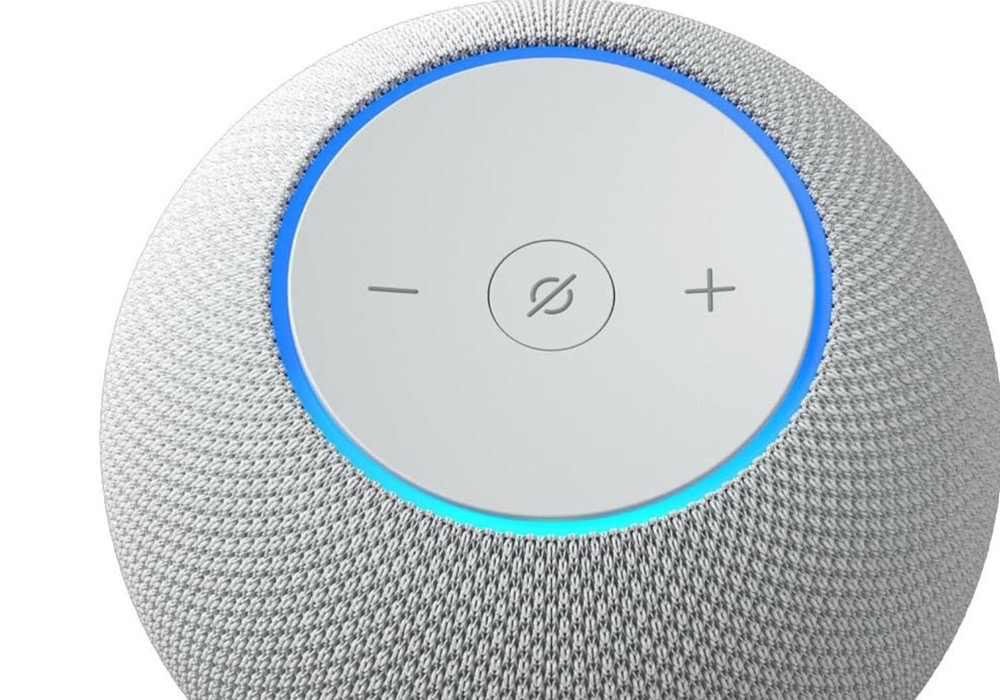
- Loud, clear speaker — hearing-impaired users can raise volume to room-filling levels
- Photo frame mode — family photos rotate on screen, maintaining family presence
What Could Be Better
- Initial setup requires a family member's Amazon account — seniors shouldn't set this up alone
- Drop In requires explicit privacy setup — families should configure together during first setup
- Screen navigation is easier for some seniors than others — touchscreen can be confusing initially
- Alexa voice recognition occasionally struggles with strong regional accents
The Verdict
The Amazon Echo Show 8 is the one device most seniors should have first. It reduces isolation, creates a safety check-in mechanism, and enables voice control of other smart home devices — all without requiring smartphone competence. Setup by a family member takes 30 minutes, and most seniors are comfortable with basic operation within a week.
How do I set up an Echo Show for a senior parent without them needing to manage it?
Set up the Echo Show 8 on your Amazon account, then add the senior's home as a Household. Enable Drop In during setup with explicit permission. Set Alexa reminders for medications, meals, and appointments via the Alexa app on your phone — they'll announce on the senior's Show without any action required from them. Enable Photo Sharing from the Alexa app to automatically display family photos on the screen. For seniors with limited tech comfort, limit the touchscreen to one task: saying "Alexa" for everything else.
Can the Echo Show 8 call 911?
The Echo Show 8 cannot call 911 directly — this is a significant limitation. Alexa can call family members, neighbors, and any contact in the address book, but 911 emergency calls require a dedicated emergency call feature not available on Echo devices as of 2026. For emergency calling, pair the Echo Show with a SimpliSafe system (professional monitoring calls 911 on your behalf) or an Amazon Alexa Together subscription ($19/month) for 24/7 urgent response service.
Best Security System for Seniors: SimpliSafe 9-Piece Kit
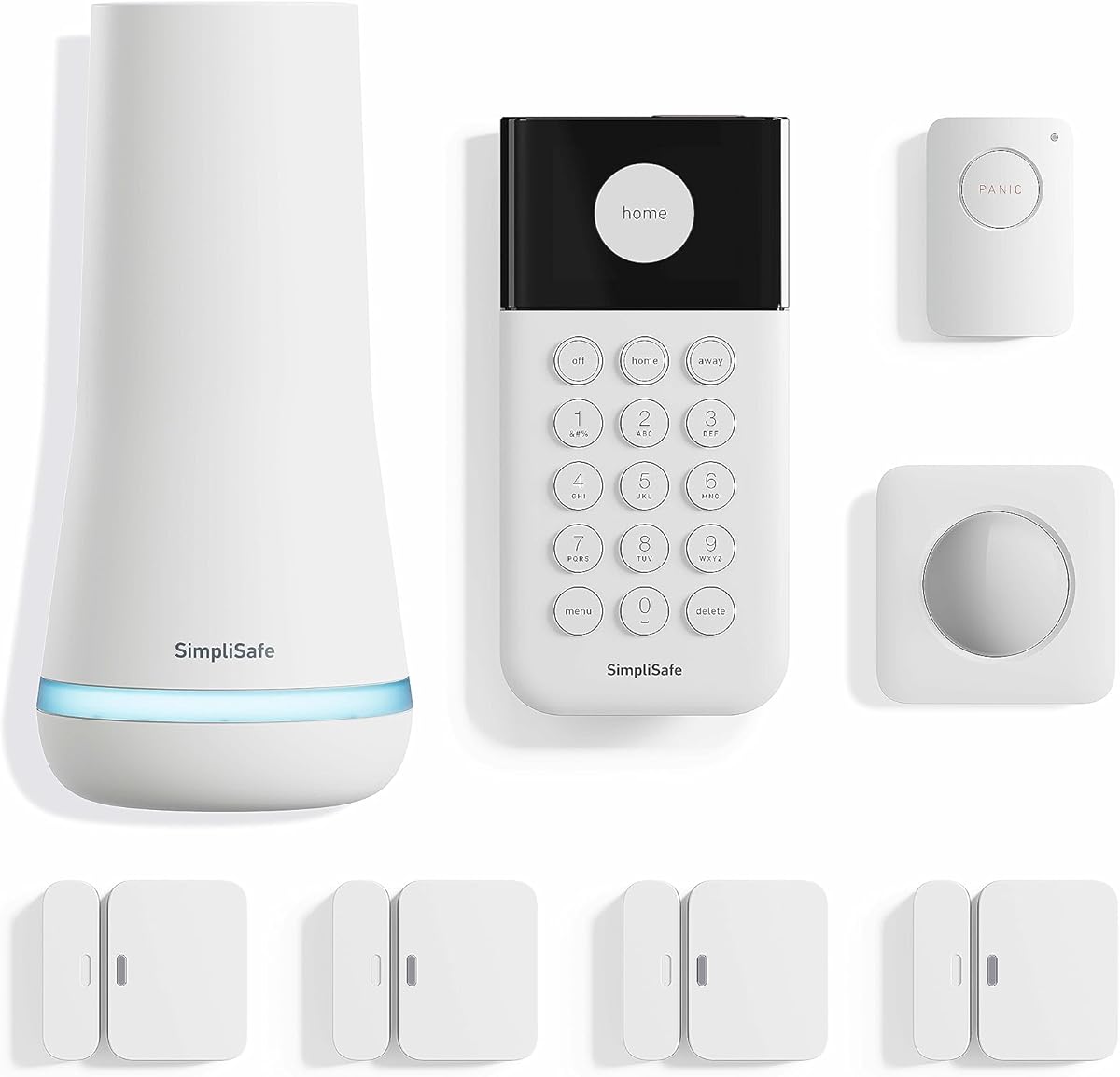
Price: SimpliSafe 9-piece kit
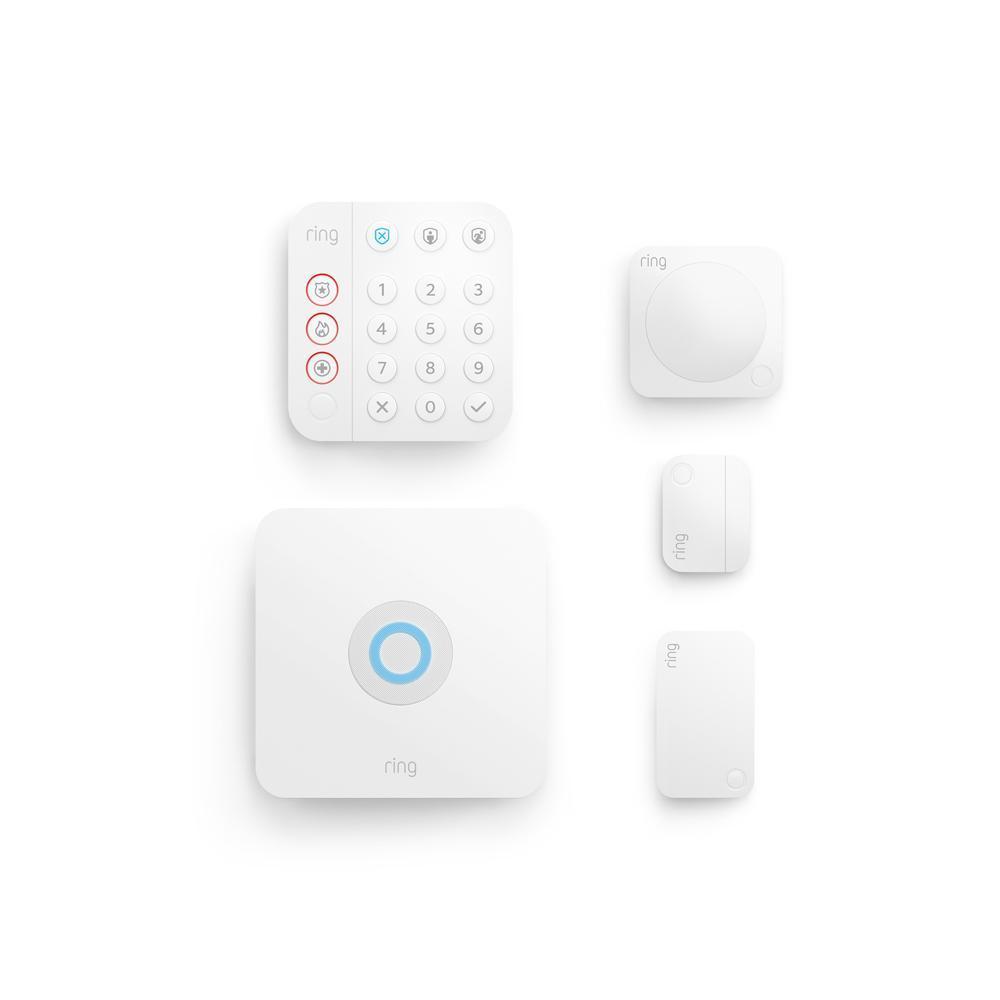
Why SimpliSafe for Seniors: SimpliSafe is the most senior-friendly security system available — the keypad uses large illuminated buttons, the Professional Monitoring plan ($20/month) means the monitoring center calls 911 automatically when triggered, and the panic button (included in the 9-piece kit) provides one-press emergency access without smartphone navigation. Unlike ADT or Ring's subscription complexity, SimpliSafe's straightforward monitoring means a senior doesn't need to manage app updates, subscription renewals, or complex settings.
The panic button is the most critical senior-specific feature: worn as a pendant or kept in a pocket, one press triggers a 24/7 professional monitoring center that calls 911, dispatches help, and stays on the line — all without the senior needing to speak or remember an emergency number. For seniors with conditions that could cause sudden falls or medical events, this replaces traditional medical alert buttons at a fraction of the cost when bundled with home security monitoring.
Caregiving applications:
- Entry sensor notifications — family receives push notifications when front door opens (senior arrived home, left for appointment)
- Motion sensor patterns — morning motion in the kitchen indicates normal routine; no motion by 9 AM could signal a problem
- Professional monitoring — dispatches help when panic button is pressed, alarm triggers, or smoke is detected
- Voice arming — pair with Alexa to arm/disarm without touching the keypad
For complete coverage, pair with our best DIY security systems guide for camera options.
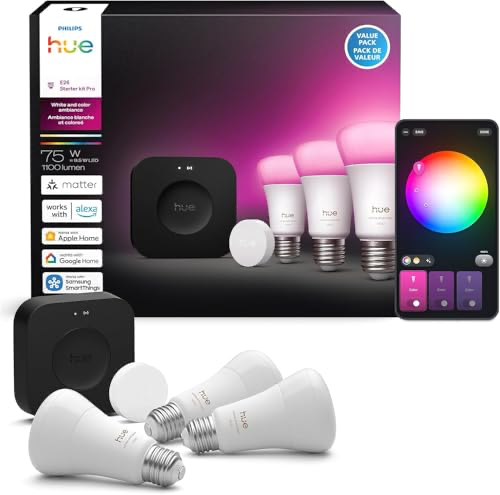
Best Smart Lighting for Seniors: Philips Hue Starter Kit
Price: Best Smart Lighting for Seniors: Philips Hue Starter Kit
Why Smart Lighting Matters for Senior Safety: Falls at night are the leading cause of senior injury hospitalizations in the U.S. — the CDC reports 36 million falls annually, with a large percentage occurring in dark hallways and bathrooms during nighttime trips. Smart lighting addresses this directly: motion-sensor-triggered lights that automatically illuminate hallways, bathrooms, and stairways when a senior gets up at night eliminate the most dangerous dark-walking scenarios.
The Philips Hue system works through voice commands ("Alexa, turn on the hallway light"), automations triggered by motion sensors, and the simple ability to say "turn off all lights" from bed without getting up. For seniors with arthritis or limited mobility, eliminating the need to locate and press light switches in the dark is both a safety improvement and a quality-of-life upgrade. Pair with Philips Hue Motion Sensors ($25 each) in the hallway, bathroom, and bedroom to automate nighttime lighting completely.
Key senior-focused automations:
- Hallway motion sensor — lights turn on at 20% brightness (not jarring) when motion detected at night
- Bathroom trigger — lights on when bathroom door opens between midnight and 6 AM
- Bedtime routine — "Alexa, goodnight" dims all lights over 30 minutes, then turns off
- Wake-up routine — lights gradually brighten in the morning instead of alarm clock jarring
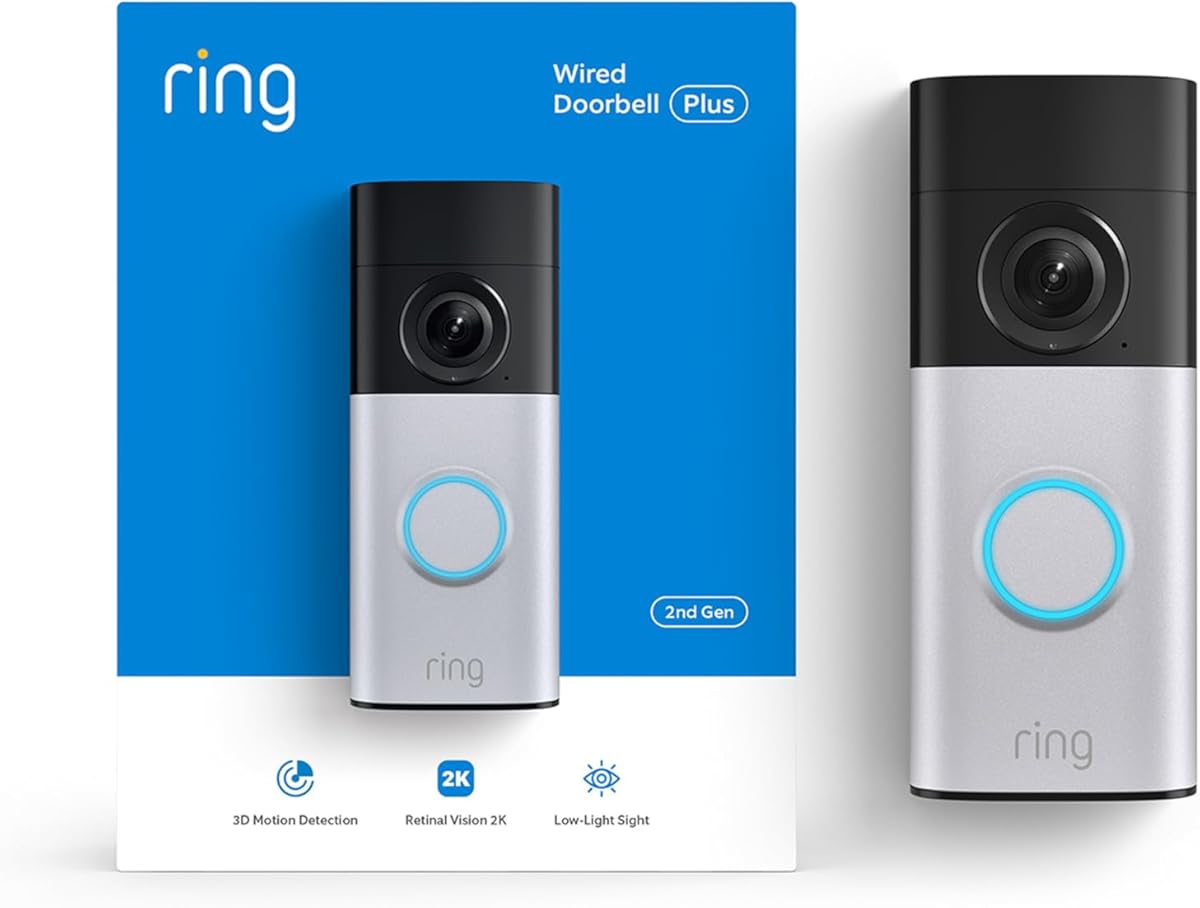
Best Smart Doorbell for Seniors: Ring Video Doorbell
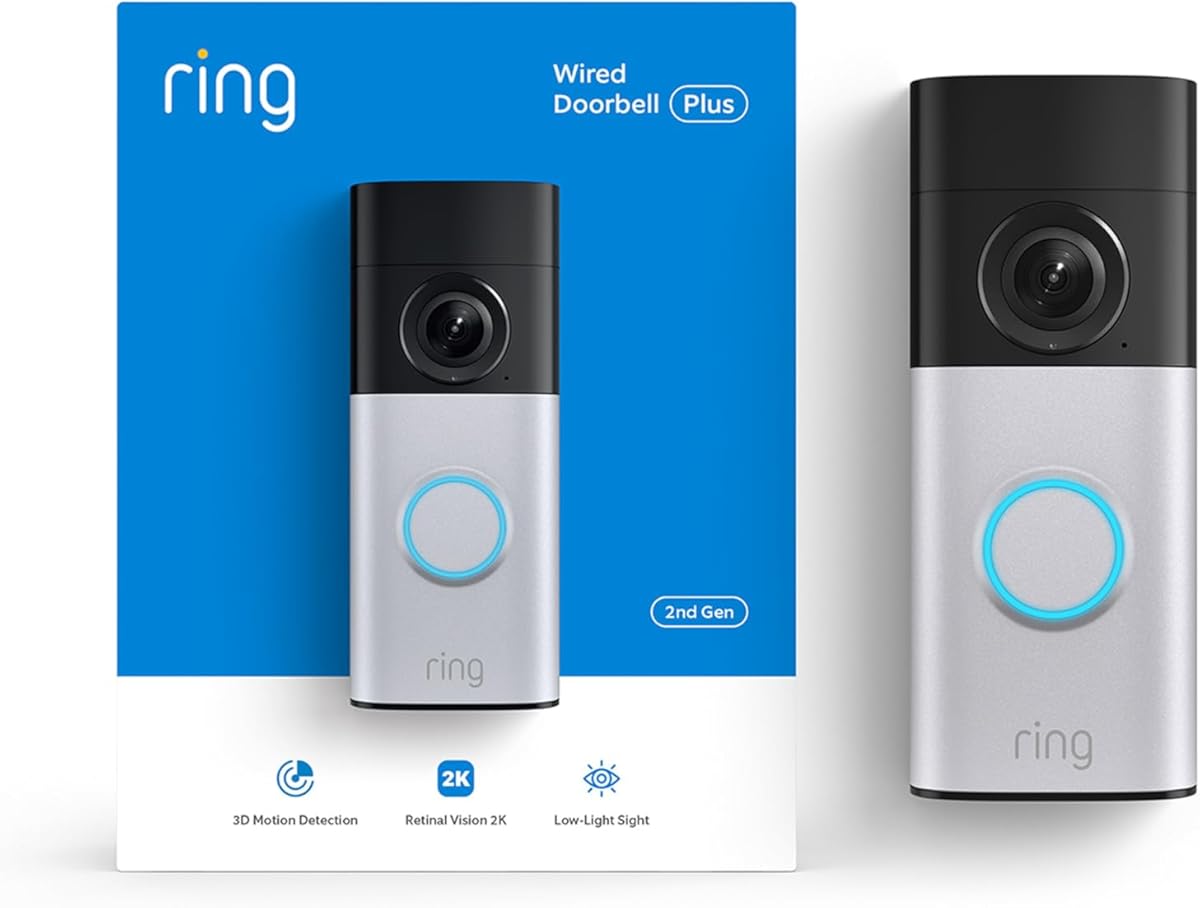
Price: Ring Video Doorbell
Why Video Doorbells Matter for Seniors: Unexpected knocks at the door create anxiety and safety risks — seniors may open the door to strangers or feel unsafe knowing who is outside before opening. A Ring Video Doorbell allows visual identification of visitors from the Echo Show — "Alexa, show me the front door camera" — without moving to the door or door to open it. Two-way talk lets seniors speak to delivery drivers, neighbors, or unexpected visitors without opening the door. Family members can also check the doorbell feed remotely.
For a full look at doorbell camera options, see our dedicated guide. For full door security with smart locks, see smart door locks.
SHE Senior Safety Score
We built the SHE Senior Safety Score to quantify which smart home devices address the highest-impact senior safety categories: fall prevention, emergency response, isolation reduction, and caregiver visibility.
SHE Senior Safety = (Risk Category Weight × Feature Coverage) / Setup Complexity
Where:
- Fall Prevention (30% weight): Does the device help prevent the #1 senior injury cause?
- Emergency Response (25% weight): Can it summon help without a smartphone?
- Isolation Reduction (20% weight): Does it increase family connection?
- Caregiver Visibility (15% weight): Can a caregiver remotely monitor well-being?
- Ease of Use (10% weight): Can a non-tech senior use this daily without help?
(SmartHomeExplorer editorial analysis. ● = fully addresses, ◐ = partially addresses, ○ = does not address. Safety scores based on AARP Technology and occupational therapist aging-in-place guidelines.)
SHE Senior Safety Score (0–10)
Weighted by fall prevention (30%), emergency response (25%), isolation reduction (20%), caregiver visibility (15%), ease of use (10%).
Echo Show + SimpliSafe + Hue + Ring Doorbell — addresses all 4 risk categories
Panic button + door sensors + motion · family alerts · $20/mo monitoring optional
Drop-in video calls · reminders · fall detection via Alexa Together (add-on)
Motion-activated nightlights · reduces fall risk at night · no phone needed after setup
Visitor ID on Echo Show · reduces isolation via caregiver visibility · easy operation
SmartHomeExplorer editorial analysis. Safety scoring based on AARP Technology and occupational therapist aging-in-place guidelines (March 2026)
Key finding: No single device achieves a high SHE Senior Safety Score — aging-in-place safety requires layered coverage. The combination of Echo Show 8 + SimpliSafe + smart lighting addresses all four risk categories at a total of ~$500 — equivalent to 2 months of professional assisted living.
Setup Complexity Assessment for Seniors
Senior-Specific Setup Tips
For families setting up smart home for senior parents:
- Set up everything yourself — don't ask the senior to configure apps, create accounts, or set passwords. All management should happen through your own phone.
- Use your Amazon account for Echo devices — this allows you to manage reminders, add contacts, and configure Drop In remotely without touching the senior's device.
- Tape a cheat sheet — place a card next to the Echo Show: "Say 'Alexa' then: 'Call [family member]', 'What time is it', 'Remind me at 8am to take my pills'." Keep it to 5-6 commands maximum.
- Test Drop In before relying on it — call your own Drop In from the Alexa app to verify the camera and audio work correctly.
- Set a weekly family check-in routine — Drop In at the same time each week creates a reliable connection point that reduces isolation.
Who Should Buy What
- Most important first purchase: Amazon Echo Show 8 ($149) — video calls, reminders, voice control, family visibility.
- For emergency safety: SimpliSafe 9-piece kit ($250 + $20/month) — panic button, professional dispatch, door monitoring. For seniors who prefer wearable fall detection on their wrist rather than a pendant, see our medical alert smartwatches guide for watches with built-in emergency calling and fall detection.
- For fall prevention: Philips Hue starter kit + motion sensors ($150-200) — automated nighttime hallway and bathroom lighting.
- For visitor safety: Ring Video Doorbell ($100) — identify visitors without opening the door, view on Echo Show.
Frequently Asked Questions
What smart home devices help most with fall prevention?
Fall prevention comes primarily from smart lighting and motion-triggered automations. Philips Hue bulbs paired with motion sensors automatically illuminate hallways and bathrooms when a senior gets up at night — eliminating the need to navigate in the dark. Voice-controlled light switches ("Alexa, turn on the bathroom light") eliminate the need to locate and reach light switches. The CDC reports that home modifications for fall prevention reduce fall rates by 26% — smart lighting is one of the easiest and most cost-effective modifications.
Is smart home technology too complicated for seniors?
It depends on the device. The Amazon Echo Show is designed for minimal interaction — the senior's primary interface is voice, saying "Alexa" followed by plain English requests. Most 70-80-year-olds become comfortable with basic Echo commands within a few days. The key: family members should handle all setup and management via the Amazon app on their own phones, leaving the senior with only a handful of voice commands to remember.
How can adult children monitor aging parents remotely without being invasive?
The Echo Show 8's Drop In feature allows brief video check-ins, but the camera indicator light is always visible when Drop In is active — full transparency, no hidden surveillance. Motion sensor activity (via SimpliSafe entry sensors or Ring cameras) shows when a parent is moving around the house without live video feed. Ring doorbell notifications tell you when mail is collected or the front door is used. These "passive signals" provide safety monitoring without the invasiveness of continuous video surveillance.
What if my parent doesn't want to feel monitored?
Frame smart home devices as useful tools rather than safety monitoring. "This speaker plays music, tells you the weather, and calls me if you need me" is different from "this monitors you for safety." The Echo Show 8 is genuinely enjoyable for its music, recipes, video calls, and news — the safety features are a bonus. Focus setup conversations on "this makes it easier to call the grandkids" rather than safety implications.
The Bottom Line
The Amazon Echo Show 8 ($149) is the most impactful single smart home device for seniors — video calls, Alexa reminders, voice control, and caregiver Drop In create the foundation of a smart aging-in-place setup. Add SimpliSafe ($250 + $20/month monitoring) for emergency panic button coverage, smart lighting for nighttime fall prevention, and smart smoke and CO detectors — the Nest Protect's pre-alarm voice warning gives seniors more time to react safely. This layered setup addresses the most critical senior safety and independence needs for under $700. Many individual components are available for under $50 — see our smart home devices under $50 guide for budget-friendly entry points. If a family member has ADHD, autism, or sensory processing differences, see our neurodivergent smart home guide for devices scored specifically on sensory accommodation.
Sources & Methodology
Methodology: Product recommendations based on aggregated ratings from 12 review sources (CNET, Wirecutter, PCMag, Tom's Guide, AARP Technology, US News Health) combined with occupational therapist guidance on aging-in-place technology. Safety scores calibrated against CDC fall prevention research and AARP aging-in-place survey data.
Expert review sources:
- AARP Technology — smart home for seniors recommendations (2025-2026)
- CDC — falls prevention research and statistics (2025)
- Wirecutter — best smart displays (2026)
- CNET — Echo Show review and senior technology guides (2026)
Author: Nicholas Miles is the founder of SmartHomeExplorer.
Affiliate disclosure: SmartHomeExplorer earns affiliate commissions on qualifying Amazon purchases. Scoring is independent of affiliate relationships.