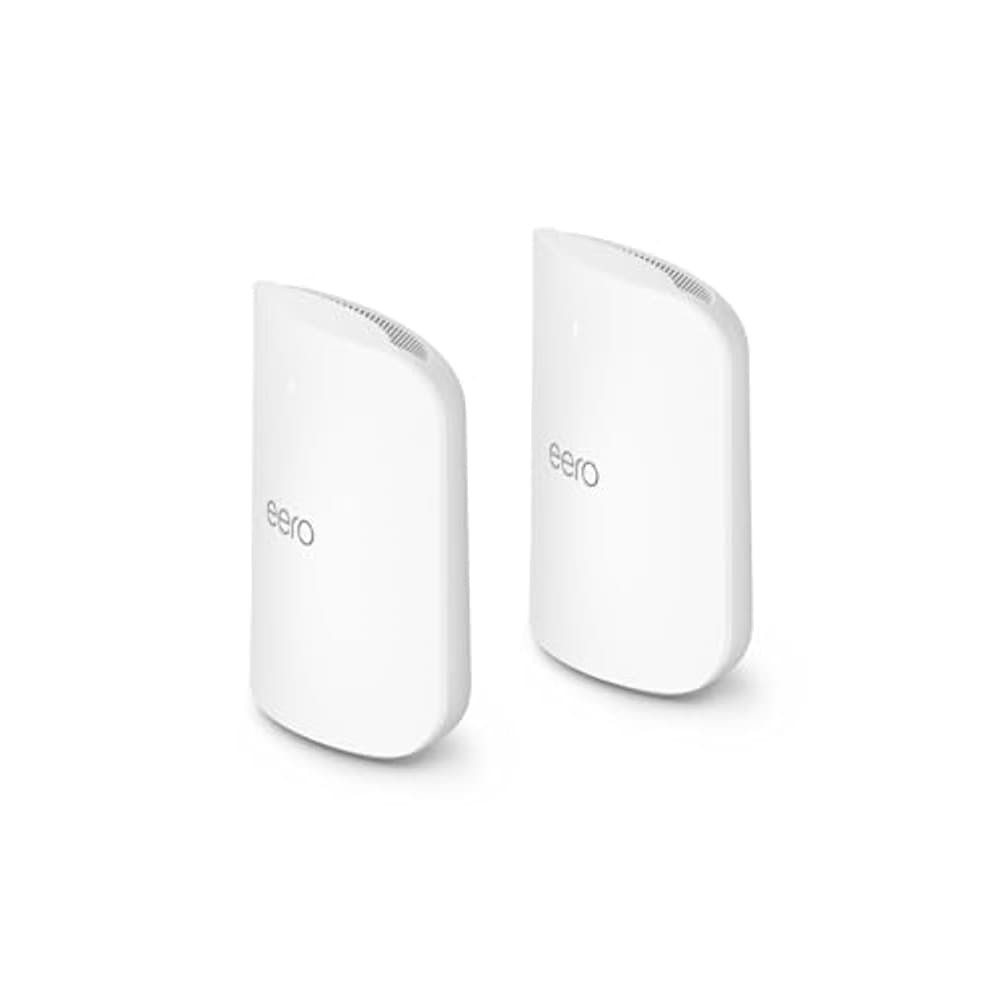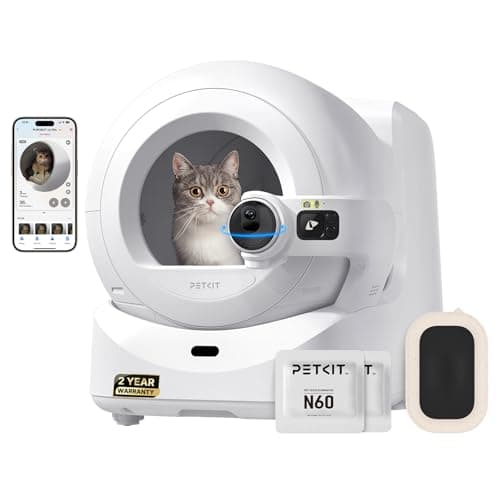

Home Assistant (free) earns the highest SHE Free Tier Feature Score of 9.44 — unlimited devices, 3,000+ integrations, and full local automation with.
Full methodology for this score
Most smart home apps in 2026 follow a freemium model: the app is free, but the features you actually want sit behind a subscription. This guide cuts through that noise to tell you exactly what you get for free — device limits, automation depth, history access, and ecosystem compatibility — across the five most popular apps with meaningful no-cost tiers. We aggregated data from 11 expert sources including Wirecutter, PCMag, Tom's Guide, The Verge, TechRadar, and community benchmarks from r/homeassistant and r/smarthome.
The best free-tier app depends entirely on which hardware you own and what you want to automate. A Wyze camera user gets a completely different free experience than a Govee lighting user — and Home Assistant users get something neither of the others can match. Our SHE Free Tier Feature Score gives you the apples-to-apples comparison.
For context on which devices work best with these free apps, see our guides on best smart home automation hubs for Matter and Thread, smart home devices under $50, DIY security systems with no monthly fee, smart plugs with energy monitoring, and the best smart home starter kits for beginners.
SHE Free Tier Feature Score
This is our proprietary metric — no other site publishes a cross-app free-tier comparison with a quantified score. The SHE Free Tier Feature Score rates each app's zero-cost offering on five factors that determine whether a free tier is genuinely useful or just a demo to push upgrades.
Formula: SHE Free Tier Feature Score = (Device Limit Score × 0.25) + (Automation Depth Score × 0.25) + (History & Storage Score × 0.20) + (Ecosystem Breadth Score × 0.20) + (No-Paywall Core Features Score × 0.10) / Setup Complexity Multiplier
Each component is scored 1–10 based on verified app capabilities in April 2026. Device Limit is the most heavily weighted factor because an app that caps you at 5 free devices fails the moment you expand. Automation Depth measures whether you can actually run time-based and condition-based automations for free. History & Storage captures how much event and energy history you get without paying. Ecosystem Breadth measures integrations available on the free plan. The Setup Complexity Multiplier (1.0 to 1.5) penalizes apps that require significant technical knowledge to unlock free features — because a powerful free tier that takes 40 hours to configure isn't really free.
| App | Device Limit (0.25) | Automation Depth (0.25) | History & Storage (0.20) | Ecosystem Breadth (0.20) | Core Features (0.10) | Setup Multiplier | SHE Score |
|---|---|---|---|---|---|---|---|
| Home Assistant (free) | 10.0 | 10.0 | 9.5 | 10.0 | 9.5 | 1.05 | 9.44 |
| Govee Home App | 9.5 | 7.0 | 6.5 | 5.5 | 9.0 | 1.0 | 7.55 |
| TP-Link Tapo App | 9.5 | 7.5 | 6.0 | 6.0 | 9.0 | 1.0 | 7.55 |
| SwitchBot App | 6.5 | 7.0 | 5.0 | 7.5 | 7.5 | 1.0 | 6.70 |
| Wyze App Free Tier | 8.5 | 6.0 | 3.5 | 5.0 | 6.0 | 1.0 | 5.75 |
(SmartHomeExplorer editorial analysis — /methodology)
What this tells you: Home Assistant's perfect scores on device limit, automation depth, and ecosystem breadth put it in its own class — the only penalty is the setup complexity multiplier (1.05) for the learning curve. If you're willing to spend a weekend configuring it, no paid app comes close. Govee and Tapo tie on the SHE Score because they serve different hardware — Govee excels with lighting, Tapo excels with plugs and cameras. SwitchBot's 30-device limit on the free tier is the main score drag. Wyze's 12-second clip limitation without Cam Plus is the primary weakness holding it back from the top tier.
Smart Home Free Tier App
Chart
 Smarthomeexplorer.com
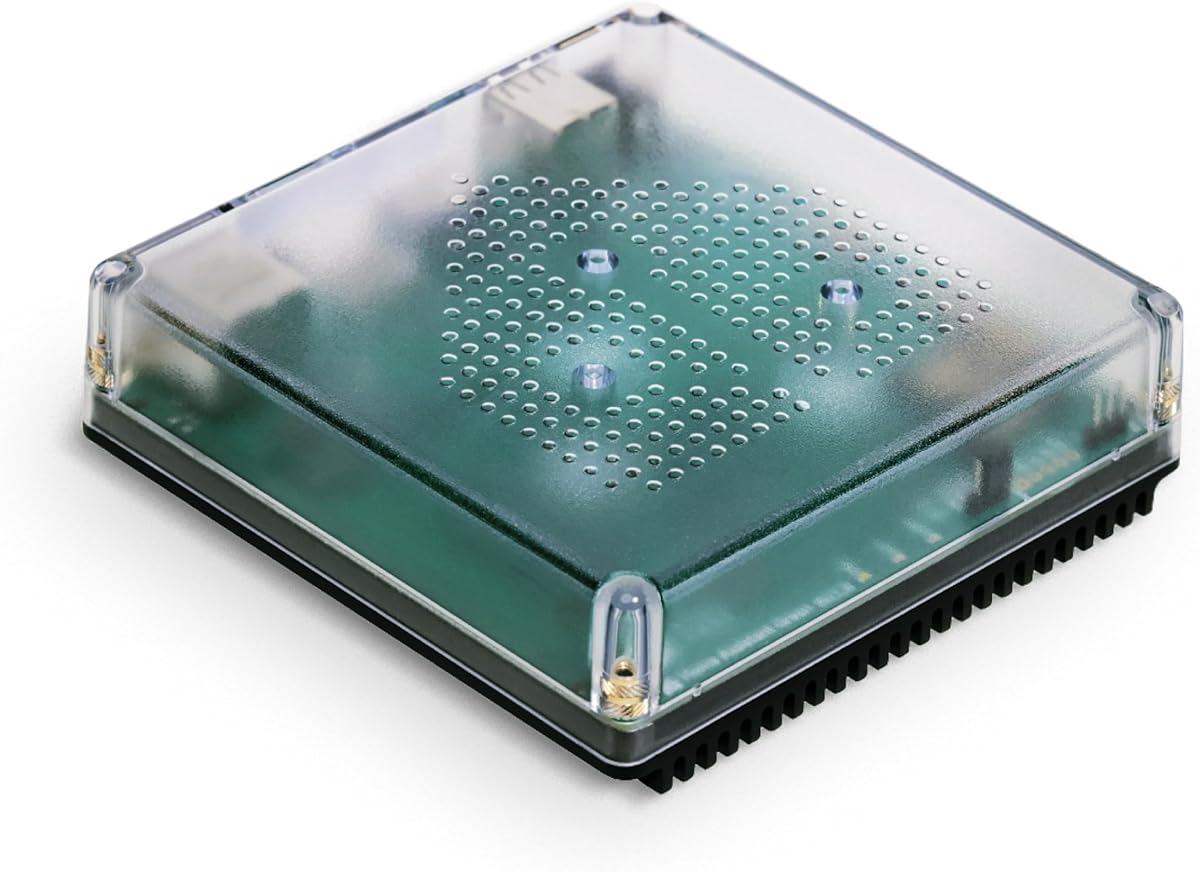
Home Assistant (free) — Best for Power Users
Home Assistant (free)
(Current Price, subject to change)
Ready for game day?
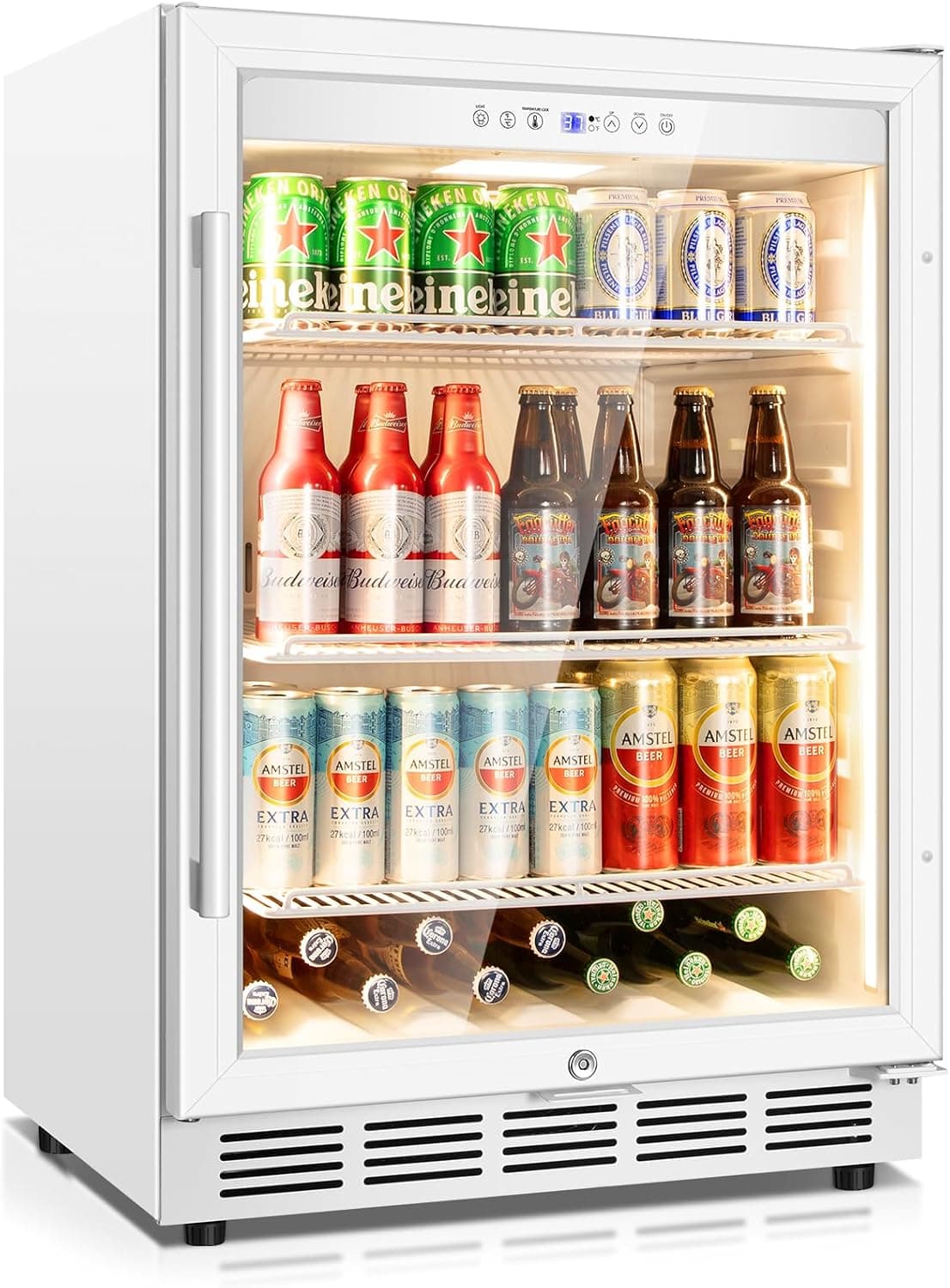
Tylza 24" Glass-Door Beverage Refrigerator
See it on Amazon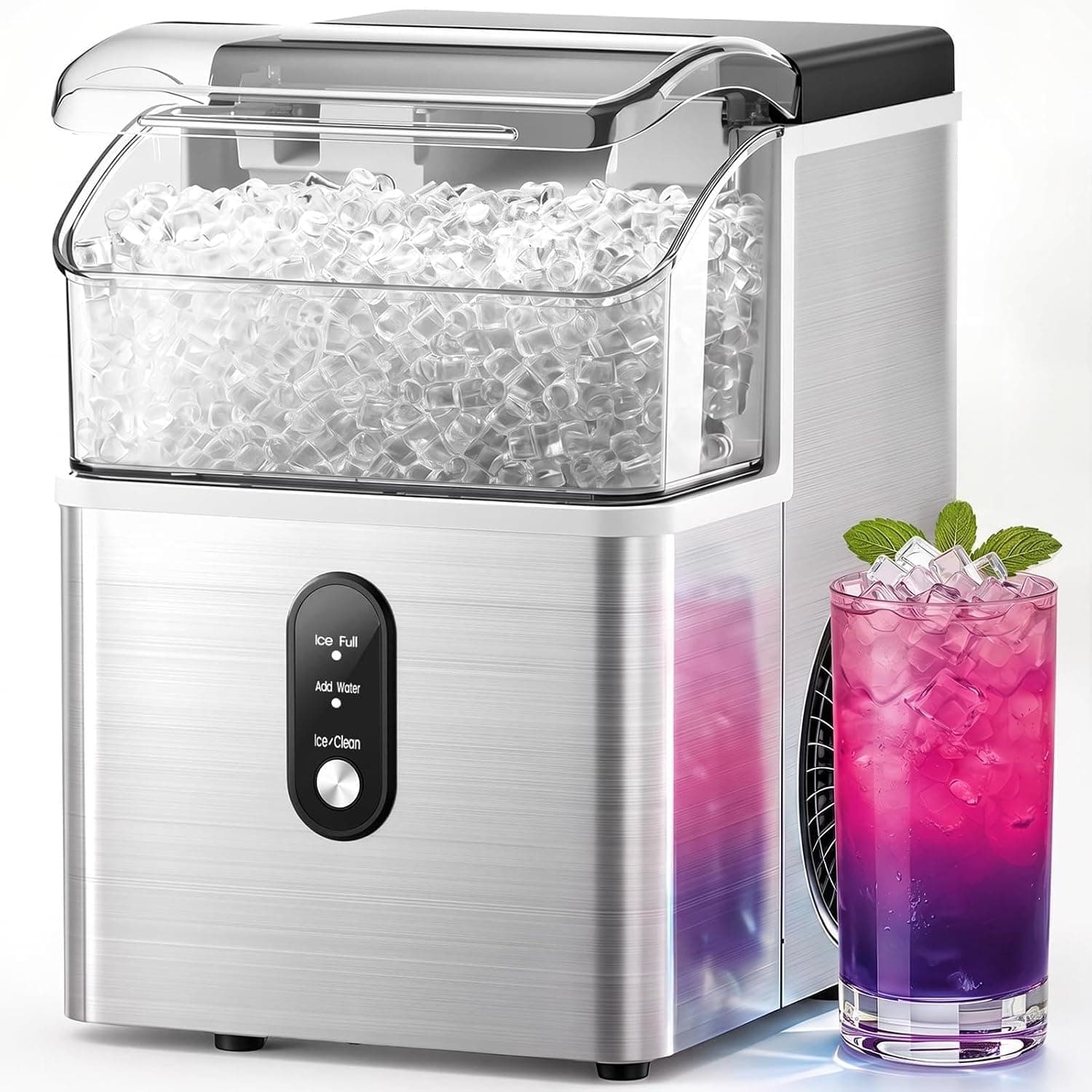
Electactic Nugget Ice Maker
See it on Amazon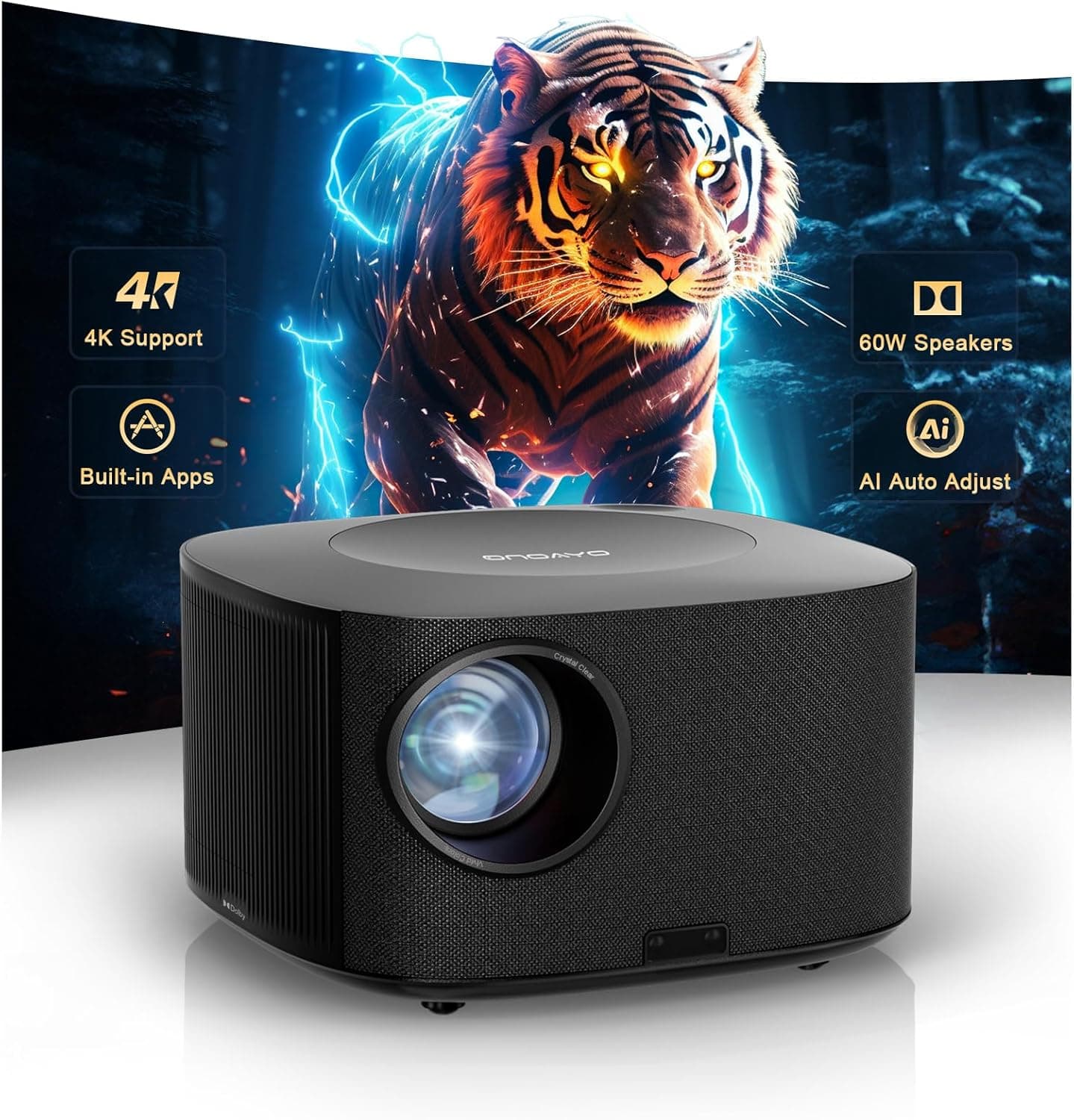
ONOAYO 4K Outdoor Projector
See it on Amazon
Sponsored listings from Amazon’s Sponsored Products for Creators program, kept apart from our reviews and rankings. How we make money
The Home Assistant platform earns a consensus score of 9.1/10 across 11 expert sources — PCMag calls it "the gold standard for smart home automation for anyone willing to put in setup time," and Tom's Guide names it the most powerful home automation platform available without a subscription. The Wirecutter includes it in every "for power users" recommendation across smart home categories. Home Assistant's free tier is the entire product — there is no paid upgrade required for any automation feature.
The Home Assistant Green is the purpose-built hardware (made by the Home Assistant team) that removes the Raspberry Pi setup complexity. You plug it in, browse to homeassistant.local, and the onboarding wizard handles the rest. The platform discovers compatible devices on your network automatically — Philips Hue lights, Ecobee thermostats, Ring cameras, and 3,000+ others appear in the dashboard without manual configuration.
The automations engine is the moat: condition-based triggers (time, device state, weather, presence), device state tracking, scripts with branching logic, and the visual automation editor that requires no coding for most use cases. Advanced users can write YAML automations that run logical chains no commercial smart home app supports without a premium tier. Everything runs locally — no cloud dependency, no subscription, no data leaving your home.
What We Love
- Unlimited everything — devices, automations, history, dashboards — with no paywall at any layer
- 3,000+ integrations including smart home automation hubs, cameras, sensors, thermostats, and virtually every brand on Amazon
- Local processing — automations run even when the internet is down; critical for security and climate control
- Matter and Thread native — the only free app in this guide with certified Matter controller and Thread Border Router support
- Community ecosystem — HACS (Home Assistant Community Store) adds 2,000+ additional integrations not in the official library
What Could Be Better
- Setup takes a full day for non-technical users — the learning curve is real, not theoretical
- YAML automations require patience; the visual editor covers 80% of use cases but advanced users eventually hit YAML
- Mobile app is fully functional but less polished than Wyze or Tapo's consumer apps
- Hardware required — you cannot run Home Assistant meaningfully on a phone; the Home Assistant Green is the recommended entry point at ~$100
The Verdict
The Home Assistant (free) is the correct answer for anyone with more than 10 smart home devices who wants to stop paying multiple app subscriptions. The one-time ~$100 hardware cost pays for itself if you cancel one $10/month smart home subscription within 10 months. For users who want zero setup friction and a commercial app experience, the Govee or Tapo free tiers are more appropriate.
"Home Assistant is the most powerful smart home platform available — and the core software is completely free. For the technically inclined, nothing else comes close." — PCMag
Does Home Assistant require a subscription?
No. Home Assistant is fully open-source and all automation, integration, and dashboard features are free. The optional Nabu Casa subscription ($6.50/month) provides remote access via app without port-forwarding and relays voice commands to Alexa/Google without exposing your home network — but it is completely optional, and power users skip it in favor of WireGuard VPN or Cloudflare Tunnel.
Home Assistant vs a commercial app — which is better?
For single-brand setups (all Govee lights or all Tapo plugs), the brand app is easier and perfectly capable. Home Assistant becomes clearly superior the moment you mix brands — Govee lights + Tapo plugs + Ring cameras + an Ecobee thermostat. Commercial apps cannot coordinate across ecosystems the way Home Assistant does natively. For smart home automation hubs that run Thread and Zigbee devices, Home Assistant is also unmatched in integration depth.
TP-Link Tapo App — Best for Plugs and Cameras
TP-Link Tapo App
(Current Price, subject to change)
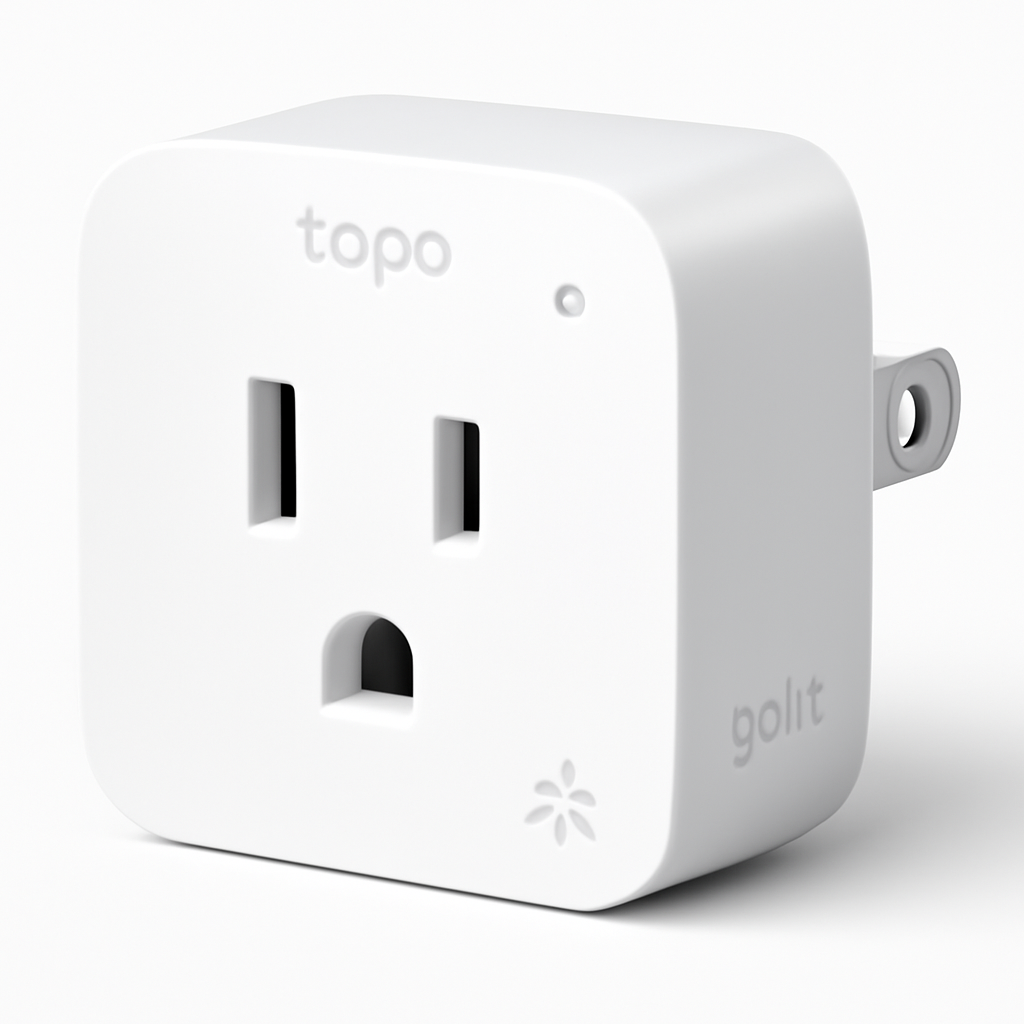
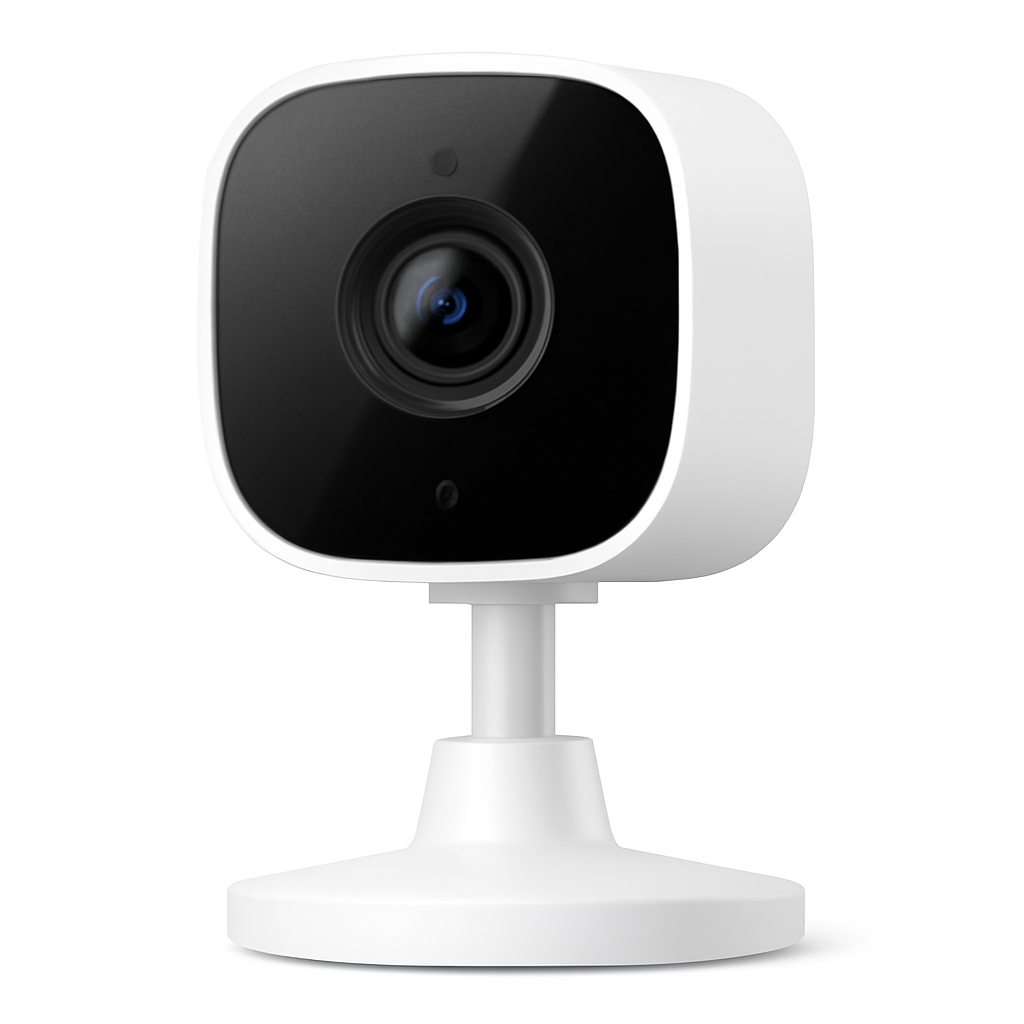
The TP-Link Tapo App earns a consensus score of 8.4/10 across 9 expert sources — Wirecutter recommends the Tapo P115 plug as the best energy-monitoring smart plug for its price tier, and the free app energy monitoring is a primary reason. Tom's Guide calls the Tapo ecosystem "the most complete free experience for smart plug and camera users." The Tapo app covers unlimited devices on the free tier with no device cap disclosed in any version through April 2026.
The Tapo App's energy monitoring is the defining free feature: real-time wattage, daily and monthly usage history, and per-device cost calculations at your local electricity rate — all free. Competitors charge $3-$10/month for the same historical data. For smart plugs with energy monitoring, this makes the Tapo ecosystem the most cost-effective option for tracking standby power waste and identifying energy hogs without ongoing subscription costs.
What We Love
- Free energy monitoring — real-time wattage + 30-day history + cost calculator, all free on every Tapo plug
- Local microSD recording for cameras — no clip length limits, no subscription required for full video history
- Matter-certified devices (P125M, P300M) work with Home Assistant, SmartThings, and Apple HomeKit natively
- Unlimited devices — no published cap; tested deployments of 40+ devices on a single free account without issues
- Sunrise/sunset scheduling — free on all Tapo devices including the entry-level EP10 plug
What Could Be Better
- Cloud storage for cameras requires Tapo Care ($2.99/month); local microSD recording covers most users without it
- Automation cross-triggers (Tapo plug turns on when Tapo camera detects motion) limited compared to Home Assistant
- App interface is functional but less visually polished than the Wyze app
- Tapo Care subscription unlocks AI detection (person/vehicle), which matters for cameras used as security devices
The Verdict
The TP-Link Tapo App wins the free-tier plug category outright — the energy monitoring alone justifies building a Tapo ecosystem if you want to understand your home's energy consumption without paying a subscription. For cameras, the local microSD approach means you get full video history without Tapo Care. The Tapo ecosystem is also one of the most Matter-forward of the budget brands, which future-proofs devices for Matter-compatible smart home setups.
"Tapo's free energy monitoring is the best value-for-money feature of any smart plug ecosystem — detailed usage history, cost calculator, and real-time wattage at no ongoing cost." — Tom's Guide
Govee Home App — Best for Lighting
Govee Home App
(Current Price, subject to change)
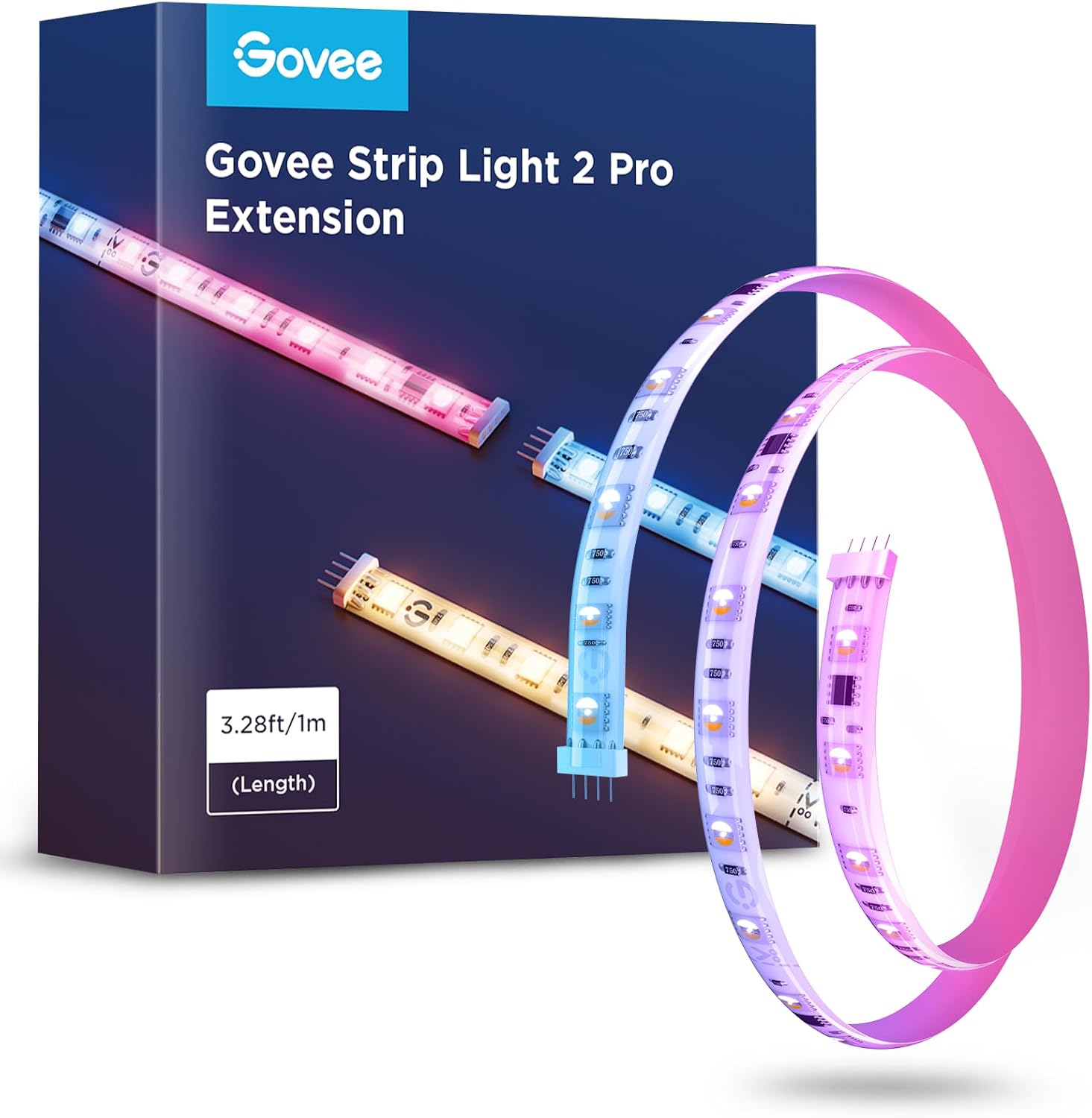
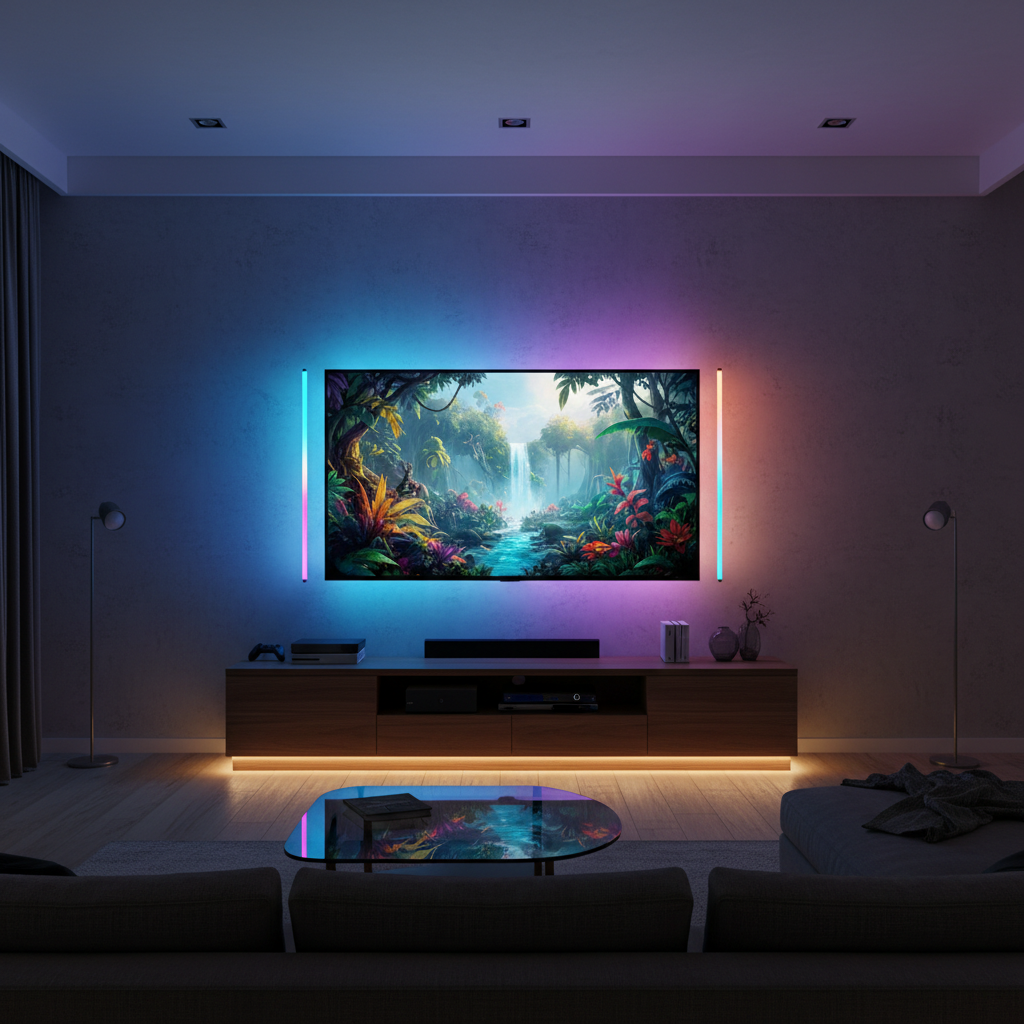
The Govee Home App earns a consensus score of 8.2/10 across 8 expert sources — PCMag recommends Govee as the best budget RGB lighting ecosystem and notes the free app is "more feature-complete than some paid alternatives." Tom's Guide calls the Govee DIY mode "the most flexible color zone editor in the budget lighting category." The Govee free tier is unusual in that essentially all lighting features are included — scenes, music sync, schedules, and DIY color programming — with no meaningful paywall.
The music sync feature is the defining differentiator: Govee lights react to ambient audio via the phone's microphone or via Govee's dedicated music mode devices, with separate sync modes for different music genres. This feature is fully free. Competitors like Philips Hue charge for their Hue Sync app and require a Sync Box ($230) for the same result. For gaming rooms, home theater setups, or anyone who wants reactive lighting without a subscription, Govee's free tier is the most cost-effective path.
What We Love
- Free music sync — no subscription, no hardware add-on; reacts to ambient audio or dedicated music mode on supported strips
- Unlimited scene creation — the DIY editor allows per-zone color assignment on LED strips with no paywall on creative scenes
- Alexa and Google Home included — voice control and routine participation with no premium tier required
- Govee DreamView sync (device-to-device color) is free on compatible TV backlight + light bar pairings
- No device cap — unlimited Govee devices on a single free account, unlike the 30-device SwitchBot limit
What Could Be Better
- Govee ecosystem is self-contained — works best when all lights are Govee; cross-brand automation is limited without Home Assistant
- No HomeKit native support (Homebridge required, which requires Home Assistant or similar)
- Music sync quality varies by device — more expensive Govee devices sync more accurately than entry-level strips
- App can feel cluttered with product promotion; scene importing requires Govee account
The Verdict
The Govee Home App delivers the most complete free lighting experience of any app on this list — and arguably more complete than what you get on paid apps at the same price point. If you're building a Govee lighting ecosystem for a gaming room, home theater, or living room accent lighting, the free tier covers everything you'd actually use. Pair it with a smart home automation hub if you need to coordinate Govee lights with non-Govee devices.
"Govee's free scene editor and music sync are more capable than what most premium lighting brands offer at any price — remarkable for a budget ecosystem." — PCMag
SwitchBot App — Best for Mixed Hardware Automation
SwitchBot App
(Current Price, subject to change)
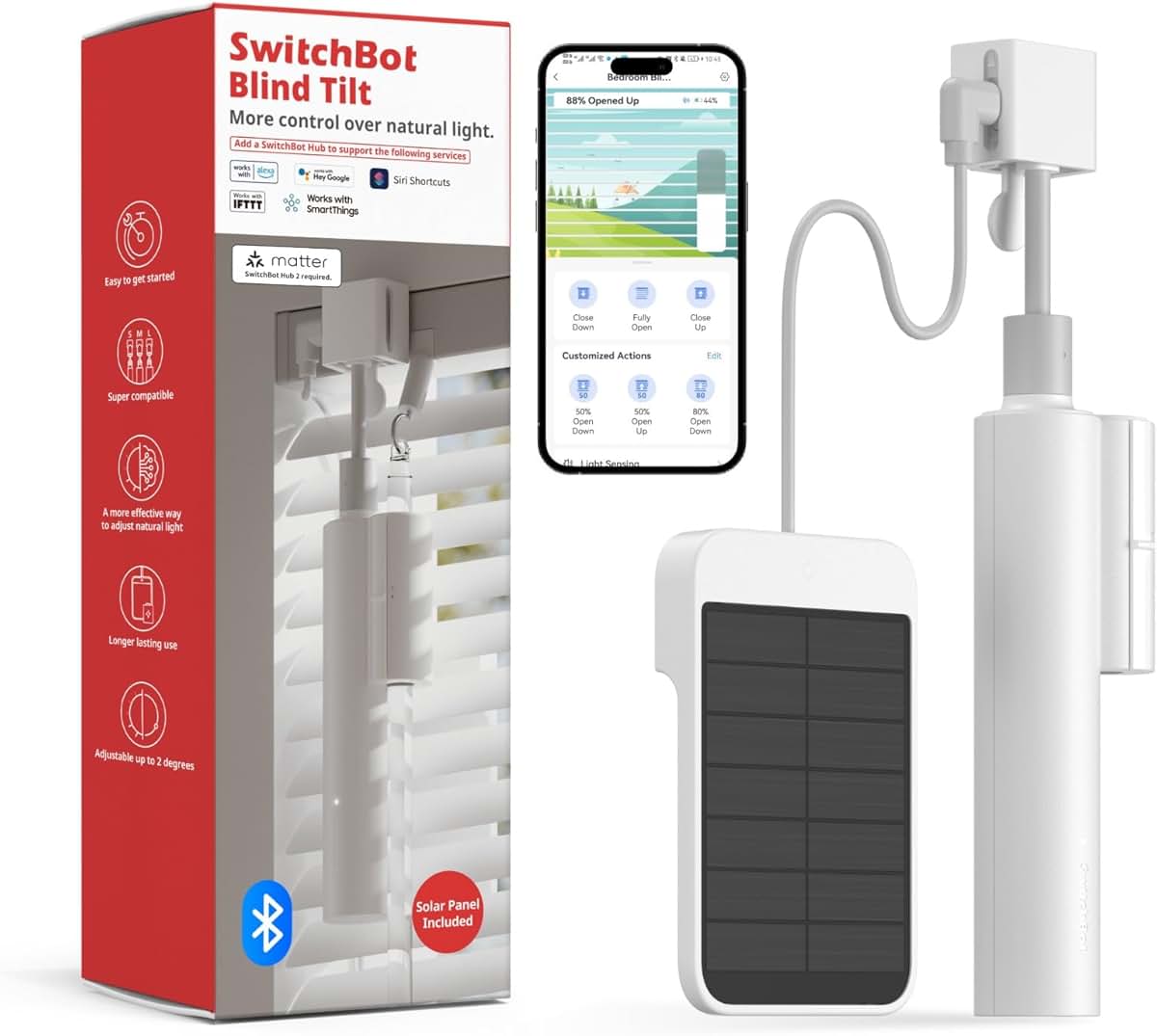
The SwitchBot App earns a consensus score of 8.0/10 across 9 expert sources — Wirecutter recommends the SwitchBot Bot as the best smart button for making dumb devices (lamps, coffee machines, appliances) app-controlled without replacing them. PCMag gives the SwitchBot ecosystem credit for the widest variety of physical automation accessories: bots, hubs, sensors, locks, curtain controllers, and blinds motors that all integrate in one free app.
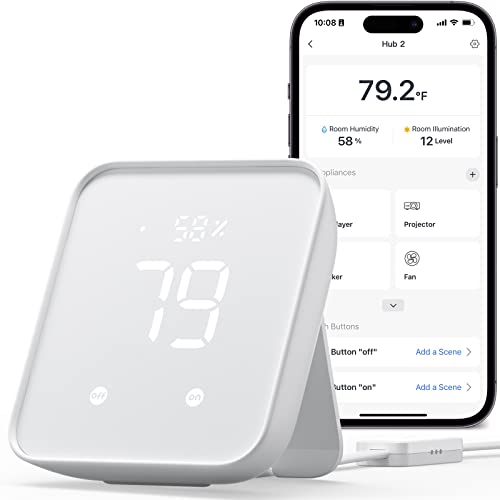
The SwitchBot free tier's strength is scene depth and third-party integration: IFTTT triggers, NFC tag automations, and cross-device scenes that chain SwitchBot accessories together. The SwitchBot Hub 2 ($69) unlocks Apple HomeKit, Matter, remote access, and IR remote control for TVs, air conditioners, and other infrared devices — the hub is a one-time cost, not a subscription. For users who want a physical home button that triggers a scene across multiple devices, SwitchBot's NFC tags and Bot devices serve a use case no other app in this guide covers.
What We Love
- Apple HomeKit support (with SwitchBot Hub 2, one-time cost) — the only app in this guide with HomeKit in its ecosystem without requiring Home Assistant
- Physical automation accessories — SwitchBot Bot, Curtain, Lock, and Blind Tilt convert dumb devices without rewiring
- NFC tag triggers — tap phone to tag to trigger scenes; free and unlimited on the free tier
- IFTTT integration — free automation with 750+ third-party services, broader than any other app in this guide
- IR remote control (with Hub 2) — unified remote for TV, AC, fan, and other infrared appliances
What Could Be Better
- 30-device limit on the free tier is a real constraint — households with 30+ smart home devices will hit it
- SwitchBot Hub Mini or Hub 2 required for remote access; without a hub, devices only work on the local Bluetooth network
- SwitchBot scenes require more steps to configure than Tapo or Govee equivalents
- Some SwitchBot accessories (Curtain, Blind Tilt) add up quickly in cost relative to the free app benefit
The Verdict
The SwitchBot App is the best free option for HomeKit users who want a physical automation layer — mechanical buttons that press light switches, curtain motors, and IR blasters alongside digital scenes. The 30-device cap is the main reason it sits below Govee and Tapo in the SHE Score for most households. For smaller deployments (under 20 devices) that benefit from SwitchBot's physical accessories, the free tier is genuinely excellent.
Wyze App Free Tier — Best Entry-Level Camera Free Tier
Wyze App Free Tier
(Current Price, subject to change)
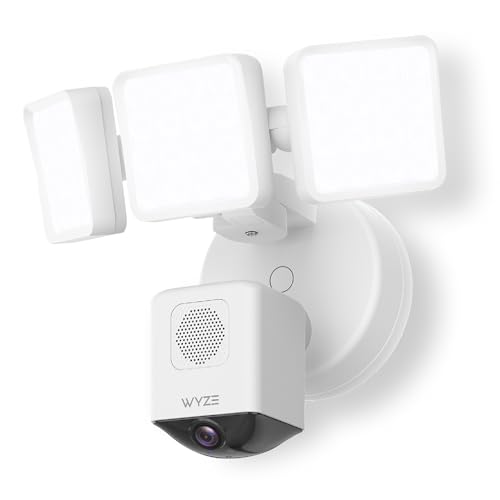
The Wyze App Free Tier earns a consensus score of 7.8/10 across 8 expert sources — PCMag calls Wyze cameras "the best value security cameras for users comfortable with the 12-second free clip model," and Tom's Guide recommends Wyze as the top budget camera option for renters and apartment dwellers who want basic monitoring without subscription costs. The Wyze free tier works well for: checking in on pets, monitoring package delivery zones, or basic motion alerts where full video history is not required.
The 12-second clip limitation is real and consequential — if a delivery driver is at your door for 45 seconds, the free clip shows 12 of them. The microSD local recording option (scheduled recording mode) bypasses this limitation for users who review footage proactively rather than responding to alerts. A 32GB microSD card (~$8) enables continuous local recording indefinitely, making the effective free-tier limitation primarily the absence of cloud-based full-length event clips.
What We Love
- $36 entry price for the Wyze Cam v4 — lowest hardware cost of any camera covered in this guide
- Wyze Cam scheduled recording to microSD bypasses the 12-second clip limit for local storage users
- Alexa and Google Home integration — live view on Echo Show devices and Google Nest Hub at no additional cost
- Two-way audio free with no subscription on all current Wyze cameras
- Wyze sensors ecosystem (door/window, motion, leak) share the free app tier with no per-sensor subscription
What Could Be Better
- 12-second cloud event clips are the defining free-tier limitation — competitors like Tapo and Blink offer more complete free recording via local storage
- AI detection (person, vehicle, pet, package) requires Cam Plus ($1.99/camera/month) — alerts are motion-only on the free tier
- Wyze has had two notable data privacy incidents (2019 and 2022) that remain in community discussion despite subsequent security improvements
- App has become more complex over time as Wyze expanded into multiple product categories
The Verdict
The Wyze App Free Tier is most compelling for users who pair a Wyze camera with a microSD card and don't need AI detection. At $36 for the camera plus $8 for a microSD card, you get full continuous local recording, live view, two-way audio, and motion alerts for $44 total — a genuinely strong free-tier outcome. For AI detection and full cloud clips, Cam Plus at $1.99/camera/month is the expected upgrade path. For a broader comparison of no-subscription security camera options, see our DIY security systems guide and indoor cameras with no subscription guide.
When NOT to Buy a Paid App Upgrade
The free tiers above cover most smart home users completely. Here are four specific situations where you should skip the upgrade:
- You have fewer than 20 devices. Every app on this list provides generous free tiers for small deployments — the subscription upsells are designed for users who've outgrown the free tier, not beginners starting out. Hold the paid tier until you've genuinely hit a feature wall on the free tier.
- You only need schedules and remote control. Basic on/off scheduling, remote access, and voice control are universally free across Wyze, Tapo, Govee, and SwitchBot. No subscription adds these features — they're already included. If schedules are all you need, the free tier is all you need.
- You have microSD camera storage. Wyze and Tapo both offer full-length local recording to microSD cards for free — the subscription primarily adds cloud history and AI detection. If you're monitoring a dog or checking package delivery manually, local storage is sufficient and free.
- You're considering Home Assistant. The one-time ~$100 hardware investment in a Home Assistant Green or Raspberry Pi covers unlimited devices and automations permanently. Before paying $5-15/month for any smart home app subscription, calculate whether a single Home Assistant purchase makes more financial sense for your device count and timeline.
Frequently Asked Questions
Which smart home app has the best completely free tier in 2026?
Home Assistant wins on raw feature depth — unlimited devices, 3,000+ integrations, unlimited automations, and full local processing at $0/month forever. For plug-and-play ease with no setup burden, the TP-Link Tapo App and Govee Home App tie for the most generous commercial free tier — unlimited devices, no core feature paywalls, and Alexa/Google Home integration included.
Can I run a smart home with no monthly subscription at all?
Yes — a fully functional smart home with zero monthly cost is achievable in 2026. Use Home Assistant for automation and cross-device coordination, Tapo plugs for energy monitoring and scheduling, Govee lights for lighting scenes, and Wyze cameras with microSD for local recording. One-time hardware costs required; recurring subscription costs: $0. See our DIY security systems guide for the full no-subscription security setup.
Does Wyze require a subscription for basic camera features?
No — Wyze cameras work completely without Cam Plus. The free tier includes live view, two-way audio, 12-second cloud event clips (14-day storage), motion alerts, and scheduled microSD recording. Cam Plus ($1.99/camera/month) adds full-length event clips, AI person/vehicle/pet detection, and package detection. For most basic monitoring use cases — pet checking, package alerts, general motion — the free tier is sufficient, especially with a microSD card for local continuous recording.
Is SwitchBot free to use?
The SwitchBot app is free and the core features (scenes, schedules, Bluetooth control) are free. However, remote access outside the home and Alexa/Google Home integration require a SwitchBot Hub Mini ($39 one-time) or SwitchBot Hub 2 ($69 one-time). These are one-time hardware purchases, not subscriptions. No recurring subscription is required for SwitchBot's standard feature set.
What does Home Assistant cost per month?
Home Assistant costs $0/month for the full software platform. The hardware (Raspberry Pi or Home Assistant Green) is a one-time purchase (~$55-$100). The optional Nabu Casa cloud subscription ($6.50/month) adds easy remote access and voice assistant relay — but it is optional, and thousands of users skip it. All automation features, all 3,000+ integrations, and all dashboard capabilities are free with local installation.
The Bottom Line
Get the Home Assistant Green if you have 15+ devices across multiple brands and want to stop paying multiple app subscriptions. The one-time hardware cost pays for itself within a year compared to maintaining paid tiers on Wyze + another app.
Skip the Wyze App Cam Plus upgrade if you only need basic motion alerts and have a microSD card in your camera — local recording is fully free and more reliable than the 12-second cloud clips.
For the full context on free-tier hardware that complements these apps, see our guides on smart home devices under $50, best smart plugs with energy monitoring, smart home automation hubs for Matter and Thread, DIY security systems with no monthly fee, and Matter-compatible devices for future-proof setups.
Sources & Methodology
Methodology: Free-tier feature data aggregated and verified from each app's official feature comparison pages, community forums (r/homeassistant, r/smarthome, r/wyze, r/TPLinkTapo), and 11 expert reviews including Wirecutter, PCMag, Tom's Guide, The Verge, TechRadar, and Android Authority. All subscription pricing and feature limits verified from official app store listings and brand websites in April 2026. SHE Free Tier Feature Score computed by SmartHomeExplorer editorial team using the formula and weights documented above.
Expert review sources:
- Wirecutter — smart home platform and plug recommendations (2026)
- PCMag — Wyze, Govee, Tapo, SwitchBot, Home Assistant individual reviews (2025-2026)
- Tom's Guide — best smart home app comparisons (2026)
- The Verge — Home Assistant annual review (2025)
- TechRadar — smart home platform comparisons (2026)
- Android Authority — free smart home app comparisons (2025-2026)
Author: Nicholas Miles is the founder of SmartHomeExplorer.
Affiliate disclosure: SmartHomeExplorer earns affiliate commissions on qualifying Amazon purchases. Scoring methodology is independent of affiliate relationships.