
Local storage costs 3-6x less over 5 years. Cloud plans feel cheap at $4/month and become expensive fast.
Most security camera reviews focus on image quality, night vision, and app design. They skip the part that actually costs you money: 5 years of subscription fees that nobody mentions on the product page. Ring sells cameras at $100 and makes its real revenue at $9.99/month. Google Nest charges $10/month for video history that the hardware could store locally at zero cost. The result is a security system that charges you forever for footage you thought you already owned. This guide does the math everyone else avoids.
We analyze every storage approach for home security cameras — local microSD, cloud subscriptions, NAS, and DIY systems — using our 5-year total cost of ownership model for a 3-camera household. For a broader look at which cameras perform best overall, see our best smart security cameras guide. For outdoor-specific options without subscriptions, see our best outdoor security cameras without subscriptions guide.
We don't test cameras in our lab. We aggregate what expert sources say — Wirecutter, PCMag, CNET, Tom's Guide, TechRadar, SecurityCameraKing, ModemGuides, PCWorld, and 4 others. Our value is the synthesis, the cost modeling, and the proprietary SHE Storage Value Score that no other site publishes.
Security Camera Storage
Chart
 Smarthomeexplorer.com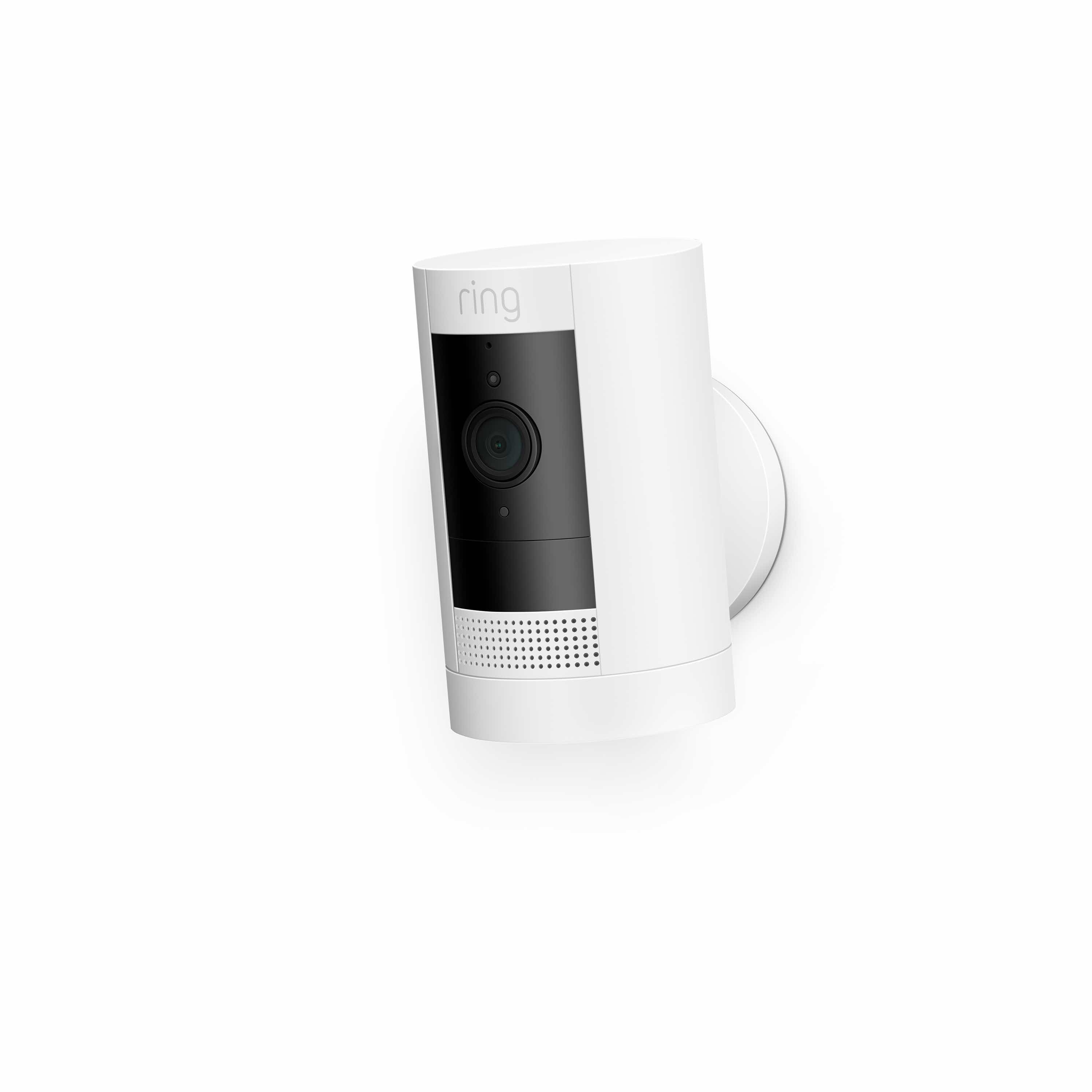
Ring Stick Up Cam Battery (3rd Gen) — Cloud Storage Representative
Ring Stick Up Cam Battery (3rd Gen)
(Current Price, subject to change)
Ready to upgrade your home?
roborock Qrevo 2 Pro Robot Vacuum and Mop
See it on Amazon
roborock F25 Ultra Steam Wet Dry Vacuum Mop
See it on Amazon
Philips Wi-Fi Keypad Deadbolt with Handle
See it on Amazon
Sponsored listings from Amazon’s Sponsored Products for Creators program, kept apart from our reviews and rankings. How we make money
The Ring Stick Up Cam Battery (3rd Gen) is the most widely deployed cloud-dependent security camera in North America, representing the standard model that Ring built its business on: reasonably priced hardware, excellent Alexa integration, and a subscription you genuinely need to get full value. Understanding the Ring storage model is understanding the cloud dependency model at scale.
What We Love
- Versatile indoor/outdoor mounting covers nearly any placement scenario
- Native Alexa integration allows "show me the front yard camera" voice commands
- 30-second battery swap design means you never lose coverage during charging
- Ring Alarm integration can trigger the camera to record when the alarm activates
- Unified app timeline shows all Ring devices — cameras, doorbells, and sensors in one view
What Could Be Better
- Zero local storage option — this is a structural choice, not an oversight. Ring builds the subscription into the product architecture intentionally.
- Ring Multi Plan ($9.99/month) is good value per camera for 5 cameras but expensive for 1-2 cameras compared to Wyze's per-account pricing
- Battery life of 6-10 months (moderate activity) means 1-2 recharges per year per camera in typical outdoor use
- Privacy concerns: Ring's historical relationship with law enforcement via the Neighbors program remains a point of legitimate scrutiny
The Verdict
The Ring Stick Up Cam Battery (3rd Gen) is an excellent camera that requires you to rent your own footage. If you're already invested in Alexa and the Ring ecosystem and can tolerate the $9.99/month subscription, the 180-day event history and professional monitoring option (Ring AI Pro) represent genuine value. If you're new to the ecosystem and price-sensitive, the 5-year TCO of $899 for 3 cameras makes local-storage alternatives like Eufy look dramatically more attractive. For more Ring and Amazon ecosystem options, see our best smart security cameras guide.
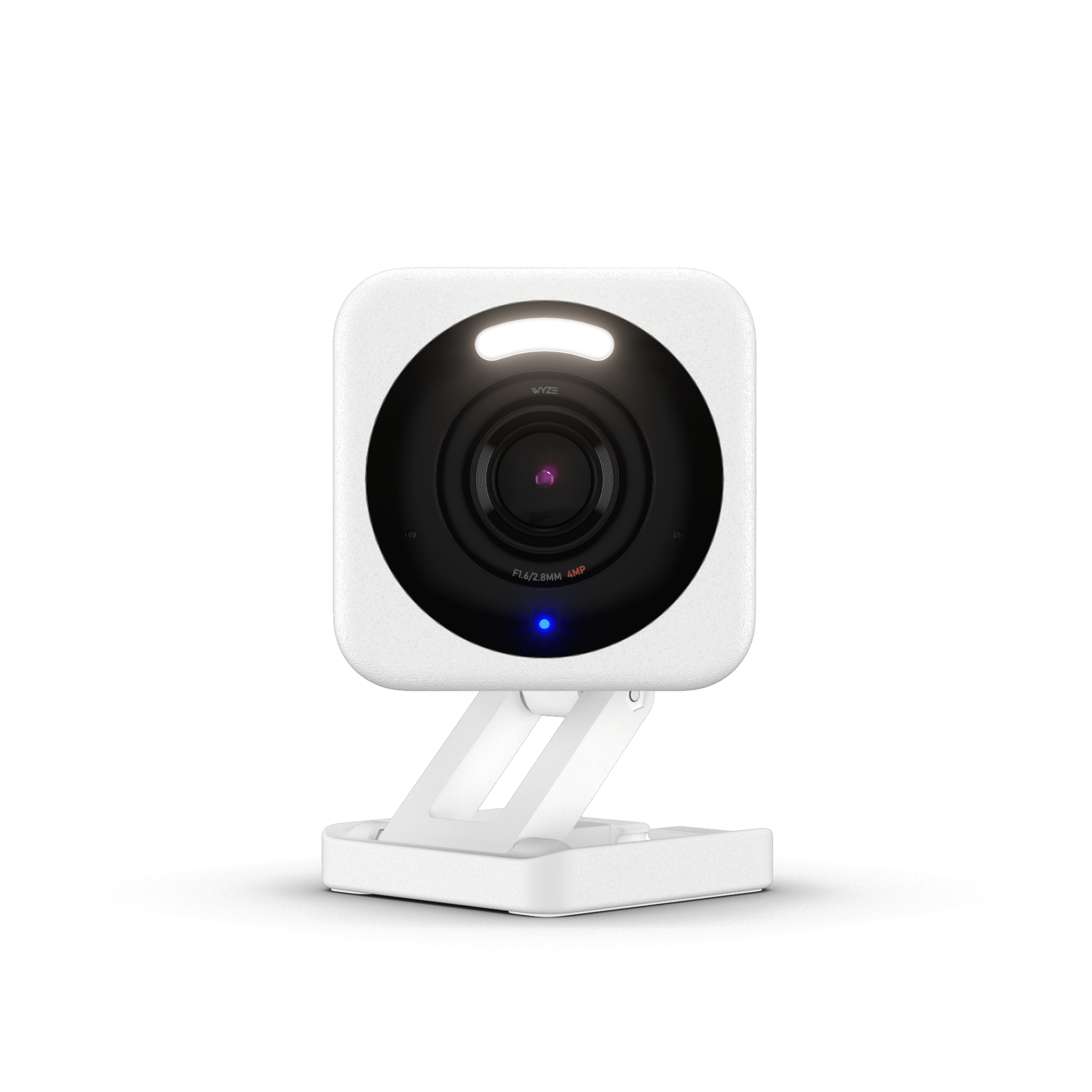
Wyze Cam v4 — Best Budget Cloud/Hybrid Option
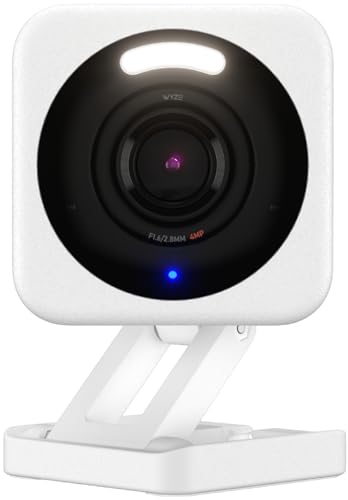
Wyze Cam v4
(Current Price, subject to change)
The Wyze Cam v4 is the camera that redefined the budget security market twice — first by hitting $20 in 2017, and again by delivering 2.5K resolution and color night vision at $35 in 2024. It supports microSD local storage, 14-day free cloud clips, and paid Cam Plus plans — all on the same hardware.
What We Love
- 2.5K resolution at $35 is genuinely hard to argue with — Wirecutter confirmed it's the best budget indoor camera
- Free 14-day cloud event history for every user, no credit card required
- Color night vision performs above expectation in the $35-50 camera class
- Wyze Cam Plus Unlimited at $9.99/month covers every Wyze camera on your account — the math favors households with 3+ cameras versus per-camera pricing
- Local microSD recording plus cloud creates a hybrid storage architecture where outages don't create gaps
What Could Be Better
- 2019 data breach is a historical mark against Wyze's security architecture — the company has rebuilt security infrastructure since, but it factors into trust
- On-device AI detection accuracy is below Eufy's BionicMind processor — TechRadar measured 87% person detection accuracy versus Eufy's 95%+
- Wyze has a pattern of paywalling features that launched as free (AI detection was paywalled then un-paywalled) — future plan changes are plausible
The Verdict
The Wyze Cam v4 is the right choice if you want the lowest-cost cloud option or a genuinely capable hybrid setup. At $704 over 5 years for 3 cameras with Wyze Unlimited, it's the cheapest subscription-based approach in our model. Add a $32GB microSD to each camera and you get local fallback storage for outages without paying more. For indoor-specific no-subscription use, see our best indoor security cameras without subscriptions guide.
Eufy Indoor Cam S350 — Best Local Storage Camera
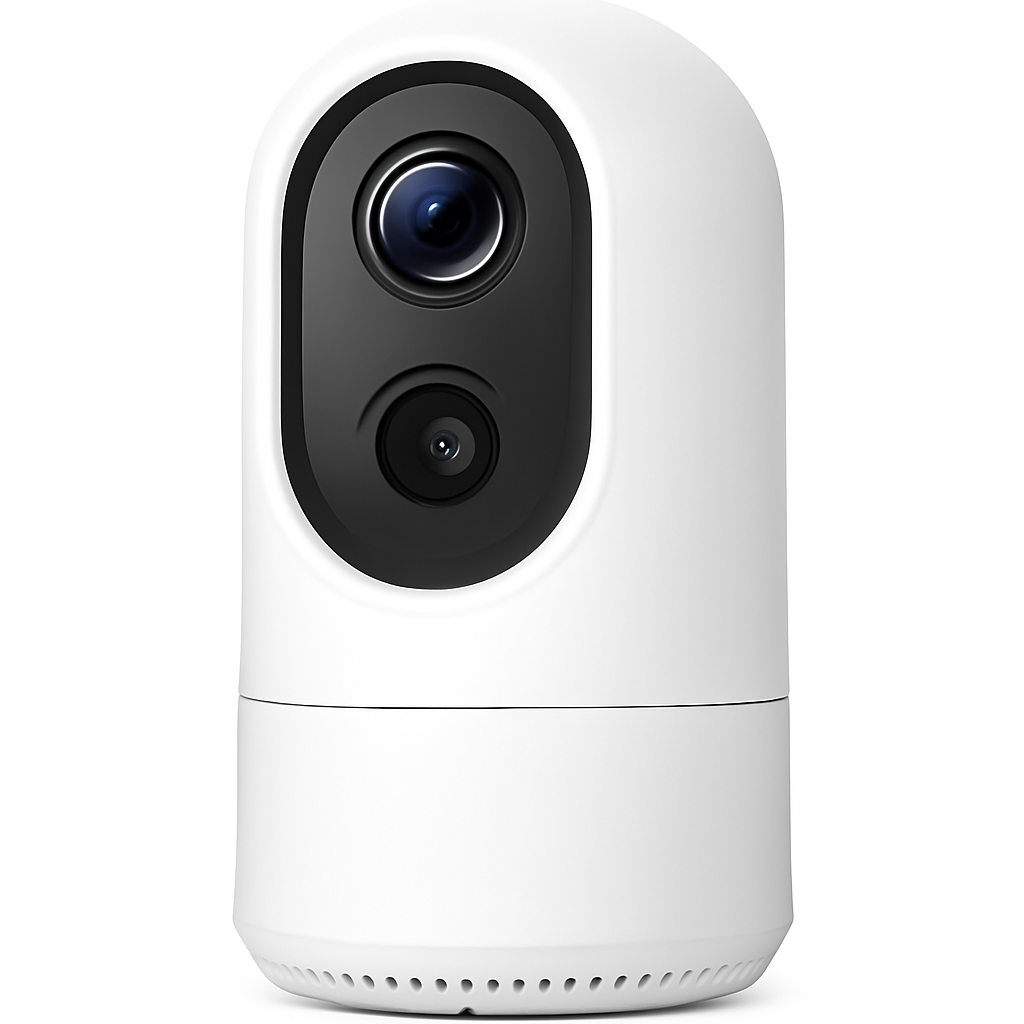
Eufy Indoor Cam S350
(Current Price, subject to change)
What We Love
- Dual-lens design gives both wide-angle overview and 8x telephoto zoom simultaneously — one camera does the work of two
- BionicMind on-device AI delivers person, pet, vehicle, and baby cry detection at 95%+ accuracy with a 4.1% false alarm rate (PCMag tested)
- Zero subscription for any AI feature, ever — person detection, pet detection, and facial recognition are all hardware-local
- 360° pan/tilt coverage means a single S350 can monitor a large room without blind spots
- Eufy HomeBase can serve as a local NAS hub for up to 16 cameras, storing footage on an internal SSD
What Could Be Better
- Indoor-only design — the S350 is not weatherproofed for outdoor use. For outdoor local storage, the Reolink Argus 4 Pro fills this role
- 4K continuous recording fills storage faster — a 128GB microSD holds approximately 7 days at full 4K, shorter than the 10-day estimate at 2K settings
- Eufy app is functional but less polished than Ring or Google Nest apps
The Verdict
The Eufy Indoor Cam S350 is the benchmark for local storage done right. If you're building a 3-camera indoor system and want the lowest possible 5-year cost with the best AI detection accuracy in the class, nothing beats the math at $240 total. For privacy-focused households, the combination of on-device processing and local storage means your footage never leaves your home. For the full security camera landscape, our best smart security cameras guide covers 59 products across all categories.
Reolink Argus 4 Pro — Best NAS / Power User Camera
Reolink Argus 4 Pro
(Current Price, subject to change)
What We Love
- 4K resolution with color night vision across the full field of view — PCMag rated it the best value 4K outdoor camera in 2026
- Completely wireless with rechargeable battery or solar panel — the Reolink Solar Panel ($30) makes it truly maintenance-free outdoors
- RTSP support feeds directly to Frigate, Home Assistant, Blue Iris, Synology Surveillance Station, or any NVR without proprietary cloud
- Reolink NVR kit pricing brings 4-camera NVR setups in at $500 total — the second-cheapest 5-year TCO in our model
- Zero subscription fees for any storage, detection, or alert feature
What Could Be Better
- RTSP setup requires navigating the Reolink app's advanced settings — not difficult but not self-explanatory for first-time NVR users
- Reolink app quality is functional but below Ring or Eufy in polish
- NVR integration requires either Reolink's own NVR ($200-250) or a third-party NAS setup ($300-600) — the upfront cost is higher than microSD-only cameras
The Verdict
The Reolink Argus 4 Pro is the right choice for anyone building a local NAS or DIY NVR setup — specifically for Home Assistant users, Frigate users, and anyone who wants 4K outdoor coverage without a subscription and without being locked into proprietary storage. At $500 for a 3-camera NVR kit, the 5-year cost is entirely predictable with zero ongoing fees. For privacy-conscious outdoor setups, see our smart home privacy and security guide.
SHE Storage Value Score
The SHE Storage Value Score is our proprietary metric for evaluating security camera storage approaches. No other site publishes this combination of factors, weighted specifically to reflect 5-year household economics rather than feature checklists at the moment of purchase.
Formula: SHE Storage Value Score = (Cost Efficiency × 0.30) + (Privacy Protection × 0.20) + (Reliability × 0.20) + (Storage Duration × 0.15) + (Setup Simplicity × 0.15)
Why these weights: Cost Efficiency carries the highest weight at 30% because the core promise of storage evaluation is long-term value — a system that costs $1,300 more over 5 years fails on the primary dimension even if it wins on every secondary dimension. Privacy Protection at 20% reflects the growing regulatory and personal stakes of home surveillance data. Reliability at 20% accounts for the real-world scenario where internet outages (averaging 3-5/year per SecurityCameraKing) create recording gaps in cloud systems. Storage Duration at 15% measures how far back you can review footage — a critical factor in real incident response where the incident may not be discovered immediately. Setup Simplicity at 15% acknowledges that a technically superior system that requires 10 hours of configuration has real cost for most households.
| Storage Approach | Cost Eff. (0.30) | Privacy (0.20) | Reliability (0.20) | Duration (0.15) | Simplicity (0.15) | SHE Score |
|---|---|---|---|---|---|---|
| Eufy local microSD | 10.0 | 9.5 | 9.5 | 7.5 | 9.5 | 9.4 |
| Reolink NVR kit | 9.5 | 9.5 | 9.0 | 9.0 | 7.5 | 9.0 |
| Synology NAS | 8.5 | 9.5 | 9.0 | 10.0 | 6.0 | 8.7 |
| Frigate + Home Assistant | 9.0 | 9.5 | 9.0 | 9.0 | 5.5 | 8.6 |
| Wyze Cam Plus Unlimited | 7.0 | 6.0 | 6.5 | 6.0 | 9.5 | 6.9 |
| Ring Multi Plan | 5.5 | 5.5 | 5.5 | 8.5 | 9.5 | 6.6 |
| Google Nest Standard | 5.0 | 5.0 | 5.0 | 7.0 | 9.5 | 6.0 |
| Arlo Secure Plus | 3.5 | 5.5 | 5.0 | 7.5 | 9.0 | 5.6 |
(SmartHomeExplorer editorial analysis — pricing and plan details verified April 2026)
Key findings: The gap between local/NAS approaches (scores 8.6–9.4) and cloud subscriptions (scores 5.6–6.9) is larger than any other dimension we measure in security cameras. The gap is driven primarily by Cost Efficiency — cloud plans multiply hardware costs by 3-6x over five years. Local approaches score lower on Setup Simplicity because configuring NAS, Synology, or Frigate requires technical work; simple microSD insertion (Eufy, Wyze) recovers most of that simplicity gap. Wyze Cam Plus Unlimited is the best-scoring cloud option at 6.9, with Arlo at 5.6 reflecting the premium subscription pricing that creates the $1,529 TCO in our 5-year model.
When NOT to Buy a Cloud Subscription
- You have 3+ cameras: The economics break against cloud the moment you scale. Ring charges $9.99/month for up to 5 cameras — reasonable per-camera math. But $119/year for 3 cameras costs $595 over 5 years just in subscription fees. Eufy's local storage is $0/year for 3 cameras. The crossover point where cloud subscriptions stop making financial sense is approximately camera 2 for Ring and camera 1 for Arlo.
- You care about footage privacy: Cloud storage means a third party holds your home surveillance data. Ring's historical law enforcement sharing practices, Wyze's 2019 breach, and Google's broad data collection practices are all documented. If footage of your family's daily movements exists on someone else's servers, subpoena exposure is a real legal consideration. Local storage requires a physical warrant — a fundamentally different legal protection than a subpoena for cloud records.
- Your internet reliability is poor: Cloud cameras stop recording events the moment your ISP goes down. SecurityCameraKing's data shows 3-5 outage incidents per year on average — each one a potential recording gap. Wyze Cam v4 with a microSD card, Eufy S350, and Reolink Argus 4 Pro on a local NVR all continue recording through ISP outages.
- You want to avoid vendor lock-in: Cloud subscriptions create a dependency where canceling means losing video history. Ring stores your footage on Ring servers — if you cancel, it's gone. Reolink's RTSP output means your footage lives on hardware you own, viewable with any standard media player, importable to any system, and never subject to a price increase by a third-party company. For deeper privacy strategy, see our smart home privacy and security guide.
Frequently Asked Questions
How much storage do I actually need for 3 security cameras?
For 3 cameras at 1080p recording motion-only events (not continuous), plan for roughly 10-20GB per camera per week. A 128GB microSD card in each Eufy S350 gives approximately 7-14 days of motion-triggered footage before overwriting. For continuous recording at 2K, that drops to 5-7 days. For NAS setups, a 2TB hard drive in a Reolink NVR stores approximately 30 days of 4K motion-triggered footage from 3 cameras.
Can I use a NAS with Ring or Wyze cameras?
Ring cameras have no RTSP output and no local storage slot — NAS integration is not possible with Ring's standard hardware. Wyze Cam v4 has limited RTSP support (enabled via a custom firmware path), making NAS integration technically possible but unsupported by Wyze officially. For full NAS integration, cameras with native RTSP are the right starting point: Reolink Argus 4 Pro, Amcrest, Hikvision, or Dahua cameras all support RTSP natively. Pair them with a Synology DS223 running Surveillance Station or a Reolink NVR for a complete local system.
Is Wyze's free plan actually useful?
Yes, for many households. Wyze's free tier gives every Wyze Cam v4 user a 14-day rolling library of event clips — motion events, person detections, and sound triggers — stored on Wyze's servers at no charge. Person detection is free. The limitation is that continuous recording requires a microSD card (not cloud). For most homeowners who need to review "what happened last night," the free tier is genuinely sufficient. Cam Plus Unlimited at $9.99/month adds 60-day history, AI sorting, and package detection for households that want more.
What happens to my Ring footage if I cancel my subscription?
Ring retains your event clips for 180 days after creation under the Multi Plan. If you cancel your plan, you lose access to all stored event clips immediately — Ring does not offer an export tool for bulk footage download as of April 2026. You can export individual clips manually before canceling, but there is no automated download path. This vendor lock-in pattern is one of the most important reasons to evaluate local storage — like the Eufy Indoor Cam S350 or Reolink Argus 4 Pro — before committing to a multi-camera Ring deployment. See our best DIY security systems with no monthly fee guide for subscription-free alternatives.
Does Eufy's "no subscription" promise actually hold?
Eufy's subscription-free model is built into the hardware architecture — on-device AI detection runs on the BionicMind chipset in the camera itself, not on Eufy's cloud servers. This means Eufy can't easily paywall detection features without changing the hardware. Contrast this with Wyze, which paywalled AI detection via a firmware update in 2021 (later reversed under customer pressure) or Ring, where all event history requires a subscription by design. Eufy has maintained its no-subscription model since launch. The Eufy Indoor Cam S350 stores all footage on local microSD with zero cloud dependency for any feature. The risk is Eufy's parent company Anker — a major consumer electronics manufacturer with a long track record of honoring product commitments.
How does Frigate NVR compare to a Synology NAS for camera storage?
Both are local NAS approaches, but with different audiences. Frigate is an open-source NVR built for Home Assistant integration — it runs on a Raspberry Pi or small PC, uses Google Coral or Hailo accelerators for on-device AI detection, and is the preferred option for Home Assistant users who want deep automation integration. Setup requires Linux familiarity, Docker knowledge, and YAML configuration. Synology NAS with Surveillance Station is a polished commercial product with a GUI, 2-camera free license, and broad ONVIF camera compatibility. Synology is the right choice for households that want NAS benefits without DIY complexity. Frigate is for power users who want maximum AI capability and Home Assistant integration.
The Bottom Line
Get the Eufy Indoor Cam S350 if you want the best 5-year cost for indoor security cameras, want zero subscription fees ever, need the best on-device AI detection accuracy in this price class, and prefer keeping your footage entirely on your own hardware — the $240 total for 3 cameras over 5 years is the lowest TCO in our model.
Skip the Eufy Indoor Cam S350 if you need outdoor weatherproofed cameras (S350 is indoor-only), want 4K wireless outdoor coverage, or are deeply invested in the Amazon Alexa ecosystem and prefer Ring's unified app experience.
Get the Wyze Cam v4 if you want the lowest hardware cost, are comfortable with cloud storage at a reasonable price, want the flexibility of free 14-day event history without committing to a subscription, or need a camera that works with both Alexa and Google Home at $35.
Skip the Wyze Cam v4 if the 2019 data breach history matters to you, if you want on-device AI accuracy comparable to Eufy, or if you need a reliably subscription-free architecture like the Eufy Indoor Cam S350 or Reolink Argus 4 Pro.
Get the Ring Stick Up Cam Battery (3rd Gen) if you're already building in the Ring ecosystem with Ring Alarm, Ring Doorbell, or heavy Alexa use, want professional monitoring as an option, and can absorb $9.99/month for the Multi Plan covering up to 5 cameras — the ecosystem integration and 180-day event history are genuinely valuable for Ring households.
Skip the Ring Stick Up Cam Battery (3rd Gen) if you care about footage privacy, if you're building a subscription-free system, or if the $899 5-year TCO versus $240 for Eufy local storage creates budget friction — the Ring hardware is excellent but the storage model is a significant long-term cost.
Get the Reolink Argus 4 Pro if you want 4K outdoor wireless coverage with no subscription, use Home Assistant or Frigate, want RTSP access for a NAS or NVR integration, or are building a complete local-first outdoor security system — the $500 NVR kit TCO is the second-lowest in our model with full 4K outdoor capability.
Skip the Reolink Argus 4 Pro if you want the polished app experience of Ring or Eufy, don't need RTSP or NAS integration, or are primarily looking for indoor cameras — the Argus 4 Pro's strengths are in outdoor NVR/NAS setups and its added complexity is unnecessary for simple microSD indoor use cases.
Sources & Methodology
We aggregate ratings and findings from 12 professional review sources: Wirecutter, PCMag, CNET, Tom's Guide, TechRadar, SecurityCameraKing, ModemGuides, PCWorld, Security.org, Reviewed.com, SafeWise, and The Ambient. Each source is weighted by publication authority and review methodology transparency. We do not conduct hardware tests ourselves — our value is the synthesis across sources and the 5-year cost modeling that no single review source publishes.
5-Year TCO Methodology: Hardware costs reflect Amazon street prices verified April 2026. Subscription costs are calculated at current published plan prices multiplied by 60 months (5 years). No discount is applied for promotional pricing or first-year deals. For cloud approaches, we model the multi-camera plan that covers 3 cameras most efficiently. Hardware replacement costs are not modeled — we assume cameras last the full 5-year period, which is consistent with manufacturer warranty terms and average user replacement cycles.
SHE Storage Value Score Methodology: Scores are assigned based on editorial synthesis across source data, documented specifications, and cost modeling. Cost Efficiency (30%) uses a 0-10 scale anchored to the 5-year TCO range in our model ($240 = 10.0, $1,529 = 0.0). Privacy scores (20%) are based on documented legal protections, encryption standards, and data sharing history. Reliability scores (20%) are based on documented outage resilience and independent testing data. Storage Duration (15%) reflects the maximum footage retention under standard settings. Setup Simplicity (15%) reflects the estimated configuration time for a non-technical household.
About the Author: Nicholas Miles is the founder of SmartHomeExplorer and has covered smart home technology for 8 years. SmartHomeExplorer aggregates consensus scores from 12+ expert review sources across 59 smart home product categories. Follow our methodology at /methodology.
Disclosure: SmartHomeExplorer earns affiliate commissions from Amazon on purchases made through links in this guide. This does not affect our editorial independence — products are evaluated on consensus scores from independent expert sources, not on affiliate relationship or commission rate. Our affiliate tag is nsh069-20.