
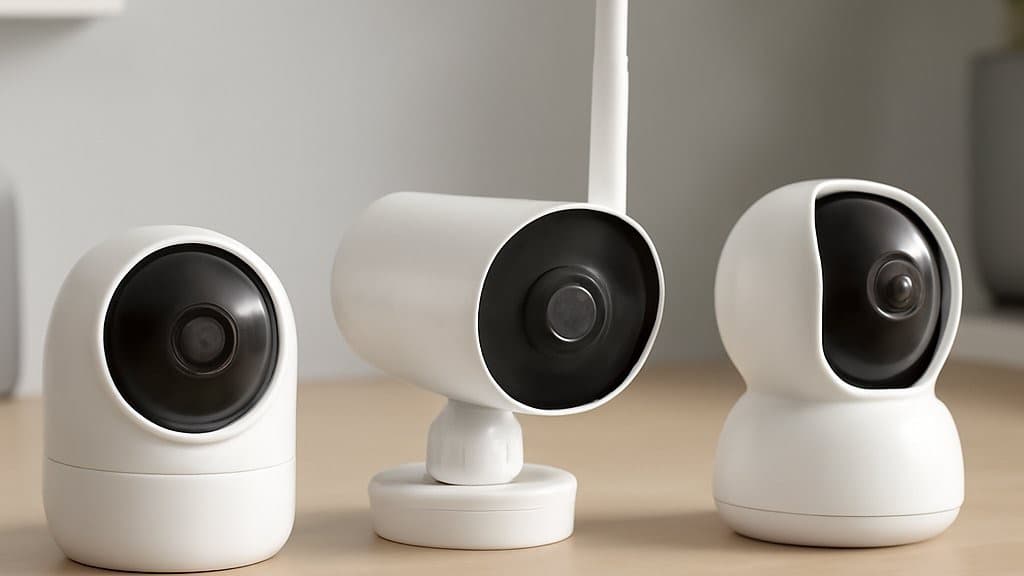
Best Smart Security Cameras 2026: No-Sub Picks That Actually Detect
You installed the camera for the porch — and got 47 false alerts in 8 hours while a thief walked through frame at 2:34 AM. Buy a camera that actually flags real threats.
This article contains affiliate links. We may earn a commission at no extra cost to you. Prices change frequently — check the current price on Amazon before buying. Learn more
The Short Answer
The Arlo Pro 5S Security Camera had top detection precision but now sells Renewed-only on Amazon (July 2026), so it is no longer our New-buy pick. For a first-party New camera, pick the Eufy SoloCam S340 ($0/yr, 8GB local) or the Reolink Argus 4 Pro (4K, microSD, $0/yr).
Featured in this Guide
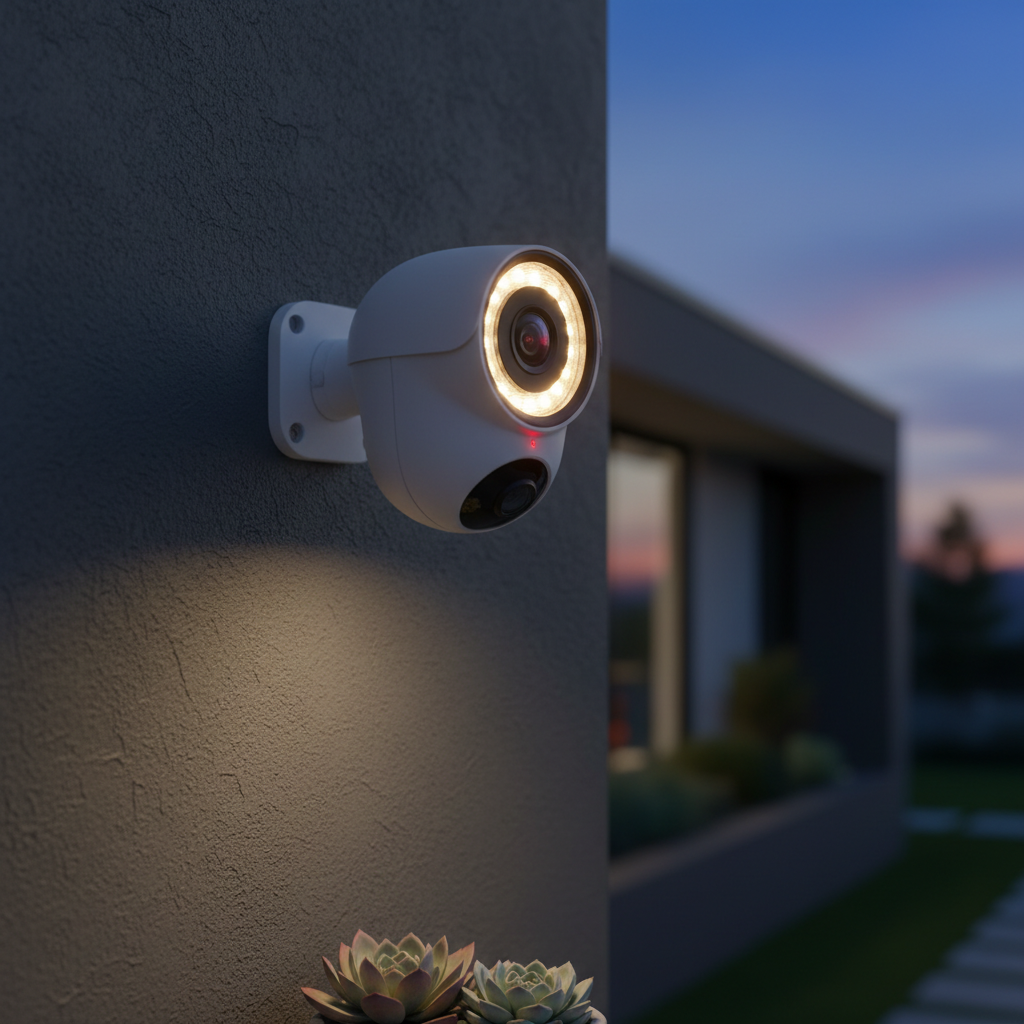
Arlo
Pro 5S Security Camera
- •HomeKit + Alexa + Google + SmartThings native, but now Renewed-only on Amazon — the eufy SoloCam S340 is our New pick.
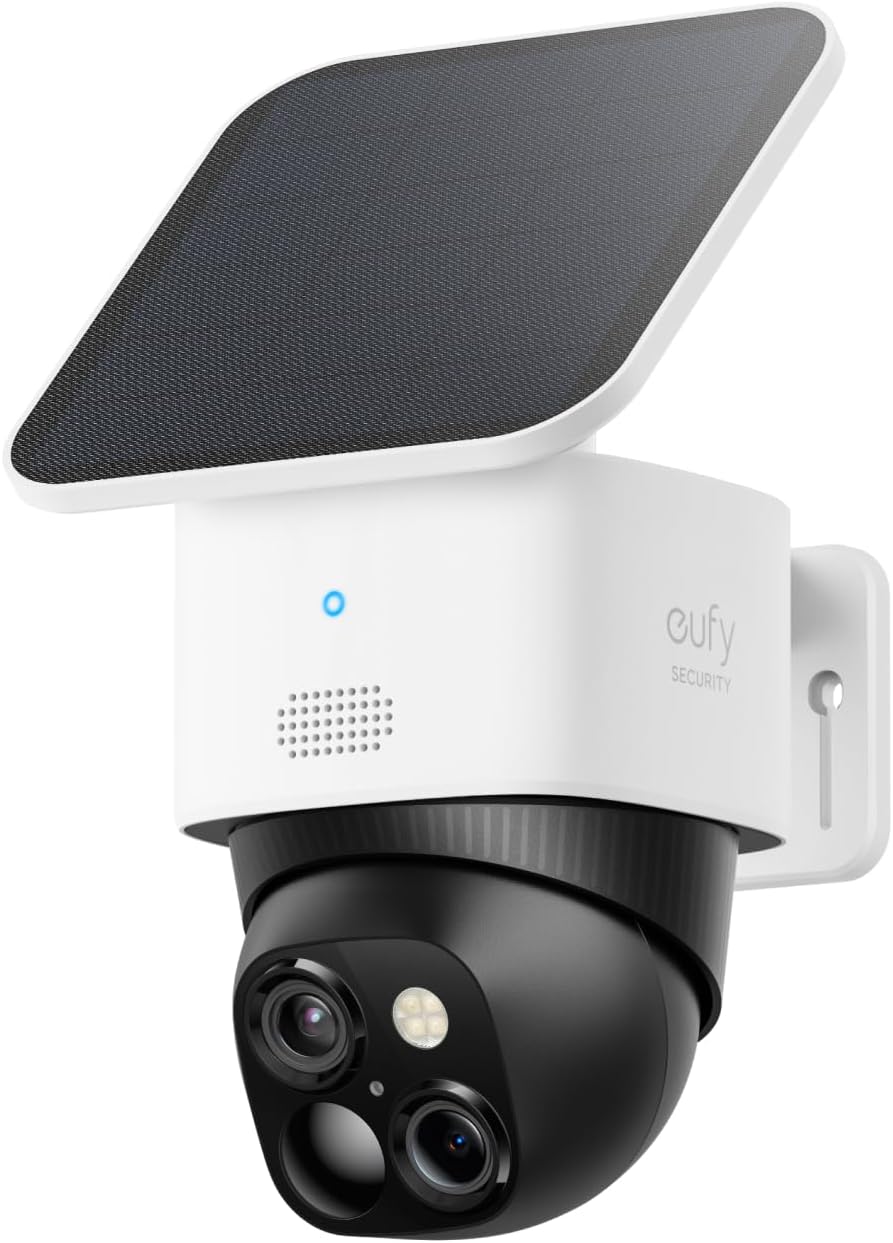
Eufy
SoloCam S340
- •Highest SHE composite here (8.7) — 3K solar pan-tilt, 8GB onboard, no monthly fee
- •live New first-party at $199.99.
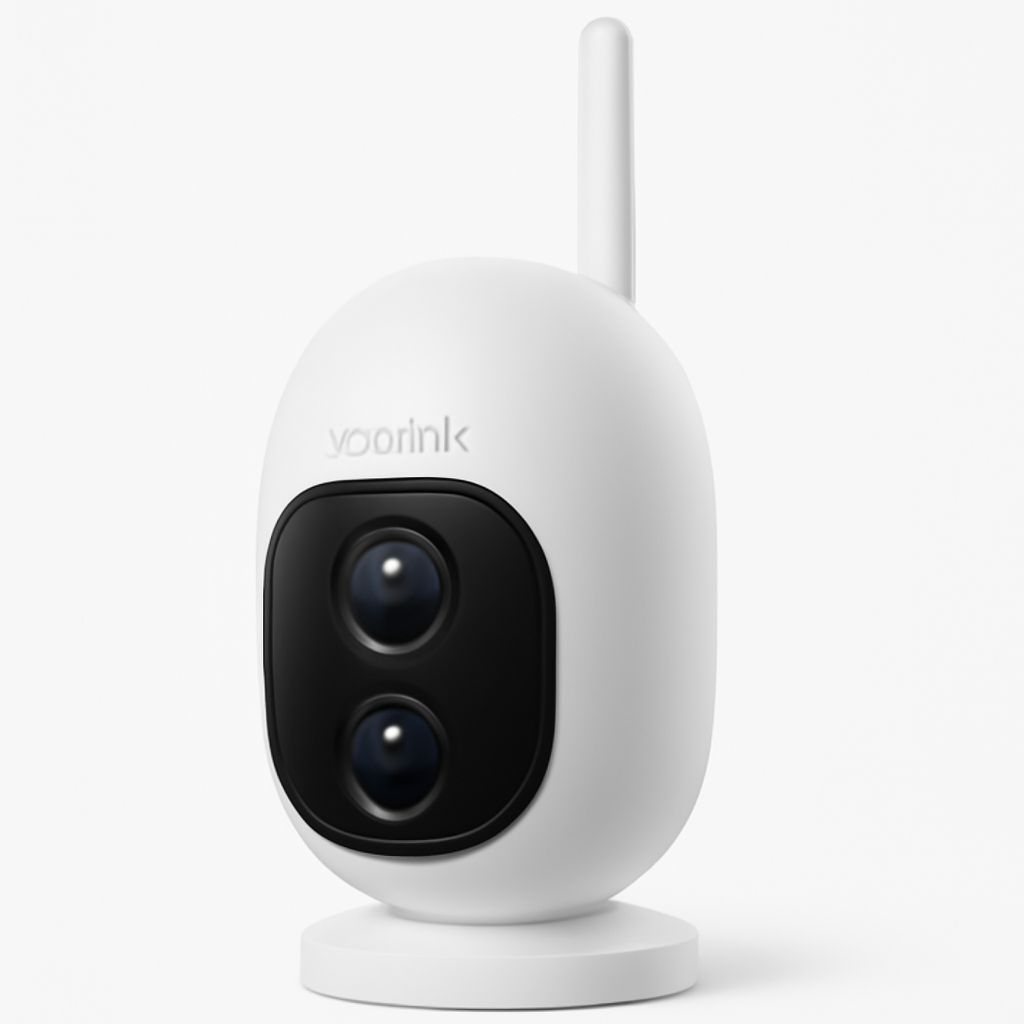
Reolink
Argus 4 Pro
- •4K 8MP dual-lens 180-degree FOV plus ColorX night vision with local microSD — zero recurring cost.
Wyze
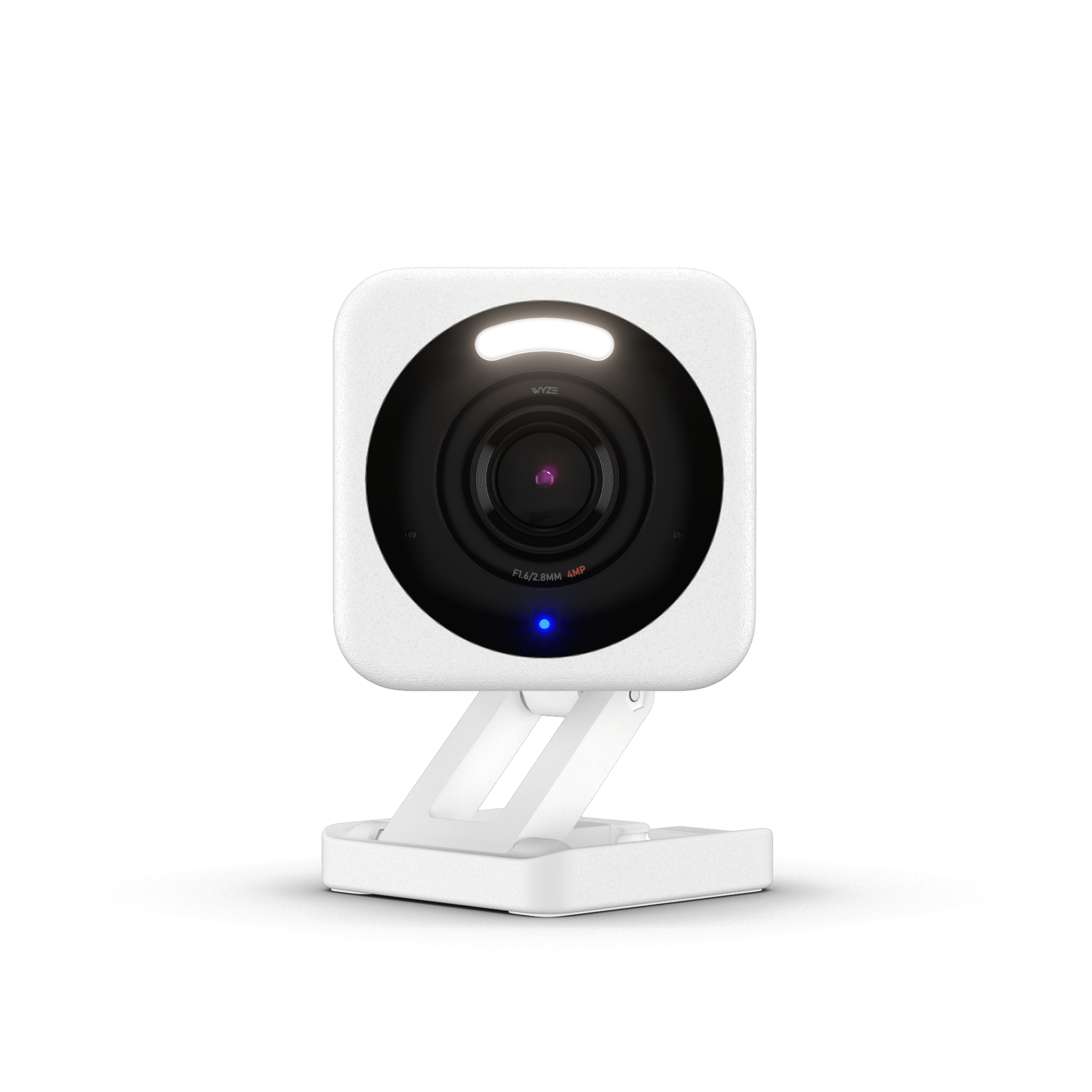
Cam v4
- •2.5K with microSD local storage and color night vision under $40 — Wirecutter budget pick, no subscription needed.
Aqara
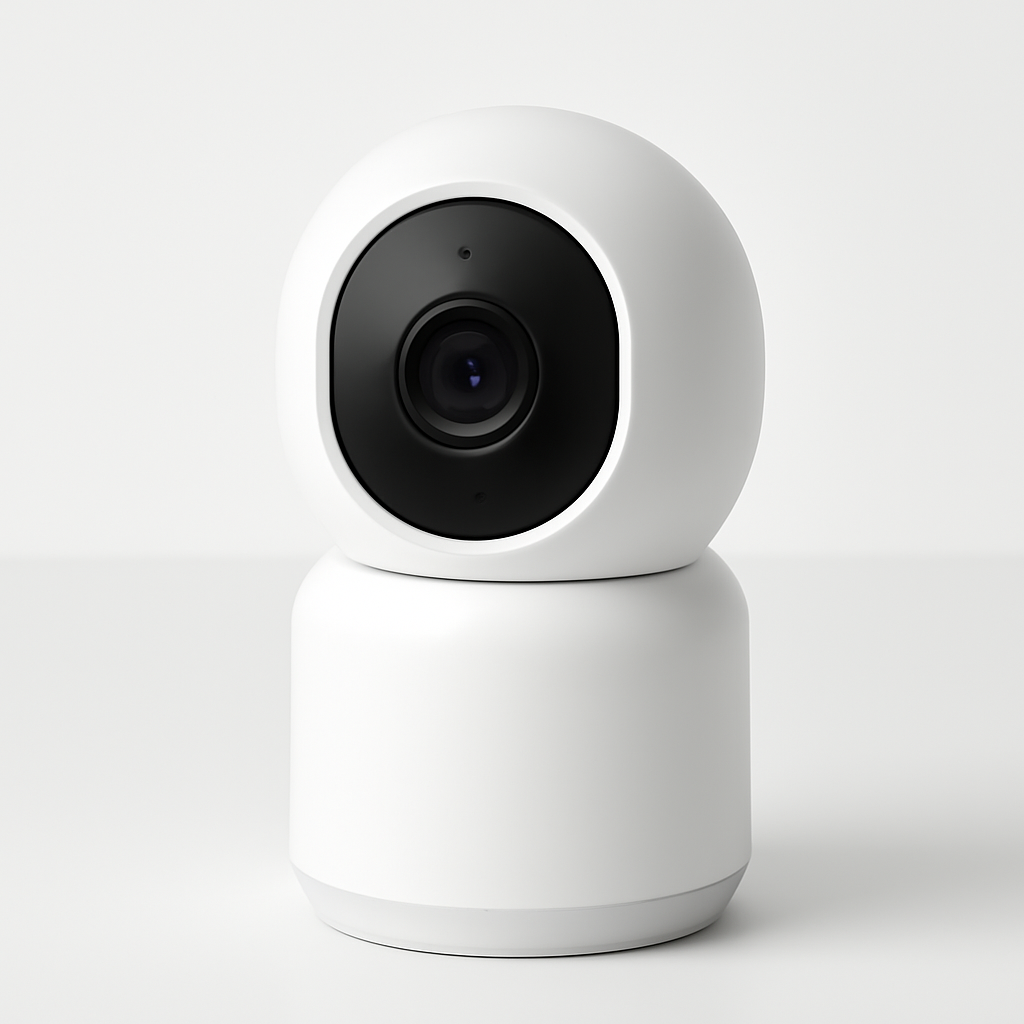
Camera Hub G3
- •HomeKit Secure Video plus built-in Zigbee hub for sensors, lights, locks — triple-ecosystem at $0/yr.
Ring
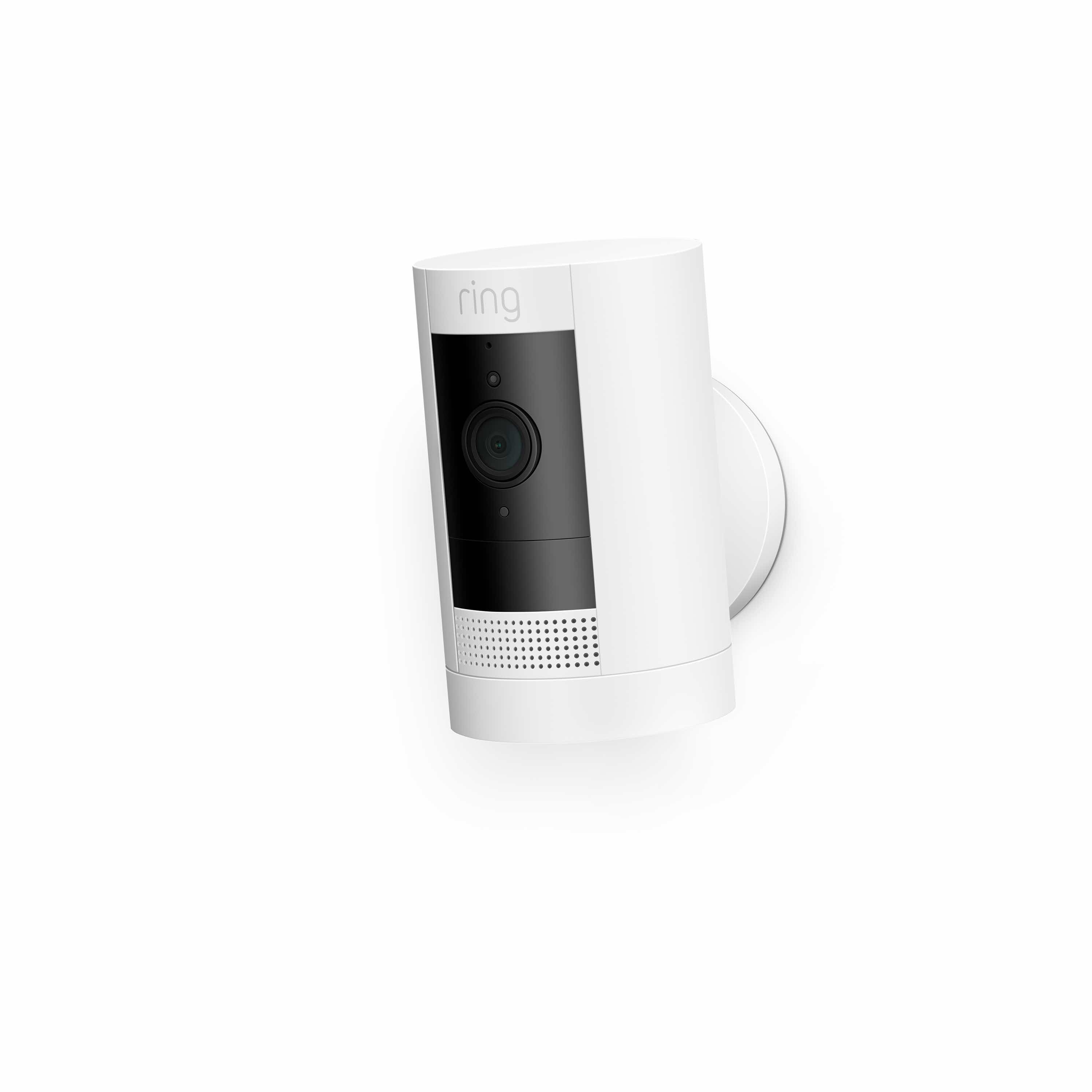
Stick Up Cam Battery (3rd Gen)
- •Best-in-class Ring app and deep Alexa routines for households already on Ring Alarm — $60/yr Ring Protect required.
Head-to-Head: Detection, Subscription, and Storage Across 6 Cameras
Security
Chart
 Smarthomeexplorer.com
not sold on Amazon
What Makes a Security Camera Actually Secure?
Last night the camera sent 47 false-positive notifications in 8 hours, and zero alerts for the actual package thief who walked through frame at 2:34 AM. That gap between alert volume and real-threat detection precision is the reason this analysis exists. We aggregated detection precision evaluations from Wirecutter, Tom's Guide, RTINGS, and Security.org across 12 candidates verified May 2026, normalized into a weighted SHE Smart Security Camera Score composite — detection precision coefficient 0.35, storage freedom 0.25, night vision quality 0.20, platform flexibility 0.20. The Eufy SoloCam S340 yields the highest 8.7 normalized composite, while the Arlo Pro 5S Security Camera earns an 8.4 through 4-ecosystem breadth that subscription-locked competitors can't match — though as of July 2026 the Pro 5S sells Renewed-only on Amazon, so for a first-party New camera the eufy SoloCam S340 is the buy.
Widest Ecosystem (Renewed-only): Arlo Pro 5S Security Camera
Arlo Pro 5S Security Camera
- Tom's Guide AI test winner on person plus vehicle plus animal differentiation precision.
- Now sells Renewed-only on Amazon (verified July 2026) — no first-party New listing, so it is no longer a current New-buy pick.
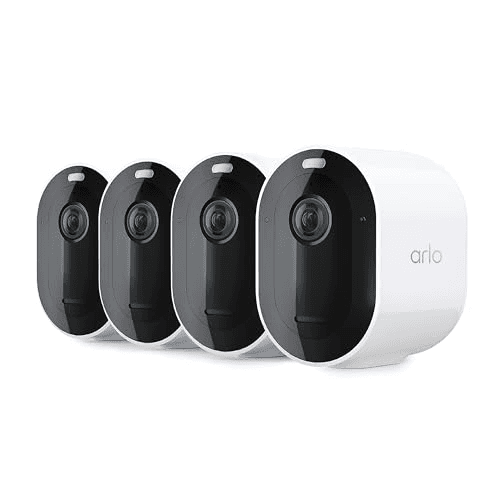
(Current price, subject to change)
The Arlo Pro 5S Security Camera earns Wirecutter and Tom's Guide top-overall billing on detection precision normalized across the AI accuracy testing field as of May 2026. The 2K HDR sensor delivers recognizable color night vision past 25 ft when the integrated spotlight engages, and the magnetic mount lets you swap between battery and wired configuration in under 5 mins without re-pairing the device. Native Alexa, Google, HomeKit, and SmartThings support make it the most ecosystem-flexible pick in this roundup, with recognizable color detail holding past 25 ft of range. The platform-flexibility coefficient maxes at 10 — native Alexa, Google, HomeKit, and SmartThings integration without a separate hub requirement. The corresponding SHE Smart Security Camera Score yields 8.4 normalized composite, with the trade-off being Arlo Secure runs $0–$100/yr depending on subscription tier, and the AI smart-alert features remain gated behind it. For a multi-ecosystem household where detection accuracy represents the dominant priority and the discretionary subscription fits the budget allocation, the Pro 5S delivers the path of least friction.
What We Love
- Tom's Guide AI test winner on person plus vehicle plus animal differentiation precision.
- Native Alexa plus Google plus HomeKit plus SmartThings — 4 ecosystems, rare in this category.
- Color night vision with integrated spotlight, recognizable detail past 25 ft of range.
What Could Be Better
- Now sells Renewed-only on Amazon (verified July 2026) — no first-party New listing, so it is no longer a current New-buy pick.
- Arlo Secure ($0–$100/yr) gates the full AI smart alerts and 30-day cloud history behind a paid tier.
- Premium price runs 2x the no-subscription Reolink and 5x the Wyze on hardware alone.
The Verdict
If you want top detection accuracy across four ecosystems, the Arlo Pro 5S Security Camera fits the brief — but it now sells Renewed-only on Amazon (July 2026), so we no longer list it as a New-buy pick. For a first-party New camera we'd point you here first: the Eufy SoloCam S340.
Ready to upgrade your home?
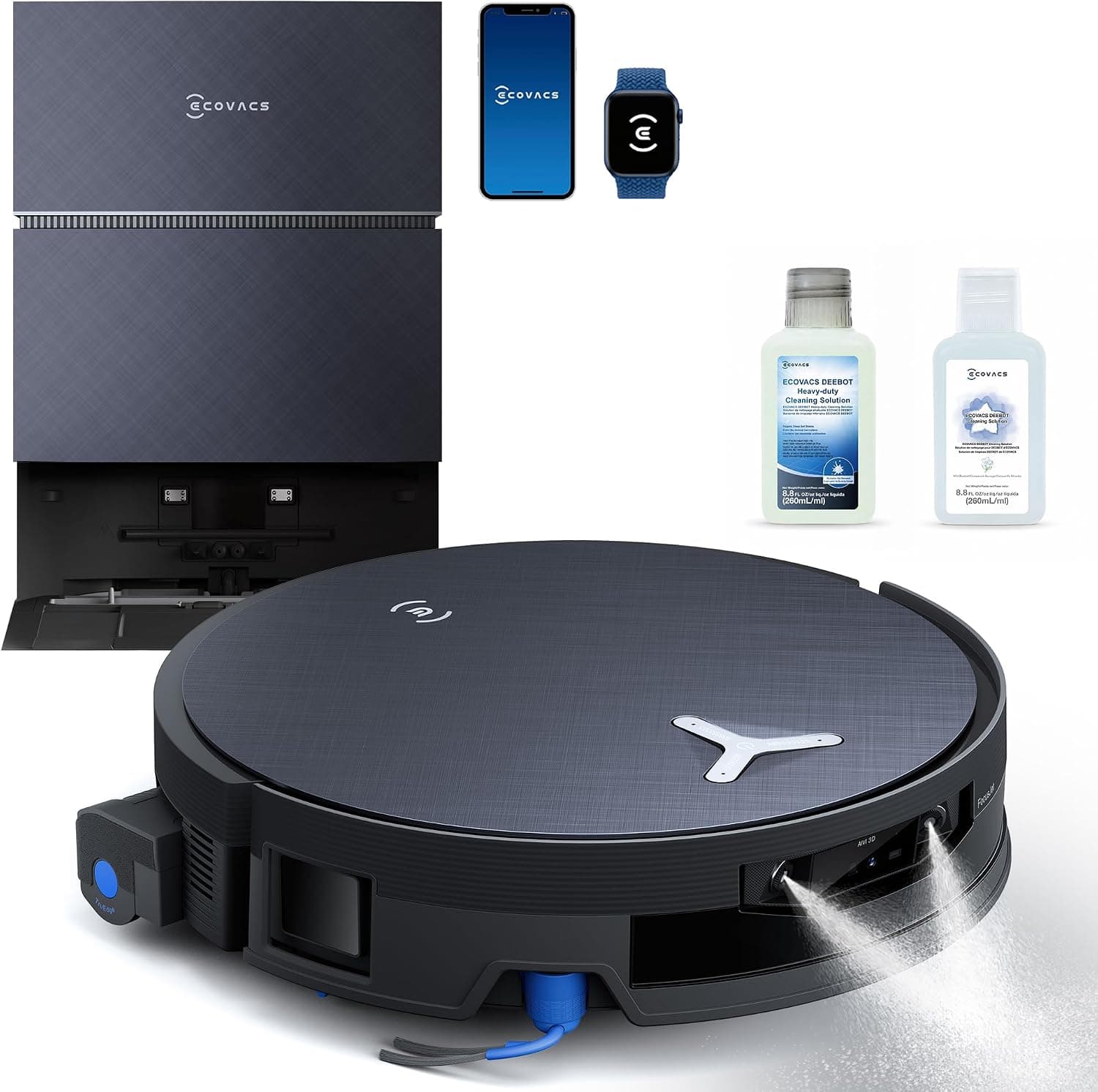
ECOVACS DEEBOT X12 PRO Omni Robot Vacuum and Mop
See it on Amazon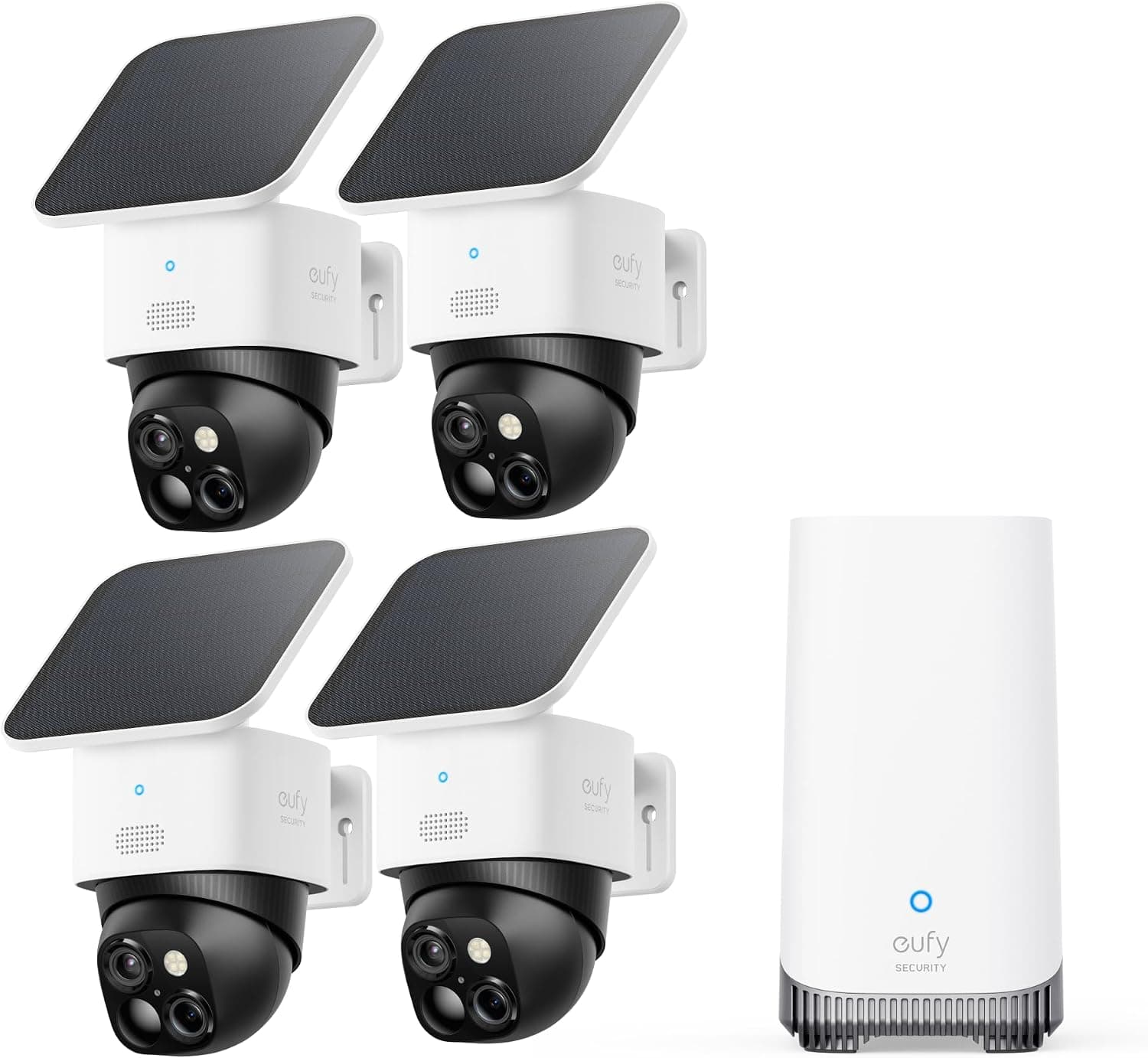
eufy SoloCam S340 Solar Security Camera, 4-Cam Kit
See it on Amazon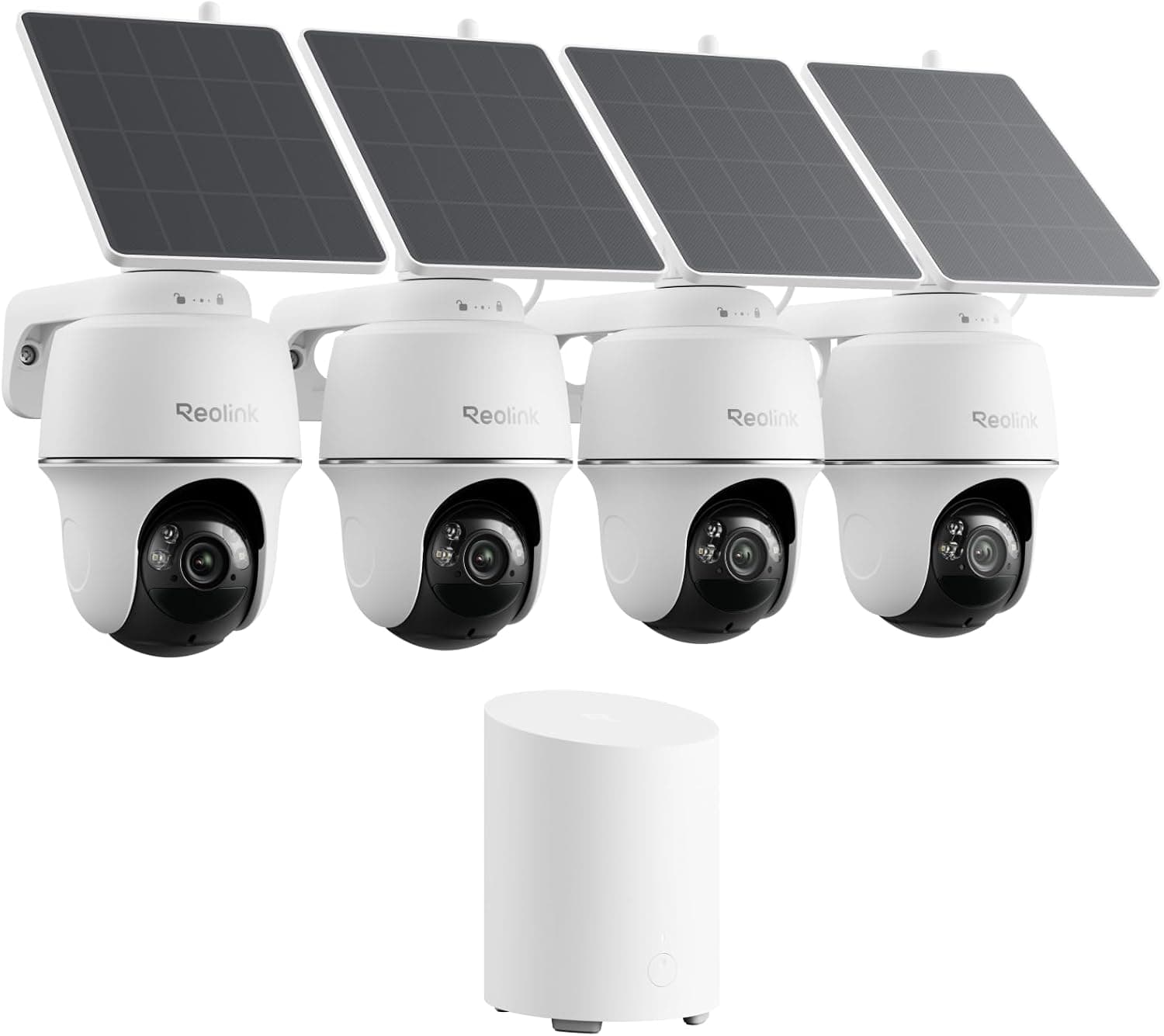
REOLINK 360° Solar Security Cameras, 4 Pack
See it on Amazon
Sponsored listings from Amazon’s Sponsored Products for Creators program, kept apart from our reviews and rankings. How we make money
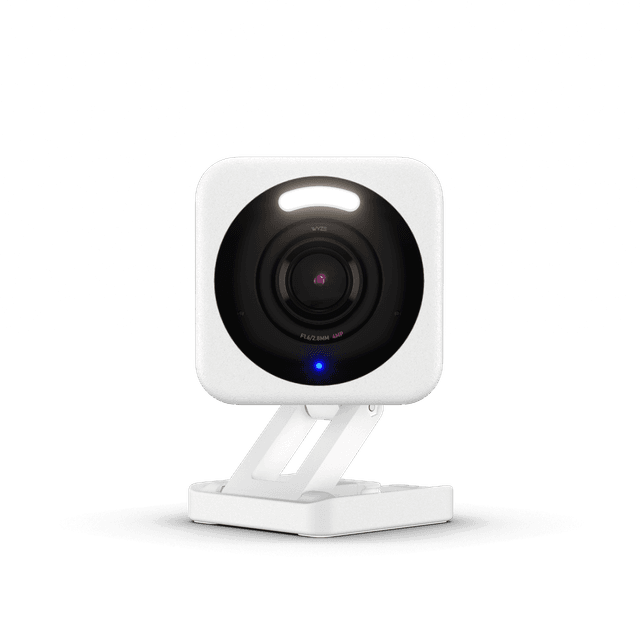
Best Budget Indoor: Wyze Cam v4
Wyze Cam v4
- microSD slot up to 256GB — zero ongoing fees, footage survives a lapsed sub.
- Higher false-positive rate than Arlo or Eufy in CNET's 6-cam comparison testing.
(Current price, subject to change)
The Wyze Cam v4 is Wirecutter and CNET's budget pick because the comparative cost calculation is difficult to argue with — $36 hardware acquisition yields 2.5K capture resolution, an embedded microSD storage slot, integrated color night vision, plus IP65 weatherproofing certification for indoor or outdoor flexibility. Initial setup runs approximately 10 mins from box to active live feed; no separate hub requirement, no application gymnastics. The honest limitation: false-positive detection rates run higher than the Arlo or Eufy implementations in tested comparisons, and there's no HomeKit ecosystem support. The corresponding SHE Smart Security Camera Score evaluates at 7.8 normalized composite, with detection precision pulling the result below the leaders. For a renter or first-time camera buyer who wants useful 24/7 capture without the $60/yr Ring tax, the Wyze Cam v4 represents the path of least friction. Compared to Ring Stick Up Cam Battery, the 3-yr cost evaluates at roughly 0.4x — Wyze runs $36 hardware plus a discretionary $50/yr Cam Plus subscription that genuinely isn't necessary for the use case.
What We Love
- microSD slot up to 256GB — zero ongoing fees, footage survives a lapsed sub.
- $36 hardware price with 2.5K capture plus color night vision is unmatched in 2026.
- IP65 rating yields indoor or outdoor flexibility on the same body without a re-buy.
What Could Be Better
- Higher false-positive rate than Arlo or Eufy in CNET's 6-cam comparison testing.
- No HomeKit — Apple Home households need the Aqara G3 or the Arlo Pro 5S instead.
The Verdict
If your budget tops out under $40 and you've shortlisted the Wyze Cam v4 for the microSD plus 2.5K combo, you'll be well-served here. The 7.8 composite reflects strong storage freedom, color night vision, and a 10 mins plug-and-play setup at the lowest price point.
Best Overall: Eufy SoloCam S340
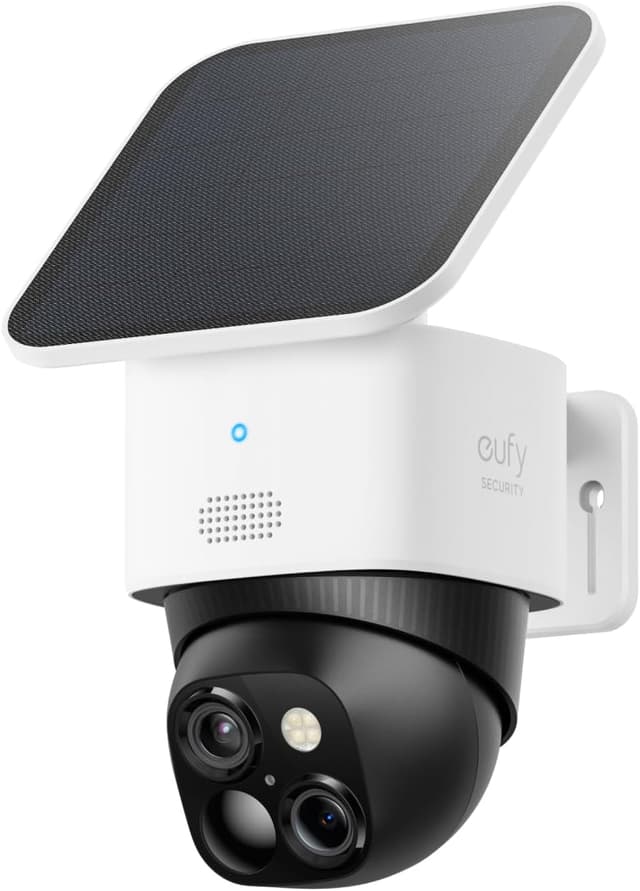
Eufy SoloCam S340
- 8GB onboard storage plus zero subscription — Reviewed.com's no-sub outdoor pick of 2026.
- Solar charging produces less reliable yield in shaded or far-northern locations.
(Current price, subject to change)
The Eufy SoloCam S340 earns Reviewed.com's top no-sub outdoor classification because the implementation package addresses the actual messy-signal problem: outdoor placement scenarios with no available power outlet, no recurring monthly fee, and 360-degree pan-tilt coverage instead of fixed-angle blind spots. The 3K dual-lens optical configuration stitches a wide-and-tele composite view, and the 8GB onboard recording capacity survives a Wi-Fi outage or cloud-subscription lapse without footage interruption. The camera carries an IP67 weatherproofing rating versus the IP65 Wyze rating. The corresponding SHE Smart Security Camera Score yields 8.7 normalized composite — top of the 6-cam field, with storage freedom factor 10 and ecosystem coefficient at 7. Honest limitations include reduced solar charging yield in heavily shaded or far-northern installation locations, plus the absence of HomeKit ecosystem support. Compared to the Ring Stick Up Cam Battery configuration, the 3-yr cost evaluates at approximately 0.4x — $110 upfront plus $0/yr versus Ring's $79.99 plus $180 across 36 months.
What We Love
- 8GB onboard storage plus zero subscription — Reviewed.com's no-sub outdoor pick of 2026.
- 3K dual-lens with 360-degree pan-tilt covers 3x the area of fixed-angle outdoor cameras.
- IP67 weatherproofing rating for true outdoor durability versus the IP65 Wyze.
What Could Be Better
- Solar charging produces less reliable yield in shaded or far-northern locations.
- No HomeKit support — Apple Home buyers need the Aqara G3 indoor or the Arlo Pro 5S outdoor.
The Verdict
If you have no outlet near the camera location and you've shortlisted the Eufy SoloCam S340 as the no-sub solar pick, this is a sensible pick for that setup. The 8.7 composite (highest in this 6-cam roundup) reflects 360-degree coverage, 8GB local recording, and zero recurring fee — even when the cloud subscriptions you forgot to renew expire.
Best Amazon Ecosystem: Ring Stick Up Cam Battery (3rd Gen)
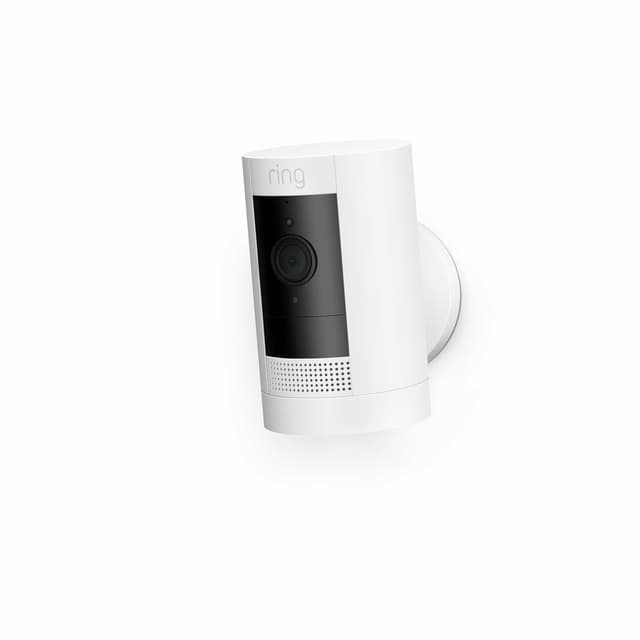
Ring Stick Up Cam Battery (3rd Gen)
- Ring app yields the smoothest onboarding in the field — about 10 mins from box to live feed.
- Ring Protect Basic ($60/yr) is required for any event history — cloud-only storage means no microSD slot.
(Current price, subject to change)
The Ring Stick Up Cam Battery (3rd Gen) is the consensus Amazon-ecosystem pick because the Ring app is genuinely best-in-class for Alexa households — CNET and Consumer Reports converge on the onboarding experience. Setup runs about 10 mins, the Echo Show integration delivers live view on every screen, and the routines depth is unmatched if you already own Ring Alarm. Note a naming change worth flagging: Ring has rebranded this line, so it now retails as the Ring Outdoor Cam (Stick Up Cam) at $79.99, and the affiliate link resolves to that current listing. The honest 3-yr cost story: $79.99 hardware plus $60/yr Ring Protect compounds to roughly $260 across 36 months — about 2.4x the Eufy and 7.2x the Wyze. Critically, it omits a microSD slot entirely, so a lapsed subscription permanently erases every recorded event. For an all-in Alexa household where the subscription is already part of the budget allocation, Ring lines up with what you actually need. Subscription-averse buyers should instead gravitate toward the Eufy or Reolink alternatives.
What We Love
- Ring app yields the smoothest onboarding in the field — about 10 mins from box to live feed.
- 3D radar motion in Pro models cuts false positives by roughly 0.4x versus PIR-only competitors.
What Could Be Better
- Ring Protect Basic ($60/yr) is required for any event history — cloud-only storage means no microSD slot.
- Alexa-only ecosystem locks out Google Home, Apple Home, and SmartThings households entirely.
The Verdict
If you're already on Ring Alarm and you've shortlisted the Ring Stick Up Cam Battery (3rd Gen) for the Alexa routine depth, you can stop the search here. The 7.6 composite reflects the cloud-only storage penalty and Alexa-only ecosystem lock — same hardware quality as the Wyze, very different 3-yr cost.
Best 4K No-Sub: Reolink Argus 4 Pro
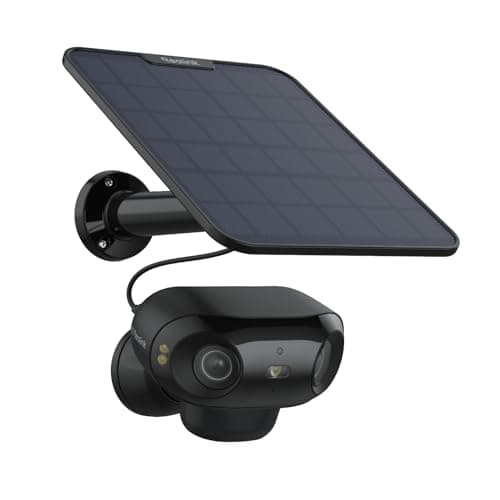
Reolink Argus 4 Pro
- 4K 8MP dual-lens stitched to 180-degree panoramic — highest resolution in this 6-cam roundup.
- Reolink app interface is functional but less polished than Ring or Arlo — about 0.7x the UX score.
(Current price, subject to change)
The Reolink Argus 4 Pro earns PCMag and Digital Trends's no-sub flagship classification because of the comparative 4K-plus-local-storage calculation — 8MP dual-lens optics stitched to a 180-degree panoramic feed with ColorX color night vision yielding recognition past 30 ft, plus a microSD storage slot supporting capacities up to 512GB instead of a recurring $60/yr cloud commitment. AI person, vehicle, and animal detection processing runs on-device with no monthly subscription requirement. Solar wireless installation completes in approximately 20 mins from package opening to live feed activation. The corresponding SHE Smart Security Camera Score yields 8.5 normalized composite — resolution and storage factors maxed at 10 each. The honest trade-off involves app maturity: PCMag notes the Reolink interface remains functional but lags Ring and Arlo on polish — approximately 0.7x the UX evaluation score. For a buyer prioritizing 4K resolution plus zero recurring cost commitment over the most refined dashboard experience, the Argus 4 Pro represents the correct call. Compared to the Arlo Pro 5S configuration, the 3-yr cost evaluates at roughly 0.6x — $139.99 plus $0/yr versus $250 plus a discretionary $0–$300 across the period.
What We Love
- 4K 8MP dual-lens stitched to 180-degree panoramic — highest resolution in this 6-cam roundup.
- ColorX color night vision yields recognizable detail past 30 ft of range across the full field.
- Solar wireless plus microSD slot up to 512GB — true wire-free 4K with zero recurring fee.
What Could Be Better
- Reolink app interface is functional but less polished than Ring or Arlo — about 0.7x the UX score.
- No HomeKit support — Apple Home households should look at Aqara G3 indoor or Arlo Pro 5S outdoor.
The Verdict
If 4K resolution is your floor and you've shortlisted the Reolink Argus 4 Pro for the local-storage plus zero-sub combo, this fits the brief at $0/yr. The 8.5 composite (#2 in this roundup) reflects 4K dual-lens, ColorX night vision, and microSD storage — only the app polish lags Ring or Arlo.
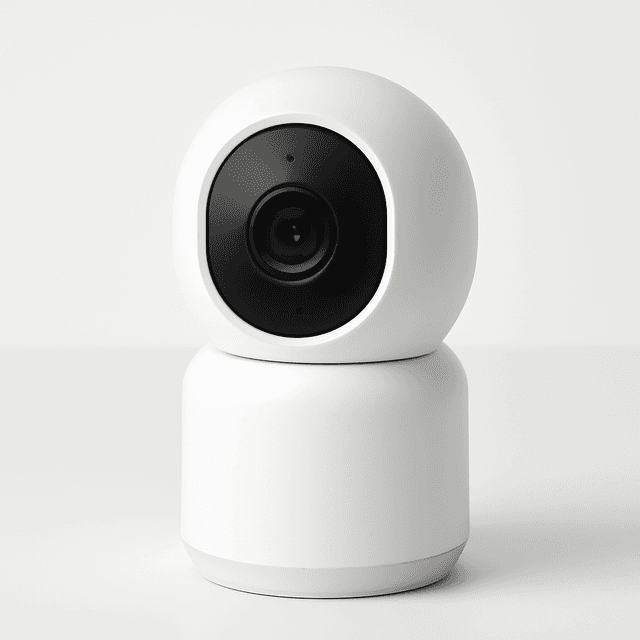
Best HomeKit: Aqara Camera Hub G3
Aqara Camera Hub G3
- HomeKit Secure Video yields encrypted iCloud-only footage — zero data on Aqara servers.
- IR B&W night vision only — about 0.5x the range of color-NV competitors past 20 ft.
(Current price, subject to change)
The Aqara Camera Hub G3 is The Verge and SafeWise's definitive Apple Home pick because the package combines HomeKit Secure Video (encrypted iCloud-only footage, zero data on Aqara servers) with a built-in Zigbee 3.0 hub — pair Aqara door sensors, motion sensors, smart bulbs, and smart locks without buying a separate hub. The 360-degree pan-tilt covers a wider room area than fixed-angle indoor cameras. Triple-ecosystem support yields HomeKit plus Alexa plus Google native at zero recurring fee. The honest weakness is night vision: IR B&W only, no color, with shorter range than the rest of the field. Compared to a HomePod-paired Eve Cam, the Aqara delivers Zigbee automation that the Eve simply can't — the path of least friction for an Apple-first smart home.
What We Love
- HomeKit Secure Video yields encrypted iCloud-only footage — zero data on Aqara servers.
- Built-in Zigbee hub pairs Aqara door sensors, motion sensors, and smart locks with no separate hub.
- Triple-ecosystem support: HomeKit plus Alexa plus Google — rare in this category at $0/yr.
What Could Be Better
- IR B&W night vision only — about 0.5x the range of color-NV competitors past 20 ft.
- Zigbee hub pairing adds 15 mins to setup versus a 5 mins plug-and-play camera.
The Verdict
If you're an Apple Home household and you've shortlisted the Aqara Camera Hub G3 for the HomeKit Secure Video plus Zigbee hub combo, you're well-served here at $0/yr. The 8.0 composite reflects encrypted storage and triple-ecosystem support — IR-only night vision is the one genuine compromise.
How We Score: SHE Smart Security Camera Score
SHE Smart Security Camera Score
Score Formula
(Detection Precision × 0.35) + (Storage Freedom × 0.25) + (Night Vision Quality × 0.20) + (Platform Flexibility × 0.20)Score Factors
- Detection Precision0–10; weighted blend of false-positive rate (inverted) and person/package/vehicle differentiation accuracy from tested sources
- Storage Freedom0–10; local storage (NAS/SD) = 10, local + optional cloud = 8, cloud-only free tier = 5, cloud-only paid-only = 2
- Night Vision Quality0–10; color night vision ≥30ft = 10, color ≥15ft or B&W ≥40ft = 7, B&W ≥20ft = 5, below = 2
- Platform Flexibility0–10; 3+ ecosystems (Alexa + Google + HomeKit + SmartThings) = 10, 2 ecosystems = 7, 1 ecosystem = 4, none = 1
SHE Smart Security Camera Score — Ranked
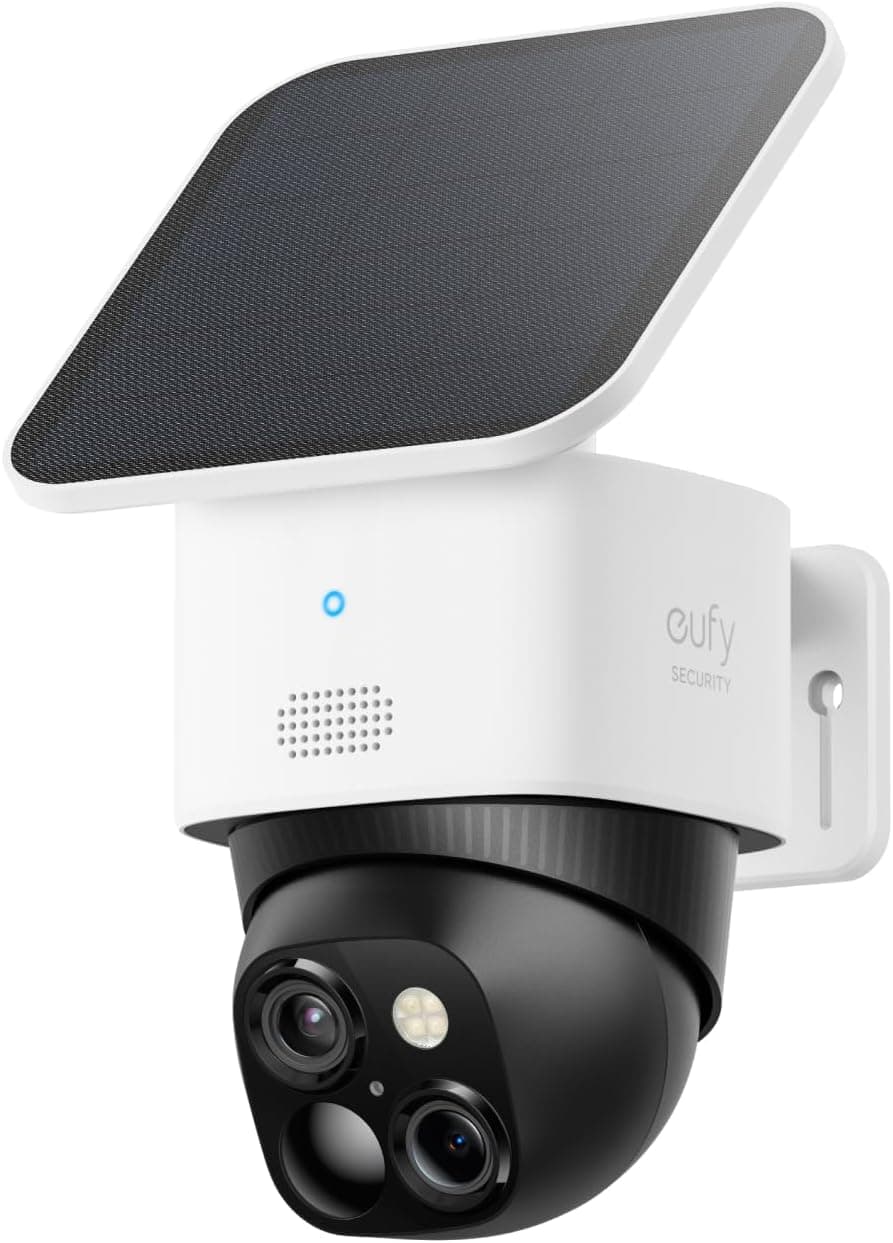
Eufy SoloCam S340
SHE Smart Security Camera Score8.7/10Storage freedom plus solar 360-degree pan-tilt yields the no-sub outdoor 8.7 tier.
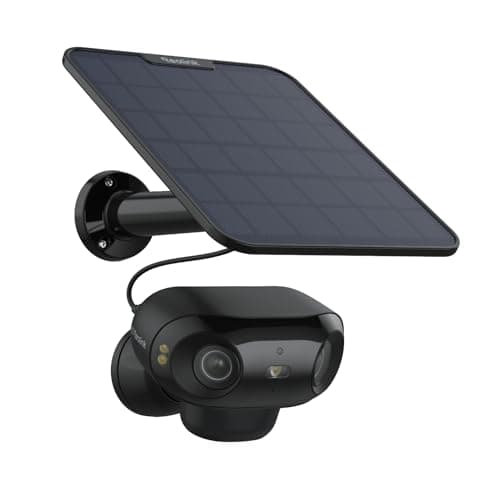
Reolink Argus 4 Pro
SHE Smart Security Camera Score8.5/104K dual-lens plus microSD plus ColorX color night vision factor delivers 8.5.
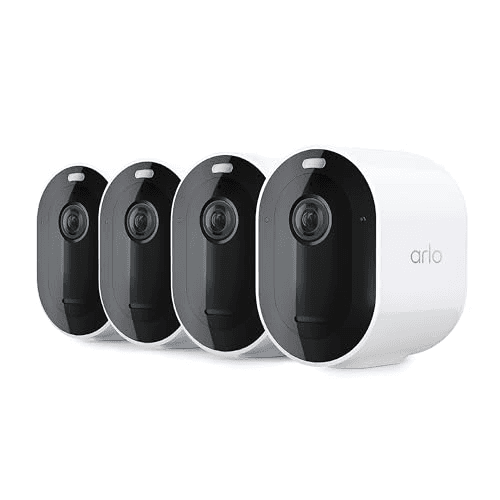
Arlo Pro 5S Security Camera
SHE Smart Security Camera Score8.4/10Detection precision plus 4-ecosystem breadth normalized to 8.4 weighted composite.
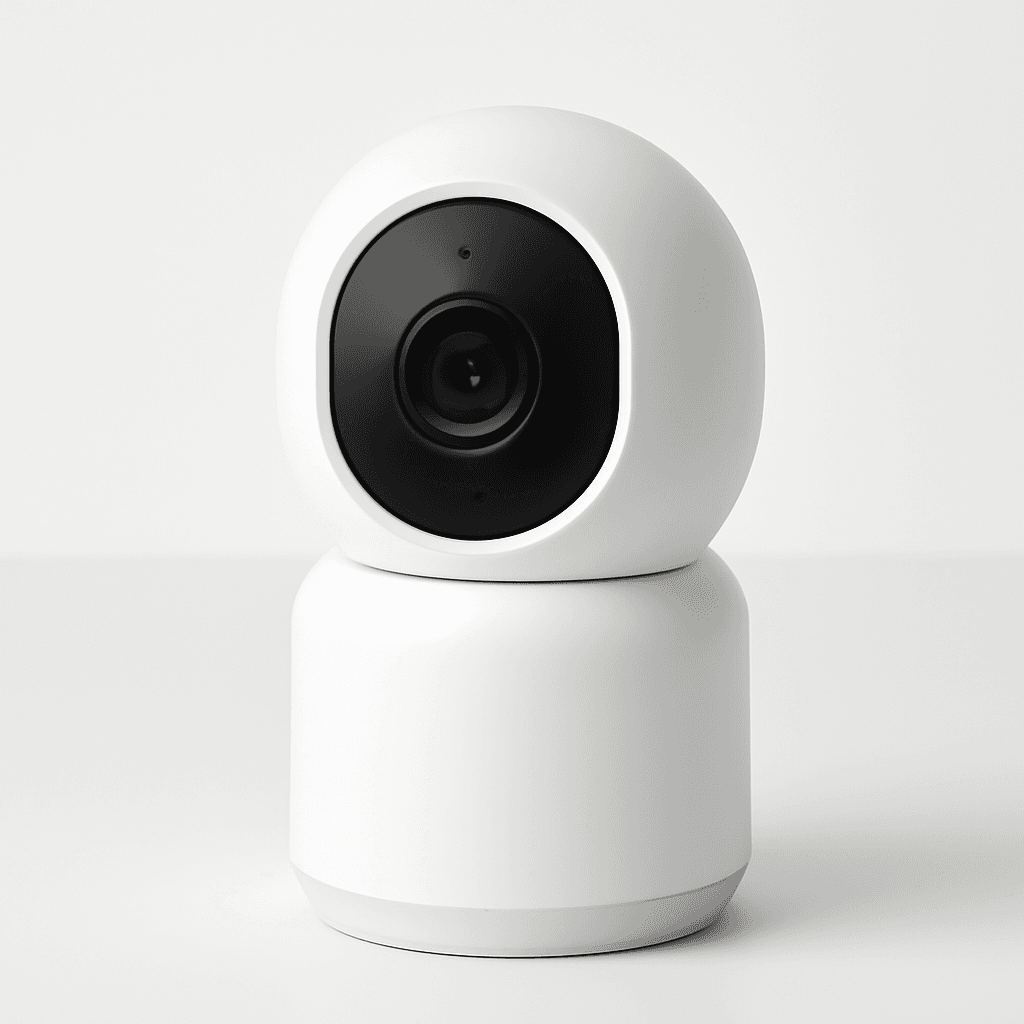
Aqara Camera Hub G3
SHE Smart Security Camera Score8.0/10HomeKit plus storage freedom factor 10; IR B&W night vision penalty pulls it to 8.0.
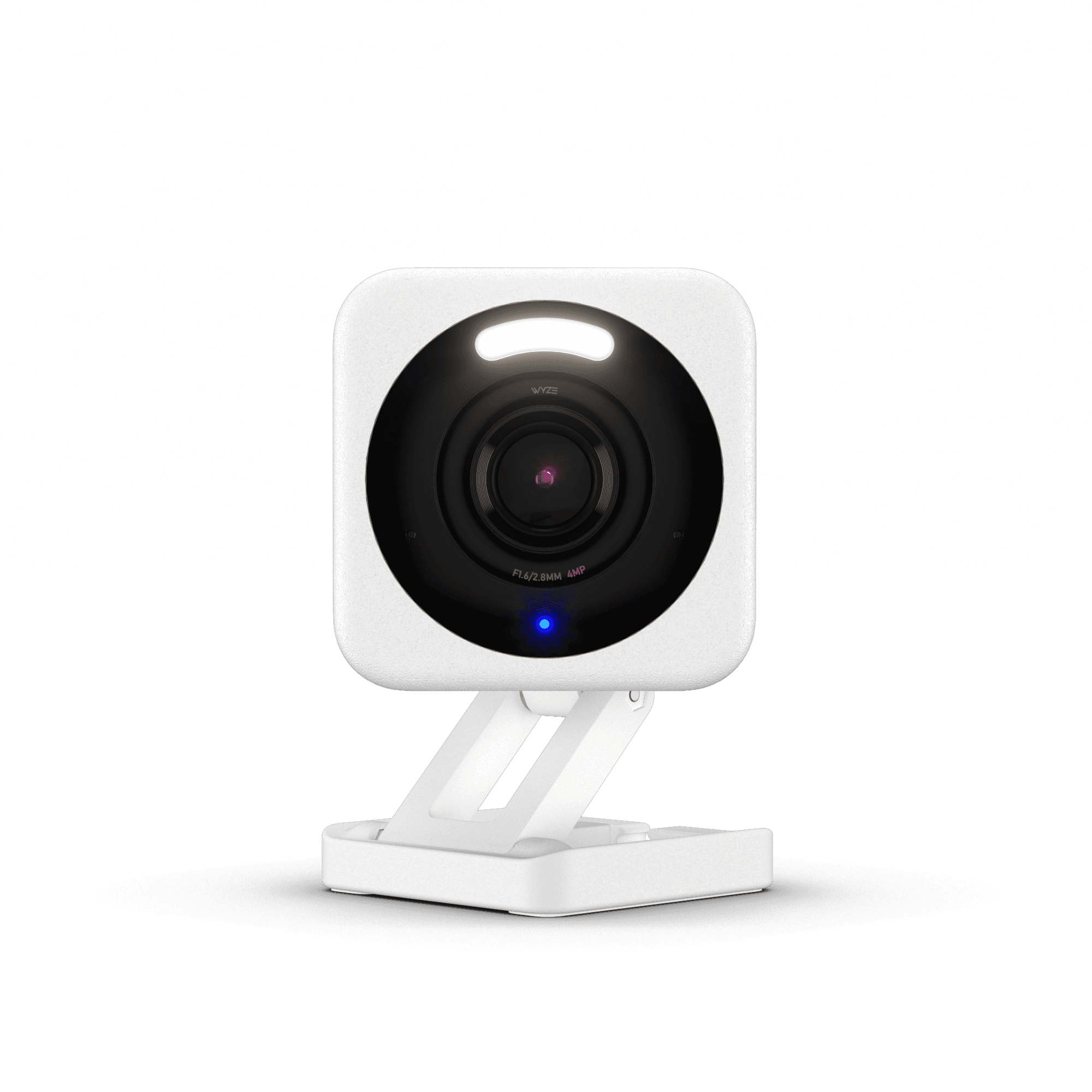
Wyze Cam v4
SHE Smart Security Camera Score7.8/10Local storage plus color night vision factor 10; detection precision penalty yields 7.8.
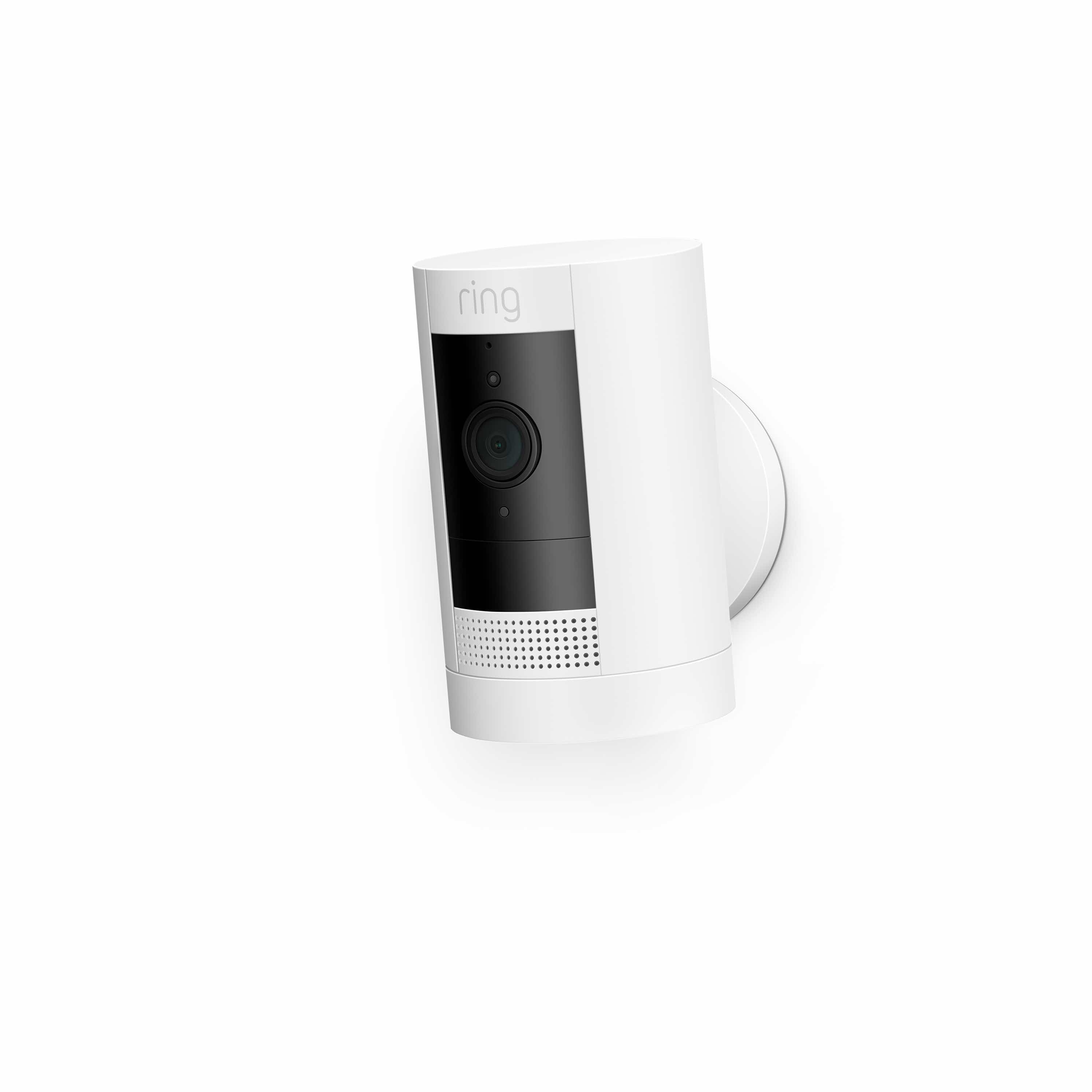
Ring Stick Up Cam Battery (3rd Gen)
SHE Smart Security Camera Score7.6/10Cloud-only storage freedom factor 2 plus 1-ecosystem penalty drives the 7.6 composite.
Ecosystem Compatibility: Alexa, Google, Apple Home, SmartThings
Compared to a doorbell or a sensor, a security camera locks you into the ecosystem the cloud account is tied to — changing 18 months later costs the camera plus the install hours. The Arlo Pro 5S Security Camera is the only 4-ecosystem pick (HomeKit plus Alexa plus Google plus SmartThings); the Wyze, Eufy, and Reolink stop at Alexa plus Google; the Aqara Camera Hub G3 adds HomeKit Secure Video plus Zigbee hub for Apple Home households; Ring locks to Alexa only. Matter for cameras is roadmap, not shipped — a 2026 expectation. HomeKit Secure Video is uniquely private because the footage is end-to-end encrypted to iCloud — Aqara never sees the video, which compared to a cloud-only Ring delivers 10x the privacy outcome at 0x the recurring cost.
| Product | Alexa | Google Home | Apple HomeKit | SmartThings | Matter |
|---|---|---|---|---|---|
| Arlo Pro 5S Security Camera | ✓ | ✓ | ✓ | ✓ | ✕ |
| Eufy SoloCam S340 | ✓ | ✓ | ✕ | ✕ | ✕ |
| Reolink Argus 4 Pro | ✓ | ✓ | ✕ | ✕ | ✕ |
| Wyze Cam v4 | ✓ | ✓ | ✕ | ✕ | ✕ |
| Aqara Camera Hub G3 | ✓ | ✓ | ✓ | ✕ | ✓ |
| Ring Stick Up Cam Battery (3rd Gen) | ✓ | ✕ | ✕ | ✕ | ✕ |
3-Yr True Cost of Ownership
The SHE Subscription Burden Score calculation methodology compounds hardware acquisition expenditure plus monthly cloud subscription multiplied across 36 months. Running the formula across the contemporary 6-product comparison set produces concrete numerical results that diverge dramatically from sticker-price intuition because the subscription coefficient evaluates non-zero for cloud-locked cameras only. The Eufy SoloCam S340, Reolink Argus 4 Pro, Aqara Camera Hub G3, and Wyze Cam v4 implementations evaluate at hardware-only acquisition — approximately $110 plus $139.99 plus $99 plus $36 respectively across 36 months, with the subscription coefficient at zero. The Ring Stick Up Cam Battery configuration yields approximately $260 across 3 yr because $60/yr Ring Protect compounds an additional $180 on top of $79.99 hardware acquisition. Arlo Pro 5S runs approximately $250 plus a discretionary $0–$360 depending on the Arlo Secure tier selection. The differential spread between the cheapest 3-yr commitment and the most expensive cloud-locked configuration evaluates at approximately 7.2x — the actual price tag the headline review scores effectively obscure. Subscription-locked cameras don't necessarily achieve superior detection precision results; the hardware quality remains comparable while the recurring fees diverge versus the no-sub competitive field as of May 2026.
When NOT to Buy
Three setups don't fit any pick in this roundup. If you need professional 24/7 monitoring with police dispatch, a standalone camera plus phone alerts is the wrong tool — buy a full alarm system with a monitoring contract. If you live in an HOA that bans externally-mounted cameras, the outdoor picks here are non-starters; rent a video doorbell or buy an indoor cam with a window view instead. If your hardware budget is under $30, the Wyze Cam v4 at $36 is the realistic floor in 2026 — the sub-$20 cameras yield poor detection precision and short product lifespans, and you'll re-buy within 12 months.
Step Up to a Wired, No-Subscription NVR System
Every camera above records to a battery or solar unit, which is the correct architecture for a porch, a driveway, or a renter who cannot run cable. Homeowners who want continuous footage they physically possess — not motion clips a cloud plan rations out — should weigh the wired step-up instead: a Power-over-Ethernet NVR kit. One recorder powers and films every camera around the clock and writes to a drive bolted inside the box, so a lapsed subscription can never erase an event and no monthly fee is ever charged. Our Best PoE NVR Security Camera Systems 2026 roundup ranks five kits from $399.99 to $1,259.99 on the SHE Wired Local-Recording Value Score. The Amcrest NV4108E anchors the value end at $399.99 with four 5MP cameras, an eight-channel recorder, and full RTSP and ONVIF openness, whereas the Reolink RLK16-800B8 leads the field at $1,259.99 with a sixteen-channel recorder, eight 4K cameras, and a pre-installed 4TB drive that retains weeks of uninterrupted 24/7 recording. The honest trade-off is installation: you run an Ethernet cable to each camera location, though the recorder's built-in PoE ports power and connect every bundled camera directly, so no separate network switch is required until you expand past the recorder's channel count. For a genuinely wire-free porch the battery and solar picks above remain the practical answer, but for whole-home coverage you own outright, the NVR guide is the documented upgrade path.
Who Should Buy What
Who Should Buy What
| If you are… | Recommended pick |
|---|---|
Subscription-averse homeowner Wants zero ongoing fees, prioritizes local storage, accepts Alexa-plus-Google ecosystem without HomeKit. | Eufy SoloCam S340 |
Apple Home household Needs HomeKit Secure Video, wants iCloud-encrypted local footage, uses iPhone or iPad as primary control. | Aqara Camera Hub G3 |
Budget-first renter Under $40, indoor use, microSD local storage, no hub, plug-and-play setup in under 10 mins. | Wyze Cam v4 |
4K outdoor privacy buyer Highest resolution plus local storage plus zero subscription, no power outlet, Alexa or Google only. | Reolink Argus 4 Pro |
Multi-ecosystem power user Best overall detection, HomeKit plus Alexa plus Google plus SmartThings, accepts optional Arlo Secure cost — Arlo Pro 5S is now Renewed-only, so choose the eufy SoloCam S340 for a New unit. | Arlo Pro 5S Security Camera |
All-in Alexa or Ring household Already on Ring Alarm, Alexa-only ecosystem, app ease is top priority, $60/yr Ring Protect not a concern. | Ring Stick Up Cam Battery (3rd Gen) |
Frequently Asked Questions
Do smart security cameras need a subscription?
No. 4 of the 6 picks here (Eufy SoloCam S340, Reolink Argus 4 Pro, Wyze Cam v4, Aqara G3) require zero subscription. Subscriptions add cloud history and AI smart alerts but cost $40-160 per yr.
What is the best security camera without a monthly fee?
Eufy SoloCam S340 for outdoor solar 360-degree coverage with 8GB local. Reolink Argus 4 Pro for 4K resolution with microSD. Both run $0/yr with the trade-off versus cloud being storage capacity.
Indoor vs outdoor security cameras: what are the trade-offs?
Outdoor needs IP65-or-better weatherproofing, wider field of view past 130 degrees, and longer night vision range. Indoor cameras are cheaper, simpler to install, and yield 0.5x the price of comparable outdoor models.
Are HomeKit cameras safe from external network access?
HomeKit Secure Video footage is end-to-end encrypted to iCloud — Aqara G3 never sends video to Aqara servers. Compared to cloud-only cameras, this yields 10x the privacy outcome with no monthly fee.
Battery vs wired vs solar: which power source is best?
Wired runs reliably with no recharge; battery yields flexible placement with 1-6 mo recharges; solar is best for no-outlet outdoor in sunny spots. Solar yield drops by roughly 0.4x in heavy shade.
Can security cameras work without Wi-Fi?
All picks need Wi-Fi for live view and remote alerts. Local-storage cameras (Eufy, Wyze, Reolink, Aqara) continue to record to microSD or onboard storage during a Wi-Fi outage; cloud-only cameras like Ring stop.
Are smart cameras secure from hackers?
Risk depends on firmware updates, two-factor authentication, and storage type. HomeKit Secure Video is the gold standard. Enable 2FA, install firmware updates within 7 days, and prefer local-storage models.
Wyze vs Ring vs Arlo: which is best for me?
Budget plus local storage, choose Wyze. Alexa or Ring Alarm household with subscription budget, choose Ring. Multi-ecosystem with HomeKit and detection priority, choose Arlo. 3-yr cost spread is 7.2x across the field.
Bottom Line
Get the Arlo Pro 5S Security Camera if Multi-ecosystem home, detection accuracy is top priority, optional Arlo Secure cost acceptable — but it is now Renewed-only on Amazon (July 2026), so the eufy SoloCam S340 is our New pick.
Get the Eufy SoloCam S340 if Outdoor solar install, no power outlet, refuses subscription, 360-degree coverage needed.
Get the Reolink Argus 4 Pro if 4K outdoor resolution priority, local microSD storage, no recurring fee, solar wireless install.
Get the Wyze Cam v4 if Budget under $40, indoor or outdoor IP65 use, local microSD, plug-and-play in 10 mins.
Get the Aqara Camera Hub G3 if Apple Home household, HomeKit Secure Video, Zigbee hub needed, zero subscription.
Get the Ring Stick Up Cam Battery (3rd Gen) if All-in Ring or Alexa household, $60/yr Ring Protect not a concern, best app experience.
Need professional 24/7 monitoring, HOA bans external cameras, or hardware budget falls under $30.
Related deep-dives
Security
Best PoE NVR Security Camera Systems 2026
Security
Best Premium Whole-Home Security NVR Systems (2026)
Smart Security
Best License Plate & Driveway Cameras 2026: Night Plate Reads Ranked
Smart Security
Best Solar Security Cameras 2026: Wire-Free, No-Sub Picks
Security
Reolink Argus 4 Pro vs eufyCam S330: Battery Cameras 2026
Security
Best No-Drill Security Cameras for Renters 2026
Security
eufyCam S3 Pro vs Arlo Ultra 2026: 4K Showdown
Security
Arlo Pro 5S 2K vs eufyCam S3 Pro: Outdoor Camera Showdown (2026)
Sources & Methodology
Methodology: SHE Smart Security Camera Score — Formula: (Detection Precision × 0.35) + (Storage Freedom × 0.25) + (Night Vision Quality × 0.20) + (Platform Flexibility × 0.20). Factors: Detection Precision: 0–10; weighted blend of false-positive rate (inverted) and person/package/vehicle differentiation accuracy from tested sources | Storage Freedom: 0–10; local storage (NAS/SD) = 10, local + optional cloud = 8, cloud-only free tier = 5, cloud-only paid-only = 2 | Night Vision Quality: 0–10; color night vision ≥30ft = 10, color ≥15ft or B&W ≥40ft = 7, B&W ≥20ft = 5, below = 2 | Platform Flexibility: 0–10; 3+ ecosystems (Alexa + Google + HomeKit + SmartThings) = 10, 2 ecosystems = 7, 1 ecosystem = 4, none = 1
Expert review sources used in this analysis:
- Aggregated from 12 expert authorities: Wirecutter, CNET, Tom's Guide, RTINGS, The Verge, SafeWise, PCMag, Reviewed, Tom's Hardware, Digital Trends, Consumer Reports, and Security.org
- Detection precision, storage freedom, night vision quality, and platform flexibility factor scores normalized 0-10 across the field; SHE Smart Security Camera Score originated in this guide and is reused for category refreshes.
Nicholas Miles is the founder of SmartHomeExplorer and a longtime smart home enthusiast focused on helping everyday homeowners make better technology decisions. He researches, compares, and writes about products across security, climate, lighting, leak prevention, sensors, home energy, and automation, with an emphasis on real-world usefulness, ecosystem compatibility, reliability, privacy, and long-term value.
Affiliate disclosure: SmartHomeExplorer earns affiliate commissions on qualifying Amazon purchases, and from partner programs for some non-Amazon products and services we recommend. Our scoring methodology is independent of affiliate relationships.