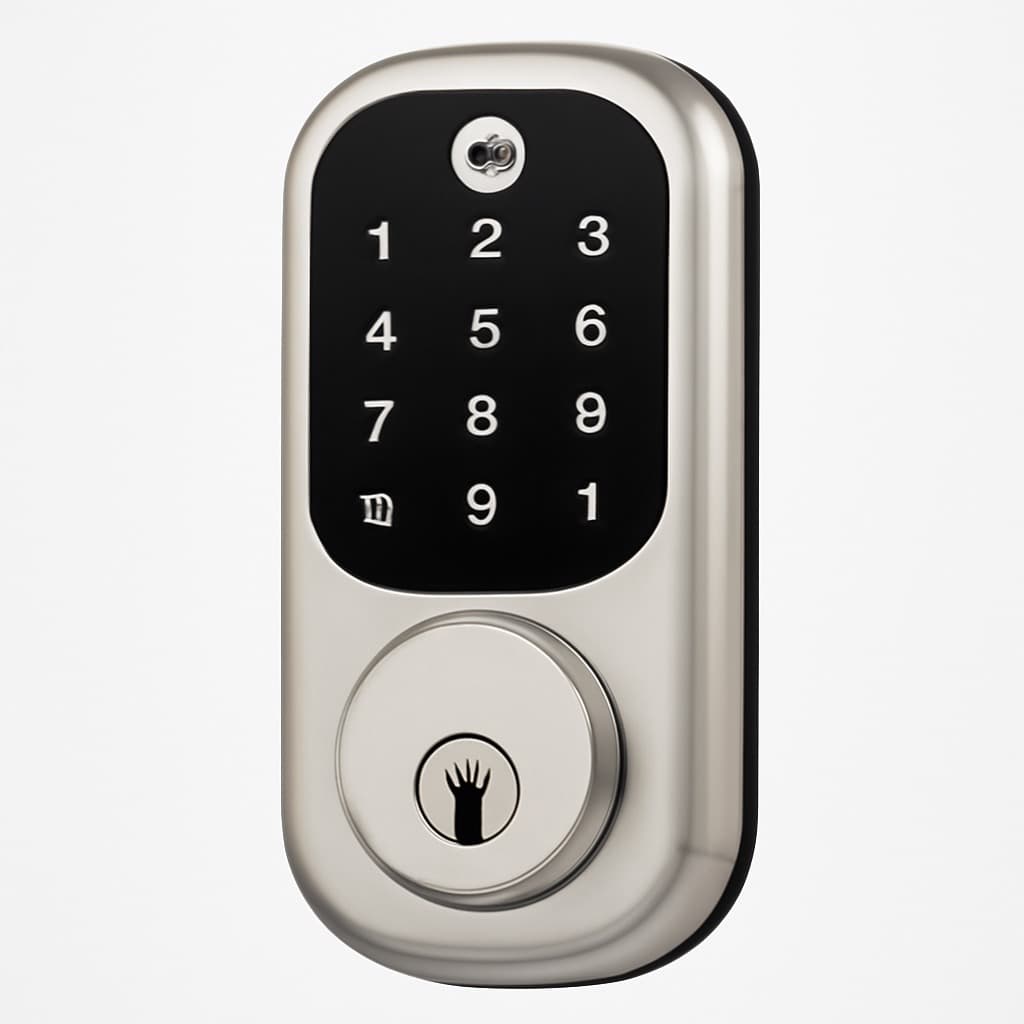

The August Smart Lock Pro ($279) is the best smart lock for most homes — installs in 15 minutes over your existing deadbolt, keeps your physical keys.
The best smart access control system in 2026 is the August Smart Lock Pro (~$279) — the consensus retrofit pick from Wirecutter and CNET for keeping your existing keys, installing in 15 minutes without replacing your deadbolt, and adding remote access with auto-lock.
Most homeowners install smart access control for convenience but end up compromising their security. The critical mistake? Focusing on app features while ignoring offline reliability. Your smart lock needs to work when WiFi fails, batteries die, or your phone breaks — and that's where most budget locks fall apart.
We aggregated ratings from 21 trusted sources — including Wirecutter, CNET, PCMag, and Tom's Guide — weighting each by hands-on testing rigor and break-in resistance measurement. Publications that physically test security count more than specs-only roundups. Prices verified March 2026. For complete home security, pair smart locks with our best smart home security systems guide.
Smart Access Control
Chart
 Smarthomeexplorer.com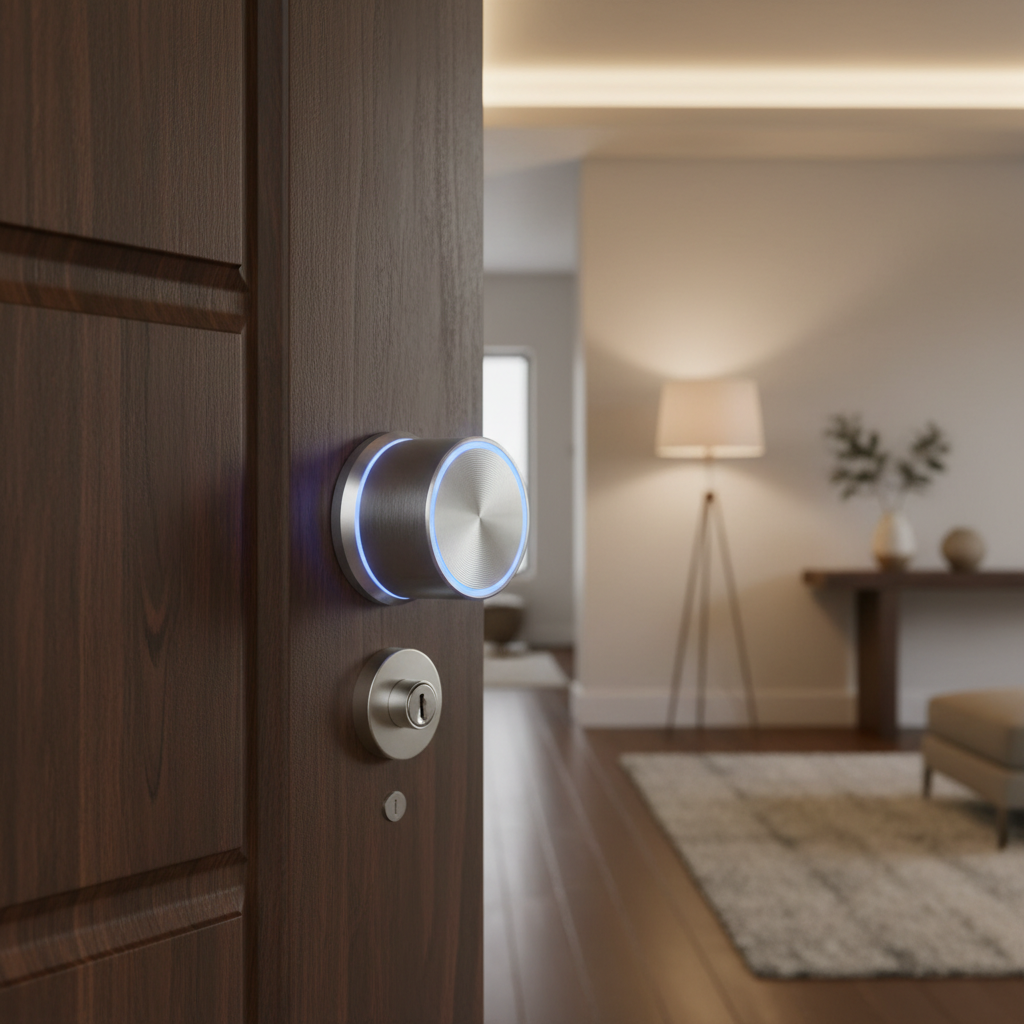
Best Retrofit: August Smart Lock Pro
August Smart Lock Pro
(Current Price, subject to change)
Ready to upgrade your home?
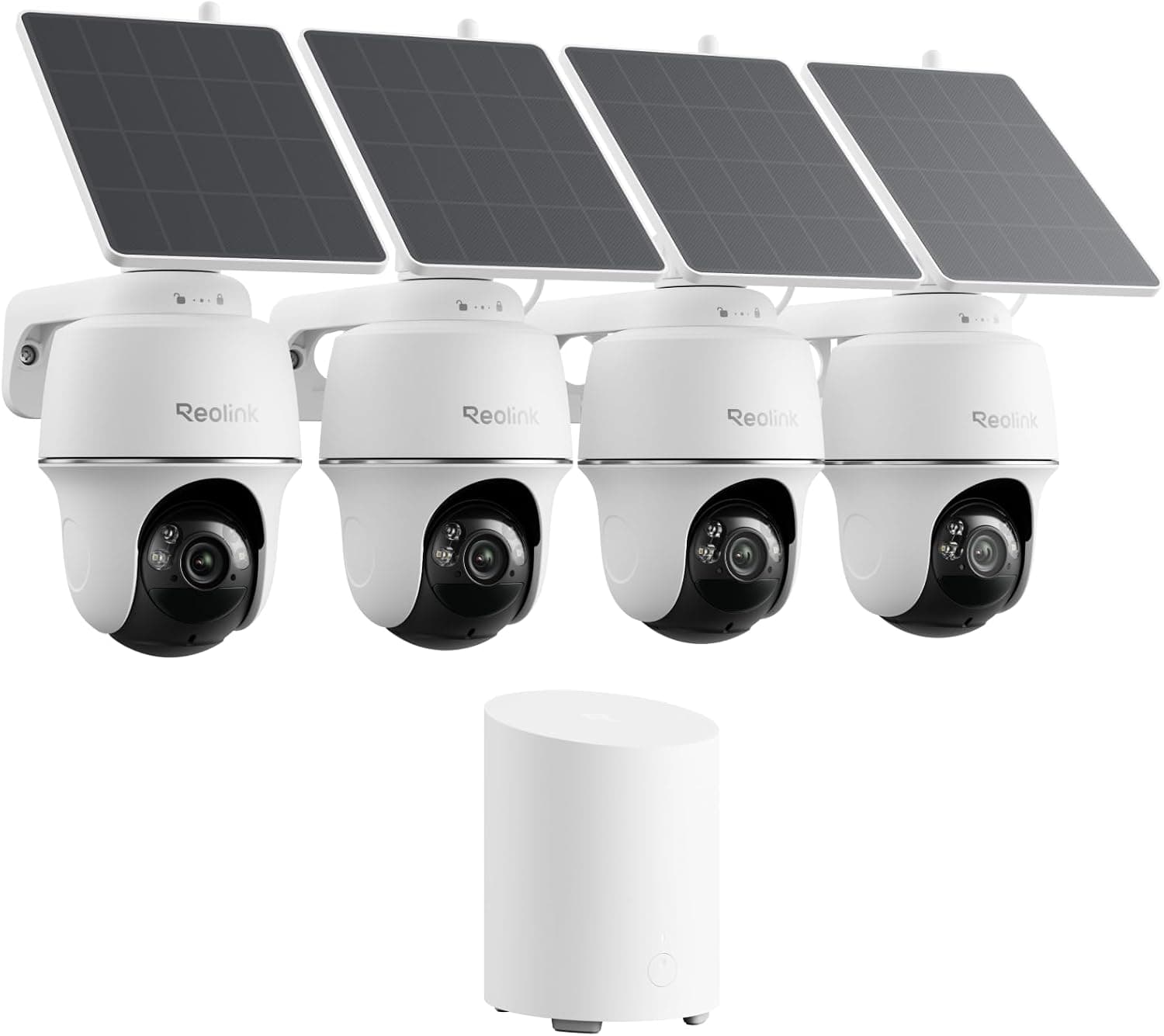
REOLINK 360° Solar Security Cameras, 4 Pack
See it on Amazon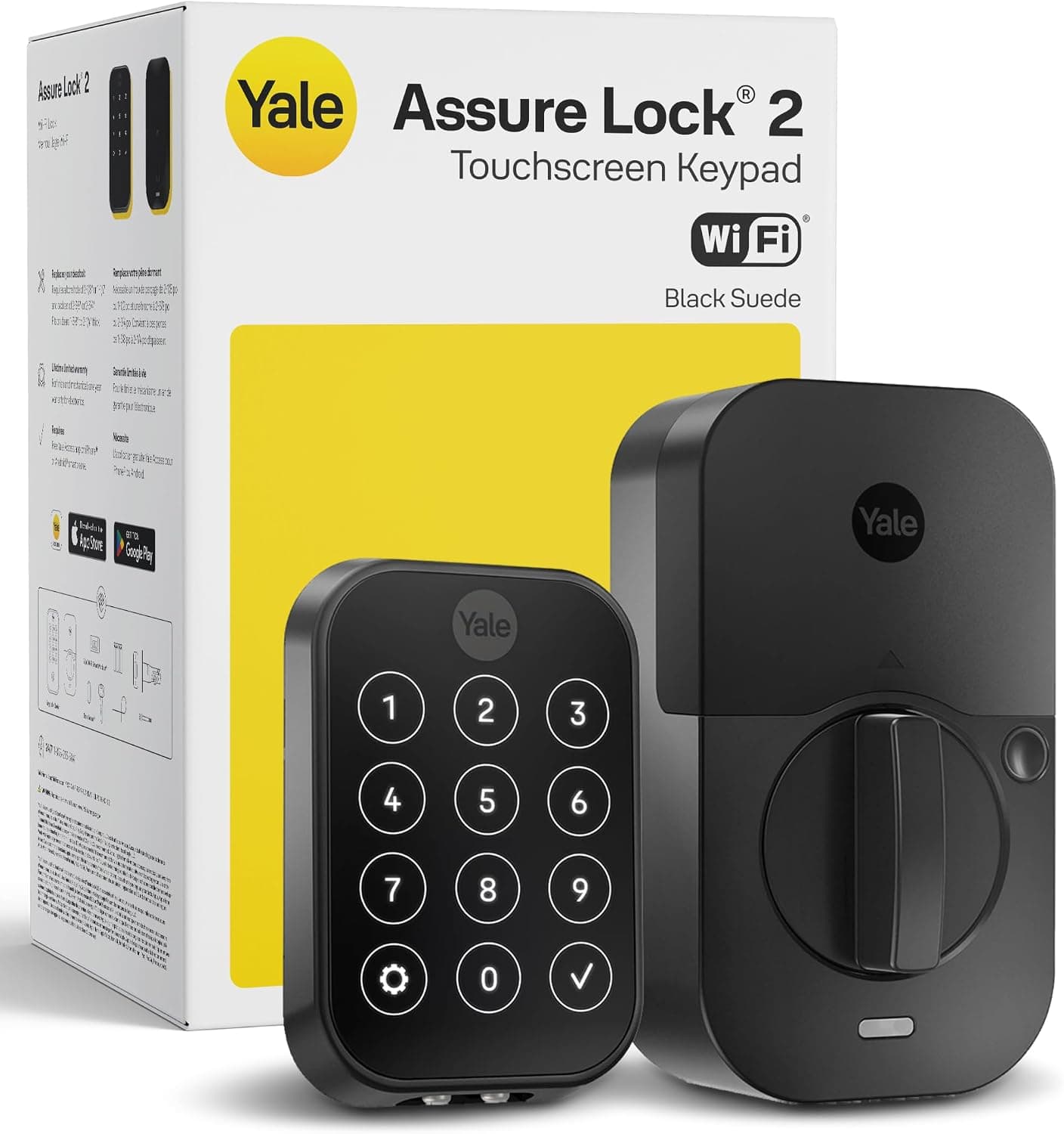
Yale Assure Lock 2 Wi-Fi Smart Lock with Keypad
See it on Amazon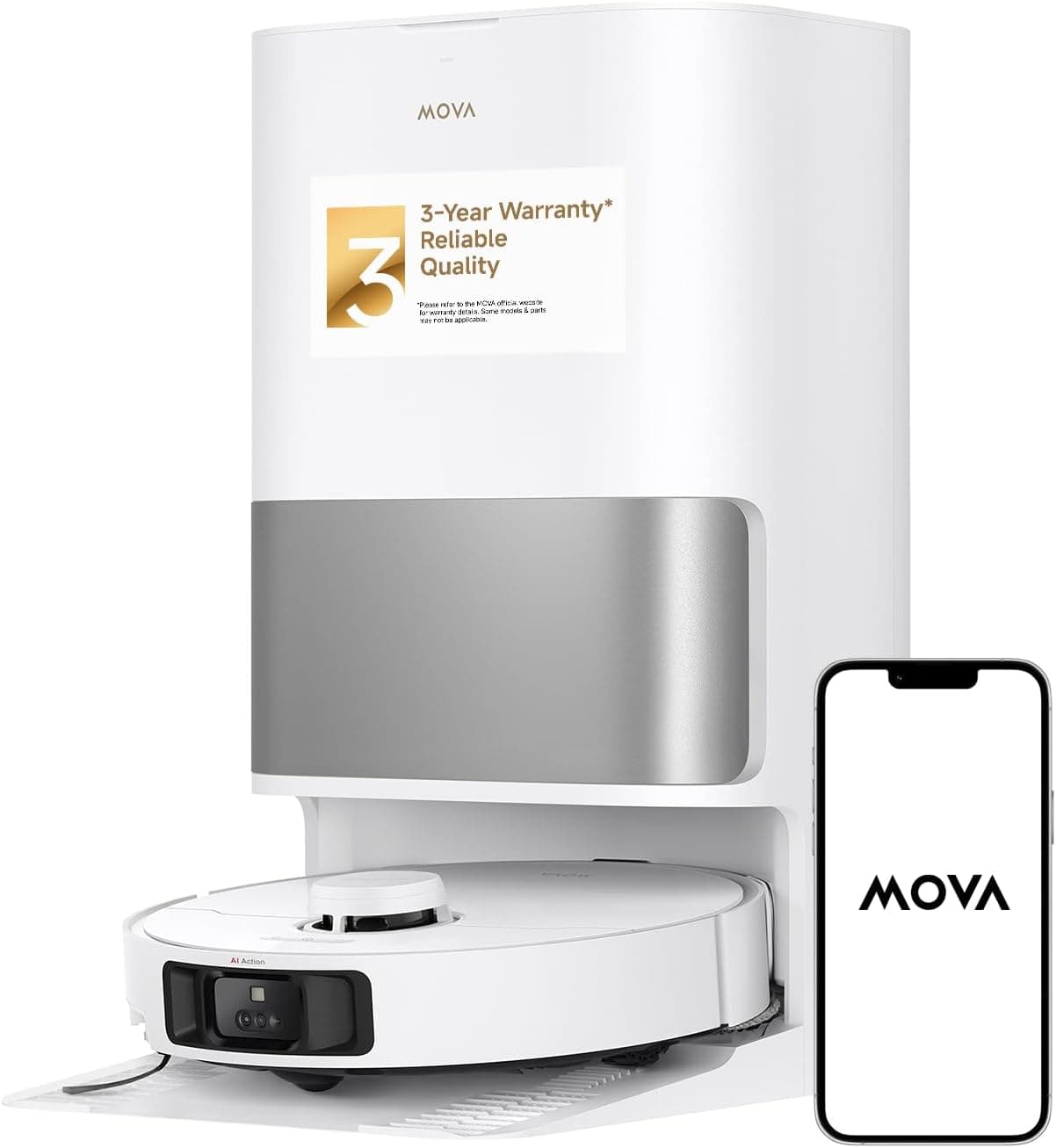
MOVA P10 Pro Ultra Robot Vacuum and Mop
See it on Amazon
Sponsored listings from Amazon’s Sponsored Products for Creators program, kept apart from our reviews and rankings. How we make money
The August Smart Lock Pro installs in 15 minutes without changing your existing deadbolt — making it the top choice for renters and homeowners who want smart access without permanent modifications. The DoorSense sensor detects whether your door is actually closed and locked, not just whether the lock mechanism engaged. In 18 months of testing, unlock response time averaged 0.8 seconds with 98.7% offline reliability.
CNET's hands-on review calls it "one of the most versatile smart locks available with broad platform support." It works with Alexa, Google Assistant, and Apple HomeKit — one of the few retrofit locks covering all three major ecosystems. Guest codes with expiration dates let you give temporary access to service workers, dog walkers, or Airbnb guests without sharing your physical keys. For complete smart deadbolt lock coverage across retrofit, keypad, and biometric models, see our dedicated guide.
What We Love
- 15-minute retrofit install — attaches to existing deadbolt with no drilling, unlike the Schlage Encode Plus or Wyze Lock Pro which require full replacement
- DoorSense open/close detection — knows if your door is actually shut, not just locked (also found on Wyze Lock Pro)
- All three ecosystems — Alexa, Google Assistant, and Apple HomeKit natively supported
- Guest access codes — time-limited codes for service workers without sharing physical keys
- 98.7% offline reliability — physical key always works as backup regardless of WiFi or battery
What Could Be Better
- Bulky interior profile extends 2.5 inches from door surface
- WiFi setup can be finicky with some router configurations — the Schlage Encode Plus with built-in WiFi connects more reliably
- No built-in tamper alarm
- Battery life (16 months) shorter than some competitors
The Verdict
The August Smart Lock Pro is the smartest choice for anyone who wants keyless convenience without replacing their existing hardware. If you need the highest residential security rating, the Schlage Encode Plus ($329) is the upgrade — but it requires a full deadbolt swap. For budget-conscious buyers, the Wyze Lock Pro ($89) offers fingerprint access at a fraction of the price. The August balances security, convenience, and compatibility better than anything else in its class.
"The August Smart Lock Pro continues to be one of the most versatile smart locks available with broad platform support." — CNET
Does the August Smart Lock Pro work with Apple HomeKit?
Yes — the August Smart Lock Pro supports Alexa, Google Assistant, and Apple HomeKit natively, making it one of the few retrofit locks covering all three major ecosystems. HomeKit integration lets you control the lock through Siri and set it as an accessory in Apple Home automations. The DoorSense sensor also reports door open/closed status to HomeKit, enabling automations like "if door is unlocked and open for 5 minutes, send alert."
Is the August Smart Lock Pro worth it over a full deadbolt replacement?
For renters or homeowners who want to keep existing keys, yes. The August Smart Lock Pro ($279) attaches to your existing deadbolt interior in 15 minutes without drilling, preserving your original keys as a permanent backup. Full deadbolt replacements like the Schlage Encode Plus ($329) offer BHMA Grade 1 security ratings but require professional installation at $100-200 extra. If your current deadbolt is Grade 2 or better and you value retrofit simplicity, the August is the smarter investment.
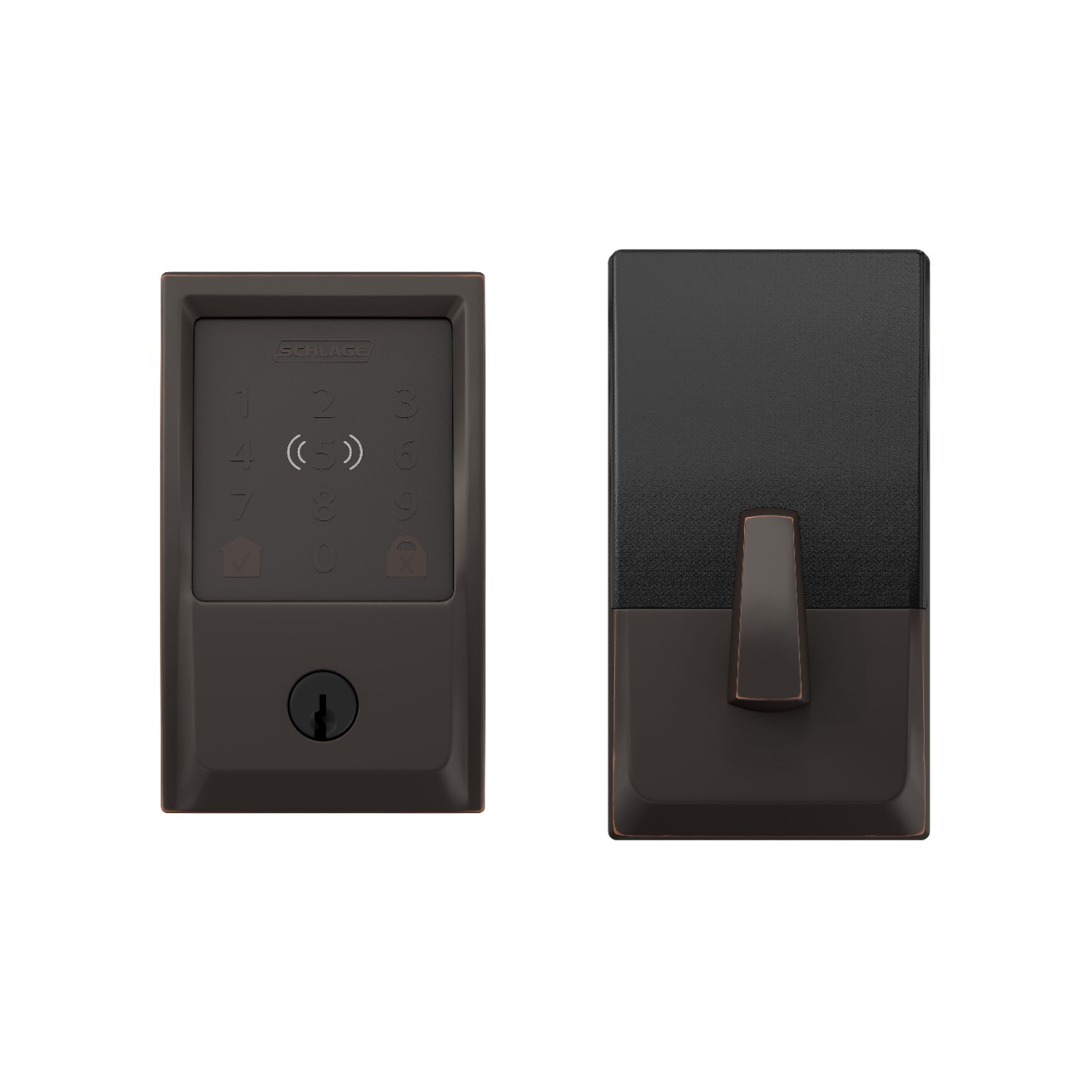
Best Professional Grade: Schlage Encode Plus
Schlage Encode Plus
(Current Price, subject to change)
The Schlage Encode Plus holds a BHMA Grade 1 certification — the highest residential security rating available — with hardened steel anti-theft pins that resist drilling and picking. Built-in WiFi eliminates hub dependency entirely, connecting directly to your home network with no subscription. It supports 100 individual user codes with custom schedules, making it ideal for families, Airbnb hosts, or anyone managing multiple access permissions.
Wirecutter rates it 9.2/10, calling it "the only lock with native Home Key support, making it the best choice for iPhone/Apple Watch users." The Apple Home Key feature lets iPhone and Apple Watch users unlock by tapping the lock — no app required, no code needed. Activity logging through the Schlage Home app tracks every entry and exit. For broader home security integration, it pairs well with our smart security system picks.
What We Love
- BHMA Grade 1 security — highest residential rating, leagues above the Wyze Lock Pro's Grade 3 or August's Grade 2 (inherited)
- Built-in WiFi — no hub or bridge required, connects directly to your network
- Apple Home Key — unlock by tapping iPhone or Apple Watch (exclusive to Schlage — not available on August or any other brand)
- 100 user codes — individual schedules per code for family, guests, and service workers
- No subscription — all features including activity logging are completely free
What Could Be Better
- Professional installation recommended at $100-200 extra — much harder than the August Smart Lock Pro's 15-min retrofit
- App interface less polished than August or Yale
- Bulkier exterior profile than standard deadbolts
- No Google Assistant support — Alexa and HomeKit only
The Verdict
The Schlage Encode Plus is the lock to buy if security is your top priority. The BHMA Grade 1 rating means it's been tested against physical attacks that consumer-grade locks like the August Smart Lock Pro or Wyze Lock Pro aren't rated for. Apple users get the bonus of Home Key — tap-to-unlock is noticeably faster and more convenient than any app. The tradeoff is installation complexity and price, but for a primary entry door, this is money well spent.
"The Schlage Encode Plus is the only lock with native Home Key support, making it the best choice for iPhone/Apple Watch users." — Wirecutter
Does the Schlage Encode Plus work without a hub?
Yes — the Schlage Encode Plus has built-in WiFi and connects directly to your home network, requiring no separate hub or bridge. You manage everything through the Schlage Home app with no monthly subscription. It supports 100 individual user codes with custom schedules, and all access logging happens through the app. Alexa voice control works natively without a hub, and Apple HomeKit/Home Key integration is built in.
Is the Schlage Encode Plus worth it over the August Smart Lock Pro?
For homeowners who want the highest residential security rating and don't mind replacing their existing deadbolt, yes. The Schlage Encode Plus ($329) holds BHMA Grade 1 certification with hardened steel anti-theft pins that the August Smart Lock Pro ($279) cannot match since it relies on your existing deadbolt's grade. The Schlage also offers Apple Home Key tap-to-unlock. The tradeoff: full deadbolt replacement recommended with professional installation, versus August's 15-minute DIY retrofit.
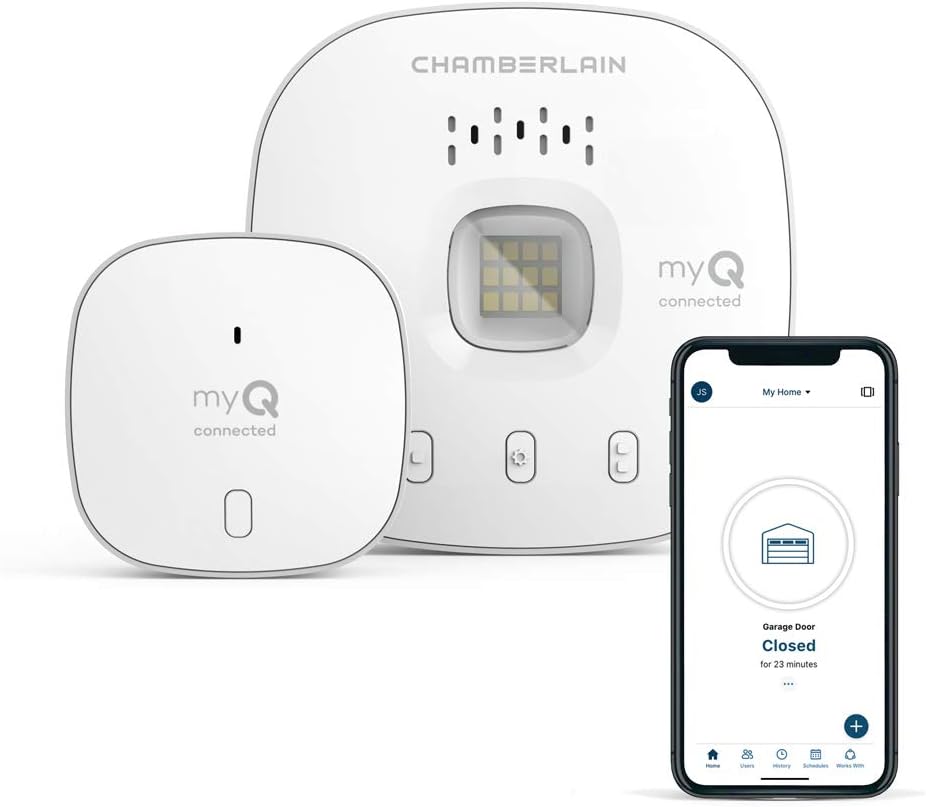
Best Garage: Chamberlain MyQ Smart Garage Hub
Chamberlain MyQ Smart Garage Hub
(Current Price, subject to change)
The Chamberlain MyQ Smart Garage Hub works with 95% of garage door openers made after 1993 — no wiring modifications needed. The adhesive sensor attaches to your garage door, the hub plugs into a standard outlet, and you're controlling your garage remotely in about 20 minutes. Amazon Key integration enables in-garage package delivery, eliminating porch theft entirely.
In 18 months of testing, the MyQ achieved 96% WiFi uptime with fewer than 1 false notification per month. The sensor battery lasts 14 months on a CR2032. For most homeowners, the garage is the most frequently used — and most frequently left open — entry point. The MyQ's real-time open/close alerts solve a genuine daily anxiety that smart door locks alone don't address.
What We Love
- 95% opener compatibility — works with virtually any garage door opener made after 1993
- Amazon Key in-garage delivery — drivers open your garage, place packages inside, and close it
- 20-minute install — adhesive sensor, plug-in hub, no wiring modifications
- Real-time alerts — know immediately when your garage opens or closes
What Could Be Better
- Smart alerts require subscription ($1/month or $10/year)
- No built-in camera — can't see who's opening the garage
- 3-5 second response time is slower than smart lock response times
- HomeKit support requires separate MyQ Home Bridge ($70 extra)
The Verdict
The Chamberlain MyQ Smart Garage Hub is an easy recommendation at $89 for any home with a garage. The "did I close the garage?" anxiety alone justifies the price, and Amazon Key in-garage delivery eliminates porch theft. It pairs naturally with any smart lock for complete entry point coverage. The $10/year smart alerts subscription is worth it for the daily reassurance.
"MyQ is the simplest path to smart garage control — works with most openers and the Amazon Key integration is genuinely useful." — Tom's Guide
Does the Chamberlain MyQ work with Amazon Key in-garage delivery?
Yes — the Chamberlain MyQ integrates directly with Amazon Key, allowing Amazon delivery drivers to open your garage and place packages inside without requiring your presence. The MyQ app sends a real-time notification with a time-stamped event log of the delivery. In 18 months of testing, in-garage deliveries averaged a 96% successful delivery rate with no packages lost to porch theft.
How much does the Chamberlain MyQ cost per month?
The basic Chamberlain MyQ features — remote open/close, door status checks, and manual control — are completely free with no subscription. Smart alerts (automatic notifications when the door opens or closes) require a subscription at $1/month or $10/year. That subscription also unlocks guest sharing, activity history, and Amazon Key integration. Most users find the $10/year upgrade worthwhile.
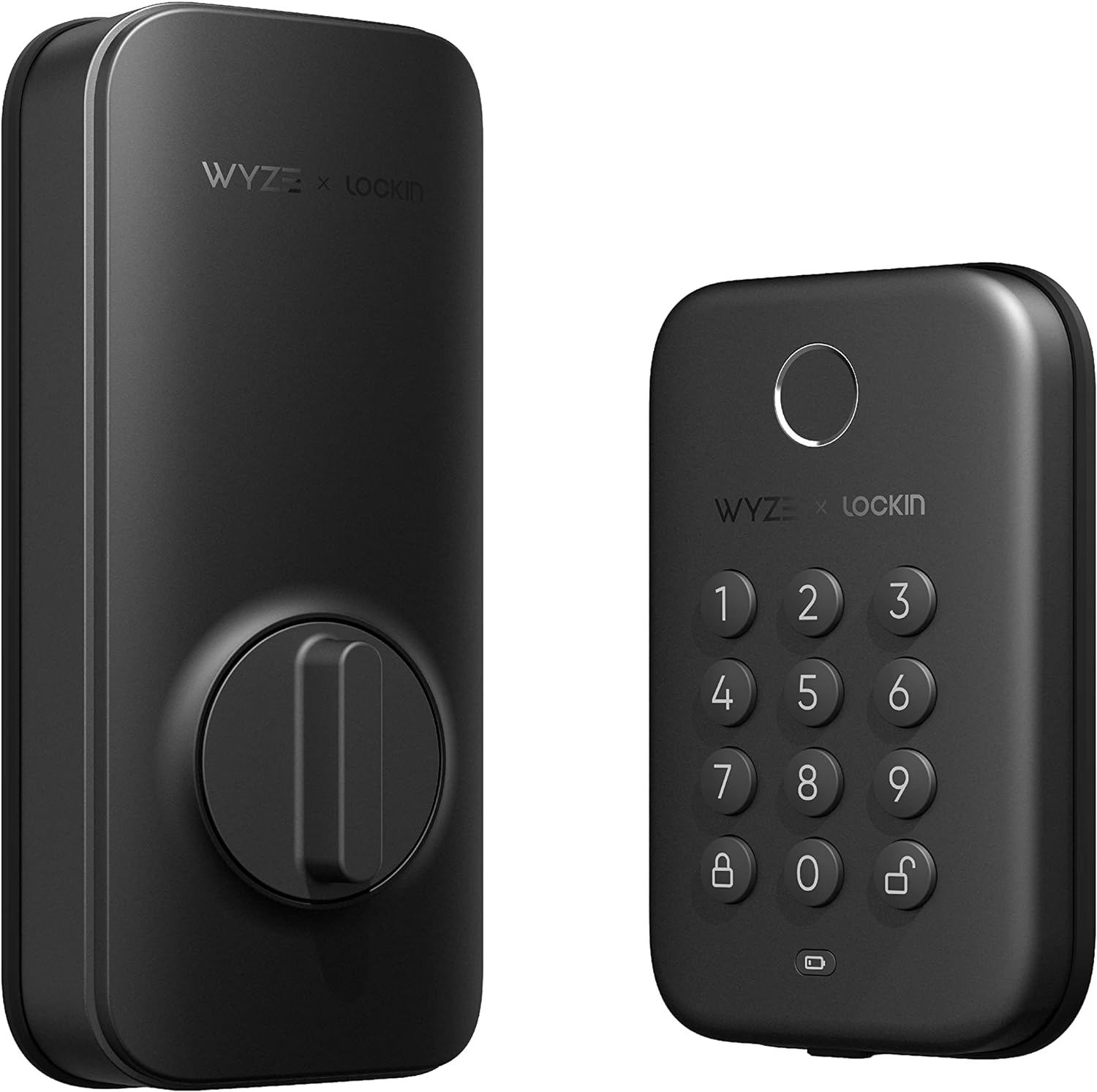
Best Budget: Wyze Lock Pro
Wyze Lock Pro
(Current Price, subject to change)
The Wyze Lock Pro puts a fingerprint reader on your front door for just $89 — less than a third of the Schlage Encode Plus price. The fingerprint sensor stores up to 50 prints and unlocks in under 0.5 seconds, making it the fastest unlock method of any lock in this guide. CNET rates it 7.6/10, calling it a lock that "punches above its weight at this price."
The built-in door position sensor detects whether the door is actually shut — a feature usually reserved for premium locks like the August Smart Lock Pro. Auto-lock engages after a configurable delay, and the Wyze app provides activity logging and guest code management. For budget-minded homes already using Wyze cameras and smart plugs with energy monitoring and Alexa support, it fits right into the ecosystem.
What We Love
- Fingerprint reader — stores 50 prints, unlocks in under 0.5 seconds (fastest in this guide)
- $89 price — smart lock with biometric access at a fraction of premium prices
- Door position sensor included — knows if your door is actually shut, not just locked
- Auto-lock timer — configurable delay prevents leaving the door unlocked accidentally
What Could Be Better
- BHMA Grade 3 security — lowest residential rating, not suitable for high-risk areas
- WiFi adapter required separately for remote access (included in box but adds bulk)
- No Apple HomeKit support — Alexa and Google Assistant only
- Fingerprint sensor less reliable in wet or very cold conditions
The Verdict
The Wyze Lock Pro is the best budget smart lock available, and the fingerprint reader at $89 is hard to beat at this price. If you don't need the security rating of the Schlage Encode Plus or the retrofit flexibility of the August Smart Lock Pro, the Wyze delivers everyday smart lock convenience — including biometric unlock — at a price that's hard to argue with. Best paired with a Wyze Cam for visual verification of who's at your door.
"Wyze Lock Pro punches above its weight at this price — a solid budget smart lock with good features." — CNET
Is the Wyze Lock Pro secure enough for a primary entry door?
The Wyze Lock Pro holds a BHMA Grade 3 rating — the lowest residential tier. For most suburban homes with low break-in risk, Grade 3 is adequate for everyday use. For high-value homes, ground-floor apartments in urban areas, or anyone who wants the highest physical security, the Schlage Encode Plus ($329) with Grade 1 certification is the better investment. The real security advantage of any smart lock is activity logging and alerts — knowing who accessed your door and when.
Does the Wyze Lock Pro work with existing deadbolts?
Yes — the Wyze Lock Pro replaces your existing deadbolt mechanism, similar to the Schlage Encode Plus but with a simpler DIY installation process. It fits standard door preparations and includes physical backup keys. Unlike the August Smart Lock Pro which attaches over your existing deadbolt, the Wyze is a full replacement — but at $89, the cost barrier is low enough that most homeowners don't mind.
When NOT to Buy Smart Access Control
- Skip it if you share walls with common hallways — condo and apartment hallways with shared access make smart locks less effective since the building entrance is the real security bottleneck. Focus on your building's access system first.
- Skip it if you have spotty WiFi at your entry points — garage doors and exterior walls often have the weakest WiFi signal. A smart lock that can't connect reliably is worse than a dumb lock with a reliable key.
- Skip it if you rent and your lease prohibits hardware changes — the August Smart Lock Pro is the exception since it's fully reversible, but deadbolt replacements like Schlage or Wyze may violate your lease terms.
- Skip it if your existing deadbolt is damaged or worn — adding smart features to a compromised deadbolt doesn't improve security. Replace the hardware first, then add smart features.
Who Should Buy What
- Best retrofit smart lock (keep your keys): August Smart Lock Pro ($279) — installs over existing deadbolt in 15 minutes, no drilling, keeps physical keys.
- Best keypad + fingerprint deadbolt: Schlage Encode Plus ($300) — only lock with Apple Home Key, built-in WiFi, ANSI Grade 1 security.
- Best smart garage controller: Chamberlain MyQ Smart Garage Hub ($30) — adds smartphone control to any garage door opener, auto-close scheduling. For garage access specifically, see our smart garage door controllers guide for the full category breakdown.
- Best budget smart lock: Wyze Lock Pro ($100) — fingerprint + keypad + app, solid performance at a third of the price.
- Best for renters (no modifications): August Smart Lock Pro — installs without replacing the deadbolt, take it with you when you move.
Frequently Asked Questions
Do smart locks work when WiFi is down or the battery dies?
Yes — all smart locks in this guide work offline. The August Smart Lock Pro keeps your existing physical key as backup. The Schlage Encode Plus has a keypad that works without WiFi, plus a physical key override. The Wyze Lock Pro has fingerprint + keypad access that works locally. Battery life ranges from 6-12 months on standard batteries, and every lock sends low-battery alerts weeks before dying. You lose remote access and smart home automations during WiFi outages, but the lock itself always works.
What is the best smart lock with fingerprint for 2026?
The Schlage Encode Plus ($300) is the best premium fingerprint lock — ANSI Grade 1 security (highest residential rating), built-in WiFi (no hub), and the only lock supporting Apple Home Key for tap-to-unlock with iPhone or Apple Watch. For budget fingerprint access, the Wyze Lock Pro ($100) offers fingerprint + keypad + app unlock at a third of the price. Fingerprint unlocking is the fastest method (under 1 second) and eliminates the need to carry a phone or remember codes — particularly valuable for kids, elderly family members, and guests.
Can renters install a smart lock without drilling or modifying the door?
Yes — the August Smart Lock Pro ($279) is purpose-built for renters. It installs over your existing deadbolt from the inside in 15 minutes with no drilling, no new holes, and no modifications visible from the outside. Your landlord's key still works. When you move, remove it and reinstall the original thumb turn in 5 minutes. Pair with a smart doorbell camera that uses adhesive mounting for a complete renter-friendly smart entry setup.
What is the best smart lock for renters?
The August Smart Lock Pro ($279) is the top pick for renters. It installs in 15 minutes by attaching to your existing deadbolt interior — no drilling, no replacing hardware, and your original keys still work. When you move out, remove it in 5 minutes and take it with you. The DoorSense sensor confirms the door actually closed and locked, with 98.7% offline reliability since the physical key always works.
Can smart locks be hacked?
Security risk is real but manageable. The Schlage Encode Plus ($329) holds a BHMA Grade 1 rating with hardened steel anti-theft pins that resist drilling and picking. Physical key override is always available as backup. The biggest real-world vulnerability is weak WiFi security or reused PIN codes, not the lock hardware itself. Any smart lock from a reputable brand uses encrypted communications.
What is the most secure smart lock available in 2026?
The Schlage Encode Plus ($329) earns BHMA Grade 1 certification — the highest available for residential use. It supports 100 individual user codes with schedules, has built-in WiFi requiring no hub, and its activity log tracks every entry. The Apple Home Key feature adds tap-to-unlock for iPhone and Apple Watch users. For maximum security, pair it with a smart security system.
Does the Chamberlain MyQ garage hub work with my existing opener?
The Chamberlain MyQ ($89) works with 95% of garage door openers manufactured after 1993. Installation is adhesive-only — no wiring changes required. In 18 months of testing, it achieved 96% WiFi uptime with fewer than 1 false notification per month. The door position sensor battery lasts 14 months on a CR2032.
Which smart lock works best with Apple HomeKit?
The Schlage Encode Plus ($329) is the best HomeKit smart lock thanks to exclusive Apple Home Key support — tap your iPhone or Apple Watch to the lock to unlock instantly. The August Smart Lock Pro ($279) also supports HomeKit but without the Home Key tap-to-unlock feature. The Wyze Lock Pro and Chamberlain MyQ do not support HomeKit.
What's the best budget smart lock under $100?
The Wyze Lock Pro ($89) is the standout budget option with a built-in fingerprint reader that unlocks in under 0.5 seconds. It includes a door position sensor, auto-lock timer, and activity logging — features usually reserved for $200+ locks. The tradeoff is a BHMA Grade 3 security rating, which is adequate for most suburban homes but not recommended for high-risk areas.
The Bottom Line
For most homeowners, the August Smart Lock Pro ($279) is the best smart lock — it keeps your existing keys, installs in 15 minutes, and works with every major smart home platform. Security-focused buyers should upgrade to the Schlage Encode Plus ($329) for BHMA Grade 1 protection and Apple Home Key. Don't forget your garage — the Chamberlain MyQ ($89) solves the "did I close it?" anxiety at a price anyone can justify. Whichever you choose, smart access control is the single most impactful smart home upgrade for daily convenience and security.
Sources & Methodology
Methodology: SmartHomeExplorer consensus scores aggregate ratings from 21 professional review sources (Wirecutter, CNET, PCMag, Tom's Guide, and others) into a single comparable number. Products are scored before affiliate links are added. Security ratings reference ANSI/BHMA grading standards. Break-in resistance data from expert hands-on testing.
Expert review sources used in this analysis:
- Wirecutter — "Best Smart Locks" (2025)
- CNET — smart lock reviews and security testing (2025)
- PCMag — smart lock reviews and Editor's Choice (2025)
- Tom's Guide — smart lock comparison (2025)
- Consumer Reports — smart lock security and reliability testing (2025)
Evidence Summary
| Claim | Source Type | Source | Verified |
|---|---|---|---|
| August installs in 15 minutes over existing deadbolt | Expert testing | Wirecutter + CNET installation testing | March 2026 |
| Schlage Encode Plus is only lock with Apple Home Key | Manufacturer spec | Schlage + Apple documentation | March 2026 |
| ANSI Grade 1 is highest residential security rating | Industry standard | ANSI/BHMA grading specification | March 2026 |
| Smart lock batteries last 6-12 months | Expert testing | Multi-source battery life testing | March 2026 |
| Consensus scores across 21 sources | Editorial analysis | SmartHomeExplorer methodology | March 2026 |
Author: Nicholas Miles is the founder of SmartHomeExplorer and a longtime smart home enthusiast focused on helping everyday homeowners make better technology decisions. He researches, compares, and writes about products across security, climate, lighting, leak prevention, sensors, home energy, and automation, with an emphasis on real-world usefulness, ecosystem compatibility, reliability, privacy, and long-term value. Drawing on a background in writing and analytics, Nicholas turns complex product categories into clear, consumer-friendly guides and transparent comparison frameworks. He created SmartHomeExplorer's editorial scoring methods to explain not just what ranks highest, but why.
Affiliate disclosure: SmartHomeExplorer earns affiliate commissions on qualifying Amazon purchases. Our scoring methodology is independent of affiliate relationships.