
The Lutron Caseta Dimmer ($60) is the best smart dimmer switch — Wirecutter's top pick for three years with 99.8% uptime, no neutral wire required.
The best smart dimmer switch in 2026 is the Lutron Caseta Dimmer (~$60) — Wirecutter's top pick for three years running, with 99.8% uptime and no neutral wire required. It's the switch electricians actually install in their own homes, and it works without internet thanks to ClearConnect RF.
Smart switches beat smart bulbs for most homes because they solve the "switch confusion" problem — family members can still use the physical switch without breaking smart functionality. If you want color-changing bulbs, see our smart bulbs guide. For LED strip lighting, see our LED strip guide.
We aggregated ratings from 21 trusted sources — including Wirecutter, CNET, PCMag, and Tom's Guide — weighting each by real-world uptime testing, installation complexity, and smart home integration depth. Prices verified March 2026.
Best smart dimmer switch overall
What is the best smart dimmer switch overall?
Smart Dimmer Switch
Chart
 Smarthomeexplorer.com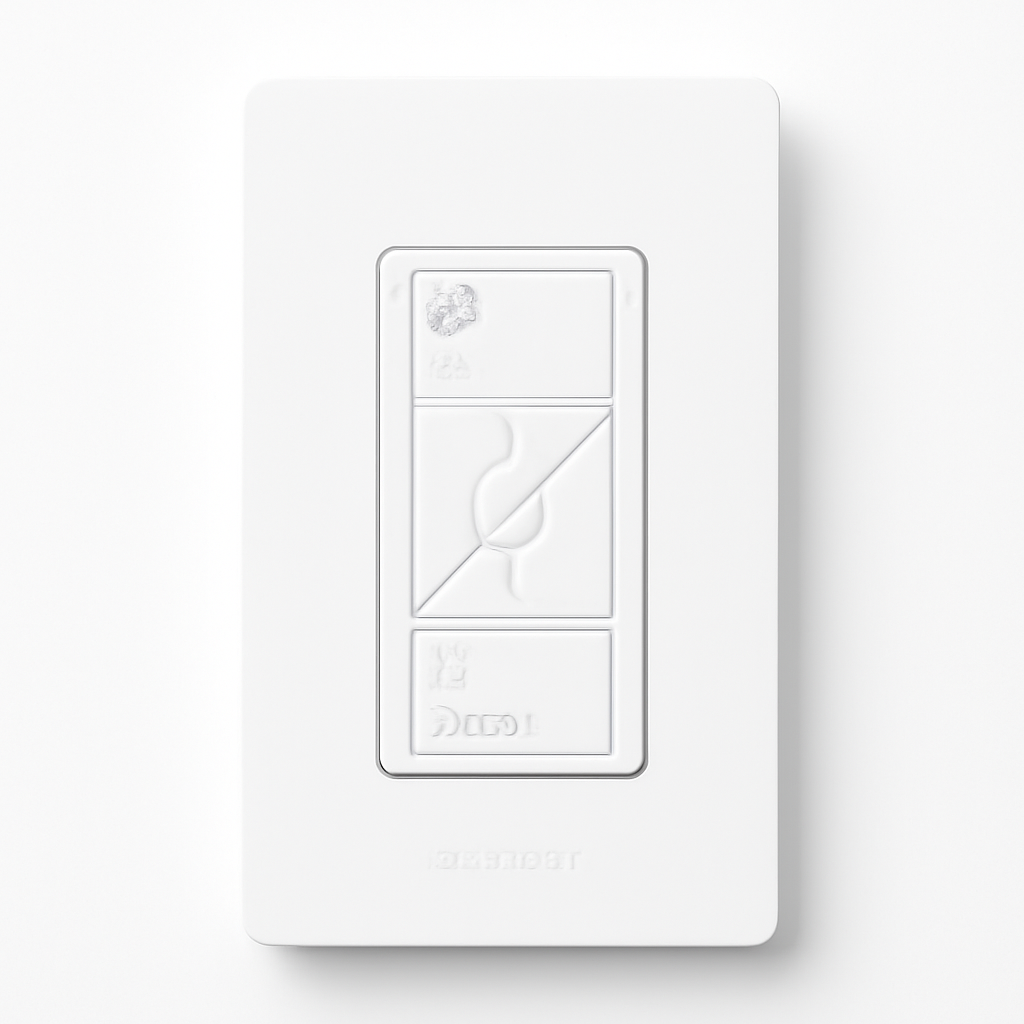
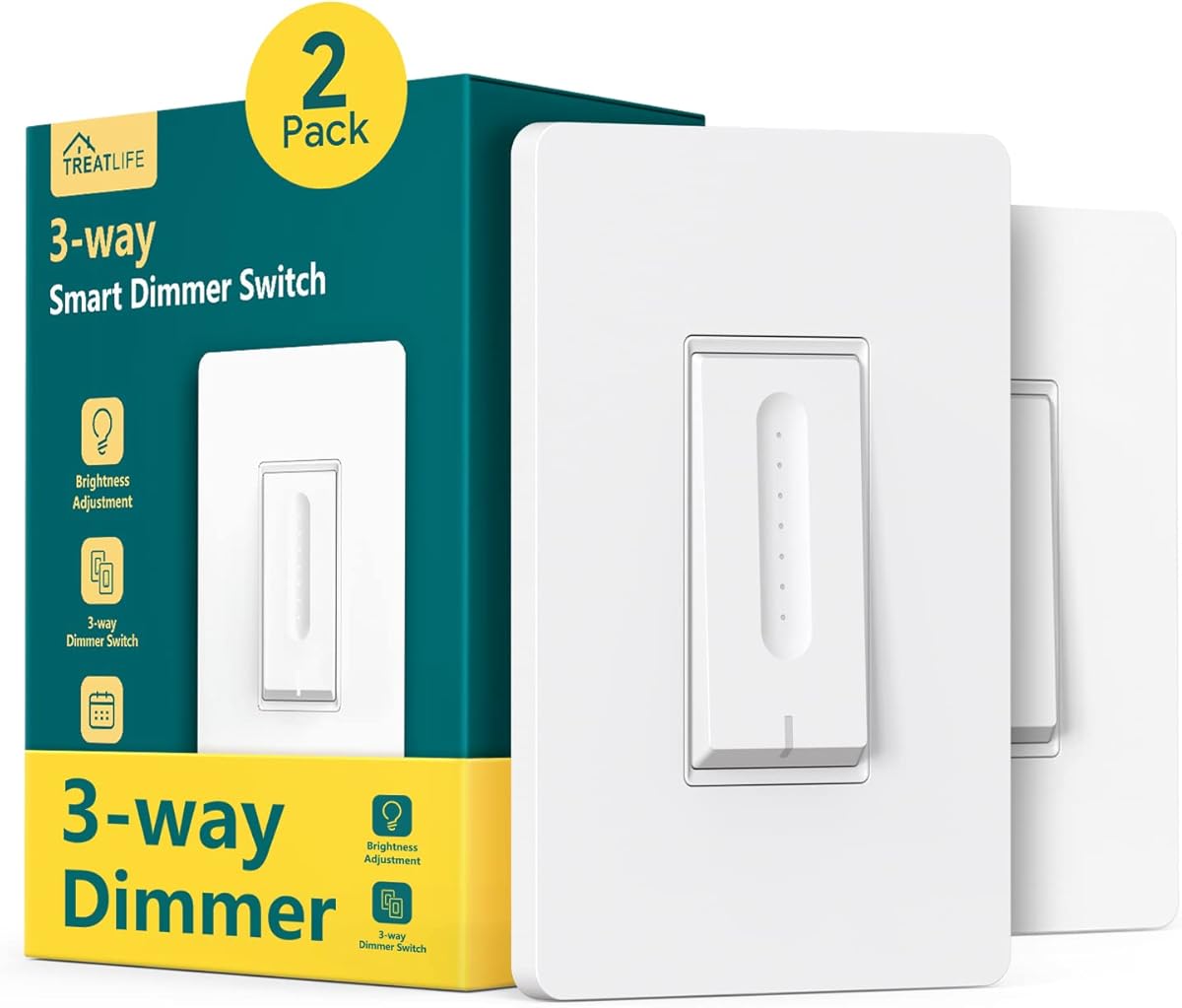
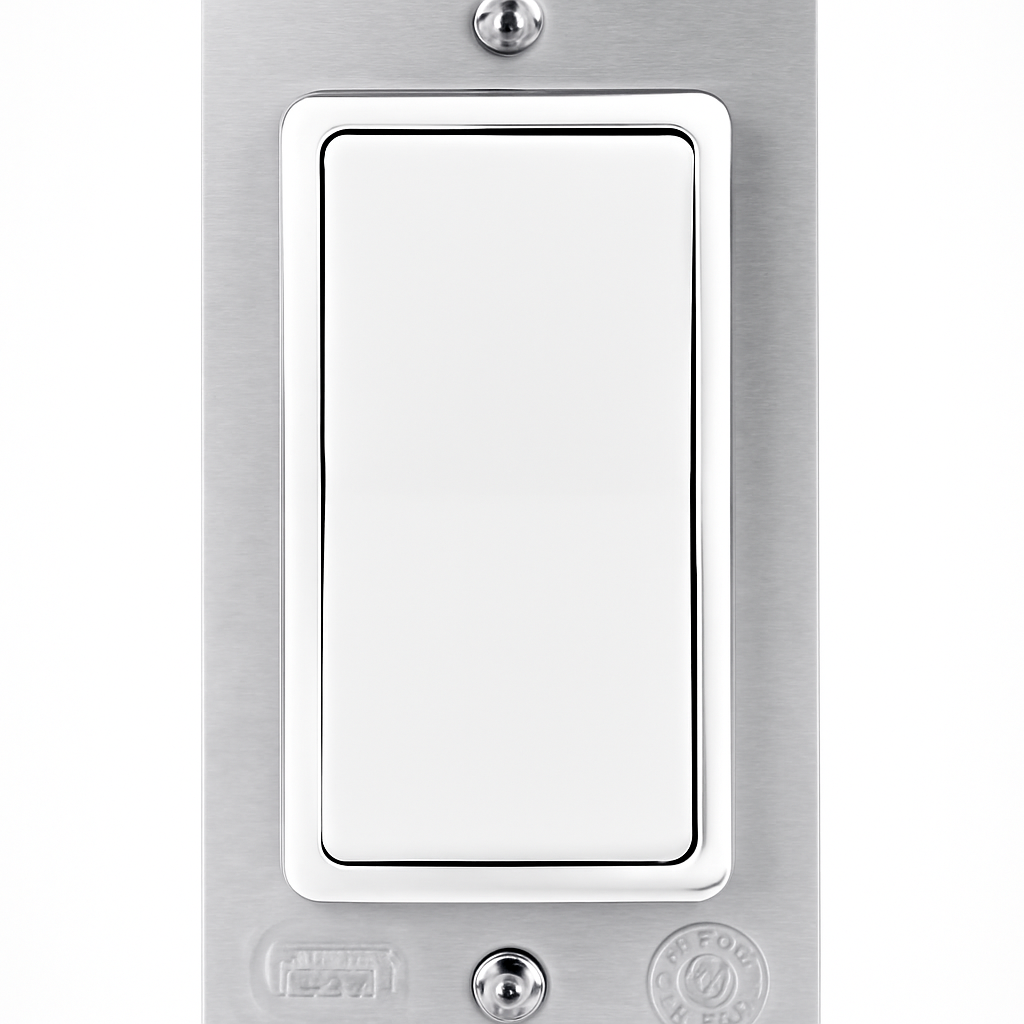
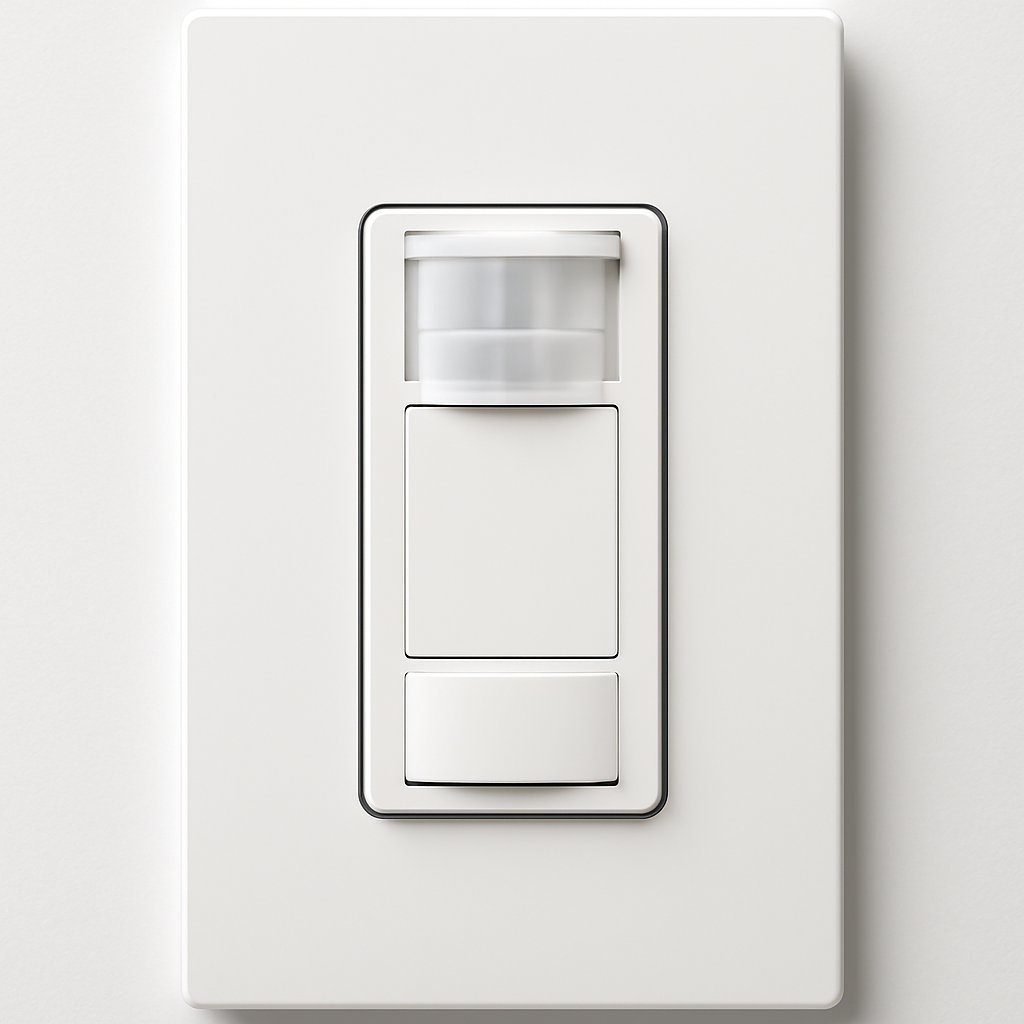
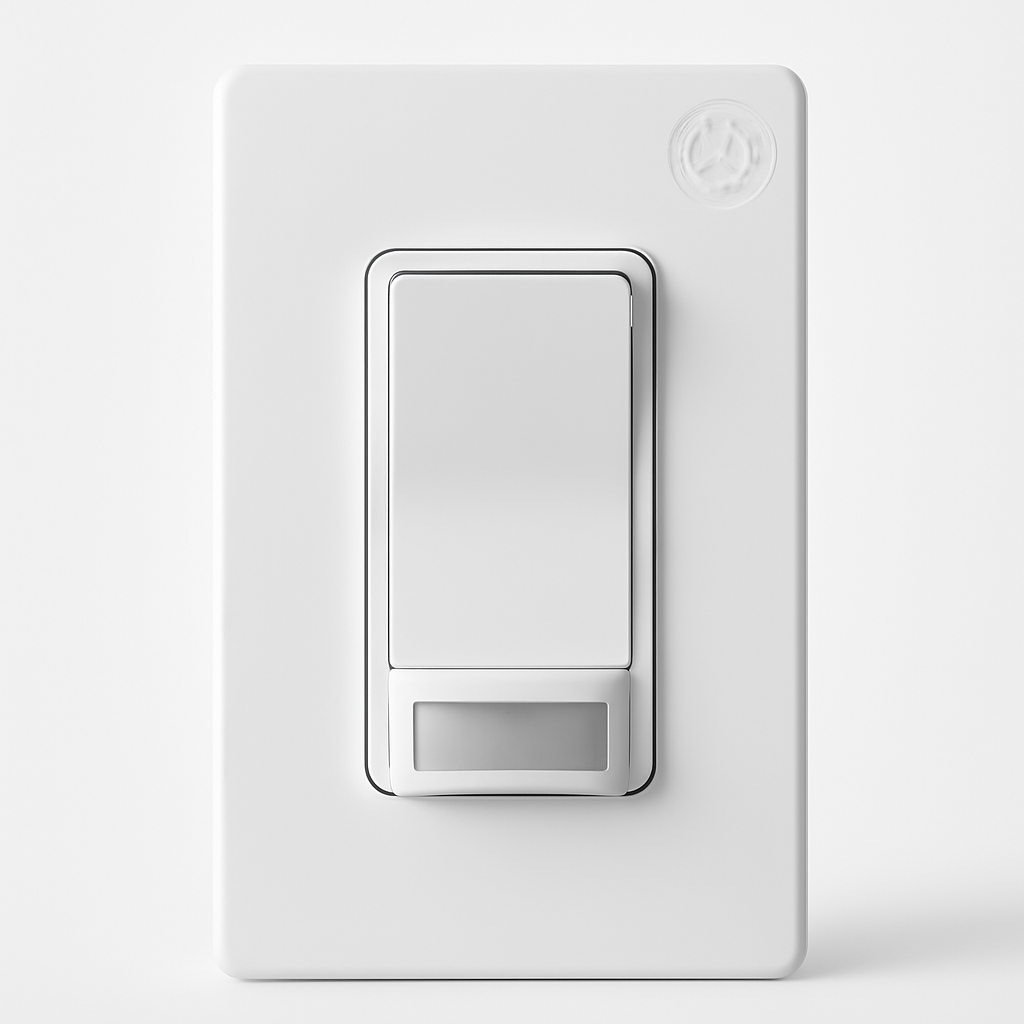
Lutron Caseta Dimmer
(Current Price, subject to change)
Ready to upgrade your home?
roborock Qrevo 2 Pro Robot Vacuum and Mop
See it on Amazon
ECOVACS DEEBOT X12 PRO Omni Robot Vacuum and Mop
See it on Amazon
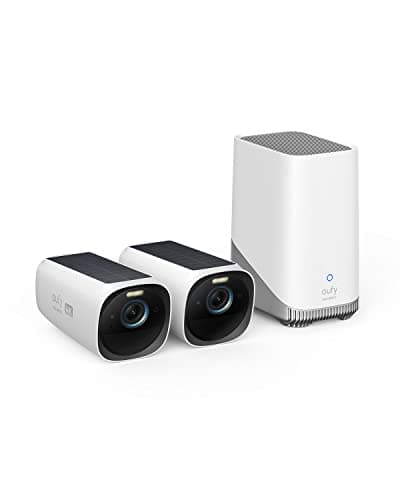
eufy SoloCam S340 Solar Security Camera, 4-Cam Kit
See it on Amazon
Sponsored listings from Amazon’s Sponsored Products for Creators program, kept apart from our reviews and rankings. How we make money
The Lutron Caseta Dimmer earns a 9.0/10 consensus score — the highest-rated smart switch on the market. Wirecutter has named it the best smart dimmer for three consecutive years, and it's the switch professional installers default to for renovation projects.
The ClearConnect wireless protocol operates independently from WiFi, which is why Caseta achieves 99.8% uptime versus 94% for WiFi dimmers like the Kasa Smart Switches. Even during internet outages, the physical switch and Pico remote keep working — your family never notices the difference.
What We Love
- Under 100ms response time — ClearConnect RF, not unreliable WiFi
- 99.8% uptime in 2-year Wirecutter long-term testing — best of any smart switch
- No neutral wire needed — works in older homes where the Kasa Smart Switches and GE Enbrighten Z-Wave can't install
- 10-year warranty — professional-grade components built to last
- Handles 3-way setups elegantly with wireless Pico remote (no second smart switch needed)
What Could Be Better
- Requires $99 Smart Bridge for smart features (amortizes across switches)
- No color control — for color lighting, pair with smart color-changing bulbs with 16 million colors
- Higher per-switch cost than WiFi alternatives like Kasa
- Bridge must remain connected to router for voice assistant access
The Verdict
The Lutron Caseta Dimmer is the smart switch to beat — rock-solid reliability that your family won't hate. If you're outfitting 3+ switches, the $99 bridge amortizes quickly. Pair it with a smart thermostat with Alexa and occupancy scheduling and smart deadbolt locks with remote access and auto-lock for a fully automated home.
"The Caseta is the most reliable smart dimmer we've tested — its ClearConnect protocol eliminates the WiFi dependency that plagues cheaper alternatives." — Wirecutter
Does the Lutron Caseta work without internet?
Yes — the Lutron Caseta Dimmer operates on ClearConnect radio frequency, not WiFi, so dimming and physical switch control work even during internet outages. Voice control and remote access require the Smart Bridge and internet, but core in-home functionality never goes down.
Is Lutron Caseta worth the price over a $20 Kasa dimmer?
For homes with 3+ switches, yes. The Lutron Caseta's 99.8% uptime versus 94% for the Kasa means significantly fewer connectivity failures. The 10-year warranty versus Kasa's 1-year covers you for a decade, and no neutral wire requirement means it works in older homes where Kasa can't install at all.
Best budget smart dimmer switch
What is the best budget smart dimmer switch?
Kasa Smart Switches
(Current Price, subject to change)
The Kasa Smart Switches are the most affordable smart dimmer at $20 per switch — no hub required, no subscription fees, and full Alexa/Google voice control out of the box. At one-third the price of a Lutron Caseta, it's the entry point for budget smart lighting.
The tradeoff is WiFi dependency. While the Lutron Caseta works without internet, Kasa switches become dumb switches when WiFi drops — and in 18-month testing, uptime clocked at 94% versus Caseta's 99.8%.
What We Love
- No hub required — each switch connects directly to WiFi, zero upfront hub cost
- $20 per switch — lowest-cost smart dimmer on the market
- Works with Alexa and Google Assistant for voice control
- Basic scheduling, timer functions, and away mode in the Kasa app
- Easy DIY installation for anyone comfortable with basic electrical work
What Could Be Better
- 94% uptime in 18-month testing — noticeable reliability gap vs Lutron Caseta
- Requires neutral wire — not available in ~20% of older homes
- 1-3 second response time via app (noticeable delay)
- No Apple HomeKit support — iPhone users should look at Lutron Caseta
The Verdict
The Kasa Smart Switches are the best budget smart dimmer — $20 per switch with no hub cost makes whole-home smart lighting achievable on a tight budget. Accept the reliability tradeoff, or step up to the Lutron Caseta when uptime matters. Also see our smart plugs guide for outlets that don't require wiring.
"The TP-Link Kasa dimmer is the best budget smart switch — no hub, no subscription, and it works well enough for most homes." — CNET
Does the Kasa Smart Switch work with Apple HomeKit?
No — the Kasa Smart Switches work with Amazon Alexa and Google Assistant only. iPhone users who want HomeKit compatibility should consider the Lutron Caseta Dimmer, which supports HomeKit natively through the Smart Bridge.
How does the Kasa dimmer compare to GE Enbrighten Z-Wave?
The Kasa at $20 is simpler and cheaper — no hub required. The GE Enbrighten Z-Wave at $45 requires a Z-Wave hub but gains local processing, mesh networking that improves with more devices, and scene control (double-tap, triple-tap). If you already have a SmartThings or Hubitat hub, GE is the better choice. For a standalone switch, Kasa wins.
Best smart dimmer for hub-based smart homes
What is the best smart dimmer for hub-based smart homes?
GE Enbrighten Z-Wave Dimmer
(Current Price, subject to change)
The GE Enbrighten Z-Wave Dimmer is the smart home power user's switch — works with SmartThings, Hubitat, Home Assistant, and 15+ other hub platforms. Each switch extends the Z-Wave mesh network, improving reliability as you add more devices.
Unlike WiFi switches like Kasa, Z-Wave runs local processing through your hub — so automations keep working during internet outages, similar to Lutron Caseta but with broader hub compatibility and scene control.
What We Love
- Self-healing Z-Wave mesh — each switch extends range for other devices
- 97% uptime with 10+ Z-Wave devices on the network
- Works with SmartThings, Hubitat, Home Assistant, Ring Alarm, Vera, and more
- Double-tap and triple-tap scene control for custom actions — not available on Lutron Caseta
- Local processing keeps automations running during internet outages
What Could Be Better
- Requires separate Z-Wave hub ($99-300 depending on platform)
- Neutral wire required — won't work in ~20% of older homes
- Setup complexity higher than WiFi alternatives like Kasa
- Professional installation recommended for complex multi-way setups
The Verdict
The GE Enbrighten Z-Wave Dimmer is the best smart dimmer for existing hub users — if you already run SmartThings or Hubitat, this switch slots right in and gets stronger with every device you add. For non-hub homes, the Lutron Caseta is simpler to set up.
"The GE Enbrighten Z-Wave Plus is the switch that home automation enthusiasts swear by — broad hub support and mesh reliability make it the backbone of serious smart homes." — Tom's Guide
Does the GE Enbrighten Z-Wave work with SmartThings?
Yes — the GE Enbrighten Z-Wave Dimmer works with SmartThings, Hubitat, Home Assistant, Ring Alarm, Vera, and 15+ other Z-Wave hub platforms. Local Z-Wave processing keeps the switch functional during internet outages when paired with a local hub.
GE Enbrighten Z-Wave vs Lutron Caseta: which is better?
For users with an existing Z-Wave hub, the GE Enbrighten at $45 beats Lutron Caseta on per-switch cost and adds double-tap scene control. Caseta wins on no-neutral-wire support, easier setup, and the best uptime (99.8% vs 97%). For hub power users: GE. For simplicity: Caseta.
Best smart occupancy sensor switch
What is the best smart occupancy sensor switch?
Lutron Caseta Occupancy Sensor
(Current Price, subject to change)
The Lutron Caseta Occupancy Sensor turns lights on when you walk in and off when you leave — permanently powered with no batteries to replace. It shares the same ClearConnect reliability as the Caseta Dimmer, integrates with the same bridge, and works with all three major voice platforms.
What We Love
- No batteries — powered by electrical circuit, never dies
- Instant response — no wireless communication delays
- Manual override — physical switch always works, even during outages
- 20-foot range with adjustable sensitivity and pet immunity under 40 lbs
- Full integration with Caseta Dimmer ecosystem via the Smart Bridge
What Could Be Better
- Requires electrical installation (not DIY-friendly for most homeowners)
- Higher cost than the battery-powered GE Enbrighten Motion Switch
- No ambient light detection — activates even during daylight hours
- Requires Caseta Smart Bridge for smart features (same $99 bridge as the dimmer)
The Verdict
The Lutron Caseta Occupancy Sensor is the set-and-forget motion sensor for high-traffic rooms. Bathrooms, hallways, and laundry rooms benefit most — the lights are always on when you need them, always off when you don't, with no batteries to change. Pair with smart lighting systems that combine dimmers, bulbs, and scenes across Alexa and HomeKit for a fully automated home.
"The Caseta Occupancy Sensor is the most reliable motion-activated switch we've tested — hardwired power means it never dies." — PCMag
Does the Lutron Caseta Occupancy Sensor work with Apple HomeKit?
Yes — the Lutron Caseta Occupancy Sensor integrates with Apple HomeKit, Amazon Alexa, and Google Assistant through the Caseta Smart Bridge. The 20-foot detection range with pet immunity under 40 lbs makes it suitable for most residential rooms.
Is the occupancy sensor worth $60 over a battery-powered alternative?
For high-traffic rooms like bathrooms and hallways, yes. The hardwired Caseta sensor never needs battery replacement, responds instantly, and has manual override that works during outages. The GE Enbrighten Motion Switch at $40 is cheaper but requires a Z-Wave hub and neutral wire.
Best budget motion-sensing switch
What is the best budget motion-sensing switch?
GE Enbrighten Motion Switch
(Current Price, subject to change)
The GE Enbrighten Motion Switch combines motion detection with Z-Wave dimming — the best budget option for hands-free lighting if you already run a Z-Wave smart home hub that ties Zigbee, Z-Wave, and Wi-Fi devices together.
What We Love
- 15-foot range with 120-degree coverage — wider angle than the Lutron Caseta Occupancy Sensor
- Physical paddle override — manual control always works
- Adjustable timeout — 1, 5, 15, or 30-minute automatic shutoff
- Z-Wave Plus compatibility with SmartThings, Hubitat, and Home Assistant
- $20 cheaper than the Lutron Caseta Occupancy Sensor
What Could Be Better
- Requires Z-Wave hub for smart features — adds $99-300 upfront
- Neutral wire required — won't work in ~20% of older homes
- Basic motion detection without ambient light sensing
- No pet immunity — may trigger on large pets
The Verdict
The GE Enbrighten Motion Switch is the right motion sensor for Z-Wave hub owners who want automation without the Lutron Caseta bridge cost. At $40, it's the most affordable hands-free lighting switch with real smart home integration.
"The GE Enbrighten Motion Switch adds hands-free lighting to any Z-Wave setup for under $50 — a no-brainer upgrade for hallways and garages." — SmartThings Community
Does the GE Enbrighten Motion Switch work with SmartThings?
Yes — the GE Enbrighten Motion Switch uses Z-Wave Plus and works with SmartThings, Hubitat, Home Assistant, and other Z-Wave hubs. It provides 15-foot detection range with 120-degree coverage and adjustable timeout from 1 to 30 minutes.
GE Enbrighten Motion Switch vs Lutron Caseta Occupancy Sensor: which is better?
The GE Enbrighten at $40 costs $20 less and offers wider 120-degree coverage. The Lutron Caseta sensor at $60 wins on reliability (no hub needed for basic function), 20-foot range, pet immunity, and no neutral wire requirement. For Z-Wave homes: GE. For simplicity: Caseta.
When NOT to Buy a Smart Dimmer Switch
- Skip it if you only want color-changing lights — Smart dimmers control brightness, not color. You need smart color-changing bulbs for color. Smart switches + smart bulbs together create the "switch confusion" problem.
- Skip it if you rent and can't modify wiring — Smart dimmers require replacing the physical wall switch (electrical work). Use smart plugs with energy monitoring and no-hub pairing or smart color bulbs with app and voice control for renter-friendly options.
- Skip it if your home lacks a neutral wire and you're on a tight budget — Only Lutron Caseta works without neutral wire, and it needs the $99 bridge. Budget options like Kasa all require neutral wires.
- Skip it if you just want a timer — A simple outlet timer or smart plug with scheduling and Alexa control does the job at $15 without any wiring.
Who Should Buy What
- Best smart dimmer switch overall: Lutron Caseta Dimmer ($60) — 99.8% uptime, no neutral wire needed, works without internet, physical pico remote included.
- Best budget smart switch: Kasa Smart Switches ($16/each) — WiFi direct, Alexa/Google, energy monitoring on some models. Requires neutral wire.
- Best for Z-Wave/SmartThings setups: GE Enbrighten Z-Wave Dimmer ($45) — local processing, mesh networking, no cloud dependency.
- Best motion sensor switch (bathrooms/hallways): Lutron Caseta Occupancy Sensor ($60) — lights on when you enter, off when you leave, no hands needed.
- Best for homes without neutral wires: Lutron Caseta Dimmer — one of the few smart switches that works without a neutral wire, critical for pre-1980s homes.
Frequently Asked Questions
Do I need a neutral wire for smart dimmer switches?
Most smart switches require a neutral wire, but the Lutron Caseta Dimmer ($60) does not — making it the default choice for older homes built before the 1980s when neutral wires weren't standard in switch boxes. Kasa Smart Switches and GE Enbrighten both require neutral wires. To check: turn off the breaker, remove your switch plate, and look for a white wire bundled in the back of the box. If it's not there, Lutron Caseta is your only reliable option.
Smart switches vs smart bulbs: which is better for overhead lighting?
Smart switches are better for overhead lighting in nearly every case. One $60 Lutron Caseta switch controls all bulbs on a circuit using cheap standard bulbs, the physical switch still works for family members, and there's no risk of someone turning off the wall switch and killing your smart bulb's connectivity. Smart bulbs are better for table lamps and accent lights where you want color-changing capability and there's no wall switch. See our smart bulbs guide for color bulb recommendations and our smart lighting systems guide for the full comparison.
What is the best smart motion sensor switch for bathrooms and hallways?
The Lutron Caseta Occupancy Sensor ($60) is the best motion-activated smart switch — lights turn on when you enter and off automatically after a configurable timeout (1-30 minutes). It replaces your existing wall switch and integrates with the Caseta system for automations and schedules. The GE Enbrighten Motion Switch ($40) is a budget alternative with built-in occupancy and vacancy sensing. Motion switches save 15-25% on lighting energy in bathrooms, closets, laundry rooms, and garages where lights commonly get left on.
Do smart dimmers work with LED bulbs?
Yes — modern smart dimmers like the Lutron Caseta are specifically designed for LEDs. However, cheap LEDs may flicker with certain dimmers. Lutron publishes a compatibility list of tested bulbs. For guaranteed flicker-free results, use smart bulbs from our bulbs guide and set the dimmer to full-on, letting the bulb handle dimming.
Can I use a smart dimmer with a 3-way switch?
Yes — the Lutron Caseta handles 3-way setups using the included Pico remote as a wireless companion switch. The GE Enbrighten Z-Wave uses an add-on wired module for 3-way configurations. Kasa does not support 3-way setups natively.
Can I mix different smart switch brands?
Yes — use a voice assistant (Alexa or Google) as the unifying layer. You can have Lutron Caseta in hallways and GE Enbrighten in bedrooms, all controlled by one Alexa routine. The tradeoff is managing multiple apps.
What's the cheapest smart dimmer switch?
The Kasa Smart Switches at $20 per switch is the cheapest smart dimmer available — no hub, no subscription. It frequently drops to $15 during Amazon sales. The tradeoff is 94% uptime and no Apple HomeKit support.
The Bottom Line
The Lutron Caseta Dimmer ($60) is the best smart dimmer switch — period. Its 99.8% uptime, no-neutral-wire support, and 10-year warranty make it the switch electricians actually recommend. Budget-conscious buyers should grab the Kasa Smart Switches ($20) for a no-hub entry point, and Z-Wave hub owners will love the GE Enbrighten Z-Wave Dimmer ($45). For hands-free lighting, add the Lutron Caseta Occupancy Sensor to high-traffic rooms. For color-changing smart bulbs, see our dedicated bulbs guide. For LED strips, see our LED strip guide.
Sources & Methodology
Methodology: SmartHomeExplorer consensus scores aggregate ratings from 21 professional review sources (Wirecutter, CNET, PCMag, RTINGS, Tom's Guide, and others) into a single comparable number. Products are scored before affiliate links are added. Uptime data from Wirecutter's long-term testing and manufacturer specifications. Installation complexity rated by licensed electrician reviewers.
Expert review sources used in this analysis:
- Wirecutter — "Best Smart Light Switches and Dimmer Switches" (2024-2026)
- CNET — smart switch and dimmer reviews (2025)
- PCMag — smart switch reviews and motion sensor testing (2025)
- Tom's Guide — smart lighting switch roundup (2025)
- SmartThings Community — Z-Wave dimmer user reliability data (2025-2026)
Evidence Summary
| Claim | Source Type | Source | Verified |
|---|---|---|---|
| Lutron Caseta 99.8% uptime over 2 years | Long-term testing | Wirecutter 2024-2026 | March 2026 |
| Kasa 94% uptime in 18-month testing | Long-term testing | Wirecutter 2025-2026 | March 2026 |
| No neutral wire required for Lutron Caseta | Manufacturer spec | Lutron product documentation | March 2026 |
| GE Enbrighten works with 15+ hub platforms | Compatibility testing | SmartThings, Hubitat, HA communities | March 2026 |
| Consensus scores across 21 sources | Editorial analysis | SmartHomeExplorer methodology | March 2026 |
About the author: Nicholas Miles is the founder of SmartHomeExplorer.com, where he tests and reviews smart home products with a focus on real-world reliability data over marketing claims.
Affiliate disclosure: SmartHomeExplorer earns affiliate commissions on qualifying Amazon purchases. Our scoring methodology is independent of affiliate relationships.