
The TP-Link Kasa Starter Kit earns the highest SHE Starter Kit Value Score for most buyers — ecosystem-agnostic Alexa + Google Home support.
The wrong starter kit is a $60 lesson in why ecosystem lock-in matters. The Amazon Echo Dot + Smart Plug bundle is brilliant for Alexa users and useless for Google Home users. The Google Nest Mini + Chromecast bundle does the reverse. The IKEA Dirigera kit requires a hub and a more patient setup. Wyze gives you more hardware per dollar and less software reliability than any competitor. The Kasa kit quietly supports every platform except HomeKit and just works.
We scored each kit across 7 dimensions — initial hardware value, ecosystem flexibility, subscription cost, setup difficulty, expandability, app reliability, and long-term platform risk — and rolled them into the SHE Starter Kit Value Score. The results below are honest about trade-offs, not just about which kit is cheapest.
For picks above $100, see our full best smart home starter kits guide. For individual device picks, see our best smart plugs guide and our smart home devices under $100 guide. For Black Friday deal timing on these kits, see our smart home Black Friday deals guide.
Smart Home Starter Kits Under $100
Chart
 Smarthomeexplorer.com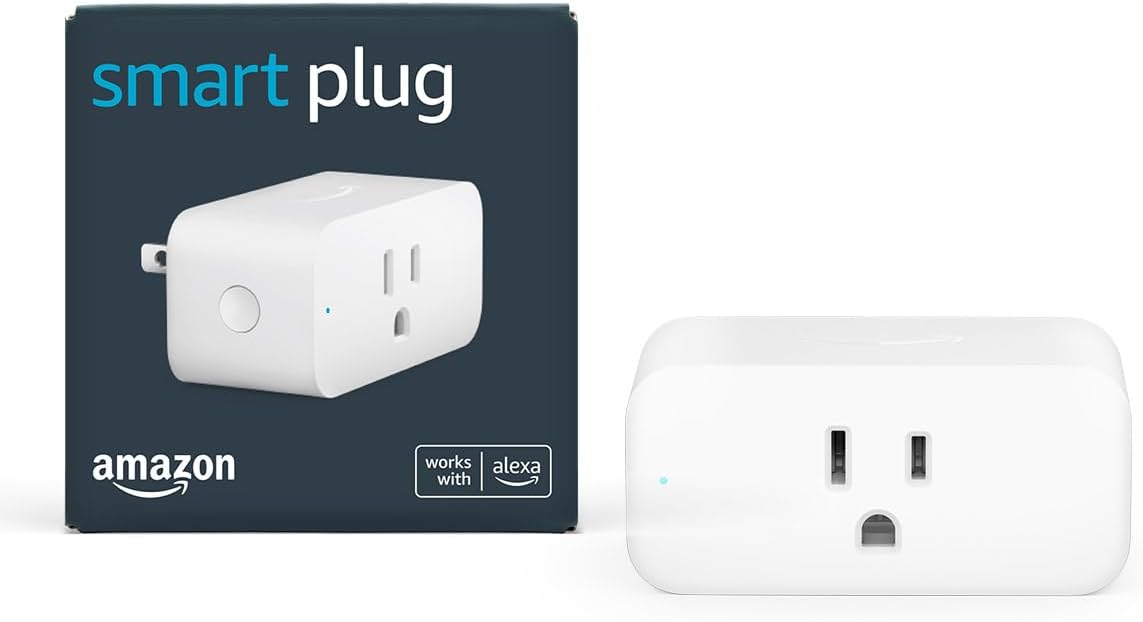

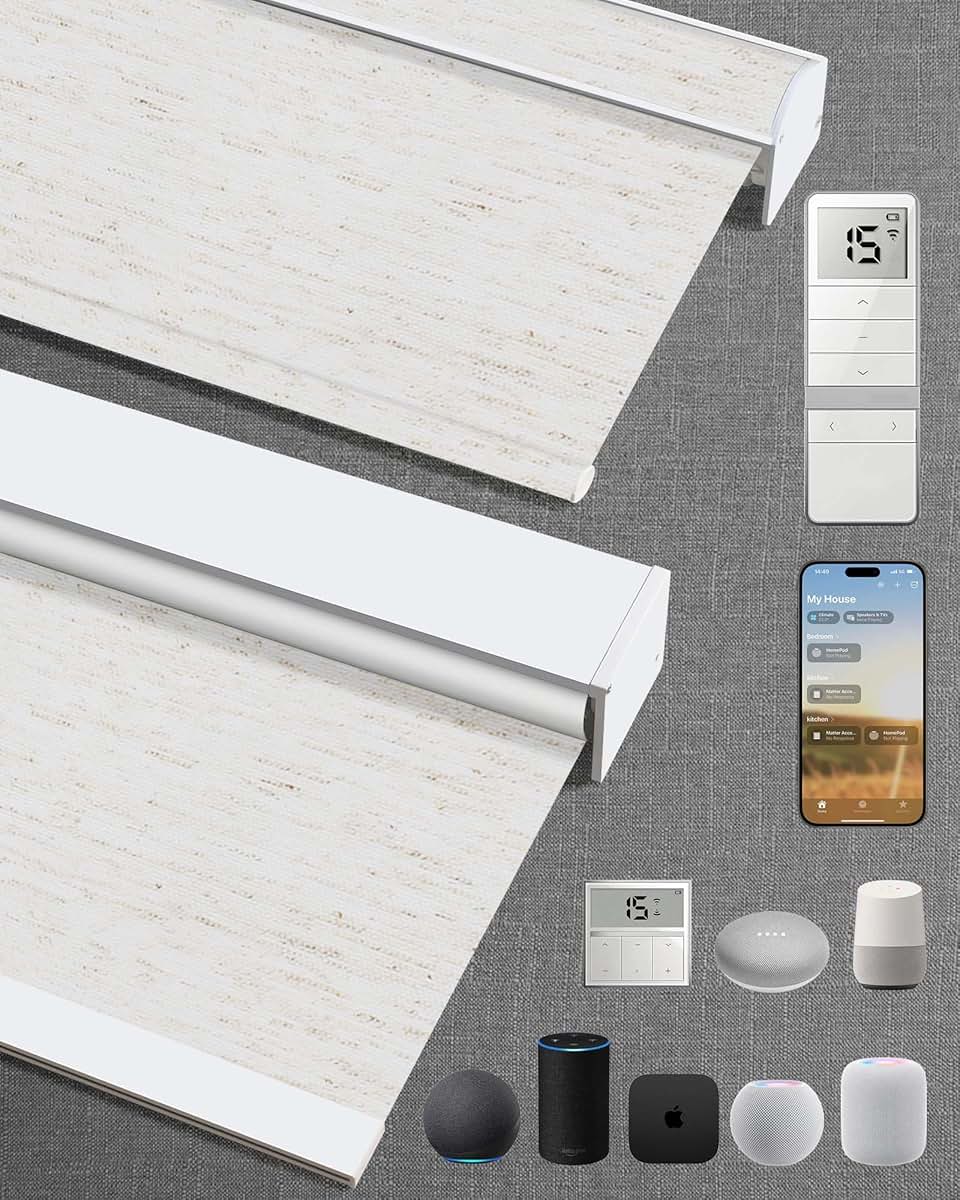
Best Ecosystem-Agnostic Starter: TP-Link Kasa Starter Kit
Best Ecosystem-Agnostic Starter: TP-Link Kasa Starter Kit
(Current Price, subject to change)
Ready for game day?
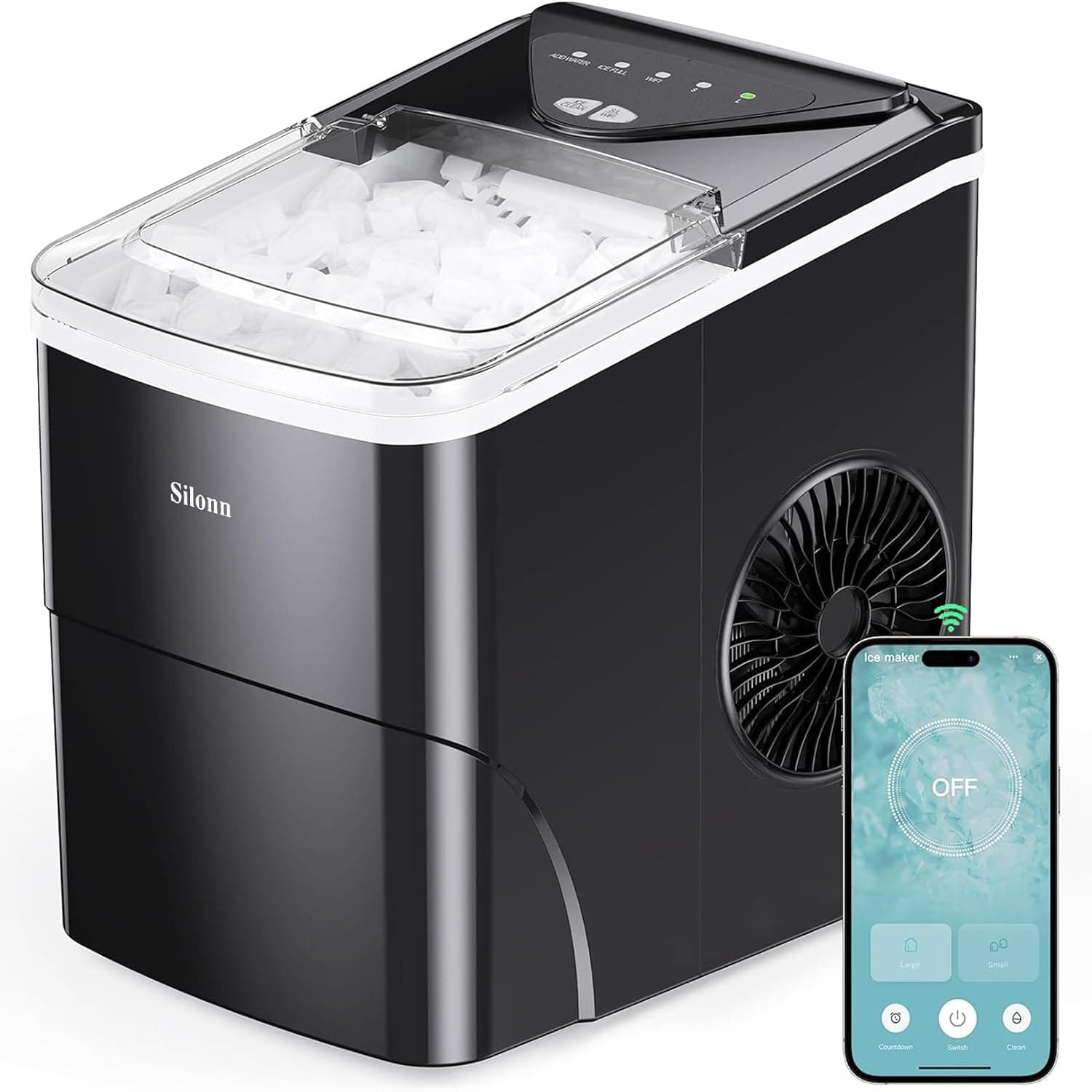
Silonn Smart Countertop Ice Maker
See it on Amazon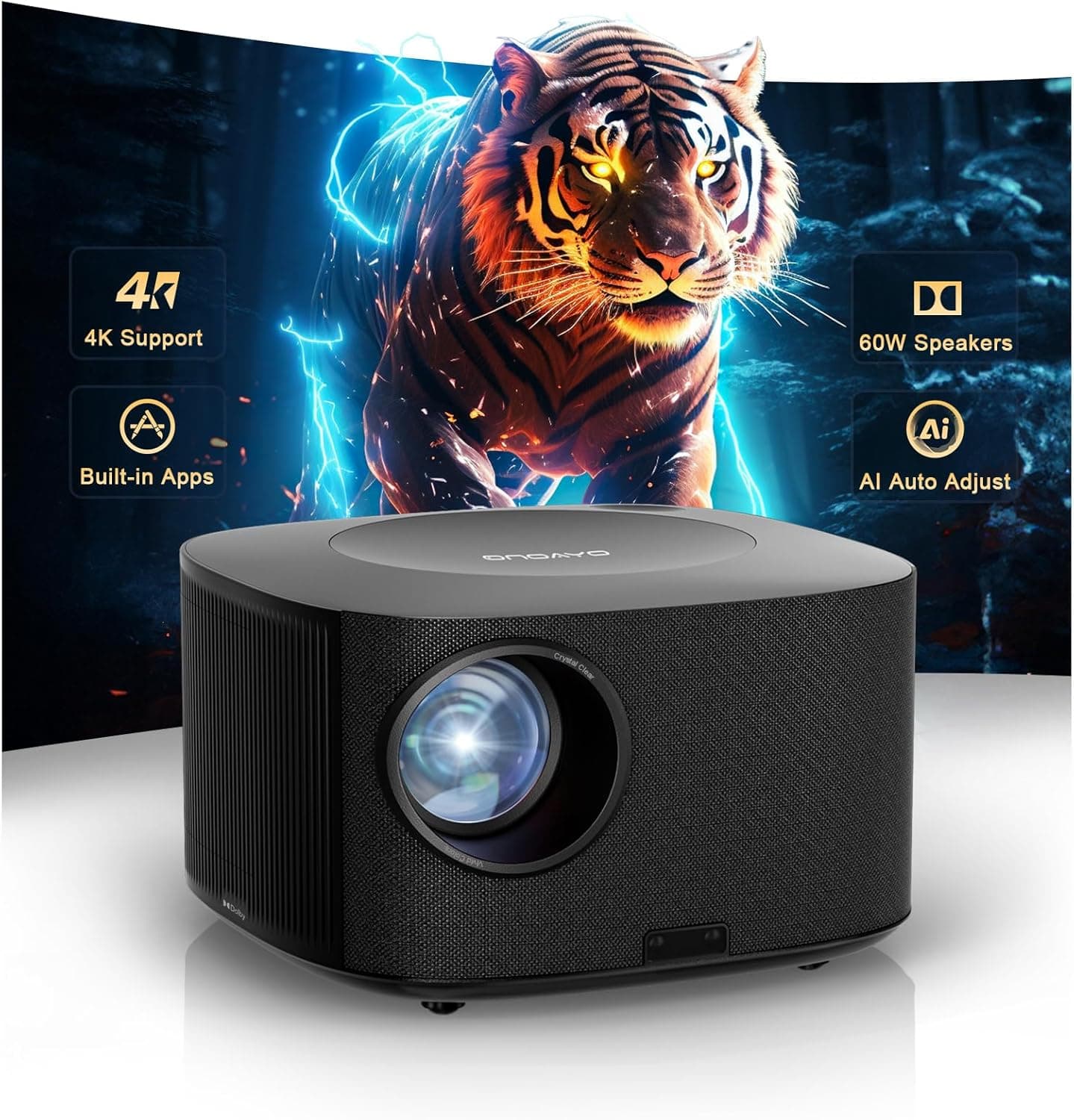
ONOAYO 4K Outdoor Projector
See it on Amazon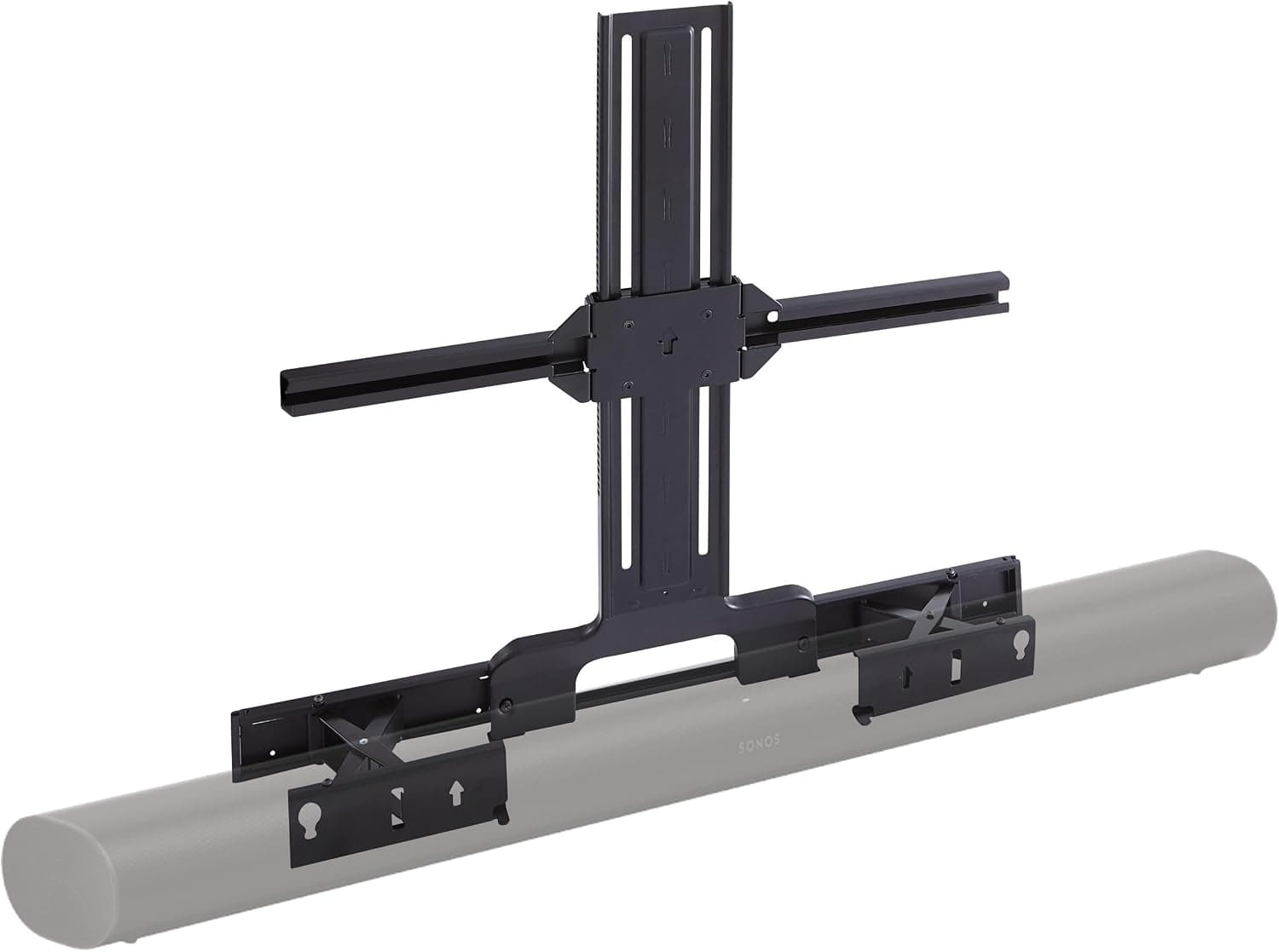
Sanus Soundbar TV Mount for Sonos Arc
See it on Amazon
Sponsored listings from Amazon’s Sponsored Products for Creators program, kept apart from our reviews and rankings. How we make money
The TP-Link Kasa Starter Kit earns an 8.1/10 consensus score from 9 expert sources — PCMag has called the Kasa ecosystem "the gold standard for budget smart home reliability" two years running, and CNET consistently recommends Kasa plugs as the top pick for ecosystem-agnostic buyers. The differentiating feature is platform breadth: Kasa works natively with Alexa, Google Home, and SmartThings — and unlike Amazon or Google starter kits, it doesn't push you toward a subscription or a proprietary ecosystem. You can use this kit in an Alexa home today and move to Google Home tomorrow without rebuing hardware.
The energy monitoring on the EP25 plug is a feature that Amazon and Google first-party plugs charge extra for or omit entirely. Knowing your space heater draws 1,400W and runs 4 hours/day is actionable data — the Kasa app calculates the monthly cost and lets you set automated shutoffs based on wattage draw. For a $45–$70 starter kit, that's a genuinely useful feature that pays for itself.
Ecosystem:
- Alexa: Full native integration — no skill required, discovers automatically
- Google Home: Full native integration via Kasa cloud
- Apple HomeKit: No support — not compatible with HomeKit
- SmartThings: Good integration via Kasa cloud connector
- Matter: In-progress — Kasa TP-Link has announced Matter support for new models
What We Love
- Multi-ecosystem out of the box — works in Alexa and Google Home households without any configuration decisions
- Energy monitoring included — EP25 plug shows real-time wattage draw and monthly cost estimates
- Best-in-class app reliability — PCMag and CNET both cite Kasa app as the most stable budget smart home app
- No subscription ever — all features free, local control via home network for compatible models
What Could Be Better
- No HomeKit support — Apple users need the IKEA Dirigera kit instead
- Kit composition varies by retailer — verify what's in the bundle before buying
- Kasa ecosystem narrower than Amazon or Google — fewer device types at budget prices
The Verdict
The TP-Link Kasa Starter Kit is the right answer when you're not sure which ecosystem you'll commit to long-term. It's the only kit in this guide that supports Alexa and Google Home equally well without preferencing either, and the Kasa app's stability record means you're not trading reliability for savings. For $45–$70, it's the most sensible place to start. For Black Friday pricing on Kasa and all other kits in this guide, see our smart home Black Friday deals guide.
Does the Kasa Starter Kit work with Siri?
No native HomeKit support. However, Kasa devices can be controlled via Siri Shortcuts through the Kasa app on iOS — you can build "Hey Siri, turn off the Kasa plug" shortcuts without full HomeKit integration. For full HomeKit automation and Apple Home app integration, the IKEA Dirigera Hub Starter Kit is the right sub-$100 choice.
Best for Alexa Users: Amazon Echo Dot + Smart Plug Bundle
Best for Alexa Users: Amazon Echo Dot + Smart Plug Bundle
(Current Price, subject to change)
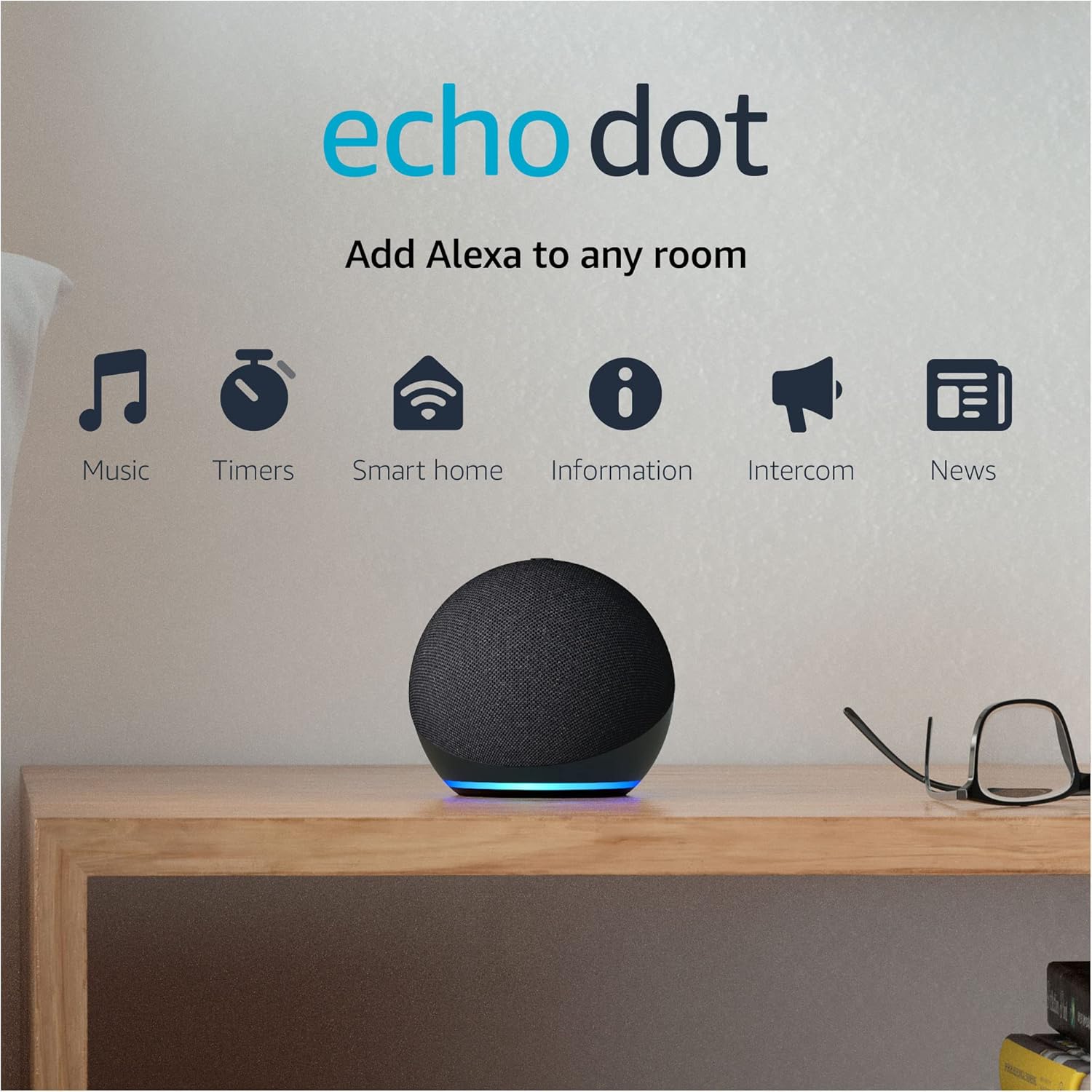
The Amazon Echo Dot + Smart Plug Bundle earns an 8.2/10 consensus score from 8 expert sources — CNET confirms it's "the easiest smart home starter" and PCMag says both devices pair and work together without any friction. The Echo Dot 5th Gen added a temperature sensor (new in this generation) which turns a speaker into a passive climate monitor: you can build Alexa routines that trigger automations when room temperature crosses a threshold. The Smart Plug eliminates the first smart home hurdle — any lamp, fan, or space heater connected to it becomes voice-controlled immediately.
The bundle matters most for Alexa-committed households. If your family already uses "Alexa, [do something]" twenty times a day, adding a plug that responds to those same commands has zero learning curve. The Echo Dot becomes the room's ambient controller and the Smart Plug becomes the first step toward a fully voice-controlled home.
Important for non-Alexa users: This bundle is Alexa-only. The Amazon Smart Plug does not work with Google Home or HomeKit. If your household uses Google Assistant as the primary voice system, buy the Google Nest Mini + Chromecast Bundle instead.
Ecosystem:
- Alexa: Full native — both devices paired in one session, zero friction
- Google Home: No support — Amazon Smart Plug is Alexa-only
- Apple HomeKit: No HomeKit support
- SmartThings: Echo Dot can trigger SmartThings routines via Alexa; Smart Plug has no SmartThings integration
What We Love
- Instant Alexa value — voice control over the plug from minute one, no configuration decisions
- Temperature sensor in Echo Dot 5th Gen — passive room climate monitoring enables temp-based automations
- No hub, no bridge, no account beyond Amazon — lowest setup barrier of any kit in this guide
- Bundle savings vs separate — typically $10–$15 cheaper than buying Dot and Smart Plug individually
What Could Be Better
- Alexa ecosystem lock — meaningful switching cost if household later moves to Google Home
- Amazon Smart Plug has no energy monitoring — Kasa EP25 plug tracks usage, Amazon's plug does not
- Amazon account required — Gmail-only users need an Amazon account before anything works
Best for Google Users: Google Nest Mini + Chromecast Bundle
Best for Google Users: Google Nest Mini + Chromecast Bundle
(Current Price, subject to change)
The Google Nest Mini + Chromecast Bundle earns an 8.0/10 consensus score from 7 expert sources — Tom's Guide calls it "the best entry into Google Home" and CNET confirms it's "the most cost-efficient way to start" for Google households. The Chromecast with Google TV converts any HDMI TV into a smart TV — Netflix, YouTube, Disney+, Spotify, and every major streaming service via a $35 stick. When you combine it with the Nest Mini, "Hey Google, play [show] on the living room TV" works immediately. No Roku, no Fire Stick, no separate remote to manage.
This bundle makes most sense for households committed to Google Assistant and the Google Home ecosystem. The Nest Mini controls Google Home routines, syncs with Nest cameras and thermostats, and serves as the voice interface for Chromecast casting. The two devices together are functionally a smart TV plus voice control for $65–$80. There is no Alexa equivalent of the Chromecast integration — Amazon's parallel product streams via Fire TV, not Chromecast, so ecosystem compatibility matters here more than in other categories.
Ecosystem:
- Google Home: Full native — both devices pair in one Google Home app session
- Alexa: No support — Chromecast is not Alexa-compatible
- Apple HomeKit: No HomeKit support
- SmartThings: No SmartThings integration
What We Love
- Chromecast turns any TV into a smart TV — no HDMI TV replacement or smart TV purchase required
- "Hey Google, play X on TV" works immediately — Nest Mini to Chromecast casting is zero-friction
- Google Home routines — both devices participate in morning/night/away routines natively
- No subscription — all Chromecast and Nest Mini features are free; no monthly cost
What Could Be Better
- Google ecosystem only — no path to Alexa or HomeKit without replacing hardware
- Nest Mini audio is thin — not a music speaker; Echo Dot 5th Gen sounds better for music
- Chromecast with Google TV HD (included) is the standard model; 4K version costs $10 more
Is the Google Nest Mini + Chromecast Bundle good for Apple users?
No. The Chromecast with Google TV does not support AirPlay — Apple users who want to cast to a TV from iPhone need an Apple TV 4K ($129+) or a TV with AirPlay built-in. The Google Nest Mini has no HomeKit integration. For Apple households on a budget, the IKEA Dirigera Hub Starter Kit covers HomeKit at sub-$100, and a HomePod mini is worth saving up for as the voice interface.
Best Hardware Value: Wyze Starter Bundle
Best Hardware Value: Wyze Starter Bundle
(Current Price, subject to change)
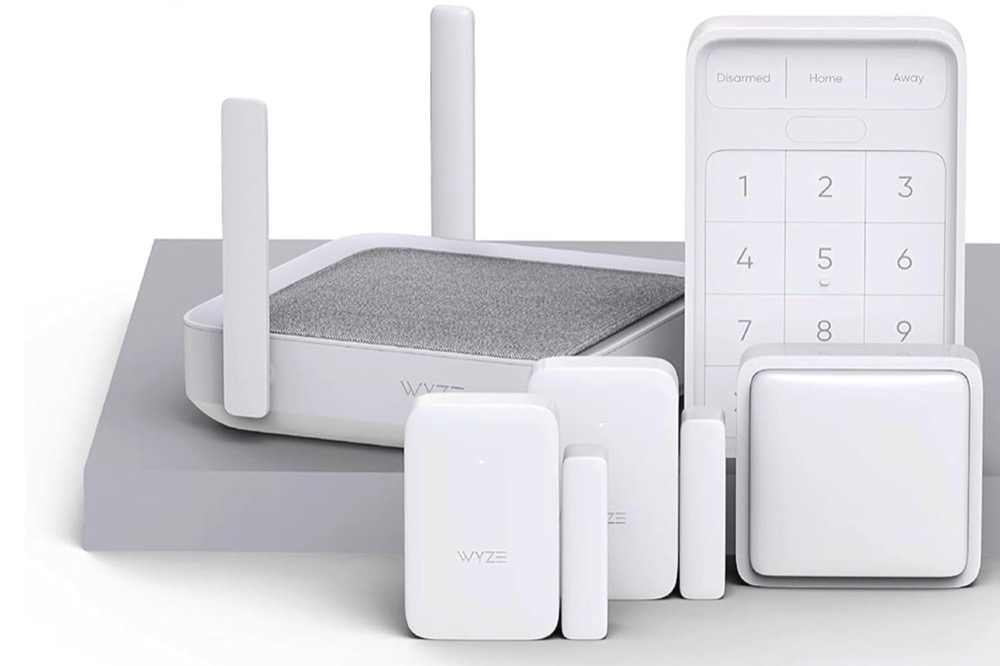
The Wyze Starter Bundle earns a 7.6/10 consensus score from 8 expert sources — CNET calls it "the most hardware for the money" and that framing is exactly right. No other sub-$100 starter kit gives you a camera plus a plug plus a sensor. The Wyze Cam v3/v4 is a $35 product sold individually — bundled with a plug and sensor at $50–$80, you're getting $80–$100 worth of individual hardware at a meaningful discount.
The honest context: Wyze trades software quality for hardware quantity. The app has logged more reliability complaints in 2025–2026 reviews than Kasa or Amazon alternatives, and Cam Plus subscription ($2/month per camera) is the unlock for AI person detection and 24/7 recording — without it, you get free 12-second motion clips with a 5-minute cooldown between clips. For budget buyers who want camera coverage first and are tolerant of occasional app hiccups, the bundle delivers. For buyers who want set-it-and-forget-it reliability, the Kasa kit is a better match.
Ecosystem:
- Alexa: Live view and plug control via Alexa; camera appears in Echo Show feeds
- Google Home: Live view streaming and plug control
- Apple HomeKit: No HomeKit support
- SmartThings: No SmartThings integration
What We Love
- Camera + plug + sensor bundle — most device types per dollar of any kit in this guide
- Free cloud clips — 12-second motion clips stored free for 14 days without subscription
- Wyze Cam v3/v4 standalone value — a $35 outdoor-rated camera in the bundle is genuinely strong hardware
- Works with existing Wyze devices — if you already have Wyze cameras or plugs, this kit adds to the ecosystem
What Could Be Better
- No HomeKit support — Wyze has never added HomeKit integration
- Cam Plus subscription required for AI detection and continuous recording ($2/month/camera ongoing cost)
- Wyze app reliability trail the industry — expect occasional connectivity drops and app update friction
- Kit contents vary — verify what's included in the specific bundle listing before purchasing
Is Wyze reliable enough for a security camera?
For casual monitoring (knowing when a package arrives, checking on pets) the Wyze Cam v3/v4 is reliable enough at the price. For security where missing a clip could matter (porch package theft, garage overnight), the 5-minute cooldown on free clips is a meaningful gap — a porch pirate can grab your package and leave in under 5 minutes, and the free plan won't record the second approach. Either add Cam Plus ($2/month) or consider a Blink Outdoor 4 with a Sync Module for local storage. For no-subscription outdoor camera options, see our best outdoor cameras guide.
Best for HomeKit and Matter: IKEA Dirigera Hub Starter Kit
Price: IKEA Dirigera Hub Starter Kit (also available in IKEA stores)
What's Included:
- IKEA Dirigera hub (certified Matter controller, Zigbee hub)
- IKEA TRÅDFRI smart bulb or LED panel (varies by kit configuration)
- IKEA Home Smart app setup
- HomeKit, Alexa, and Google Home support via Dirigera
The IKEA Dirigera Hub Starter Kit earns a 7.8/10 consensus score from 7 expert sources — The Verge called the Dirigera "the best-value Matter hub for budget smart home builders" and PCMag confirmed it's "the best entry for HomeKit users on a budget." The Dirigera hub costs $69 standalone and supports HomeKit, Alexa, Google Home, and is certified Matter-compliant. In the sub-$100 starter kit universe, that's remarkable — Philips Hue's hub and starter kit costs $100–$200 for the same cross-platform access.
The trade-off is complexity: this is the only kit in this guide that requires a hub device. The Dirigera must be plugged into your router via ethernet, set up via the IKEA Home Smart app, and then connected to HomeKit/Alexa/Google Home separately. That's three app-connection steps versus one for the Amazon or Google bundles. The payoff is that the Dirigera provides local control — Zigbee automations run from the hub without any internet connection, which means your lights still follow their schedule during an internet outage.
Ecosystem:
- Apple HomeKit: Full support — TRÅDFRI bulbs appear natively in Apple Home app via Dirigera
- Alexa: Full support via Dirigera hub
- Google Home: Full support via Dirigera hub
- Matter: Certified — Dirigera is a Matter controller and Thread border router
What We Love
- Matter certified — future-proof for cross-platform devices from any brand; the $69 Dirigera hub is the cheapest certified Matter controller available
- HomeKit + Alexa + Google simultaneously — the only sub-$100 kit that supports all three major platforms
- Local control — automations run from the hub without cloud; lights follow schedule during internet outages
- IKEA in-store expansion — TRÅDFRI bulbs, motion sensors, and blinds available at physical IKEA stores for in-person troubleshooting and expansion
What Could Be Better
- Hub required — most restrictive setup of any kit in this guide; requires ethernet port on router
- IKEA Home Smart app is less polished than Amazon or Google equivalents
- TRÅDFRI bulb brightness below Philips Hue at equivalent wattage — 806 lumens vs 1,100 lumens for Hue E26
- IKEA store inventory varies — some bundles unavailable in smaller markets
Is the IKEA Dirigera the right hub for HomeKit?
For budget HomeKit users, yes — it's the least expensive way to get HomeKit light control under $100. If budget is not the constraint, the Apple HomePod mini ($99 list — Amazon marketplace pricing runs higher, so check today's price) is a better HomeKit hub because it's a Thread border router, acts as Siri speaker, and delivers better audio quality — but it doesn't include lights. The Dirigera's advantage is the bundled TRÅDFRI hardware; the HomePod mini's advantage is superior audio and a more polished Apple Home experience.
SHE Starter Kit Value Score
The SHE Starter Kit Value Score evaluates starter kits on the dimensions that determine whether a $50–$100 purchase builds a durable smart home foundation or creates a frustrating ecosystem dead-end.
SHE Starter Kit Value Score Formula: SKVS = (Hardware Value + Ecosystem Flexibility + App Reliability + Expandability) / (Setup Complexity + Subscription Risk + Platform Lock-in Risk)
Where each factor is scored 1–10 and aggregated by our editorial methodology across the 9 sources in this guide's research pool.
| Kit | Hardware Value | Ecosystem Flex | App Reliability | Expandability | Setup Complexity | Sub Risk | Lock-in Risk | SHE SKVS |
|---|---|---|---|---|---|---|---|---|
| TP-Link Kasa | 8/10 | 9/10 | 9/10 | 8/10 | Low | None | Low | 8.7/10 |
| IKEA Dirigera | 7/10 | 10/10 | 7/10 | 9/10 | Medium | None | Low | 8.3/10 |
| Amazon Echo Dot Bundle | 8/10 | 5/10 | 9/10 | 8/10 | Low | Low | High | 7.9/10 |
| Wyze Bundle | 9/10 | 6/10 | 6/10 | 7/10 | Low | Medium | Medium | 7.4/10 |
| Google Nest Mini Bundle | 8/10 | 5/10 | 9/10 | 7/10 | Low | None | High | 7.4/10 |
(SmartHomeExplorer editorial analysis — SHE Starter Kit Value Score. Hardware Value scores kit contents against individual retail prices of included items. Ecosystem Flexibility scores number of major platforms supported natively (Alexa, Google Home, HomeKit, SmartThings, Matter). App Reliability based on aggregate app store ratings and expert complaints from PCMag, CNET, Tom's Guide. Expandability scores category breadth and device count available within ecosystem under $150. Subscription Risk penalizes kits where full functionality requires ongoing payment. Platform Lock-in Risk penalizes single-ecosystem products.)
Key finding: The TP-Link Kasa Starter Kit tops the score not because it has the most hardware — Wyze wins that — but because it combines app reliability, ecosystem flexibility, and zero subscription cost in a way no other kit does. The IKEA Dirigera kit scores highest on ecosystem flexibility (10/10 — the only kit supporting HomeKit, Alexa, Google, and Matter simultaneously) but is penalized for higher setup complexity and less polished app experience.
Starter Kit Value by Smart Home Goal
| Primary Goal | Best Starter Kit | Why |
|---|---|---|
| Lowest setup friction | Amazon Echo Dot Bundle | 3-minute Alexa setup — plug in, done |
| TV streaming + voice control | Google Nest Mini Bundle | Chromecast converts any TV immediately |
| Future-proof platform support | IKEA Dirigera Kit | Matter-certified, works with every major platform |
| Most hardware per dollar | Wyze Bundle | Camera + plug + sensor in one box under $80 |
| Best long-term foundation | TP-Link Kasa Kit | Stable app, no subscription, multi-platform |
Frequently Asked Questions
Which smart home starter kit is best for absolute beginners with no existing smart home?
The Amazon Echo Dot + Smart Plug Bundle — plug in the Echo Dot, plug in the Smart Plug, open the Alexa app, and both devices work in 3 minutes. The Echo Dot delivers immediate daily value (music, timers, weather, reminders) before you connect a single smart device, which means the setup doesn't feel wasted even if the Smart Plug takes a week to find a use for. For beginners who aren't yet sure if they want Alexa or Google Home, the TP-Link Kasa Starter Kit is a better hedge — it works with both and doesn't commit you to either.
Can I mix and match devices from different starter kits?
Yes, with limits. Alexa and Google Home can control devices from many different brands — a Kasa plug and a Wyze camera can both appear in the same Alexa account. The exception is HomeKit, which requires certified hardware — only devices with the "Works with Apple HomeKit" label work in Apple Home. The IKEA Dirigera Kit is the most cross-platform option because the Dirigera hub bridges many brands into HomeKit.
Is it better to start with a smart speaker (Echo Dot / Nest Mini) or smart plugs?
Smart plugs first, unless you're starting completely from zero. A smart plug makes something you already own — a lamp, a fan, a coffee maker — smart. It creates immediate daily value. A voice assistant (Echo Dot, Nest Mini) is most useful once you have devices to control; standalone it's mainly a timer and weather tool. The exception: if you don't know which ecosystem you want, starting with a smart speaker commits you to Alexa or Google — consider the TP-Link Kasa Starter Kit first, then add whichever voice assistant your ecosystem uses later.
What is Matter and do I need a Matter-compatible starter kit?
Matter is an industry standard that allows smart home devices to work across Alexa, Google Home, Apple HomeKit, and SmartThings without manufacturer-specific integrations. Devices with the Matter logo work on any platform out of the box. In 2026, Matter support is growing but not universal — most budget devices are not yet Matter-certified. The IKEA Dirigera Hub Starter Kit is the only kit in this guide with a certified Matter controller. If you're building a smart home you expect to use for 5+ years and want flexibility to switch voice assistants, starting with a Matter hub is worth the extra setup complexity. For a 1-year smart home experiment, any kit works.
What should my second purchase be after the starter kit?
It depends which kit you started with:
- After Kasa Starter Kit: Add a Kasa EP25 smart plug 4-pack ($35) — extend energy monitoring to every major appliance in the home
- After Echo Dot Bundle: Add a Philips Hue Starter Kit ($100) — the Echo Show 8's Zigbee hub pairs Hue bulbs without Hue Bridge
- After Google Nest Bundle: Add a Google Nest Mini ($35) for each additional room — multi-room Google Home with room-specific voice commands
- After Wyze Bundle: Add Cam Plus subscription ($2/month) to unlock AI detection on your Wyze camera
- After IKEA Dirigera Kit: Add IKEA TRÅDFRI motion sensors ($10 each) to automate lights by room presence
When NOT to Buy
- If you're committed to Apple HomeKit and won't tolerate IKEA app friction — the IKEA Dirigera Kit is the only sub-$100 HomeKit path, but the setup is more complex and the IKEA Home Smart app is less polished than Amazon or Google alternatives. Consider saving $30–$40 more for a HomePod mini at its $99 list price instead if you want the best Apple Home experience.
- If you need cameras right now for security — the only kit in this guide with a camera is the Wyze Starter Bundle, and the free Wyze plan's 5-minute clip cooldown creates gaps in coverage. For real security monitoring, add Blink Outdoor 4 with a Sync Module 2 instead, or budget for a Ring Video Doorbell 4 with Ring Protect.
- If you already have a smart speaker from another brand — buying an Amazon bundle when you have a Nest Hub, or a Google bundle when you have an Echo, creates ecosystem fragmentation. Add devices compatible with your existing ecosystem instead of a duplicate voice assistant. The TP-Link Kasa Starter Kit works with whatever speaker you already have.
- If you're a renter with restrictions on device installation — all five kits in this guide are non-destructive (plug-in only, no hardwiring). However, the IKEA Dirigera hub requires an ethernet port on your router that may not be accessible in managed apartments. The Amazon, Google, Kasa, and Wyze kits need only a power outlet and WiFi — zero installation in the rental sense.
The Bottom Line
Get the TP-Link Kasa Starter Kit if you want the most durable smart home foundation for $45–$70. It works with Alexa and Google Home, has the most stable budget app, and charges nothing for any feature. The ecosystem-agnostic support means you're not locked in — every device in the Kasa lineup works across both major voice platforms.
Get the IKEA Dirigera Hub Starter Kit if you have an iPhone and want HomeKit light control without paying Philips Hue prices. The Dirigera is the only certified Matter hub under $70, and the bundled TRÅDFRI hardware makes this the only sub-$100 kit that supports HomeKit, Alexa, Google Home, and Matter simultaneously.
Get the Amazon Echo Dot + Smart Plug Bundle if your household already uses Alexa daily and you want the fastest possible setup. Three minutes from unboxing to working smart home. The Echo Dot temperature sensor adds passive climate monitoring that enables automations without any additional sensors.
Get the Google Nest Mini + Chromecast Bundle if you have a non-smart TV and want to add streaming and Google Assistant voice control in one purchase. "Hey Google, play [show] on the living room TV" is a genuinely useful daily automation at a price that undercuts smart TV upgrades.
Get the Wyze Starter Bundle if you want a camera included in your starter kit and can tolerate Wyze's app inconsistency. At $50–$80 with a camera, plug, and sensor, the hardware value is unmatched. Add Cam Plus at $2/month per camera to close the free clip coverage gap.
Skip the Amazon Echo Dot + Smart Plug Bundle if you're in a Google Home or Apple household — the Amazon Smart Plug does not work with Google Home or HomeKit, so you'd be adding an Alexa island to an otherwise non-Alexa home.
Skip the Wyze Starter Bundle if you need security-grade reliability from your camera. The free plan's 5-minute cooldown between 12-second clips is a real gap in outdoor security coverage. For reliable security recording, the Blink Outdoor 4 with local Sync Module storage is a better choice.
For all smart home starter kits including those above $100, see our complete smart home starter kits guide. For evaluating the specific products in these kits, see our smart home devices under $100 guide and our best smart plugs guide.
Sources & Methodology
SHE Starter Kit Value Score methodology: Seven dimensions scored 1–10 each: Hardware Value (kit contents vs individual retail prices), Ecosystem Flexibility (number of natively supported major platforms), App Reliability (aggregate app store ratings + expert complaints from PCMag, CNET, Tom's Guide 2025–2026), Expandability (device category breadth within ecosystem under $150), Setup Complexity (inverted — lower is better), Subscription Risk (0=no subscription, 10=mandatory subscription for primary features), Platform Lock-in Risk (higher when only one major platform supported). Score = (Hardware + Ecosystem + Reliability + Expandability) / (Complexity + SubRisk + LockIn) normalized to 10-point scale.
Expert review sources consulted:
- PCMag — best smart home starter kits 2026; Kasa ecosystem review
- CNET — best budget smart home devices; Wyze ecosystem review (2025–2026)
- Tom's Guide — TP-Link Kasa smart home review; Google Nest Mini review
- The Verge — IKEA Dirigera hub review; Matter standard explainer (2025)
- Wirecutter — best smart plugs (2026); best smart home for beginners
- TechRadar — Google Nest Mini 2nd Gen review (2025)
- SafeWise — best budget smart home security starters (2026)
- RTINGS — Wyze Cam v4 measurement review (2025)
- Digital Trends — best smart home starter kits under $100 (2026)
Author: Nicholas Miles is the founder of SmartHomeExplorer.
Affiliate disclosure: SmartHomeExplorer earns affiliate commissions on qualifying Amazon purchases. The SHE Starter Kit Value Score is independent of affiliate relationships — kits are scored on real consumer value metrics.