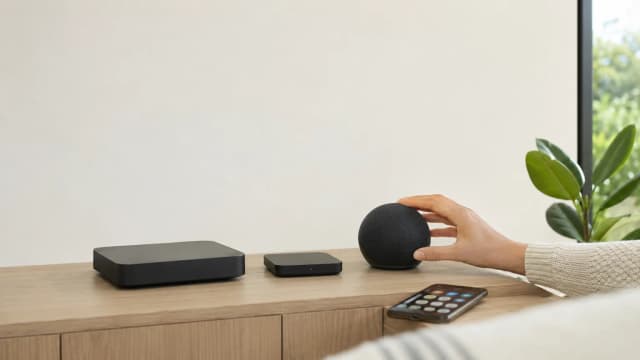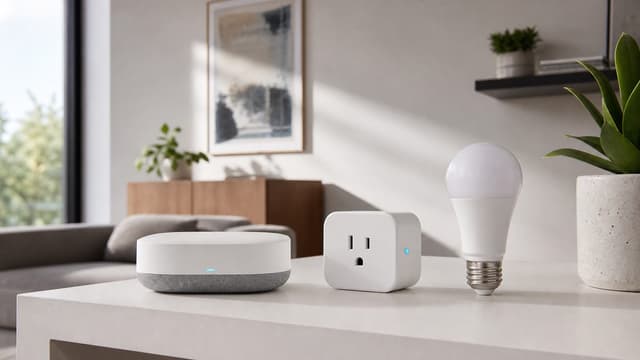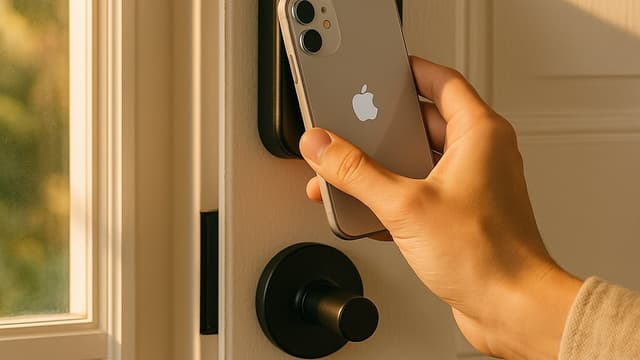

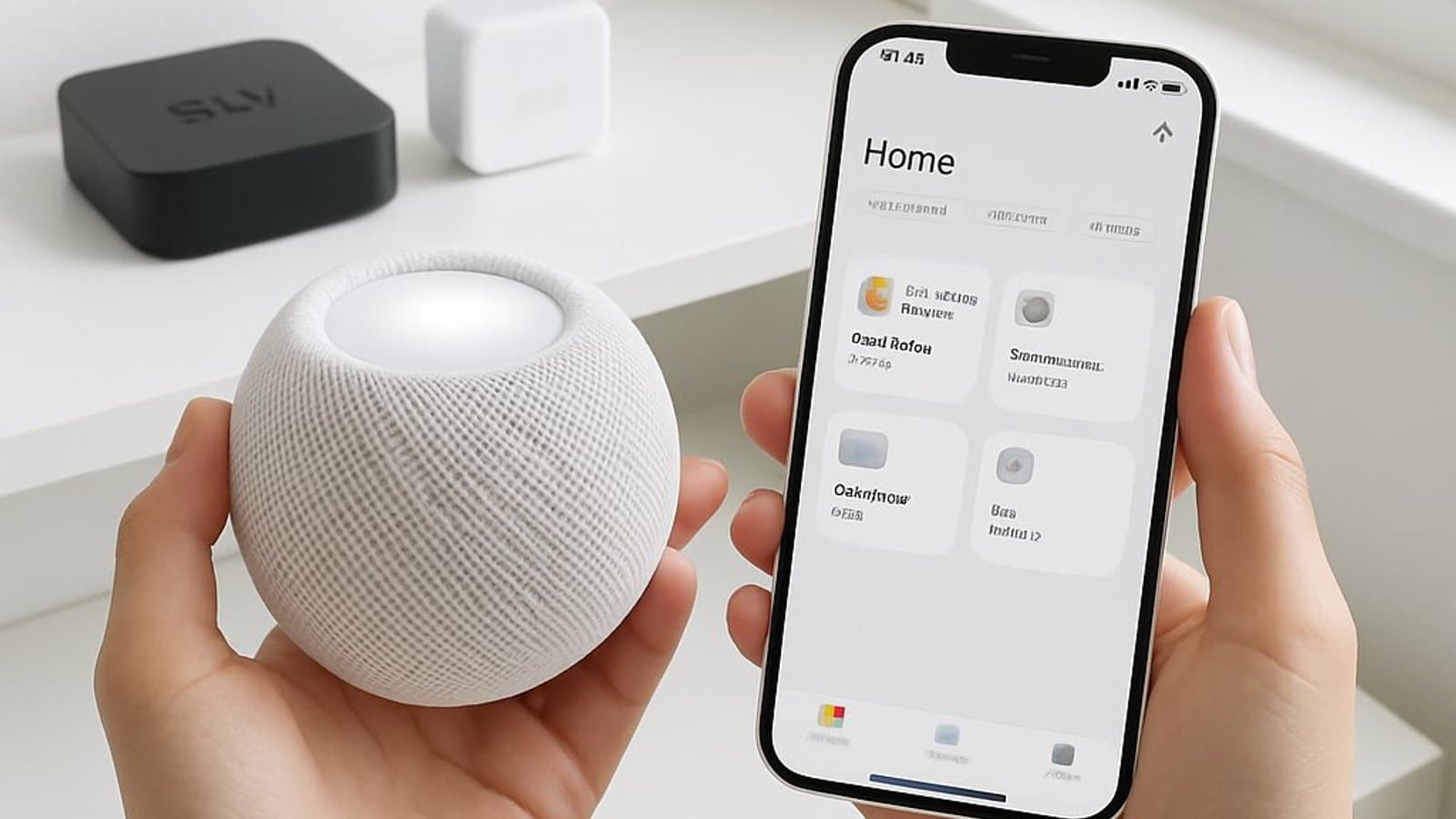
Best Apple HomeKit Devices 2026: 6 Picks, Hubs & Setup
The Aqara Camera Hub G5 Pro at $199.99 is the strongest Apple Home device you can buy on Amazon today — HomeKit Secure Video recording with Thread, Matter, and Zigbee hub roles in one box. Apple's own hubs still anchor the setup, and Apple sells them directly.
This article contains affiliate links. We may earn a commission at no extra cost to you. Prices change frequently — check the current price on Amazon before buying. Learn more
The Short Answer
The Aqara Camera Hub G5 Pro is the strongest Apple Home accessory currently purchasable on Amazon, combining HomeKit Secure Video recording with Thread, Matter, and Zigbee hub duties. Apple TV 4K remains the authoritative hub this setup is organized around, and Apple sells it directly.
Featured in this Guide
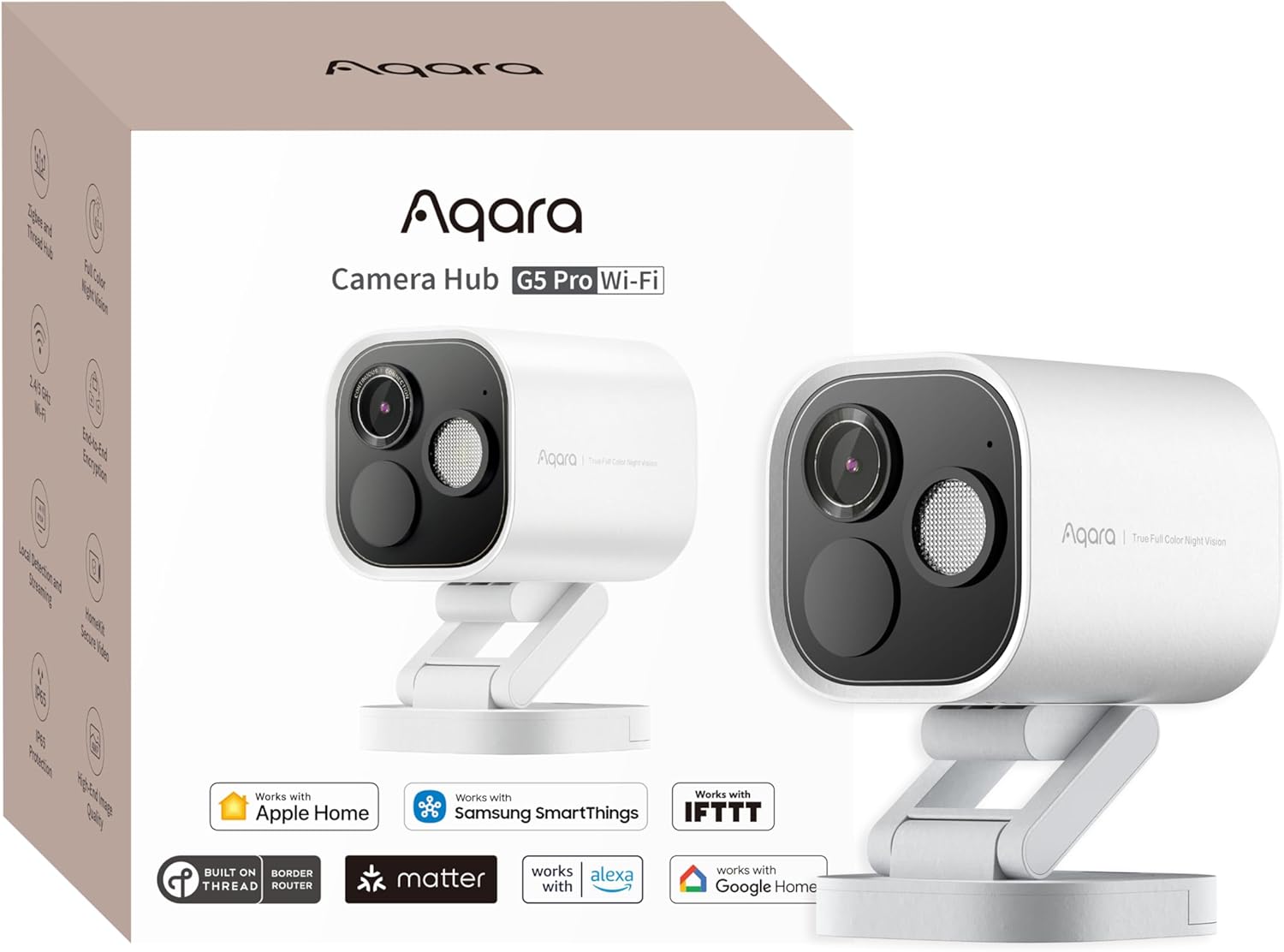
Aqara
Camera Hub G5 Pro
- •2K recording to HomeKit Secure Video at $199.99 — universal Matter, Thread, Zigbee hub built in
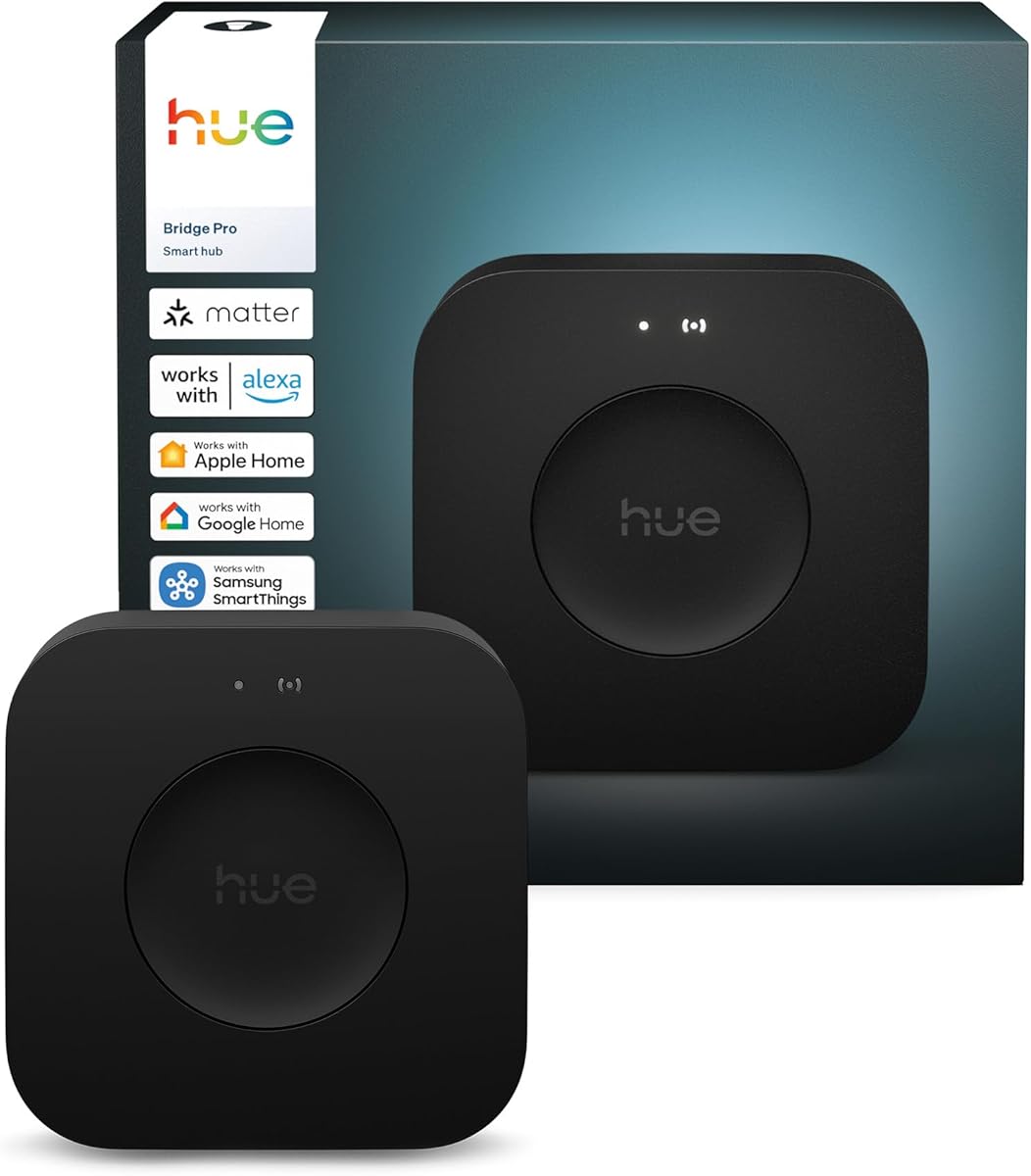
Philips
Hue Bridge Pro & New 2025 Lineup
- •Brings 150 Hue lights into Apple Home as native Matter devices for $119.97 — one bridge replaces every vendor-specific HomeKit bridge
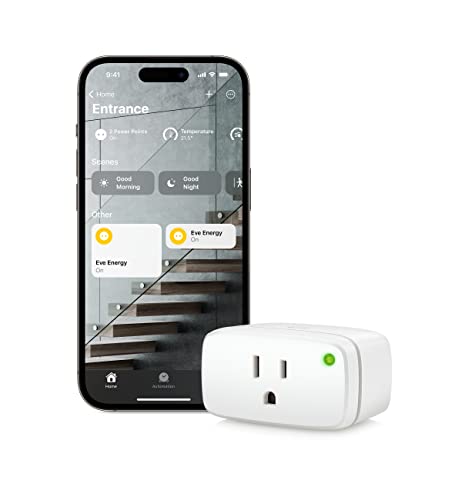
Eve
Energy Matter Smart Plug
- •Native HomeKit and Matter over Thread at typically $40–$65 — energy data flows to Apple Home automations
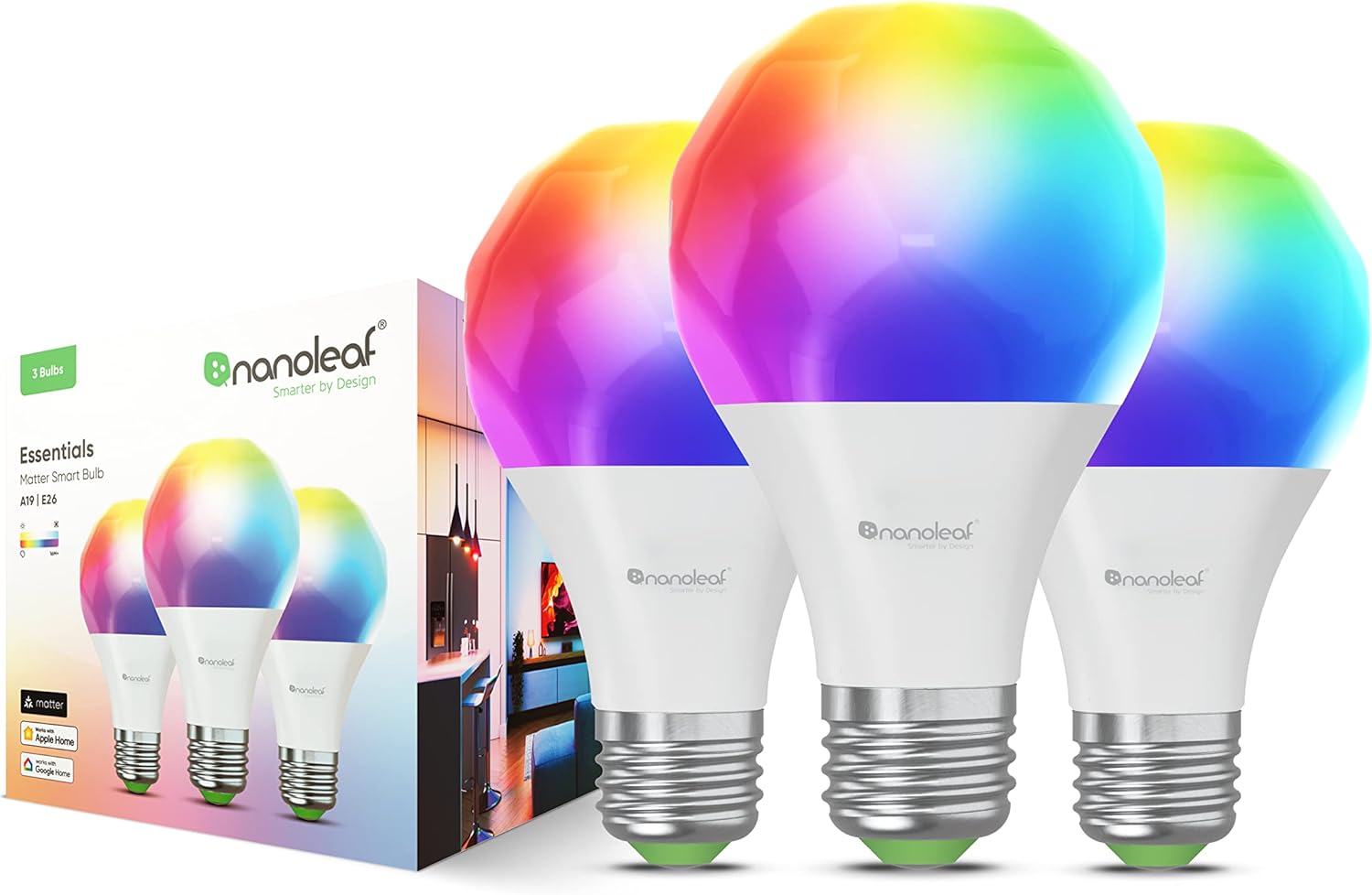
Nanoleaf
Essentials Bulb
- •Adaptive Lighting in Apple Home plus Thread mesh at $12.50 per bulb in the 4-pack
Apple
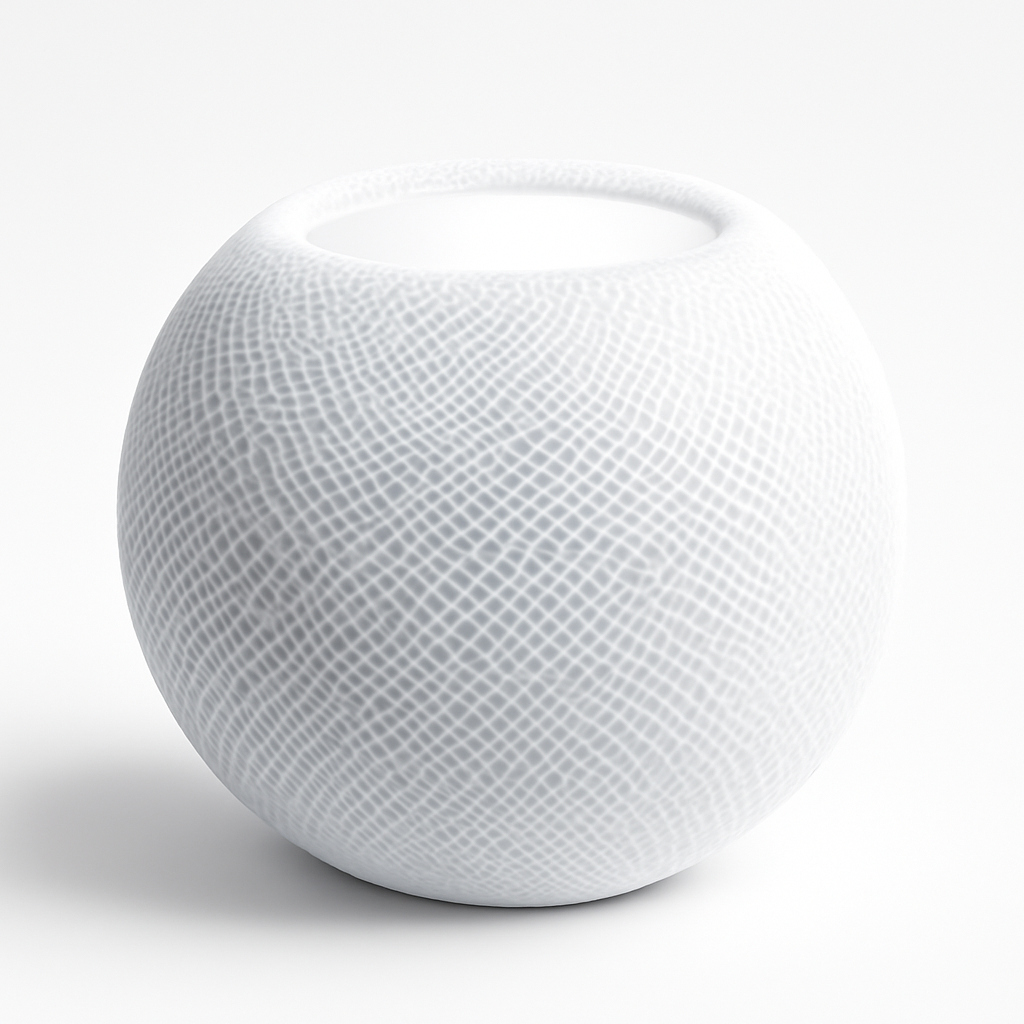
HomePod mini
- •Thread border router plus ambient Siri — pair it with an Apple TV 4K for redundant hub coverage
Apple
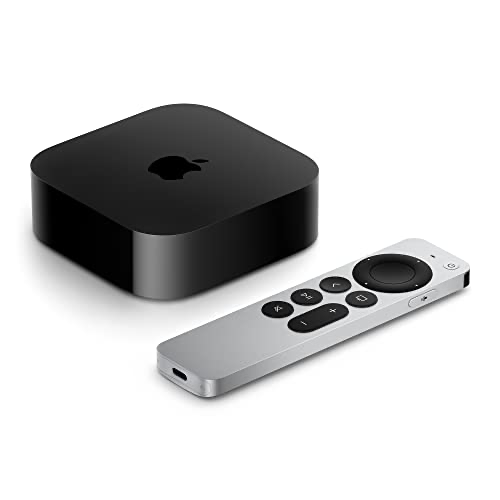
TV 4K 3rd Gen
- •The authoritative hub — the A15 chip runs HomeKit automations locally, and Apple sells it directly from $199
Head-to-Head Comparison
Smart Home
Chart
 Smarthomeexplorer.com
not sold on Amazon
Tap any pick to check its live price on Amazon.
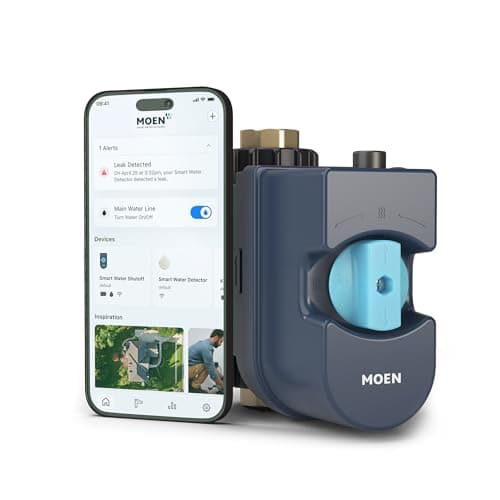
Moen Flo Smart Water Monitor
RecommendedCheck price
Flo by Moen Smart Water Monitor
Must BuyCheck price
What Tips the Decision
You picked Apple Home for the privacy story. Three months in, half your devices need third-party hubs, the Hue light won't trigger automations, and Siri keeps asking which speaker to use.
The SHE HomeKit Ecosystem Score is a weighted composite of four factors on a 10-point scale. Apple Home Native Depth carries 0.30 weight, Setup Order Friction 0.25, Apple-Native Feature Coverage 0.25, and Local Control Reliability 0.20. Apple TV 4K 3rd Gen earns 9.4, Wirecutter's authoritative hub pick. The integrated A15 chip executes HomeKit automation logic locally in roughly 200ms, while the Thread border router establishes sub-120ms mesh response across compatible Matter accessories. Apple sells it directly, and Thread ships only on the Wi-Fi-plus-Ethernet model. Philips Hue Bridge Pro & New 2025 Lineup earns 7.5 because the bridge-routed pairing pathway penalizes the Apple Home Native Depth factor versus direct-pair Matter accessories.
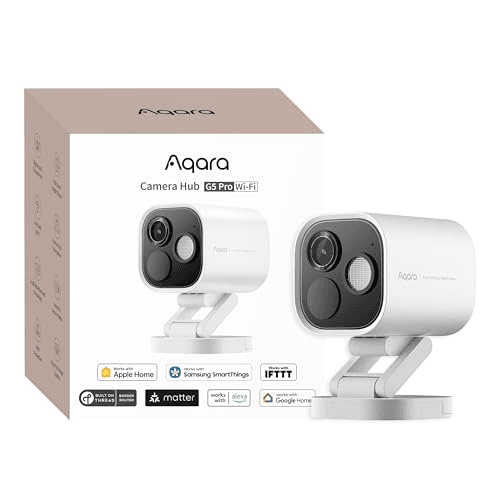
Best HomeKit Camera You Can Buy Today: Aqara Camera Hub G5 Pro
Aqara Camera Hub G5 Pro
- Records 2K video to HomeKit Secure Video iCloud storage with end-to-end encryption — your camera feed never touches the Aqara cloud
- Advanced features beyond local AI detection require an Aqara cloud subscription — full activity zones and cloud event review are paid tiers
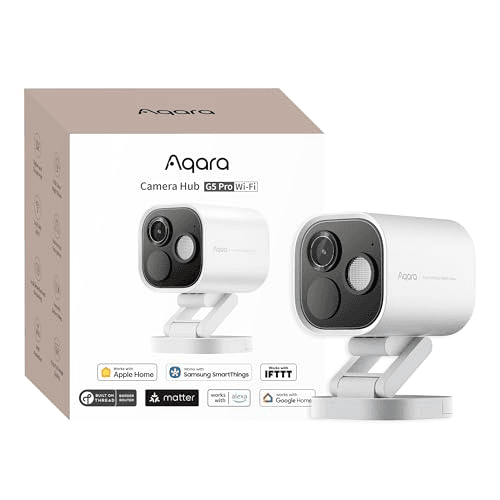
(Current price, subject to change)
The Aqara Camera Hub G5 Pro earns 8.4 on the SHE HomeKit Ecosystem Score. PCMag called it an Editors' Choice — no other security camera offers Matter, Thread, Zigbee, and every major voice assistant while delivering sharp 2K video and color night vision. The composite reflects full Apple Home Native Depth, a 9 on Apple-Native Feature Coverage, and a moderate 7 on Setup Order Friction. Local AI detection responds in well under 1 second.
HomeKit Secure Video is the structural advantage for Apple Home buyers. Recording flows to iCloud with end-to-end encryption — your camera vendor cannot read the feed, and recording duration is governed by your iCloud+ tier rather than by an Aqara subscription.
Color night vision reaches 32 ft, comfortably covering a porch or entryway. The Zigbee hub role inside the camera reduces the household hub count by one. No separate Aqara M3 hub is necessary once the G5 Pro is on the network. Setup runs roughly 25 mins from unboxing through Apple Home enrollment.
What We Love
- Records 2K video to HomeKit Secure Video iCloud storage with end-to-end encryption — your camera feed never touches the Aqara cloud
- Universal smart home compatibility — speaks Matter, Thread, Zigbee, and HomeKit Secure Video simultaneously in one device
- Color night vision reaches 32 ft — useful for porch and entryway coverage where the Logitech Circle View tops out around 15 ft
- Local AI detection delivers free intelligent alerts without an Aqara cloud subscription — face, body, pet, and package detection on-device
What Could Be Better
- Advanced features beyond local AI detection require an Aqara cloud subscription — full activity zones and cloud event review are paid tiers
- No mechanical pan or tilt — fixed viewing angle, so placement matters more than with PTZ cameras
- Power adapter sold separately — budget an extra $10 to $15 for the USB-C power supply if you do not already own one
The Verdict
If your Apple Home needs a HomeKit Secure Video camera, the Aqara Camera Hub G5 Pro is the most flexible answer. The 8.4 means full Apple Home Native Depth plus a 9 on Apple-Native Feature Coverage — recording flows to Apple's privacy pipeline rather than Aqara's cloud, and the device doubles as a Zigbee hub.
Ready for game day?
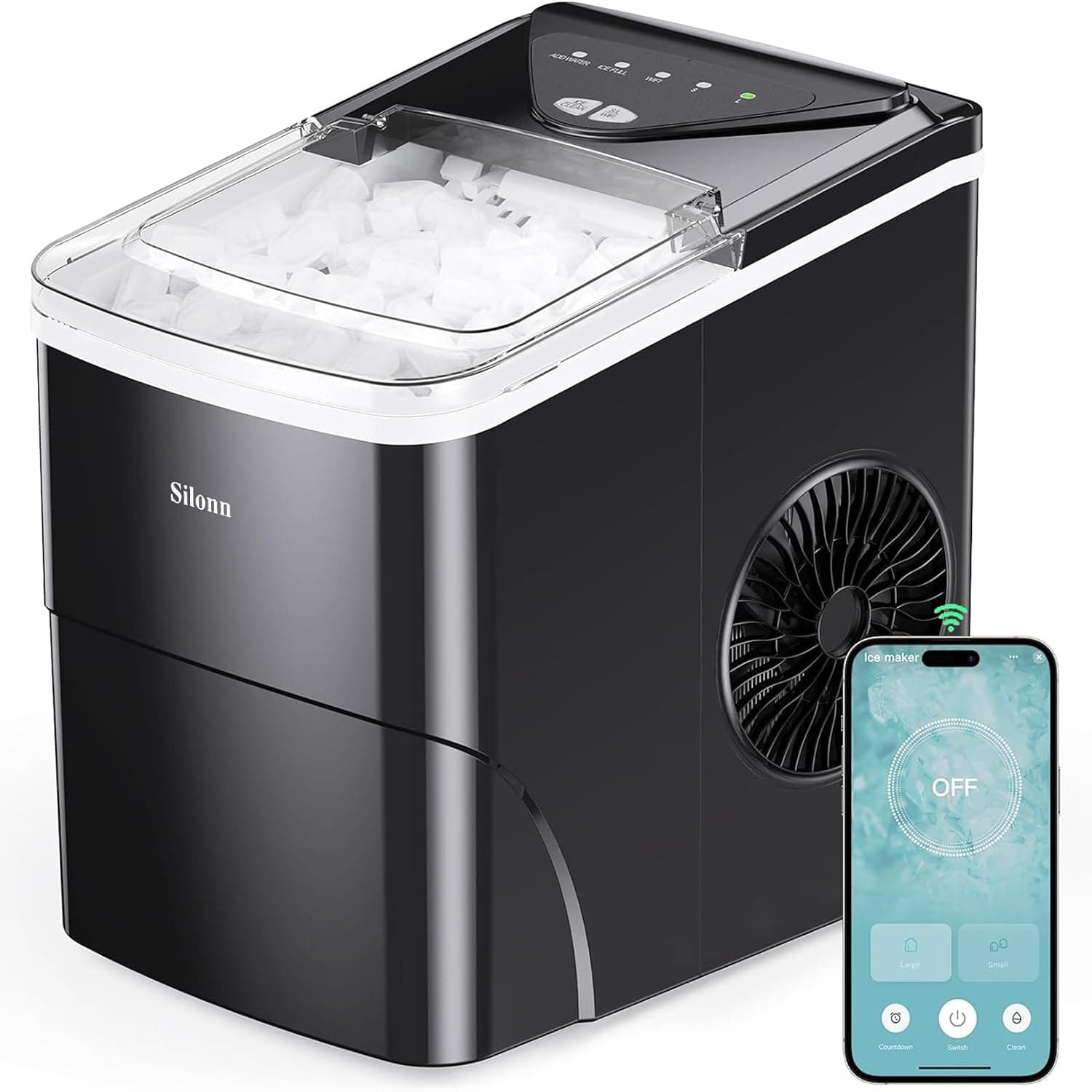
Silonn Smart Countertop Ice Maker
See it on Amazon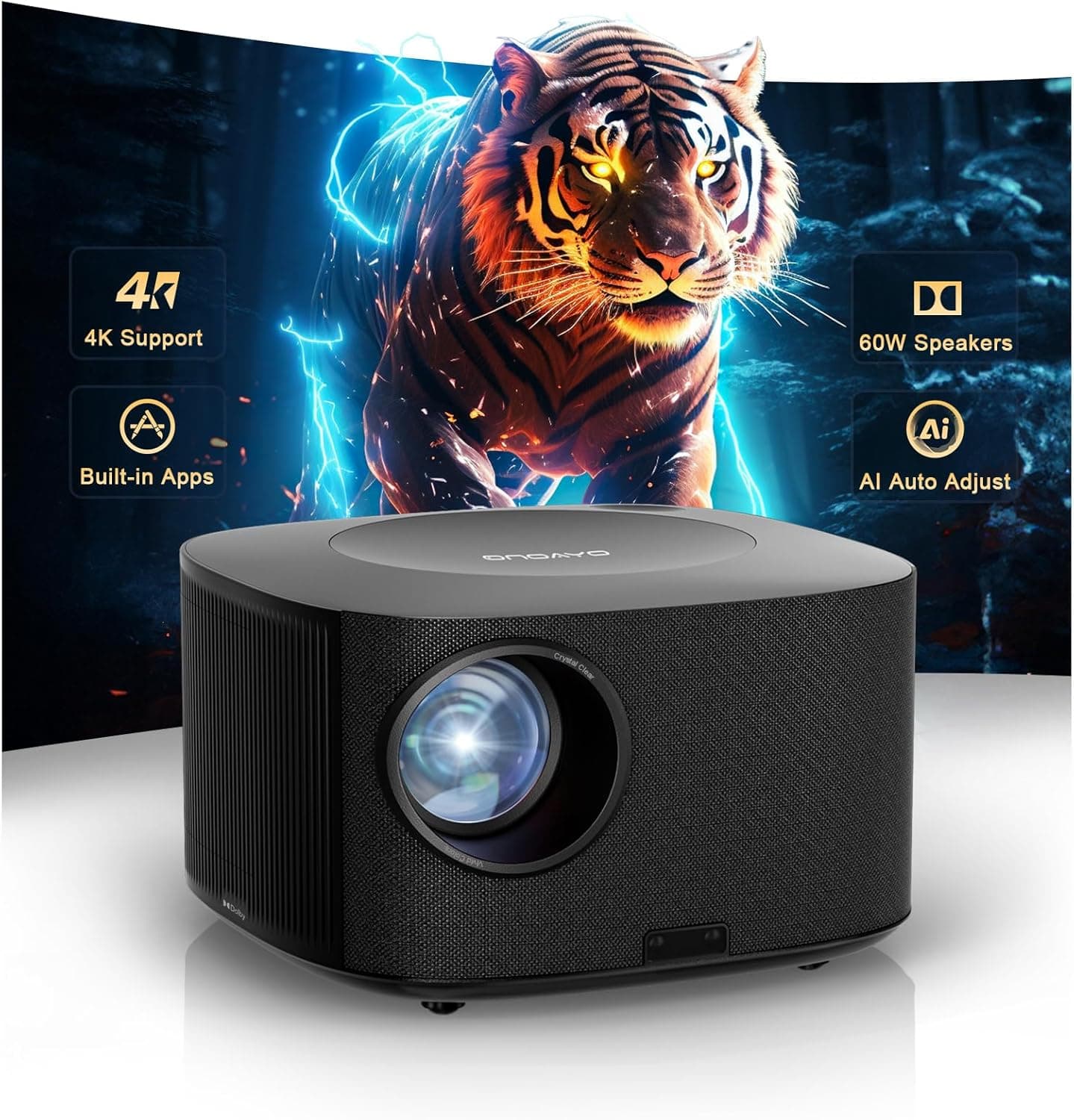
ONOAYO 4K Outdoor Projector
See it on Amazon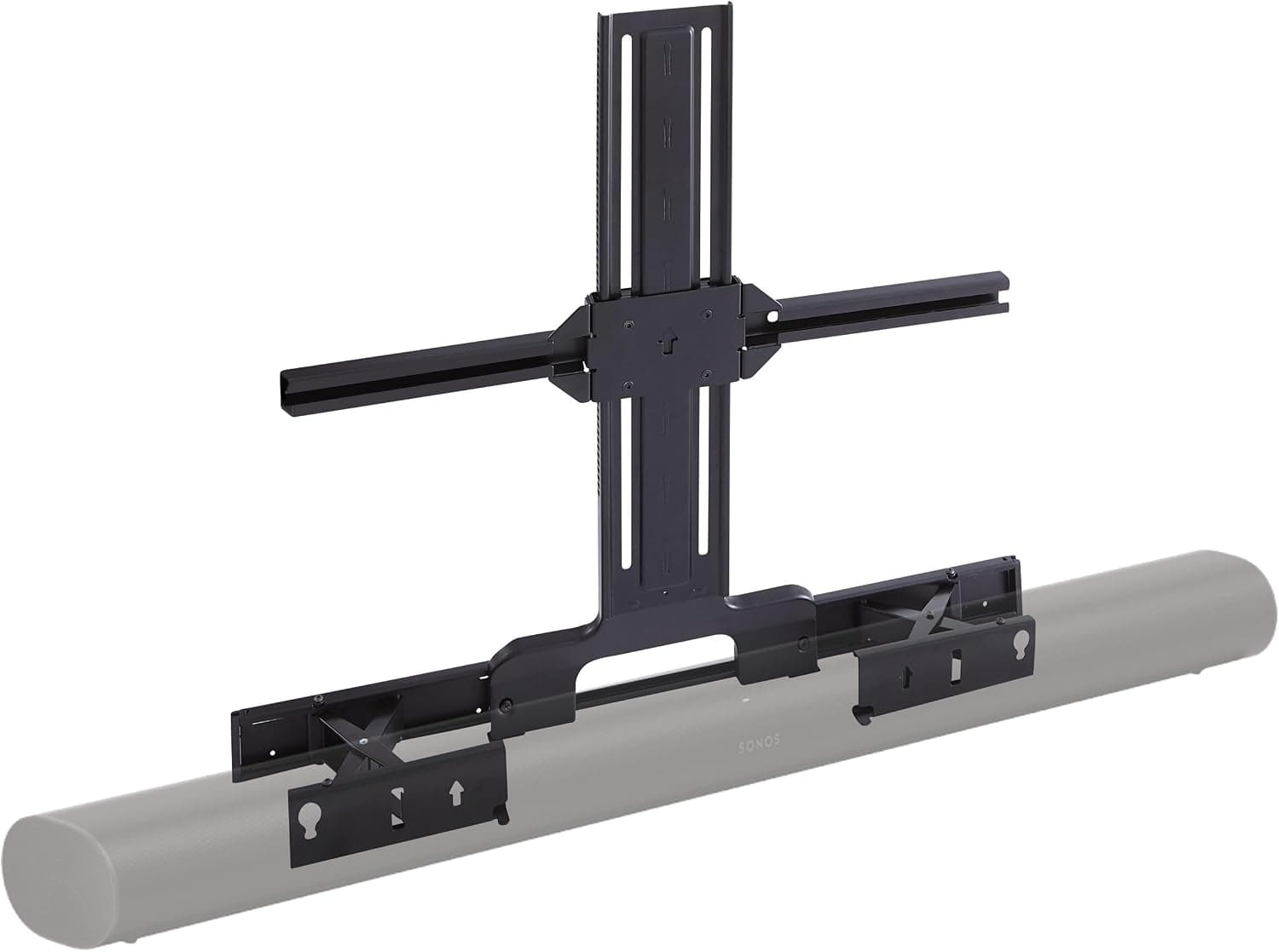
Sanus Soundbar TV Mount for Sonos Arc
See it on Amazon
Sponsored listings from Amazon’s Sponsored Products for Creators program, kept apart from our reviews and rankings. How we make money
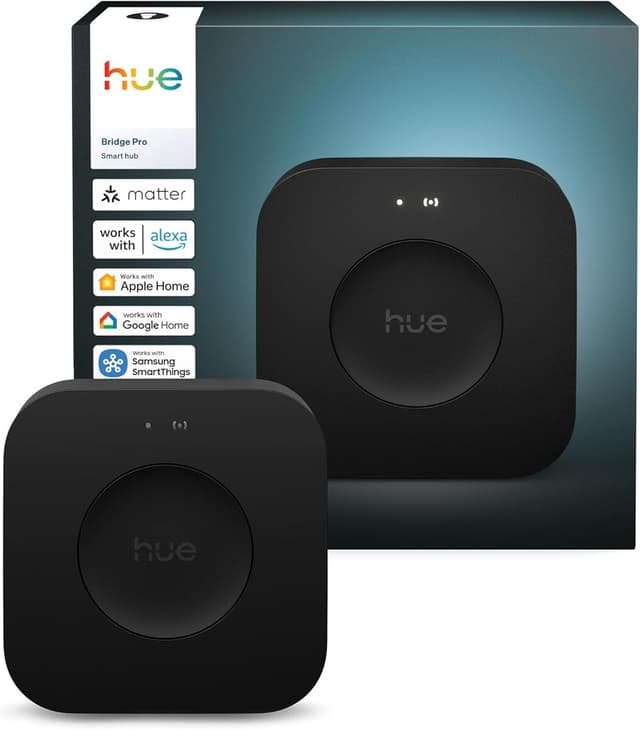
Best Lighting Bridge: Philips Hue Bridge Pro & New 2025 Lineup
Philips Hue Bridge Pro & New 2025 Lineup
- Exposes every downstream Hue light to Apple Home as a native Matter device — no separate Hue app required for daily control
- Bridge-routed support tiers Hue lights as Bridged rather than Native HomeKit in the comparison chart — a UX-honesty distinction, not a quality knock
(Current price, subject to change)
The Philips Hue Bridge Pro & New 2025 Lineup scores 7.5 on the SHE HomeKit Ecosystem Score — the lowest weighted composite in this roundup despite an 8.5 consensus rating. The formula explains the gap: Apple Home Native Depth scores 8 (bridge-routed, not true direct-pair), Apple-Native Feature Coverage scores 6 (no Apple-exclusive feature — Hue Bridge bridges Zigbee into every platform equally), Setup Order Friction scores 7 (requires Hue app commissioning before Apple Home enrollment), and Local Control Reliability scores 7 (Wi-Fi to bridge with local Zigbee mesh downstream).
TechRadar and Tom's Guide both rank the 2025 Hue Bridge Pro as the cleanest answer for buyers who own existing Hue lights and want them to appear in Apple Home, Google Home, Alexa, and SmartThings simultaneously. Setup runs roughly 15 minutes from Ethernet plug to Apple Home Matter pairing. The Verge's Matter 1.4 coverage highlighted the bridge category as the most consequential 2025 addition.
Pick the Hue Bridge Pro because you already own Hue lights — not because the weighted composite is the highest. The bridge-routed hop is the structural reason the SHE HomeKit Ecosystem Score lands lower than Eve Energy Matter Smart Plug at 8.3.
What We Love
- Exposes every downstream Hue light to Apple Home as a native Matter device — no separate Hue app required for daily control
- Zigbee mesh downstream means individual bulbs and accessories work locally and reliably regardless of the bridge's internet status
- Single $119.97 device replaces what used to be a tangle of vendor-specific HomeKit bridges across rooms
- Supports 150 lights and 50 accessories on the new hardware — more than triple the older Hue Bridge v2 ceiling
What Could Be Better
- Bridge-routed support tiers Hue lights as Bridged rather than Native HomeKit in the comparison chart — a UX-honesty distinction, not a quality knock
- No Thread radio on the bridge — Hue lights use Zigbee, and Apple Home reaches them through the bridge over Wi-Fi or Ethernet
The Verdict
If you already own Hue lights and want them in Apple Home and Matter without rebuying, the Philips Hue Bridge Pro & New 2025 Lineup is the cleanest answer. The 7.5 means bridge-routed Apple Home pairing — every Hue light pairs through the bridge as a Matter device, fine for daily use but a hop more than a Matter-native bulb.
Check price for the Philips Hue Bridge Pro & New 2025 Lineup →
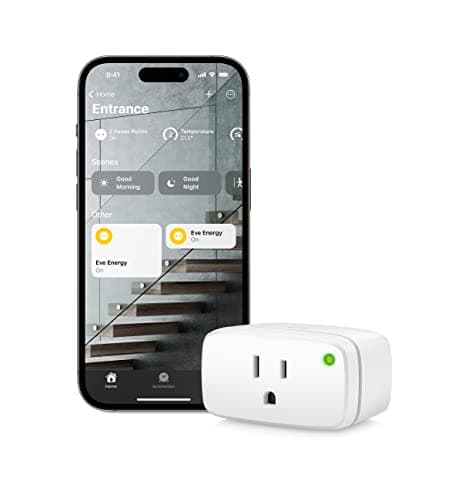
Best Energy Plug: Eve Energy Matter Smart Plug
Eve Energy Matter Smart Plug
- Native Apple Home pairing with energy data and cost flowing into HomeKit automations — set a routine to turn off when usage spikes
- Form factor is bulkier than a non-monitoring plug — 2.4 inch physical depth can crowd adjacent outlets in a duplex
(Current price, subject to change)
The Eve Energy Matter Smart Plug earns 8.3 on the SHE HomeKit Ecosystem Score, fourth in this roundup. CNET and The Verge both highlight Eve Energy Matter as the most affordable Matter accessory with energy monitoring exposed to Apple Home automations. The composite score reflects full marks on Apple Home Native Depth (10), Setup Order Friction (9, commissions in roughly 5 minutes via Apple Home QR scan when a Thread border router is on the network), and an 8 on Local Control Reliability (Thread end device).
Apple-Native Feature Coverage scores 7 because the plug itself does not add an Apple-exclusive feature — Google Home reads the same energy data via the Matter binding. The Thread end device role still strengthens the mesh for every other Thread accessory by roughly 1 hop. Energy data updates roughly every 10 seconds in TechRadar testing, which produces usable trending data without requiring utility-grade 1ms resolution.
At the current Amazon tier, the plug sits below every other Matter-and-HomeKit plug evaluated. Compared to Nanoleaf Essentials Bulb, this device adds energy monitoring no bulb provides. For complete Apple Home buyers, this is the cheapest first accessory after the hub.
What We Love
- Native Apple Home pairing with energy data and cost flowing into HomeKit automations — set a routine to turn off when usage spikes
- Matter over Thread means the plug contributes to the Thread mesh for every other Thread accessory in the house
- $39.95 on Amazon — the smallest entry point into a Matter and HomeKit setup, lower than every competing energy plug evaluated
- 100% privacy claim from Eve: no cloud account required, no Eve app required for Apple Home operation
What Could Be Better
- Form factor is bulkier than a non-monitoring plug — 2.4 inch physical depth can crowd adjacent outlets in a duplex
- Thread end device only — needs a Thread border router (Apple TV 4K or HomePod mini) on the network to commission cleanly
The Verdict
If you've decided plug-level energy monitoring matters in Apple Home, the Eve Energy Matter Smart Plug is the cleanest answer. The 8.3 means full Apple Home Native Depth plus Matter 1.4 over Thread plus a 7 on Apple-Native Feature Coverage — energy data flows to Apple Home automations, which most Matter plugs lack. At $39.95, the smallest entry to a complete Apple Home setup.
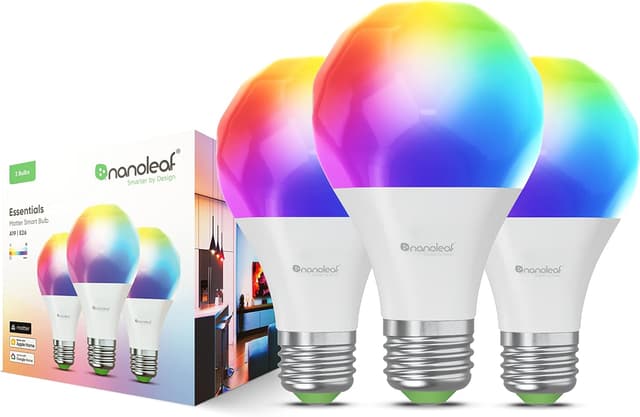
Best Matter Color Bulb: Nanoleaf Essentials Bulb
Nanoleaf Essentials Bulb
- Native Apple Home pairing with Adaptive Lighting — color temperature shifts through the day to match Apple's circadian curve
- Full Thread performance requires a HomePod mini or Apple TV 4K 3rd Gen border router on the network — Wi-Fi fallback works but loses the sub-120ms response
(Current price, subject to change)
The Nanoleaf Essentials Bulb scores 8.1 on the SHE HomeKit Ecosystem Score, fifth in this roundup. iMore, 9to5Mac, and Tom's Guide all rate Nanoleaf Essentials as the closest Matter alternative to Philips Hue's responsiveness — Thread mesh delivers sub-120ms response when paired with a border router. Apple Home Native Depth is a full 10 (true native pairing on the Matter SKU), Setup Order Friction scores 9 (commissions in roughly 4 minutes per fixture), and Local Control Reliability scores 8 (Thread end device).
The Apple-Native Feature Coverage score is 7 because Adaptive Lighting in Apple Home is the unique behavior — Google Home and SmartThings do not implement the same circadian color-temperature shift. RTINGS noted that Thread mesh performance is the underappreciated advantage: bulbs that respond under 120ms feel like a different category from Wi-Fi bulbs that take 400ms to react.
Compared to the Philips Hue Bridge Pro & New 2025 Lineup route, Nanoleaf Essentials is the cheaper entry point for buyers with no existing Hue investment because there's no bridge to buy first. Buyers with existing Hue lights should go the bridge route instead.
What We Love
- Native Apple Home pairing with Adaptive Lighting — color temperature shifts through the day to match Apple's circadian curve
- Matter and Thread on the supported SKU means the bulb pairs without a bridge — direct to Apple Home, Google Home, or SmartThings
- $12.50 per bulb in the 4-pack at $49.99 — well below Philips Hue Color A19 at roughly $40 per bulb
- Thread end device strengthens the local mesh, which helps every other Thread accessory in the same room
What Could Be Better
- Full Thread performance requires a HomePod mini or Apple TV 4K 3rd Gen border router on the network — Wi-Fi fallback works but loses the sub-120ms response
- RGBTW color rendering on saturated reds and deep blues is good but not Hue-class — Hue's higher CRI shows in side-by-side scenes
The Verdict
If you want a Matter color bulb that pairs directly to Apple Home without a bridge, the Nanoleaf Essentials Bulb is the right pick — particularly in the 4-pack at $12.50 per bulb. The 8.1 reflects full Apple Home Native Depth and full Local Control Reliability via Thread, with the lower-tier Matter 1.3 and a 7 on Apple-Native Feature Coverage (Adaptive Lighting only).
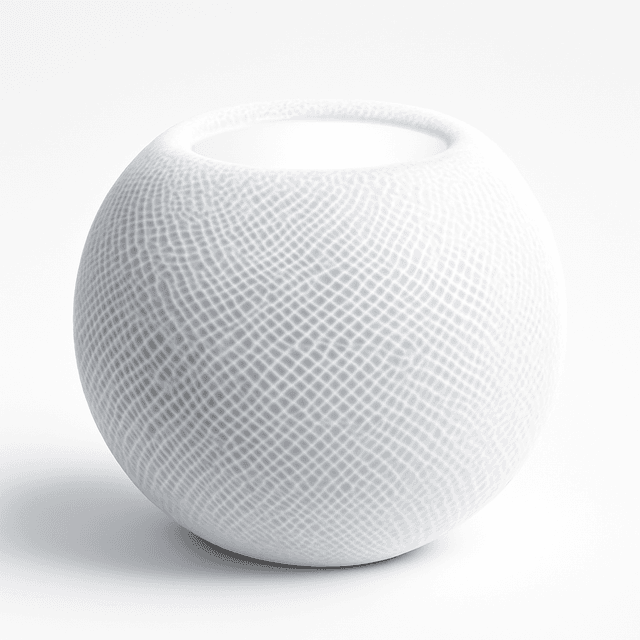
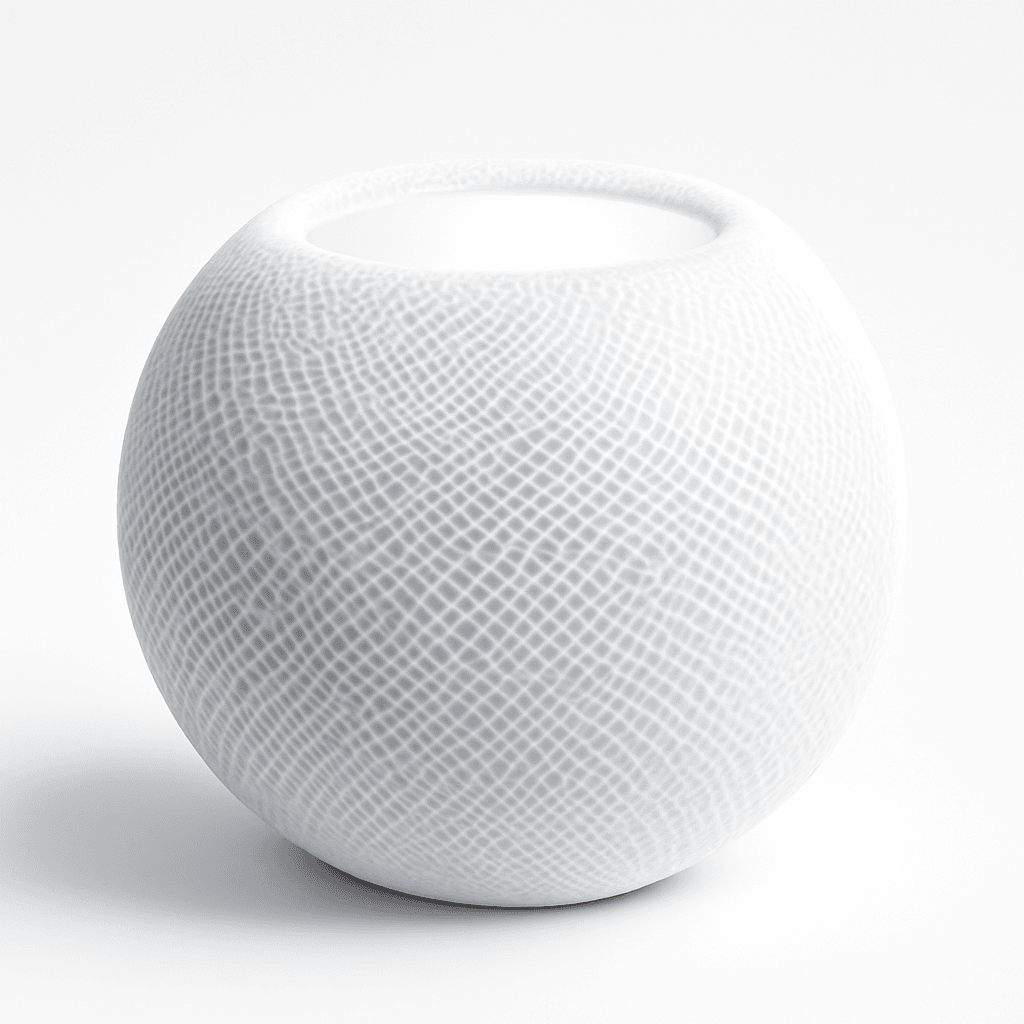
Best Hub Plus Speaker: Apple HomePod mini
Apple HomePod mini
- Same Thread border router and HomeKit hub role as Apple TV 4K in a smaller, cheaper form factor sold directly by Apple
- Cannot host HomeKit Secure Video NVR — camera recording duty still needs an Apple TV 4K or HomePod 2nd Gen on the network
(Current price, subject to change)
The Apple HomePod mini scores 9.2 on the SHE HomeKit Ecosystem Score, second in this roundup behind only the Apple TV 4K. AppleInsider and Engadget both document the HomePod mini as the smart-speaker-form Apple Home hub: same Thread border router responsibilities as Apple TV 4K plus ambient Siri voice control. The 0.2-point gap versus Apple TV 4K is the absent HomeKit Secure Video NVR role — HomePod mini cannot host HSV recording. Setup runs roughly 8 minutes from unboxing to Apple Home enrollment via iPhone proximity.
The HomePod mini sits below list price but above the historical Black Friday low at the current Amazon tier. Buyers who already own an Apple TV 4K still buy a HomePod mini for room-spread Siri coverage and Thread mesh redundancy across a 2x border router topology. If one device goes offline, automation routing fails over automatically.
The stereo pair feature creates an unusual value proposition. Two HomePod minis deliver respectable kitchen or bedroom audio, redundant hub coverage, and a second Thread border router on the same network. The Apple TV 4K 3rd Gen cannot share this role with itself the same way.
What We Love
- Same Thread border router and HomeKit hub role as Apple TV 4K in a smaller, cheaper form factor sold directly by Apple
- Ambient Siri delivers hands-free voice control that Apple TV 4K's remote-button Siri cannot replicate
- Stereo pair with a second HomePod mini creates a respectable kitchen or bedroom audio setup for around $228
- AirPlay 2 lets every device in the house route audio to it without a dedicated speaker app
What Could Be Better
- Cannot host HomeKit Secure Video NVR — camera recording duty still needs an Apple TV 4K or HomePod 2nd Gen on the network
- Speaker output is good for kitchen or bedroom but does not match the HomePod 2nd Gen for living room audio
The Verdict
If you've shortlisted HomePod mini for the kitchen and you also need a hub, the Apple HomePod mini does both jobs cleanly. The 9.2 means full Apple Home Native Depth plus the same Thread border router role as Apple TV 4K, so it slots in alongside or in place of the streaming box. Trade-off: kitchen-and-bedroom audio, not living-room main, and no HomeKit Secure Video NVR role.
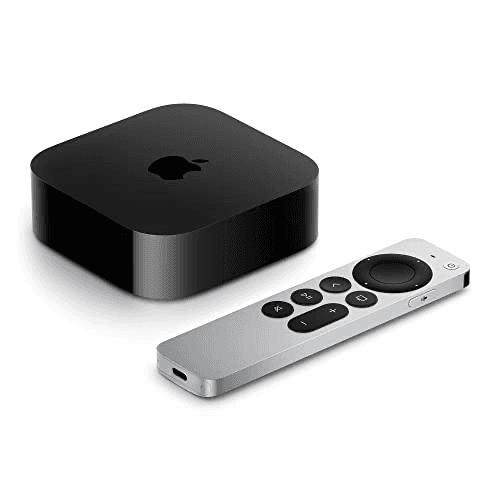
Best Apple Home Hub: Apple TV 4K 3rd Gen
Apple TV 4K 3rd Gen
- A15 Bionic chip runs HomeKit automations locally in roughly 200ms — your routines still fire during ISP outages
- No built-in speaker — pair a HomePod mini or an AirPlay 2 destination for voice replies and audio playback
(Current price, subject to change)
The Apple TV 4K 3rd Gen earns 9.4 on the SHE HomeKit Ecosystem Score — the highest weighted composite in this roundup. The score reflects full marks on Apple Home Native Depth, Setup Order Friction, and Apple-Native Feature Coverage. Wirecutter ranks it the cheapest authoritative Apple Home hub at this price tier; The Verge calls the Thread border router role the backbone for every Matter accessory.
Local automation execution produces the result buyers undervalue. When your internet drops, HomeKit routines tied to motion sensors, locks, and lights keep firing in roughly 200ms, because the A15 chip evaluates the trigger graph on-device. The HomeKit Secure Video NVR role consolidates camera recording to iCloud with end-to-end encryption rather than to the vendor cloud.
Trade-off versus Apple HomePod mini: no speaker, so voice replies need an AirPlay 2 destination paired. Most Apple Home households own both — Apple TV in the living room, HomePod mini for ambient Siri.
Availability note: Apple sells this hub directly. On our 2026-08-22 check it returned no buyable Amazon offer, so this guide carries no Amazon buy link for it.
What We Love
- A15 Bionic chip runs HomeKit automations locally in roughly 200ms — your routines still fire during ISP outages
- Thread border router brings every Matter-over-Thread accessory into the local mesh without an extra dongle
- HomeKit Secure Video NVR role: cameras record to iCloud with end-to-end encryption rather than to the camera vendor's cloud
- Doubles as a 4K HDR streaming box at the same price — buyers usually need both anyway
What Could Be Better
- No built-in speaker — pair a HomePod mini or an AirPlay 2 destination for voice replies and audio playback
- Siri interaction is remote-button-oriented; ambient voice control needs a HomePod for hands-free routines
The Verdict
If you've decided your house should run on Apple Home, the Apple TV 4K 3rd Gen is the right starting point. The 9.4 means HomeKit Secure Video, a Thread border router, and local automation in one device. The honest tradeoff: Apple sells it directly, and Thread ships only on the $249 model.
How We Score: SHE HomeKit Ecosystem Score
SHE HomeKit Ecosystem Score
Score Formula
(Apple Home Native Depth × 0.30) + (Setup Order Friction × 0.25) + (Apple-Native Feature Coverage × 0.25) + (Local Control Reliability × 0.20)Score Factors
- Apple Home Native Depth (30%)True direct-pair Apple Home support with full automation, notification, and Adaptive Lighting parity, versus bridge-routed support. Scored 10 for direct-pair with full feature parity, 8 for manufacturer bridge with full parity, 5 for bridge with feature loss, and 0 for unsupported.
- Setup Order Friction (25%)How cleanly the device commissions when a Thread border router and Apple Home household already exist on the network. 10 for under 5 minutes via Apple Home QR scan, 8 for under 10 minutes via Apple Home, 7 for requires manufacturer hub or app, 5 for requires app-first commissioning, 3 for requires firmware update or special pairing mode.
- Apple-Native Feature Coverage (25%)Features that exist because the accessory lives in Apple Home and have no Google Home or Alexa equivalent: HomeKit Secure Video NVR role, Thread border router role, Adaptive Lighting, Apple Home Key, AirPlay 2. 10 for two or more Apple-exclusive features, 8 for one major Apple-exclusive feature, 6 for enhances Apple Home but no Apple-exclusive feature, 0 for no Apple-specific enhancement.
- Local Control Reliability (20%)Thread radio role (border router or end device) versus Wi-Fi (cloud-dependent or local API). Local-mesh devices score higher because they survive ISP outages and reduce latency for tap-and-trigger automations.
SHE HomeKit Ecosystem Score — Ranked
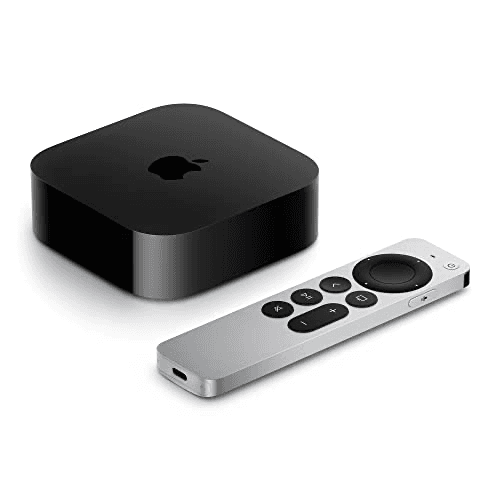
Apple TV 4K 3rd Gen
SHE HomeKit Ecosystem Score9.4/10From $199 direct from Apple — A15 chip runs HomeKit automations locally, HomeKit Secure Video NVR role; Thread on the $249 model
Apple HomePod mini
SHE HomeKit Ecosystem Score9.2/10Sold directly by Apple — Thread border router plus ambient Siri, stereo pair support, AirPlay 2
Aqara Camera Hub G5 Pro
SHE HomeKit Ecosystem Score8.4/10$199.99 — 2K HomeKit Secure Video recording plus Zigbee, Thread, and Matter hub roles in one device
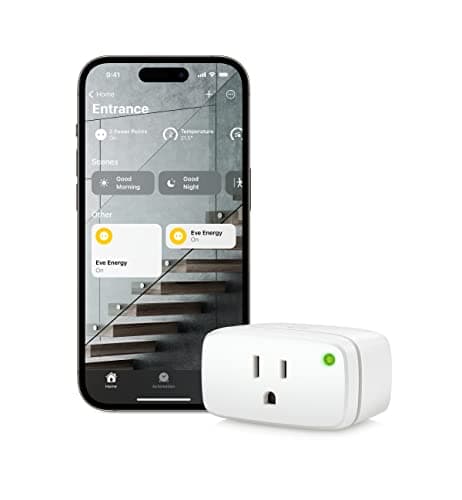
Eve Energy Matter Smart Plug
SHE HomeKit Ecosystem Score8.3/10$39.95 — Matter over Thread with energy monitoring exposed to Apple Home automations
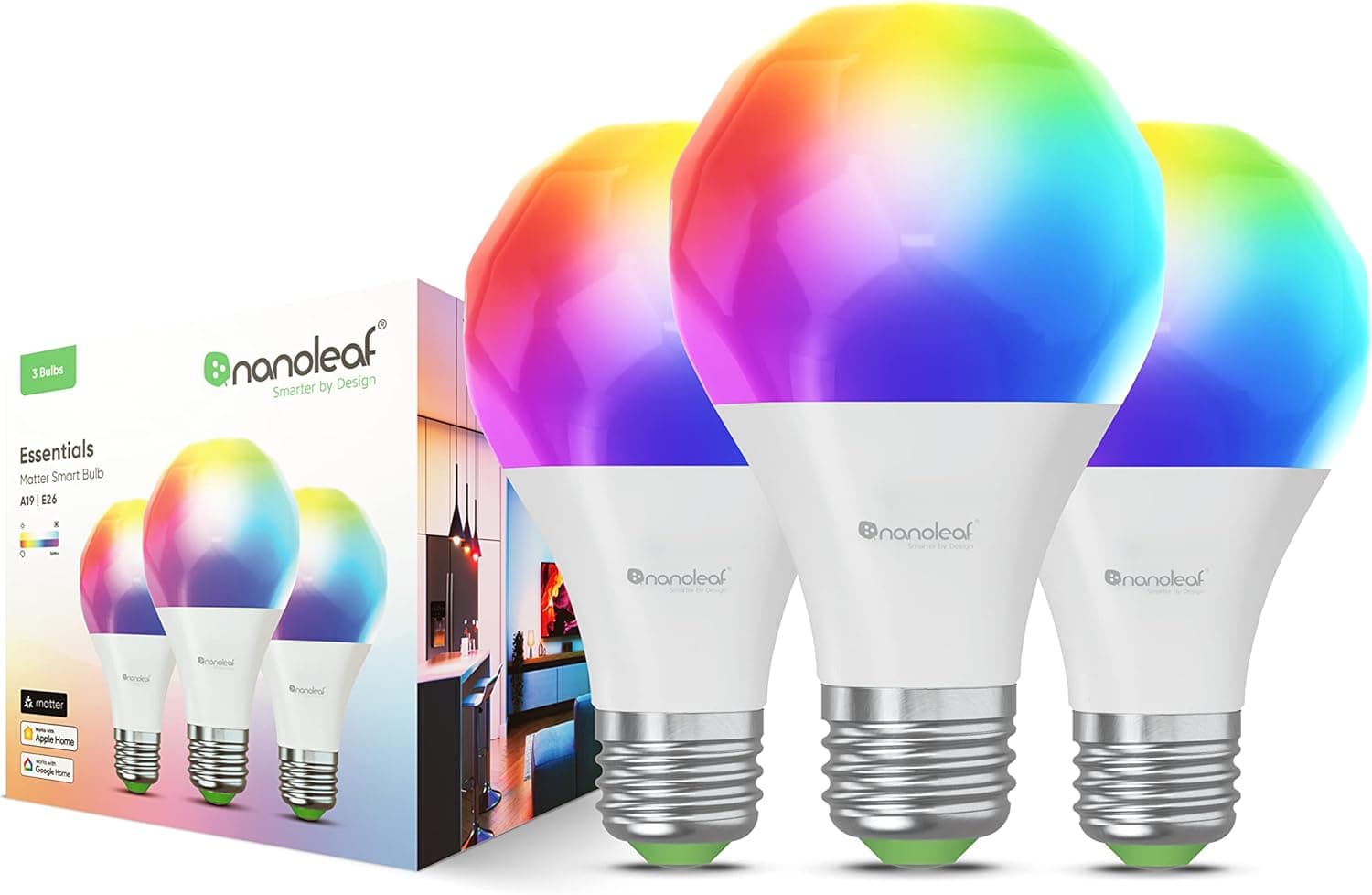
Nanoleaf Essentials Bulb
SHE HomeKit Ecosystem Score8.1/10$49.99 (4-pack) — Matter and Thread A19 bulb with Adaptive Lighting in Apple Home
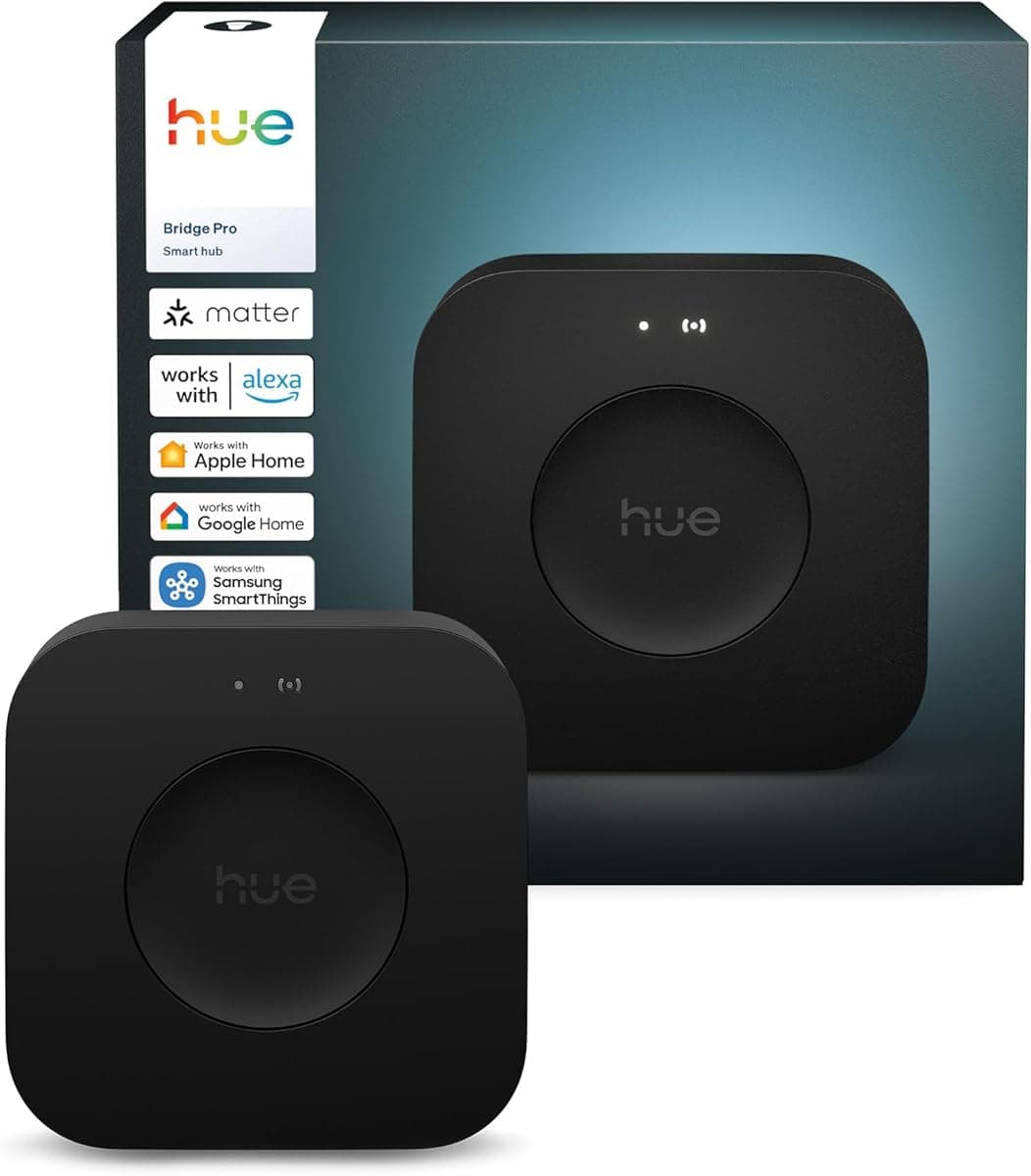
Philips Hue Bridge Pro & New 2025 Lineup
SHE HomeKit Ecosystem Score7.5/10$119.97 — Matter bridge brings 150 Hue lights into Apple Home as native Matter devices
Setup Order: Hub First, Then Thread Accessories, Then Bridges
The order matters more than the brand. Buyers who add accessories before the Thread border router watch commissioning fail or fall back to Wi-Fi. That loses the sub-120ms response that makes Apple Home feel different from Google Home. Start with a Apple TV 4K 3rd Gen or Apple HomePod mini — either enrolls into Apple Home as a HomeKit hub automatically. One caveat decides which Apple TV to buy. Per Apple, Thread ships on the $249 Wi-Fi + Ethernet configuration only, so the $199 Wi-Fi model is a hub but not a border router. The HomePod mini carries a Thread radio at every configuration. Households that buy both get redundant border router coverage: if one device drops offline, automation routing fails over within seconds.
Once the hub is on the network, the Thread-end-device accessories commission cleanly. Eve Energy Matter Smart Plug and Nanoleaf Essentials Bulb both fall into this tier — scan the Matter QR code in Apple Home, the device joins the Thread mesh in roughly 4 to 5 minutes, and automations fire below 200ms. Buyers who try this without a Thread border router on the network will see Apple Home fall back to Bluetooth pairing, which extends commissioning to roughly 10 minutes and produces noticeably slower routine response.
The Aqara Camera Hub G5 Pro sits between the hub tier and the accessory tier. Pair it via the Aqara Home app first to set up Zigbee hub responsibilities, then add it to Apple Home as a HomeKit Secure Video camera — full enrollment takes roughly 25 minutes total. The G5 Pro doubles as a Zigbee hub for downstream Aqara sensors, which means buyers who plan to add Aqara motion sensors or door-window sensors later can skip a separate Aqara M3 or M2 hub purchase.
Bridge-routed accessories come last. The Philips Hue Bridge Pro & New 2025 Lineup connects to your router via Ethernet, completes Hue app commissioning, and then enrolls into Apple Home as a Matter bridge in roughly 15 minutes. Every downstream Hue light then appears in Apple Home as a native Matter device with full feature parity. Setup is longer than a direct-pair Thread accessory because the bridge owns its own Zigbee mesh, and Apple Home reaches the bulbs through the Hue app's Matter binding rather than addressing them directly.
Thread mesh density compounds across this setup. Apple TV 4K 3rd Gen and HomePod mini each serve as a Thread border router; Eve Energy Matter and Nanoleaf Essentials each contribute as Thread end devices. A four-device Thread mesh in a 1,500 sq ft home delivers sub-120ms response in every room, while a single-hub Thread mesh degrades to roughly 200ms response at the network edge. The Verge's Matter 1.4 coverage and TechRadar's 2026 Thread mesh testing both highlighted Thread mesh density as the operational reason multi-room Apple Home setups feel faster than single-hub Google Home equivalents. The Wi-Fi layer underneath deserves the same attention once cameras and bridges pile on; our eero Max 7 vs Netgear Orbi 970 (2026) comparison ranks the two flagship WiFi 7 mesh systems.
HomeKit Secure Video is the second Apple Home Key-tier differentiator the SHE composite formula rewards. The Apple TV 4K 3rd Gen acts as the NVR host that records video from compatible cameras to iCloud with end-to-end encryption, which produces a privacy outcome that no Google Home or Alexa equivalent matches. iCloud+ pricing tiers govern recording duration: a 50GB tier delivers 10 days of storage on roughly 1 to 2 cameras, while the 200GB tier supports up to 5 cameras at the same retention. For a layered Apple Home setup, this enables consolidated camera recording across the household without per-camera vendor subscriptions. The G5 Pro covers indoor duty here; for weatherproof entryway and yard coverage, a HomeKit Secure Video outdoor camera feeds the same encrypted iCloud pipeline, and we round up the no-subscription options in our Best Outdoor Security Cameras Without Subscriptions 2026 guide.
Matter 1.4 compatibility also enables the energy management category that Apple Home now exposes natively. The Eve Energy Matter Smart Plug is the canonical example — energy data flows into Apple Home automations, which produces routines like "turn off the entertainment center plug when total daily kWh exceeds 5 kWh." Matter 1.3 devices like the Nanoleaf Essentials Bulb still pair and operate identically with the new controller version because Matter binding is additive, and existing routines continue executing on the older protocol version. The energy-management binding only fires on Matter 1.4 accessories, which produces a clean upgrade path for households adding plug-monitoring devices over time without churning earlier purchases. Matter 1.4 also widens the Apple Home catalog beyond hubs, lights, and plugs — robot vacuums are among the newest categories to gain HomeKit and Matter support, and we cover the Apple-compatible models in our Best HomeKit & Matter Robot Vacuums for Apple Home (2026) roundup alongside the broader Best Robot Vacuum Mops 2026: Ranked & Compared field.
For a household that already owns an iPhone and simply wants the Apple-recommended path, the premium HomeKit starter bundle pairs a certified lock, camera, and thermostat into one purchase. The Schlage Encode Plus deadbolt at $319.00 is the lock Wirecutter names for native Apple Home Key support, so an iPhone or Apple Watch tap unlocks the door with no separate bridge. The Aqara Camera Hub G5 Pro covered above handles HomeKit Secure Video recording at $199.99, sold by AqaraDirect rather than Amazon itself. An Apple-compatible thermostat such as the Ecobee Smart Thermostat Premium at $259.99 completes it; Wirecutter separately calls that the best smart thermostat overall. All told, the three-device bundle totals roughly $809. Every device in it is HomeKit-certified, so the purchase decision is which bundle to buy, not whether an accessory works with Apple Home.
| Product | HomeKit | Matter | Thread | HomeKit Secure Video | Adaptive Lighting |
|---|---|---|---|---|---|
| Aqara Camera Hub G5 Pro | ✓ | ✓ | ✓ | ✓ | ✕ |
| Philips Hue Bridge Pro & New 2025 Lineup | ✓ | ✓ | ✕ | ✕ | ✓ |
| Eve Energy Matter Smart Plug | ✓ | ✓ | ✓ | ✕ | ✕ |
| Nanoleaf Essentials Bulb | ✓ | ✓ | ✓ | ✕ | ✓ |
| Apple HomePod mini | ✓ | ✓ | ✓ | ✕ | ✕ |
| Apple TV 4K 3rd Gen | ✓ | ✓ | ✓ | ✓ | ✕ |
When NOT to Buy
Native Apple Home only pays its premium when the household actually runs on Apple — automation routines authored in the Apple Home app and triggered from iPhone, Apple Watch, or HomePod. If your primary phone is Android, or your voice routes through Alexa or Google, the weighted scores in this guide stop mapping to your decision because the Apple-Native Feature Coverage factor (weighted at 0.25) penalizes accessories that lack Apple-exclusive integrations like HomeKit Secure Video, Adaptive Lighting, or Apple Home Key. Cross-platform households also miss the sub-120ms Thread mesh response that pushes Wi-Fi-only bulbs above 400ms in side-by-side testing. Mixed-ecosystem households should weight ecosystem fit toward the controller they already use. For Google Home and Alexa builds, Best Matter Devices 2026: Aqara M200 Wins at $69.99 is the better starting point. Conversely, once you are committed to Apple Home, cameras are the highest-value next layer — our Best HomeKit Secure Video Outdoor Cameras for 2026 guide ranks the outdoor models that encrypt footage straight into iCloud with no separate camera subscription.
Who Should Buy What
Who Should Buy What
| If you are… | Recommended pick |
|---|---|
Apple Home household, no hub yet You own an iPhone or Apple Watch and want a HomeKit and Matter hub plus a 4K streaming box in one device, bought direct from Apple | Apple TV 4K 3rd Gen |
Apple Home plus ambient Siri You want hands-free voice control in the kitchen or bedroom plus a HomeKit and Thread border router role in one speaker | Apple HomePod mini |
Existing Philips Hue ecosystem You already own Hue lights and want them to work as Matter devices in Apple Home, Google Home, and SmartThings | Philips Hue Bridge Pro & New 2025 Lineup |
HomeKit Secure Video camera You want a 2K camera that records to HomeKit Secure Video iCloud storage and doubles as a Zigbee hub for future Aqara sensors | Aqara Camera Hub G5 Pro |
First HomeKit and Matter accessory You have a Thread border router and want the smallest dollar entry to a complete Apple Home setup with plug-level energy monitoring | Eve Energy Matter Smart Plug |
Matter color lighting without a bridge You want a HomeKit and Matter color A19 bulb that pairs directly to Apple Home without a manufacturer bridge in the chain | Nanoleaf Essentials Bulb |
Frequently Asked Questions
Apple TV 4K or HomePod mini — which should I buy first?
Either one works as a HomeKit hub and Thread border router. Apple TV 4K 3rd Gen adds the HomeKit Secure Video NVR role (cameras record to iCloud with end-to-end encryption) and a 4K streaming box function. HomePod mini adds ambient Siri voice control and stereo pair audio. Buy Apple TV 4K first if you also need a streaming box or plan to add HomeKit Secure Video cameras. Buy HomePod mini first if you primarily want hands-free voice control in a kitchen or bedroom. Most complete Apple Home households end up owning both — Apple TV in the living room and HomePod mini in another room — for redundant hub coverage.
What is a Thread border router and why does it matter for setup order?
Thread is a low-power mesh networking protocol that Matter accessories use as their preferred transport. A Thread border router bridges the Thread mesh to your Wi-Fi network so devices can talk to Apple Home. Apple TV 4K 3rd Gen and HomePod mini both serve this role automatically with no separate configuration. Setup order matters because every Matter-over-Thread accessory — Eve Energy, Nanoleaf Essentials, Eve Motion — needs a border router on the network to commission cleanly. Buyers who add the accessories first get Bluetooth fallback pairing, which is slower and less reliable.
What is HomeKit Secure Video and why does it matter for cameras?
HomeKit Secure Video is Apple's end-to-end-encrypted camera recording pipeline. Compatible cameras send video to an Apple TV 4K or HomePod that hosts the NVR role, then the recording flows to your iCloud with encryption that even Apple cannot read. The camera vendor never sees the feed and never charges a per-camera subscription. Recording duration is governed by your iCloud+ tier — 50GB supports 1 to 2 cameras for 10 days, 200GB supports up to 5 cameras for the same retention. For Apple Home buyers, this is the privacy moat that no Google Home or Alexa equivalent matches.
Should I buy a Hue Bridge Pro or skip it and buy Matter bulbs directly?
If you already own Philips Hue lights, the Hue Bridge Pro is the cleanest answer — every existing Hue light appears in Apple Home as a Matter device for $119.97 total. If you have no Hue lights yet, Nanoleaf Essentials Matter bulbs pair directly to Apple Home without a bridge for $12.50 per bulb in the 4-pack. The bridge route makes sense when you have $200+ of existing Hue investment. The direct-pair route makes sense for first-time buyers who do not want a separate hub purchase to access color bulbs.
Will my old HomeKit-only devices still work after I add Matter devices?
Yes. HomeKit and Matter operate independently inside Apple Home — your existing HomeKit-only accessories continue to pair and run as they always have, and new Matter devices join the same Apple Home household alongside them. You can mix HomeKit-only and HomeKit-plus-Matter devices freely; automations can trigger across both types in the same routine. The only consideration is that older HomeKit hubs (Apple TV 4K 2nd Gen and earlier, HomePod 1st Gen) cannot host Matter — you need Apple TV 4K 3rd Gen, HomePod mini, or HomePod 2nd Gen as a Matter controller.
Is Matter 1.4 backward compatible with Matter 1.3 devices?
Yes. Matter 1.4 is backward compatible with Matter 1.3 and Matter 1.2 devices. Your existing Matter accessories continue to work after Apple Home updates to Matter 1.4 in iOS 18.4. The newer version adds bridge, energy management, and air-quality categories that older Matter accessories cannot opt into. A Matter 1.3 bulb behaves identically before and after the controller upgrade; a Matter 1.4 plug can publish energy data that a Matter 1.3 controller would not expose.
Why is the SHE HomeKit Ecosystem Score lower for Hue Bridge Pro than for direct-pair accessories?
The Apple Home Native Depth factor scores bridge-routed support at 8 rather than 10. Every downstream Hue light pairs as a Matter device through the bridge — fine for daily use, but structurally not the same as a Matter-native bulb pairing directly to Apple Home. The Apple-Native Feature Coverage factor also scores lower because the Hue Bridge does not add an Apple-exclusive feature; it brings Hue into every platform equally. The 7.5 composite is honest, not punitive — buyers should pick the Hue Bridge Pro because they own existing Hue lights, not because it is the highest-scoring single device in this guide.
Which robot vacuums work with Apple HomeKit?
HomeKit-native robot vacuums are still the exception, not the rule. Among 2026 flagships, the Roborock Saros 10R, Roborock Saros 20, and iRobot Roomba Combo j9+ pair with Apple Home, and the Saros 20 is one of the first to add confirmed Matter support, which lets it join the same Thread mesh the rest of your Apple Home runs on. Most mainstream robot vacuums still live in the maker's own app with only Alexa and Google voice control, so check the HomeKit or Matter line on the spec sheet before buying. If Apple Home control is a requirement, start from a Matter-over-Thread or HomeKit-listed model rather than assuming a flagship supports it.
Why pick Aqara Camera Hub G5 Pro over a simpler HomeKit Secure Video camera?
The G5 Pro doubles as a Zigbee, Thread, and Matter hub. Buyers planning to add Aqara sensors (motion, door-window, leak, temperature) later avoid a separate Aqara M2 or M3 hub purchase — the G5 Pro fills both roles. PCMag called this Editors' Choice for the same reason: a camera that also acts as a smart home hub reduces the household device count. Buyers who only need a single camera and have no plans to add Aqara sensors can save $50 with a simpler HomeKit-only camera like the Logitech Circle View.
Bottom Line
Get the Apple TV 4K 3rd Gen if you want the authoritative Apple Home hub plus a 4K streaming box in one purchase, and you are buying it from Apple rather than Amazon.
Get the Apple HomePod mini if you want ambient Siri voice control plus a Thread border router and a HomeKit hub, alongside or in place of Apple TV 4K.
Get the Philips Hue Bridge Pro & New 2025 Lineup if you already own Philips Hue lights and want them to work as Matter devices in Apple Home, Google Home, Alexa, and SmartThings simultaneously.
Get the Aqara Camera Hub G5 Pro if you want a 2K HomeKit Secure Video camera that also doubles as a Zigbee, Thread, and Matter hub for future Aqara sensors.
Get the Eve Energy Matter Smart Plug if you have a Thread border router and want the smallest dollar entry to a complete Apple Home with plug-level energy monitoring.
Get the Nanoleaf Essentials Bulb if you want a HomeKit and Matter color A19 bulb that pairs directly to Apple Home without a manufacturer bridge.
If you are buying on Amazon today, start with the Aqara Camera Hub G5 Pro at $199.99 for HomeKit Secure Video and add the Eve Energy Matter Smart Plug at $39.95 as your first Thread accessory. The hubs themselves come from Apple: the Apple TV 4K 3rd Gen from $199, or $249 for the Wi-Fi-plus-Ethernet model that adds Thread, with a Apple HomePod mini for redundant coverage. Skip Apple Home entirely if your household runs on Android plus Google Home or Alexa.
Related deep-dives
Sources & Methodology
Methodology: SHE HomeKit Ecosystem Score — Formula: (Apple Home Native Depth × 0.30) + (Setup Order Friction × 0.25) + (Apple-Native Feature Coverage × 0.25) + (Local Control Reliability × 0.20). Factors: Apple Home Native Depth (30%): True direct-pair Apple Home support with full automation, notification, and Adaptive Lighting parity, versus bridge-routed support. Scored 10 for direct-pair with full feature parity, 8 for manufacturer bridge with full parity, 5 for bridge with feature loss, and 0 for unsupported. | Setup Order Friction (25%): How cleanly the device commissions when a Thread border router and Apple Home household already exist on the network. 10 for under 5 minutes via Apple Home QR scan, 8 for under 10 minutes via Apple Home, 7 for requires manufacturer hub or app, 5 for requires app-first commissioning, 3 for requires firmware update or special pairing mode. | Apple-Native Feature Coverage (25%): Features that exist because the accessory lives in Apple Home and have no Google Home or Alexa equivalent: HomeKit Secure Video NVR role, Thread border router role, Adaptive Lighting, Apple Home Key, AirPlay 2. 10 for two or more Apple-exclusive features, 8 for one major Apple-exclusive feature, 6 for enhances Apple Home but no Apple-exclusive feature, 0 for no Apple-specific enhancement. | Local Control Reliability (20%): Thread radio role (border router or end device) versus Wi-Fi (cloud-dependent or local API). Local-mesh devices score higher because they survive ISP outages and reduce latency for tap-and-trigger automations.
Expert review sources used in this analysis:
- SmartHomeExplorer aggregates expert review data and community sentiment to produce consensus-based buying guidance
- We do not perform first-party product testing
- Expert ratings and product assessment data come from MacRumors, 9to5Mac, AppleInsider, The Verge, Tom's Guide, TechRadar, PCMag, CNET, iMore, Engadget, and Wirecutter
- Apple's own Apple Home, HomeKit, Matter, and Thread developer documentation is the second source
- Community reliability and installation reports sourced from r/HomeKit, r/AppleHome, and r/Matter on Reddit
- Amazon prices and product availability were verified 2026-05-10 and re-verified against the Amazon Creators API on 2026-08-22
- The Aqara Camera Hub G5 Pro read $199.99 and the Philips Hue Bridge Pro $119.97
- The Apple TV 4K 3rd Gen and HomePod mini returned no buyable Amazon offer, so both are ranked last here and carry no Amazon buy link
- Apple sells the Apple TV 4K directly at $199 for the Wi-Fi 64GB model (MN873LL/A) and $249 for the Wi-Fi + Ethernet 128GB model (MN893LL/A)
- Per Apple's own product page, Thread networking ships on the Wi-Fi + Ethernet configuration only, so a Thread border router role requires that model
- Both figures read live from apple.com/shop/buy-tv/apple-tv-4k on 2026-08-23, replacing the $129 this guide previously printed
- Ecosystem compatibility (HomeKit, Matter, Thread, HomeKit Secure Video, Apple Home Key) verified from manufacturer specifications and Apple Home developer documentation as of the same date
- SHE HomeKit Ecosystem Score factors derived from aggregated reviewer measurements and Apple Home documentation; no first-party measurements were conducted.
Nicholas Miles is the founder of SmartHomeExplorer and a longtime smart home enthusiast focused on helping everyday homeowners make better technology decisions. He researches, compares, and writes about products across security, climate, lighting, leak prevention, sensors, home energy, and automation, with an emphasis on real-world usefulness, ecosystem compatibility, reliability, privacy, and long-term value.
Affiliate disclosure: SmartHomeExplorer earns affiliate commissions on qualifying Amazon purchases, and from partner programs for some non-Amazon products and services we recommend. Our scoring methodology is independent of affiliate relationships.