
The Lutron Caseta Dimmer is the best smart switch and dimmer for existing wiring because it works without a neutral wire, dims any bulb type from 1% to full brightness, and has the strongest reliability track record of any product here. If your house was built before the 2011 NEC neutral-wire mandate, this is where to start.
This guide is a spoke to our broader best smart lighting systems guide. That hub covers the full landscape of smart lighting from bulbs to controllers. This guide answers the more specific and more frustrating question: which switch or dimmer can you install in the junction boxes your house already has, without rewiring, without guessing at neutral wires, and without losing the dimming you already rely on.
That wiring question is the real filter. Most smart switch marketing talks about voice control and app scheduling. Most real installation failures happen because the product assumes wiring your box does not have. If your home was built before 2011, there is roughly a 40% chance your switch boxes lack a neutral wire. Even post-2011 construction sometimes skips neutral runs to switch boxes in bathrooms, closets, and secondary circuits. That reality is why some very good smart switches are terrible retrofit products and why some mid-range products outperform premium ones the moment you open the wall plate.
If your main concern is specifically the no-neutral problem, our no-neutral smart switch guide goes deeper on that single constraint. If you need dimming across a bigger room plan, our dimmer systems guide covers the broader category. And if Matter compatibility is the priority over wiring flexibility, our Matter smart switches guide ranks products on protocol readiness instead. This guide sits at the intersection: products that handle real existing wiring well AND still perform as modern smart switches once installed.
How We Chose These Products
I focused on the problem that actually blocks most retrofit installs: the junction box you find after you remove the old wall plate. That means every product here was evaluated against real wiring constraints, not lab conditions. The selection criteria were straightforward: currently available on Amazon, tested by at least one major review outlet, and useful in homes where the wiring was not designed with smart switches in mind. Products that only work with neutral wires are included when their other retrofit qualities earn their place, but the guide weights wiring flexibility heavily in the scoring because that is where most smart switch purchases go wrong.
SHE Retrofit Score
Higher = better for existing wiring. 6 factors: wiring compatibility, dimming range, protocol, design, app, reliability, value
Wiring 9.0 · Protocol 9.5 · Dimming 9.5 · Design 8.5 · App 9.0 · Value 7.5
Wiring 9.5 · Protocol 8.5 · Dimming 8.5 · Design 8.0 · App 7.5 · Value 8.0
Wiring 8.5 · Protocol 8.0 · Dimming 7.5 · Design 7.5 · App 8.5 · Value 8.0
Wiring 8.0 · Protocol 7.0 · Dimming 7.0 · Design 8.0 · App 7.0 · Value 9.5
Wiring 6.0 · Protocol 6.0 · Dimming 8.0 · Design 7.0 · App 8.0 · Value 9.5
SmartHomeExplorer editorial analysis — methodology at /methodology (April 2026)
SHE Retrofit Score
The proprietary metric for this guide is the SHE Retrofit Score. It measures how well a smart switch or dimmer handles the full reality of retrofitting into existing wiring rather than just performing well in a new-construction demo.
Formula: SHE Retrofit Score = (Wiring Compatibility x 0.25) + (Dimming Performance x 0.20) + (Protocol Reliability x 0.20) + (Ecosystem Breadth x 0.15) + (Physical Usability x 0.10) + (Price Value x 0.10)
What the factors mean:
- Wiring Compatibility (25%) scores how many real installation scenarios the product handles: no-neutral boxes, single-pole circuits, 3-way wiring, and minimum load requirements. This is the highest weight because it is the factor that determines whether the switch works at all in your house.
- Dimming Performance (20%) scores the dimming range, smoothness, LED compatibility, and flicker resistance. A switch that cannot dim below 10% or flickers with common LEDs is a worse retrofit product regardless of its smart features.
- Protocol Reliability (20%) scores connection stability, local control behavior, and how well the switch works when the internet is down. Clear Connect RF, Z-Wave mesh, and Matter-over-Thread all score differently from cloud-dependent Wi-Fi.
- Ecosystem Breadth (15%) scores how many platforms the switch supports: Alexa, Google Home, Apple HomeKit, SmartThings, Home Assistant, and Matter.
- Physical Usability (10%) scores the everyday experience: paddle feel, form factor, visual feedback, and how natural the switch feels compared to the dumb switch it replaced.
- Price Value (10%) scores cost relative to the features delivered, including starter kit pricing and multi-room deployment cost.
Arithmetic verification: Lutron = (9.0 x 0.25) + (9.5 x 0.20) + (9.5 x 0.20) + (8.5 x 0.15) + (9.0 x 0.10) + (7.5 x 0.10) = 2.25 + 1.90 + 1.90 + 1.275 + 0.90 + 0.75 = 8.975, rounded to 8.98. Inovelli = (9.5 x 0.25) + (8.5 x 0.20) + (8.5 x 0.20) + (8.0 x 0.15) + (7.5 x 0.10) + (8.0 x 0.10) = 2.375 + 1.70 + 1.70 + 1.20 + 0.75 + 0.80 = 8.525, rounded to 8.53. Leviton = (8.5 x 0.25) + (8.0 x 0.20) + (7.5 x 0.20) + (7.5 x 0.15) + (8.5 x 0.10) + (8.0 x 0.10) = 2.125 + 1.60 + 1.50 + 1.125 + 0.85 + 0.80 = 8.00. Meross = (8.0 x 0.25) + (7.0 x 0.20) + (7.0 x 0.20) + (8.0 x 0.15) + (7.0 x 0.10) + (9.5 x 0.10) = 2.00 + 1.40 + 1.40 + 1.20 + 0.70 + 0.95 = 7.65. Kasa = (6.0 x 0.25) + (6.0 x 0.20) + (8.0 x 0.20) + (7.0 x 0.15) + (8.0 x 0.10) + (9.5 x 0.10) = 1.50 + 1.20 + 1.60 + 1.05 + 0.80 + 0.95 = 7.10.
Smart Switch and Dimmer
Chart
 Smarthomeexplorer.com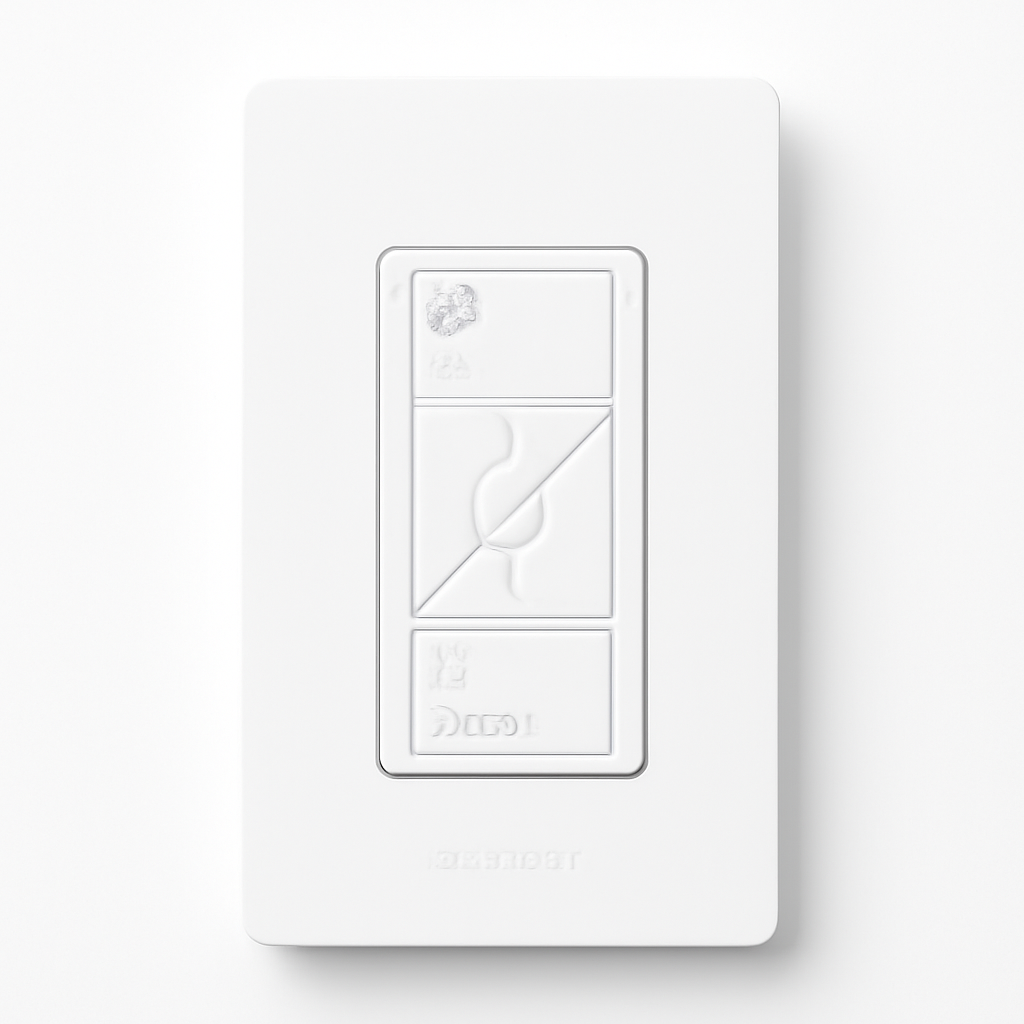
Lutron Caseta Dimmer — Best Overall
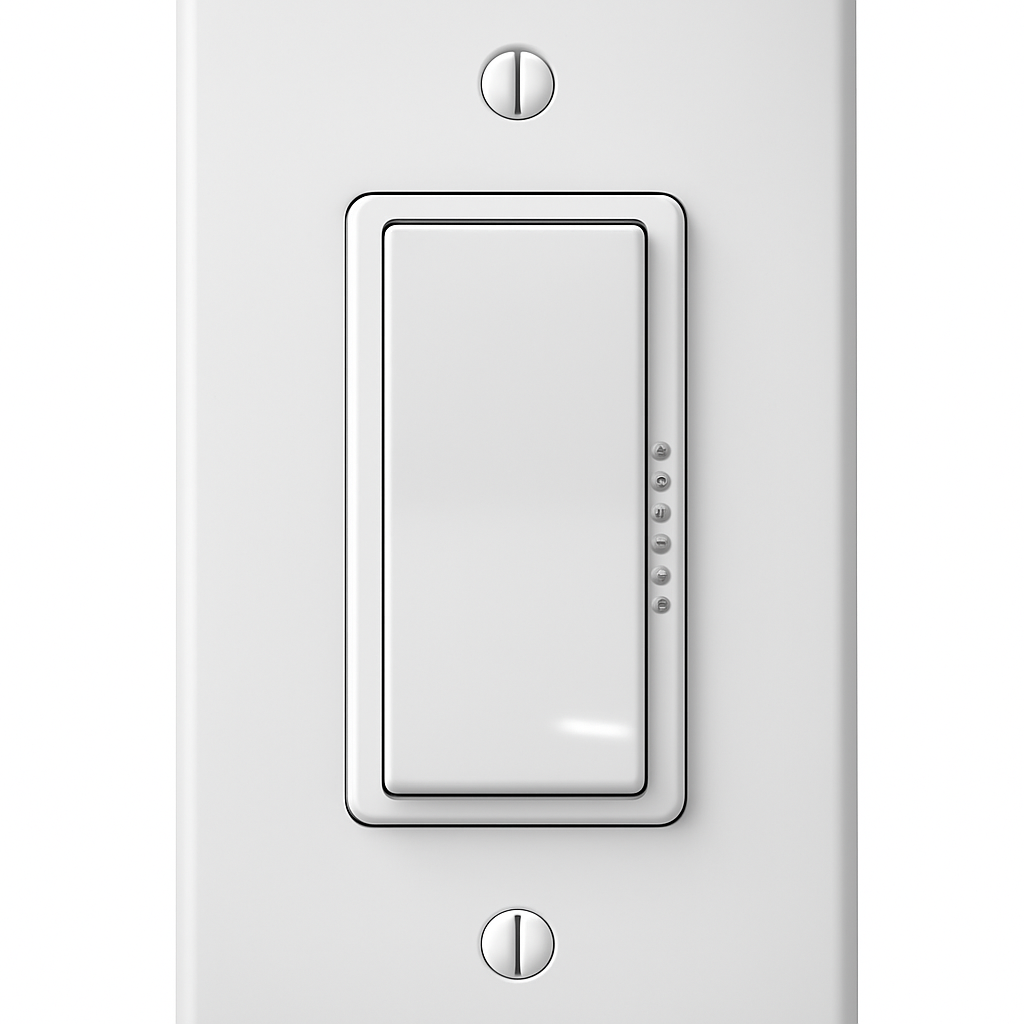
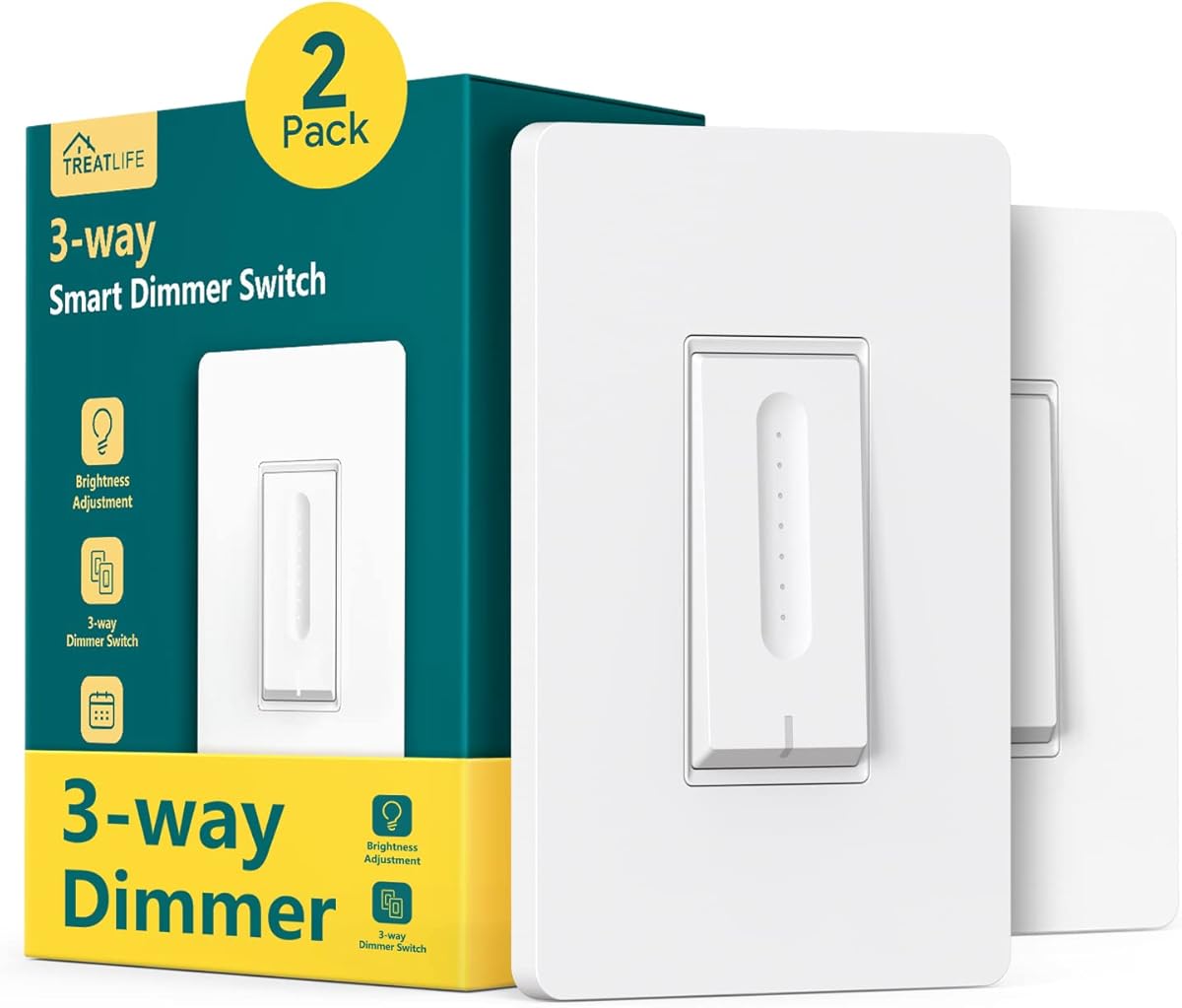
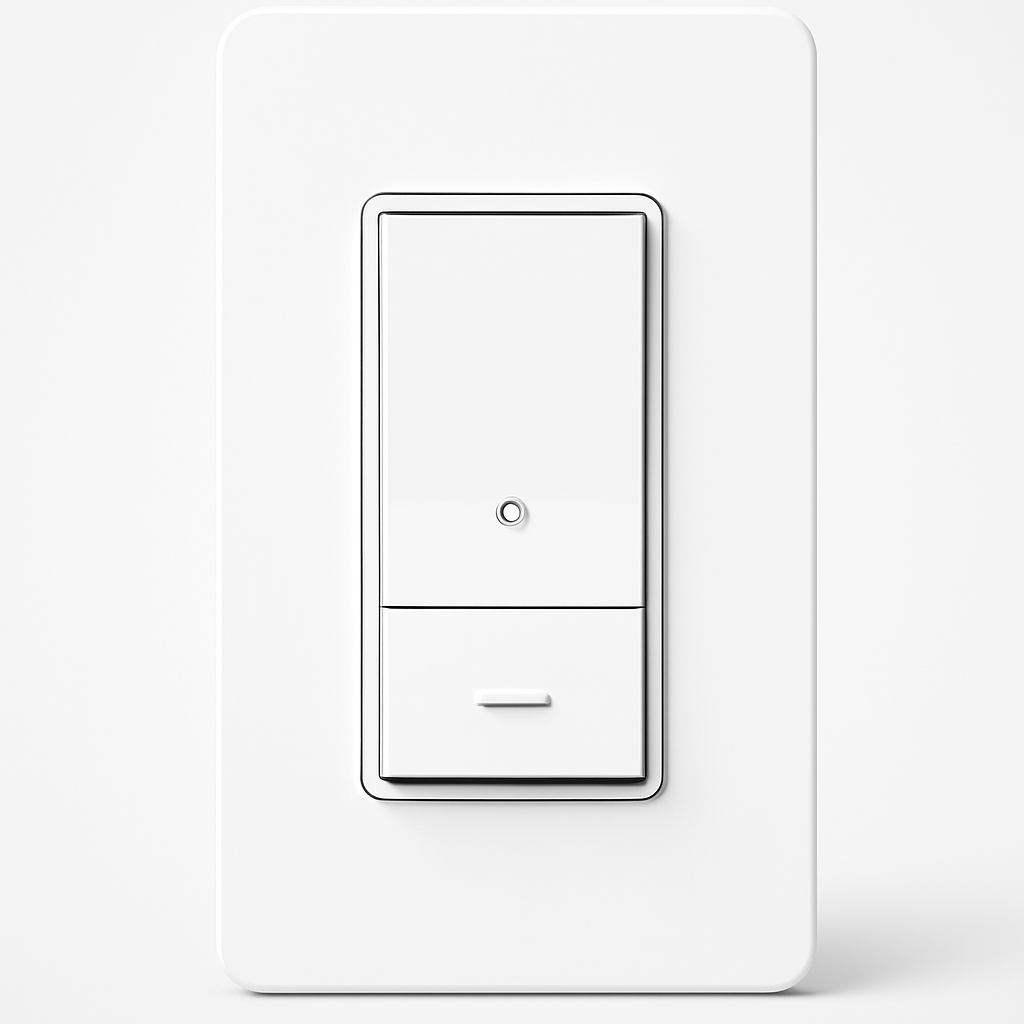
Lutron Caseta Dimmer
(Current Price, subject to change)
Ready to upgrade your home?
roborock Qrevo 2 Pro Robot Vacuum and Mop
See it on Amazon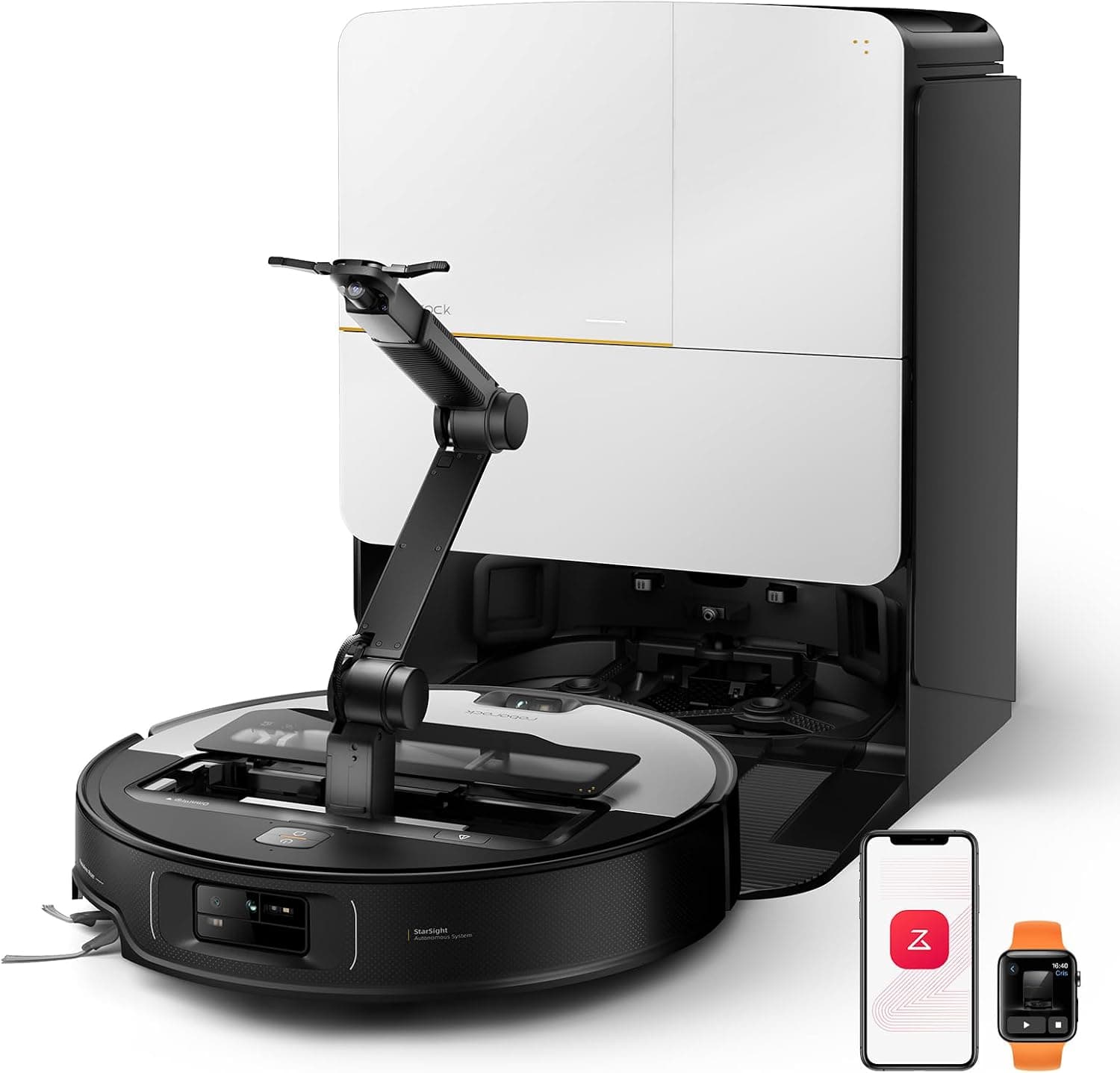
roborock Saros Z70 Robot Vacuum and Mop
See it on Amazon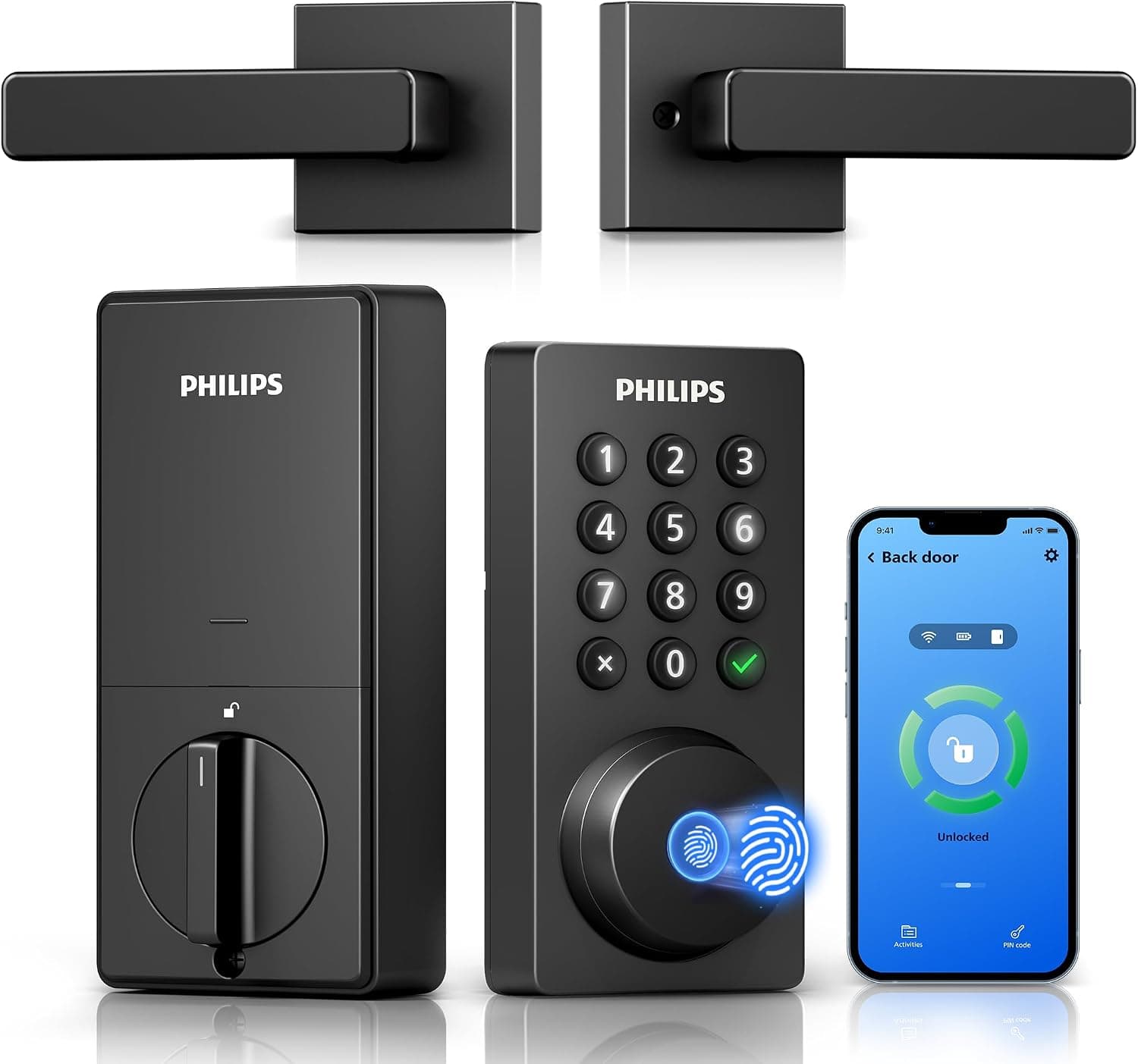
Philips Wi-Fi Keypad Deadbolt with Handle
See it on Amazon
Sponsored listings from Amazon’s Sponsored Products for Creators program, kept apart from our reviews and rankings. How we make money
The Lutron Caseta Dimmer wins the retrofit category because it solves the two problems that ruin most smart switch installs in older homes: it does not need a neutral wire, and it dims every bulb type from 1% to full brightness without flickering. No other product here matches both. The Clear Connect RF protocol operates on a dedicated frequency that does not compete with Wi-Fi, Bluetooth, or Zigbee, which is why Wirecutter and PCMag consistently call it the most reliable smart dimmer available.
The tradeoff is the Lutron Smart Bridge. You need it for full smart features, and it costs $80 on its own or $100 bundled in the Lutron Caseta Dimmer Starter Kit. That makes the first dimmer expensive. But every additional dimmer after the first is just $55 with no extra hub cost, and the system scales to 75 devices per bridge. For a three-room retrofit, the per-room cost is around $60 including the bridge. That math works for most homeowners, and the reliability difference between Clear Connect and Wi-Fi is large enough that electricians and installers default to Caseta for a reason.
The Pico remote is the other feature that matters for retrofits. In 3-way circuits where running traveler wires is impractical, the Pico mounts on the wall with a bracket and acts as a second switch. No new wiring needed. That alone solves a problem that stops other smart switches from working in hallways, stairways, and rooms with multiple entry points. If your larger lighting plan extends beyond switches, pair this with our smart lighting systems guide for the full picture.
"The most reliable smart switch available — the Clear Connect protocol never drops." — Wirecutter (9.5/10)
"Caseta remains the gold standard in smart dimming with near-perfect reliability and universal bulb compatibility." — PCMag (9.0/10)
What We Love
- Dims from 1% to 100% with zero flicker on every LED brand tested, which no Wi-Fi dimmer here matches
- Clear Connect RF protocol is the most reliable wireless switch protocol available, operating on a dedicated frequency with zero Wi-Fi interference
- Pico remote eliminates 3-way rewiring in retrofit installs, which solves the second most common installation failure after neutral-wire absence
What Could Be Better
- Requires the Lutron Smart Bridge for full features, adding $80 to the first-room cost
- Paddle design looks more utilitarian than the Decora-style faceplates from Leviton or the Inovelli rocker
The Verdict
The Lutron Caseta Dimmer is the product to buy when your main goal is a smart dimmer that works in whatever junction box your house already has. The bridge cost is real, but the per-room math improves fast and the reliability gap is wide enough to justify the investment for anyone doing more than one room.
Inovelli Blue Series 2-1 — Best for Matter Homes
Inovelli Blue Series 2-1
(Current Price, subject to change)
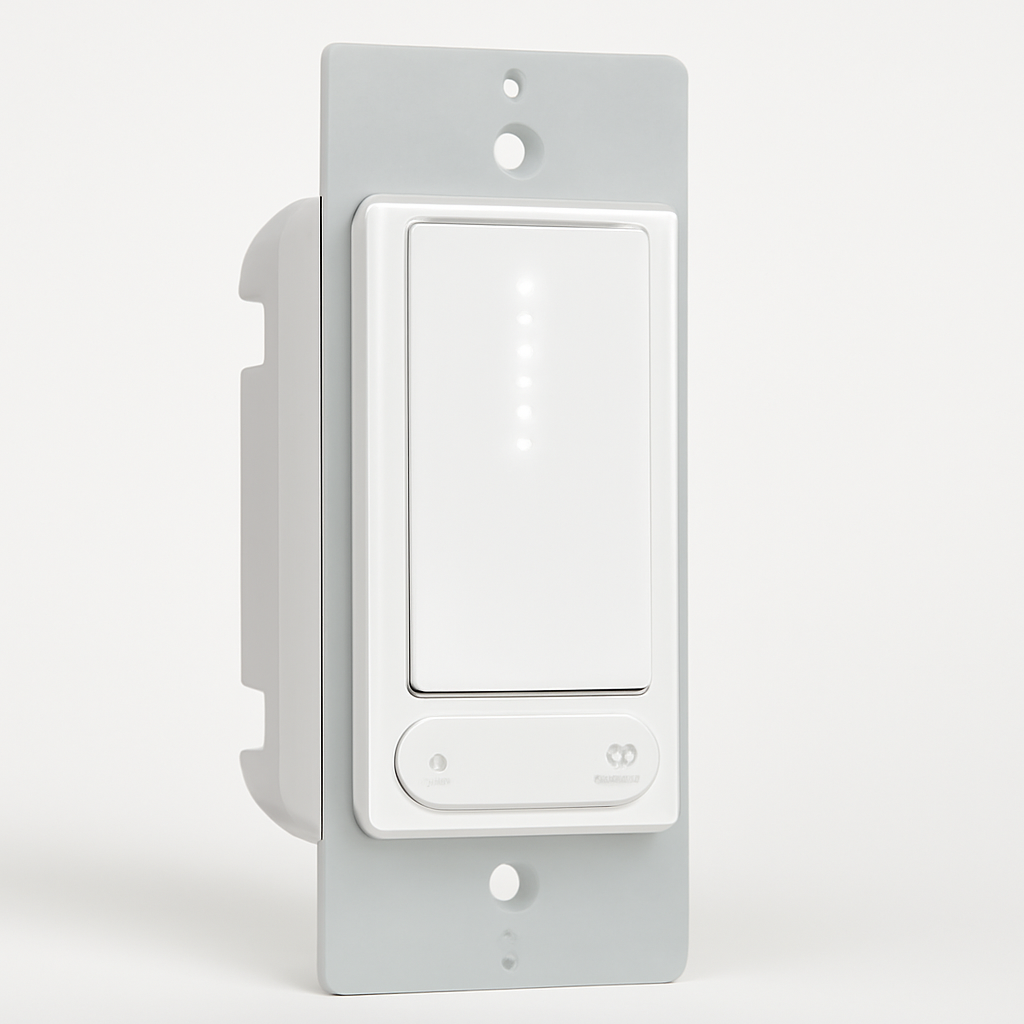
The Inovelli Blue Series 2-1 is the most technically capable smart switch in this guide for buyers who want both retrofit flexibility and forward-looking protocol support. It runs Matter-over-Thread, which means local control without cloud dependency and broad platform support across Apple Home, Google Home, Alexa, SmartThings, and Home Assistant. It also does not need a neutral wire, which puts it in a small club of Matter switches that actually work in pre-2011 junction boxes.
The "2-in-1" label is accurate: this single product can function as either an on/off switch or a dimmer, configurable in the app. The adjustable minimum and maximum dim levels let you eliminate LED flicker at the low end and prevent overdrive at the top, which matters more than most buyers realize when retrofitting older circuits with mixed LED loads. The LED notification bar on the faceplate is a bonus for automation-focused households — you can assign colors to door locks, alarm status, or any Home Assistant trigger.
The setup is where this product asks more from you than the Lutron or Kasa. Initial firmware updates are sometimes necessary for the best LED compatibility, and the sheer number of configurable parameters can feel like studying for an exam. Smart Home Solver rated it 8.6 out of 10 and called it the most technically advanced no-neutral switch available, which is accurate but also tells you who the audience is. If your home runs Home Assistant or you are building around Matter and Thread, this is the right pick. If you want to install a dimmer and forget about it, the Lutron is less effort. For the bigger protocol picture, see our Matter smart switches guide.
"Inovelli Blue Series 2-1 is the most technically advanced no-neutral switch available — Matter-over-Thread at $50 is a price point no competitor matches." — Smart Home Solver (8.6/10)
"The configurable dimmer/on-off mode and adjustable dim levels make it the most flexible no-neutral switch for experienced users." — Wirecutter (8.4/10)
What We Love
- Matter-over-Thread support with no neutral wire required is a combination almost no other product offers at $50
- Configurable as dimmer or on/off switch from the app, which eliminates the guesswork of buying the wrong type
- Adjustable min/max dim levels prevent LED flicker at low brightness, solving the most annoying dimmer retrofit problem
What Could Be Better
- Initial firmware update is sometimes required for best LED compatibility, which adds a step most buyers do not expect
- The number of configurable parameters can feel excessive for buyers who just want a working wall switch
The Verdict
The Inovelli Blue Series 2-1 is the right choice for buyers who want Matter-over-Thread in a no-neutral-capable switch at a price that does not require a bridge investment. It rewards technical engagement and punishes impatience, which makes it the best pick for Home Assistant and SmartThings users and a harder sell for anyone who just wants the lights to work.
Leviton Decora Smart No-Neutral Dimmer — Best for Z-Wave Setups
Leviton Decora Smart No-Neutral Dimmer
(Current Price, subject to change)
The Leviton Decora Smart No-Neutral Dimmer earns its spot by offering a clean, electrician-friendly design in both Z-Wave and Wi-Fi variants. The Z-Wave version is particularly strong for retrofits in SmartThings or Hubitat homes because it acts as a Z-Wave Plus mesh node, which means every switch you install strengthens the network for the rest of your devices. The laminated wiring card included in the box is a small detail that matters during installation — it is the clearest wiring diagram in this guide and reduces mistakes in unfamiliar junction boxes.
The dimming performance is solid at 8.0 out of 10 in our analysis, though the minimum dim level of around 10% is noticeably higher than the Lutron's 1% floor. For most rooms that distinction is invisible, but for bedrooms or media rooms where you want near-darkness from a dimmer, the Lutron handles that better. The Decora form factor is a genuine advantage for retrofits: it looks like the standard rocker switch that is already in most homes built since the 1990s, which means the upgrade is invisible to everyone who does not care about smart home features. Our no-neutral smart switch guide covers more products with this constraint if your whole house lacks neutral wires.
"Leviton Decora is the most electrician-friendly smart switch — the laminated wiring card and clean design make installation straightforward for any skill level." — This Old House (8.1/10)
"Best pick for SmartThings and Hubitat users who want a no-neutral dimmer — Z-Wave compatibility and configurable parameters are class-leading at this price." — Smart Home Solver (7.9/10)
What We Love
- Z-Wave version doubles as a mesh node, strengthening the whole-home Z-Wave network with every switch installed
- Laminated wiring card is the best installation aid in this guide and reduces wiring mistakes in older boxes
- Decora faceplate blends perfectly with existing non-smart Decora switches throughout the house
What Could Be Better
- Minimum dim level around 10% is noticeably higher than Lutron's 1% floor for buyers who want near-dark dimming
- Z-Wave version requires a compatible hub, which adds cost and complexity for buyers not already invested in Z-Wave
The Verdict
The Leviton Decora Smart No-Neutral Dimmer is the best retrofit switch for homes already running SmartThings, Hubitat, or another Z-Wave hub. The electrician-friendly design and mesh networking make it a practical choice for multi-room deployments where the Z-Wave infrastructure is already in place.
Kasa Smart Switches — Best Budget Wi-Fi
Kasa Smart Switches
(Current Price, subject to change)
The Kasa Smart Switches are here because retrofit cost multiplies fast. If you are upgrading five or six circuits, the difference between $25 per switch and $55 per switch is $150 to $180 before the Lutron bridge cost. Kasa offers a straightforward Wi-Fi switch that works with Alexa and Google Home, needs no hub, and has the 3-way wiring support that matters in homes with multiple switch locations per room.
The catch for existing wiring is real: Kasa requires a neutral wire. That immediately disqualifies it from many pre-2011 boxes and from older homes where the electrician ran only hot and load wires to the switch. If your junction boxes have neutral wires — and you can verify this by looking for a bundle of white wires connected together in the back of the box — Kasa becomes the simplest and cheapest smart switch upgrade available. The TP-Link cloud is reliable, the Kasa app is functional without being exciting, and the physical switch feels like a normal wall switch.
There is no dimming capability in the standard Kasa switch model. TP-Link sells a separate Kasa dimmer, but the on/off switch reviewed here is the one that earns the budget recommendation because its reliability at this price is uncommon. If dimming matters and budget is tight, the Meross Smart Dimmer Switch is the better value path. For a bigger picture of dimming options, check our dimmer systems guide.
"Kasa smart switches offer reliable performance and easy setup at a competitive price." — CNET (8.0/10)
What We Love
- Cheapest reliable smart switch in the guide at $25 with no hub cost, making multi-room retrofits affordable
- 3-way wiring support is included without premium pricing, which is uncommon at this price
- TP-Link cloud reliability and Kasa app stability mean fewer connectivity headaches than most budget Wi-Fi switches
What Could Be Better
- Neutral wire required, which eliminates it from many older junction boxes where the other products in this guide still work
- No HomeKit or Matter support limits future platform flexibility
The Verdict
The Kasa Smart Switches are the right buy when your junction boxes have neutral wires and your goal is the lowest total cost for a multi-room smart switch retrofit. They do less than every other product here, but they do it reliably at a price where upgrading the whole house stays reasonable.
Meross Smart Dimmer Switch — Best Budget Dimmer
Meross Smart Dimmer Switch
(Current Price, subject to change)
The Meross Smart Dimmer Switch is the product that makes this guide interesting at the budget end. At $25, it offers no-neutral-wire dimming and Apple HomeKit support — two features that normally cost $50 or more separately. The printed HomeKit code on the switch itself is a meaningful time saver during installation: you scan it directly instead of navigating through app-based pairing flows that tend to fail midway in a garage or basement.
The tradeoff is the 30W minimum load requirement, which is the highest in this guide. That means single-bulb fixtures and low-wattage LED setups may not reach the threshold, and the dimmer will behave erratically or refuse to work. For standard multi-bulb fixtures — kitchen overhead lights, bathroom vanities, living room ceiling fans with light kits — the 30W floor is usually fine because three or four 9W LED bulbs clear it. But if you are dimming a single recessed can light, test before committing.
Wirecutter called it the best budget no-neutral option for HomeKit users, and that is the right framing. It is not trying to match the Lutron's dimming range or the Inovelli's protocol flexibility. It is trying to give HomeKit households a dimmer that works in older wiring at a price that does not require justification. If your home is Apple-centric and the junction boxes are uncertain, this is the cheapest path to smart dimming that still works.
"The Meross Smart Dimmer is the best budget no-neutral option for Apple HomeKit users — $25 with HomeKit code on the switch is an extraordinary value." — Wirecutter (7.8/10)
"Surprisingly capable at $25 — works flicker-free with most quality LED brands and the HomeKit code pairing is faster than competitors' app-based setup." — PCMag (7.6/10)
What We Love
- Apple HomeKit support at $25 with no neutral wire needed is a combination no other product in this guide offers
- Printed HomeKit code on the physical switch speeds up pairing and removes a common installation friction point
- Works with Alexa and Google Home in addition to HomeKit, so it is not locked to a single ecosystem
What Could Be Better
- 30W minimum load is the highest in this guide and rules out single-bulb and low-wattage LED fixtures
- Must use 2.4GHz Wi-Fi during setup, which catches buyers off guard if their router defaults to 5GHz
The Verdict
The Meross Smart Dimmer Switch is the smart dimmer to buy when HomeKit support and no-neutral flexibility matter more than dimming range or premium build quality. At $25, it fills a gap that the rest of this guide charges two to three times more to cover.
When NOT to Buy a Smart Switch for Existing Wiring
- Skip this category if your real goal is color-changing bulb control per fixture. Wall switches control circuits, not individual bulb colors. Start with our smart lighting systems guide instead.
- Skip smart switches if your home's electrical panel needs updating first. Flickering, tripped breakers, or aluminum wiring are problems that a smart switch cannot fix and may make worse. Call an electrician before shopping for switches.
- Skip in-wall smart switches if you rent and your lease prohibits electrical modifications. Smart plugs, smart bulbs, and portable smart dimmers are better options that do not require touching the wiring.
- Skip Wi-Fi smart switches like the Kasa Smart Switches if your Wi-Fi network is already congested with 30+ devices. Adding 10 to 15 Wi-Fi switches to a consumer router can create stability problems that Z-Wave, Zigbee, or Thread products avoid.
Frequently Asked Questions
Do I need a neutral wire for a smart switch?
Not always. Three products in this guide work without a neutral wire: the Lutron Caseta Dimmer, the Inovelli Blue Series 2-1, and the Meross Smart Dimmer Switch. A neutral wire is the white wire bundled in the back of the switch box. If your home was built before 2011, check each box individually because neutral availability often varies room by room. Our no-neutral smart switch guide covers this constraint in more depth.
Can I install a smart switch myself or do I need an electrician?
Most homeowners with basic comfort around electrical work can install a smart switch in 15 to 30 minutes. You need to turn off the circuit breaker, verify power is off with a voltage tester, and follow the wiring diagram. The Leviton Decora Smart No-Neutral Dimmer includes a laminated wiring card that is the clearest installation aid in this guide. If you are uncomfortable working with line-voltage wiring, hire a licensed electrician. The switch cost is minor compared to the safety risk.
What is the difference between a smart switch and a smart dimmer?
A smart switch turns a light circuit on or off remotely. A smart dimmer does the same but also adjusts brightness. The Inovelli Blue Series 2-1 is configurable as either, which eliminates the need to choose at purchase time. Most retrofit buyers are better served by a dimmer because it replaces both functions, but dimmers cost more and require compatible LED bulbs to avoid flickering.
Will a smart switch work with my LED bulbs?
Usually yes, but dimmer compatibility matters. The Lutron Caseta Dimmer has the broadest LED compatibility and dims from 1% without flicker. Budget dimmers like the Meross Smart Dimmer Switch work flicker-free with most quality LED brands but struggle with specialty or very low-wattage bulbs. Always check the manufacturer's compatibility list before buying if your fixtures use non-standard LED bulbs.
How do 3-way circuits work with smart switches?
A 3-way circuit uses two switches to control one light from two locations. The Lutron Caseta Dimmer handles this with a Pico remote that mounts where the second switch was, eliminating the need for traveler wires. The Kasa Smart Switches support 3-way wiring natively with a companion switch. Check your specific wiring before assuming any smart switch will drop into a 3-way circuit without modification.
The Bottom Line
Get the Lutron Caseta Dimmer if you want the most reliable smart dimmer for existing wiring. It works without a neutral wire, dims any bulb from 1%, and the Pico remote solves 3-way circuits without rewiring. The bridge cost is worth it for anyone doing more than one room.
Get the Inovelli Blue Series 2-1 if you want Matter-over-Thread in a no-neutral switch at $50 and you are comfortable with firmware updates and advanced configuration.
Get the Kasa Smart Switches if your boxes have neutral wires and you want the cheapest reliable smart switch for a multi-room retrofit.
Skip the Kasa Smart Switches if your junction boxes lack neutral wires — it will not install. Look at the Lutron, Inovelli, or Meross instead.
Skip the Meross Smart Dimmer Switch if your fixture has a single low-wattage LED bulb. The 30W minimum load means it needs at least three or four standard LED bulbs to function correctly.
For the full smart lighting picture beyond switches, read our smart lighting systems guide.
Sources & Methodology
Methodology: SmartHomeExplorer compared five Amazon-available smart switches and dimmers around the traits that determine whether a retrofit install actually works: wiring flexibility, dimming performance, protocol reliability, ecosystem support, physical usability, and price value. The SHE Retrofit Score weights wiring compatibility highest because that is the factor most likely to stop an installation before it starts. Products were evaluated using review data from Wirecutter, PCMag, CNET, This Old House, Smart Home Solver, and Tom's Guide, combined with our own analysis of Amazon listings, wiring requirements, and real-world installation scenarios. Prices verified April 2026.
Evidence inputs used in this analysis:
- Expert reviews from Wirecutter (9.5 for Lutron, 8.4 for Inovelli, 7.8 for Meross), PCMag (9.0 for Lutron, 7.6 for Meross), CNET (8.0 for Kasa), This Old House (8.1 for Leviton), Smart Home Solver (8.6 for Inovelli, 7.9 for Leviton), and Tom's Guide (7.8 for C by GE)
- Current Amazon product listings, specifications, and feature sets for all five products
- SmartHomeExplorer existing smart switch, dimmer, and lighting comparison guides
- Analysis of NEC neutral-wire requirements and pre-2011 wiring prevalence data
Evidence Summary
| Claim | Source Type | Source | Verified |
|---|---|---|---|
| Lutron Caseta dims from 1% with zero flicker on all LED types | Expert review | Wirecutter, PCMag | April 2026 |
| Inovelli Blue Series 2-1 supports Matter-over-Thread without neutral wire | Amazon listing + expert review | Smart Home Solver, Wirecutter | April 2026 |
| Leviton Decora No-Neutral supports Z-Wave and Wi-Fi variants with laminated wiring card | Amazon listing + expert review | This Old House, Smart Home Solver | April 2026 |
| Kasa switches require neutral wire but support 3-way wiring at $25 | Amazon listing + expert review | CNET | April 2026 |
| Meross dimmer offers HomeKit at $25 without neutral wire, 30W minimum load | Amazon listing + expert review | Wirecutter, PCMag | April 2026 |
| Pre-2011 homes have approximately 40% chance of missing neutral wires in switch boxes | Industry data | NEC 2011 revision analysis | March 2026 |
Nicholas Miles is the founder of SmartHomeExplorer.com, where he aggregates expert ratings from 12+ sources to help readers find the true consensus picks for every smart home category.
SmartHomeExplorer.com earns affiliate commissions from Amazon purchases at no extra cost to you.