HO
“A display that can do it all with great flexibility, features and accessibility — an incredible display for daily driving.”

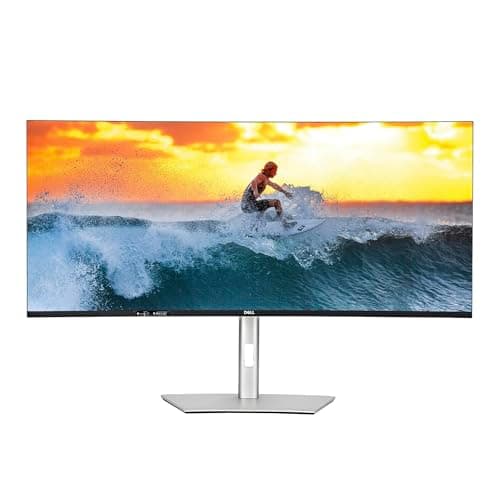
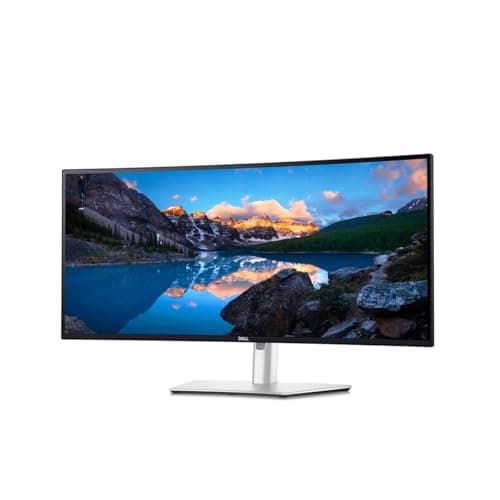
The Dell UltraSharp U3425WE 34" Curved Thunderbolt Hub Monitor is recommended with a 8.6/10 consensus score across 3 expert reviews. Experts highlight 34-inch wqhd (3,440 x 1,440) ips black panel with deep blacks and a comfortable curve and 120hz refresh rate is rare on a productivity-first ultrawide. windows-central says: "Built-in KVM, 120Hz, and plenty of ports make for a fantastic multitasking displ..." Best for: Multitaskers who want an ultrawide under $800 with 120Hz, Laptop docks needing Thunderbolt 4 and KVM, Long work sessions where eye comfort matters.
Affiliate link — we earn a commission at no extra cost to you
Productivity Monitors
3 expert sources
Expert Consensus across 3 sources
Updated:Editorial consensus score: SmartHomeExplorer's synthesis of the 3 published expert reviews listed on this page. Not a user rating.
“Built-in KVM, 120Hz, and plenty of ports make for a fantastic multitasking display... a fantastic choice for busy individuals who would benefit from an ultrawide.”
How the Dell UltraSharp U3425WE 34" Curved Thunderbolt Hub Monitor stacks up against other Office options on price, expert consensus, and ecosystem support.
| Product | Price | Consensus | Works With | Verdict |
|---|---|---|---|---|
| Dell UltraSharp U3425WE 34" Curved Thunderbolt Hub MonitorThis page | — | 8.6/10 | — | Recommended |
| Dell UltraSharp U4025QW 40" 5K2K Curved Thunderbolt Hub Monitor | — | 9.2/10 | — | Must Buy |
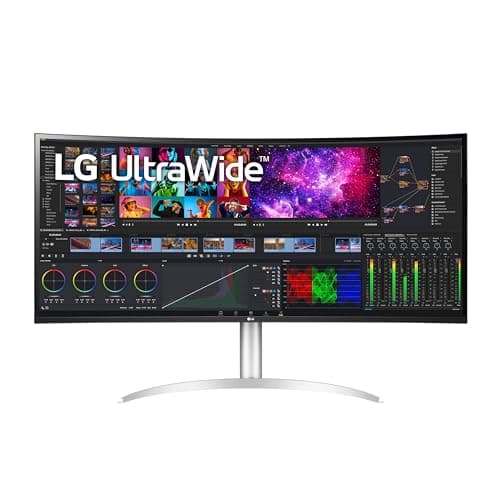
| LG 40WP95C-W 40" 5K2K Curved Nano IPS UltraWide Monitor | — | 8.7/10 | — | Recommended |
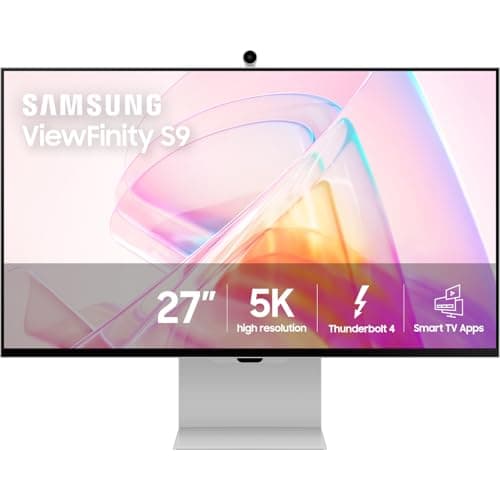
| Samsung 27" ViewFinity S9 5K Smart Monitor (LS27C900PANXZA) | $1,599 | 8.5/10 | — | Recommended |
The Dell UltraSharp U3425WE 34" Curved Thunderbolt Hub Monitor ($799 list) earns a 8.6/10 expert consensus across 3 sources, versus the HP OfficeJet Pro 9125e at $279-$319 list (8.8/10 consensus).
“A display that can do it all with great flexibility, features and accessibility — an incredible display for daily driving.”
“RTINGS describes the Dell U3425WE as a well-rounded 34-inch ultrawide productivity monitor with excellent ergonomics and eye-comfort certification.”
The Dell UltraSharp U3425WE 34" Curved Thunderbolt Hub Monitor earns a 8.6/10 consensus score across 3 expert sources and is rated "Recommended". It is best for Multitaskers who want an ultrawide under $800 with 120Hz. Windows-central is among the named sources behind that consensus.
We do not have a verified current price for the Dell UltraSharp U3425WE 34" Curved Thunderbolt Hub Monitor. It earns a 8.6/10 consensus score across 3 expert reviews with a "Recommended" rating, which is strong value relative to the ~7.5/10 average for Office products. Check the live figure at the retailer before buying.
The Dell UltraSharp U3425WE 34" Curved Thunderbolt Hub Monitor is best for Multitaskers who want an ultrawide under $800 with 120Hz, Laptop docks needing Thunderbolt 4 and KVM, Long work sessions where eye comfort matters. Experts rate it "Recommended" with a 8.6/10 consensus across 3 sources.
Among the Office products we have aggregated, the Dell UltraSharp U3425WE 34" Curved Thunderbolt Hub Monitor ranks above average with a 8.6/10 score. hothardware adds: "A display that can do it all with great flexibility, features and accessibility — an incredible display for daily driving."
If the Dell UltraSharp U3425WE 34" Curved Thunderbolt Hub Monitor (8.6/10) is not the right fit, the closest alternatives in Office are HP OfficeJet Pro 9125e, Brother MFC-J4535DW. Compare them on price, ecosystem support, and expert consensus to find your match.
The main strengths of the Dell UltraSharp U3425WE 34" Curved Thunderbolt Hub Monitor are 34-inch wqhd (3,440 x 1,440) ips black panel with deep blacks and a comfortable curve and 120hz refresh rate is rare on a productivity-first ultrawide. The most-cited downside is wqhd (not 5k2k) means lower pixel density than the 40-inch flagships. Overall, 3 expert sources rate it "Recommended" with a 8.6/10 consensus score.
Decided on the Dell UltraSharp U3425WE 34" Curved Thunderbolt Hub Monitor?
Affiliate link — we earn a commission at no extra cost to you
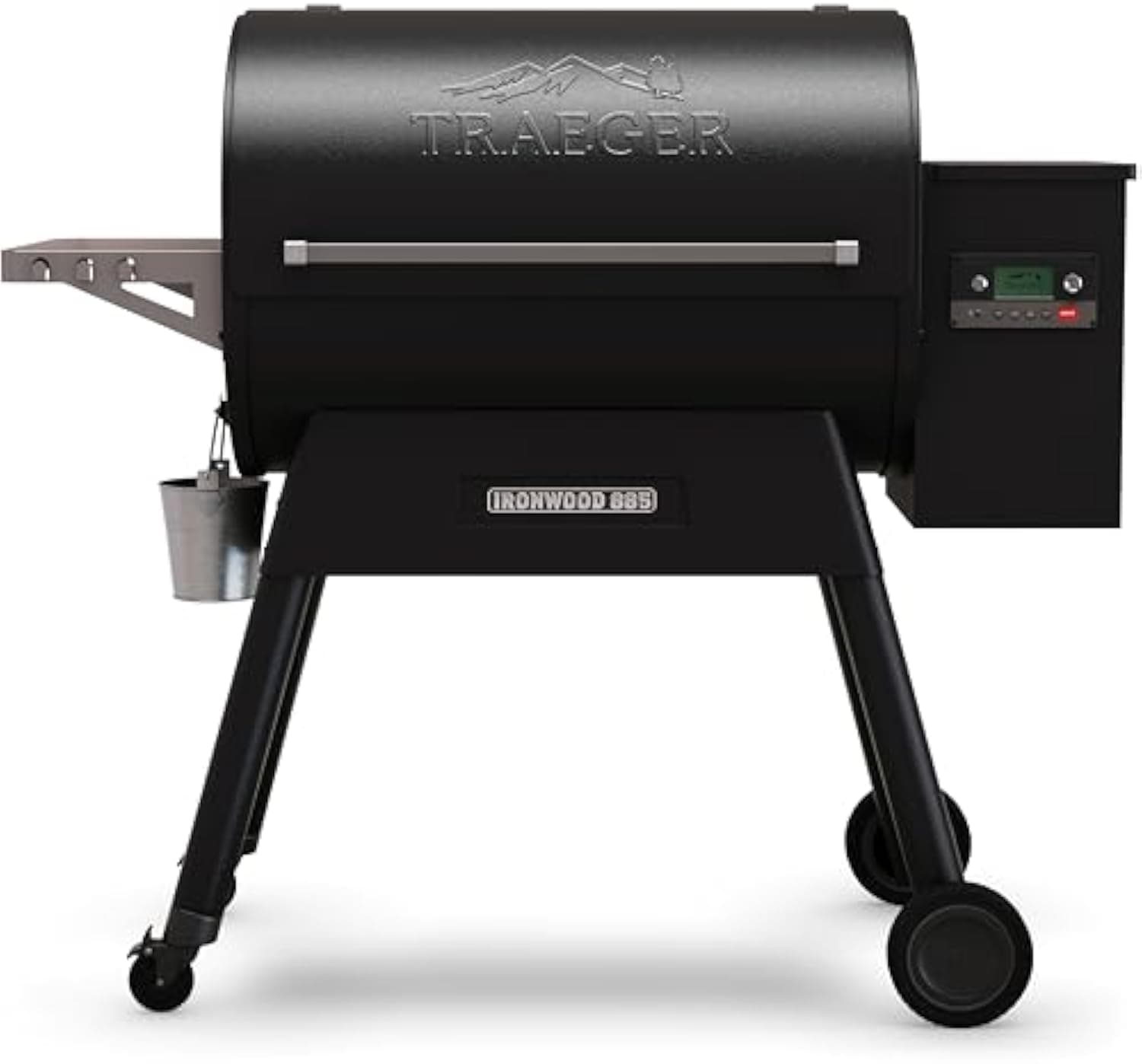
Traeger Ironwood 885
Check price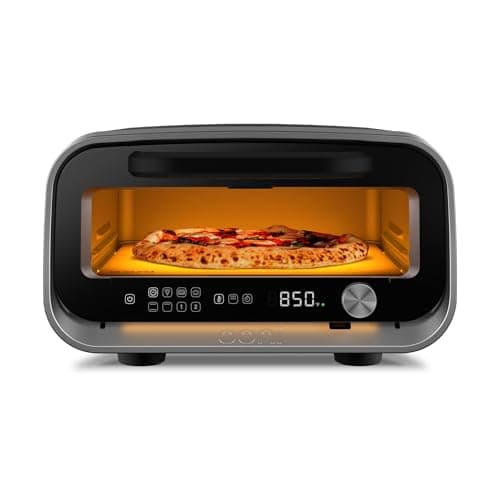
Ooni Volt 2
Check price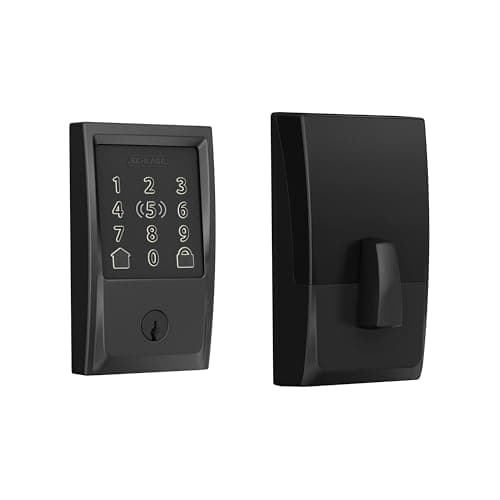
Schlage Encode Plus
Check price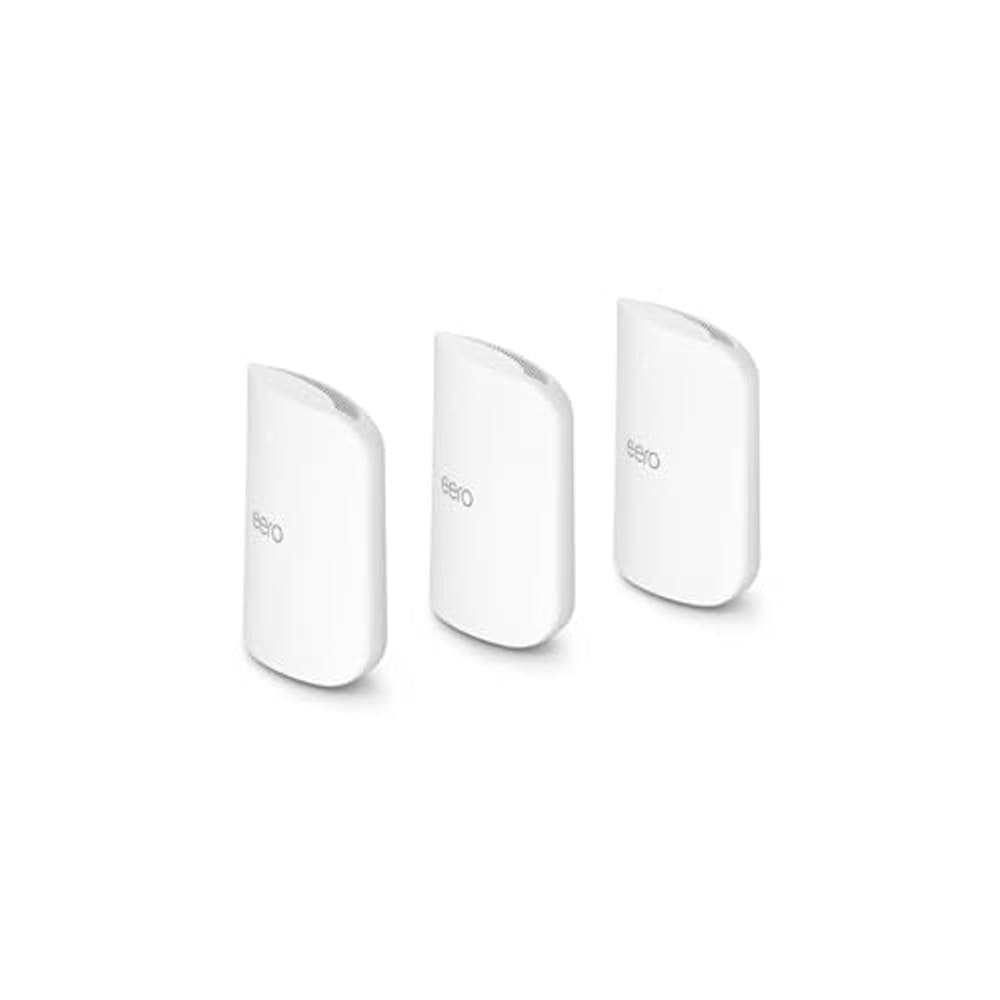
Amazon eero Max 7 Mesh WiFi System (3-Pack)
Check price
Amazon eero Max 7 Mesh WiFi System (2-Pack)
Check price
PETKIT Purobot Ultra
Check priceSee how the Dell UltraSharp U3425WE 34" Curved Thunderbolt Hub Monitor ranks against the full field in our Office buying guides.
Comparable Office picks you can buy today — each link goes straight to its current Amazon listing.
This review aggregates 3 independent expert reviews into a single consensus score. See how we build consensus scores.
Expert review sources cited on this page:
Affiliate disclosure: SmartHomeExplorer.com participates in the Amazon Associates program. We earn a commission from qualifying purchases at no extra cost to you.This consensus review is based on 3 independent expert reviews — we did not test this product ourselves. Always verify current prices and availability before purchasing.
Independence notice: Smart Home Explorer is an independent publication. Dell and other product names, logos, and brands referenced on this page are the property of their respective owners and are used for identification purposes only. This review is not sponsored by, affiliated with, or endorsed by Dell or any other manufacturer named in this article.