PC
“Best value for infrequent printers — the 5-cartridge system gives better photo color than most budget inkjets”

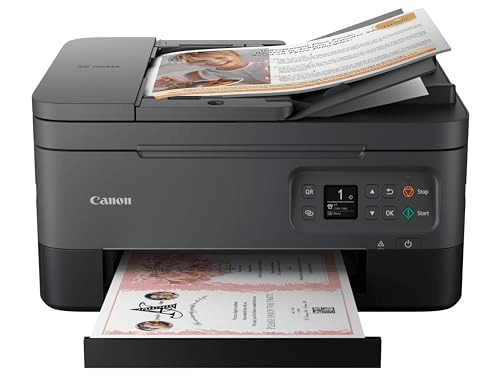
The Canon PIXMA TR7020a is worth considering with a 7.8/10 consensus score across 2 expert reviews. Experts highlight lowest upfront cost ($80) of any wireless all-in-one in this guide and 5-cartridge system with separate pigment black for sharper text. Wirecutter says: "Best budget wireless all-in-one — does everything a home office occasionally nee..." Best for: Occasional printers (under 50 pages/month), Upfront cost priority, Small desk spaces.
Affiliate link — we earn a commission at no extra cost to you
Smart Printers
2 expert sources · 2 quoted
2 quoted sources with published scores
Expert Consensus across 2 sources
Updated:Editorial consensus score: SmartHomeExplorer's synthesis of the 2 published expert reviews listed on this page. Not a user rating.
“Best budget wireless all-in-one — does everything a home office occasionally needs at the lowest upfront price”
How the Canon PIXMA TR7020a stacks up against other Office options on price, expert consensus, and ecosystem support.
| Product | Price | Consensus | Works With | Verdict |
|---|---|---|---|---|
| Canon PIXMA TR7020aThis page | $75-$90 | 7.8/10 | None | Good Value |
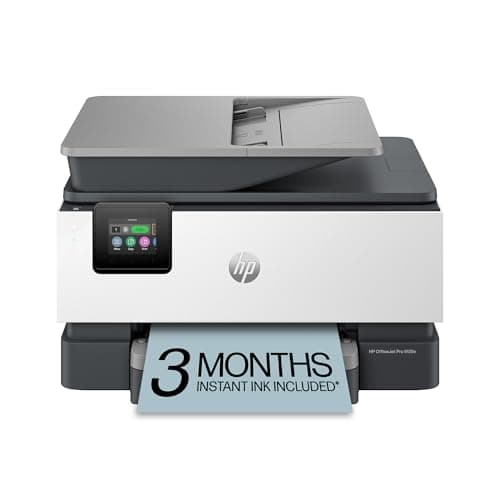
| HP OfficeJet Pro 9125e | $279-$319 | 8.8/10 | — | Must Buy |
| Brother MFC-J4535DW | $259-$299 | 8.4/10 | None | Recommended |
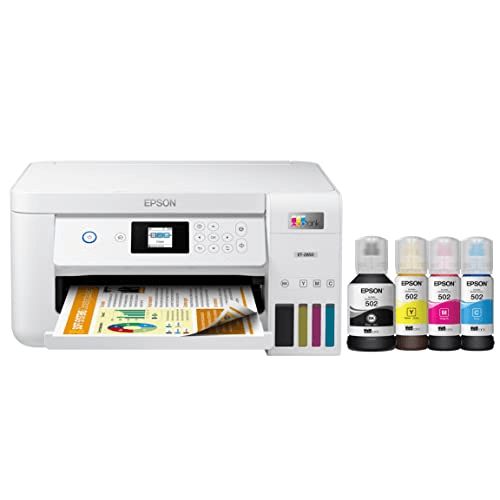
| Epson EcoTank ET-2850 | $279-$319 | 8.6/10 | None | Recommended |
The Canon PIXMA TR7020a ($75-$90 list) earns a 7.8/10 expert consensus across 2 sources, versus the HP OfficeJet Pro 9125e at $279-$319 list (8.8/10 consensus).
“Best value for infrequent printers — the 5-cartridge system gives better photo color than most budget inkjets”
The Canon PIXMA TR7020a earns a 7.8/10 consensus score across 2 expert sources and is rated "Good Value". At $75-$90, it is best for Occasional printers (under 50 pages/month). Wirecutter is among the named sources behind that consensus.
The Canon PIXMA TR7020a is priced at $75-$90. With a 7.8/10 score from 2 expert reviews and a "Good Value" rating, that price represents fair value relative to the ~7.5/10 average for Office products. Prices shift often, so check the live figure before buying.
The Canon PIXMA TR7020a is best for Occasional printers (under 50 pages/month), Upfront cost priority, Small desk spaces. Experts rate it "Good Value" with a 7.8/10 consensus across 2 sources.
Among the Office products we have aggregated, the Canon PIXMA TR7020a ranks above average with a 7.8/10 score. PCMag adds: "Best value for infrequent printers — the 5-cartridge system gives better photo color than most budget inkjets"
The Canon PIXMA TR7020a does not connect to the main smart home platforms — no Alexa, Google Home, HomeKit, SmartThings, Home Assistant or Matter support.
If the Canon PIXMA TR7020a ($75-$90, 7.8/10) is not the right fit, the closest alternatives in Office are HP OfficeJet Pro 9125e, Epson EcoTank ET-2850, Brother MFC-J4535DW. Compare them on price, ecosystem support, and expert consensus to find your match.
The main strengths of the Canon PIXMA TR7020a are lowest upfront cost ($80) of any wireless all-in-one in this guide and 5-cartridge system with separate pigment black for sharper text. The most-cited downside is $0.10-$0.14/page color — most expensive running cost in this guide. Overall, 2 expert sources rate it "Good Value" with a 7.8/10 consensus score.
Decided on the Canon PIXMA TR7020a?
Affiliate link — we earn a commission at no extra cost to you
Traeger Ironwood 885
Check price
Ooni Volt 2
Check price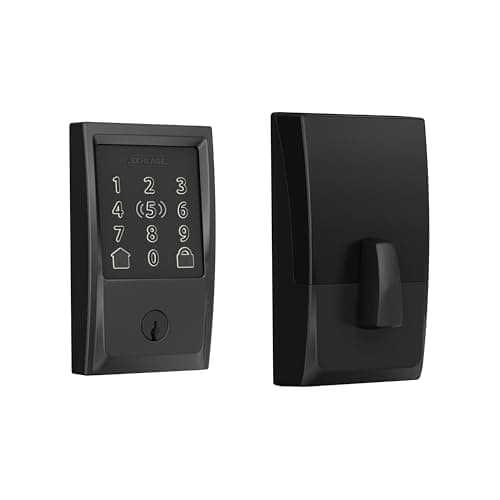
Schlage Encode Plus
Check price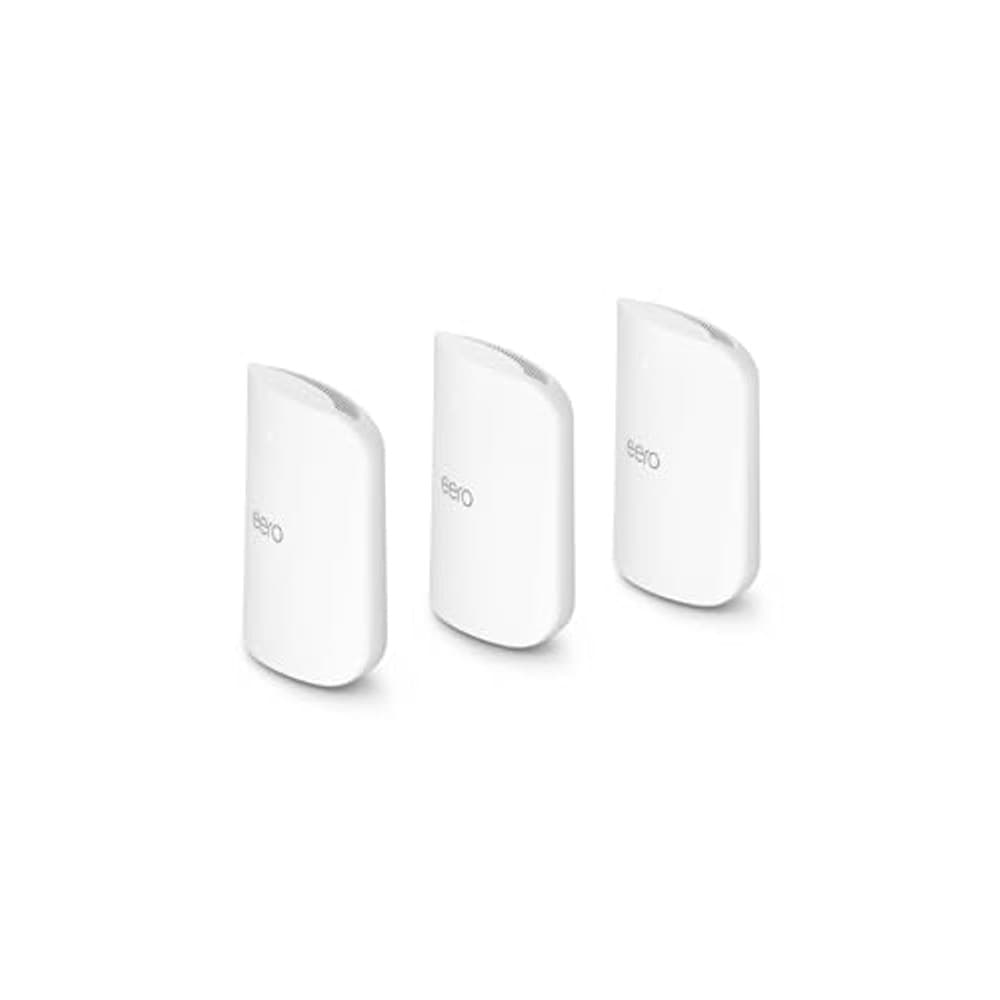
Amazon eero Max 7 Mesh WiFi System (3-Pack)
Check price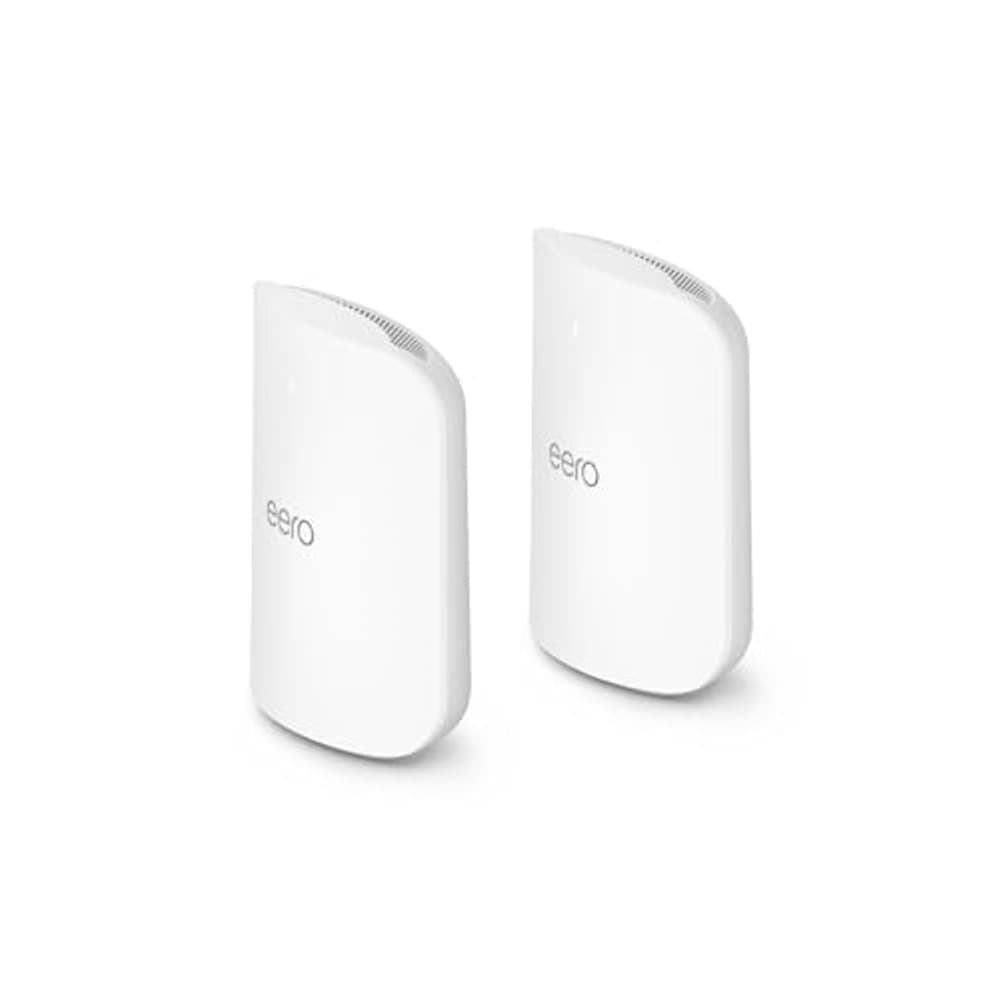
Amazon eero Max 7 Mesh WiFi System (2-Pack)
Check price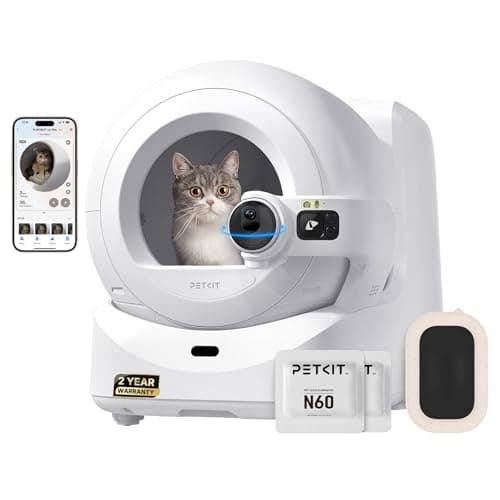
PETKIT Purobot Ultra
Check priceSee how the Canon PIXMA TR7020a ranks against the full field in our Office buying guides.
Comparable Office picks you can buy today — each link goes straight to its current Amazon listing.
Ready for game day?
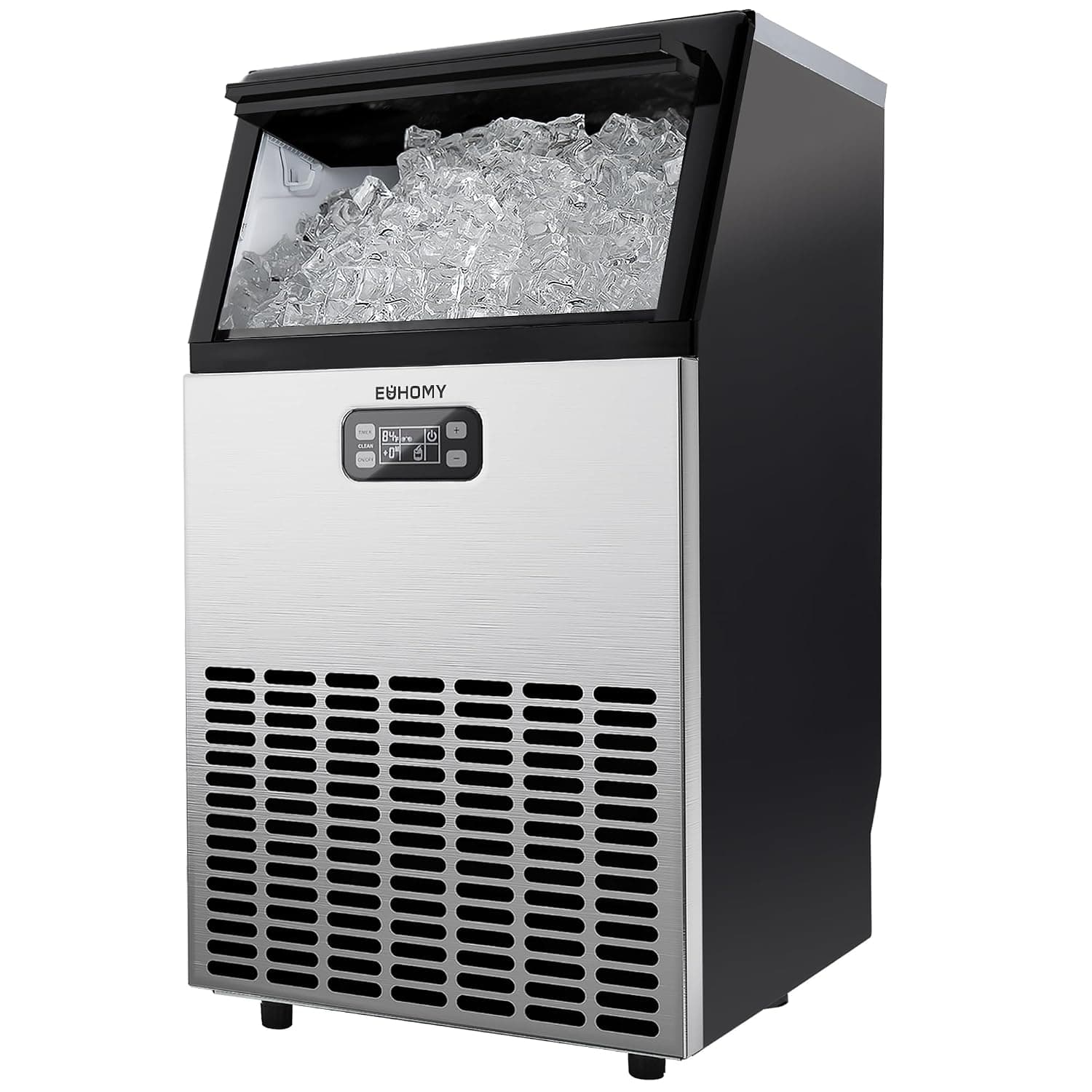
EUHOMY Commercial Ice Maker, 100 lb/day
See it on Amazon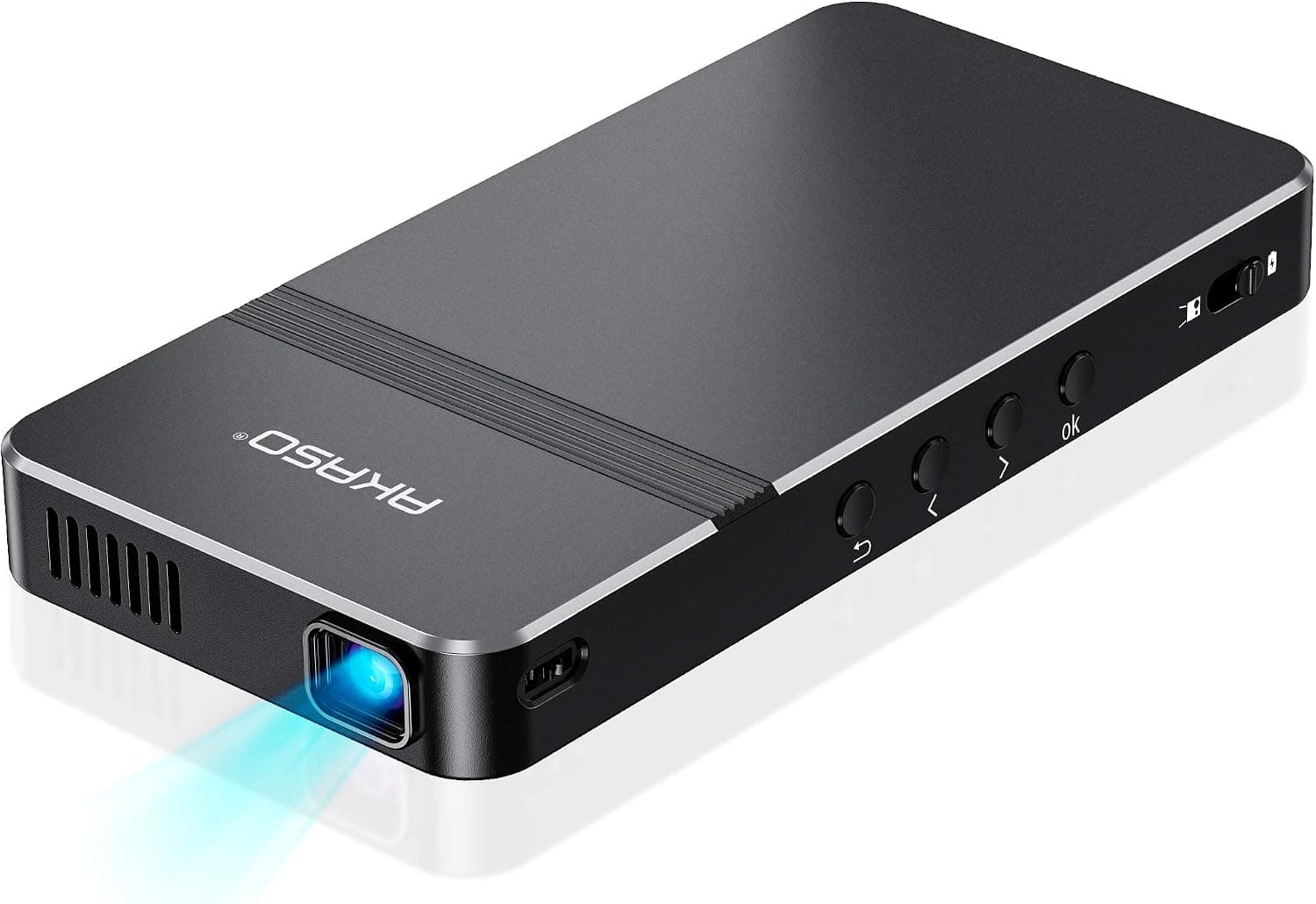
AKASO Mini Projector
See it on AmazonSponsored listings from Amazon’s Sponsored Products for Creators program, kept apart from our reviews and rankings. How we make money
This review aggregates 2 independent expert reviews into a single consensus score. See how we build consensus scores.
Expert review sources cited on this page:
Affiliate disclosure: SmartHomeExplorer.com participates in the Amazon Associates program. We earn a commission from qualifying purchases at no extra cost to you.This consensus review is based on 2 independent expert reviews — we did not test this product ourselves. Always verify current prices and availability before purchasing.
Independence notice: Smart Home Explorer is an independent publication. Canon and other product names, logos, and brands referenced on this page are the property of their respective owners and are used for identification purposes only. This review is not sponsored by, affiliated with, or endorsed by Canon or any other manufacturer named in this article.