PC
“The SwitchBot ecosystem has the widest variety of physical automation accessories of any budget smart home platform.”

The SwitchBot App is recommended with a 8/10 consensus score across 2 expert reviews. Experts highlight apple homekit support via switchbot hub 2 one-time purchase (no subscription) and nfc tag automations free and unlimited on free tier. Wirecutter says: "SwitchBot Bot is the best smart button for making dumb devices app-controlled — ..." Best for: HomeKit households on a budget, Physical button automation users, Mixed-brand small deployments.
Affiliate link — we earn a commission at no extra cost to you
Smart Home Apps
2 expert sources · 2 quoted
2 quoted sources with published scores
Expert Consensus across 2 sources
Updated:Editorial consensus score: SmartHomeExplorer's synthesis of the 2 published expert reviews listed on this page. Not a user rating.
“SwitchBot Bot is the best smart button for making dumb devices app-controlled — the free SwitchBot app manages the whole ecosystem.”
How the SwitchBot App stacks up against other Budget options on price, expert consensus, and ecosystem support.
| Product | Price | Consensus | Works With | Verdict |
|---|---|---|---|---|
| SwitchBot AppThis page | $0/month (app) — Hub Mini $39 required for remote access | 8/10 | Apple HomeKit | Recommended |
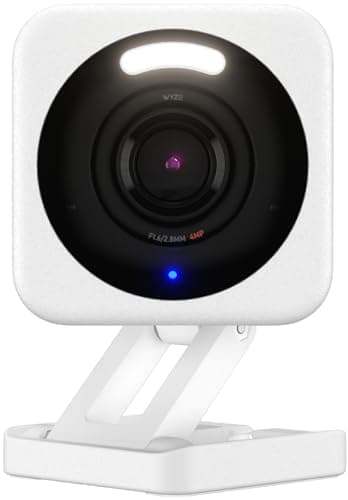
| Wyze App Free Tier | $0/month (app) — hardware from $36 | 7.8/10 | Google Home, Amazon Alexa | Good Value |
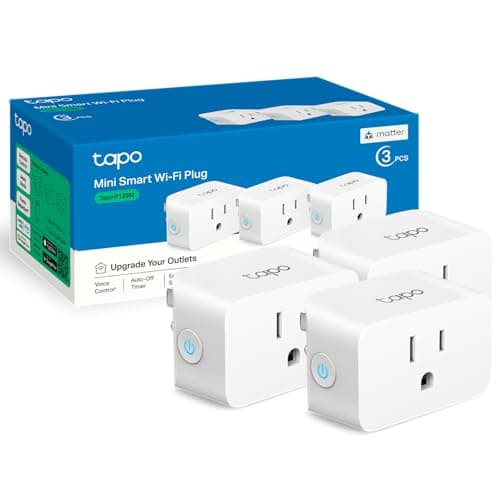
| TP-Link Tapo App | $0/month (app) — hardware from $9 | 8.4/10 | Matter | Recommended |
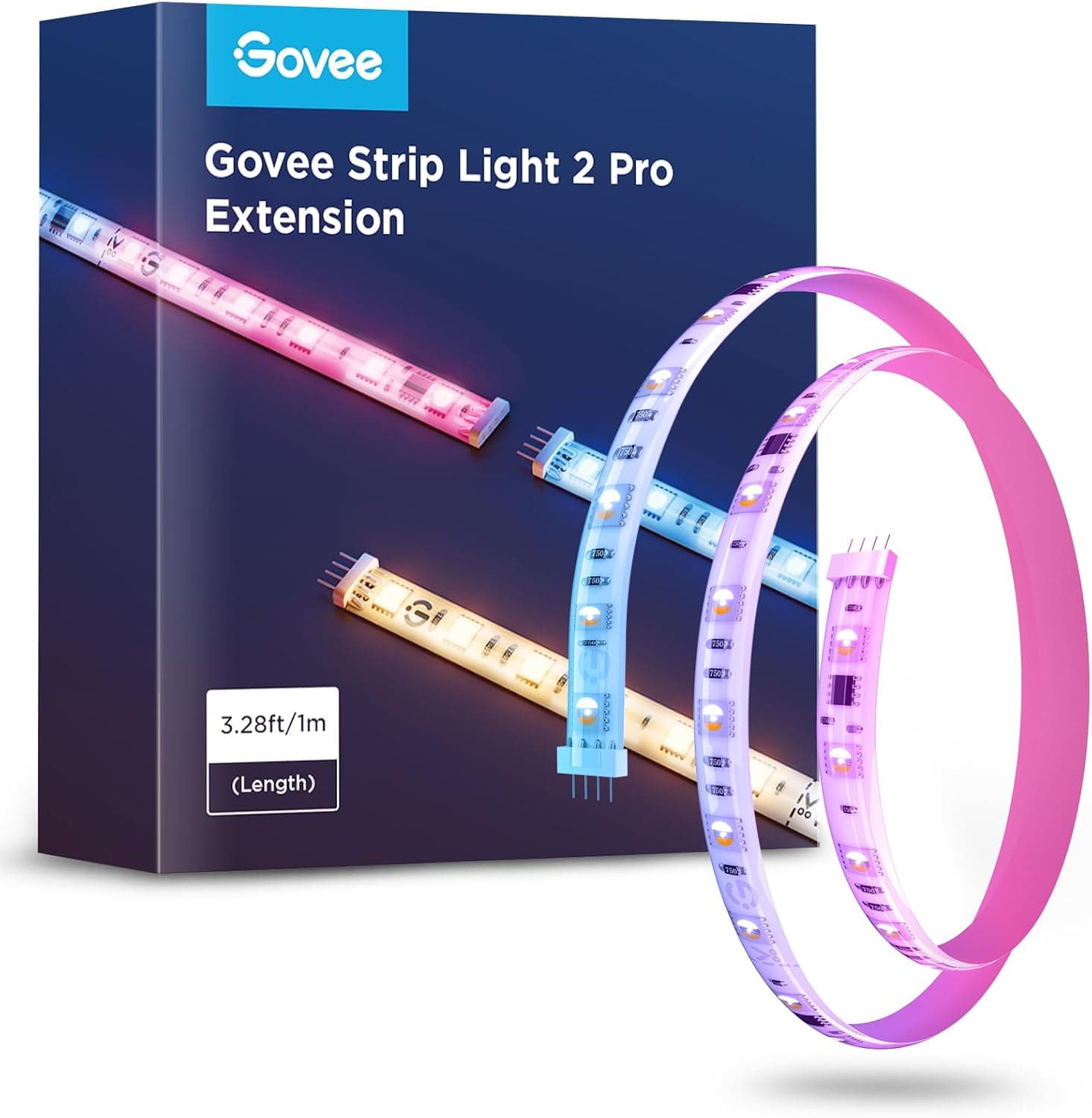
| Govee Home App | $0/month (app) — hardware from $15 | 8.2/10 | Google Home, Amazon Alexa | Recommended |
The SwitchBot App ($0/month (app) — Hub Mini $39 required for remote access list) earns a 8/10 expert consensus across 2 sources, versus the Amazon Echo Dot 4th Gen Renewed at $18-$25 list (8.3/10 consensus). It works with Apple HomeKit.
“The SwitchBot ecosystem has the widest variety of physical automation accessories of any budget smart home platform.”
The SwitchBot App earns a 8/10 consensus score across 2 expert sources and is rated "Recommended". At $0/month (app) — Hub Mini $39 required for remote access, it is best for HomeKit households on a budget. Wirecutter is among the named sources behind that consensus.
The SwitchBot App is priced at $0/month (app) — Hub Mini $39 required for remote access. With a 8/10 score from 2 expert reviews and a "Recommended" rating, that price represents fair value relative to the ~7.5/10 average for Budget products. Prices shift often, so check the live figure before buying.
The SwitchBot App is best for HomeKit households on a budget, Physical button automation users, Mixed-brand small deployments. Experts rate it "Recommended" with a 8/10 consensus across 2 sources.
Among the Budget products we have aggregated, the SwitchBot App ranks above average with a 8/10 score. PCMag adds: "The SwitchBot ecosystem has the widest variety of physical automation accessories of any budget smart home platform."
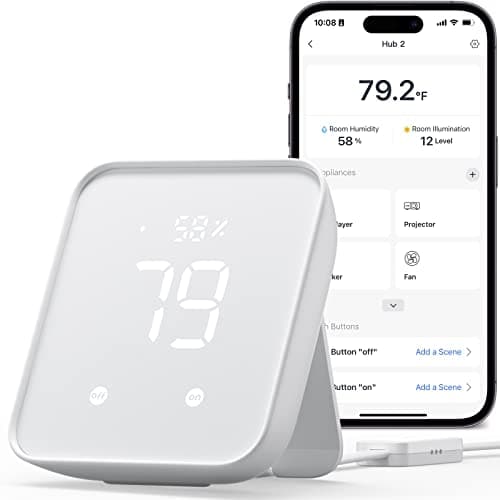
The SwitchBot App works with Apple HomeKit. It needs a separate hub — SwitchBot Hub Mini and SwitchBot Hub 2, so factor that in if you do not own one already.
No mandatory subscription — the core features work without a monthly fee.
If the SwitchBot App ($0/month (app) — Hub Mini $39 required for remote access, 8/10) is not the right fit, the closest alternatives in Budget are Home Assistant (free), TP-Link Tapo App, Govee Home App. Compare them on price, ecosystem support, and expert consensus to find your match.
The main strengths of the SwitchBot App are apple homekit support via switchbot hub 2 one-time purchase (no subscription) and nfc tag automations free and unlimited on free tier. The most-cited downside is 30-device limit on the free tier — constraint for larger smart home deployments. Overall, 2 expert sources rate it "Recommended" with a 8/10 consensus score.
Decided on the SwitchBot App?
Affiliate link — we earn a commission at no extra cost to you
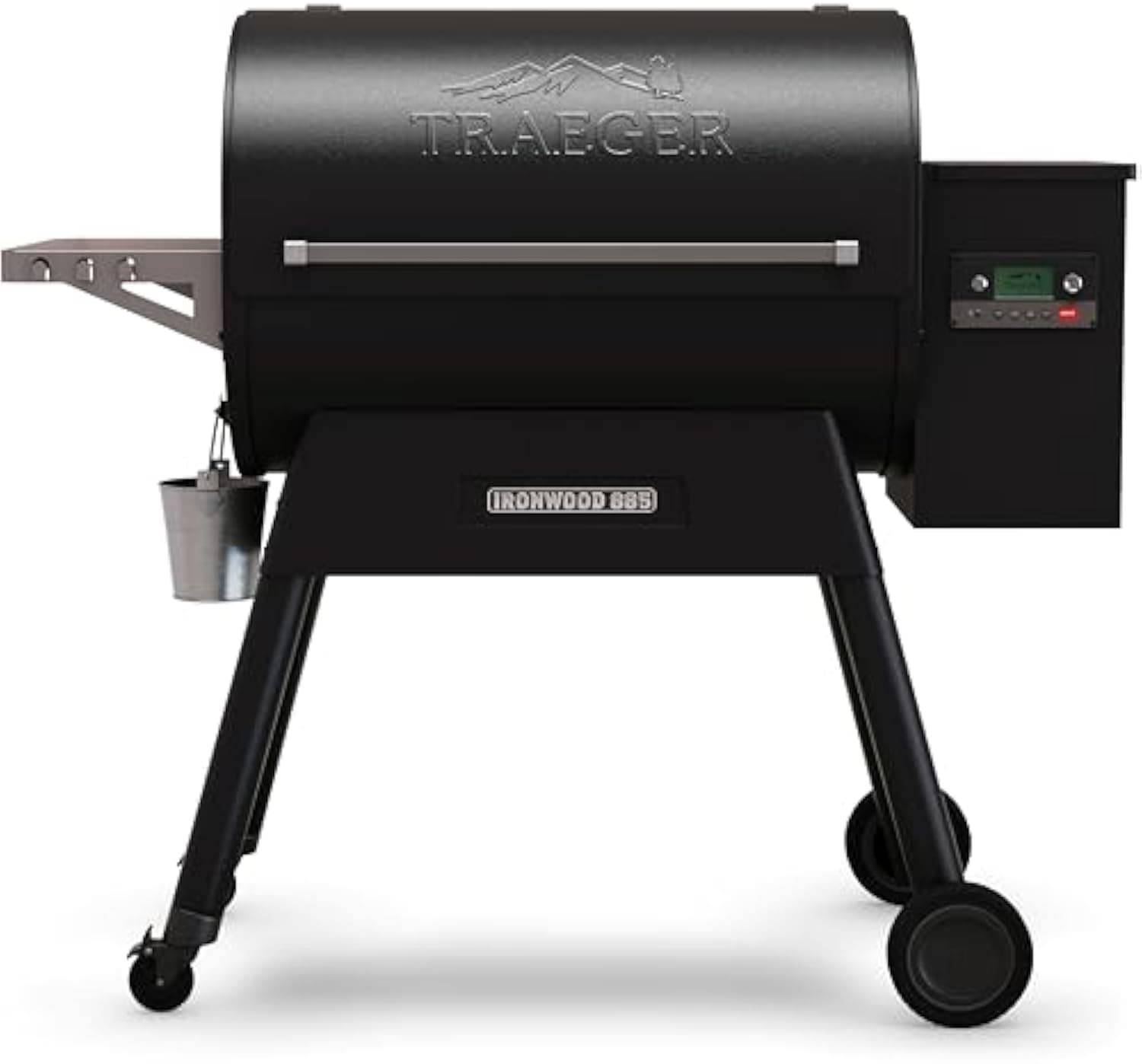
Traeger Ironwood 885
Check price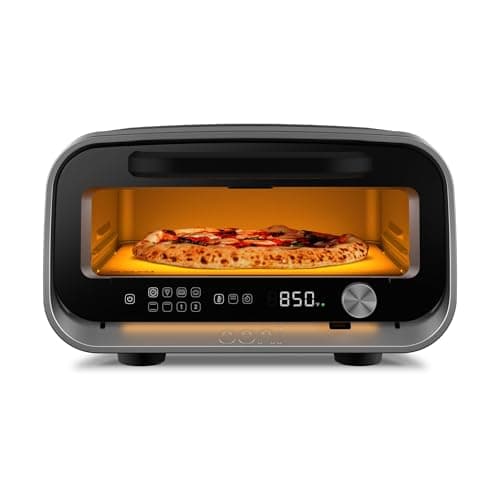
Ooni Volt 2
Check price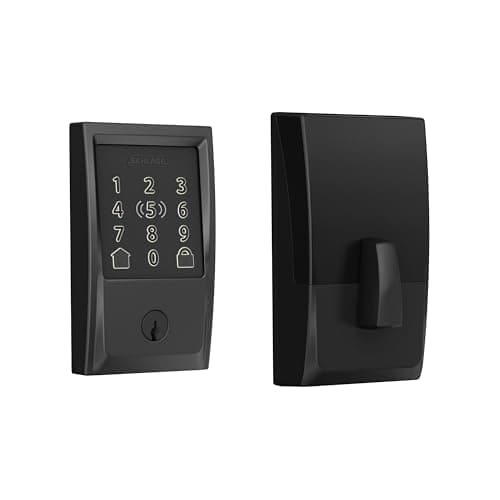
Schlage Encode Plus
Check price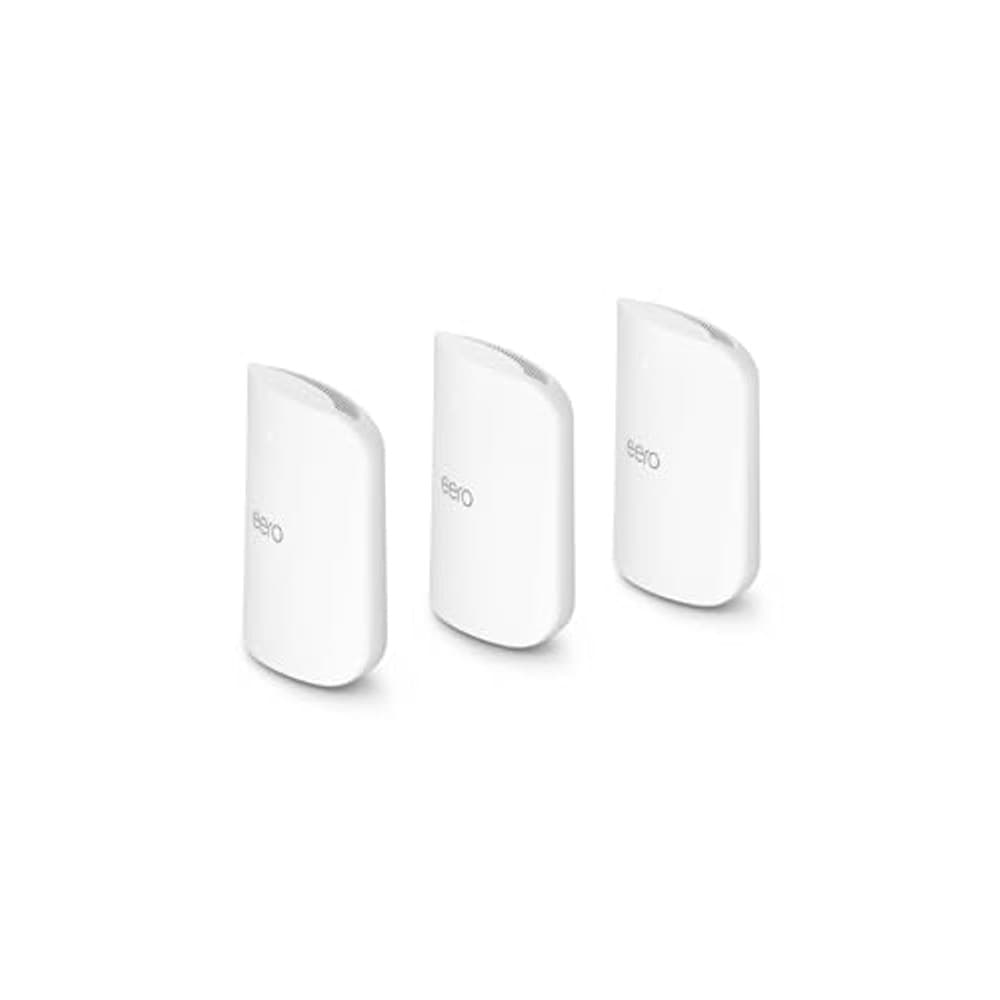
Amazon eero Max 7 Mesh WiFi System (3-Pack)
Check price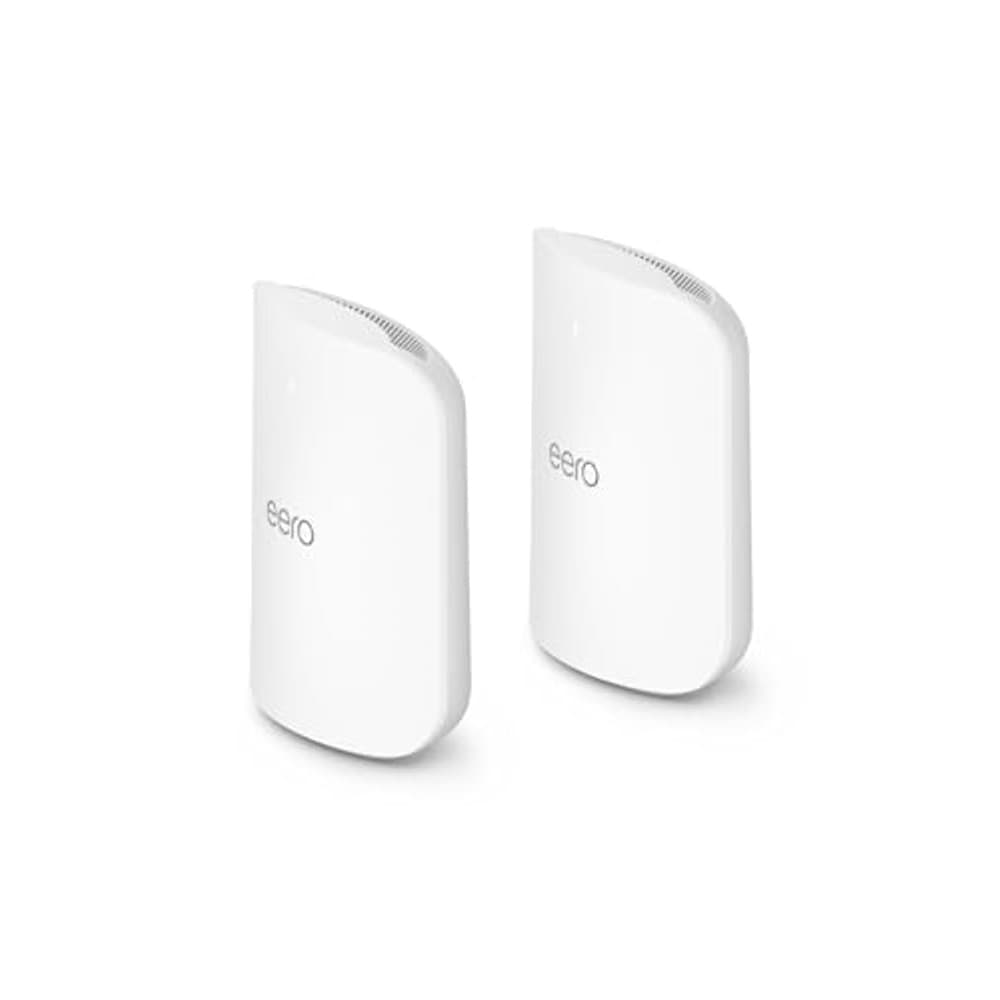
Amazon eero Max 7 Mesh WiFi System (2-Pack)
Check price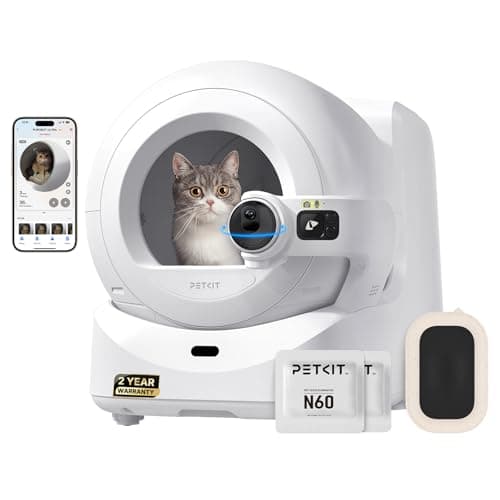
PETKIT Purobot Ultra
Check priceSee how the SwitchBot App ranks against the full field in our Budget buying guides.
Comparable Budget picks you can buy today — each link goes straight to its current Amazon listing.
Ready for game day?
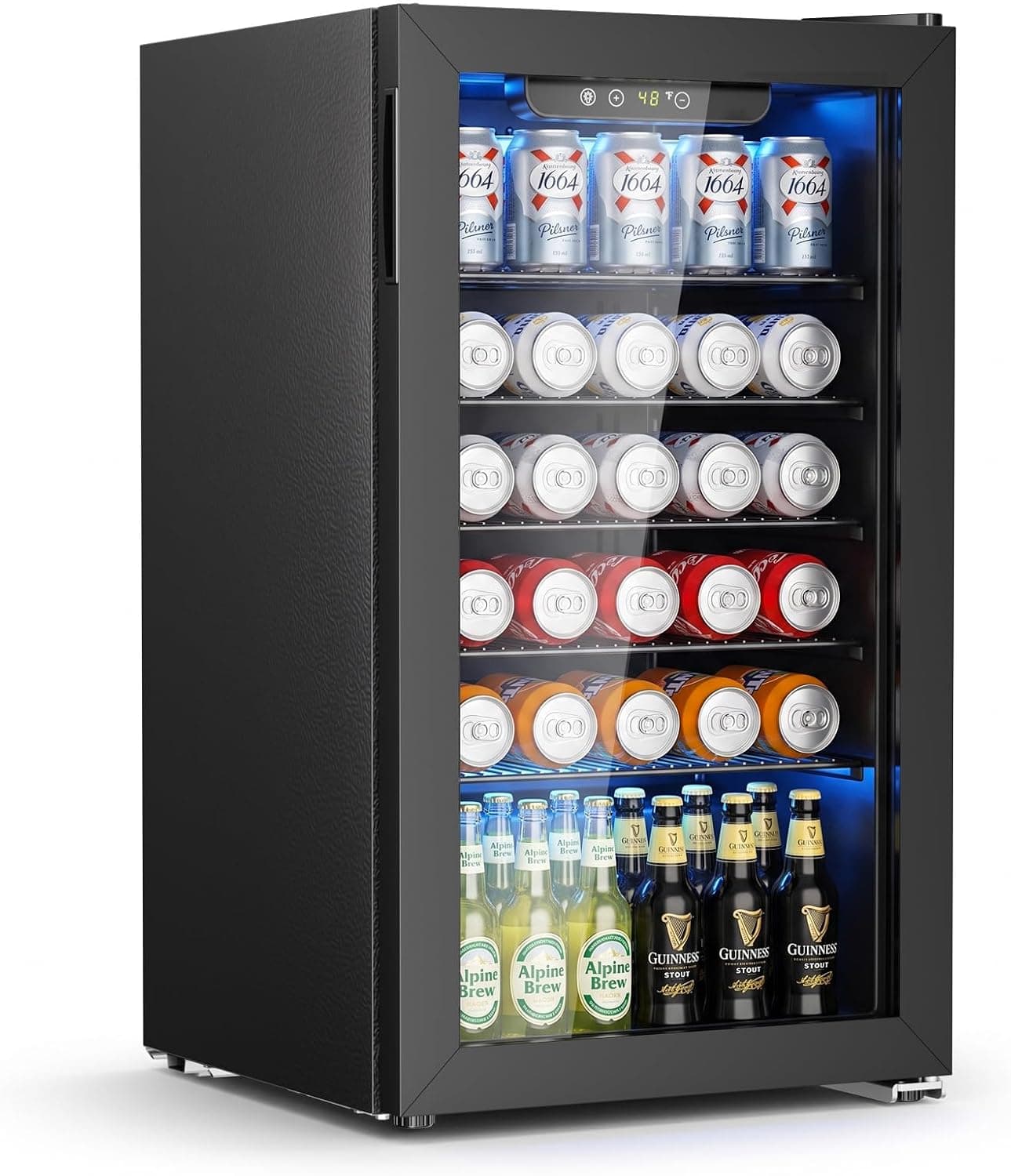
Antarctic Star 130-Can Beverage Refrigerator
See it on Amazon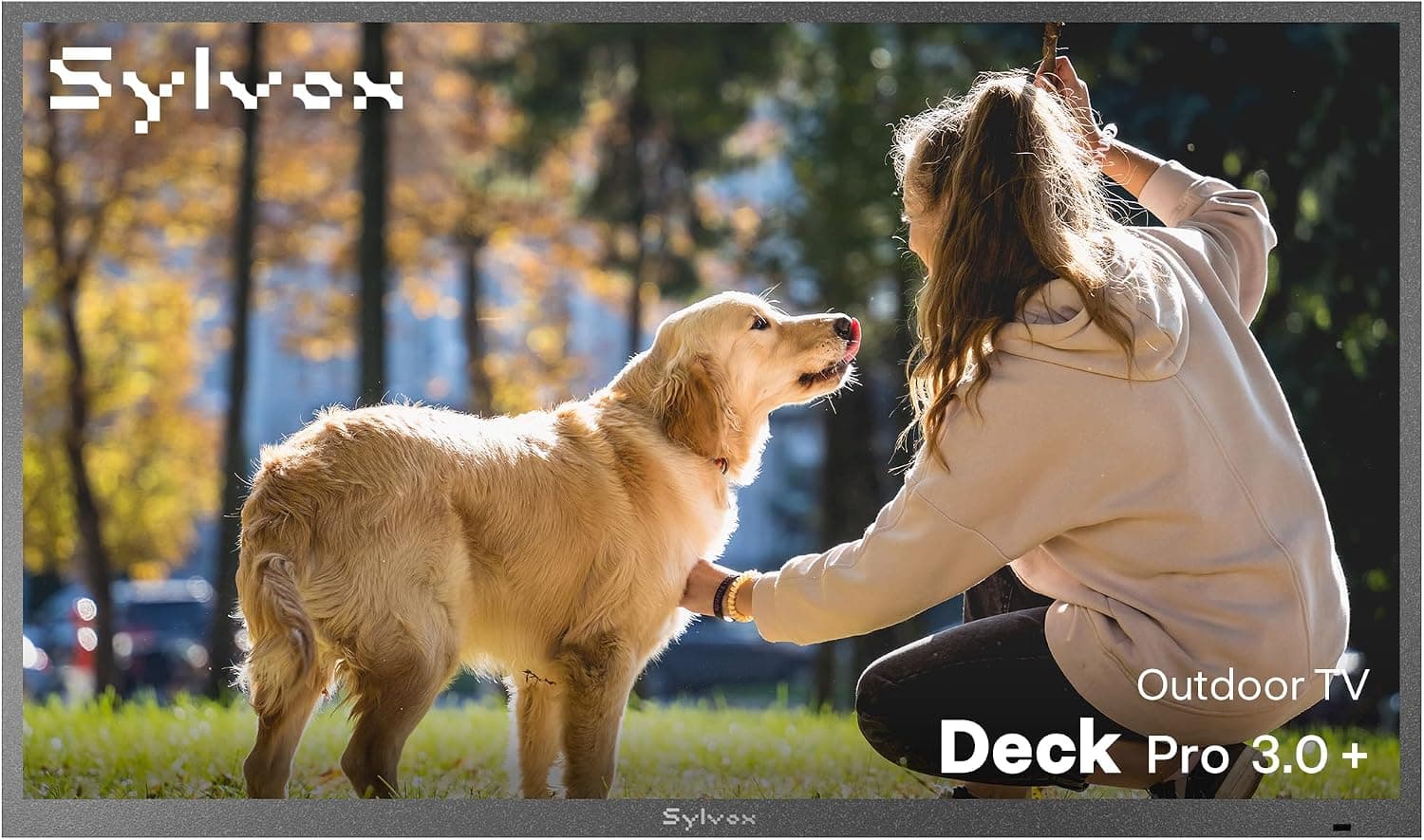
SYLVOX 65" Outdoor 4K TV
See it on AmazonSponsored listings from Amazon’s Sponsored Products for Creators program, kept apart from our reviews and rankings. How we make money
This review aggregates 2 independent expert reviews into a single consensus score. See how we build consensus scores.
Expert review sources cited on this page:
Affiliate disclosure: SmartHomeExplorer.com participates in the Amazon Associates program. We earn a commission from qualifying purchases at no extra cost to you.This consensus review is based on 2 independent expert reviews — we did not test this product ourselves. Always verify current prices and availability before purchasing.
Independence notice: Smart Home Explorer is an independent publication. SwitchBot and other product names, logos, and brands referenced on this page are the property of their respective owners and are used for identification purposes only. This review is not sponsored by, affiliated with, or endorsed by SwitchBot or any other manufacturer named in this article.