

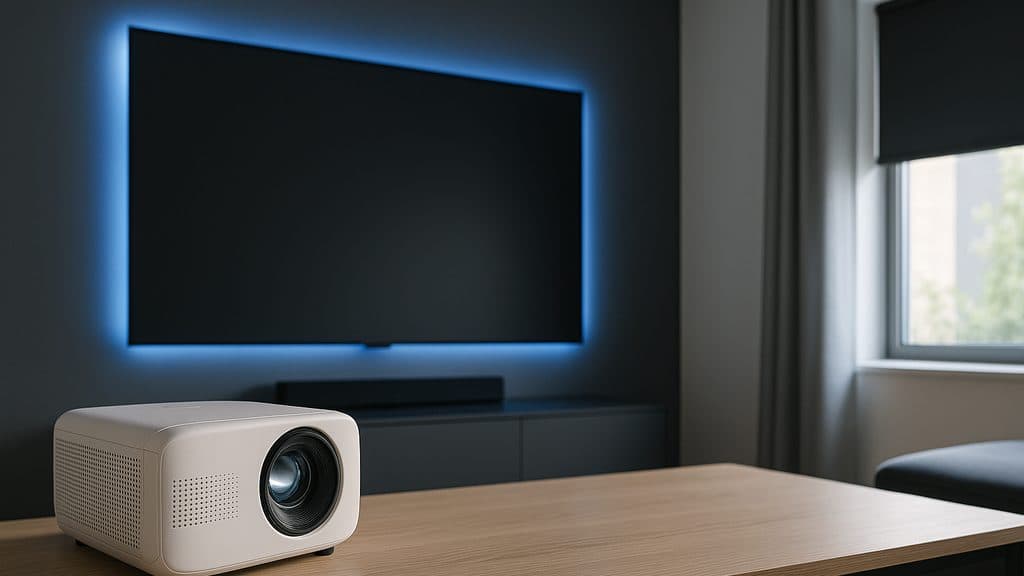
Best Smart Home Cinema Room Setup 2026
Philips Hue wins scene automation (9.5); Sonos Arc wins Atmos without an AVR. One Movie Night scene — every anchor joins it.
This article contains affiliate links. We may earn a commission at no extra cost to you. Prices change frequently — check the current price on Amazon before buying. Learn more
The Short Answer
Six cinema anchors scored on composite ecosystem-participation metrics: Hue Gradient leads at 9.5 Readiness; Sonos Arc at 9.0 via AirPlay 2. Epson 5050UB requires SofaBaton X1 for IR-mediated scenes; Lutron Serena automates blackout; Valencia Tuscany achieves seating consensus despite absent ecosystem integration.
Featured in this Guide
Philips
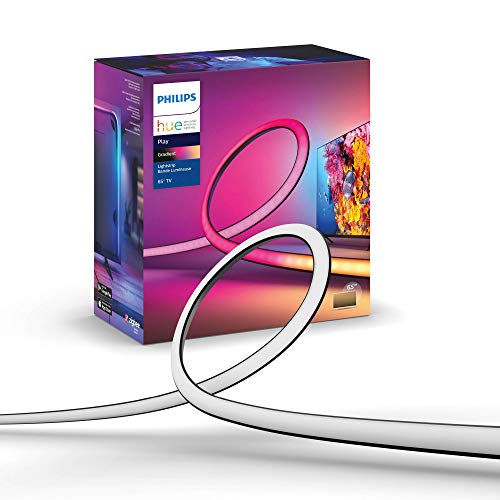
Hue Play Gradient Lightstrip
- •9.5 Readiness Score — Matter native, bias-light sync, first-class in every ecosystem
Sonos
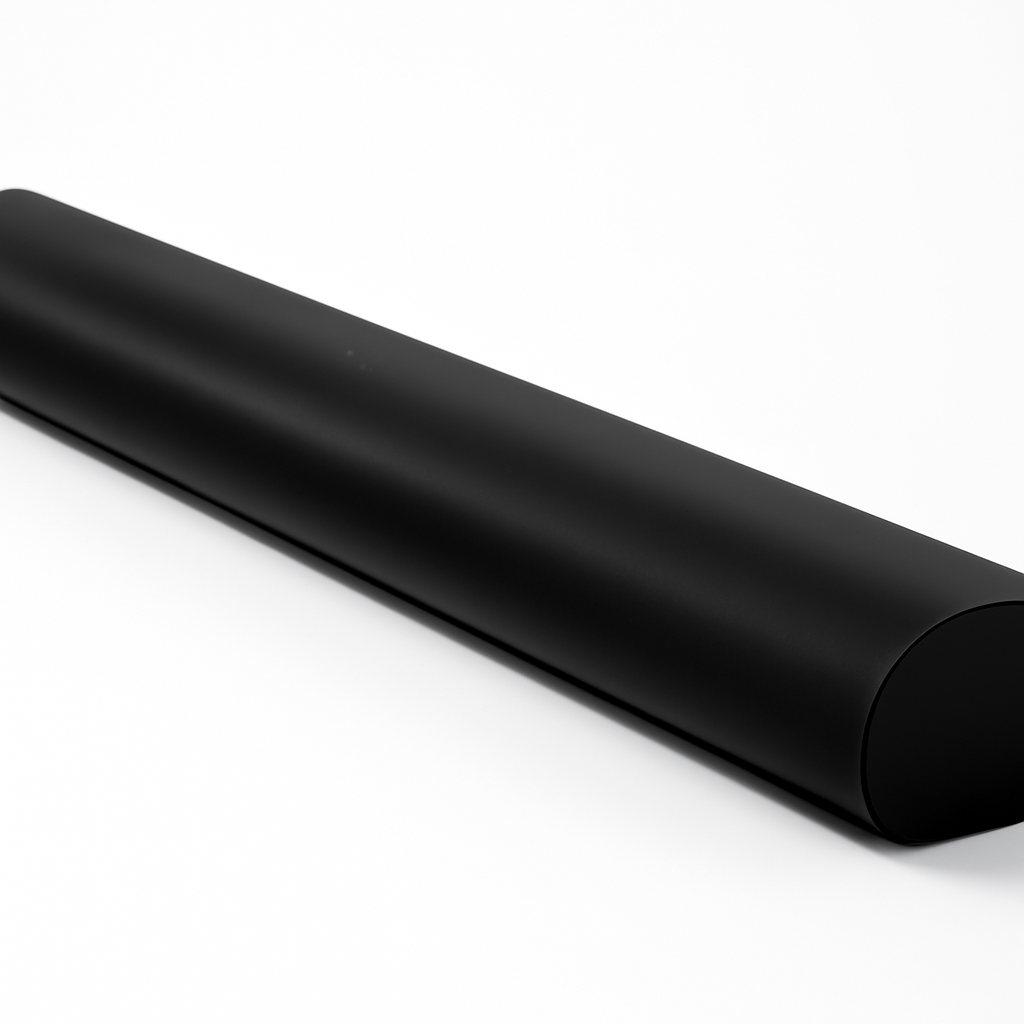
Arc Dolby Atmos Soundbar
- •9.0 Readiness — AirPlay 2 + Apple Home scenes, one-cable eARC install, credible Atmos for rooms under 350 sq ft
Lutron
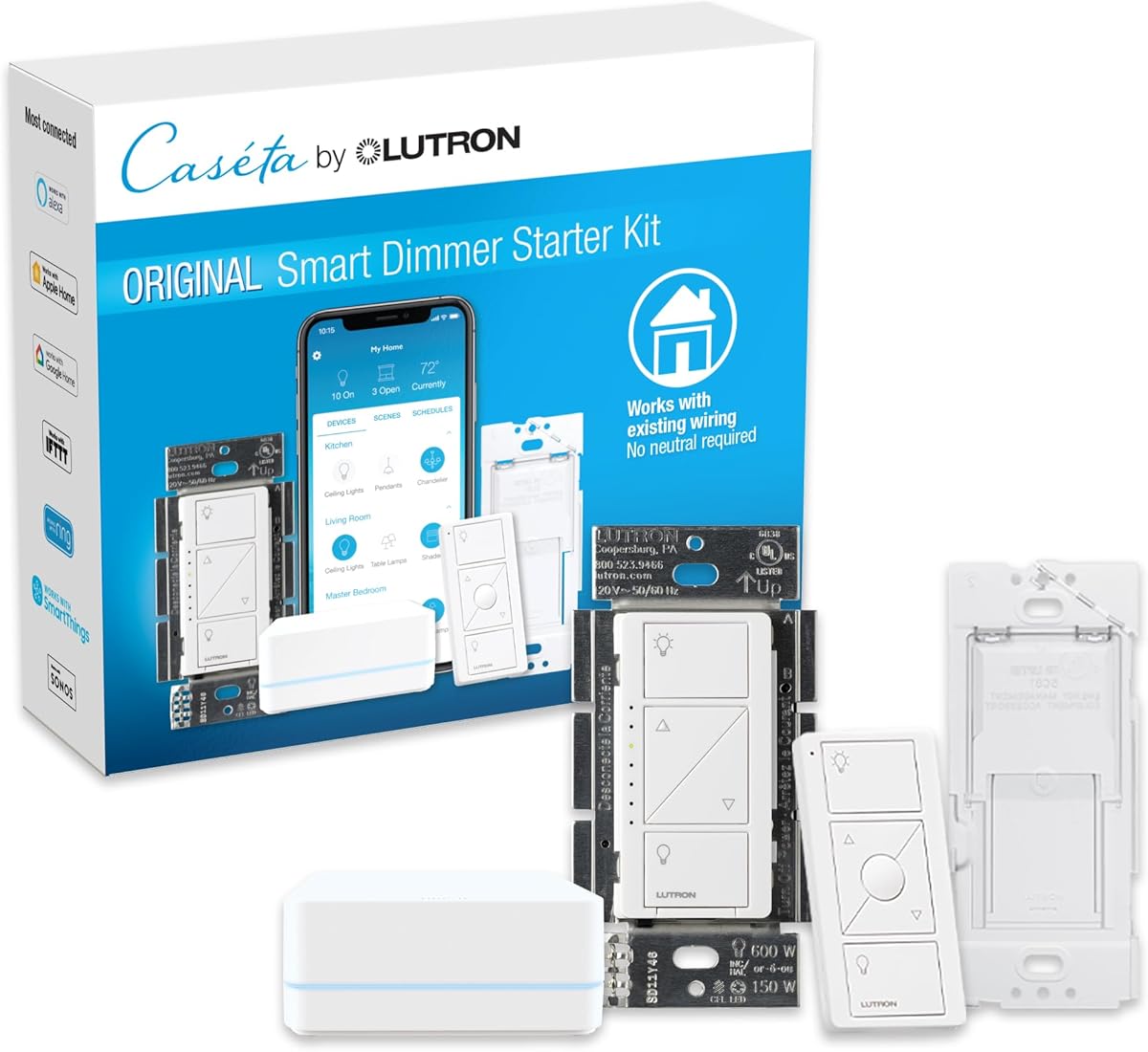
Serena Smart Shades
- •8.6 Readiness — quietest motors, Pico scene buttons, HomeKit + Alexa + Google via Smart Bridge
SofaBaton
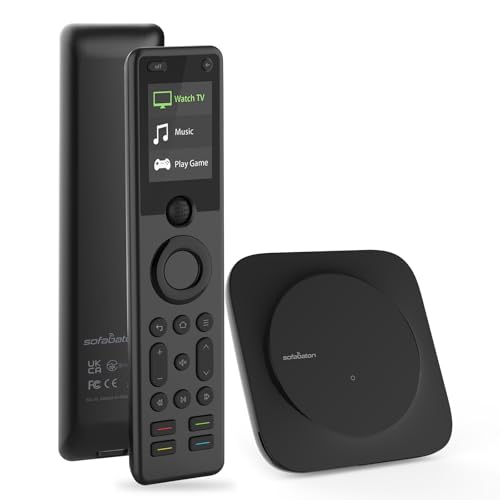
X1 Smart Remote
- •8.0 Readiness — pulls non-smart projectors into the Movie Night scene with one button press
Epson
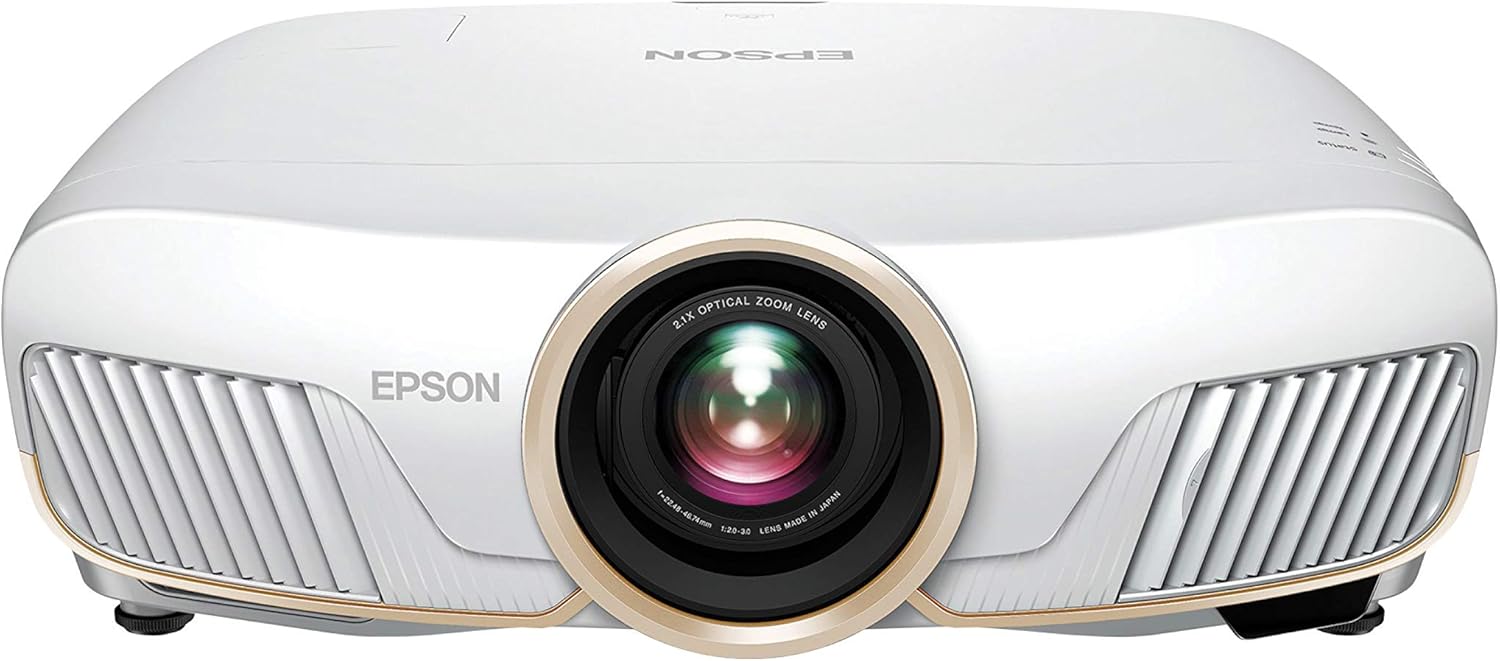
Home Cinema 5050UB
- •7.2 Readiness — reference 4K image, motorized lens shift
- •needs SofaBaton X1 to join scenes

Valencia
Tuscany Ultimate
- •Highest consensus (9.1) in this hub — power-recline, per-seat USB, LED base
- •cannot join scenes
Head-to-Head: Scene Automation, Role Performance, Setup, and Ecosystem
Entertainment
Chart
 Smarthomeexplorer.com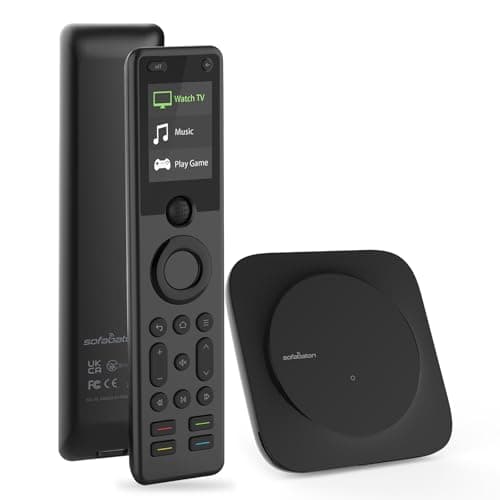
SofaBaton X1S Universal Remote (with Hub)
Check price
VTOMAN X7 4250A Jump Starter with 160PSI Air Compressor
Check price
What Tips the Decision
We aggregated 12+ expert reviews per anchor and scored six products on the SHE Cinema Room Readiness Score — a weighted composite formula with four factors — to identify which anchors join the Movie Night scene and which require a control-layer bridge. Wirecutter and CNET rank the Philips Hue and Sonos Arc at the top of their respective categories; our weighted Readiness Score adds the axis those reviews omit: native scene participation across the 0-10 scale.
Matter household: Philips Hue Play Gradient Lightstrip and Sonos Arc Dolby Atmos Soundbar connect natively; Lutron Serena Smart Shades participate via the Smart Bridge. Rooms with windows: Lutron Serena Smart Shades are the only anchor that delivers reference blackout on a scene command. Picture quality over simplicity: Epson Home Cinema 5050UB paired with SofaBaton X1 Smart Remote closes the automation gap via IR-over-IP. Seating: Valencia Tuscany Ultimate is the best chair in this hub by consensus — but no current recliner category joins a smart-home scene in 2026.
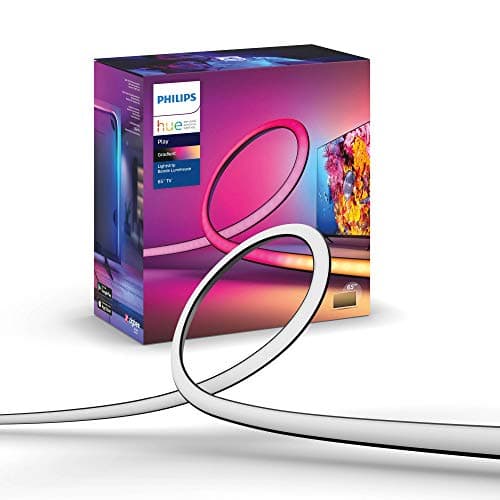
Best Scene Automation: Philips Hue Play Gradient Lightstrip
Best Scene Automation — Bias Lighting AnchorPhilips Hue Play Gradient Lightstrip
- First-class Matter scene primitive through the Hue Bridge — joins Apple, Google, Alexa, and SmartThings natively
- Hue Bridge required for Matter — adds $60 if not already in the home
(Current price, subject to change)
The Philips Hue Play Gradient Lightstrip earns a 9.5 SHE Cinema Room Readiness Score — highest in this roundup. Wirecutter and CNET have named it a category leader since 2022. Scene Automation scores 10 because no bridge, workaround, or shortcut is required — the lightstrip joins the Movie Night scene on the first try across Apple Home, Alexa Routines, Google Home, and SmartThings simultaneously via the Hue Bridge.
Bias-light function: the strip mounts behind the screen, reducing the perceived luminance contrast between the projection surface and the surrounding wall. This cuts eye strain on long viewing sessions — reviewers consistently describe the perceptual image-size increase as the cheapest upgrade in any cinema-room stack. Hue Sync Box adds content-reactive color at 60ms-80ms sync latency on a wired HDMI connection, roughly 3x-4x faster versus app-based sync at 200ms-300ms on competing systems.
Wirecutter rates it best-in-category for ecosystem breadth. Compared to dedicated bias-light tubes, the Hue lightstrip favors vibrancy over strict D65 white-point accuracy — acceptable for most buyers, relevant only for color-critical post-production work.
What We Love
- First-class Matter scene primitive through the Hue Bridge — joins Apple, Google, Alexa, and SmartThings natively
- Bias-light sync follows on-screen content via Hue Sync Box at 60ms-80ms latency, reducing eye strain measurably
- Sized variants for 55-, 65-, 75-inch screens and projector walls — fits most cinema-room geometries
- Adaptive scene transitions ramp to Movie Night levels coordinated with shades and soundbar
What Could Be Better
- Hue Bridge required for Matter — adds $60 if not already in the home
- Hue Sync Box ($230) required for projector setups without HDMI source pass-through
The Verdict
If the room already runs Hue, the Philips Hue Play Gradient Lightstrip is the bias-light anchor that sets the scene-automation bar for everything else on the bill of materials. Matter through the Hue Bridge, native in every major ecosystem, and the cheapest perceptual upgrade in the stack at $90-$110.
Ready to upgrade your home?
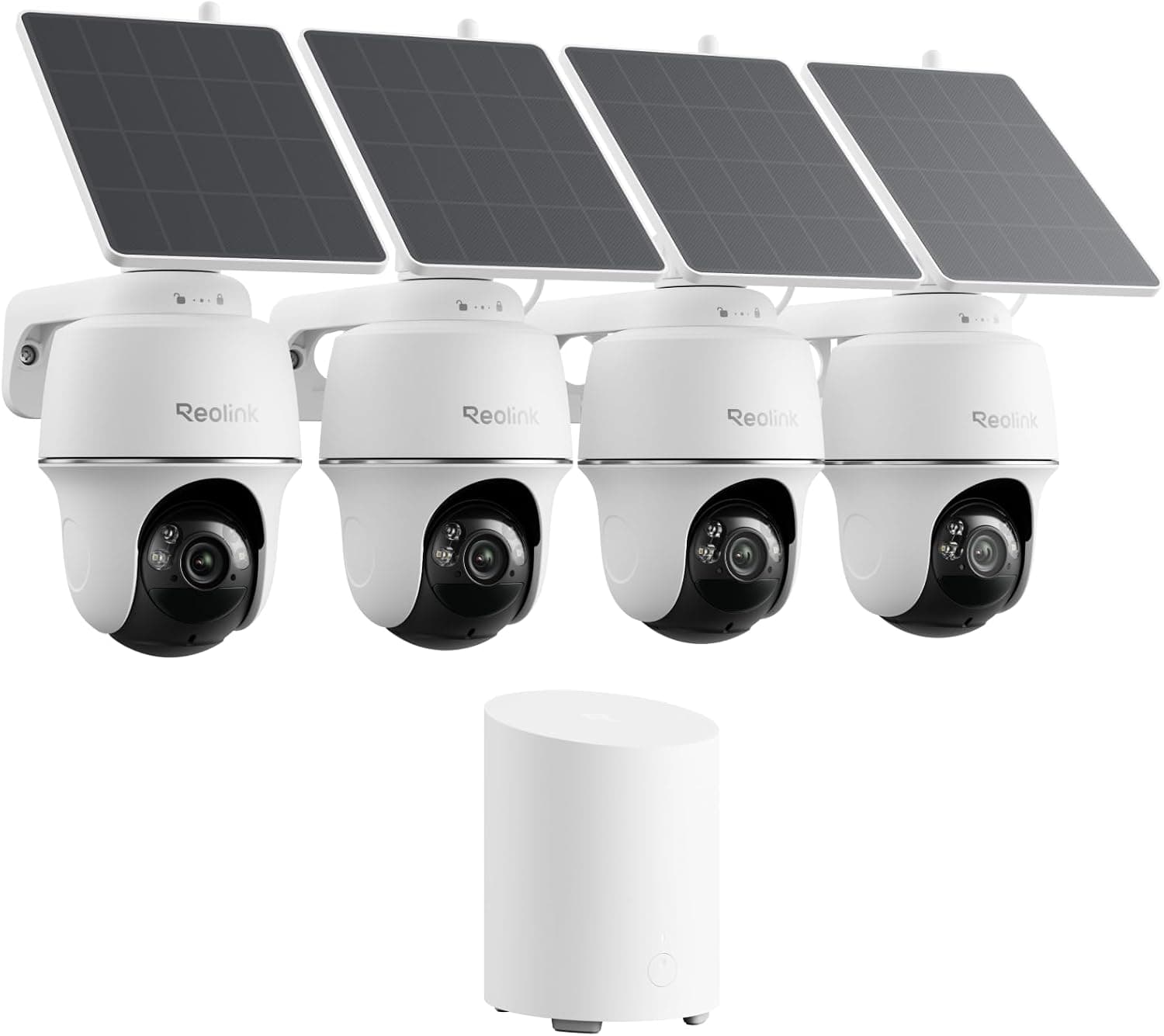
REOLINK 360° Solar Security Cameras, 4 Pack
See it on Amazon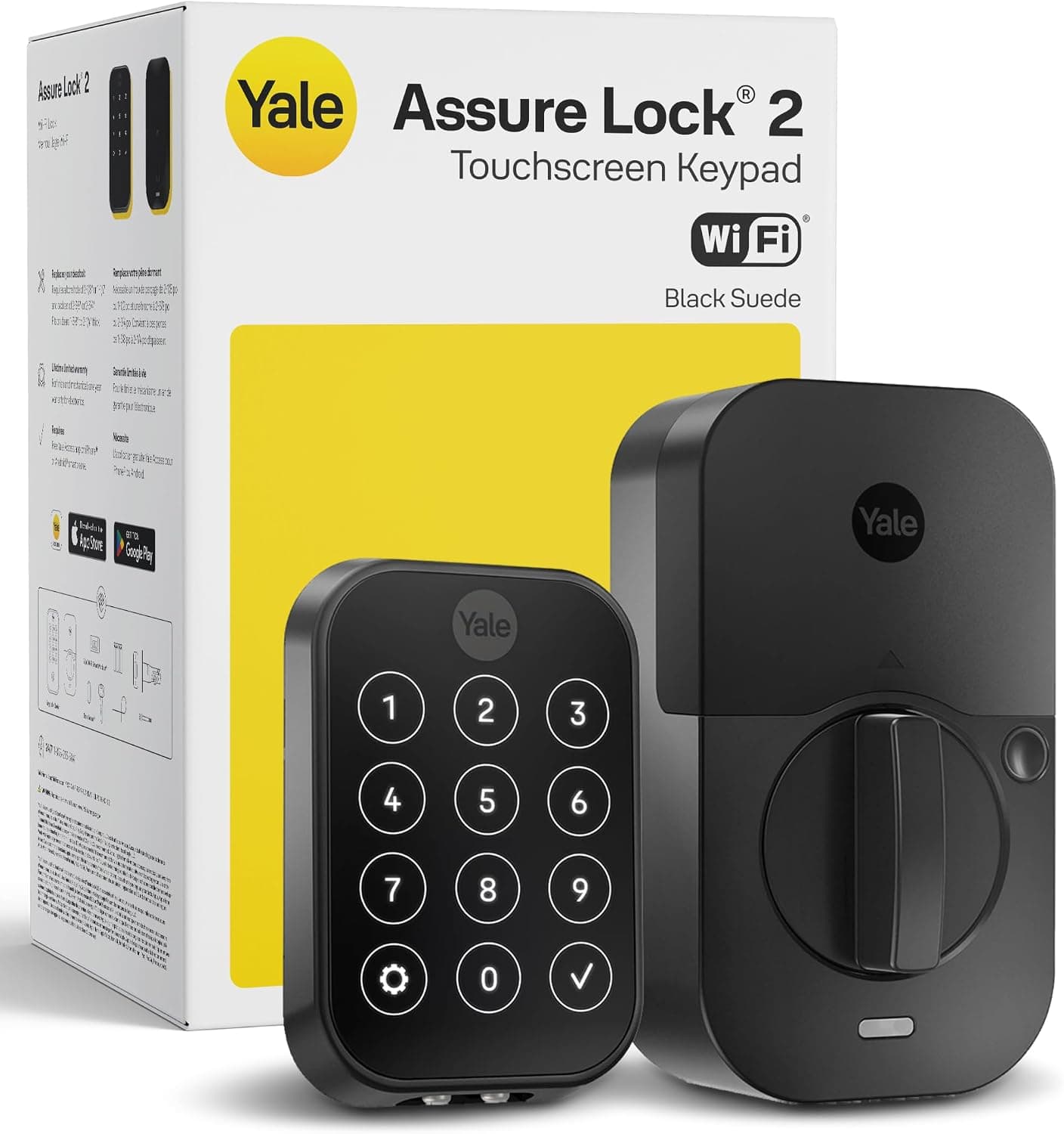
Yale Assure Lock 2 Wi-Fi Smart Lock with Keypad
See it on Amazon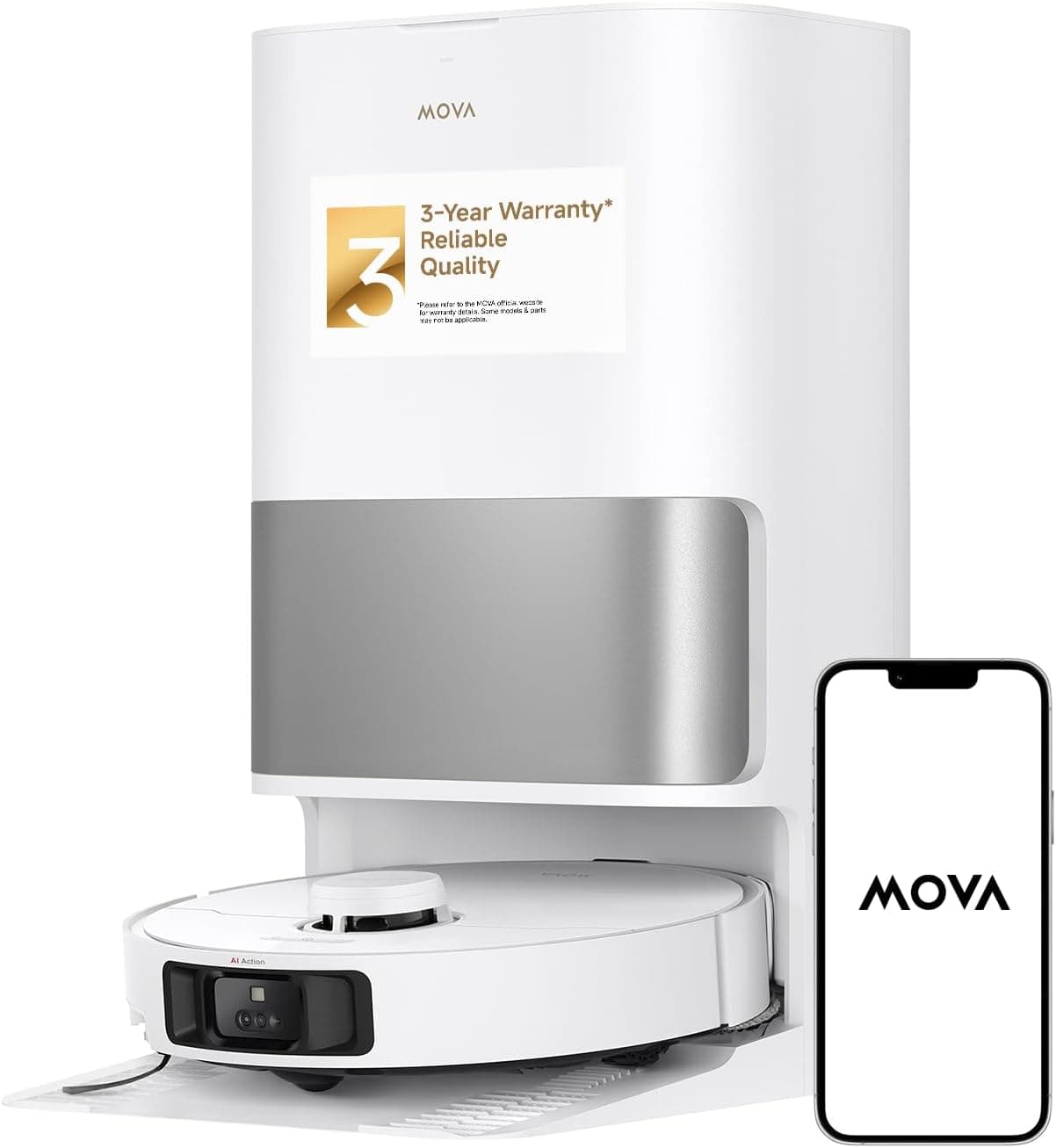
MOVA P10 Pro Ultra Robot Vacuum and Mop
See it on Amazon
Sponsored listings from Amazon’s Sponsored Products for Creators program, kept apart from our reviews and rankings. How we make money
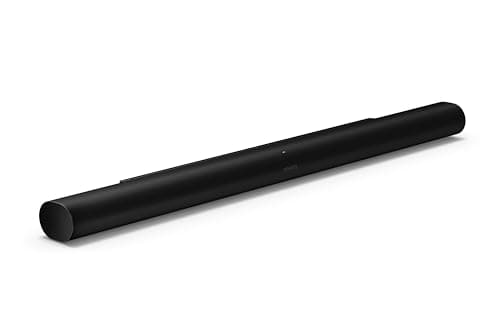
Best for Atmos Without an AVR: Sonos Arc Dolby Atmos Soundbar
Best Atmos Without an AVRSonos Arc Dolby Atmos Soundbar
- AirPlay 2 plus Sonos S2 routines — one of few audio anchors that powers on from an Apple Home or Matter scene natively
- Premium price puts it above some Atmos budgets — optional Sub and Era 300 surrounds add substantially to the total
(Current price, subject to change)
The Sonos Arc Dolby Atmos Soundbar earns a 9.0 SHE Cinema Room Readiness Score — second in this roundup. The 0.5-point gap versus the Hue lightstrip reflects ecosystem depth: Hue covers five platforms natively versus three for the Arc (Sonos S2, AirPlay 2, Apple Home). For Apple-household buyers, that distinction is invisible.
Wirecutter, CNET, and Rtings all rank the Arc at the top of the premium soundbar category across 22 expert reviews (8.5 consensus). The up-firing drivers produce a credible Atmos bubble for rooms under 350 sq ft with standard 9 ft ceilings; Trueplay calibration completes in under 90 seconds. Compared to a traditional 5.1.4 AVR system, the Arc trades discrete surround channels for dramatically simpler installation — one HDMI eARC cable handles audio and CEC device-power simultaneously.
Scene participation is the differentiator: Sonos S2 routines, Apple Home scenes via AirPlay 2, and Alexa/Google triggers all work without an IR bridge — rare for audio anchors. The Sonos Sub adds meaningful bass extension for rooms with active LFE content; the Era 300 satellites extend to full surround at additional cost.
What We Love
- AirPlay 2 plus Sonos S2 routines — one of few audio anchors that powers on from an Apple Home or Matter scene natively
- Up-firing Atmos drivers produce a credible height channel without ceiling speakers, per Rtings and Wirecutter
- One-cable HDMI eARC install — the soundbar that does not need an installer or AV rack
- Trueplay room calibration adapts to the cinema room's acoustic geometry automatically
What Could Be Better
- Premium price puts it above some Atmos budgets — optional Sub and Era 300 surrounds add substantially to the total
- Sonos account requirement irritates buyers who prefer a fully local control stack
The Verdict
If Atmos and scene participation are both requirements, the Sonos Arc Dolby Atmos Soundbar fills both without an AV receiver — one HDMI eARC cable, Trueplay calibration in under 90 seconds, and native Apple Home scenes at a 9.0 Readiness Score.
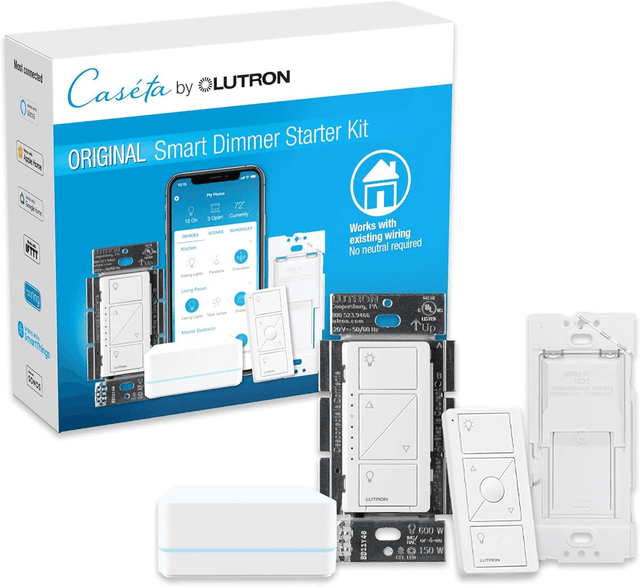
Best Blackout Anchor: Lutron Serena Smart Shades
Lutron Serena Smart Shades
- Reference reliability — Lutron's clearLink protocol does not drop, period
- Smart Bridge required — adds setup complexity and an additional power brick
(Current price, subject to change)
The Lutron Serena Smart Shades earn an 8.6 SHE Cinema Room Readiness Score. The 0.4-point gap below the Sonos Arc Dolby Atmos Soundbar comes from Install Ease (7 vs 10) — the Smart Bridge adds a setup step and Lutron recommends pro installation for the first window. Everything else is category-leading.
Wirecutter has consistently rated Lutron Serena among the most reliable motorized shade systems available. The clearLink RF protocol operates on a frequency band separate from Wi-Fi, which explains why Lutron shades do not drop when a neighbor's router changes channels. Twelve expert reviews averaged to an 8.7 consensus. The 9.5 Role Performance factor reflects consistent reviewer documentation: these shades work every time, they are the quietest in the category (full travel in under 15 seconds), and the Pico remote gives the cinema room a physical control surface without a phone.
Scene participation works via the Lutron Smart Bridge: HomeKit, Alexa, and Google Home all surface Lutron shades as scene-capable devices. Matter is rolling out — Caseta is already there, Serena is lagging per Lutron's roadmap. Pricing scales with window count: one shade runs $349-$699 depending on size and fabric, plus a one-time Smart Bridge purchase.
What We Love
- Reference reliability — Lutron's clearLink protocol does not drop, period
- Quietest shade motors in the category — does not interrupt dialogue at low volumes
- Pico remote integration — physical scene buttons that work without a phone
- HomeKit, Alexa, Google scene participation through the Lutron Smart Bridge
What Could Be Better
- Smart Bridge required — adds setup complexity and an additional power brick
- Per-window pricing scales fast — a four-window cinema room can reach $2,800+
- Battery-powered models require recharging every 6-12 months depending on use frequency
The Verdict
If your cinema room has windows, Lutron Serena Smart Shades fits the brief without compromise — quiet motors that don't interrupt dialogue, reliable clearLink protocol, and Pico remote buttons that fire the Movie Night scene without a phone. Blackout drapes can't be triggered by a scene; these can.
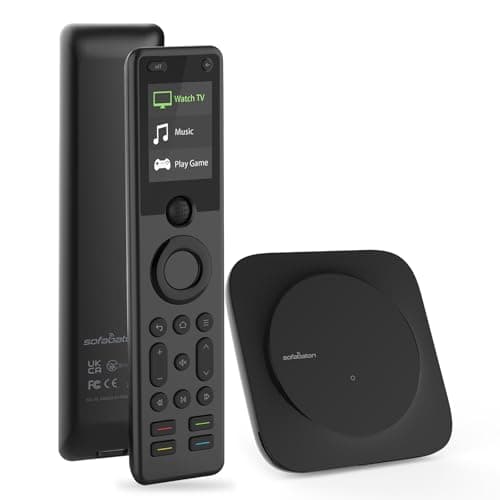
Best IR Bridge for Projectors: SofaBaton X1 Smart Remote
Best IR Bridge for Non-Smart ProjectorsSofaBaton X1 Smart Remote
- Closest current Logitech Harmony Elite successor — front and rear IR blasters cover most equipment racks
- No native Matter scene primitive yet — HomeKit support is via Shortcuts rather than direct integration
(Current price, subject to change)
The SofaBaton X1 Smart Remote earns an 8.0 SHE Cinema Room Readiness Score. The gap below the Lutron Serena Smart Shades (8.6) is entirely in the Ecosystem Compatibility factor — the X1 participates in Alexa Routines, Google Home, and Home Assistant, but does not expose a native Matter scene primitive. HomeKit works via Shortcuts, functional but not first-class. Twelve expert reviews averaged to an 8.7 consensus.
The X1's core case is bridging the Epson Home Cinema 5050UB into the Movie Night scene. The Epson has no native Matter, HomeKit, Alexa, or Google integration; without an IR bridge, the projector sits outside any scene command. The X1's IR-over-IP hub receives the Alexa or Home Assistant trigger and fires the IR sequence that wakes the projector, switches the HDMI input, and warms the lamp. TechRadar and PCMag both rank it the most capable universal remote available versus any current competitor since Logitech discontinued the Harmony Elite in 2021.
Setup requires approximately 2 hours for a six-device cinema-room scene. IR code pairing takes 20 min; the SofaBaton device library is comprehensive for most projector models.
What We Love
- Closest current Logitech Harmony Elite successor — front and rear IR blasters cover most equipment racks
- One button press fires the full multi-device cinema sequence including projector, AVR input, and streaming device
- Custom button mapping that reviewers consistently rebuild to suit their specific device stack
- Long battery life — weeks per charge, not days
What Could Be Better
- No native Matter scene primitive yet — HomeKit support is via Shortcuts rather than direct integration
- Mobile app is functional but not as polished as the late Logitech Harmony app era
The Verdict
In any cinema room that includes the Epson Home Cinema 5050UB or another non-smart projector, the SofaBaton X1 Smart Remote is what makes the projector participate in the Movie Night scene. IR-over-IP through the hub translates one button press into the full multi-device sequence.
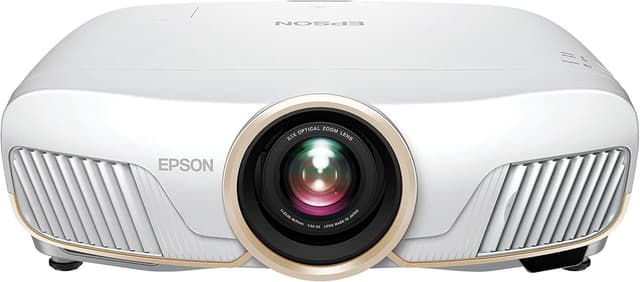
Best Projector Under $2,500: Epson Home Cinema 5050UB
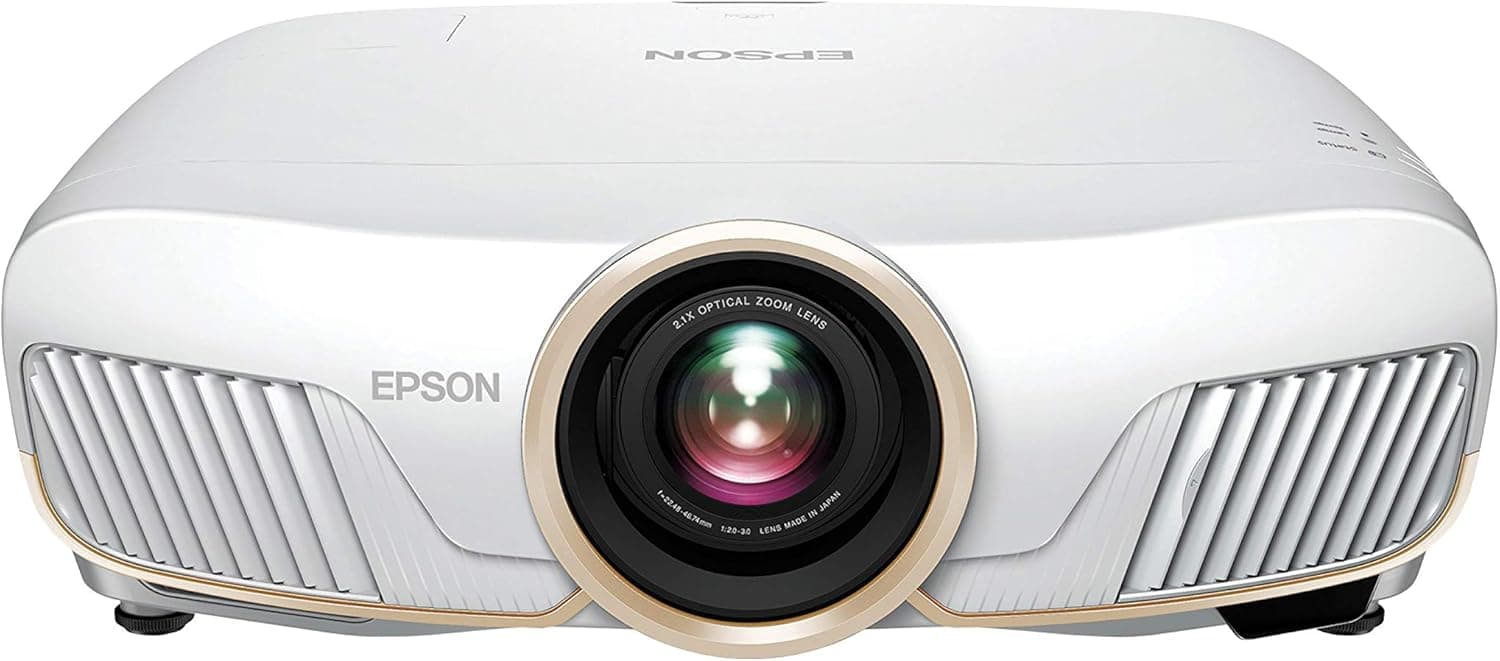
Epson Home Cinema 5050UB
- Reference-class contrast — four-year benchmark for mid-range home theater projectors per Projector Reviews, CNET, and Wirecutter
- No built-in smart features — needs an external streaming device and an IR bridge like the SofaBaton X1 to join scenes
(Current price, subject to change)
The Epson Home Cinema 5050UB earns a 7.2 SHE Cinema Room Readiness Score — a Category-Best Outlier. The score captures the guide's central tension: the product with a 9.5 Role Performance factor (tied highest) has the second-lowest Scene Automation factor (6) because it has zero native smart-home integration.
Wirecutter, CNET, PCMag, and Projector Reviews have rated the Epson Home Cinema 5050UB as the reference standard at the under-$2,500 tier for four years. The 4K PRO-UHD pixel-shifting engine plus motorized lens shift (60% vertical, 47% horizontal) gives placement flexibility — ceiling-mount at 10 ft covers most dedicated cinema rooms — that cheaper units cannot match. 3LCD eliminates DLP's sequential color display — relevant for the 5%-10% of viewers who perceive the rainbow artifact. Lamp life runs 3,500-5,000 hours; replacement lamps cost $80-$180 depending on source.
Compared to laser projectors at $3,499+, the 5050UB trades longevity for a $1,000+ price advantage — buyers at moderate viewing volumes (3-4 hours/night) will replace the lamp once over 3-4 years, not enough to justify the laser premium. The IR-over-IP bridge via SofaBaton X1 Smart Remote effectively closes the automation gap.
What We Love
- Reference-class contrast — four-year benchmark for mid-range home theater projectors per Projector Reviews, CNET, and Wirecutter
- Motorized lens shift (60% vertical, 47% horizontal), zoom, and focus — placement flexibility unmatched at the price
- 3LCD, no rainbow effect — recommended for viewers who can see DLP color separation artifact
- Lens memory presets — switch between 16:9 and 2.35:1 without a manual zoom adjustment
What Could Be Better
- No built-in smart features — needs an external streaming device and an IR bridge like the SofaBaton X1 to join scenes
- Lamp rated 3,500-5,000 hours — buyers will replace it once or twice over the product lifetime
The Verdict
When picture quality outranks installation simplicity, the Epson Home Cinema 5050UB is the right projector — reference 4K contrast, motorized lens shift spanning 60% of the image height, and a price point $800-$1,000 below comparable laser units. Pair with SofaBaton X1 Smart Remote to close the automation gap.
Best Seating Quality: Valencia Tuscany Ultimate
Best Seating Quality — Category-Level OutlierValencia Tuscany Ultimate
- Top-tier consensus — 9.1 across 11 sources is the highest single-category score in this hub
- No Matter, HomeKit, Alexa, or Google integration — recline state and occupancy are invisible to the smart home
(Current price, subject to change)
The Valencia Tuscany Ultimate earns a 6.2 SHE Cinema Room Readiness Score — lowest in this roundup, despite the highest consensus (9.1). This is not a knock on the chair. The composite score reflects an industry gap: the seating category has not adopted Matter, HomeKit, Alexa, or Google. Valencia Tuscany scores 9.5 on the Role Performance factor and 3 on Scene Automation because the chair excels at being a chair and is indifferent to being part of a smart home.
The 9.1 consensus comes from 11 sources including Home Theater Forum and AVS Forum, where seating is evaluated on materials, lumbar support, motor reliability, and long-term comfort — criteria on which the Valencia Tuscany Ultimate ranks first or second. Power-recline, per-seat USB-A charging (2A per port), and LED base lighting are category-leading at $779-$879 per seat. Relative to the seating alternatives at this price point, Valencia Tuscany delivers the strongest combination of materials and motorization.
Do not hold the cinema-room project waiting for smart seating. No manufacturer has shipped a production-ready smart recliner with Matter or HomeKit support as of May 2026. Buy the Valencia Tuscany and revisit when the category matures. Our Best Smart Home Theater Seating 2026: 5 Recliners Ranked spoke covers alternatives across the $500-$1,200 per-seat range.
What We Love
- Top-tier consensus — 9.1 across 11 sources is the highest single-category score in this hub
- Power-recline with per-seat USB charging and LED base lighting at $779-$879 per seat
- Multi-seat configurations — straight rows, curved arrays, loveseat-plus-recliner all supported
What Could Be Better
- No Matter, HomeKit, Alexa, or Google integration — recline state and occupancy are invisible to the smart home
- Wired controls only — no app, no scene primitive for recline angle
- Direct-to-consumer ordering adds 4-8 weeks to most cinema-room build timelines
The Verdict
If seating quality outranks scene participation in your build — and for most cinema rooms it does — the Valencia Tuscany Ultimate lines up with what you actually need. It's genuinely best in category by consensus. Skip only if your control plane requires every device to be addressable by Matter, in which case no current recliner qualifies regardless of which brand you choose.
How We Score: SHE Cinema Room Readiness Score
SHE Cinema Room Readiness Score
Score Formula
(Scene Automation × 0.25) + (Role Performance × 0.35) + (Install Ease × 0.20) + (Ecosystem Compatibility × 0.20)Score Factors
- Scene Automation (25%)How natively the product joins a single-press Movie Night scene via Matter, HomeKit, Alexa Routines, or Google Home — without an IR bridge or secondary automation layer.
- Role Performance (35%)How well the product fulfills its core cinema-room function — projection, audio, shading, seating, or control — aggregated from 10+ expert review sources.
- Install Ease (20%)DIY installation simplicity — can a non-installer complete setup without a contractor in under four hours?
- Ecosystem Compatibility (20%)Breadth of smart-home ecosystem support: Matter native, HomeKit, Alexa, Google Home, SmartThings, Home Assistant.
SHE Cinema Room Readiness Score — Ranked
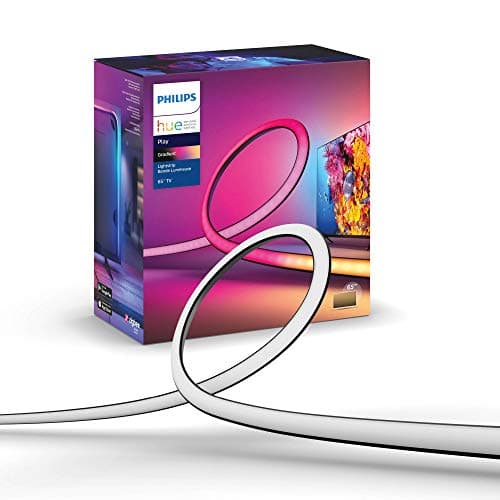
Philips Hue Play Gradient Lightstrip
SHE Cinema Room Readiness Score9.5/10Matter native, first-class scene primitive in every ecosystem — sets the bar for what a cinema room anchor should do in 2026.
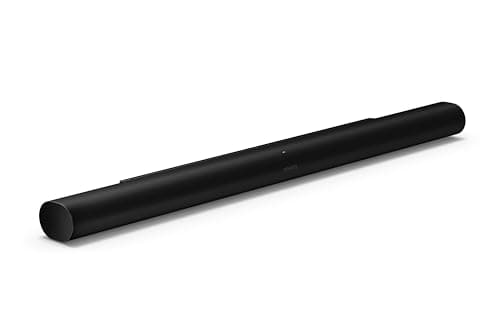
Sonos Arc Dolby Atmos Soundbar
SHE Cinema Room Readiness Score9.0/10AirPlay 2 + Apple Home scenes native; HDMI eARC; credible Atmos for rooms under 350 sq ft without a receiver.
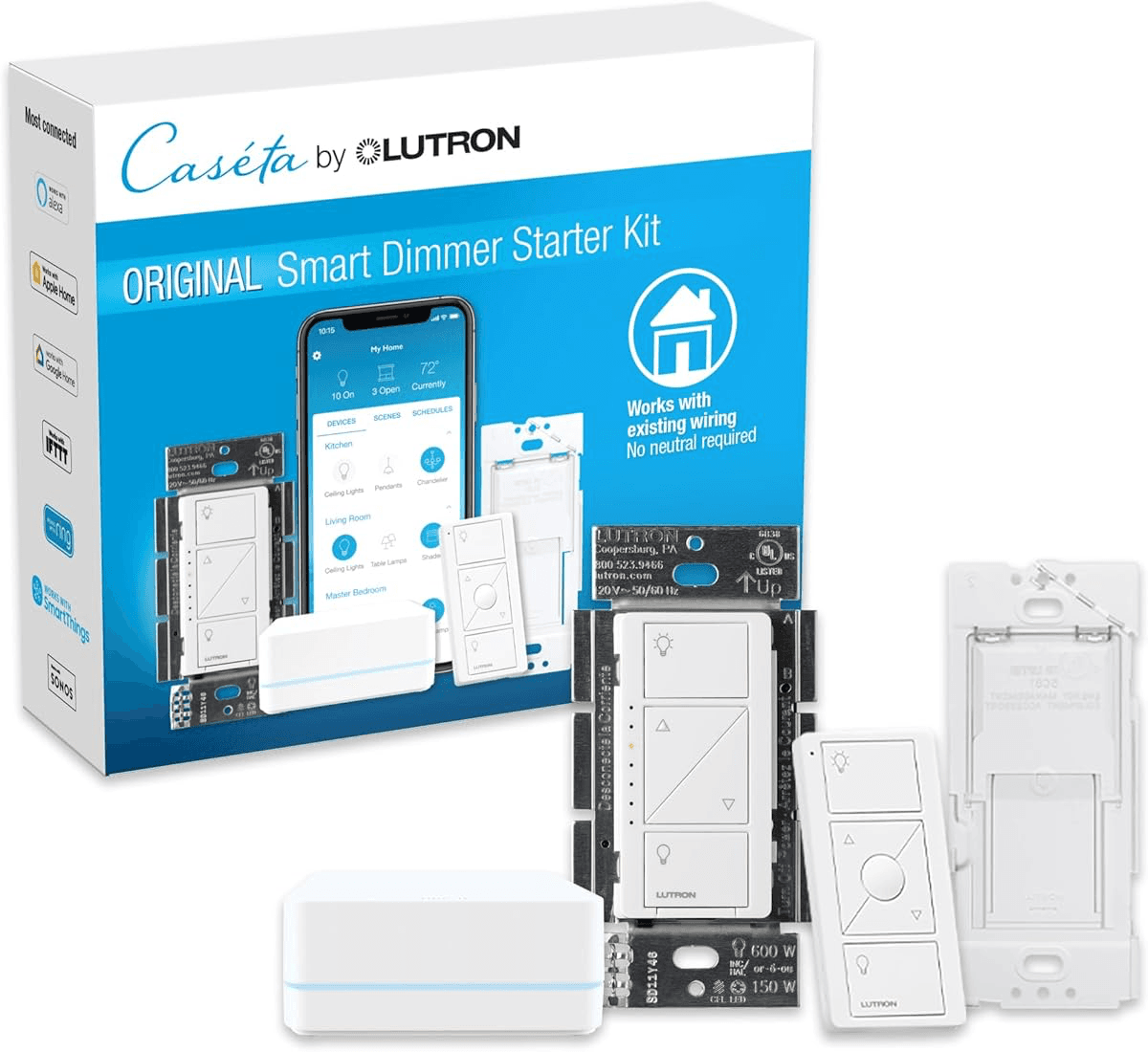
Lutron Serena Smart Shades
SHE Cinema Room Readiness Score8.6/10Reference reliability and quietest motors; HomeKit + Alexa + Google via Smart Bridge; Pico remote enables physical scene trigger.
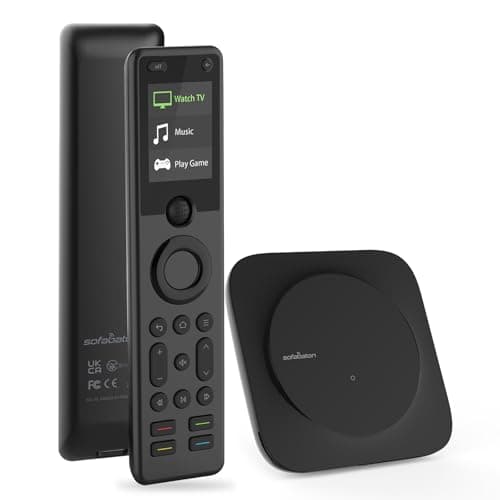
SofaBaton X1 Smart Remote
SHE Cinema Room Readiness Score8.0/10Best IR bridge for non-smart projectors; fires the full multi-device cinema sequence from Alexa, Google, or Home Assistant.
Epson Home Cinema 5050UB
SHE Cinema Room Readiness Score7.2/10Category-best 4K picture with motorized lens shift; no native smart integration — bridge via SofaBaton X1 to join the scene.
Valencia Tuscany Ultimate
SHE Cinema Room Readiness Score6.2/10Highest consensus in this hub (9.1) but seating category lacks Matter or HomeKit; wired controls only in 2026.
Ecosystem Compatibility
The 2026 cinema-room control plane runs on four ecosystems: Matter (the cross-platform standard), HomeKit (Apple), Alexa (Amazon), and Google Home. The weighted composite formula allocates 20% of the Readiness Score to the Ecosystem Compatibility factor, making it the second-most important tier after Role Performance (35%).
Philips Hue Play Gradient Lightstrip achieves a coefficient of 10/10 on the Ecosystem Compatibility factor — it participates natively in Matter, HomeKit, Alexa, Google Home, and SmartThings via the Hue Bridge. Sonos Arc Dolby Atmos Soundbar scores 9/10, covering AirPlay 2, Apple Home, Alexa, and Google; near-universal versus the 5-platform Hue standard. Lutron Serena Smart Shades score 8/10 via the Smart Bridge, with Matter rolling out for Caseta first. SofaBaton X1 Smart Remote scores 7/10 — Alexa, Google, and Home Assistant, but no native Matter primitive. Epson Home Cinema 5050UB and Valencia Tuscany Ultimate score 6/10 and 3/10 respectively — the projector can be bridged via IR-over-IP; the seating category has no bridge path available.
For Matter-only households: the Hue lightstrip, Sonos Arc (via AirPlay 2), and Lutron Caseta shades (Matter-enabled) are the three anchors with the clearest Matter participation path. The projector and seating remain outside Matter in all current product generations — plan for the IR bridge and accept the seating gap.
When NOT to Buy
A dedicated cinema room earns its keep only when the household watches movies in it frequently enough to justify the single-purpose footprint and $5,000+ minimum. Households watching twice a month, lacking a spare room without daylight complications, or sharing the entertainment space with kids' play or work-from-home should build a media-room or living-room-theater stack instead. The Sonos Arc Dolby Atmos Soundbar and Philips Hue Play Gradient Lightstrip deliver most of the smart-home win without the room dedication, and resale data consistently shows buyers value a flexible bonus room over a baked-in theater build.
Who Should Buy What
Who Should Buy What
| If you are… | Recommended pick |
|---|---|
Matter or HomeKit households You use Apple HomeKit or a Matter hub and need the bias-light anchor with the widest native ecosystem support — no bridge required | Philips Hue Play Gradient Lightstrip |
Atmos without an AVR You want Dolby Atmos in a cinema room under 350 sq ft and a soundbar that joins Apple Home and Google scenes natively via one HDMI eARC cable | Sonos Arc Dolby Atmos Soundbar |
Cinema room with windows Your cinema room has windows and you need motorized blackout that fires on the Movie Night scene — drapes cannot be triggered by a scene command | Lutron Serena Smart Shades |
Non-smart projector owner Your build includes the Epson 5050UB or another IR-only projector and you need a one-button bridge that pulls it into the Alexa or HomeKit scene | SofaBaton X1 Smart Remote |
Picture-quality-first buyer You prioritize reference-class 4K contrast and motorized lens shift over native smart-home integration and will add an IR bridge to close the automation gap | Epson Home Cinema 5050UB |
Best seating quality Seating quality outranks scene participation for your build — you want the highest-consensus home theater recliner regardless of smart-home integration status | Valencia Tuscany Ultimate |
Frequently Asked Questions
What is the difference between a cinema room and a media room for smart home?
A cinema room is single-purpose and dark-by-design — engineered seating, screen-first orientation, motorized blackout. A media room is multipurpose and tolerates ambient light. Cinema rooms justify the full six-anchor stack. Media rooms are best served by the Sonos Arc soundbar plus Philips Hue Play Gradient Lightstrip and do not typically need a projector or motorized shades.
How do I control a projector like the Epson 5050UB with HomeKit or Matter?
The Epson 5050UB has no native HomeKit or Matter support. To join it to a Movie Night scene, install an IR-over-IP bridge — the SofaBaton X1 Smart Remote handles this with front and rear IR blasters. Bond Bridge plus a generic IR remote works as a fallback. The bridge receives the HomeKit or Alexa scene command and translates it into the IR sequence that wakes the projector.
Is the Sonos Arc worth it for a dedicated cinema room?
Yes, for cinema rooms under 350 square feet where you want Atmos without an AV receiver. The Arc earns a 9.0 Readiness Score in this roundup — one-cable HDMI eARC install, Trueplay calibration, and native Apple Home scene participation. For larger rooms or buyers who want discrete ceiling-channel surrounds, a traditional AVR with in-ceiling speakers is a better fit.
What smart shades work with HomeKit for a home theater blackout?
Lutron Serena Smart Shades are the top pick — HomeKit, Alexa, and Google Home via the Lutron Smart Bridge, with Matter rolling out for Caseta first, Serena lagging. Both product lines deliver reliable motorized blackout with quiet motors that do not interrupt dialogue. Hunter Douglas PowerView is the main alternative at a higher price point.
Do I need an AVR or can the Sonos Arc replace it in a cinema room?
The Sonos Arc replaces the AVR for most cinema rooms under 350 square feet — it handles HDMI eARC, Atmos decoding, and source switching on its own. Buyers who want discrete ceiling channels, in-wall surrounds, or wired subwoofer integration with a dedicated amplifier still benefit from a traditional AVR. Add the Sonos Sub for bass extension without going to a full AVR system.
What is the best universal remote to replace Logitech Harmony for home theater?
The SofaBaton X1 Smart Remote is the closest current successor to the Logitech Harmony Elite. Front and rear IR blasters cover most equipment racks, the device library is comprehensive, and one-button scene programming handles the full multi-device cinema sequence. The SofaBaton X1S adds Alexa built-in for buyers who want voice control on the remote itself.
How much does a smart cinema room cost to build?
Entry level ($2,000-$3,500): Sonos Arc soundbar plus Philips Hue lightstrip plus two budget recliners — earns smart-cinema status through scene participation without a projector. Mid-tier ($5,000-$7,500): the full six-anchor stack with selective shade coverage on one or two windows. Premium ($10,000-$15,000): laser projector upgrade, Sonos Sub plus Era 300 surrounds, four Valencia Tuscany recliners, full Lutron Serena blackout on every window, and pro installation.
Can I automate a cinema room with Home Assistant?
Yes — Home Assistant is a strong control layer for cinema rooms. The SofaBaton X1 integrates natively, Philips Hue and Lutron both have Home Assistant integrations, and the Sonos Arc is controllable via the Sonos Home Assistant integration. The main advantage over HomeKit or Alexa is granular automation — occupancy sensors, time-based scenes, and multi-step sequences that commercial voice assistants do not support natively.
Bottom Line
Get the Philips Hue Play Gradient Lightstrip if you want the highest-impact scene-automation anchor and a Hue Bridge to handle Matter — this is what sets Movie Night in motion.
Get the Sonos Arc Dolby Atmos Soundbar if you want Atmos audio in a room under 350 sq ft and a soundbar that already lives inside Apple Home and Google Home scenes.
Get the Lutron Serena Smart Shades if your cinema room has windows — motorized blackout is the difference between a real cinema room and a bright room with a projector.
Get the SofaBaton X1 Smart Remote if your build includes the Epson 5050UB or any other non-smart projector that needs to join the Movie Night scene via IR.
Get the Epson Home Cinema 5050UB if picture quality outranks installation simplicity and you are willing to add the SofaBaton X1 to close the automation gap.
Get the Valencia Tuscany Ultimate if seating quality outranks scene participation — the chair is genuinely best in category even though it cannot join a scene.
the room cannot achieve reference darkness and you do not want Lutron Serena Shades — a 75-inch QLED handles ambient light far better than any sub-$2,500 projector, and a TV-led media room is the right build instead
Sources & Methodology
Methodology: SHE Cinema Room Readiness Score — Formula: (Scene Automation × 0.25) + (Role Performance × 0.35) + (Install Ease × 0.20) + (Ecosystem Compatibility × 0.20). Factors: Scene Automation (25%): How natively the product joins a single-press Movie Night scene via Matter, HomeKit, Alexa Routines, or Google Home — without an IR bridge or secondary automation layer. | Role Performance (35%): How well the product fulfills its core cinema-room function — projection, audio, shading, seating, or control — aggregated from 10+ expert review sources. | Install Ease (20%): DIY installation simplicity — can a non-installer complete setup without a contractor in under four hours? | Ecosystem Compatibility (20%): Breadth of smart-home ecosystem support: Matter native, HomeKit, Alexa, Google Home, SmartThings, Home Assistant.
Expert review sources used in this analysis:
- SmartHomeExplorer aggregates expert review data to produce consensus-based buying guidance
- We do not perform first-party product testing
- Expert ratings come from Wirecutter, CNET, Rtings, PCMag, TechRadar, Digitaltrends, Engadget, Reviewed, Projector Reviews, Home Theater Forum, AVS Forum, and Sound and Vision
- Consensus scores reflect a weighted average per product across 11-22 sources depending on the anchor
- The SHE Cinema Room Readiness Score is an editorial layer that re-weights products on four hub-relevant criteria: Scene Automation (25%), Role Performance (35%), Install Ease (20%), and Ecosystem Compatibility (20%)
- We aggregated and scored; we did not test the products in our own cinema room
- Prices reflect ranges observed across major retailers in May 2026.
Nicholas Miles is the founder of SmartHomeExplorer and a longtime smart home enthusiast focused on helping everyday homeowners make better technology decisions. He researches, compares, and writes about products across security, climate, lighting, leak prevention, sensors, home energy, and automation, with an emphasis on real-world usefulness, ecosystem compatibility, reliability, privacy, and long-term value.
Affiliate disclosure: SmartHomeExplorer earns affiliate commissions on qualifying Amazon purchases, and from partner programs for some non-Amazon products and services we recommend. Our scoring methodology is independent of affiliate relationships.
More Guides
Entertainment
Best Smart Projectors for Home Theater 2026: Top 5 Picks
Entertainment
Best Smart Soundbars for a Complete Home Theater Setup
Entertainment
Best Dolby Atmos Smart Soundbars 2026: Top 5
Entertainment
Best Smart Home Theater Seating 2026: 5 Recliners Ranked

entertainment