

Is the TP-Link Tapo C520WS worth it?
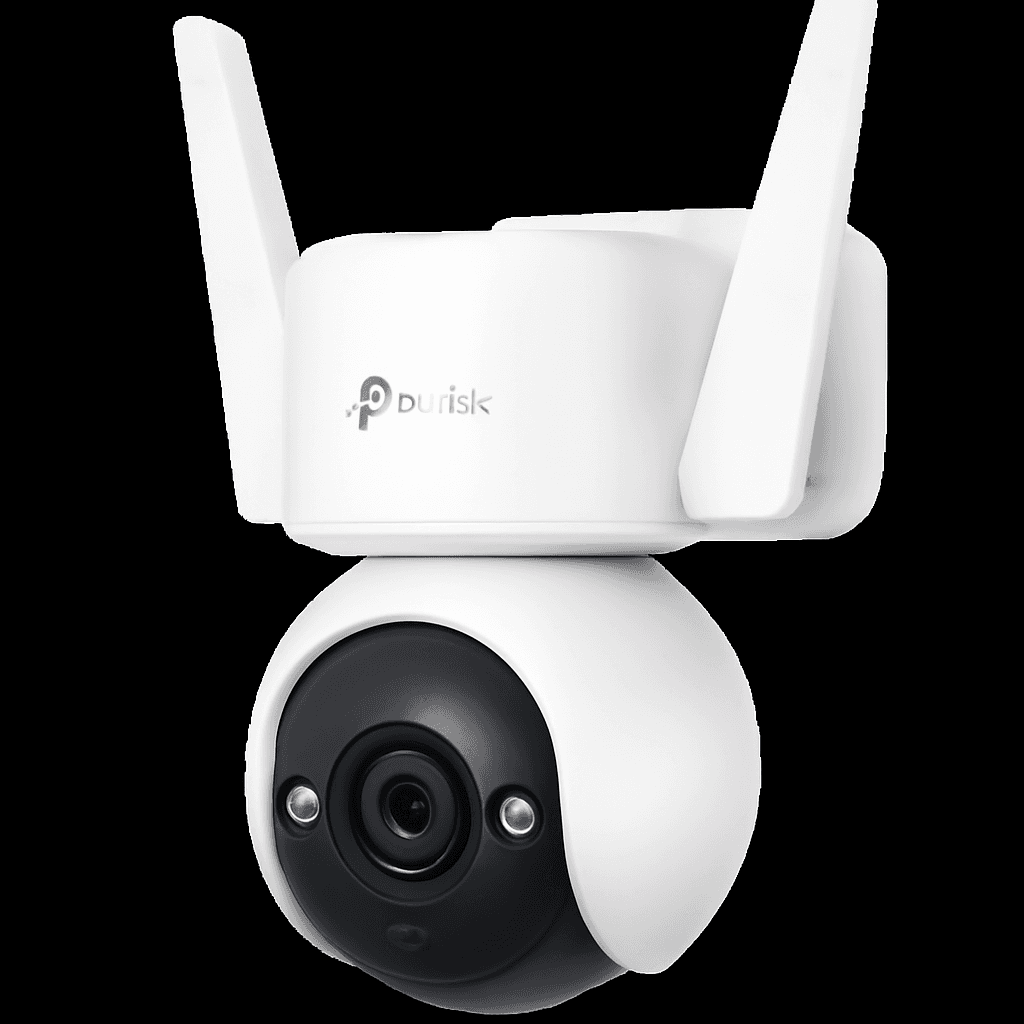
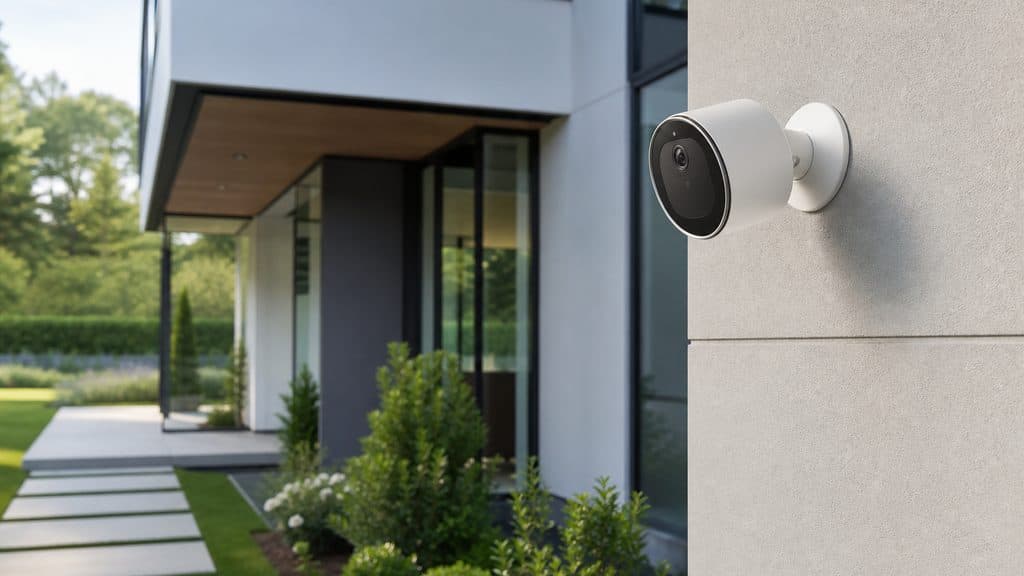
The TP-Link Tapo C520WS is worth considering with a 7.9/10 consensus score. Experts highlight 4mp dual-lens with starlight sensor for color night vision and no subscription required — local microsd storage included. Best for: Budget outdoor security, Wired installation homes, No-subscription buyers.
Affiliate link — we earn a commission at no extra cost to you
TP-Link Tapo C520WS
Security
Expert consensus
How we scoreKey Features
- ✓ 4MP dual-lens
- ✓ Starlight night vision
- ✓ No subscription
- ✓ Color night vision
Best For
What Experts Agree On
What Experts Love
- ✓ 4MP dual-lens with starlight sensor for color night vision
- ✓ No subscription required — local microSD storage included
- ✓ Best-value wired outdoor option under $70
- ✓ Alexa and Google Home integration
Common Criticisms
- ✗ Wired installation required — no battery option
- ✗ No Apple HomeKit support
- ✗ App less polished than Arlo or Wyze
Frequently Asked Questions
Is the TP-Link Tapo C520WS worth it?
The TP-Link Tapo C520WS earns a 7.9/10 consensus score and is rated "Good Value". At $48-$60, it is best for Budget outdoor security. It ranks among the top picks in its category.
How much does the TP-Link Tapo C520WS cost?
The TP-Link Tapo C520WS is priced at $48-$60. With a 7.9/10 score and a "Good Value" rating, that price represents fair value relative to the ~7.5/10 average for Security products. Prices shift often, so check the live figure before buying.
Who is the TP-Link Tapo C520WS best for?
The TP-Link Tapo C520WS is best for Budget outdoor security, Wired installation homes, No-subscription buyers. Experts rate it "Good Value" with a 7.9/10 consensus.
How does the TP-Link Tapo C520WS compare to other Security options?
Among the Security products we have aggregated, the TP-Link Tapo C520WS ranks above average with a 7.9/10 score. See our full category comparison for head-to-head details.
What smart home systems does the TP-Link Tapo C520WS work with?
The TP-Link Tapo C520WS works with Google Home, Amazon Alexa.
Does the TP-Link Tapo C520WS need a hub or a subscription?
No mandatory subscription — the core features work without a monthly fee.
What are the best alternatives to the TP-Link Tapo C520WS?
If the TP-Link Tapo C520WS ($48-$60, 7.9/10) is not the right fit, the closest alternatives in Security are Reolink Argus 4 Pro, Wyze Cam v4, eufy SoloCam S340. Compare them on price, ecosystem support, and expert consensus to find your match.
What are the pros and cons of the TP-Link Tapo C520WS?
The main strengths of the TP-Link Tapo C520WS are 4mp dual-lens with starlight sensor for color night vision and no subscription required — local microsd storage included. The most-cited downside is wired installation required — no battery option. Overall, experts rate it "Good Value" with a 7.9/10 consensus score.
Decided on the TP-Link Tapo C520WS?
Affiliate link — we earn a commission at no extra cost to you
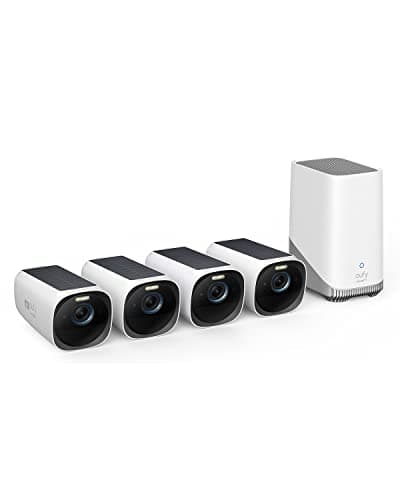
Eufy eufyCam S330 4-Cam Kit (with HomeBase S380)
Must BuyCheck price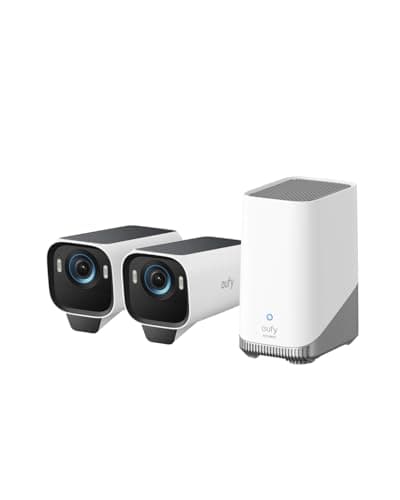
eufy Security eufyCam S3 Pro 2-Cam Kit
Must BuyCheck price
Yale Assure Lock 2 Plus
Must BuyCheck price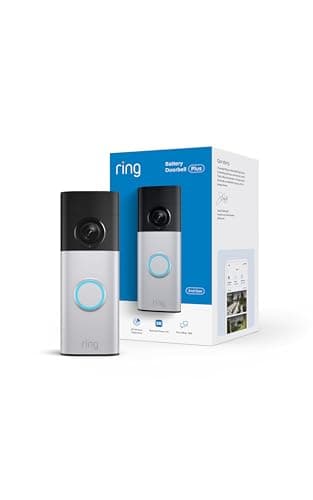
Ring Battery Doorbell 2K Plus
RecommendedCheck price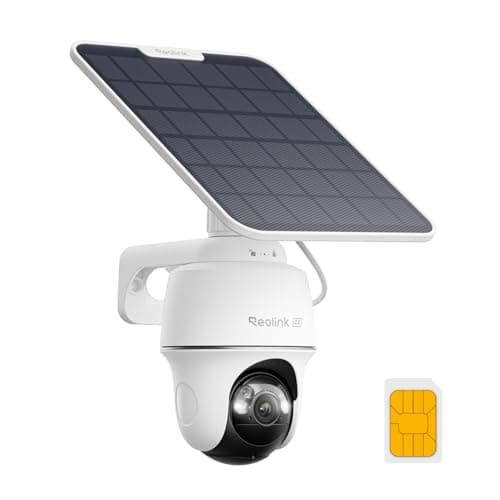
Reolink Go PT Ultra + SP2 Solar Panel
Must BuyCheck price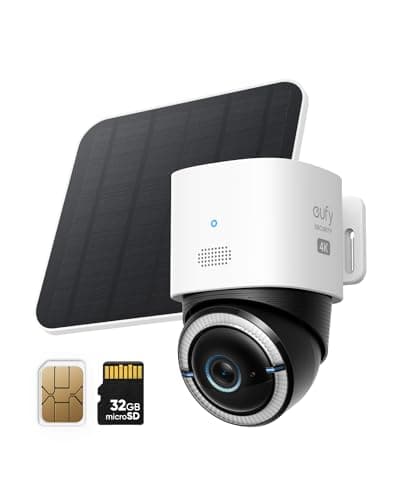
Eufy 4G LTE Cam S330
Must BuyCheck price
Featured in these buying guides
See how the TP-Link Tapo C520WS ranks against the full field in our Security buying guides.
Sources & Methodology
Consensus score based on available data. See how we build consensus scores.
Affiliate disclosure: SmartHomeExplorer.com participates in the Amazon Associates program. We earn a commission from qualifying purchases at no extra cost to you.This is a consensus review — we did not test this product ourselves. Always verify current prices and availability before purchasing.
Independence notice: Smart Home Explorer is an independent publication. TP-Link and other product names, logos, and brands referenced on this page are the property of their respective owners and are used for identification purposes only. This review is not sponsored by, affiliated with, or endorsed by TP-Link or any other manufacturer named in this article.